
The modern web is fast, secure, and built on Git. For content creators, marketers, and documentation teams, however, the command line and complex pull requests can be a significant roadblock. This is the exact problem a dedicated Content Management System (CMS) that integrates directly with GitHub solves. By combining the powerful, free hosting of GitHub Pages with a user-friendly interface, you get the best of both worlds: the performance and security of a static site alongside an intuitive editing experience.
Whether you're a technical blogger using Jekyll, a documentation team managing an open-source project, or a non-technical creator who wants to avoid Git entirely, the right pages cms github solution can fundamentally streamline your publishing workflow. It empowers your entire team, regardless of technical skill, and keeps a complete, version-controlled history of every content change. This eliminates the bottleneck of developers having to push simple text updates and allows content experts to own their domain.
This comprehensive guide is designed to help you find the perfect tool for your specific needs. We will explore 12 of the best CMS options that connect directly to your GitHub repositories, from simple content editors to full-scale enterprise solutions. For each platform, you'll find a detailed breakdown of its ideal use cases, key features, pricing considerations, and honest limitations, complete with screenshots and direct links. Our goal is to provide a clear, scannable resource that helps you make a confident decision and select the ideal CMS for your next project.
1. JekyllPad
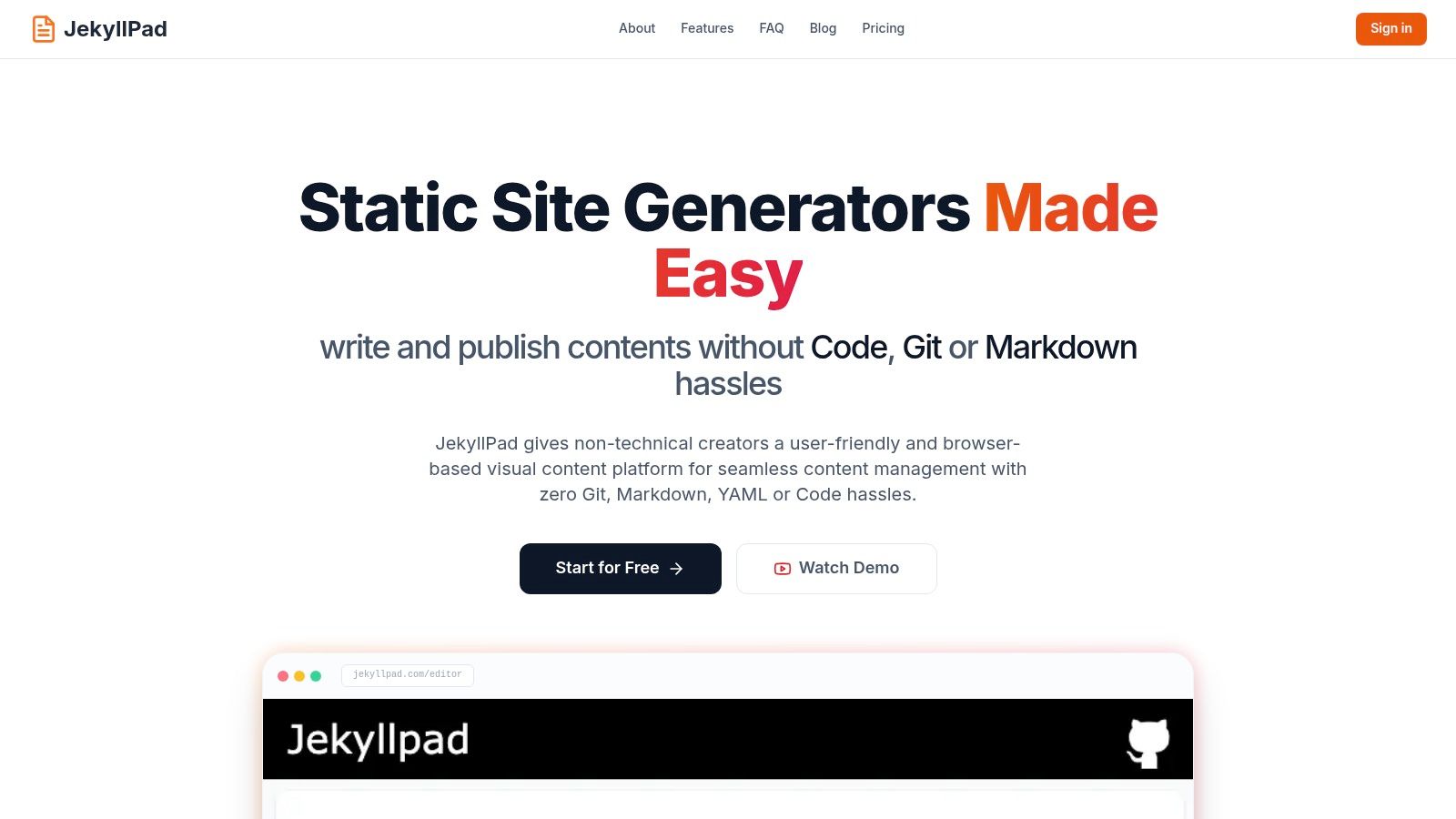
JekyllPad presents a powerful, streamlined solution for managing static sites, positioning itself as a standout choice for anyone seeking an efficient pages cms github workflow. It excels by eliminating the typical friction associated with static site content management. The platform is engineered around a client-side architecture, meaning it operates entirely within your browser without a backend to manage, enhancing both speed and security.
This browser-based CMS delivers a remarkably intuitive editing experience that caters to both technical and non-technical users. Its core is a unified WYSIWYG and Markdown editor featuring a real-time preview, which allows creators to see exactly how their content will look as they type. This immediate visual feedback loop is invaluable for maintaining brand consistency and reducing the edit-publish cycle time.
Why JekyllPad is a Top Choice
What truly sets JekyllPad apart is its seamless, zero-setup GitHub integration. Every save action automatically triggers a commit directly to your specified repository branch. This native sync provides automatic version control and a simplified publishing pipeline without requiring users to configure complex CI/CD workflows or even interact with the Git command line. This approach is a significant advantage for documentation teams, bloggers, and marketing departments who need to publish quickly and reliably.
The platform's versatility is another key strength. It supports a wide array of popular static site generators, including Jekyll, Hugo, Astro, Eleventy, and Gatsby, making it a flexible tool that can adapt to your existing tech stack. This broad compatibility ensures that whether you're managing a technical blog, project documentation, or a marketing site on GitHub Pages, JekyllPad can integrate smoothly. For a deeper dive into its architecture, you can explore more about this GitHub-based CMS.
Key Features and Considerations
| Feature Analysis | Use Case & Impact |
|---|---|
| Zero-Setup GitHub Sync | Publishing: Commits edits directly to your repo, perfect for teams needing a simple "save-and-publish" process without Git expertise. |
| Unified WYSIWYG & Markdown Editor | Content Creation: Empowers non-technical writers with a visual editor while giving developers access to raw Markdown and syntax highlighting. |
| 100% Client-Side Operation | Security & Performance: Ensures data stays between your browser and GitHub. The app is fast and works well on desktop and mobile devices. |
| Front-Matter Editor | Metadata Management: Provides a simple UI for editing YAML front-matter, crucial for managing SEO titles, authors, and tags. |
Pricing & Access: JekyllPad offers a free-forever tier that includes up to 5 free posts per month, making it accessible for individual creators and small projects. Detailed pricing for higher-volume paid plans is not publicly listed on the website.
Limitations: The platform's media handling is functional but basic, so users with advanced image management or large file requirements may need a separate workflow. Additionally, its core focus is on GitHub, with no explicit support mentioned for other Git providers like GitLab or Bitbucket.
Best for:
- Technical bloggers and documentation teams using Jekyll, Hugo, or other static site generators.
- Content marketers and agencies who need a simple CMS for client sites hosted on GitHub Pages.
- Non-technical creators who want a visual editing experience without learning Git or YAML.
Website: https://www.jekyllpad.com
2. GitHub Pages
GitHub Pages is the foundational layer for countless Git-based content workflows, offering free, fast, and reliable static site hosting directly from a GitHub repository. It's not a CMS itself but the essential publishing endpoint that every other tool on this list connects with. This platform is the origin point for the entire "pages cms github" ecosystem, enabling developers and content creators to publish websites by simply pushing code to a specific branch.
Its biggest advantage is its seamless integration with the Git version control system, making it a natural choice for developer blogs, open-source project documentation, and marketing sites where technical teams collaborate on content. Native, first-class support for the Jekyll static site generator allows for quick setup with minimal configuration. For a deeper dive into its mechanics, you can get started with this guide on how to use GitHub Pages.
Key Features & Use Cases
- Hosting Model: Free for public repositories; private repository publishing requires a GitHub Enterprise Cloud plan.
- Best For: Technical documentation, developer portfolios, and blogs managed directly through Git commits.
- Integration: Can be configured to build and deploy from a specific branch (like
gh-pages) or through a custom GitHub Actions workflow for more complex build steps. - Limitations: While powerful, it lacks the dynamic server-side capabilities of traditional hosting, and build times can be a constraint for very large sites.
| Feature | Details |
|---|---|
| Hosting Cost | Free for public repositories |
| Custom Domains & HTTPS | Yes, both are fully supported and free |
| Native SSG Support | Jekyll (out-of-the-box) |
| Deployment Method | Git push to a specific branch or via GitHub Actions |
Website: https://docs.github.com/en/pages
3. Decap CMS (formerly Netlify CMS)
Decap CMS, formerly the widely-used Netlify CMS, is a mature, open-source Git-based content management system that brings a traditional CMS interface directly into your repository. It operates as a single-page app, typically accessed at your site’s /admin path, allowing content editors to manage posts, pages, and data files through a user-friendly UI. All content changes are committed directly to your GitHub repository, making it an excellent bridge between non-technical editors and a Git-centric workflow.
Its core strength lies in its "Open Authoring" feature, which enables external contributors to submit content via forks and pull requests without needing direct repository access. This makes it ideal for community-driven projects or sites accepting guest posts. As one of the most established tools in the pages cms github space, it has a large ecosystem and comprehensive documentation. To better understand how it fits into a developer-focused content strategy, you can explore this overview of a CMS for programmers.
Key Features & Use Cases
- Hosting Model: Self-hosted within your static site project; it's entirely free and open-source.
- Best For: Teams with mixed technical abilities, open-source projects accepting external contributions, and agencies building client sites on GitHub Pages.
- Integration: Connects to GitHub using OAuth or Netlify's Git Gateway for simplified authentication. It requires some initial configuration but is highly customizable.
- Limitations: The GitHub backend has no native Git LFS support, and the initial authentication setup (often with Netlify Identity) can be a hurdle for beginners.
| Feature | Details |
|---|---|
| Hosting Cost | Free (open-source software) |
| Custom Domains & HTTPS | Inherited from your hosting platform (e.g., GitHub Pages) |
| Native SSG Support | Agnostic; works with any static site generator (Jekyll, Hugo, etc.) |
| Deployment Method | Commits content directly to your Git repository |
Website: https://decapcms.org
4. CloudCannon
CloudCannon is a powerful, enterprise-ready visual CMS designed specifically for static site generators. It bridges the gap between technical teams who manage code in Git and non-technical content creators who need an intuitive, WYSIWYG editing experience. By syncing directly with a GitHub repository, it allows marketers and writers to visually edit pages, manage content, and schedule posts, with all changes committed back to Git.
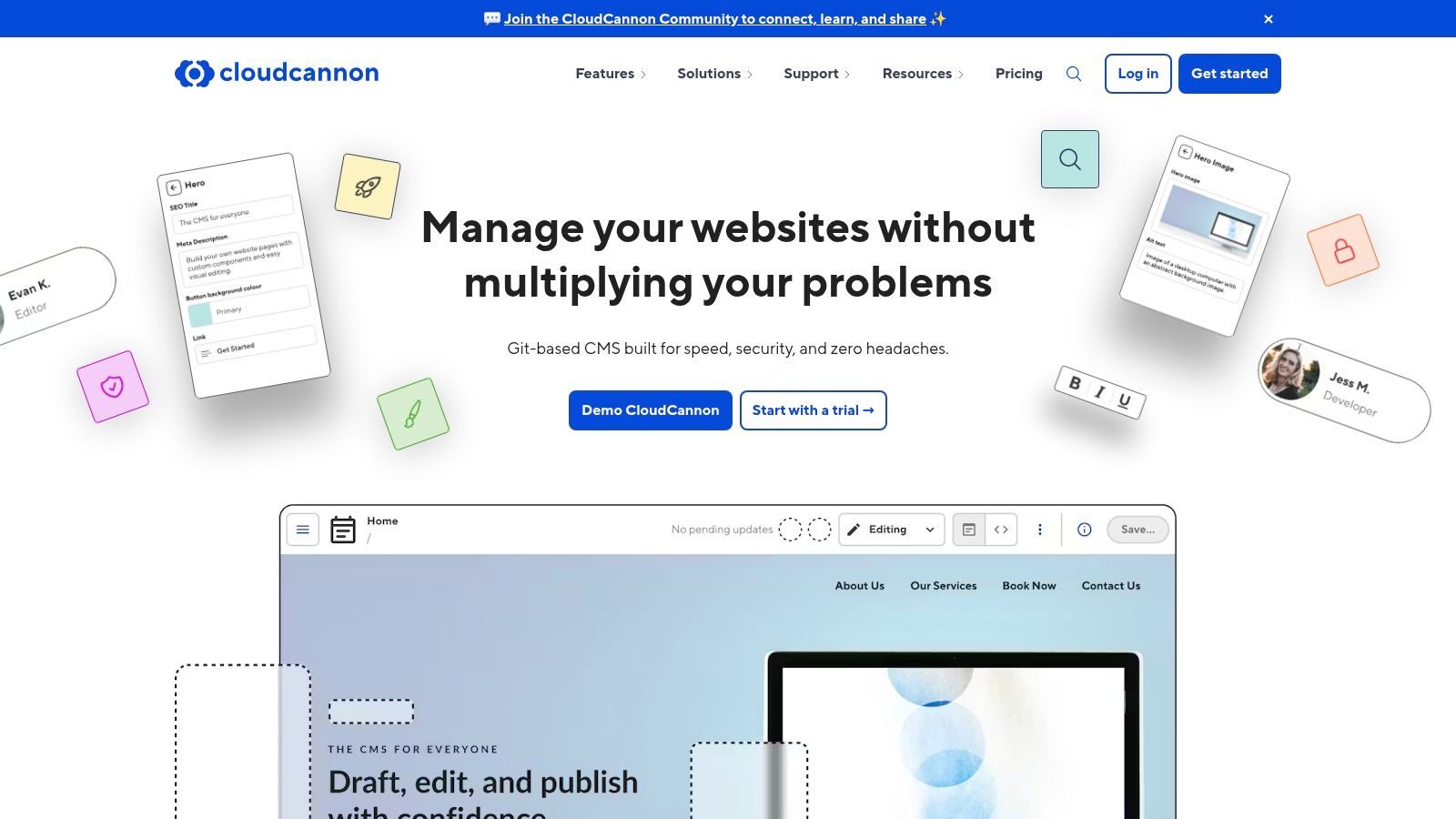
Its main advantage is its focus on empowering content teams without forcing them to interact with Markdown or Git commands. This makes it an exceptional choice for agencies building sites for clients or larger organizations where marketing departments manage content on sites built with Jekyll, Hugo, or Eleventy. The platform provides a comprehensive solution that combines the best of a traditional CMS with the performance and security of a modern Git-based workflow, making it a top-tier pages cms github solution for professional teams.
Key Features & Use Cases
- Hosting Model: Paid SaaS model with pricing based on users, sites, and features. Integrated hosting is available as an add-on.
- Best For: Marketing teams, agencies, and enterprise organizations needing a user-friendly visual editor for their Git-managed static sites.
- Integration: Deep two-way sync with GitHub, GitLab, and Bitbucket. Supports branching, pull requests, and advanced deployment workflows.
- Limitations: As a premium commercial product, its cost can be a barrier for individual developers or small projects. Some features create a dependency on the CloudCannon platform.
| Feature | Details |
|---|---|
| Hosting Cost | Paid plans; hosting is an optional integrated feature. |
| Custom Domains & HTTPS | Yes, fully supported with its hosting solution. |
| Native SSG Support | Excellent for Jekyll, Hugo, Eleventy, and Next.js. |
| Deployment Method | Automated builds triggered by commits and content updates. |
Website: https://cloudcannon.com
5. TinaCMS (Tina Cloud)
TinaCMS is a Git-backed, open-source headless CMS that excels at providing real-time visual editing for modern static sites. It bridges the gap between developer control and content creator convenience, allowing non-technical users to edit Markdown, MDX, and JSON files directly on the live site while every change commits back to the GitHub repository. This makes it an exceptional "pages cms github" solution for teams using frameworks like Next.js, Astro, or Eleventy.
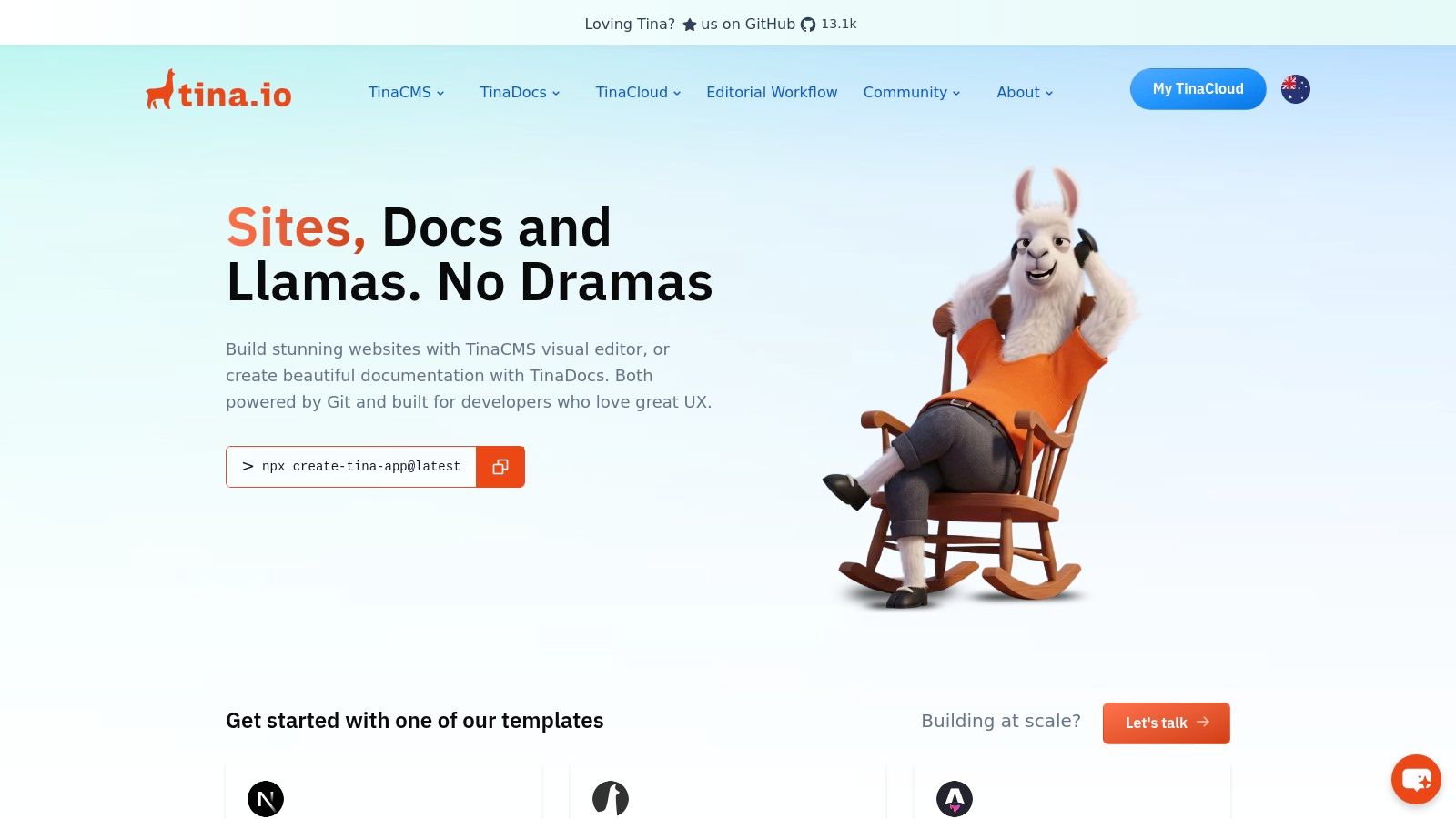
What sets TinaCMS apart is its in-context editing experience, which feels more like using a traditional website builder than a Git-based CMS. The optional Tina Cloud service adds a powerful backend layer, providing a managed content API, authentication, and editorial workflows without requiring users to interact with Git directly. This dual approach offers developers the Git workflow they prefer while giving editors the intuitive interface they need.
Key Features & Use Cases
- Hosting Model: Self-hosted or via the managed Tina Cloud service, which offers a free tier.
- Best For: Marketing teams, agencies, and developers building component-based sites with modern frameworks who need an intuitive, live visual editing experience for content creators.
- Integration: Connects directly to a GitHub repository, reading and writing files. It is framework-agnostic but has deep integrations with Next.js, Hugo, and Astro.
- Limitations: The setup can be more involved than simpler Markdown editors, and the per-project pricing on Tina Cloud can become costly for users managing numerous small sites.
| Feature | Details |
|---|---|
| Hosting Cost | Free tier available on Tina Cloud; paid plans for more users and features. |
| Custom Domains & HTTPS | N/A (CMS layer, not hosting); works with any host like GitHub Pages. |
| Native SSG Support | Strong support for Next.js, Hugo, Astro, Jekyll, and more. |
| Deployment Method | Commits content changes directly to the specified GitHub repository. |
Website: https://tina.io
6. Siteleaf
Siteleaf is a Jekyll-first CMS built for teams and agencies that require a seamless, history-aware content sync with GitHub. It goes beyond basic content editing by providing an intuitive interface for managing complex Jekyll features like collections and metadata, making it a powerful solution for structured content. The platform is designed with GitHub Pages workflows in mind, offering defaults that align perfectly with its publishing model.
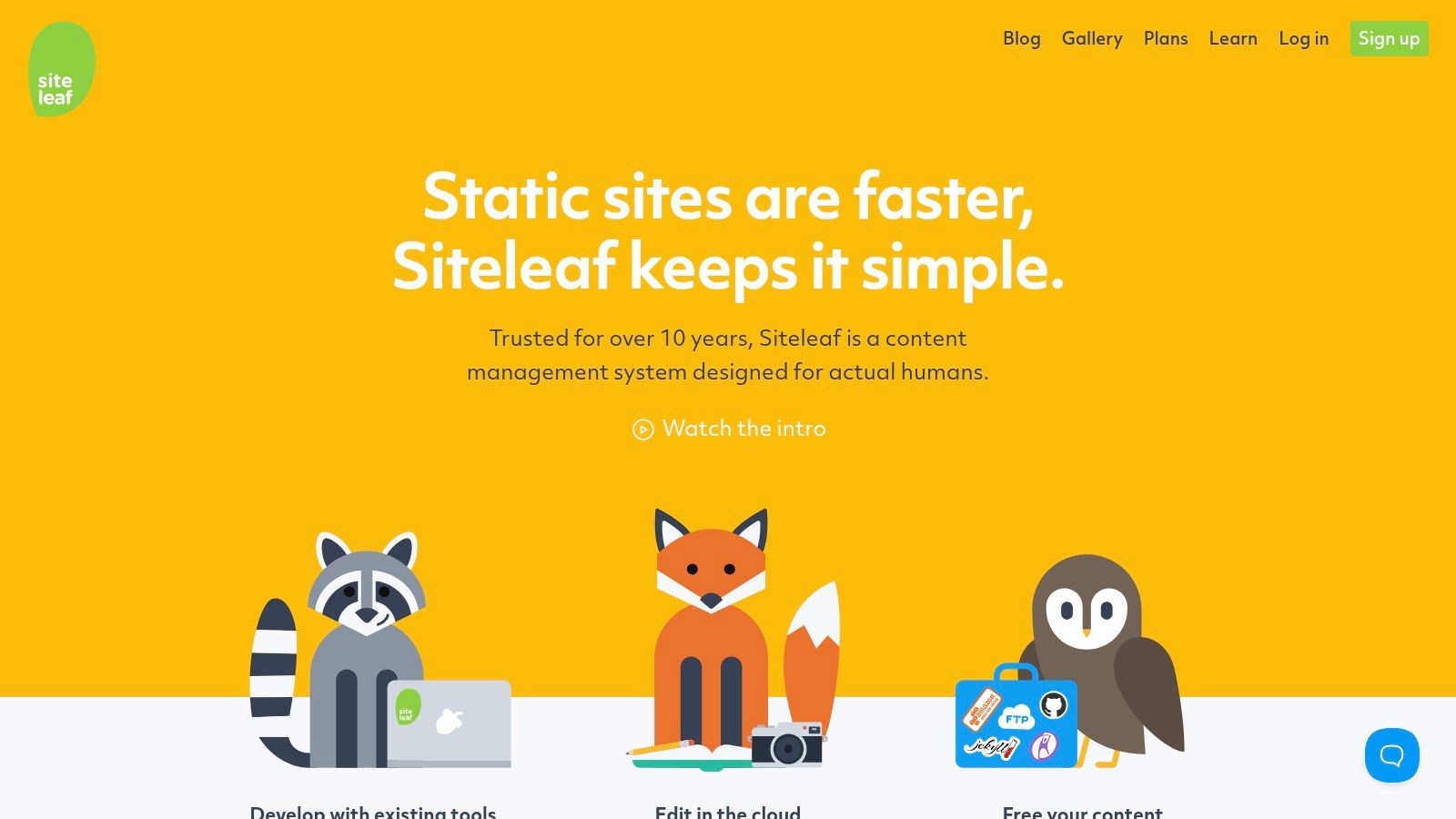
Its biggest differentiator is its tight integration with Jekyll's architecture, including support for GitHub Pages-approved plugins and remote themes. This focus makes Siteleaf an excellent pages cms github option for users who are committed to the Jekyll ecosystem but need a more robust, team-oriented content management layer than simpler Markdown editors can provide. The ability to publish to GitHub Pages, S3, or other hosts adds valuable flexibility.
Key Features & Use Cases
- Hosting Model: Publishes to your own hosting, including GitHub Pages, Amazon S3, or any FTP server.
- Best For: Agencies managing client sites, teams with structured Jekyll content, and anyone needing a polished UI for collections and metadata.
- Integration: Features automatic, two-way sync with a designated GitHub repository, preserving commit history for all content changes.
- Limitations: Its primary focus on Jekyll makes it less ideal for projects using other static site generators. Lower-tier plans come with storage and page limits.
| Feature | Details |
|---|---|
| Hosting Cost | Hosting is separate; Siteleaf plans start from free to paid team tiers |
| Custom Domains & HTTPS | Handled by your chosen hosting provider (e.g., GitHub Pages) |
| Native SSG Support | Primarily Jekyll |
| Deployment Method | Syncs content to GitHub, which then triggers a build on your host |
Website: https://www.siteleaf.com
7. Stackbit
Stackbit is not a traditional CMS but rather a visual experience layer that integrates with your existing Git-based content workflow. It empowers marketing and content teams by providing a powerful visual editor with live previews, allowing them to build and edit web pages without needing to interact directly with code or markdown files in a GitHub repository. This makes it an excellent "pages cms github" solution for teams where non-technical users need control over content.
Its primary advantage is its flexibility; it connects to your existing headless CMS or Git repository and works with modern frameworks like Next.js, Astro, and Nuxt. Stackbit is designed to accelerate development and content creation through features like reusable components, starter templates, and even Figma-to-site workflows. This approach avoids vendor lock-in while providing the intuitive editing experience that marketing teams expect.
Key Features & Use Cases
- Hosting Model: Connects to your existing hosting provider, such as Netlify, Vercel, or GitHub Pages.
- Best For: Marketing teams and agencies that need a visual, component-based page-building experience on top of a Git-based architecture.
- Integration: Designed to be highly configurable, it pulls content from Git, Sanity, Contentful, and other sources, committing changes back to your GitHub repo.
- Limitations: It's a premium, paid product that requires initial developer setup to integrate with your specific tech stack. Pricing is not publicly listed on their main site.
| Feature | Details |
|---|---|
| Hosting Cost | Not applicable; it's an editing layer, not a hosting service. |
| Visual Editing | Yes, provides a real-time, on-page visual editor. |
| Framework Support | Works with Next.js, Astro, Nuxt, and more. |
| Deployment Method | Commits content changes directly to your connected GitHub repository. |
Website: https://www.stackbit.com
8. Publii
Publii takes a unique approach by offering a free, open-source desktop application that functions as a static site CMS. Available for Windows, macOS, and Linux, it provides a familiar, offline-first editing experience reminiscent of traditional blogging software like WordPress but generates clean, fast static sites. This makes it an excellent choice for non-technical users who want the benefits of a static site without needing to interact with Git or the command line.
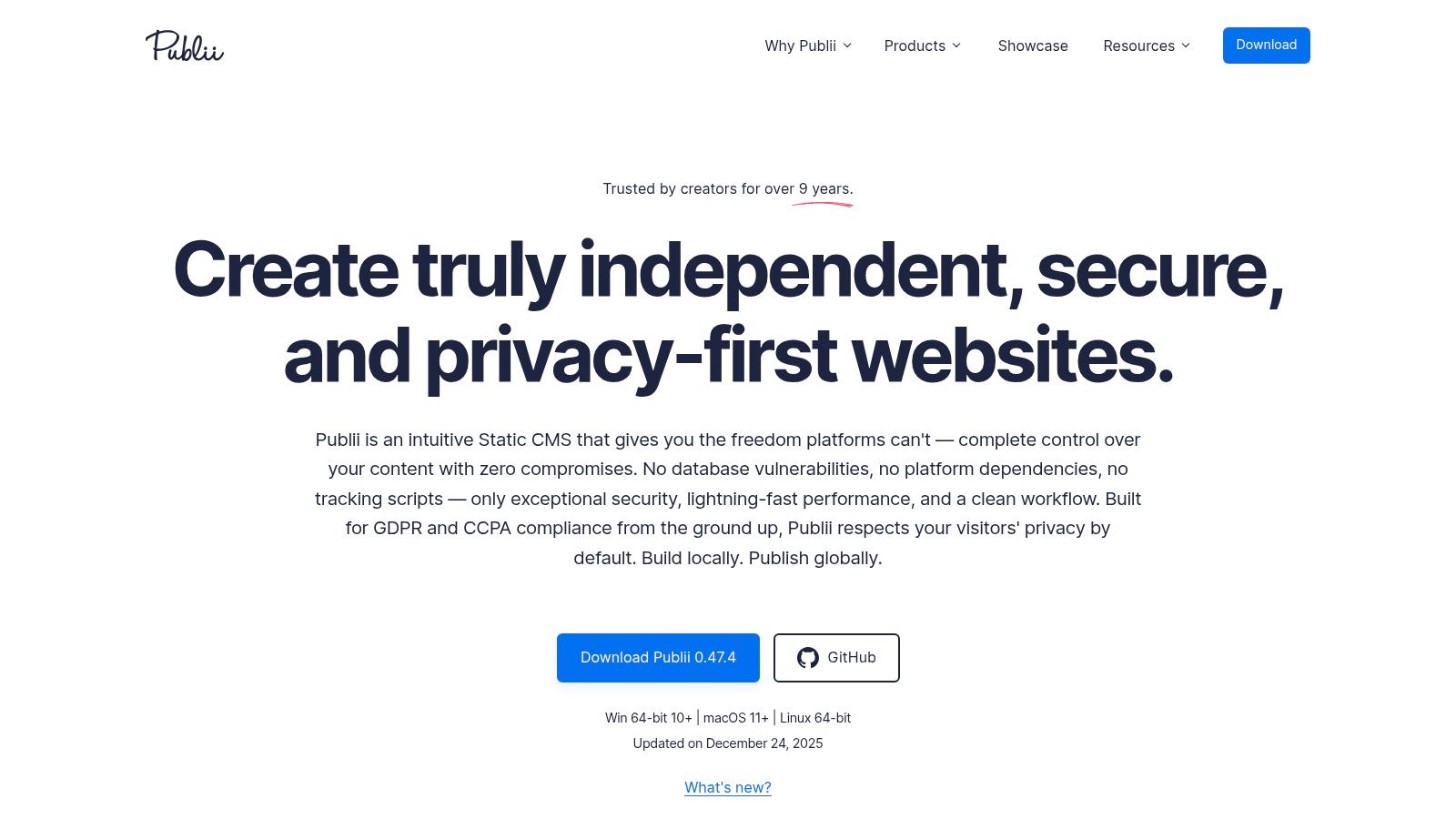
Its biggest differentiator is the one-click deployment process. After writing and previewing content locally, you can sync your changes directly to GitHub Pages, Netlify, Amazon S3, or standard FTP servers. This "desktop CMS for GitHub Pages" workflow is ideal for individual bloggers, small business owners, or anyone who values a straightforward, self-contained application for managing their website. The focus on an offline app makes it perfect for creating content on the go, regardless of internet connectivity.
Key Features & Use Cases
- Hosting Model: The app is free; you connect it to your own hosting endpoint like GitHub Pages.
- Best For: Solo bloggers, freelancers, and small businesses who prefer a dedicated desktop app over a web-based CMS.
- Integration: Features built-in, one-click deployment options for GitHub Pages and other popular static hosts, abstracting away the Git push process.
- Limitations: The desktop-only model makes real-time team collaboration challenging compared to cloud-based SaaS solutions. The editing experience is self-contained within the app.
| Feature | Details |
|---|---|
| Hosting Cost | Free (app itself is free, connects to free hosting like GitHub Pages) |
| Custom Domains & HTTPS | Supported via the connected hosting provider (e.g., GitHub Pages) |
| Native SSG Support | Publii is its own static site generator |
| Deployment Method | One-click sync from the desktop app to GitHub Pages, Netlify, S3, etc. |
Website: https://getpublii.com
9. Sanity
Sanity is a powerful headless CMS that operates differently from Git-based systems but is a top choice for powering front-ends deployed to GitHub Pages. Instead of committing content to a Git repository, Sanity treats content as data, providing real-time APIs and a highly customizable editing environment called Sanity Studio. Developers define their content models as code, giving them unparalleled flexibility to build structured content that can be pulled into any static site generator during the build process.
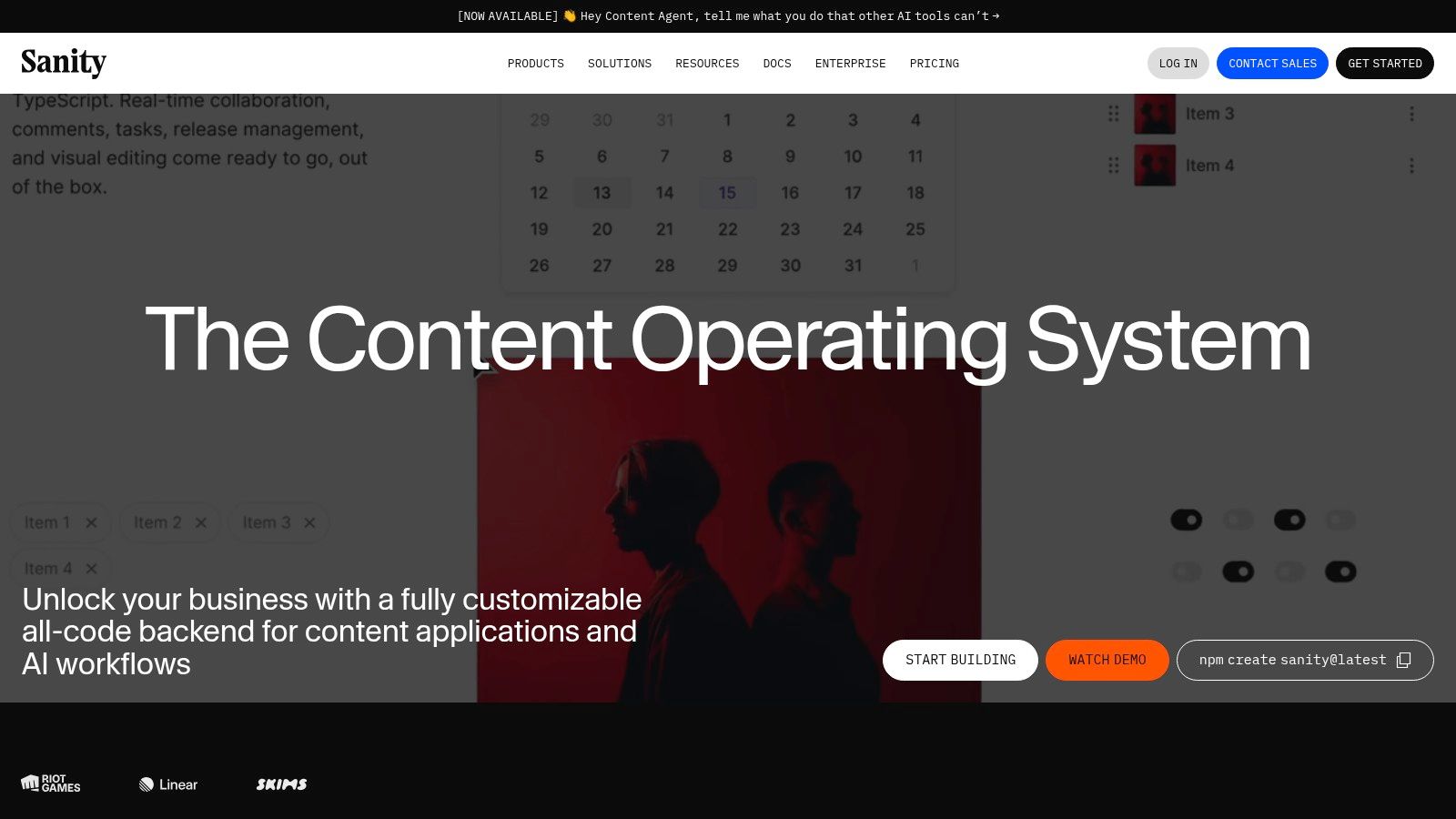
This approach makes it an excellent "pages cms github" solution for teams needing a decoupled architecture where content creators and developers can work independently. The workflow involves triggering a site build (e.g., via a webhook to GitHub Actions) whenever content is updated in Sanity. The action then fetches the latest content, builds the static site, and pushes the final assets to the gh-pages branch for deployment.
Key Features & Use Cases
- Hosting Model: The content is hosted on Sanity's datastore; a separate build process is required to deploy the static front-end to GitHub Pages.
- Best For: Enterprise-level projects, marketing teams, and developers who need a highly flexible, API-first content platform with a robust, real-time editing experience.
- Integration: Connects to any static site generator (Next.js, Astro, Eleventy) via its API. Builds are typically automated with webhooks and GitHub Actions.
- Limitations: Usage-based pricing for API calls and bandwidth can become costly for high-traffic sites. It also introduces more architectural complexity compared to a simple Git-based CMS.
| Feature | Details |
|---|---|
| Hosting Cost | Generous free tier; paid plans scale with usage and team features |
| Custom Domains & HTTPS | N/A (Applies to the front-end hosting on GitHub Pages, not the CMS itself) |
| Native SSG Support | API-based; official starter kits for popular frameworks are available |
| Deployment Method | API queries during a build step, usually triggered by a webhook |
Website: https://www.sanity.io
10. Contentful
Contentful is a leading API-first, enterprise-grade headless CMS that pairs powerfully with a Git-based workflow. While not a Git-based CMS itself, it’s a popular choice for teams who want to decouple their content management from their codebase. Content is managed in Contentful's web UI and delivered via robust APIs (both REST and GraphQL), which are then consumed during the build process of a static site generator before deployment to GitHub Pages.
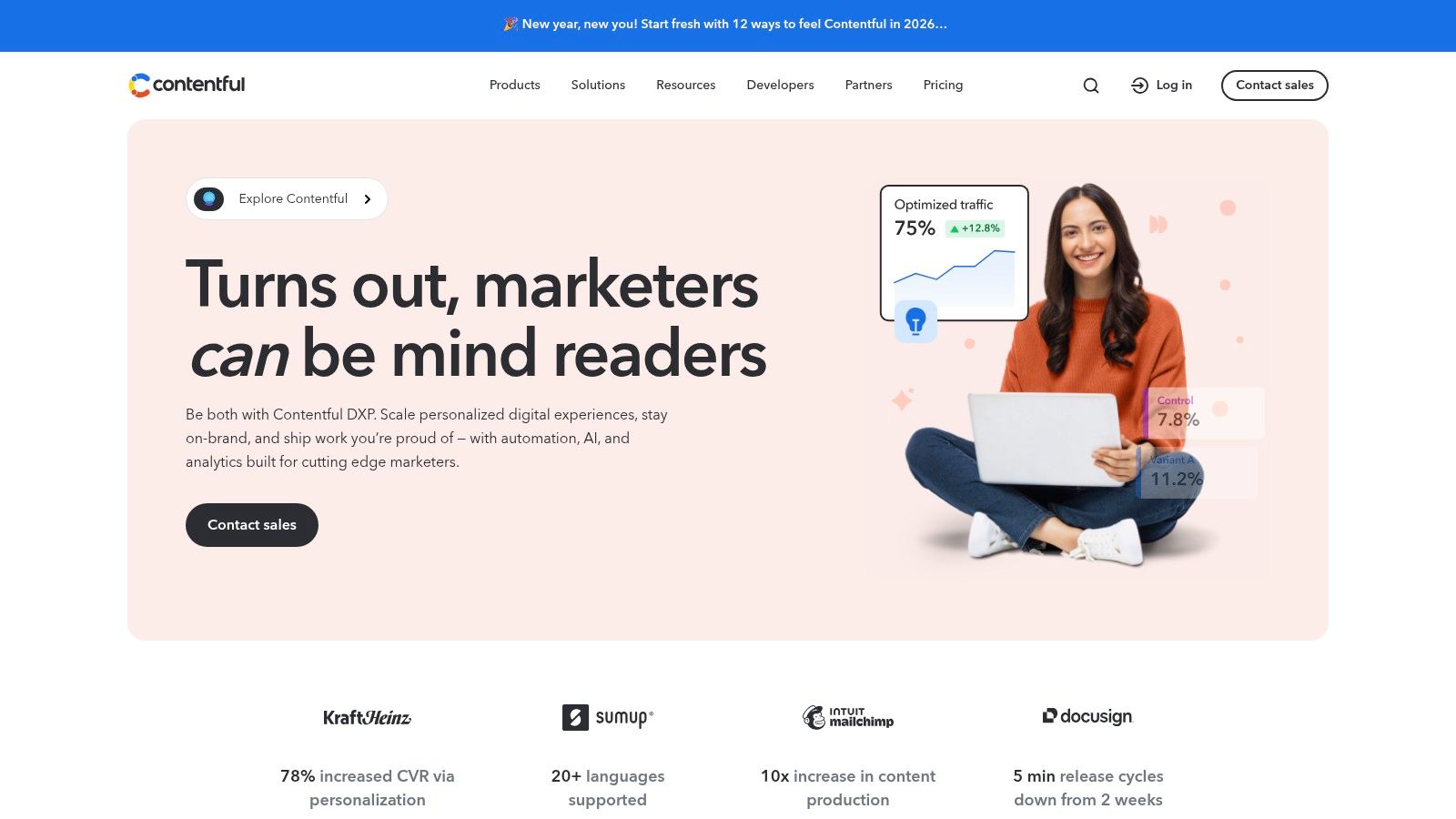
This separation is its main advantage, allowing content teams to work independently of developers using a polished interface with complex workflows and permissions. For organizations needing a scalable, secure, and well-supported content backend for their pages cms github setup, Contentful provides the infrastructure. It’s ideal for complex projects where content models, roles, and integrations are critical components of the content strategy.
Key Features & Use Cases
- Hosting Model: Content is hosted on Contentful's global CDN; the resulting static site is hosted on GitHub Pages.
- Best For: Enterprise-level marketing sites, large-scale documentation portals, and multi-channel applications where content is reused across different front-ends.
- Integration: Connects to static site generators (like Next.js, Gatsby, or Jekyll) via API calls during the build step, which is often orchestrated with GitHub Actions.
- Limitations: The free plan is quite limited and not intended for commercial use. The pricing structure and API rate limits can become complex and costly for high-traffic or content-heavy sites.
| Feature | Details |
|---|---|
| Hosting Cost | Free community plan for small projects; paid plans for commercial use |
| Custom Domains & HTTPS | Managed by the front-end hosting (GitHub Pages), not Contentful |
| API & Delivery | GraphQL and REST APIs with a global CDN for fast content delivery |
| Deployment Method | GitHub Actions trigger a site build and deploy to a gh-pages branch |
Website: https://www.contentful.com
11. DatoCMS
DatoCMS is a performance-focused, API-first headless CMS that excels in providing a polished editor experience and powerful media management. While it doesn't directly commit content to a Git repository, it is frequently used in tandem with GitHub Actions to trigger builds for static site generators. This makes it a strong contender in the "pages cms github" ecosystem for teams who prioritize a superb content editing interface over a purely Git-based workflow.
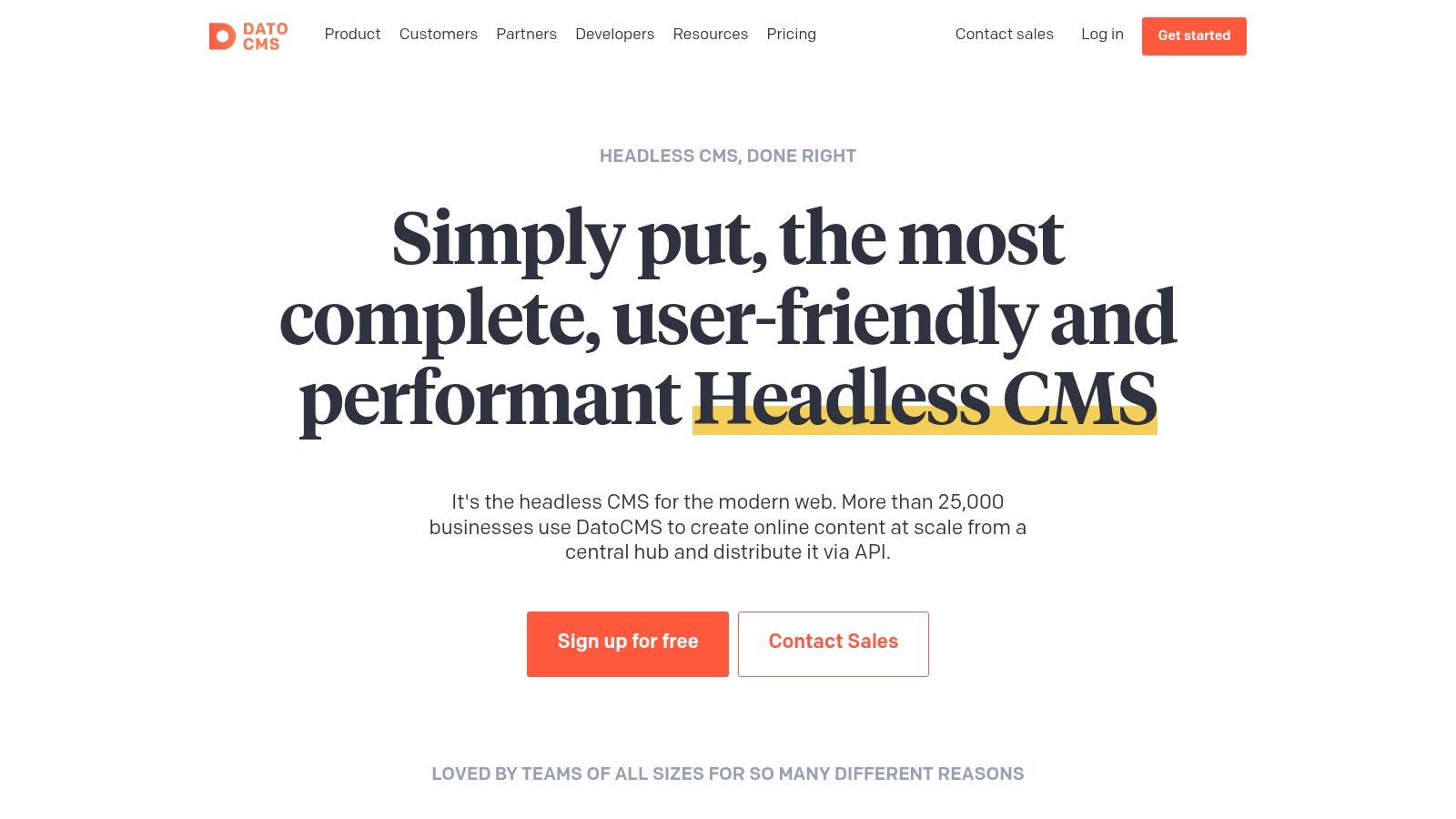
Its standout features include a GraphQL API for real-time content updates and a robust media API for on-the-fly image and video optimization. This approach separates content management from the codebase, allowing developers to build with modern frameworks like Next.js or Astro and deploy the static output to GitHub Pages. DatoCMS offers an excellent balance between developer flexibility and a user-friendly interface for content teams.
Key Features & Use Cases
- Hosting Model: API-driven; content is fetched during the build process, which is then deployed to GitHub Pages. A free plan is available with clear usage quotas.
- Best For: Marketing teams, digital agencies, and projects requiring advanced localization, dynamic image manipulation, and a seamless editor experience.
- Integration: Connects to a GitHub repository via webhooks. When content is published in DatoCMS, it triggers a GitHub Actions workflow to rebuild and deploy the site.
- Limitations: The API-first model requires setting up a build pipeline, making it less direct than Git-based CMSs. Billing is in EUR, which might be a consideration for US-based teams.
| Feature | Details |
|---|---|
| Hosting Cost | Free tier available with generous limits; paid plans for higher usage |
| Custom Domains & HTTPS | Handled by the hosting provider (GitHub Pages) |
| Native SSG Support | Agnostic; provides powerful APIs for any static site generator |
| Deployment Method | API webhooks trigger a build process (e.g., via GitHub Actions) |
Website: https://www.datocms.com
12. Spinal CMS
Spinal CMS is a lightweight, Git-based SaaS designed to simplify content management for static sites built with generators like Jekyll, Hugo, and Astro. It connects directly to your GitHub repository, providing a user-friendly interface for content teams while preserving a Git-native workflow. This makes it an excellent choice for agencies and teams looking for a managed "pages cms github" solution without the overhead of self-hosting.
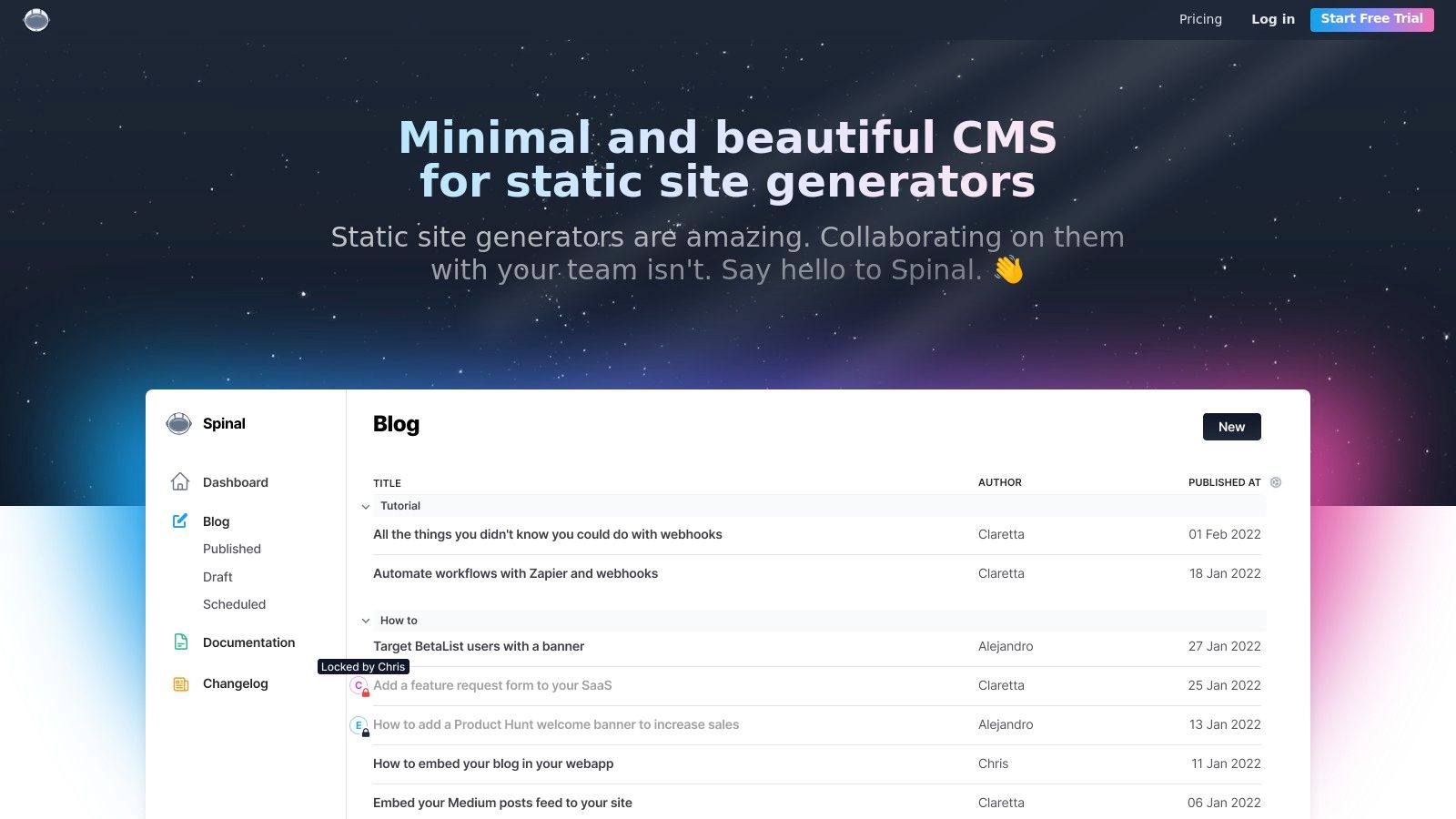
Its core strength lies in balancing developer control with editor convenience. Spinal CMS introduces features like content scheduling, a Kanban-style workflow board, and in-app commenting, which are often missing from more basic Git-based editors. The platform's fast setup and optional white-labeling make it particularly appealing for freelancers and agencies building static websites for clients who need an intuitive editing experience.
Key Features & Use Cases
- Hosting Model: This is a SaaS CMS layer; it does not include hosting. It publishes content to your existing GitHub repository, which can then be deployed via GitHub Pages, Netlify, Vercel, or another host.
- Best For: Agencies, content marketing teams, and non-profits that require collaborative features like scheduling and editorial workflows for their static sites.
- Integration: Connects directly to a GitHub repository, committing content changes back to a specified branch. Supports most popular static site generators.
- Limitations: As a proprietary SaaS, it is not open-source. The base plans have limits on team member seats, and it currently lacks a public API for more advanced, decoupled implementations.
| Feature | Details |
|---|---|
| Hosting Cost | Not applicable (CMS only); connects to your repo |
| Collaboration Features | Kanban workflow, content scheduling, and commenting |
| SSG Support | Jekyll, Hugo, Eleventy, Astro, and others |
| Deployment Method | Publishes content via commits directly to your GitHub repository |
Website: https://spinalcms.com
GitHub Pages & CMS: Top 12 Comparison
| Product | Core features | UX & Quality | Pricing & Value | Target audience / USP |
|---|---|---|---|---|
| 🏆 JekyllPad | WYSIWYG + Markdown, live preview, front-matter editor, GitHub commits | ★★★★☆ — fast, mobile-friendly | 💰 Free tier (5 posts/mo); paid plans TBD | 👥 Bloggers, docs teams, creators — ✨ zero-setup Git commits & 100% client-side privacy |
| GitHub Pages | Branch/Action publishing, Jekyll-first hosting, custom domains | ★★★★☆ — reliable hosting | 💰 Free for public repos | 👥 Devs & hobby sites — ✨ free HTTPS + native Jekyll support |
| Decap CMS | Git-based admin, editorial workflows, open authoring | ★★★★☆ — mature OSS UX | 💰 Free (open-source) | 👥 Editors & OSS projects — ✨ PR/fork content workflows |
| CloudCannon | Visual editor, scheduling, team workflows, hosting addons | ★★★★☆ — polished editor for teams | 💰 Paid SaaS (scales with users) | 👥 Content teams & agencies — ✨ enterprise features (SSO, scheduling) |
| TinaCMS (Tina Cloud) | In-context editing, Git-backed MDX, optional hosted backend | ★★★★☆ — developer-friendly | 💰 Free core + Tina Cloud paid options | 👥 Developers & content editors — ✨ framework integrations & live editing |
| Siteleaf | Jekyll-first sync, collections UI, GitHub Pages publishing | ★★★☆☆ — Jekyll-focused UX | 💰 Paid plans (limits vary) | 👥 Agencies & Jekyll teams — ✨ history-aware sync & collections |
| Stackbit | Visual page builder, templates, multi-source integration | ★★★★☆ — marketing-focused speed | 💰 Paid / pricing on request | 👥 Marketers & designers — ✨ Figma-to-site + templates |
| Publii | Desktop app, offline editing, one-click deploys | ★★★☆☆ — simple desktop workflow | 💰 Free desktop app | 👥 Non-technical editors & small blogs — ✨ offline-first publishing |
| Sanity | Schema-as-code, real-time APIs, structured content | ★★★★★ — powerful dev tooling | 💰 Free tier; Growth $15/user/mo | 👥 Developers & teams — ✨ flexible modeling & real-time APIs |
| Contentful | GraphQL/REST APIs, RBAC, enterprise SLAs | ★★★★★ — enterprise-grade | 💰 Limited free; paid enterprise tiers | 👥 Large orgs & complex workflows — ✨ broad ecosystem & SLAs |
| DatoCMS | GraphQL, media APIs, localization, starter projects | ★★★★☆ — media & performance focus | 💰 Paid plans (EUR billing) | 👥 Teams needing media workflows — ✨ strong image/video APIs & quotas |
| Spinal CMS | GitHub commits, kanban workflow, scheduling, comments | ★★★★☆ — quick setup for teams | 💰 Paid (team plans, discounts) | 👥 Agencies & small teams — ✨ white-label & agency-friendly pricing |
Making the Right Choice for Your GitHub Workflow
Navigating the landscape of content management for GitHub Pages can feel overwhelming, but the wide array of tools ensures a perfect fit for nearly every workflow. As we've explored, the ideal pages cms github solution is not a one-size-fits-all answer; it's a direct reflection of your project's goals, your team's technical skills, and your desired level of abstraction from the underlying Git repository.
The core decision comes down to a fundamental trade-off: Git-native simplicity versus API-driven flexibility. Understanding where your project falls on this spectrum is the most crucial step in making an informed choice. Your selection process should be guided by honest answers to a few key questions about your team and your content.
Deciphering Your Core Needs
Before committing to a platform, consider these critical factors:
- Who are the primary content editors? If your team consists of non-technical writers, marketers, or clients, a user-friendly interface is non-negotiable. Tools like CloudCannon, TinaCMS, and Siteleaf excel here, offering visual editing and intuitive UIs that hide the complexities of Git. For solo developers or technical teams, the directness of JekyllPad or the configurability of Decap CMS might be more efficient.
- What is your content's complexity? A personal blog or a simple project documentation site has vastly different needs than a multi-language e-commerce platform. For straightforward Markdown-based content, Git-based CMSs are lean and powerful. For structured, relational content that needs to be reused across multiple channels, a headless CMS like Sanity, Contentful, or DatoCMS provides the necessary scalable architecture.
- How important is the "Git workflow"? Do you want every content change to be a transparent, reviewable commit? If so, a Git-based CMS is the only way to go. Platforms like CloudCannon and Decap CMS are built around this principle. Conversely, if the Git history is secondary to a seamless editing experience, headless CMSs that trigger builds via webhooks offer a more decoupled and often faster authoring environment.
A Spectrum of Solutions: From Simple to Scalable
Your final choice will likely fall into one of three categories we've discussed. For the developer or technical writer who loves the speed of static sites but wants a focused, distraction-free writing environment directly on their machine, a desktop application like JekyllPad or Publii offers unmatched simplicity. These tools bridge the gap between a code editor and a full-fledged CMS.
For teams who need collaborative features, editorial workflows, and a web-based interface while staying true to the Git-based paradigm, the choice is clear. Decap CMS offers a powerful, open-source foundation, while CloudCannon and TinaCMS provide polished, enterprise-ready platforms with robust visual editing and support.
Finally, for large-scale projects demanding content modeling, internationalization, and omnichannel delivery, the headless CMS route is the most future-proof. While Sanity and Contentful introduce a separate build step and a different pricing model, their power to manage complex content at scale is unparalleled, making them a strategic investment for ambitious digital experiences built on top of a pages cms github foundation.
Ultimately, the best CMS is the one that gets out of your way and lets your team create, publish, and iterate with the least amount of friction. By aligning the tool's philosophy with your team's workflow, you can transform your GitHub Pages site from a developer-centric project into a powerful, collaborative publishing platform.
If you’re a developer or content creator who values a minimalist, offline-first approach to managing your Jekyll site, JekyllPad offers a refreshingly simple solution. It strips away the complexity of web-based dashboards, providing a clean, focused writing environment that syncs directly with your GitHub repository. Explore a more direct and efficient way to manage your content by visiting JekyllPad.