
GitHub Pages offers a powerful, free, and secure platform for hosting static websites directly from a repository. However, its reliance on a Git-based workflow for content updates can be a significant bottleneck. Manually editing Markdown files, managing front matter in YAML, and committing changes via the command line is often inefficient for content teams and intimidating for non-technical users. This friction can slow down publishing schedules and create barriers for collaboration between developers and content creators.
A dedicated CMS for GitHub Pages solves this problem by providing a user-friendly interface on top of your Git repository. It transforms the content management experience, offering features like visual editors, structured data fields, and media libraries, all while preserving the performance and security benefits of a static site architecture. By streamlining content creation and updates, these tools empower entire teams to contribute without needing to become Git experts. This improved workflow is a crucial first step towards effective website content optimization, as it allows you to publish and iterate on content more rapidly.
In this comprehensive guide, we'll dive into the best CMS solutions compatible with GitHub Pages. We will analyze each option based on key criteria:
- Supported Generators: Whether it works with Jekyll, Hugo, Eleventy, or others.
- Editing Experience: From WYSIWYG and Markdown editors to live previews.
- Setup Complexity: How easy it is to integrate with your existing site.
- Pricing Models: Free, open-source, and premium options.
Each entry includes a detailed breakdown, screenshots, and direct links to help you find the perfect tool. Whether you are a solo technical blogger, a documentation team, or an agency building sites for clients, this list will help you select the right CMS to unlock a faster, more collaborative, and more accessible content workflow for your GitHub Pages site.
1. JekyllPad
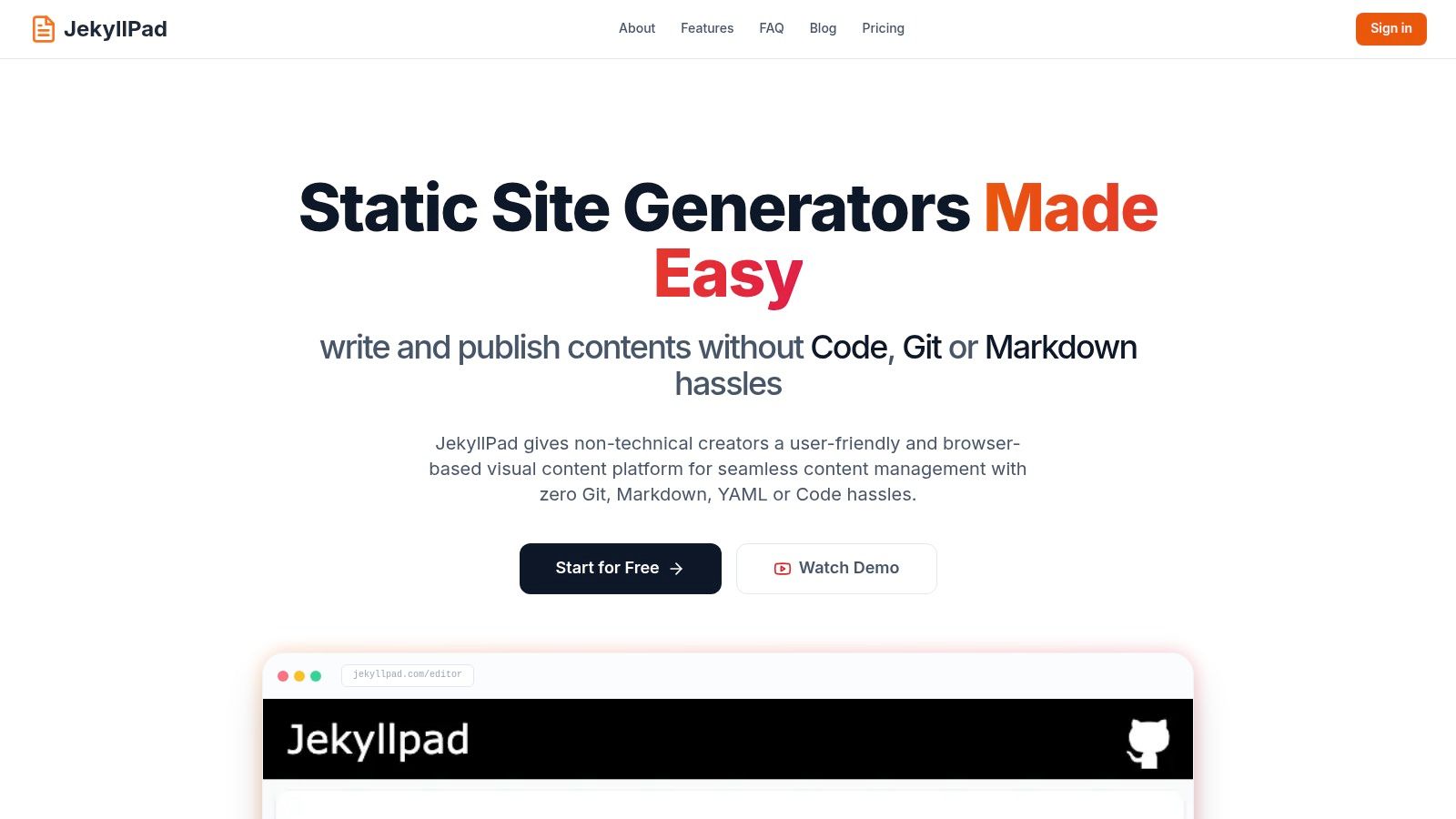
JekyllPad stands out as a premier choice for a CMS for GitHub Pages, offering a streamlined, browser-first visual editing experience. It masterfully bridges the gap between powerful static-site generator workflows and the usability of a traditional CMS, making it an ideal solution for both technical and non-technical users. Its core philosophy is to remove friction, allowing creators to connect their GitHub account and begin editing content in minutes without complex setup or backend maintenance.
The platform's strength lies in its hybrid editing model. Users can work within a clean, modern WYSIWYG editor for intuitive content creation or switch to a raw Markdown editor with syntax highlighting for more precise control. A real-time preview ensures that changes are visible instantly, eliminating the guesswork often associated with static site content management. This entire process is powered by a 100% client-side application, which is a significant advantage for privacy and security; your data travels only between your browser and your GitHub repository.
Key Features and Analysis
- Generator Support: Works seamlessly with major static site generators including Jekyll, Hugo, Astro, Eleventy, and Gatsby.
- Integration Approach: Offers native Git integration. All changes are saved as direct commits to your specified GitHub repository and branch, providing an atomic, version-controlled content workflow without requiring a separate CI/CD pipeline.
- Setup Complexity: Very Low. The onboarding is incredibly fast: connect your GitHub account, select a repository, and you can start editing immediately. No server configuration is needed.
- Content Editing: Provides a dual WYSIWYG and Markdown editor, complete with an intuitive interface for managing front-matter fields. This allows structured content editing without manually writing YAML.
- User Experience: The UI is clean, responsive, and mobile-friendly, allowing for content edits from any device. This focus on a simple, direct editing experience is a core part of its appeal. You can learn more about its philosophy from the team's discussion on what makes a great GitHub-based CMS on JekyllPad's blog.
Pricing
JekyllPad operates on a freemium model. A generous free forever plan includes core features and allows for up to 5 posts per month, making it perfect for individuals and small projects. For more frequent publishing needs, paid tiers are available with higher limits and advanced features.
Pros and Cons
| Pros | Cons |
|---|---|
| Effortless Onboarding: Connect GitHub and edit in under a minute. | Basic Media Handling: Image management is functional but lacks advanced features like a media library. |
| Hybrid Editing Workflow: Balances WYSIWYG simplicity with Markdown power. | Free Tier Limits: The 5 posts/month limit may be restrictive for active publishers. |
| 100% Client-Side: No backend to manage, enhancing security and privacy. | Evolving Team Features: Some advanced team-oriented features are still in development. |
| Native Git Commits: Provides built-in versioning and a simple publishing flow. |
Best for: Technical bloggers, documentation teams, and non-technical creators who need a simple, secure, and direct way to manage content on a GitHub Pages site without learning Git commands.
Website: https://www.jekyllpad.com
2. GitHub Pages (official docs)
Before diving into content management systems, it's essential to understand the foundation: GitHub Pages. This isn't a CMS, but the official static hosting service from GitHub that makes everything possible. It's the baseline platform where your repository's code is transformed into a live website, making it a mandatory part of any "CMS GitHub Pages" workflow.
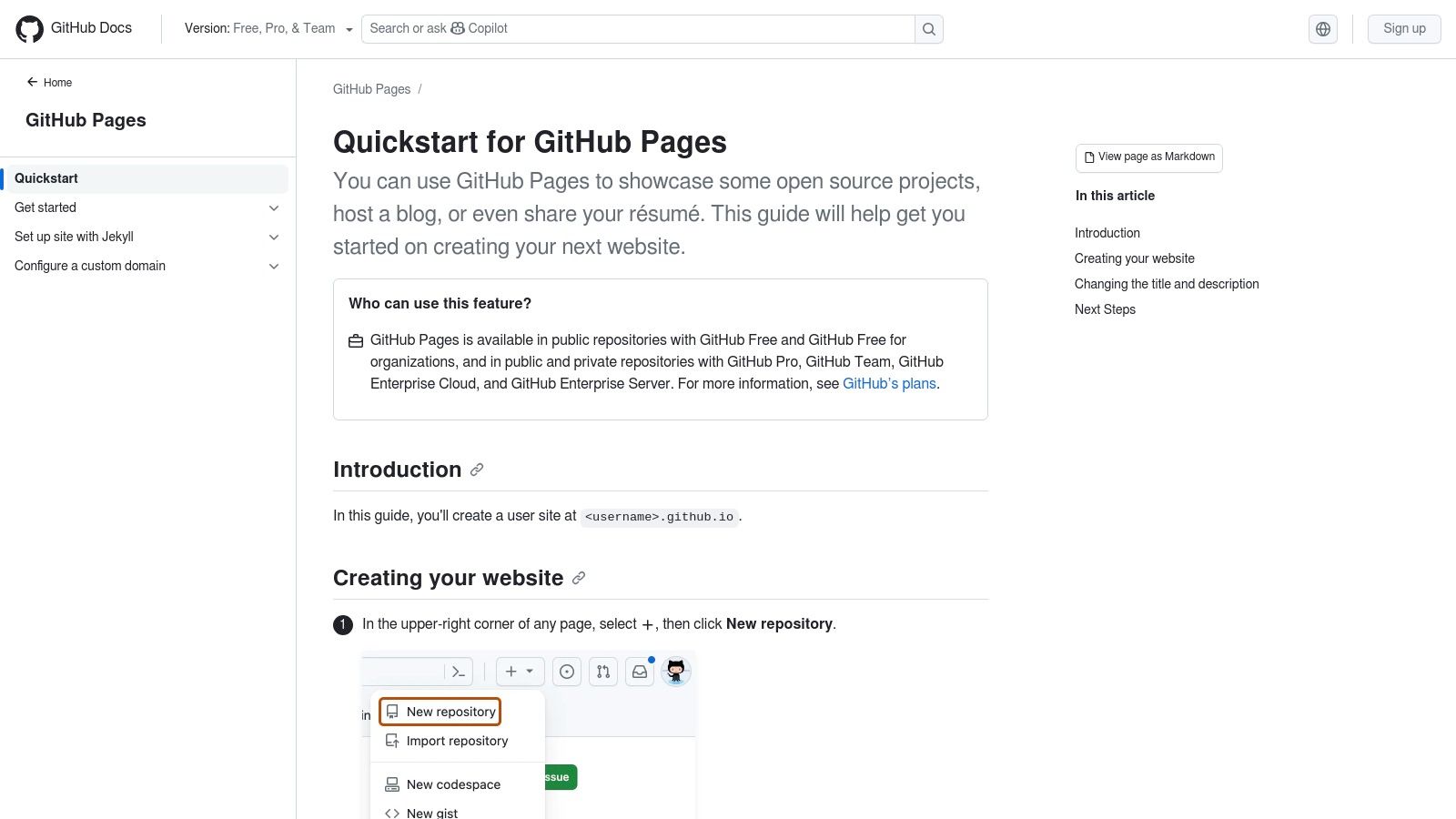
Its primary strength is its native integration. GitHub Pages can automatically build and deploy Jekyll sites directly from a repository. For other static site generators like Hugo or Eleventy, you can use GitHub Actions to build the site and deploy the output to a gh-pages branch. This direct link to the Git workflow is perfect for technical teams who are already comfortable with pull requests for content updates. For those seeking to understand the broader context, you might be interested to learn more about the GitHub platform itself, which hosts GitHub Pages.
Platform Details
- Supported Generators: Native support for Jekyll. Any other SSG (Hugo, Eleventy, Astro, etc.) is supported via GitHub Actions.
- Integration: The hosting platform itself; all other CMS tools in this list integrate with it.
- Setup Complexity: Minimal. Enable it in your repository settings and push your files.
- Key Features: Automatic builds on commit, custom domain support with free HTTPS, and direct integration with Git workflows.
- Pricing: Free for public and private repositories on all GitHub plans (Free, Pro, Team, Enterprise).
Who is it for? GitHub Pages is the non-negotiable hosting layer for anyone building a static site from a GitHub repository. It's especially ideal for developers and technical teams who prefer a Git-based, code-first workflow for content. For a detailed walkthrough, you can explore this guide on how to use GitHub Pages.
3. CloudCannon
CloudCannon is a comprehensive Git-based CMS built specifically for modern static site generator workflows. It positions itself as a more integrated and visually-oriented solution, moving beyond simple Markdown editing. The platform offers a powerful two-way sync with your GitHub repository, meaning content changes made in its user-friendly interface are committed back to Git, and code changes pushed to GitHub are reflected in the CMS. This makes it an excellent choice for teams that need both developer control and a non-technical editing experience.
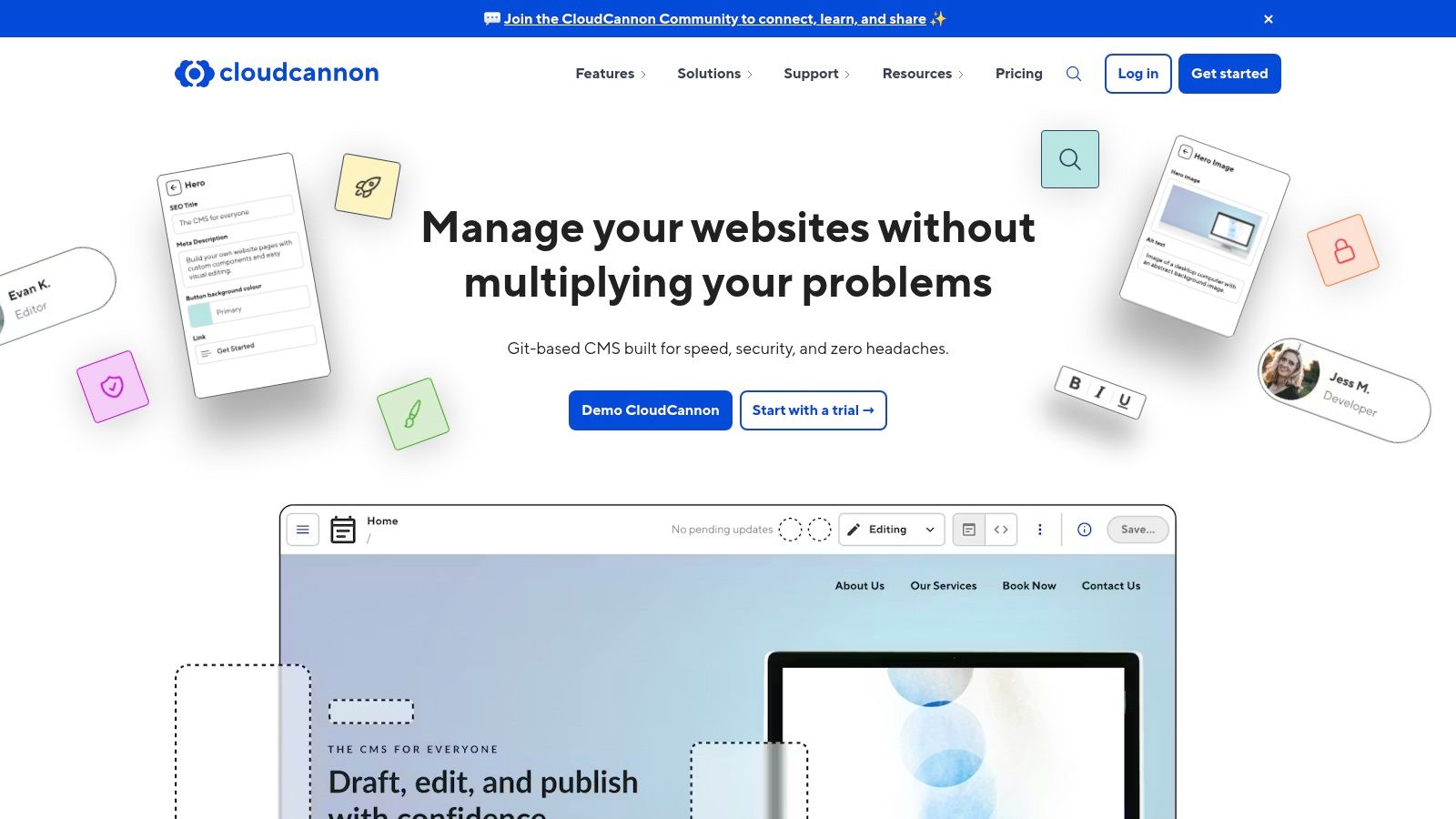
Its standout feature is on-page visual editing combined with a component-driven content model. This allows editors to see their changes live and build complex pages using pre-defined blocks, all while the system manages the underlying front matter and data files. This approach makes it a powerful cms github pages solution for marketing sites, documentation portals, and agency-built client projects where editorial autonomy is key. For more information, you can visit the CloudCannon website.
Platform Details
- Supported Generators: First-class support for Jekyll, Hugo, Eleventy, Astro, and more.
- Integration: Deep two-way sync with GitHub repositories via a GitHub App. It can build and host the site or just manage content and sync back to GitHub for deployment via Actions.
- Setup Complexity: Moderate. Requires installing the GitHub App and configuring build settings and editable regions, but documentation is excellent.
- Key Features: Visual on-page editing, component-driven content modeling, robust branching workflows, user roles and permissions, and optional global hosting network.
- Pricing: Offers a free developer plan. Paid plans start at $45/month per site and scale up with team and enterprise features like SSO.
Who is it for? CloudCannon is ideal for agencies and teams that manage complex static websites and require a seamless collaboration experience between developers and non-technical content editors. It's perfect for those who want the power of a Git-based workflow without forcing editors to interact directly with code or Markdown files.
4. Siteleaf
Siteleaf is a long-standing and respected CMS designed with a strong focus on Jekyll. It provides a clean, user-friendly editing interface that syncs directly with GitHub repositories, making it an excellent bridge between developers and non-technical content creators. Its core value is abstracting away the complexities of Git for editors while maintaining a developer-friendly workflow under the hood.
Unlike more modern, API-first headless CMS options, Siteleaf is tightly coupled with the static site generator, specifically Jekyll. This specialization allows it to offer deep integration, including support for Jekyll themes and plugins, cloud-based previews before publishing, and a straightforward publishing process directly to GitHub Pages. This makes it one of the most streamlined CMS GitHub Pages solutions for teams already committed to the Jekyll ecosystem. The platform ensures content changes are committed back to the repository, preserving the single source of truth.
Platform Details
- Supported Generators: Primarily Jekyll, with deep integration. Can be adapted for other SSGs but it is not its core focus.
- Integration: Syncs content directly with a GitHub repository. Publishes to GitHub Pages, AWS S3, or FTP.
- Setup Complexity: Low. Connect your GitHub account, select a repository, and Siteleaf automatically detects the site structure.
- Key Features: Simple WYSIWYG and Markdown editing, cloud previews, metadata and front matter management, and collaborative workflows.
- Pricing: Offers a free Developer plan for one user and one site. Paid plans start at $29/month (Team plan) which includes more sites, users, and features.
Who is it for? Siteleaf is perfect for agencies, freelancers, and teams managing Jekyll-based websites who need to provide clients or non-technical contributors with a simple, intuitive content editing experience. It is the go-to choice if your primary goal is to add a user-friendly CMS layer to an existing Jekyll and GitHub Pages setup without a complex migration. You can learn more at https://www.siteleaf.com.
5. Decap CMS (formerly Netlify CMS)
Decap CMS, formerly known as Netlify CMS, is a popular open-source, Git-based content management system. It provides a clean, web-based UI for content editors that overlays your GitHub repository. Instead of asking collaborators to learn Git, you can give them a traditional editor interface where creating and updating content simply generates commits in the background. This makes it a powerful bridge between technical and non-technical teams working on a GitHub Pages site.
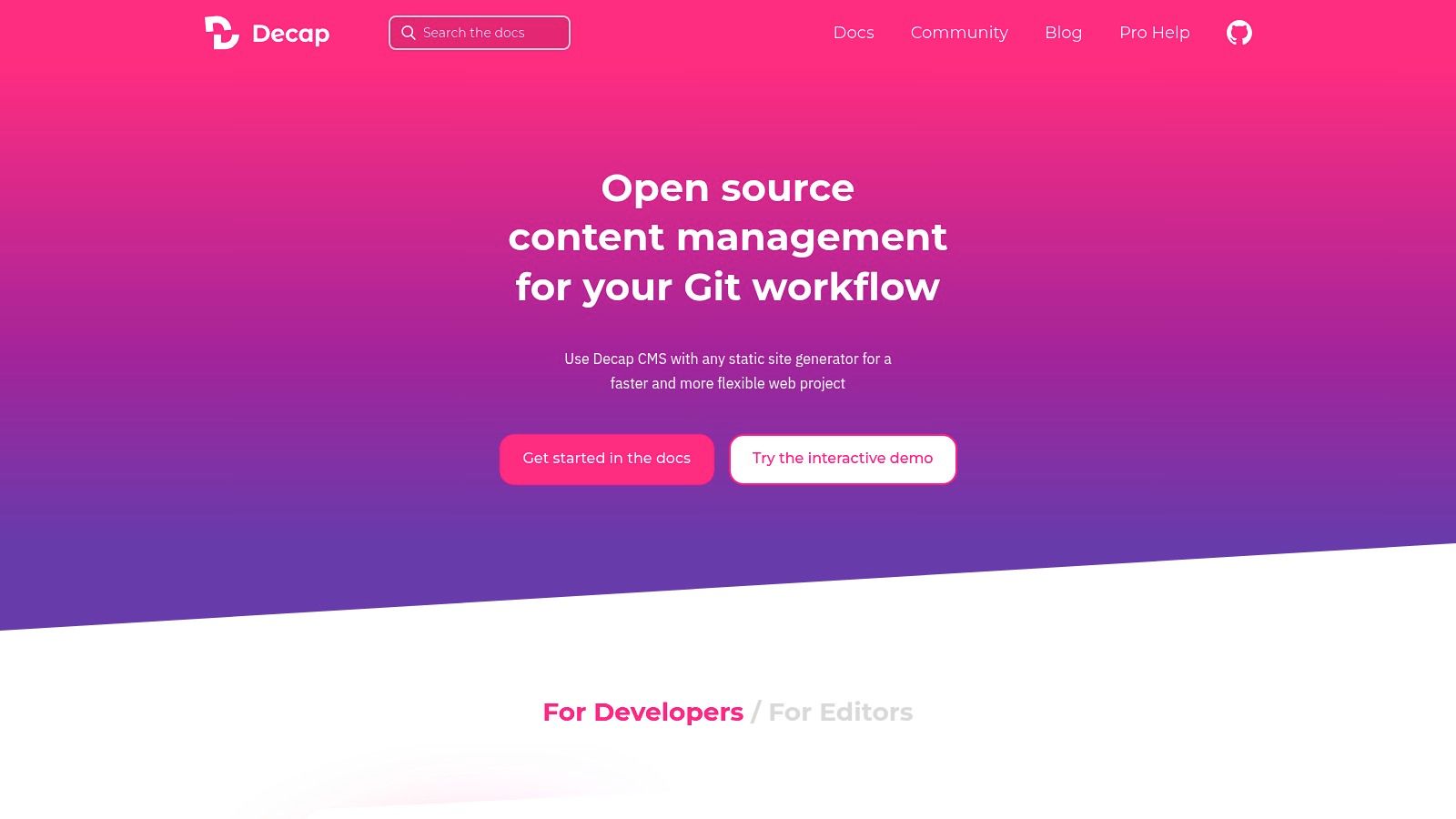
Its core strength lies in its flexibility and community support. Because it's open-source and stores all content directly in your repository as Markdown or data files, you avoid vendor lock-in. The Git Gateway feature is particularly useful, as it allows you to invite editors who don't have GitHub accounts, broadening collaboration possibilities. It's a fantastic solution for those who want a robust, free CMS for GitHub Pages without sacrificing control over their content. For more insights into this type of tool, you can explore this overview of CMS options for programmers.
Platform Details
- Supported Generators: Works with any SSG (Jekyll, Hugo, Eleventy, Astro, etc.) by committing content files to the repository.
- Integration: A single-page React app that is added to your site's codebase. It authenticates with GitHub to manage repository content.
- Setup Complexity: Moderate. Requires adding a configuration file (
config.yml) to your repository to define content types and editor fields. - Key Features: Rich-text editor with real-time preview, drag-and-drop media uploads, flexible content modeling (collections), and editorial workflow states (Drafts, In Review, Ready).
- Pricing: Free and open source.
Who is it for? Decap CMS is ideal for teams with both technical and non-technical members. It's perfect for agencies, open-source projects, and businesses that need a user-friendly editor for their GitHub Pages site while keeping content fully version-controlled in Git.
6. Static CMS
For teams familiar with the Netlify CMS lineage, Static CMS offers a powerful, open-source continuation. As a maintained fork, it provides a free and extensible Git-based content management system built as a React single-page app. It delivers a clean editor UI, live previews, and robust customization options, making it a strong contender for those seeking a self-hosted alternative to similar Git-backed platforms.
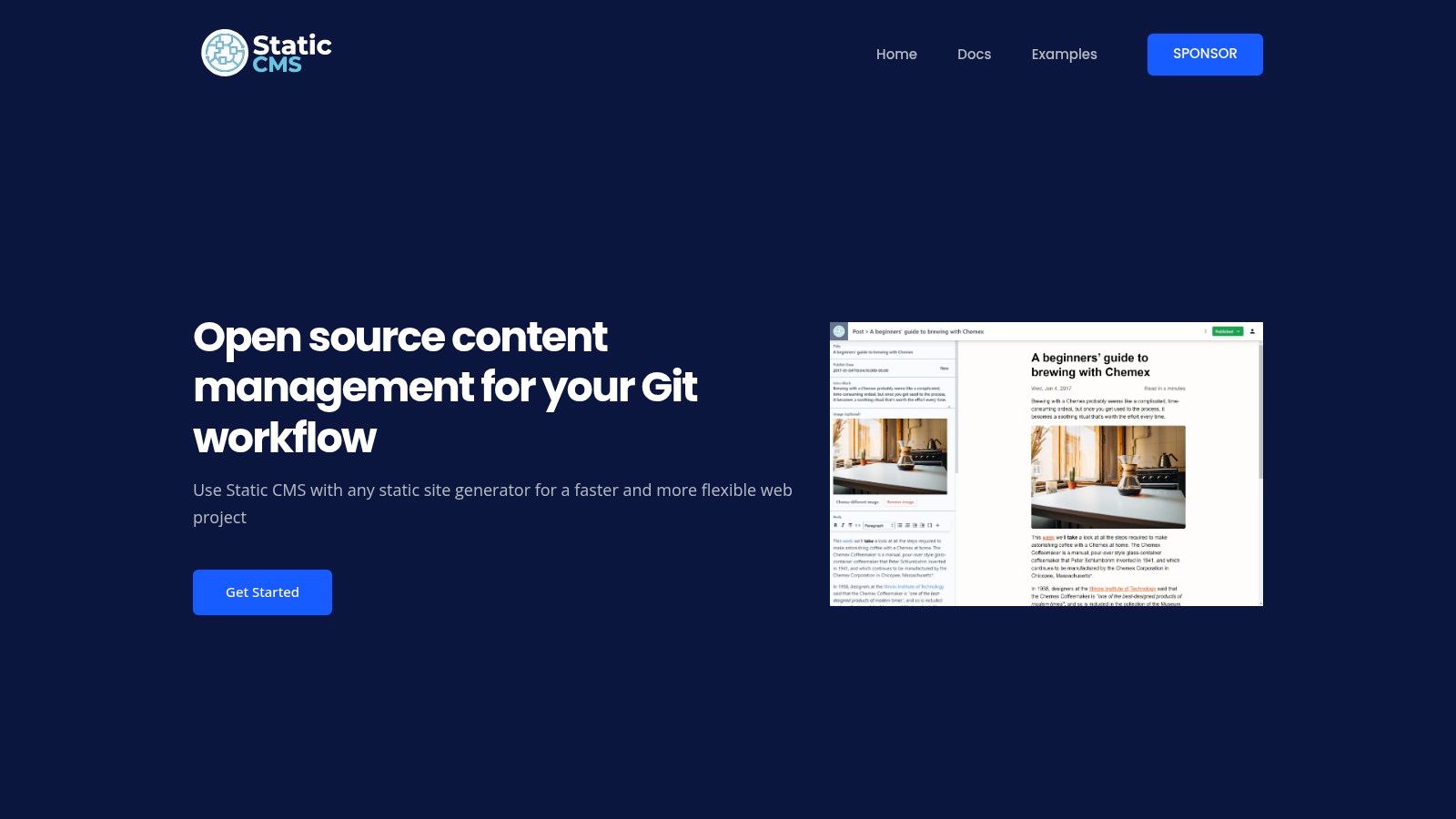
The primary appeal of Static CMS is its extensibility and control. It integrates directly with your GitHub repository, committing content changes just like a developer would. Its architecture allows for custom UI widgets and editor plugins, enabling teams to tailor the content editing experience precisely to their needs. This makes it an excellent choice when you need a custom-fit CMS for GitHub Pages but want to avoid vendor lock-in and ongoing subscription costs.
Platform Details
- Supported Generators: Works with any SSG (Jekyll, Hugo, Eleventy, Next.js, etc.) by managing markdown or data files.
- Integration: Injected as a single-page app into your site's
/adminpath; commits content directly to your GitHub repository. - Setup Complexity: Moderate. Requires adding configuration files to your repository and self-hosting the admin panel.
- Key Features: Git-based content storage, live preview, rich text editor, extensible with custom React components, and an optional Git Gateway for non-technical user access.
- Pricing: Free and open-source. All costs are related to your own hosting and maintenance.
Who is it for? Static CMS is ideal for development teams and agencies who appreciated the Netlify/Decap CMS model but require full control over their tooling. It's a great fit for projects needing a highly customizable, free CMS that stores content directly alongside code.
7. TinaCMS
TinaCMS brings a modern, component-driven approach to content management, offering a real-time visual editing experience directly on your live site. It's designed to bridge the gap between powerful static site generators and the intuitive, inline editing that content creators expect. This makes it a strong contender in the "CMS GitHub Pages" space, especially for teams using frameworks like Next.js, Astro, or Hugo.

Unlike traditional CMSs that use separate admin panels, TinaCMS provides an on-page editing interface, allowing editors to click and edit content as it appears. It commits changes directly back to your GitHub repository, preserving the Git-based workflow. The optional Tina Cloud service enhances this by providing authentication, media management, and advanced editorial workflows, abstracting away some of the complexities of a pure Git setup for non-technical users.
Platform Details
- Supported Generators: Strongest support for Next.js, but also officially supports Astro, Hugo, Jekyll, and Eleventy.
- Integration: Commits content changes directly to the GitHub repository. Tina Cloud adds a hosted backend for auth, media, and API-based content fetching.
- Setup Complexity: Moderate. Requires installing npm packages and configuring a content schema in your project's code.
- Key Features: Live visual/inline editing, component-based content modeling, MDX support, and optional cloud features like team-based workflows.
- Pricing: Offers a generous free tier for small projects. Paid plans are based on user count and project needs, starting around $25/month. See the full details on the TinaCMS pricing page.
Who is it for? TinaCMS is ideal for development teams and content creators who prioritize a superior, visual editing experience, especially those using modern JavaScript frameworks like Next.js or Astro. It excels in projects where content is structured around reusable components rather than simple Markdown pages.
8. Stackbit
Stackbit is not a traditional CMS; it’s a visual editing layer that integrates with your existing Git-based workflow. It provides a live, on-page visual editor that allows content teams to modify components, text, and media directly on a preview of the site. This approach is powerful for teams using a headless CMS or Markdown files in a Git repository, as it adds a user-friendly interface without replacing the underlying tech stack.

For a GitHub Pages setup, Stackbit connects to your repository and enables a real-time visual editing experience. When a non-technical user makes a change, Stackbit commits the updated content back to your repository, triggering a new build and deployment via GitHub Actions. This makes it an excellent choice for organizations that need a powerful visual editor for their marketing or content teams while maintaining a robust, developer-approved Git workflow. The platform is un-opinionated, supporting various static site generators and content sources.
Platform Details
- Supported Generators: Next.js, Astro, Nuxt, and others. It is framework-agnostic, focusing on the content source.
- Integration: Connects directly to a GitHub repository and can integrate with headless CMSs like Contentful or Sanity as the content source. Changes are committed back to Git.
- Setup Complexity: Moderate. It requires mapping your site's components to Stackbit's content models, which involves some initial developer configuration.
- Key Features: Live visual page editing, component-level controls, real-time collaboration, and Figma-to-code workflows.
- Pricing: Pricing is enterprise-focused and requires contacting sales. It is not designed for solo developers or small projects on a tight budget. You can learn more at the Stackbit website.
Who is it for? Stackbit is ideal for marketing teams and larger organizations that need a powerful, visual, and collaborative editing experience on top of a modern Git-based stack. It's a great "CMS for GitHub Pages" solution when you want to empower non-technical users without compromising your development workflow.
9. Publii
Publii takes a unique approach by offering a desktop application that acts as a local, offline CMS for your static site. It provides a user-friendly, WordPress-like experience where you can write, preview, and manage your content without touching a server or command line. When you're ready to publish, Publii can build the entire site and sync it directly to your GitHub Pages repository with a single click.
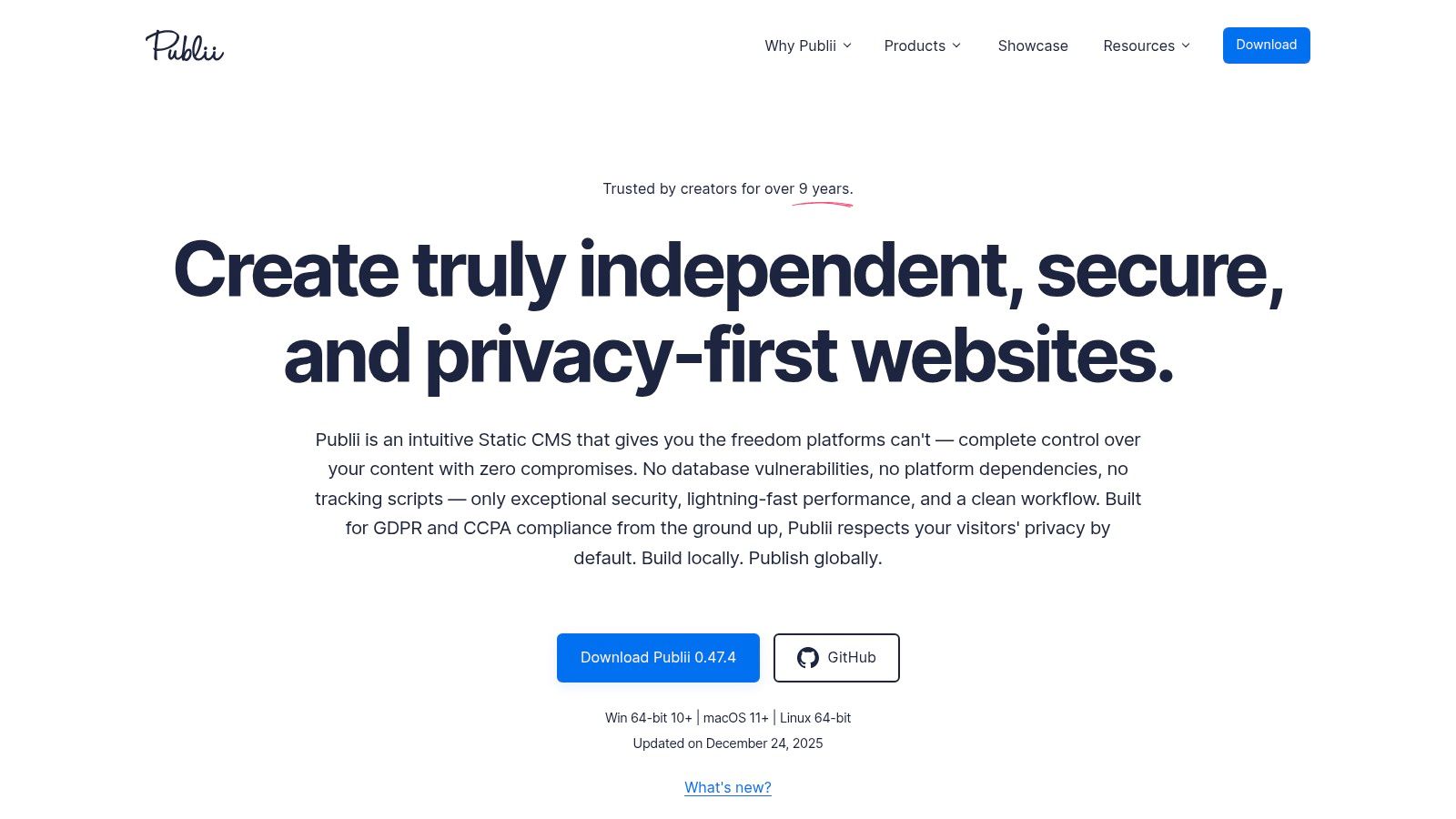
This "local-first" workflow is its standout feature, removing the need for an internet connection during content creation. It bundles powerful features like a WYSIWYG editor, Markdown support, built-in SEO tools, and automatic image optimization. Publii is an excellent cms github pages solution for individuals who want the security and performance of a static site without the technical overhead of a traditional Git-based workflow.
Platform Details
- Supported Generators: Publii is its own self-contained static site generator. It does not integrate with Jekyll or Hugo but generates a complete static site on its own.
- Integration: Connects to your GitHub account via a token and pushes the compiled static files directly to the designated repository branch for deployment.
- Setup Complexity: Low. Download the app, connect it to your GitHub account, and configure your site settings through a graphical user interface.
- Key Features: Desktop-based (Windows, Mac, Linux), one-click deployment, built-in themes, WYSIWYG editor, robust SEO and privacy tools, and automatic image optimization.
- Pricing: The application is completely free and open-source.
Who is it for? Publii is perfect for non-technical bloggers, small business owners, and solo creators who desire a simple, secure, and free way to manage a static website. It’s a fantastic choice for those who prefer a desktop app over a web-based CMS and want to avoid interacting directly with Git. Learn more at the official Publii website.
10. DatoCMS
DatoCMS is a modern, API-first headless CMS that excels in providing structured content for static sites. It leverages a powerful GraphQL API, making it a favorite among developers using frameworks like Gatsby, Next.js, or Astro. Unlike Git-based systems, DatoCMS decouples your content from your repository, serving it on-demand during the build process, which is ideal for complex, data-heavy sites deployed to GitHub Pages.
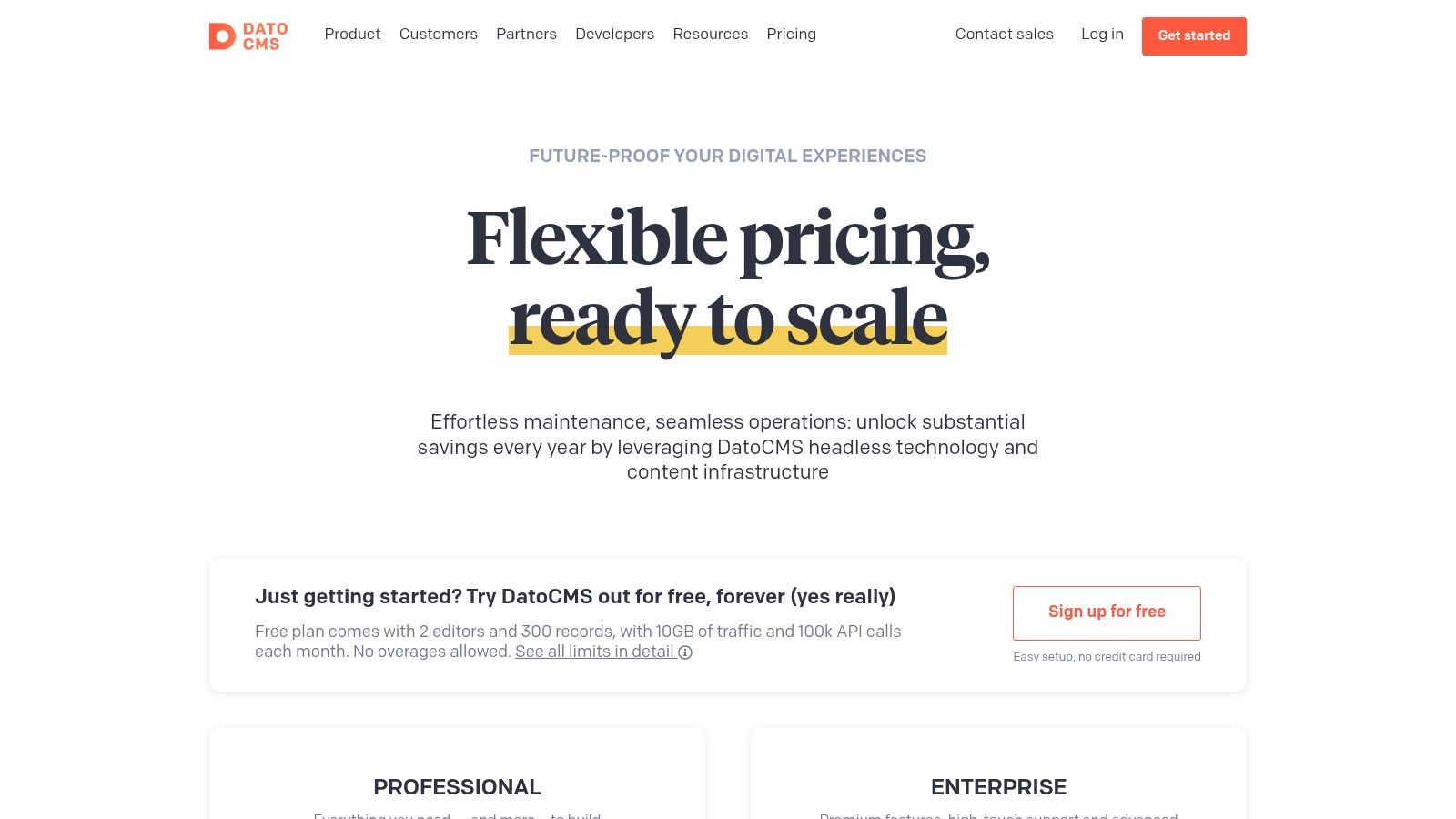
Its main distinction is its developer-centric toolkit and enterprise-grade features. DatoCMS provides a robust content modeling interface, real-time content updates via API, and a global CDN for optimized media delivery. This API-driven approach means content is fetched during your GitHub Actions build step, which then pushes the final static files to your gh-pages branch, streamlining the workflow for sophisticated projects.
Platform Details
- Supported Generators: Any SSG that can fetch data from an API (e.g., Gatsby, Next.js, Eleventy, Hugo, Astro).
- Integration: API-based. Content is pulled from the DatoCMS API during the build process, typically via GitHub Actions.
- Setup Complexity: Moderate. Requires configuring API access in your build script and setting up content models within the DatoCMS interface.
- Key Features: Powerful GraphQL API, global image CDN, advanced roles and permissions, sandbox environments for content staging, and a developer marketplace with integrations.
- Pricing: Offers a generous free "Community" tier. Paid plans start at €99/month, scaling with usage and features. For more details, see the official pricing page.
Who is it for? DatoCMS is perfect for development teams and agencies building high-performance, structured websites. Its API-first model makes it a top cms github pages solution for projects where content is managed independently from the codebase, and performance is a primary concern.
11. Sanity
Sanity stands out as a highly customizable headless CMS, offering a different paradigm for managing content on static sites. Instead of editing files directly in your Git repository, Sanity provides a hosted, real-time collaborative content studio (Sanity Studio) and delivers content via an API. This API-first approach means content lives outside your repo, which can be a powerful choice for projects requiring structured, reusable content across multiple platforms, not just a single GitHub Pages site.
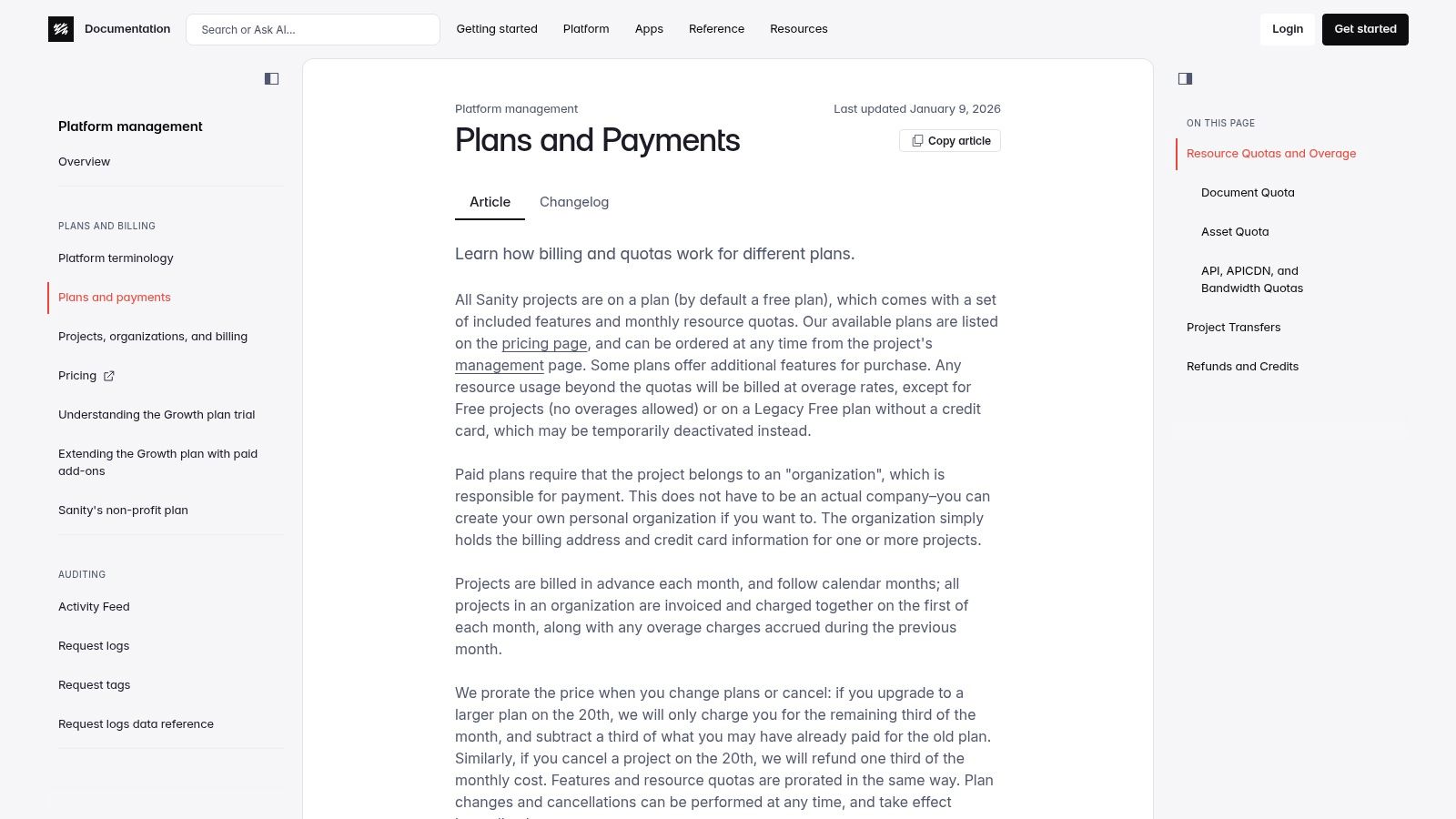
The integration with GitHub Pages is achieved through your build process. Using GitHub Actions, your static site generator (like Next.js, Eleventy, or Astro) fetches content from Sanity’s API during the build step and generates the static HTML files. The real magic lies in the customizability of the Sanity Studio itself, which you can configure with code to create bespoke editing experiences perfectly tailored to your content models. This makes it an enterprise-grade solution that also offers a generous free tier for smaller projects.
Platform Details
- Supported Generators: Any SSG that can fetch data from an API (Next.js, Eleventy, Hugo, Astro, etc.).
- Integration: API-based. Content is pulled during the build process via GitHub Actions or another CI/CD service.
- Setup Complexity: Moderate to high. Requires setting up the Sanity Studio, defining a schema, and configuring the SSG to fetch from the API.
- Key Features: Real-time collaborative editing, customizable open-source studio, flexible schema design, and a powerful query language (GROQ).
- Pricing: A generous free tier is available. Paid plans scale with usage, offering features like scheduling, comments, and AI Assist.
Who is it for? Sanity is ideal for developers and teams building complex, content-rich websites who need maximum flexibility and a decoupled content architecture. It excels in scenarios where content needs to be reused across different channels or when a highly tailored, real-time collaborative editing experience is a priority. For more on its cost structure, see Sanity's pricing plans.
12. Contentful
Contentful is a leading API-first headless CMS that decouples content management from presentation. Instead of committing content directly to a Git repository, teams use Contentful's web interface to create and manage structured content. This content is then fetched via an API during a build process, typically triggered by a webhook, which then deploys the final static site to GitHub Pages. This makes it a powerful choice for teams needing robust content modeling and a clean separation of concerns.
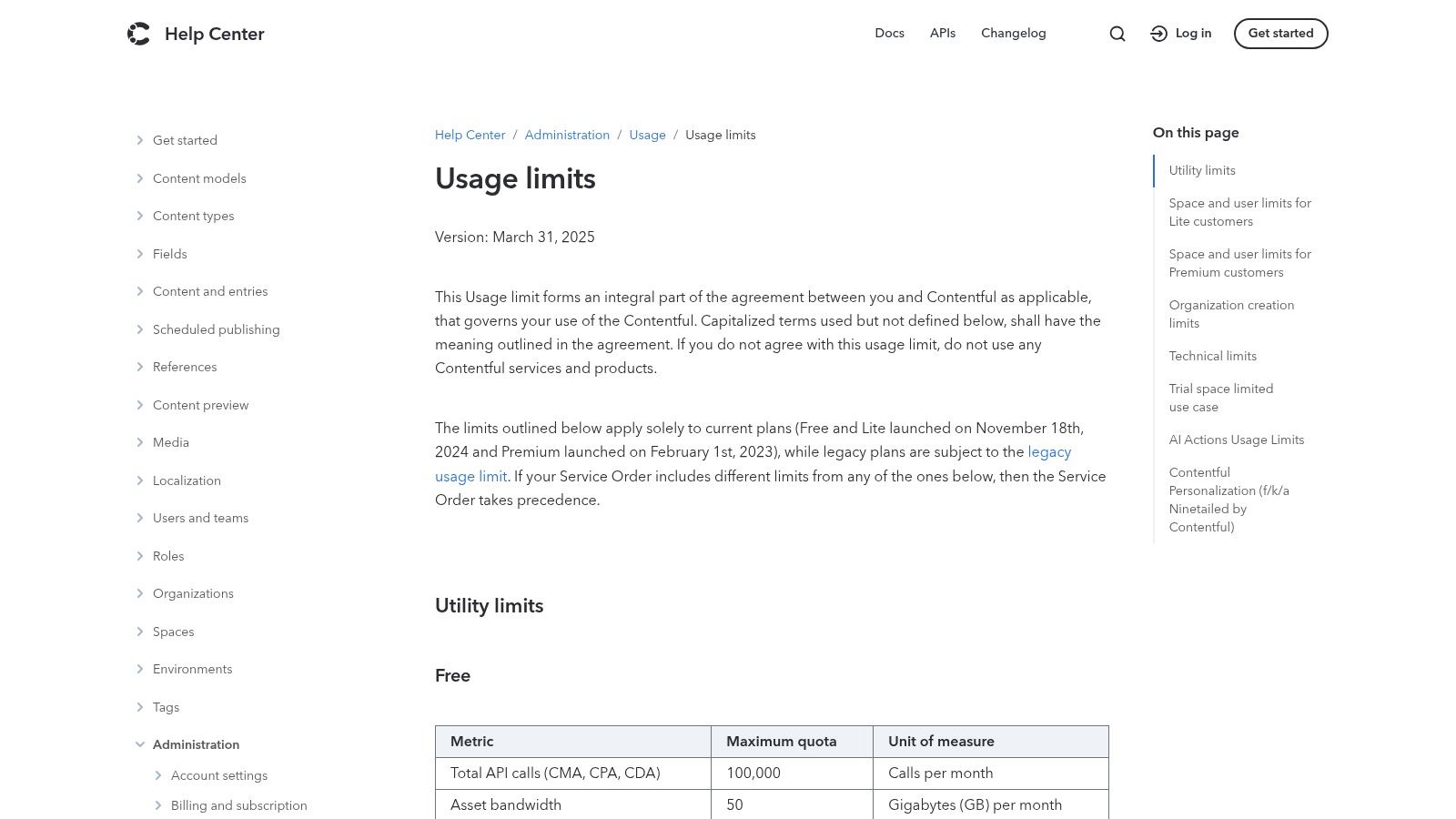
This API-driven approach is what distinguishes Contentful as a premier enterprise-grade CMS for GitHub Pages. The workflow involves setting up a GitHub Actions pipeline that listens for content changes in Contentful. When an editor publishes new content, a webhook triggers the Action to run your static site generator (like Hugo or Next.js), pull the latest content from the Contentful API, build the HTML files, and push the output to the gh-pages branch for deployment.
Platform Details
- Supported Generators: Any SSG that can fetch data from an API (e.g., Gatsby, Next.js, Hugo, Eleventy, Astro).
- Integration: API-based. Content is pulled from Contentful during the build process using a CI/CD tool like GitHub Actions.
- Setup Complexity: High. Requires configuring content models, API keys, webhooks, and a custom GitHub Actions workflow.
- Key Features: Advanced content modeling, robust roles and permissions, rich text editor, extensive app marketplace, and GraphQL or REST APIs.
- Pricing: A free Community tier is available with usage limits. Paid plans (Team, Premium) offer higher limits, more user seats, and enterprise features. Be mindful of usage limits to avoid overages.
Who is it for? Contentful is ideal for large teams and enterprises that require strong governance, multi-channel content delivery, and a scalable content infrastructure separate from their codebase. It suits projects where non-technical content creators need a sophisticated UI without ever touching Git.
GitHub Pages CMS: 12-Tool Comparison
| Product | Core features | UX & Quality ★ | Value & Pricing 💰 | Target 👥 | Unique/USP ✨ |
|---|---|---|---|---|---|
| JekyllPad 🏆 | WYSIWYG + Markdown, front‑matter, real‑time preview, GitHub commits | ★★★★☆ real‑time, mobile‑friendly | 💰 Free tier (limited); paid tiers coming | 👥 Technical & non‑technical creators, bloggers, docs teams | ✨ 100% client‑side GitHub sync, no backend, instant onboarding |
| GitHub Pages (official) | Native hosting, Jekyll support, rebuilds on commit, custom domains | ★★★★☆ stable & simple | 💰 Free with GitHub account | 👥 Developers & repo owners | ✨ Native GitHub hosting + HTTPS |
| CloudCannon | Two‑way Git sync, on‑page visual editing, component modeling, hosting | ★★★★☆ team‑focused | 💰 Paid / enterprise pricing | 👥 Teams using SSGs & Git workflows | ✨ Component driven editing, roles & staging |
| Siteleaf | Jekyll compatibility, cloud previews, publish to GitHub/S3/FTP | ★★★☆☆ editor‑friendly | 💰 Paid plans (v2 unlimited users) | 👥 Non‑technical contributors & Jekyll sites | ✨ Simple cloud previews & multiple publish targets |
| Decap CMS (Netlify CMS) | Editor UI, preview, media, Git Gateway, repo‑backed content | ★★★★☆ open‑source & flexible | 💰 Free, open‑source | 👥 Devs & teams wanting Git‑native CMS | ✨ Git‑native CMS with strong community docs |
| Static CMS | Git‑backed editor, custom widgets, plugin extensibility | ★★★☆☆ extensible DIY | 💰 Free, self‑hosted | 👥 Teams wanting Netlify/Decap‑style extensibility | ✨ React plugin model & custom widgets |
| TinaCMS | Inline visual editing, Markdown/MDX, optional TinaCloud services | ★★★★☆ strong editor UX | 💰 Free tier + paid hosted services | 👥 Component‑driven sites (React/Next) | ✨ Inline editing + hosted auth/media/workflows |
| Stackbit | Visual page editing, live preview, multi‑source & Figma workflows | ★★★★☆ design‑focused | 💰 Sales‑led / higher cost | 👥 Marketing & design teams integrating many sources | ✨ Figma→site and multi‑CMS visual layer |
| Publii | Desktop WYSIWYG & Markdown, one‑click deploy to GitHub Pages | ★★★☆☆ local, easy to use | 💰 Free desktop app | 👥 Solo bloggers & non‑technical creators | ✨ Local‑first desktop with direct deploy |
| DatoCMS | GraphQL API, image CDN, roles, integrations | ★★★★☆ developer & performance focused | 💰 Free tier; paid EUR plans | 👥 Developers & enterprises needing APIs | ✨ GraphQL + CDN + developer marketplace |
| Sanity | Real‑time collaborative editing, flexible schemas, APIs | ★★★★☆ highly extensible | 💰 Free tier; scalable paid plans | 👥 Teams & enterprises needing custom schemas | ✨ Real‑time collaboration, AI Assist (paid) |
| Contentful | Content APIs, rich modeling, roles, app marketplace | ★★★★☆ mature enterprise UX | 💰 Paid, usage‑based/enterprise | 👥 Enterprises & large dev teams | ✨ Mature ecosystem, governance & integrations |
Choosing Your Perfect GitHub Pages CMS
Navigating the landscape of content management systems for GitHub Pages can feel overwhelming, but the wide array of tools means there is a perfect fit for almost any workflow. As we've explored, the "best" CMS is not a one-size-fits-all solution; it's the one that aligns with your technical skills, team structure, content complexity, and budget. The core decision hinges on a fundamental trade-off: balancing the streamlined, direct-to-Git editing experience against the power and flexibility of a separate, structured content API.
The journey from a raw Git workflow to a polished CMS-driven one is about removing friction. Your choice should directly address the biggest bottleneck in your content lifecycle. Is it the non-technical team member struggling with YAML front matter? A Git-based CMS with a visual editor is your answer. Is it managing a massive, interconnected library of documentation? An API-driven headless CMS provides the necessary structure and scalability.
Key Takeaways and Decision Factors
Reflecting on the tools we've covered, from the simplicity of Publii to the enterprise-grade power of Contentful, several key themes emerge. To help you make a final decision, consider these critical factors:
- Hosting and Architecture: Do you prefer a self-hosted, open-source tool like Decap CMS or Static CMS for maximum control and no vendor lock-in? Or does a fully managed, SaaS platform like CloudCannon or Siteleaf better suit your needs by handling the infrastructure for you?
- Editing Experience: The user interface is paramount. A visual, WYSIWYG editor or a block-based system like TinaCMS is ideal for content-focused teams. In contrast, a more form-based, developer-centric interface found in many headless CMSs might be better for teams comfortable with structured data.
- Technical Integration: How will the CMS interact with your repository? Git-based CMSs offer a direct, transparent commit process. API-driven headless systems like Sanity or DatoCMS require a build step, often orchestrated with GitHub Actions, which adds a layer of complexity but also greater architectural freedom.
- Content Modeling: For simple blogs or documentation, a flat file structure managed by a Git-based CMS works beautifully. However, if you need to define complex relationships between content types (e.g., authors, posts, and categories), a headless CMS with robust content modeling capabilities is non-negotiable.
- Scalability and Cost: Free and open-source options are perfect for personal projects and small teams. As your content grows and your team expands, consider the pricing models of paid solutions. Factor in potential costs for build minutes, API calls, and additional user seats.
Your Path Forward: Selecting the Right Tool
To put this all into action, let's distill the choices down to specific user personas:
For the Solo Creator or Non-Technical User: Your priority is simplicity and a direct path from idea to publication. You want to avoid the command line, Git complexities, and server setup. A desktop application like Publii or a minimalist, secure editor like JekyllPad is your best bet. These tools provide a clean, focused writing experience without the overhead of a full-scale CMS.
For the Technical Blogger and Small Dev Team: You are comfortable with Git and want to enhance your Jekyll or Hugo workflow without losing control. An open-source, Git-based solution like Decap CMS or Static CMS offers the perfect balance. You get a clean UI for content management while keeping your content and configuration right in your repository.
For the Corporate Marketing or Documentation Team: You need collaboration features, user roles, and a seamless editing experience for a diverse team. A managed, Git-based platform like CloudCannon or Stackbit is an excellent choice. They offer enterprise-level support, visual editing, and advanced workflows tailored for professional teams managing sophisticated static sites.
For the Enterprise with Complex Content Needs: You are building more than just a website; you're creating a content ecosystem. An API-driven headless CMS for GitHub Pages, such as Sanity, Contentful, or DatoCMS, is the only viable path. These platforms provide the governance, scalability, and content modeling needed to power multiple frontends and applications from a single, structured content source.
Ultimately, the goal is to empower your team to create and publish content efficiently. Start by identifying your primary pain points and select the tool that solves them most effectively. The beauty of the static site ecosystem is its flexibility, allowing you to build a content engine that works for you, not against you.
If your goal is to find the most direct, secure, and user-friendly editor for your Jekyll site on GitHub Pages, look no further. JekyllPad offers a privacy-first, client-side application that connects directly to your GitHub repository, providing a clean WYSIWYG and front matter editor without any server-side dependencies. Give your content creators the simplest tool possible by trying JekyllPad today.