
In an era of composable architecture and multi-channel delivery, the traditional, monolithic CMS is showing its age. Developers need flexibility, marketers demand speed, and users expect seamless experiences across web, mobile, and even IoT devices. This is where a CMS with API capabilities, often called a headless or API-first CMS, transforms the game.
Instead of locking your content into a single website template, it decouples your content repository from the presentation layer. This approach serves structured data over robust APIs like REST or GraphQL, allowing you to use any frontend technology you choose. The fundamental principle is a separation of concerns, which creates more maintainable and scalable systems. Adopting a headless CMS aligns perfectly with the concepts outlined in Robert C. Martin's Clean Architecture, which advocates for this exact type of decoupling to build robust and adaptable software.
This comprehensive guide is designed to help you navigate this powerful ecosystem and find the best CMS with API for your specific needs, whether you're a developer using a static site generator or a content team managing a large-scale project. We dive deep into the top platforms, analyzing their API specifics, developer experience, pricing models, and ideal use cases. Each entry includes detailed analysis and direct links, so you can make an informed decision without sifting through marketing jargon. We'll explore everything from enterprise-grade systems like Contentful to developer-favorites like Sanity, helping you select the perfect tool to power your next ambitious project.
1. Contentful
Contentful stands as a pioneering force in the API-first CMS landscape, offering a mature, enterprise-grade platform for managing structured content. It’s an ideal CMS with API capabilities for large organizations managing complex digital experiences across multiple channels, from websites and mobile apps to digital signage. Its core strength lies in its "content model" concept, where you define the structure of your content (like blog posts or product pages) with specific fields, which then can be delivered anywhere via its robust APIs.
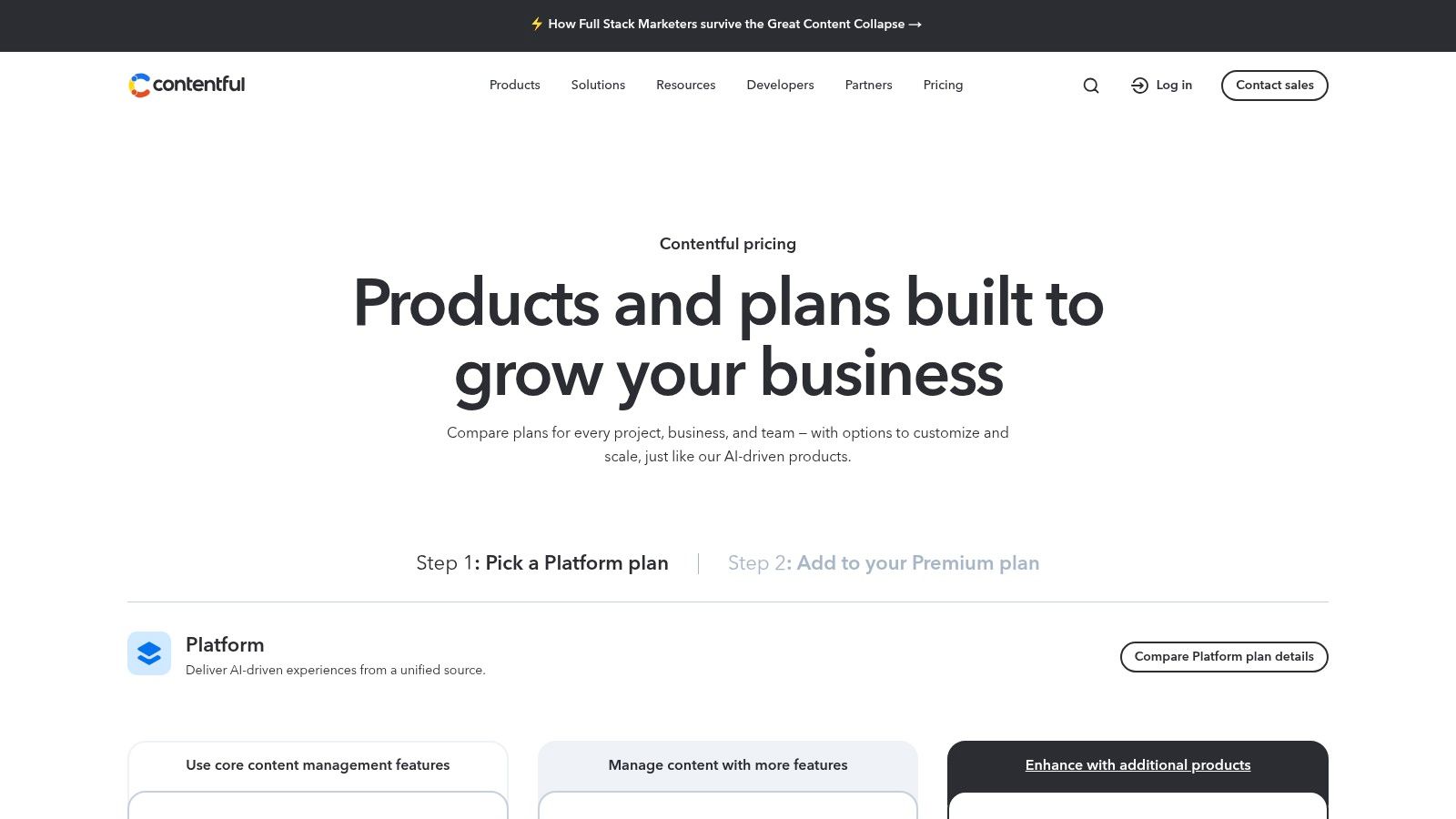
The platform is particularly well-suited for teams that require strong governance and collaboration tools. Features like "Spaces" and "Environments" allow developers to create staging, development, and production workflows, ensuring content changes are tested thoroughly before going live. This structured approach distinguishes it from more developer-centric, Git-based CMS options.
Key API & Feature Breakdown
- API Types: It provides a RESTful Content Delivery API (CDA) for read-only access and a GraphQL API for more efficient data fetching. A separate Content Management API (CMA) allows programmatic content creation and updates.
- SDKs & Tooling: Contentful offers official SDKs for major languages like JavaScript, Python, Ruby, and PHP, simplifying API integration.
- Integrations: The platform boasts a large "App Framework" and marketplace, enabling seamless connections to services like Cloudinary, Netlify, and various e-commerce platforms.
- User Experience: Its web-based editor is clean and intuitive for content creators, abstracting away the technical complexities of a headless architecture.
Pricing and Use Case
Contentful’s pricing begins with a free "Community" tier suitable for individual projects. Paid plans scale up based on user seats, content records, and API call volume, which can become costly for high-traffic sites. It’s best for enterprise marketing teams, multi-brand companies, and developers building composable architectures who need stability and extensive tooling. If you're new to the concept, you can learn more about what a headless CMS is to see if it fits your project needs.
- Website: contentful.com
- Pros: Excellent governance, extensive SDKs, and a powerful app ecosystem.
- Cons: Pricing can escalate quickly, and lower-tier limits may be restrictive.
2. Sanity
Sanity offers a unique approach in the CMS with API market by treating content as data. It provides a real-time, hosted datastore called the Content Lake and a highly customizable, open-source editing environment called Sanity Studio. This developer-centric model allows teams to define their content structures with schema-as-code, providing unparalleled flexibility for complex, interconnected data models that can be queried and delivered instantly to any frontend.
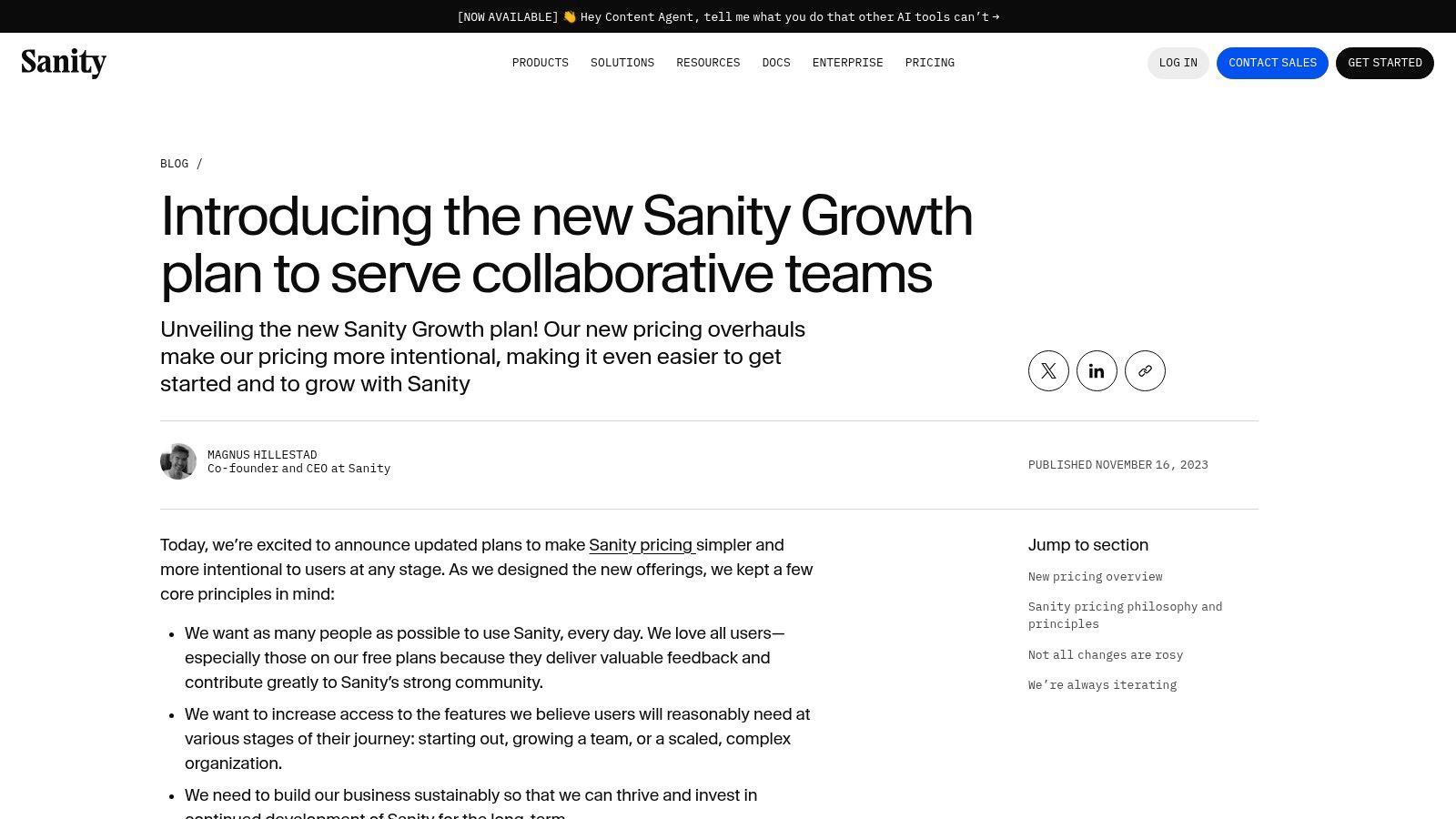
Its core distinction is the real-time collaboration experience, mirroring applications like Google Docs, where multiple editors can work on content simultaneously. This, combined with its powerful and flexible query language (GROQ), makes it a favorite among developers who need to build bespoke editorial workflows and perform complex data fetching with minimal overhead. The Studio can be customized with React components, allowing for tailored editing experiences that perfectly match the content model.
Key API & Feature Breakdown
- API Types: Sanity provides real-time APIs for querying (read) and patching (write) data. It also offers a standard CDN-backed REST API and a GraphQL API for more conventional data retrieval.
- SDKs & Tooling: Official SDKs are available for JavaScript/TypeScript, with robust community libraries for other languages. The Sanity CLI is a powerful tool for managing projects and deploying schemas.
- Integrations: The platform supports webhooks and has a growing ecosystem of plugins and integrations for services like Mux for video, Cloudinary for images, and Vercel for hosting.
- User Experience: The Sanity Studio is completely customizable, offering an exceptional developer experience. For editors, the interface is clean and can be tailored to be as simple or complex as needed.
Pricing and Use Case
Sanity provides a generous free tier with ample usage quotas, making it perfect for personal projects and prototypes. Paid plans scale based on usage metrics like API requests and dataset size, with seat-based pricing introduced at the Growth tier. You can explore a detailed comparison of CMS platforms to see how it stacks up. It is ideal for developers building data-intensive applications, editorial teams requiring real-time collaboration, and projects that demand a highly customized content editing environment.
- Website: sanity.io
- Pros: Excellent developer ergonomics and real-time collaboration, a generous free tier for experimentation, and clear documentation.
- Cons: Seat-based pricing on higher tiers can be costly for large teams, and some advanced features are gated to Enterprise plans.
3. Strapi (Cloud)
Strapi is a leading open-source Node.js headless CMS that gives developers unparalleled flexibility, and its Strapi Cloud offering packages this power into a managed service. This platform is a fantastic CMS with API for teams who want the customization of open-source without the headache of managing infrastructure. It allows you to build custom content types through an intuitive admin panel, which are then instantly available via auto-generated REST and GraphQL APIs.
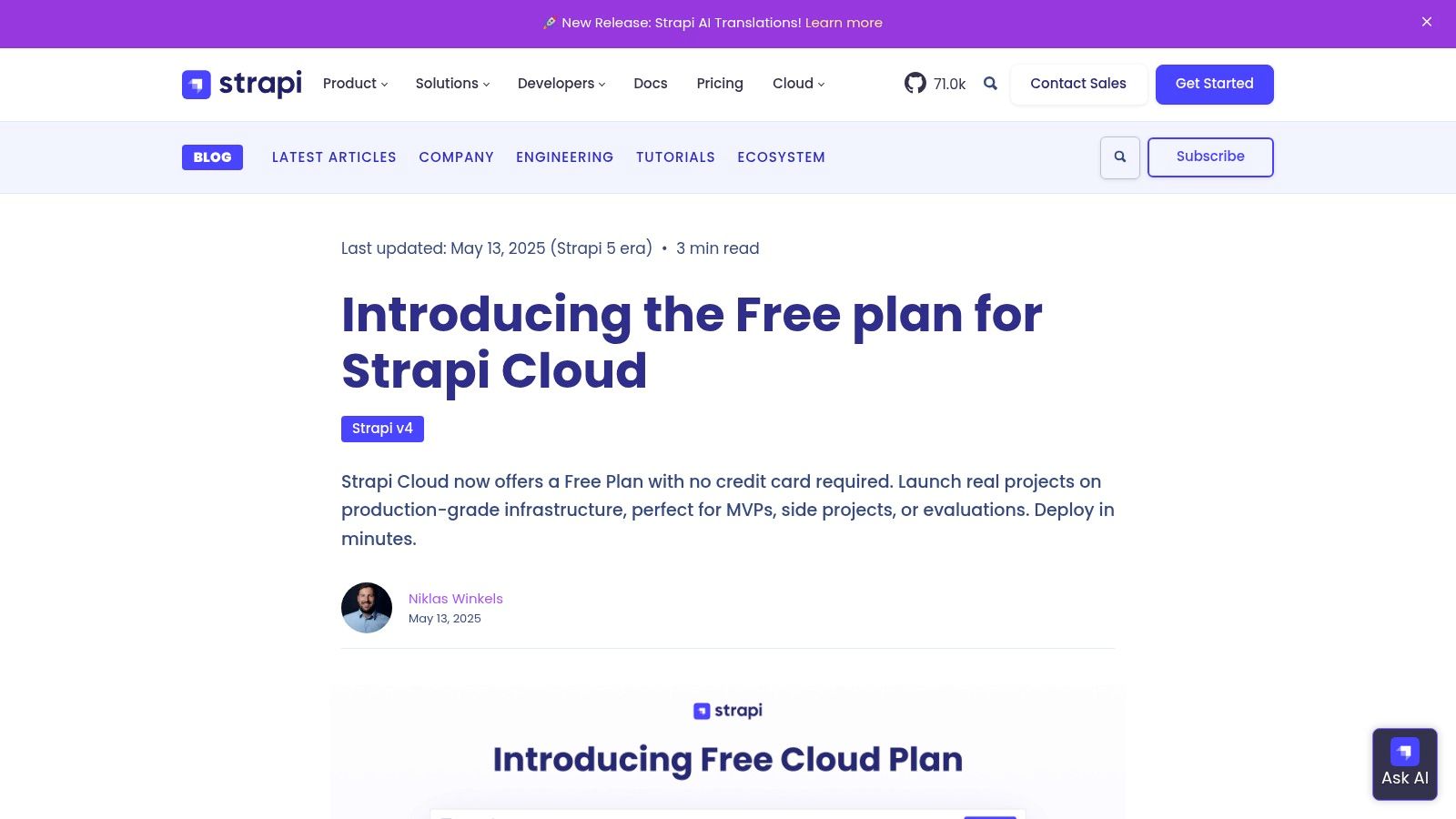
The platform bridges the gap between self-hosted solutions and fully SaaS platforms. Strapi Cloud handles the database, CDN, backups, and security, while still allowing developers to customize the underlying Strapi application. This unique hybrid approach makes it simple to start on the cloud and migrate to a self-hosted environment later if needed, providing a clear and flexible scaling path.
Key API & Feature Breakdown
- API Types: It automatically generates both REST and GraphQL APIs based on the content-type schema you create, providing instant and flexible data access.
- SDKs & Tooling: While it doesn't have official SDKs for every language, its standard API outputs are easily consumable with any HTTP client or GraphQL library. The community provides many tools.
- Integrations: Strapi's plugin system is a core feature, with a marketplace offering integrations for services like Cloudinary, Algolia, and various email providers.
- User Experience: The admin panel is clean, modern, and highly customizable, giving content creators a powerful and straightforward editing experience.
Pricing and Use Case
Strapi Cloud offers a free forever "Community" tier, which is great for small projects and getting started, though it has low allowances. Paid plans scale based on environments, user seats, and resource consumption, with a notable jump in price for high-traffic needs. It's ideal for developers who love open-source freedom but want the convenience of a managed platform. Many developers choose it when evaluating options for an open source headless CMS because of this balance.
- Website: strapi.io
- Pros: Open-source flexibility with hosted convenience, straightforward migration path between self-hosted and cloud, and a very active community.
- Cons: Free cloud tier has low allowances, and pricing jumps significantly for high-traffic scale plans.
4. Hygraph (formerly GraphCMS)
Hygraph distinguishes itself as a premier GraphQL-native headless CMS, designed for developers who want to leverage the full power of GraphQL. It's a strong CMS with API capabilities for teams building sophisticated, composable architectures. The platform's standout feature is its "content federation" model, which allows you to unify content from various external sources (like a PIM or another CMS) into a single, queryable GraphQL endpoint, significantly reducing the need for custom glue code.
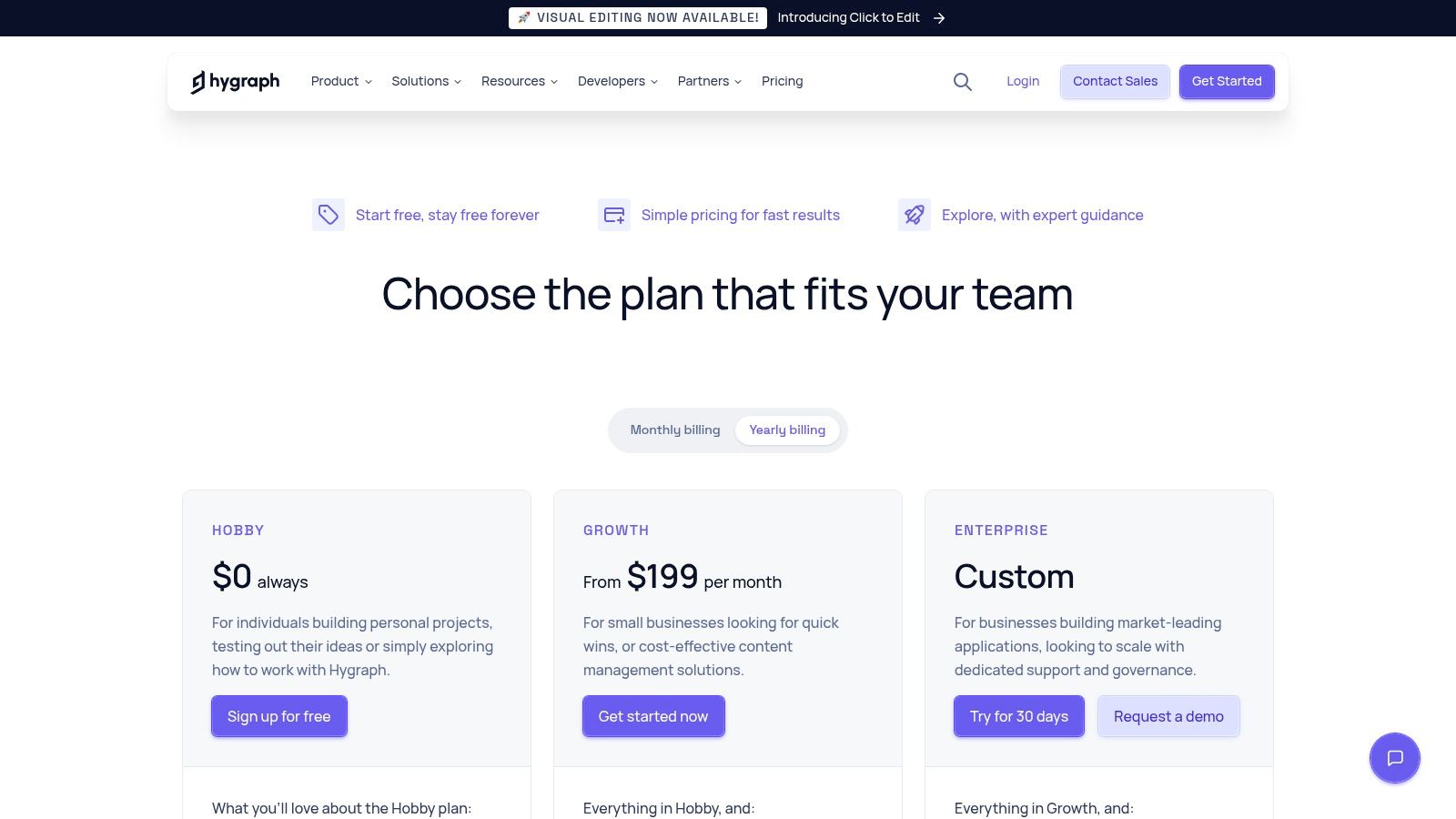
This makes Hygraph particularly powerful for complex digital products that need to aggregate data from multiple services. Its focus is squarely on providing a first-class developer experience with features like granular permissions, staging environments, and content versioning. The structured workflow tools also ensure that content teams can collaborate effectively within a well-defined editorial process, from draft to publication.
Key API & Feature Breakdown
- API Types: It provides a native GraphQL API for both content delivery and management. This unified approach simplifies development, as teams only need to learn one API schema.
- SDKs & Tooling: Hygraph offers official SDKs for JavaScript/TypeScript and integrates well with popular frontend frameworks like Next.js, Gatsby, and Nuxt.js.
- Integrations: The platform's strength lies in its "Remote Sources" feature for content federation. It can connect to any REST or GraphQL API to pull in external data seamlessly.
- User Experience: The UI is clean and component-based, making it easy for content creators to manage structured content. It also includes features like content scheduling and previews.
Pricing and Use Case
Hygraph provides a generous free "Community" plan for individual developers and small projects. Paid plans are structured around usage metrics like user seats, content records, and API operations, with advanced features like content federation reserved for higher tiers. It is best suited for tech-forward companies, developers building federated content platforms, and large-scale projects that require pulling data from multiple sources into a unified API.
- Website: hygraph.com
- Pros: Excellent GraphQL-native developer experience, powerful content federation capabilities, and strong workflow/governance features.
- Cons: The GraphQL-first approach may have a learning curve for teams new to it, and key federation features are on paid plans.
5. Storyblok
Storyblok uniquely bridges the gap between traditional and headless systems by pairing a powerful API-first architecture with an intuitive, real-time visual editor. This makes it an exceptional CMS with API for teams where marketers and content editors need to see changes as they make them, without waiting for a developer. Its component-based approach allows you to build reusable content blocks (like "heroes" or "testimonials") that can be assembled visually to create pages, giving both structure and flexibility.
This platform excels at empowering non-technical users while providing developers with the tools they expect from a modern headless CMS. The visual editor, which offers a live preview of the website or app, is a standout feature that significantly improves the content creation workflow. It removes the abstraction common in other headless systems, making it easier for content teams to work independently and confidently.
Key API & Feature Breakdown
- API Types: It provides a REST API and a GraphQL API for content delivery, alongside a Management API for programmatic control. It also includes webhooks for triggering external actions and a robust image service for on-the-fly transformations.
- SDKs & Tooling: Storyblok offers official SDKs and extensive documentation, with particularly strong examples for popular static site generators like Next.js, Nuxt, and Gatsby, simplifying integration.
- Integrations: The platform features a growing marketplace of apps and allows for custom field type plugins, enabling connections to third-party services like e-commerce, translation, and digital asset management.
- User Experience: The visual editor is the core of Storyblok's user experience, offering an unparalleled in-context editing capability that is highly valued by content and marketing teams.
Pricing and Use Case
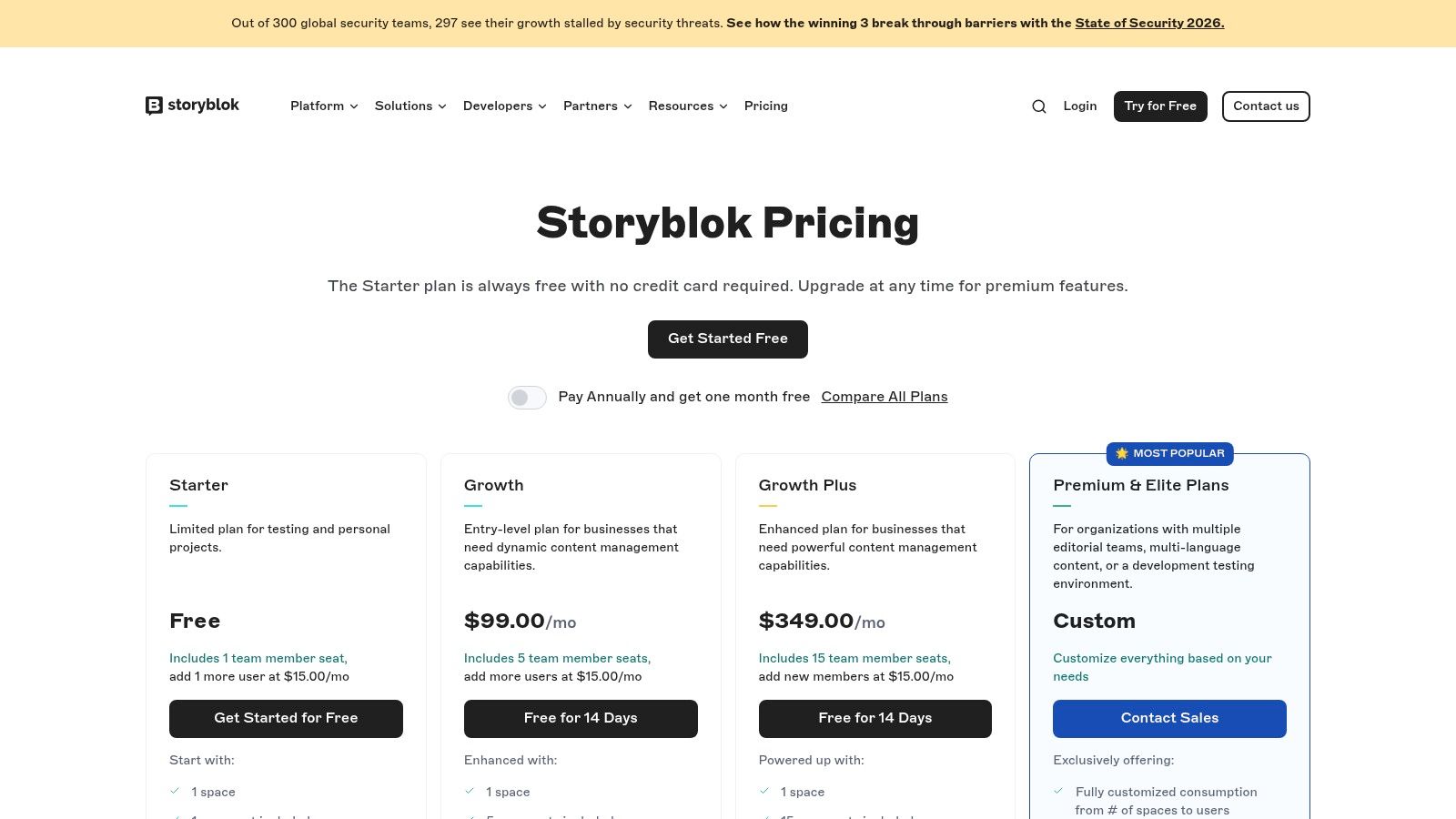
Storyblok’s pricing starts with a free solo developer tier. Paid plans are structured per project and scale based on features, user seats, and usage metrics like API calls and traffic, with a clear model for overages. It is an ideal fit for marketing websites, e-commerce stores, and corporate sites where content teams require a high degree of autonomy and visual control. Agencies building sites for clients also find the editor experience a major selling point.
- Website: storyblok.com
- Pros: Excellent visual editor for marketers, component-based architecture is very flexible, and great documentation for modern front-end frameworks.
- Cons: Starter plans have strict API and traffic caps, and advanced features like custom roles are gated behind higher-priced tiers.
6. Prismic
Prismic carves out a niche in the API-first CMS world by combining a developer-friendly API with a powerful visual page-building experience for content teams. It is a compelling CMS with API access that champions a component-based approach using "Slices," which are pre-built sections that editors can assemble to create pages. This model provides creative freedom for marketers within a structured, developer-defined framework, making it ideal for projects where both robust API delivery and an intuitive editing experience are critical.
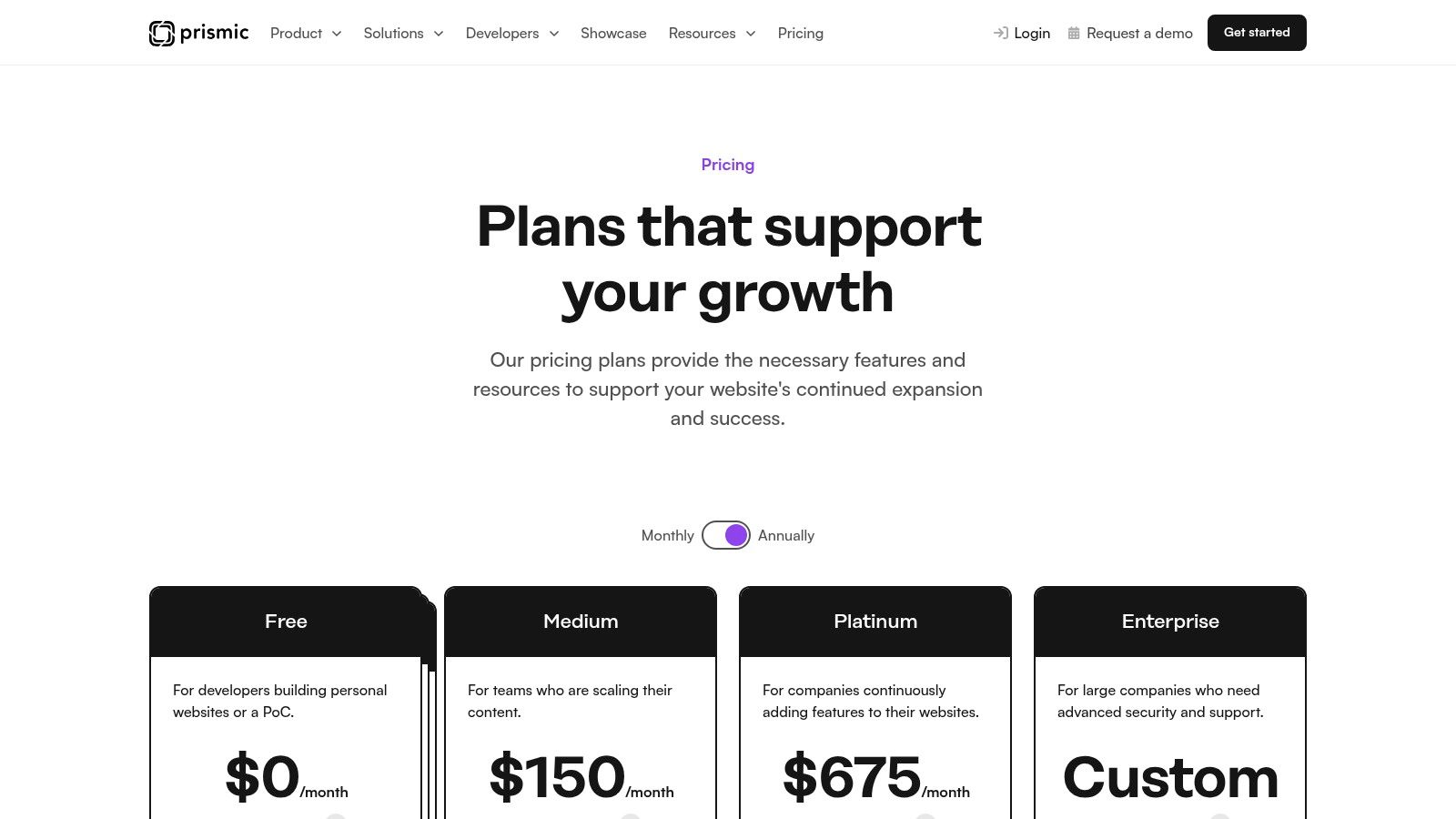
The platform is designed for growing projects that anticipate high traffic. One of its key differentiators is the generous API call allowance included in its mid-to-higher tiers, which often surpasses competitors. This makes it a cost-effective solution for content-heavy sites or applications that need to handle a large volume of requests without incurring surprise overage fees. The built-in image optimization and CDN further enhance performance for media-rich digital experiences.
Key API & Feature Breakdown
- API Types: Prismic offers a well-documented REST API and a fully-featured GraphQL API, giving developers flexibility in how they query content. It also includes webhooks for triggering builds and other automations.
- SDKs & Tooling: Official libraries and starter kits are available for popular frameworks like Next.js, Nuxt, SvelteKit, and Gatsby, significantly accelerating development and integration.
- Integrations: Prismic integrates with major CI/CD platforms like Vercel and Netlify for seamless deployment workflows. Its ecosystem also supports connections to various other third-party services.
- User Experience: The "Page Builder" and "Slices" model is a standout feature, providing a highly visual and intuitive editing environment that empowers non-technical users to build complex layouts.
Pricing and Use Case
Prismic offers a free "Personal" plan for individual projects. Paid plans scale from an affordable entry tier up to custom Enterprise solutions, with higher tiers unlocking features like roles, a Migration API, and millions of included API calls. It's an excellent choice for marketing teams, growing startups, and agencies building visually dynamic websites that require high performance and a user-friendly CMS.
- Website: prismic.io
- Pros: Generous API call allowances on paid plans, an excellent visual page builder, and affordable entry-level pricing.
- Cons: Advanced enterprise features are gated to the highest tiers, and bandwidth overage costs can apply on lower plans.
7. DatoCMS
DatoCMS is a headless CMS with API capabilities designed for performance, particularly appealing to agencies and product teams. It prioritizes a polished user interface and powerful media handling, making it a strong contender for projects where visual content is central. Its standout feature is its native integration with Imgix, which provides real-time image processing and optimization, delivering fast, responsive media assets directly through its API and global CDN.
The platform is built with a GraphQL-first philosophy, offering a highly efficient way to fetch exactly the data you need for your frontend. This, combined with features like content versioning, multiple environments, and cache invalidation tags, provides developers with a robust toolset for building and managing complex, high-performance static and dynamic sites that integrate smoothly into CI/CD pipelines.
Key API & Feature Breakdown
- API Types: It offers a primary GraphQL API for content delivery and a REST-based Content Management API for programmatic content updates. It also supports real-time updates via API and webhooks for triggering builds.
- SDKs & Tooling: DatoCMS provides official JavaScript/TypeScript clients for its Content Delivery and Content Management APIs, alongside a component library for React.
- Integrations: The platform integrates easily with static site generators like Next.js, Gatsby, and Nuxt.js, and offers plugins for services like Shopify, Cloudinary, and Mux for video streaming.
- User Experience: Its web interface is exceptionally clean and user-friendly, allowing content teams to manage complex data structures, including modular and nested content blocks, without a steep learning curve.
Pricing and Use Case
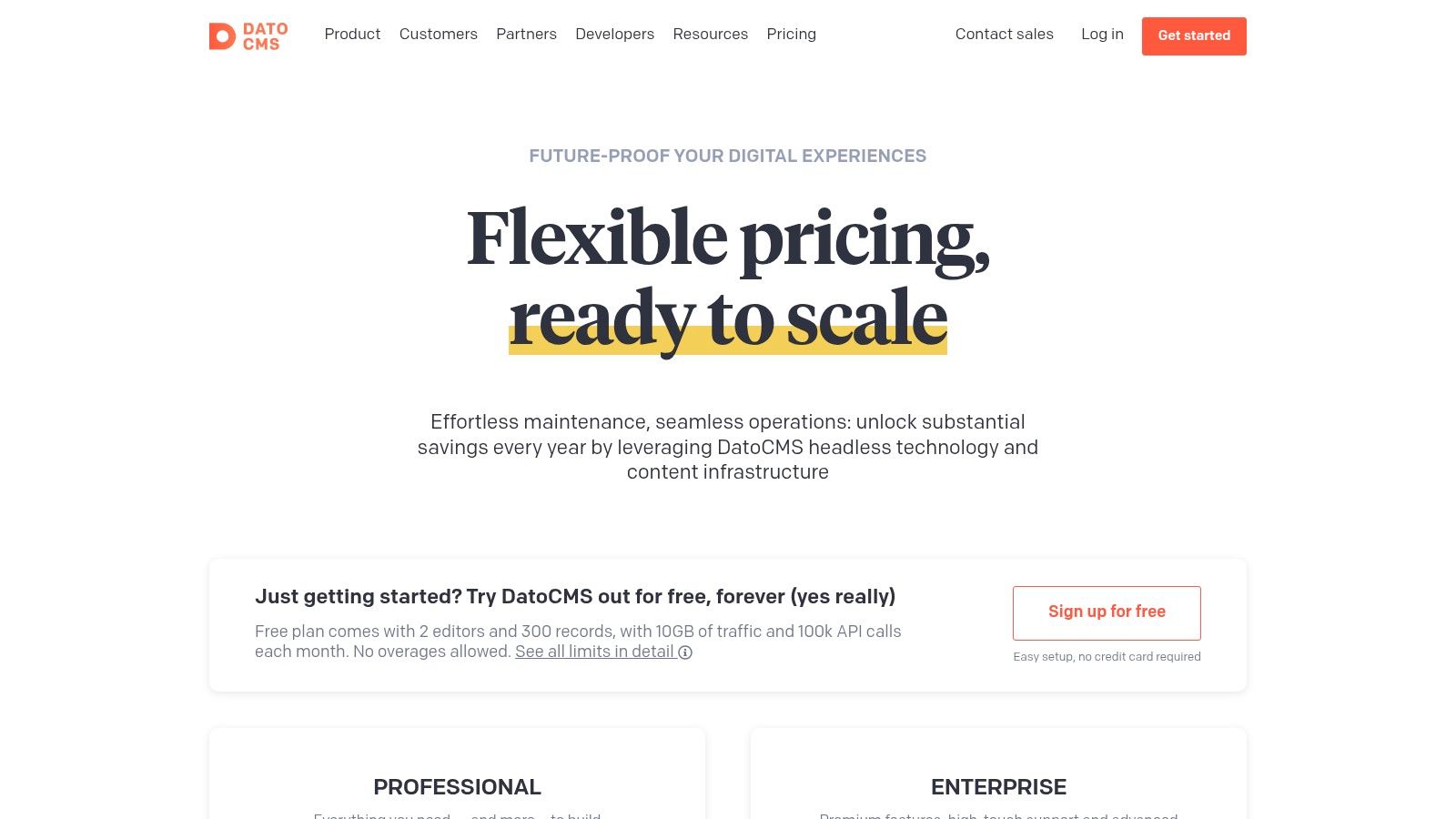
DatoCMS provides a free "Developer" plan for small personal projects. Paid plans scale based on records, users, and API calls, with a clear overage model that prevents unexpected costs. It's an excellent choice for marketing websites, e-commerce stores, and digital agencies that require a sophisticated yet intuitive CMS with best-in-class media management and a predictable billing structure.
- Website: datocms.com
- Pros: Polished UI, exceptional CDN-backed media delivery, and clear quotas for predictable billing.
- Cons: Professional tiers are priced in euros, and some advanced features are reserved for Enterprise plans.
8. Directus
Directus presents a unique, data-first approach in the world of API-driven content management. It acts as an "Open Data Platform," wrapping any new or existing SQL database with instant, dynamic REST and GraphQL APIs. This makes it an exceptional CMS with API capabilities for projects that need to expose an existing database as a headless backend or want granular control over their data schema without being tied to a specific content model. Its strength is turning raw data into structured, API-accessible content.
The platform is highly extensible, providing a no-code admin panel for business users to manage the underlying data. This dual functionality serves both developers who need a powerful API layer and non-technical users who require an intuitive interface. Features like granular roles and permissions, webhooks, and automation flows make it suitable for a wide range of applications beyond simple content delivery, including internal tools and data management backends.
Key API & Feature Breakdown
- API Types: Automatically generates both REST and GraphQL APIs based on your SQL database schema, allowing for real-time data introspection and querying.
- SDKs & Tooling: Offers an official JavaScript SDK that works in both browser and Node.js environments, simplifying authentication and data interaction.
- Integrations: Directus is built to be extensible. Its modular architecture allows for custom extensions, and it can connect to any tool that consumes REST or GraphQL APIs.
- User Experience: The intuitive, Vue.js-powered admin app provides a clean interface for managing data, configuring roles, and setting up automation workflows.
Pricing and Use Case
Directus is open-source and can be self-hosted for free, with very generous license terms (free for companies with under $5 million in annual revenue). Its Cloud offering provides managed infrastructure with pricing based on usage metrics like requests and data entries, featuring transparent overages. It’s ideal for developers wanting to add a headless CMS layer to an existing database or for teams building data-intensive applications who need a flexible, SQL-backed API solution.
- Website: directus.io
- Pros: Ideal for exposing databases as APIs, highly flexible, and offers a fair self-hosted license.
- Cons: The data-model-first approach can be a paradigm shift for those used to traditional CMS workflows.
9. ButterCMS
ButterCMS positions itself as a marketer-friendly, API-first CMS with API that prioritizes rapid setup and ease of use. It's designed for teams who want the power of a headless architecture without the steep learning curve, offering a turnkey solution that integrates quickly into any tech stack. Its standout feature is a predictable pricing model that includes unlimited users, components, and locales on all plans, removing the common friction of per-seat licensing.
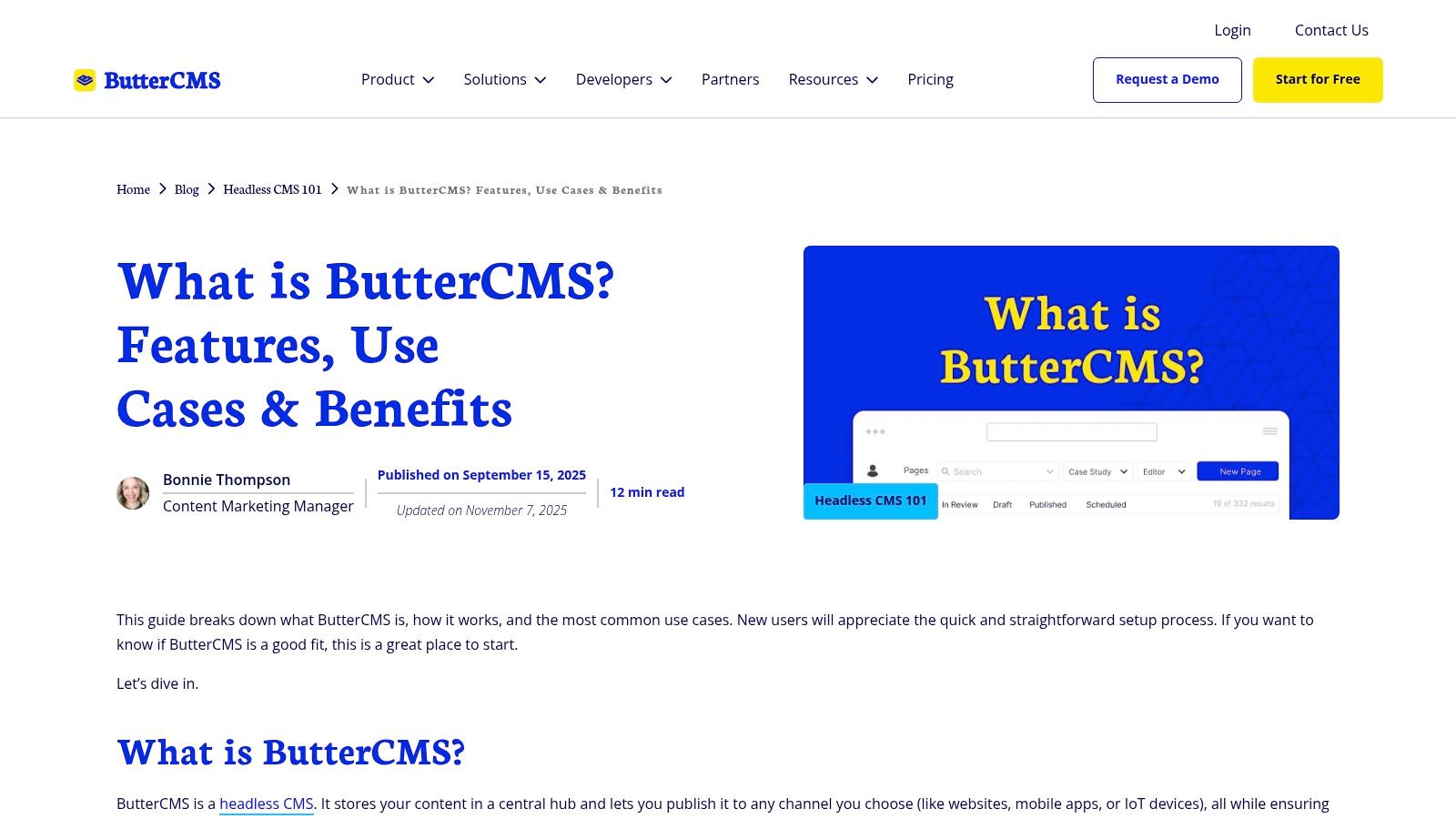
The platform is built to feel familiar to content creators, with visual editing, content previews, and built-in SEO tools that mirror the experience of a traditional CMS. This approach allows marketing teams to manage content independently while developers retain full control over the frontend presentation. For developers, its availability as a Heroku add-on simplifies deployment and integration within existing CI/CD pipelines.
Key API & Feature Breakdown
- API Types: It offers a RESTful API for delivering content, images, and assets, along with a Write API for programmatic content management.
- SDKs & Tooling: Official SDKs are available for major frameworks and languages, including Ruby, Rails, Python, Django, PHP, Laravel, Node.js, and .NET.
- Integrations: ButterCMS integrates with popular static site generators and frameworks, providing a straightforward way to add a dynamic content backend to a static site.
- User Experience: The interface is clean and intuitive, focusing on core content management features like pages, blog posts, and reusable components, making it accessible for non-technical users.
Pricing and Use Case
ButterCMS offers a tiered pricing structure that starts with a plan for startups and scales up to enterprise-level solutions. Plans are based on usage metrics like the number of posts, pages, and API calls, with simple overages for exceeding limits. This makes it an excellent choice for startups, small to medium-sized businesses, and agencies that need a reliable headless CMS with predictable costs and no restrictions on team size.
- Website: buttercms.com
- Pros: Predictable pricing with no seat limits, quick to start, and a strong support reputation.
- Cons: Lower tiers have caps on content items (posts, pages), and advanced features require higher-tier plans.
10. Webflow CMS
Webflow CMS bridges the gap between powerful visual design and headless content management, offering a unique hybrid approach. It excels as a CMS with API for marketing teams and agencies that need pixel-perfect design control without sacrificing the ability to programmatically manage content. Unlike pure headless platforms, Webflow bundles its CMS with an intuitive visual builder, hosting, and a global CDN, making it an all-in-one solution for launching high-performance websites.
The platform is ideal for those who want to automate content workflows or integrate their site with external services. For instance, you can use its API to sync blog posts from a third-party tool, update product inventory from an external database, or create dynamic landing pages based on user data. This makes it a compelling choice for businesses that value both design freedom and operational efficiency.
Key API & Feature Breakdown
- API Types: Webflow provides a RESTful CMS API for creating, updating, and deleting collection items. A read-only Data Client API is also available for fetching live or staged content, useful for custom applications.
- SDKs & Tooling: While there are no official SDKs, the API is well-documented, and community-driven libraries for JavaScript and other languages are available to streamline development.
- Integrations: Native integrations exist with services like Zapier and Make, enabling no-code automation. The API allows for custom connections to virtually any external platform, from CRMs to analytics tools.
- User Experience: The visual editor is Webflow’s standout feature, empowering designers and marketers to build and manage the entire site without writing code, while developers can still leverage the API.
Pricing and Use Case
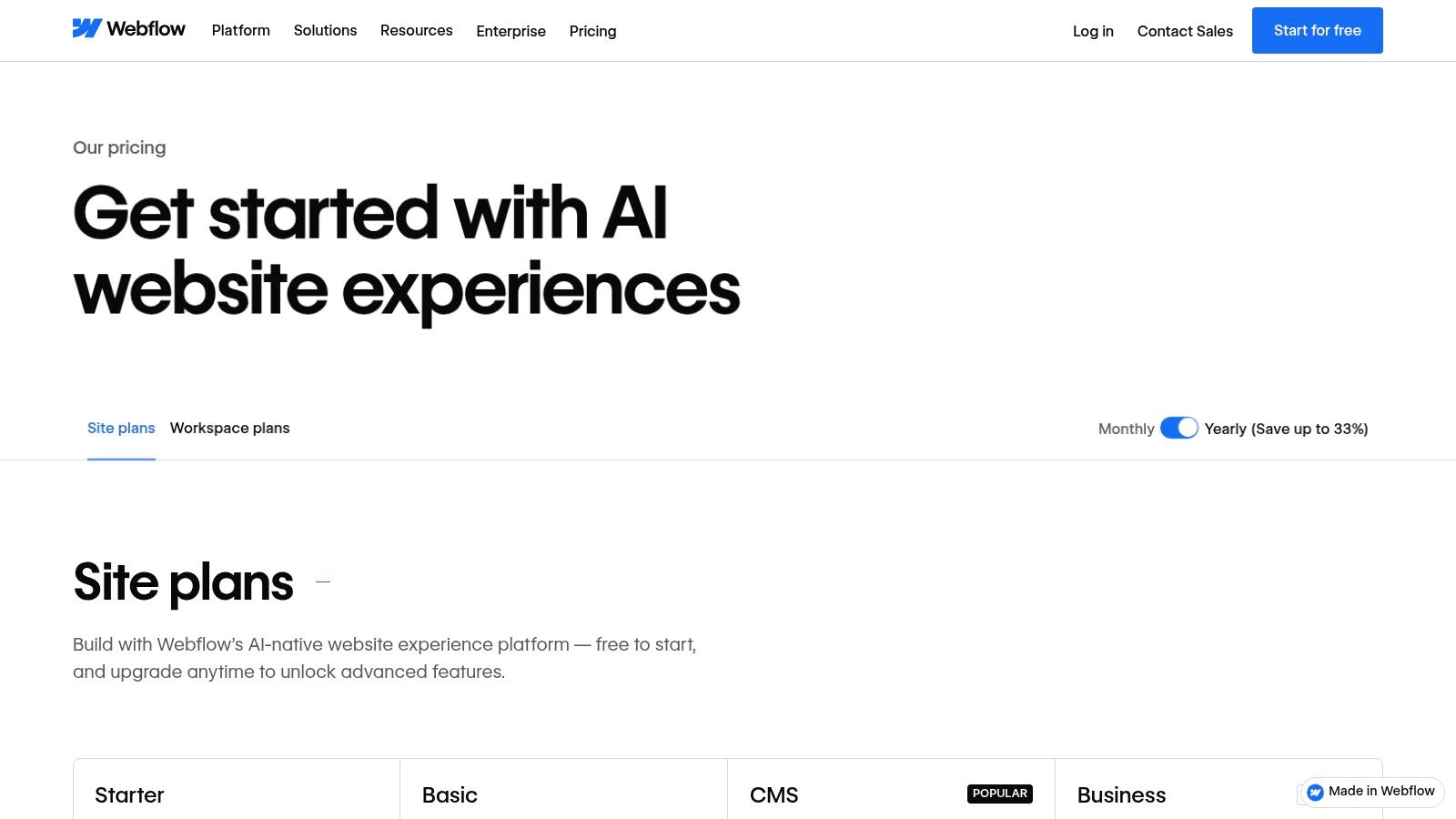
Webflow’s pricing is tiered into "Site Plans" (for hosting) and "Workspaces" (for team collaboration). The API is available on CMS plans and above, with rate limits increasing on higher tiers. It is best suited for marketing websites, interactive portfolios, and small-to-medium e-commerce stores where visual presentation is paramount. It’s less ideal for complex, data-heavy applications that demand the granular content modeling of a pure headless CMS.
- Website: webflow.com
- Pros: Powerful visual design combined with CMS capabilities, straightforward site/CMS plans for blogs and collections, and hosting with a CDN is included.
- Cons: API rate limits depend on the plan, and content modeling is less granular than headless-only rivals.
11. Ghost
Ghost positions itself as a powerful, open-source publishing platform designed specifically for professional writers, bloggers, and content creators. While it excels as a traditional CMS with its beautiful themes, it’s also a capable CMS with API access, making it a strong contender for headless projects. Its core focus is on a clean writing experience, memberships, and newsletters, offering a streamlined solution for building content-driven businesses.
Unlike generic headless platforms, Ghost comes with built-in functionality for memberships, payments, and email newsletters, which are all accessible via its APIs. This allows developers to integrate sophisticated subscription models into custom front-ends built with frameworks like Next.js or Astro, without needing multiple third-party services. You can choose between managed Ghost(Pro) hosting or self-hosting the platform for full control.
Key API & Feature Breakdown
- API Types: Ghost provides a public, read-only Content API for fetching posts, pages, and authors. A separate, authenticated Admin API allows for creating, updating, and deleting content, managing members, and sending newsletters programmatically.
- SDKs & Tooling: Official JavaScript SDKs are available for both the Content and Admin APIs, simplifying integration into Node.js projects and front-end frameworks.
- Integrations: Ghost integrates natively with services like Stripe for payments and has a vast library of integrations via Zapier for connecting to thousands of other apps. Webhooks are also supported for custom workflows.
- User Experience: The Ghost editor is widely acclaimed for its minimalist, Markdown-based interface that provides a distraction-free writing environment.
Pricing and Use Case
Ghost's pricing starts with a "Starter" plan for small publications on its Ghost(Pro) managed hosting. Plans scale based on audience size (members) and staff users. The open-source software is free to self-host, which is a great option for developers comfortable with server management. It is ideal for publishers, independent writers, and businesses building modern media sites or blogs that need a simple but powerful API for content delivery and member management.
- Website: ghost.org
- Pros: Excellent writing experience, built-in membership and newsletter tools, and simple API workflows.
- Cons: Less flexible content modeling compared to pure headless CMSs, advanced customization can require theme development.
12. CloudCannon
CloudCannon offers a unique proposition in the CMS with API space by deeply integrating with Git-based workflows, making it the go-to platform for teams using static site generators like Jekyll, Hugo, and Eleventy. Instead of a traditional content delivery API, it provides a powerful Management API focused on automating site operations. This allows developers to programmatically manage builds, domains, projects, and users, streamlining the entire development lifecycle from staging to production.
The platform excels at bridging the gap between developers who live in Git and non-technical content editors who need a visual, intuitive interface. It syncs content changes directly to your Git repository, preserving a single source of truth. Features like branching, environments, and visual editing for front matter make complex static site management accessible to the entire team.
Key API & Feature Breakdown
- API Types: It features a RESTful Management API for automating site and organizational operations. Content delivery is handled by the built static site, which can be deployed to any CDN.
- SDKs & Tooling: While it doesn't offer language-specific SDKs, the REST API is well-documented and can be integrated using standard HTTP clients in any language.
- Integrations: The Git-centric approach means it integrates inherently with GitHub, GitLab, and Bitbucket. The Management API opens the door for custom CI/CD pipeline integrations.
- User Experience: Its visual editor is a standout feature, providing a live preview and direct editing capabilities that are often missing in Git-backed content workflows.
Pricing and Use Case
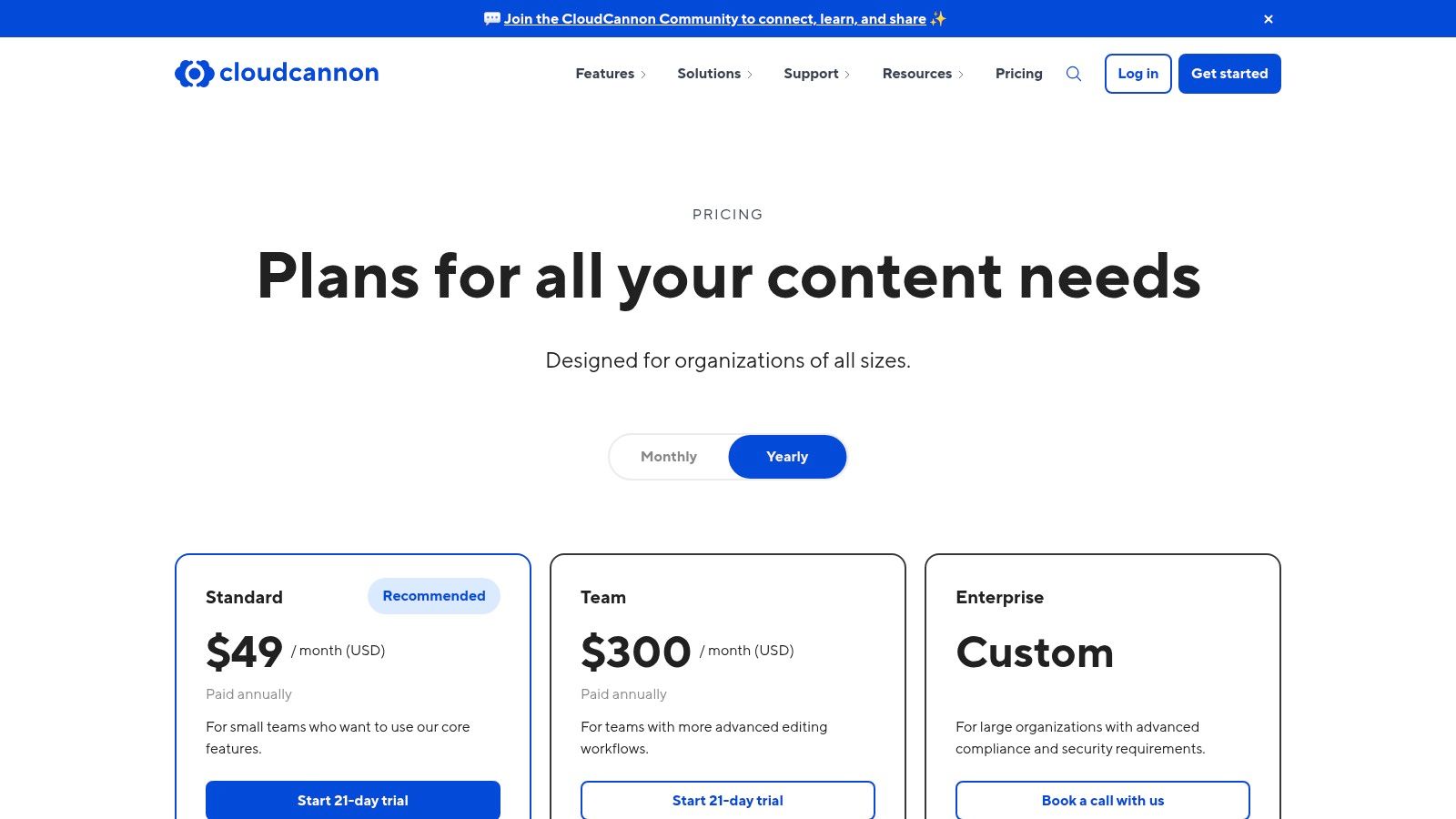
CloudCannon provides a free tier for personal projects, with paid plans scaling based on the number of sites, users, and build minutes. It is perfectly suited for agencies building static sites for clients, documentation teams managing content in Git, and any development team that wants to empower content creators without sacrificing their Git-based process.
- Website: cloudcannon.com
- Pros: Tailor-made for static site generator workflows, API enables operational automation, and transparent pricing tiers.
- Cons: Lacks a traditional content delivery API, and some advanced features are reserved for higher-tier plans.
12 API-First CMS Comparison
| Product | Core features (✨) | UX / Quality (★ / 🏆) | Pricing / Value (💰) | Target audience (👥) |
|---|---|---|---|---|
| Contentful | ✨ REST & GraphQL, Spaces/env, CDN assets, Roles | ★★★★ — Enterprise governance 🏆 | 💰 Enterprise-priced; can scale quickly | 👥 Enterprises, multi‑brand & marketing stacks |
| Sanity | ✨ Real‑time Content Lake, GROQ, Custom Studio | ★★★★ — Excellent dev ergonomics 🏆 | 💰 Generous free tier; seat costs on Growth | 👥 Dev teams & editorial workflows |
| Strapi (Cloud) | ✨ REST/GraphQL, customizable schemas, Cloud hosting | ★★★★ — OSS flexibility + hosted option | 💰 Free OSS; cloud tier limits & scale costs | 👥 Teams wanting open‑source control + managed cloud |
| Hygraph | ✨ GraphQL‑native APIs, federation (Remote Sources), workflows | ★★★★ — GraphQL-first DX 🏆 | 💰 Paid tiers for federation & higher quotas | 👥 GraphQL devs, composable/federated platforms |
| Storyblok | ✨ Visual editor, component model, localization, image service | ★★★★ — Editor UX for marketers 🏆 | 💰 Starter caps; usage add‑ons for scale | 👥 Marketers + devs building CMS-driven pages |
| Prismic | ✨ Slices/Page Builder, REST+GraphQL, CDN & image optim. | ★★★★ — Modern editor; high request quotas | 💰 Competitive mid/high API allowances | 👥 Growing projects needing high API throughput |
| DatoCMS | ✨ GraphQL/REST, advanced media (Imgix), environments & history | ★★★★ — Polished UI & fast media 🏆 | 💰 Predictable quotas; pro tiers euro‑priced | 👥 Agencies & product teams with media needs |
| Directus | ✨ SQL‑backed REST/GraphQL, admin app, flows & roles | ★★★ — Flexible data‑first UX | 💰 Free self‑host; Cloud metered requests/overages | 👥 Projects exposing existing SQL databases |
| ButterCMS | ✨ Visual editing, Content/Preview APIs, unlimited users | ★★★ — Quick setup; marketer-friendly | 💰 Usage‑based pricing; no seat fees | 👥 Marketers & small teams needing predictability |
| Webflow CMS | ✨ Visual site builder + CMS APIs, hosting & CDN | ★★★★ — Design‑first UX 🏆 | 💰 Site/CMS plans; API rate limits by plan | 👥 Designers, agencies, marketing sites |
| Ghost | ✨ Publishing & membership features, Content/Admin APIs | ★★★★ — Excellent writing/publishing UX 🏆 | 💰 Self‑host free; Ghost(Pro) paid hosting | 👥 Bloggers, newsletters & membership sites |
| CloudCannon | ✨ Git‑backed CMS for SSGs, visual editor, Management API | ★★★★ — Tailored SSG Git workflows 🏆 | 💰 Transparent hosting add‑ons & tiers | 👥 Static site teams (Jekyll, Hugo, Eleventy, Astro) |
Choosing Your API-Driven Path Forward
The journey through the world of content management systems with APIs reveals a landscape rich with options, each tailored to a distinct set of priorities. We've explored everything from enterprise-grade powerhouses like Contentful to developer-centric platforms like Sanity, and flexible open-source solutions such as Strapi and Directus. The central takeaway is clear: the ideal CMS with an API is not a one-size-fits-all solution but a strategic choice deeply intertwined with your project's specific needs, team workflow, and technical architecture.
Making the right selection requires moving beyond feature lists and focusing on the core problems you need to solve. Your decision-making process should be a deliberate evaluation of key trade-offs, ensuring the chosen platform aligns perfectly with your goals.
Key Decision Factors Revisited
As you weigh your options, revisit these critical questions to guide your selection:
- Developer Experience vs. Editor Experience: Does your team prioritize a highly customizable development environment like Sanity offers, or is a more structured, intuitive editing interface like Storyblok's visual editor more critical for your content creators?
- API Paradigm (REST vs. GraphQL): Are your front-end developers comfortable with the precise, efficient data-fetching capabilities of GraphQL, a strength of platforms like Hygraph and DatoCMS? Or does the ubiquity and simplicity of a REST API, offered by tools like ButterCMS and Webflow, better suit your existing stack?
- Scalability and Governance: Will your project require the complex content modeling, granular permissions, and internationalization features found in enterprise-ready systems like Contentful? Or are the more straightforward, self-hosted capabilities of Strapi sufficient for your current and future needs?
- The Git-Based Alternative: Does your workflow truly require a database and an API layer? For many static site projects, especially those built with Jekyll, Hugo, or Astro, the answer may be no. The Git-backed approach, exemplified by CloudCannon and simplified even further by tools that commit directly to your repository, offers unparalleled security, performance, and operational simplicity by eliminating the backend entirely.
Making a Confident Choice
Selecting a CMS is a significant commitment that impacts both your development team and your content editors. Before finalizing your decision, consider creating a small proof-of-concept project with your top two or three contenders. This hands-on experience will expose nuances in documentation, API performance, and usability that are difficult to grasp from marketing materials alone. To further refine your evaluation, it's often useful to consult comprehensive software reviews that offer side-by-side comparisons and user-generated feedback.
Ultimately, the best CMS with an API is the one that fades into the background, empowering your team to create and deliver exceptional digital experiences without friction. It's the engine that drives your content strategy, not a roadblock that complicates it. By carefully considering the factors we've discussed, you can confidently choose a path forward that not only meets your technical requirements but also supercharges your content creation process for years to come.
Tired of managing a separate database, API, and hosting for your Jekyll or static site? JekyllPad offers a radically simple alternative by providing a clean, browser-based editor that commits content directly to your GitHub repository. Experience the speed and security of a pure Git-based workflow without sacrificing a user-friendly writing interface by trying JekyllPad today.