
Moving to a headless cms open source approach gives you complete control over content APIs, hosting, and total cost of ownership. In this roundup of 12 standout projects, you’ll find concise overviews, real-world use cases, honest pros and cons, and implementation notes tailored for blogs, documentation sites, and larger applications. Each option includes screenshots and direct links so you can dive right in.
What You’ll Learn
- Project Overviews
Key strengths, limitations, license details, and Git/static-site compatibility for Strapi, Directus, Payload CMS, Ghost, KeystoneJS, and more - Decision Matrix
Compare CMS features against use cases—technical blogs, docs, enterprise apps, or marketing sites - Migration & Implementation
Step-by-step tips for integrating with Hugo, Jekyll, Astro, Eleventy, and Git-based workflows - Editor Layers
How browser-based, Git-backed editors like TinaCMS and Decap CMS enhance WYSIWYG workflows
This guide helps you match project requirements—GraphQL flexibility, built-in editorial features, Git-first content pipelines—to the right open-source headless CMS. Whether you’re a technical blogger on Jekyll, a documentation team for an open-source project, a content marketer managing GitHub Pages, a non-technical creator craving WYSIWYG ease, or an agency building client sites, you’ll find practical insights and direct comparisons.
By the end, you’ll know exactly which headless cms open source solution fits your workflow, and how to get started without guesswork. Ready to explore? Scroll down for the full list of projects, complete with screenshots, links, and hands-on tips.
1. Strapi
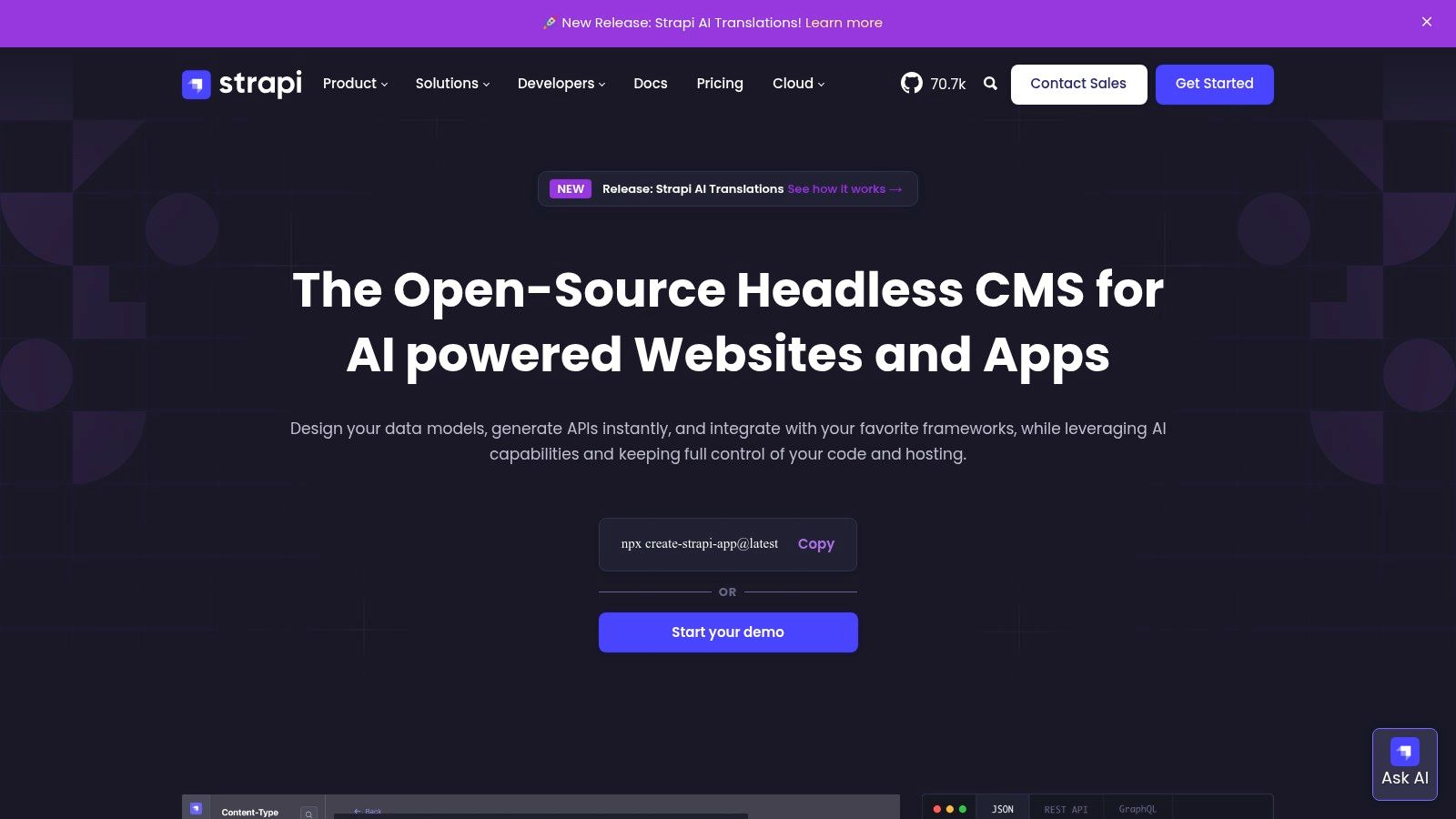
Strapi is a leading open source headless cms written in Node.js and TypeScript. It provides a modern admin ui plus powerful REST and GraphQL apis for flexible content delivery.
Key Features
- Custom content types with dynamic fields and role based permissions
- REST and GraphQL support out of the box
- Extensible plugin system for workflows like i18n and media library
- Database agnostic: PostgreSQL, MySQL, MariaDB, SQLite
Use Cases
- Marketing sites with rapid editorial updates
- Documentation portals integrated with static site generators
- SaaS dashboards requiring fine grained access control
- Multi language blogs with team collaboration
Pros and Cons
Pros
- Fully customizable open source core
- Strong ecosystem and rich documentation
- Clear separation of self hosted and hosted cloud offering
Cons
- Advanced features like SSO and audit logs need paid license
- Node.js version constraints can slow upgrades
Pricing and Hosting
You can self host Strapi for free under the MIT license or opt for Strapi Cloud for one click deployments and automatic scalability. The managed offering starts with a free tier and scales with usage.
Implementation Tips
- Use webhooks to trigger static site generator rebuilds after content changes
- Leverage the plugin marketplace for features not in the core
- Pair Strapi with your favorite SSG for a Git centered workflow
Learn more about Strapi on jekyllpad.com
2. Directus
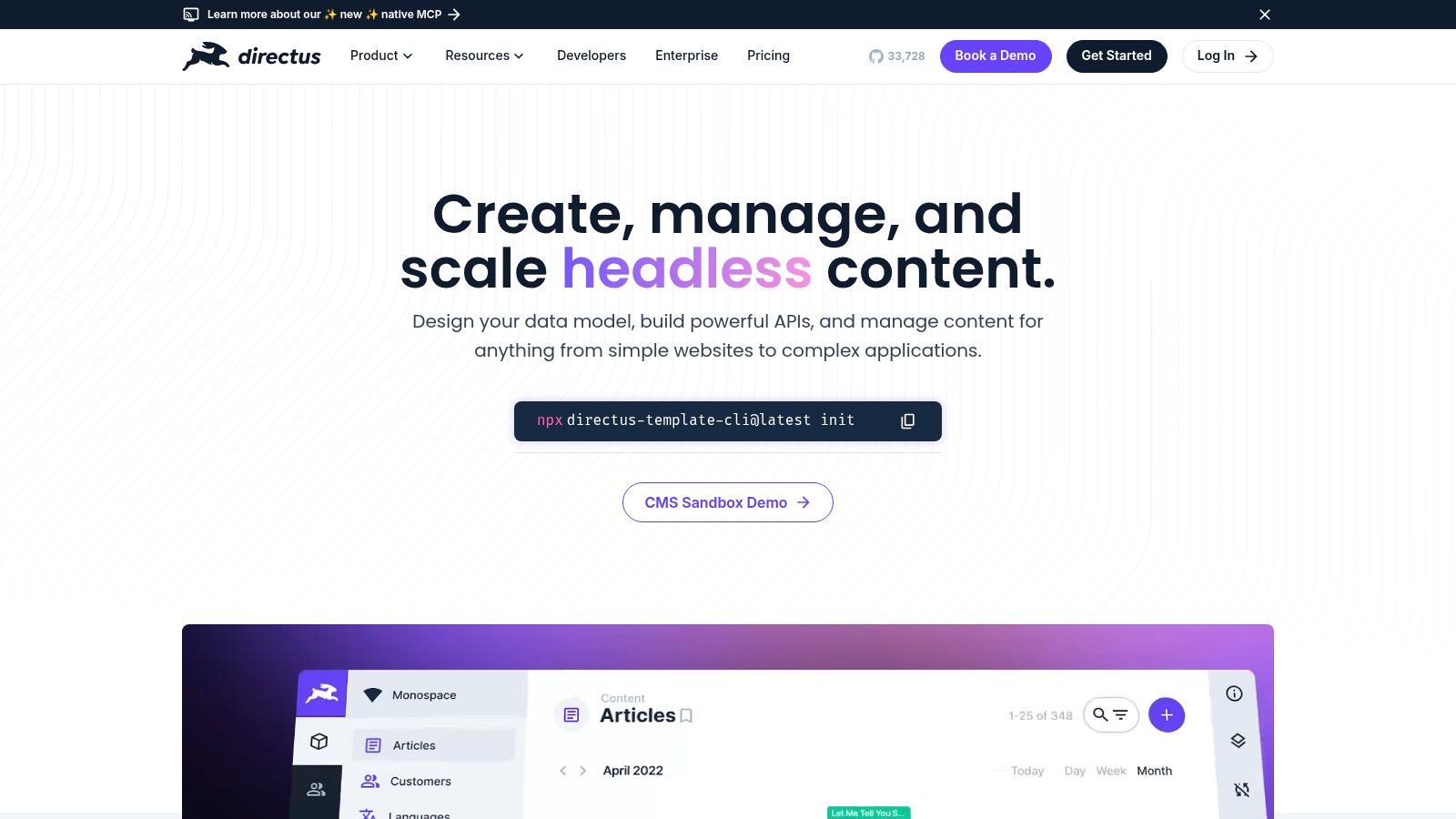
Directus is an open source data platform that turns any SQL database into a headless cms and real time API. It wraps existing schemas without forcing migrations and adds a visual admin Studio for editors. You can self host under a permissive license or deploy on Directus Cloud for managed scalability.
Key Features
- Instant REST and GraphQL endpoints over your database
- Visual data modeling and user friendly Admin Studio
- Policy based authentication and granular permissions
- Extensions, webhooks and custom automation flows
- Broad SQL support: PostgreSQL, MySQL, SQLite and more
Use Cases
- Exposing legacy database content as APIs
- Building documentation portals with dynamic schemas
- Managing product catalogs or inventory systems
- Low code data workflows for marketing and editorial teams
Pros and Cons
Pros
- Integrates with existing database schemas seamlessly
- Intuitive interface for non technical content teams
- Flexible deployment: self hosted or managed Cloud
Cons
- BSL license requires commercial license for larger organizations
- Cloud pricing tiers and feature details may need sales contact
Pricing and Hosting
Directus is free to self host under the BSL license. Directus Cloud offers hosted plans with a free tier. Higher usage or enterprise level features require paid subscriptions and direct sales engagement.
Implementation Tips
- Use webhooks to sync content changes with static site generators
- Leverage environment variables to separate dev and prod API keys
- Audit policies early to secure custom data endpoints
Learn more about Directus on directus.io
3. Payload CMS
Payload CMS is an open source, TypeScript-first headless cms that stands out among headless cms open source offerings. It provides fully typed schemas with Blocks and Layouts, draft/preview workflows, plus GraphQL and REST apis. First-party starter templates for Vercel and Cloudflare Workers streamline deployment.
Key Features
- Fully typed schemas and access control via TypeScript definitions
- GraphQL and REST apis for flexible content delivery
- Blocks and Layouts for visual page building with draft and preview workflows
- First-party starter templates optimized for Vercel and Cloudflare Workers
Use Cases
- Developer blogs using Jekyll, Hugo, Astro or Eleventy with strict type safety
- Documentation sites for software and open source projects needing live previews
- Marketing microsites where rapid schema changes and version control are critical
- Agencies and freelancers building client sites with self-hosted control
Pros and Cons
Pros
- Excellent developer experience for TypeScript users
- Active roadmap and modern starter kits under an MIT license
Cons
- Managed cloud offering has limited sign-ups and is in transition
- Smaller ecosystem compared to WordPress or Drupal
Pricing and Hosting
Payload CMS is fully self-hosted for free under the MIT license. Deploy on any Node.js platform or use first-party templates on Vercel and Cloudflare Workers. Get started at https://payloadcms.com
Implementation Tips
- Leverage typed schemas to auto-generate admin forms
- Use Blocks and Layouts for modular page building without custom UI
- Integrate webhooks to trigger static site generator rebuilds on content changes
4. Ghost
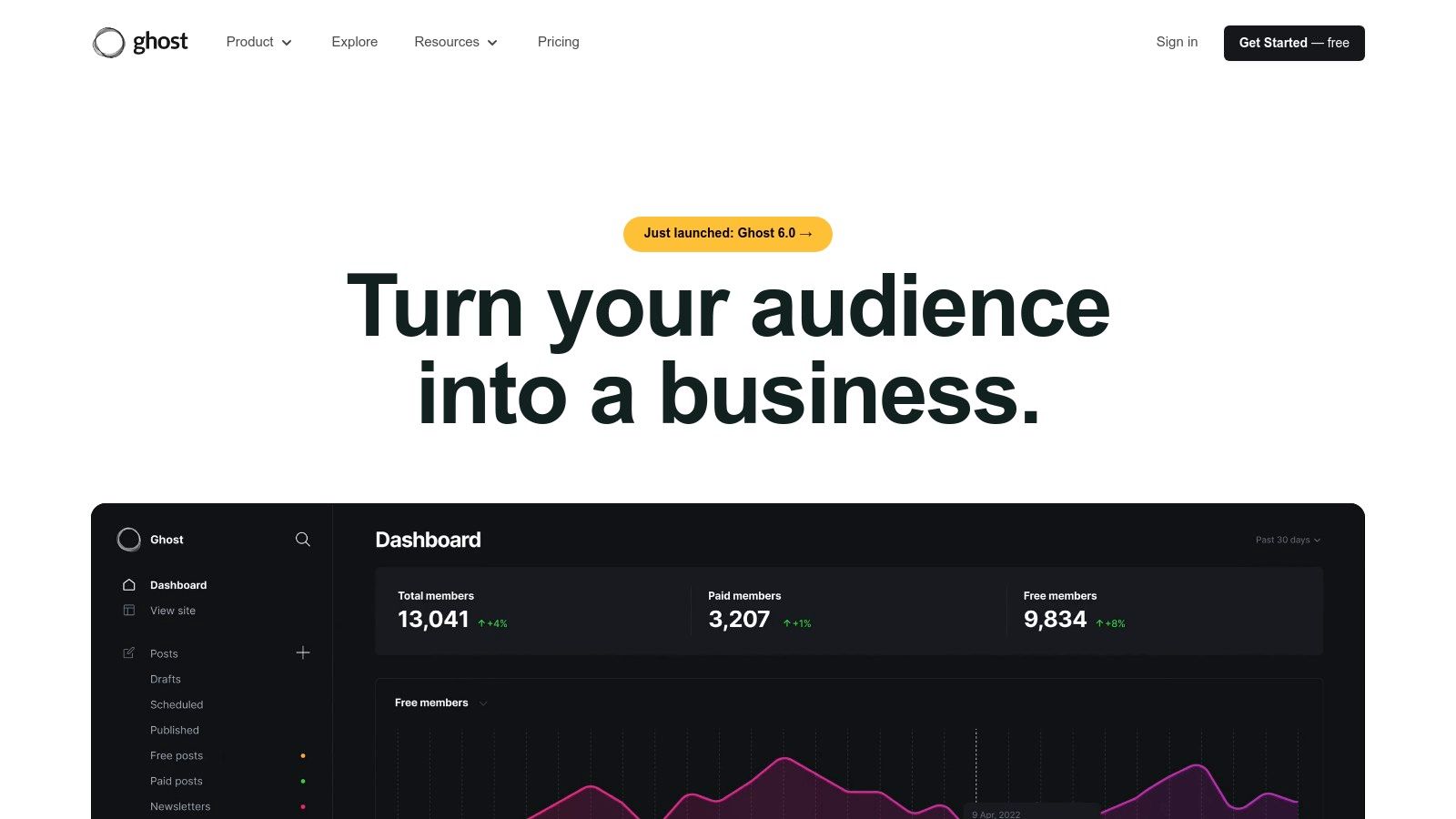
Ghost is an open source headless cms built on Node.js that’s tailored for publishing, newsletters, and membership sites. It provides a clean admin UI, simple REST Content and Admin APIs with JavaScript SDKs, plus built-in subscriber and payment management. Visit ghost.org to explore code or managed hosting options.
Key Features
- Content and Admin REST APIs with official SDKs
- Native newsletter, membership, and Stripe payment integration
- Theme CLI and Docker images for local development and production
- Webhook support for Jamstack frontends (Jekyll, Hugo, Astro)
Use Cases
- Editorial blogs requiring subscription and email campaigns
- Documentation hubs with gated content for sponsors
- Marketing sites sending automated newsletters
- Static site generators consuming headless content
Pros and Cons
Pros
- Outstanding editorial UX with WYSIWYG and markdown support
- Straightforward headless consumption via Content API
- Comprehensive docs, quick install scripts, active community
Cons
- Strong focus on publishing may feel limiting for general CMS needs
- Some advanced features (analytics, custom domains) easier on Ghost(Pro)
Pricing and Hosting
Self host Ghost under the MIT license at no cost using Docker or traditional installs. Ghost(Pro) managed hosting starts at $9 USD per month with automatic updates, SSL, and priority support.
Implementation Tips
- Use webhooks to trigger your static site generator build on content publish
- Integrate the Admin API with custom React or Vue frontends
- Leverage the theme CLI for Git-based workflows and local preview
Learn more about Ghost integration on jekyllpad.com
5. KeystoneJS
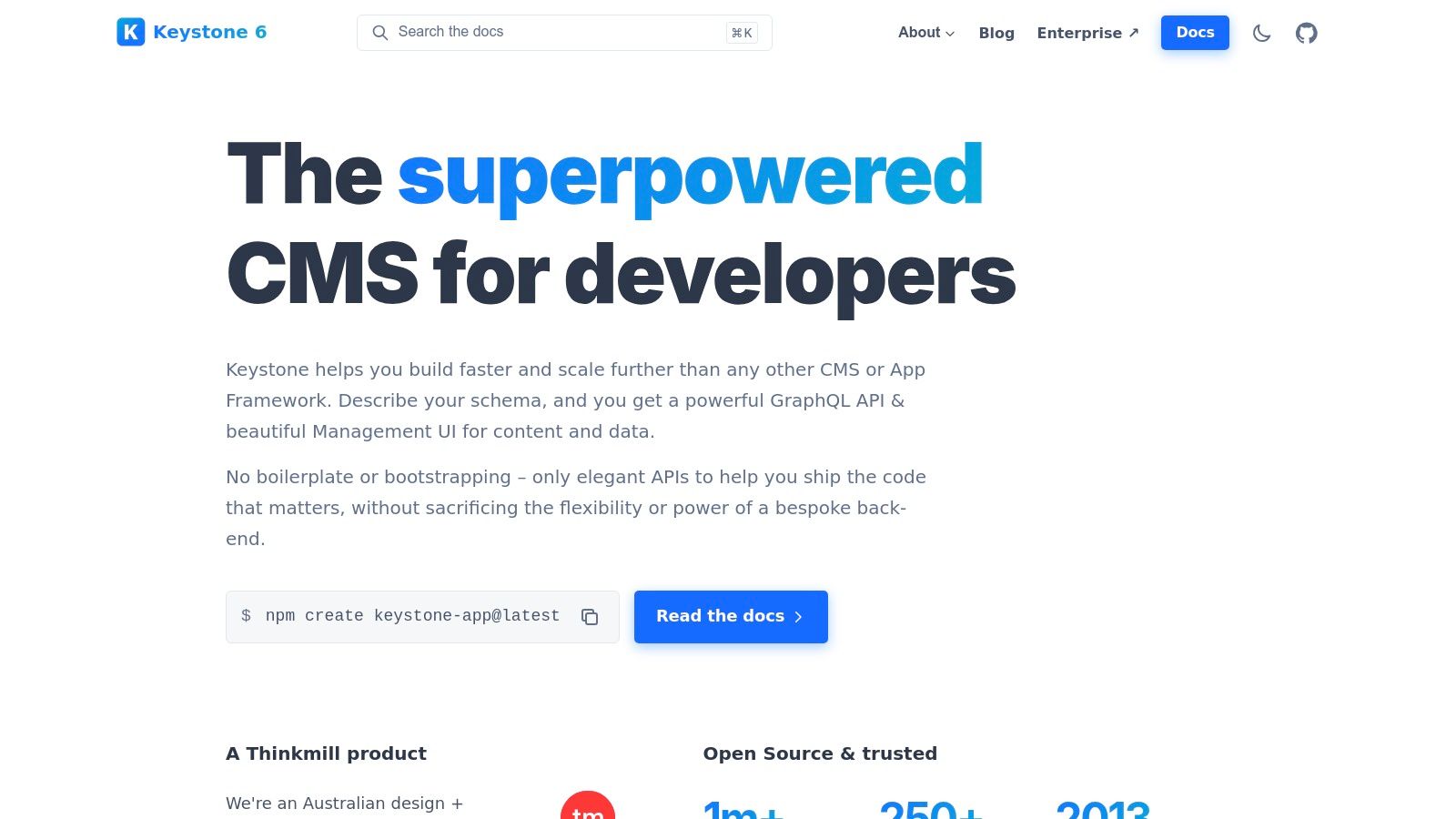
KeystoneJS is an open source Node.js headless cms and application framework that auto-generates a GraphQL API and Admin UI. It stands out among headless cms open source projects for its integrated UI and zero-boilerplate setup. Ideal for minimal overhead, flexible data modeling, and deployment anywhere.
Key Features
- Auto-generated GraphQL CRUD API and Admin UI
- Schema defined in JavaScript/TypeScript with Prisma migrations
- Role based access control and lifecycle hooks
- Deploy anywhere: VPS, Render, DigitalOcean, or your own server
Use Cases
- Content driven marketing sites with real-time GraphQL queries
- Documentation portals with Git-integrated editorial workflows
- Custom SaaS dashboards needing flexible data models
- Static site generators leveraging a headless cms open source backend
Pros and Cons
Pros
- Minimal boilerplate and strong developer experience
- Flexible data models and custom business logic via hooks
- Active community with optional enterprise support
Cons
- No official managed cloud, user handles hosting and operations
- Smaller plugin ecosystem compared to some larger CMS projects
Pricing and Hosting
KeystoneJS is free under the MIT license for self-hosting. You choose your infrastructure on any cloud provider. Community support is available via GitHub discussions. Paid enterprise plans offer SLA guarantees and dedicated support.
Implementation Tips
- Use a Git-based workflow to track Prisma schema changes
- Leverage Admin UI hooks to tailor the editing experience
- Deploy with Docker or serverless adapters for horizontal scaling
- Integrate with static site generators through GraphQL endpoints
Learn more about KeystoneJS at https://keystonejs.com.
6. Decap CMS
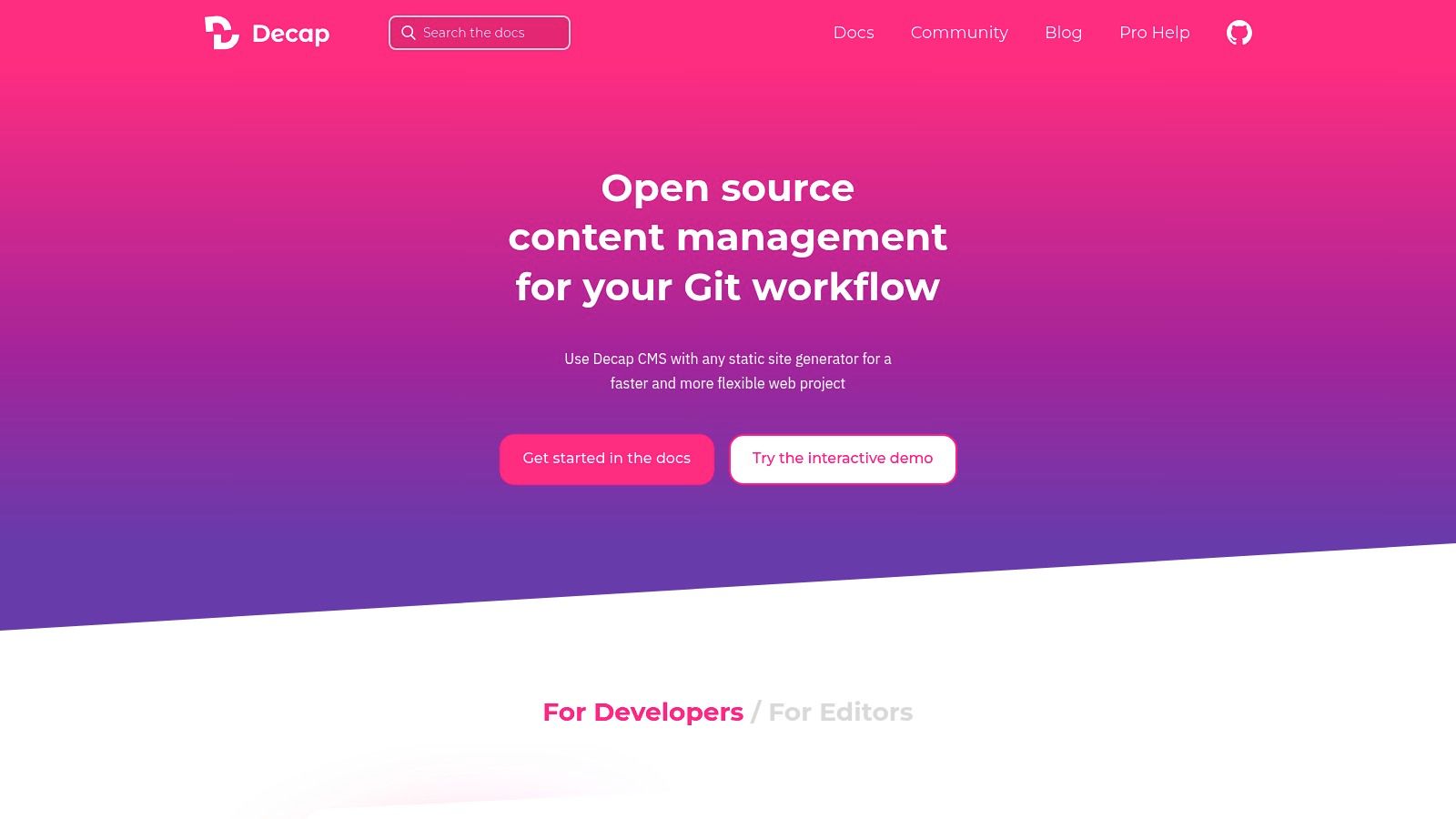
Decap CMS is an open source, Git-backed headless CMS tailored to static site generators and Jamstack workflows. It injects a lightweight editor UI at /admin and commits content directly to your Git provider without requiring a separate database.
Key Features
- Git-backed content workflow with instant commits to any GitHub, GitLab or Bitbucket repo
- Editor UI integrates at
/adminalongside Hugo, Eleventy, Gatsby, Next.js and other SSGs - Extensible widgets and previews via custom schema and React components
- Multiple backend adapters for Netlify, GitHub Pages, Vercel and more
Use Cases
- Technical blogs or documentation sites that need markdown editing in place
- Marketing landing pages powered by Hugo or Jekyll with editorial contributors
- Projects hosted on GitHub Pages where non-technical writers need a GUI
- Jamstack portfolios requiring rapid updates without a full CMS stack
Pros and Cons
Pros
- Very light footprint and fast to set up
- Seamless Git integration with no extra infrastructure
- Completely free under the MIT license
Cons
- Lacks advanced editorial workflows like real-time collaboration
- Role management and granular permissions are limited
Pricing and Hosting
Decap CMS is free to self host under MIT. It works with any static site host or Git provider. No paid tier or hosted service is required.
Implementation Tips
- Store your config file in the repo root for easy environment sharing
- Use webhooks on Netlify or Vercel to trigger rebuilds after commits
- Extend with custom React widgets for rich media and dynamic fields
Learn more about Decap CMS on jekyllpad.com (https://www.jekyllpad.com/blog/github-based-cms)
7. ApostropheCMS
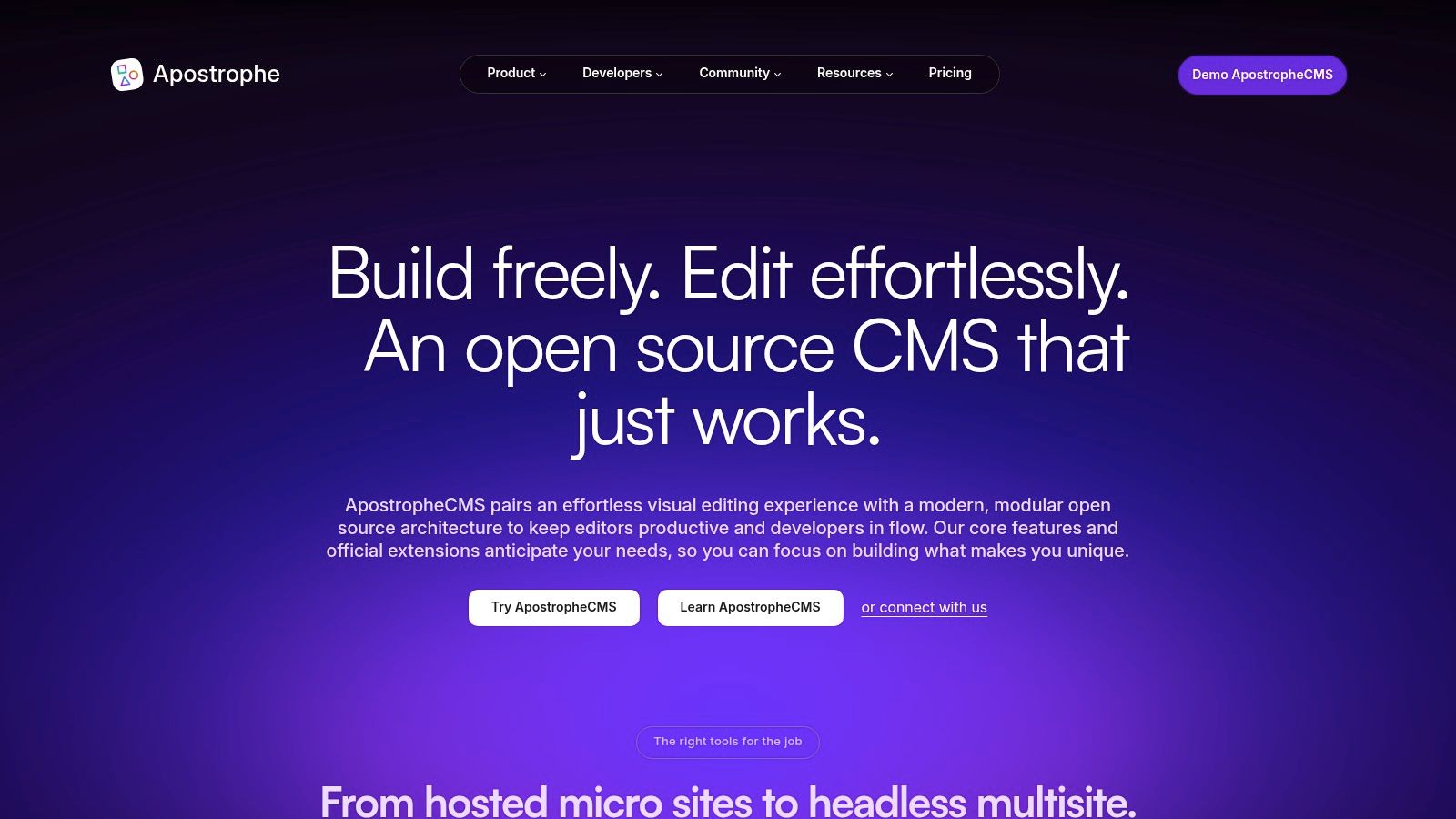
ApostropheCMS is an open source Node.js CMS that can run full-stack or headless, combining visual in-context editing with powerful REST APIs. As a headless cms open source solution, it shines for teams needing multisite support and a clear upgrade path from self-hosted Community edition to managed SaaS.
Key Features
- Visual in-context editing with immediate on-page previews
- REST API first design, with GraphQL roadmap underway
- Flexible schemas: nested content, custom modules, and widgets
- Multisite & white-label capabilities out of the box
- Starter kits for Astro, Next.js, and other static site generators
- Media library with focal point cropping and versioning
Use Cases
- Documentation sites requiring live preview and editor-friendly UI
- Marketing portals across multiple brands or regions
- Static blogs with WYSIWYG editing for non-technical authors
- Client dashboards that mix static pages and dynamic apps
Pros and Cons
Pros
- Strong editor experience with drag-and-drop and in-context tools
- Built-in multisite makes white-label projects simple
- Clear migration path from free Community edition to paid hosting
Cons
- Smaller plugin ecosystem than WordPress or Drupal
- Advanced features like SSO and audit trails require paid tiers
Pricing and Hosting
ApostropheCMS Community edition is free under the MIT license for self-hosting. Managed plans start with a developer tier offering automatic updates, secure backups, and enterprise support. Custom hosting options scale from small projects to large multisite deployments.
Implementation Tips
- Use official Astro starter kit to combine Git workflows with WYSIWYG editing
- Structure content modules early to avoid schema refactors
- Leverage REST webhooks to trigger CI builds for static sites
- Plan for GraphQL extension for richer queries once available
Learn more about ApostropheCMS on apostrophecms.com (https://apostrophecms.com)
8. Drupal (Decoupled/Headless)
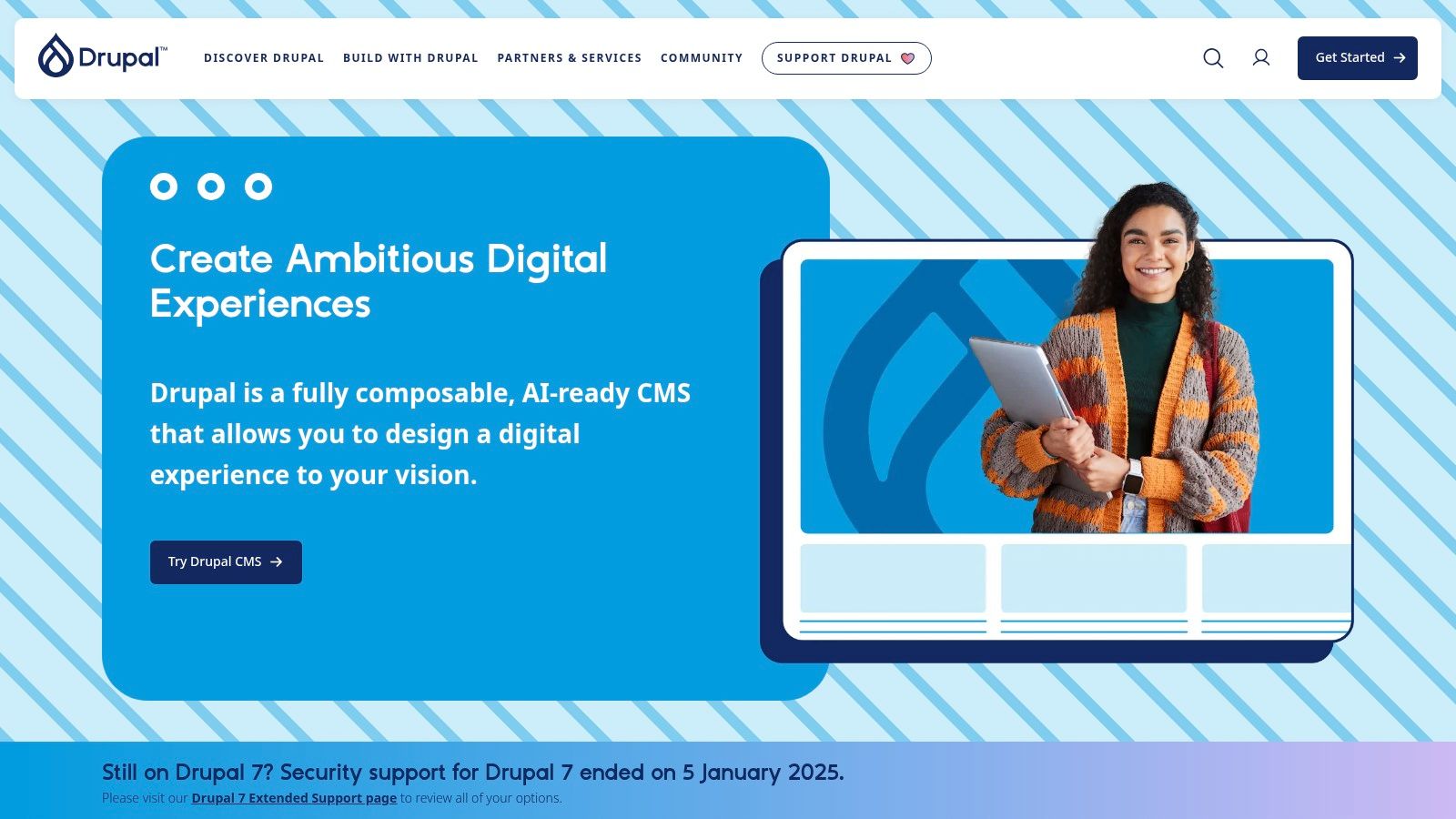
Drupal is an enterprise-grade open source CMS with first-class decoupled support via JSON:API in core and an official GraphQL module. It shines on large, multilingual sites that demand granular workflows, strict security, and proven scalability. A vast ecosystem of community modules and formal governance processes make it ideal for mission-critical content platforms.
Key Features
- JSON:API in core with granular field-level permissions
- Community-maintained GraphQL module for flexible queries
- Mature content modeling, workflows and multilingual support
- Large module ecosystem and formal security/governance
- Extensive decoupled documentation and best-practice guides
Use Cases
- Global corporate websites with multi-region content
- Government or higher-ed portals requiring strict compliance
- Editorial platforms with staged workflows and approvals
- Product catalogs feeding React, Next.js or Vue frontends
- Complex knowledge bases and documentation sites
Pros and Cons
Pros
- Extremely flexible and proven at enterprise scale
- Strong community, agency ecosystem and LTS policies
- Deep integration with modern JavaScript frameworks
Cons
- Steeper learning curve than lighter headless CMSs
- Heavier to host and maintain for small projects
Pricing and Hosting
Self-host Drupal for free under the GPLv2 license. Commercial platform options include Pantheon, Acquia, Platform.sh or AWS Marketplace. Learn more at https://www.drupal.org
Implementation Tips
- Enable JSON:API and GraphQL modules, then tailor permissions per role
- Use Drupal Console and Drush scripts to automate migrations
- Integrate with Next.js or Gatsby for SSG workflows and preview
- Leverage caching layers (Redis or Varnish) for high-traffic delivery
9. WordPress.org (Headless)
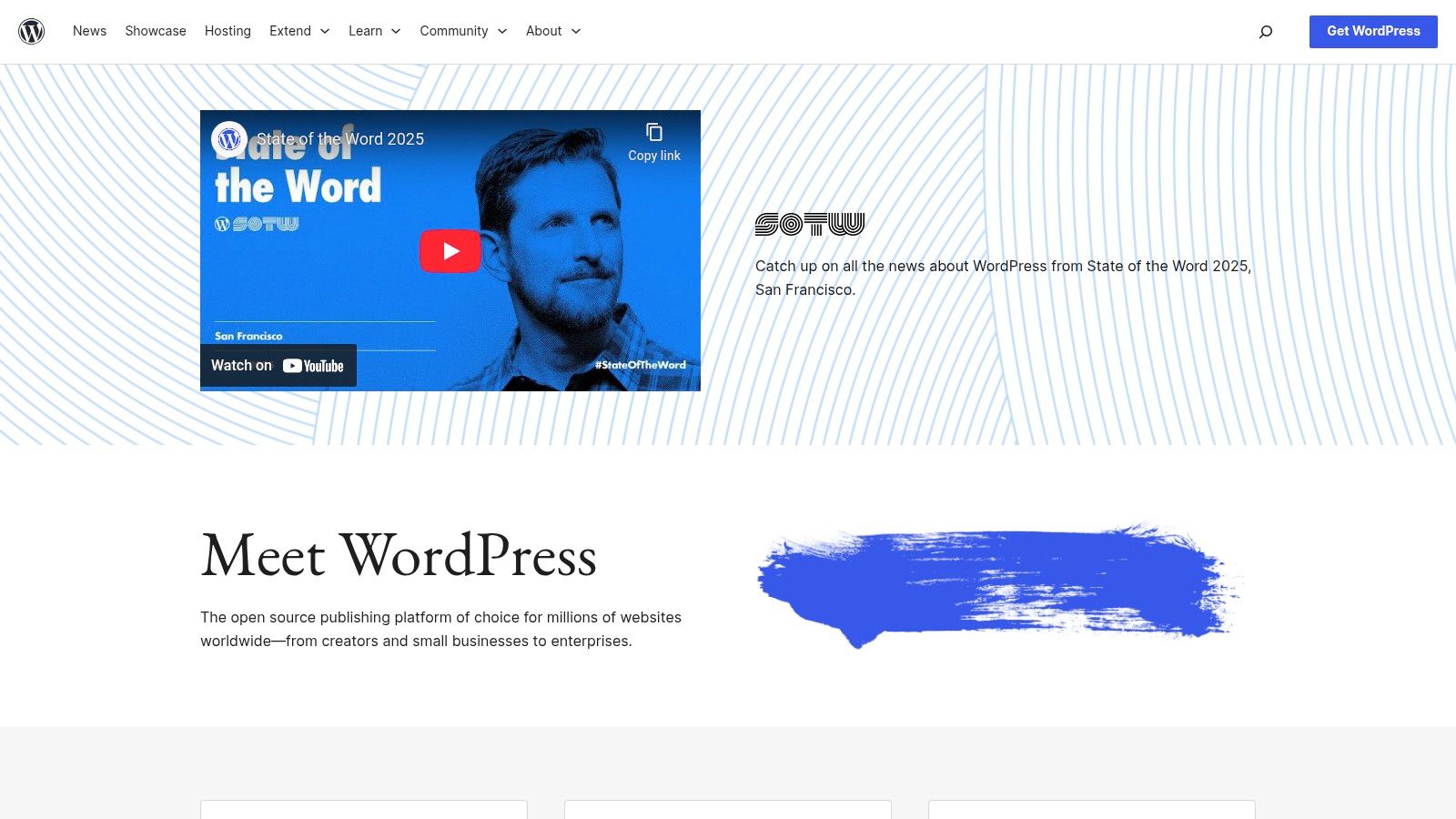
WordPress.org is the world’s most-used open source CMS that can power a headless architecture via its built-in REST API or the community-driven WPGraphQL plugin. It stands out with an enormous ecosystem of plugins, themes, and hosting providers, backed by a vast talent pool and extensive documentation. Developers and content teams can decouple the front end entirely, using frameworks like Next.js, Gatsby, or Eleventy to deliver blazing-fast static or dynamic sites.
Key Features
- Core REST API available out of the box for common content types
- Optional GraphQL endpoint via the WPGraphQL plugin
- Massive plugin and theme library for authentication, caching, SEO
- Flexible hosting across shared, VPS, and managed WordPress servers
Use Cases
- Content-heavy marketing sites needing editorial workflows
- Documentation portals with versioned releases and search
- Static blog generators (Jekyll, Hugo) pulling posts via REST
- Mobile apps or SPAs consuming JSON or GraphQL data
Pros and Cons
Pros
- Vast community and developer talent pool
- Hundreds of plugins for security, performance, SEO
- Easy to find US-based managed hosts and support
Cons
- Requires careful hardening and cache strategy for scale
- Decoupling adds deployment complexity and separate UIs
Pricing and Hosting
Self-host WordPress for free under the GPL license. Managed WordPress hosts (WP Engine, Kinsta) offer headless-friendly plans starting at around $30/month. Most cloud providers (DigitalOcean, AWS, Azure) provide one-click WordPress droplets.
Implementation Tips
- Use object caching (Redis, Memcached) to reduce DB load
- Enable WPGraphQL selectively to limit schema bloat
- Leverage webhooks or WP-Cron to trigger static builds
- Audit plugins for compatibility with headless workflows
Learn more at https://wordpress.org.
10. Plone
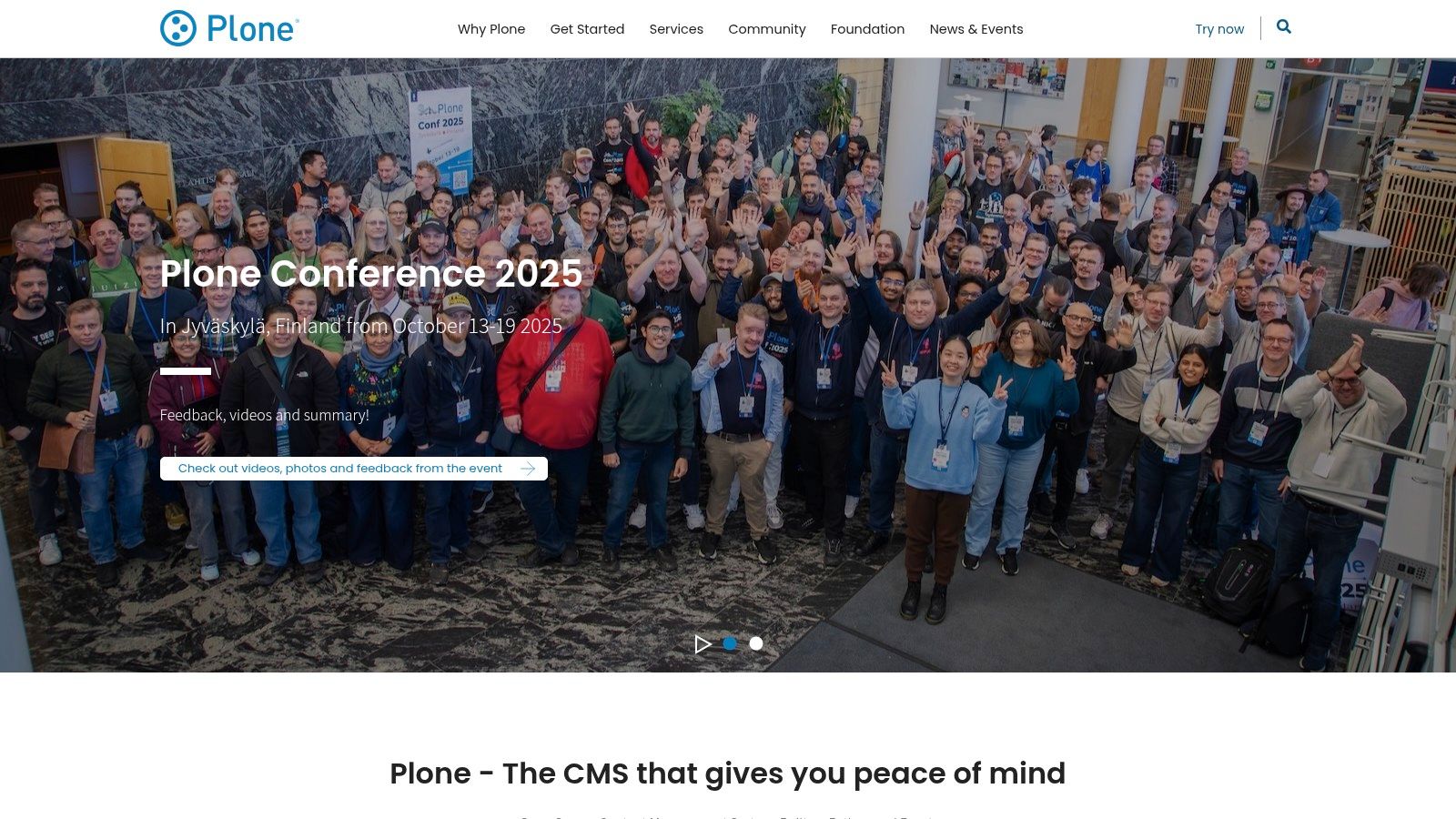
Plone is a long-standing open source Python CMS with a first-class REST API provided by plone.restapi and a modern React frontend called Volto. Consider Plone for enterprise projects where security, robust workflows and content governance matter. Its headless cms open source architecture lets teams integrate content into any modern web stack.
Key Features
- plone.restapi included in Plone 6 for REST-driven content delivery
- Robust workflows, granular permissions and built-in multilingual support
- High security posture, mature governance and compliance tooling
- Volto React frontend offers a modern, component-based editing experience
Use Cases
- Enterprise intranets and portals requiring strict access control
- Regulated industries with audit trails and complex approval flows
- Global websites needing multilingual content governance
- Editorial platforms that must integrate with static site generators
Pros and Cons
Pros
- Enterprise-ready with strong security and stability
- Powerful workflow engine and detailed permission model
- Comprehensive docs and REST interface packages
Cons
- Smaller community compared to WordPress or Drupal
- Hosting and operations often need specialized Python stack providers
Pricing and Hosting
Plone is free under the GPL license and can be self hosted on any Python-friendly infrastructure. Commercial support and managed hosting plans are available from certified Plone solution providers to simplify deployment and maintenance.
Implementation Tips
- Pair Volto with static site generators using webhooks for rebuilds
- Leverage content rules to automate notifications and workflows
- Enable HTTP caching and CDN integration for performance
Learn more about Plone on plone.org
11. TinaCMS
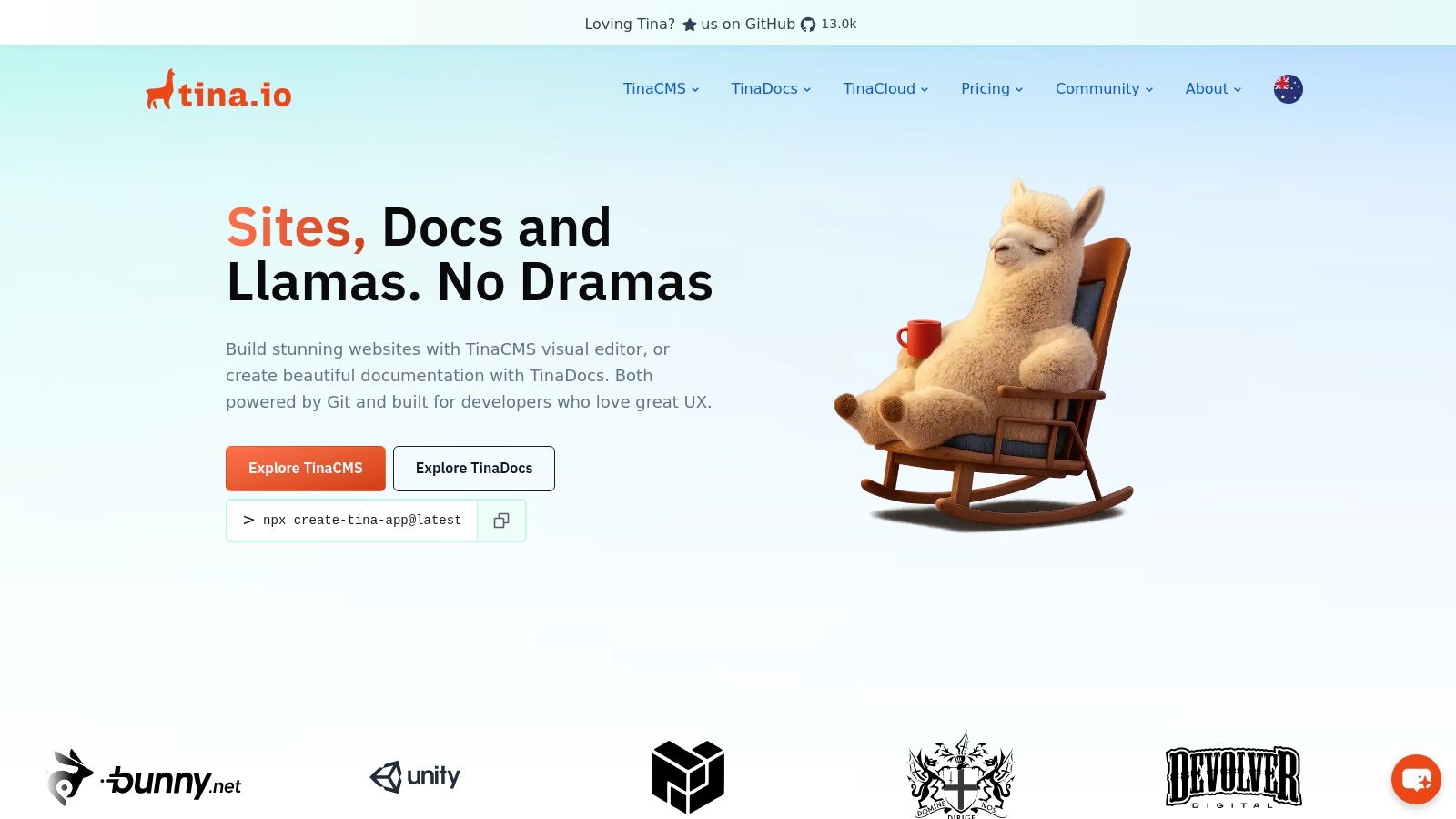
TinaCMS is an open source headless cms focused on inline and visual editing for Markdown and MDX content stored in Git. It offers a schema-as-code approach and a self-hosted backend under Apache 2.0, with an optional Tina Cloud for media hosting, authentication, and collaboration.
Key Features
- Git-backed workflows integrated with GitHub and GitLab
- Inline WYSIWYG editing alongside your content
- Schema-as-code: define fields in JavaScript or TypeScript
- Self-hosted core under Apache 2.0 license
- Tina Cloud for media library, auth, and team collaboration
Use Cases
- Documentation sites requiring live preview and version control
- Jamstack projects built with Next.js, Gatsby, or Eleventy
- Static blogs or portfolios managed entirely in Git
- Marketing sites where content must stay in a codebase
Pros and Cons
Pros
- Seamless Git-based content versioning and rollback
- Lightweight integration with any static site generator
- Fast in-context editing for non-technical users
Cons
- Git workflows can be complex for large editorial teams
- Advanced collaboration features require a Tina Cloud subscription
Pricing and Hosting
You can self host TinaCMS for free under the Apache 2.0 license with no usage limits. Tina Cloud starts at $29 per project per month and adds hosted media storage, role-based access, and real-time collaboration.
Implementation Tips
- Use the Next.js plugin for live content preview
- Keep schema files and Markdown side by side in your repo
- Configure GitHub webhooks to trigger site rebuilds after edits
Learn more about TinaCMS on tina.io
12. Umbraco (Heartcore)
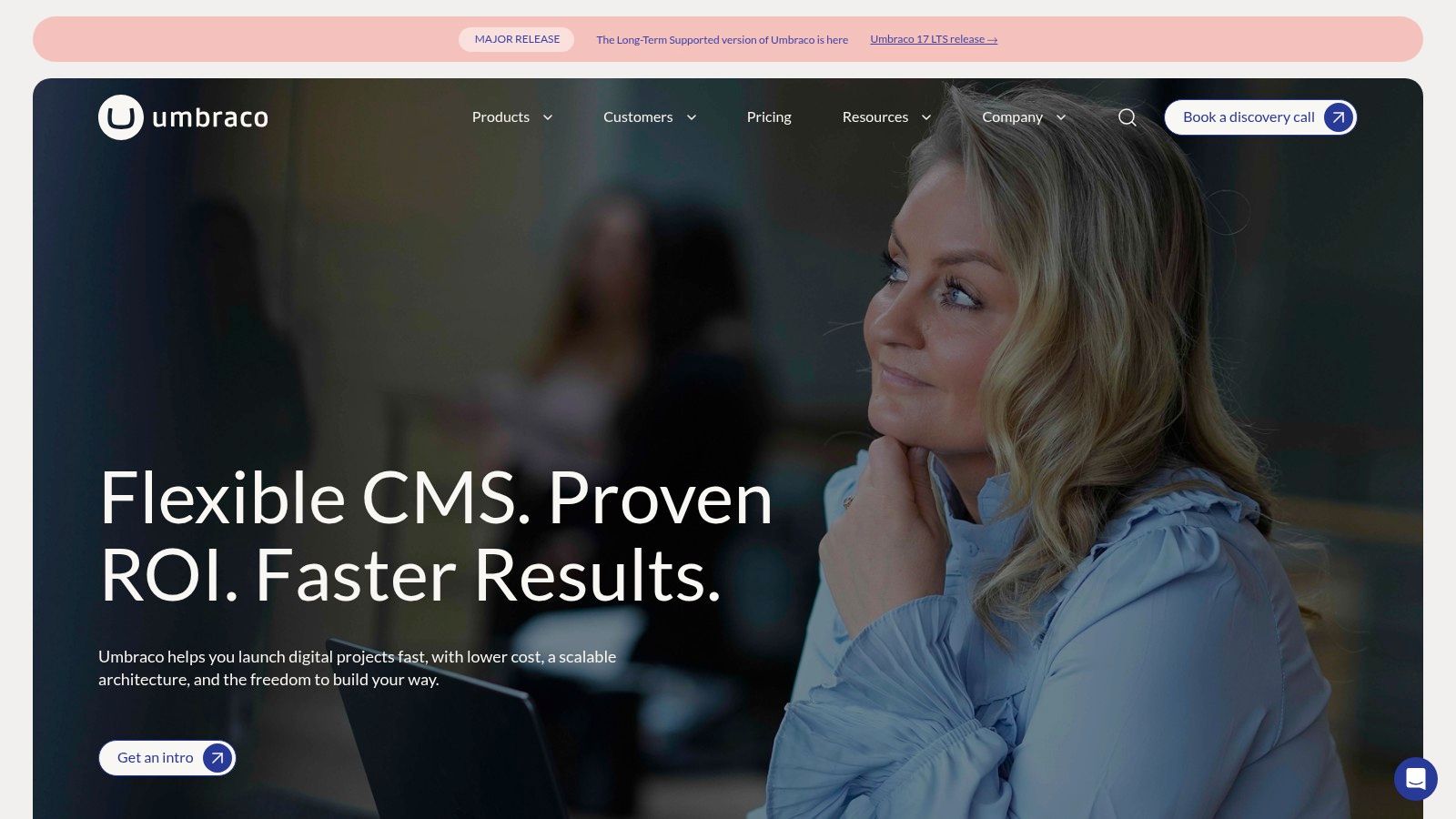
Umbraco is an open source .NET CMS free to self-host, with an official managed headless service called Heartcore. It provides GraphQL and REST APIs, global CDN, environment management, and enterprise SLAs. As a top headless cms open source choice for Microsoft shops, Umbraco stands out with its intuitive editor-friendly back office and rich content modeling capabilities.
Key Features
- Editor-friendly back office with customizable grids and workflow
- GraphQL & REST APIs via Heartcore plus global CDN
- Multilingual support and enterprise SLA plans
- Full .NET integration with flexible hosting options
Use Cases
- Enterprise marketing sites needing guaranteed uptime
- Software documentation portals built on .NET
- Corporate intranets requiring fine-grained permissions
- Product blogs with built-in translation workflows
Pros and Cons
Pros
- Seamless fit for Microsoft/.NET technology stacks
- Managed headless service with clear usage tiers
- Built-in CDN, environment controls, and official support
- Open source core beneath a powerful cloud layer
Cons
- Heartcore headless APIs require a paid subscription
- OSS core omits headless features out of the box
- Pricing displayed in EUR may affect US budgeting
Pricing and Hosting
You can self host Umbraco CMS for free under the MIT license. Heartcore managed hosting starts at a monthly fee, with CDN and SLA options. Learn more at https://umbraco.com.
Implementation Tips
- Leverage Umbraco’s back office grid for rapid page layouts
- Connect webhooks to rebuild static sites after content changes
- Use Heartcore’s environment management for staging and production
- Pair with your favorite SSG and .NET SDK for seamless content delivery
12 Open-Source Headless CMS Comparison
| Product | Core features | UX / Quality (★) | Pricing & Value (💰) | Target audience (👥) | Key strengths (✨ / 🏆) |
|---|---|---|---|---|---|
| Strapi | REST & GraphQL APIs, customizable content types, plugins, DB support | ★★★★☆ — modern admin | 💰 OSS self-host; Cloud paid tiers | 👥 Dev teams needing custom APIs | ✨ Extensible plugins • 🏆 Strong docs |
| Directus | Instant REST/GraphQL on SQL, visual Studio, webhooks | ★★★★☆ — data-first UX | 💰 OSS; Cloud tiers (enterprise sales) | 👥 Teams exposing existing DBs | ✨ Works with existing schemas • 🏆 Fast setup |
| Payload CMS | TypeScript-first typed schemas, Blocks, REST/GraphQL | ★★★★☆ — excellent TS DX | 💰 MIT self-host; Cloud limited | 👥 TypeScript-first devs | ✨ Typed schemas & page blocks • 🏆 Dev experience |
| Ghost | Content & Admin APIs, memberships, newsletters, themes | ★★★★☆ — editorial-focused | 💰 OSS self-host; Ghost(Pro) paid | 👥 Publishers, membership sites | ✨ Built-in newsletters/memberships • 🏆 Publishing tools |
| KeystoneJS | Auto GraphQL API, Admin UI, Prisma schemas, hooks | ★★★☆ — minimal boilerplate | 💰 OSS self-host; no official cloud | 👥 Apps needing flexible data models | ✨ Auto-generated APIs • 🏆 Lightweight DX |
| Decap CMS | Git-backed editor, SSG integrations, no DB required | ★★★★☆ — lightweight & fast | 💰 Free OSS (MIT) | 👥 Jamstack / Git-based content sites | ✨ Git-native workflow • 🏆 Very low footprint |
| ApostropheCMS | In-context visual editing, REST APIs, multisite | ★★★☆ — strong visual editor | 💰 OSS; paid managed plans | 👥 Teams needing visual editing & multisite | ✨ In-context editing • 🏆 Multisite support |
| Drupal (Headless) | JSON:API core, workflows, multilingual, modules | ★★★☆ — powerful, steeper curve | 💰 OSS; higher hosting/ops costs | 👥 Large enterprises, complex workflows | ✨ Enterprise workflows & modules • 🏆 Proven at scale |
| WordPress.org (Headless) | REST API, WPGraphQL option, huge plugin/theme ecosystem | ★★★☆ — familiar, requires hardening | 💰 OSS; wide hosting options | 👥 Broad users, agencies, publishers | ✨ Massive ecosystem • 🏆 Largest talent pool |
| Plone | plone.restapi, robust workflows, high security, Volto | ★★★☆ — enterprise stability | 💰 OSS; specialized hosting often needed | 👥 Security-sensitive enterprises | ✨ Strong security & governance • 🏆 Robust workflows |
| TinaCMS | Git-backed inline editing, schema-as-code, optional Cloud | ★★★★☆ — great inline editing | 💰 OSS; Tina Cloud paid features | 👥 Docs teams & Git content repos | ✨ Inline editing in Git • 🏆 Docs/Jamstack fit |
| Umbraco (Heartcore) | Editor back office, Heartcore GraphQL/REST, CDN | ★★★☆ — editor-friendly (.NET) | 💰 OSS core; Heartcore paid (EUR) | 👥 .NET shops & enterprise teams | ✨ Managed Heartcore headless • 🏆 .NET ecosystem integration |
Mapping Your Next Steps
As you reach the end of this headless cms open source guide, it is time to turn insights into action. You now know which platforms excel at GraphQL APIs, Git-based editing, membership features, and static site compatibility. The decision matrix and migration notes have equipped you to make a confident choice.
Analyze Your Workflow
Before picking a tool, map out your key requirements.
- Content structure complexity, for blogs or docs
- Need for custom fields, user roles, or membership
- Preference for REST or GraphQL endpoints
- Degree of Git integration, from full Git workflows to browser-based editors
Use these criteria to narrow your list. For example, if you need inline Markdown editing on GitHub Pages, TinaCMS or Decap CMS may be ideal. For apps requiring advanced data modeling and relational support, consider Directus or Drupal in headless mode.
Weigh Implementation Factors
Every headless cms open source project brings trade-offs. Confront these before you commit:
- Hosting and scalability: Can you self-host, or do you need managed services?
- Community and plugin ecosystem: How active is the community, and are plugins available for your use case?
- Learning curve: Will your team adapt quickly to the API style and schema definitions?
- Long-term maintenance: How easy is it to upgrade core versions, and what is the track record for security patches?
Balancing these practical factors ensures smooth implementation and fewer surprises.
Pairing With Static Site Generators
Selecting the right static site generator (SSG) can elevate your workflow:
- Jekyll or Hugo for straightforward blogging
- Astro or Eleventy for multi-tech stacks and partial hydration
- Next.js or Gatsby for deeper React integration
Integrate your chosen headless cms open source solution via official plugins or community adapters. For example, you can consume Strapi’s REST API in Hugo with minimal configuration, or leverage Payload CMS’s GraphQL client in a Next.js project.
Enhancing Content Editing
Static sites often lack a friendly CMS interface by default. Bridge that gap with browser-based editors.
“A Git-backed editor like JekyllPad brings WYSIWYG convenience to Markdown workflows without sacrificing the advantages of headless architecture.”
Consider pairing your CMS with JekyllPad to allow non-technical contributors to update content directly in the browser. This approach maintains a fully Git-driven pipeline while offering a polished editing experience.
Actionable Next Steps
- Fork the repository of your top pick and clone it locally.
- Follow the migration notes to configure schema, roles, and preview settings.
- Connect the CMS to your SSG using official SDKs or HTTP requests.
- Set up continuous deployment, linking Git commits to your hosting provider.
- Pilot a small section of your site, gather feedback, then scale up.
By taking these concrete steps, you transform your headless cms open source evaluation into a live Jamstack project.
Final Thought
Choosing the right headless CMS is more than a technology decision—it shapes how your teams collaborate and how quickly you can deliver content. Embrace the flexibility of open source, experiment with integration patterns, and iterate based on real-world feedback. Your next-generation site is just a few commits away.
Ready to simplify your content workflow? Try JekyllPad today for seamless Git-backed editing and a WYSIWYG interface tailored to headless cms open source projects. Get started at JekyllPad.