
In the world of web creation, the right editor can mean the difference between a smooth, creative workflow and a frustrating technical roadblock. Whether you're a developer building a custom application, a blogger managing a static site, or a marketer creating a landing page, a powerful What-You-See-Is-What-You-Get (WYSIWYG) editor simplifies the process of translating ideas into polished, web-ready content. But with so many options available, choosing the best free wysiwyg web editor for your specific needs can be a daunting task.
This guide cuts through the noise to provide a comprehensive analysis of the top free visual editors available today. We move beyond generic feature lists to give you practical, actionable insights. For each tool, you will find a detailed breakdown, including:
- Key Features & Limitations: An honest look at what each editor does well and where it falls short.
- Ideal Use Cases: Who is this editor built for? From non-technical creators to documentation teams.
- Static Site Integration: Specific guidance for connecting with popular generators like Jekyll, Hugo, and Eleventy.
Our goal is to help you find the perfect editor that empowers you to focus on creating great content, not fighting with code. Each review includes screenshots and direct links to help you evaluate your options quickly. When selecting a visual editor, consider one that facilitates adherence to modern approaches like these Responsive Web Design Best Practices to ensure your content looks great on any device. Let's dive in and find the tool that best fits your workflow.
1. JekyllPad
JekyllPad presents a powerful and streamlined solution for content management, positioning itself as a premier free WYSIWYG web editor for the modern static web. It masterfully bridges the gap between developer-centric static site generators (like Jekyll, Hugo, and Eleventy) and the intuitive editing experience non-technical users expect. Its core strength lies in its zero-setup, browser-first architecture that integrates directly with GitHub.
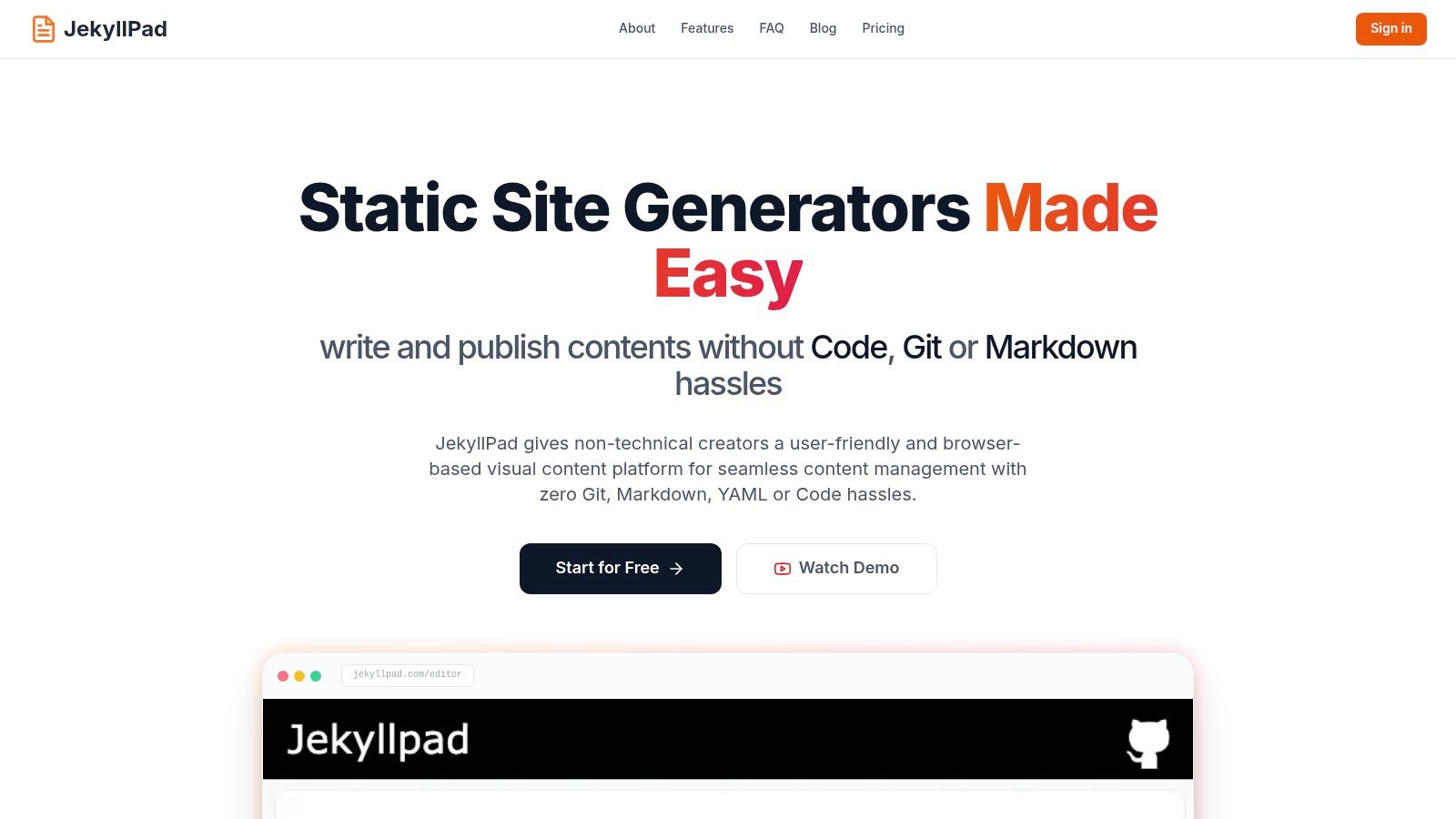
This platform eliminates the traditional friction points of static site content workflows. Instead of requiring users to navigate Git commands, complex CI/CD pipelines, or local development environments, JekyllPad allows for direct editing and committing from the browser. Every change is saved as a commit to your GitHub repository, providing instant version control and a simplified publishing process, especially for sites hosted on GitHub Pages.
Standout Features and Workflow
JekyllPad's dual-editor interface is a significant advantage. It allows users to write in a clean WYSIWYG environment while a real-time preview displays the rendered output. Technical users can switch to the raw Markdown view for greater control, complete with syntax highlighting and a dedicated front-matter editor to manage metadata like tags, authors, and dates. This dual approach makes it an ideal tool for mixed-skill teams.
Key Advantage: By running entirely client-side, JekyllPad enhances security and privacy. Your content data travels directly between your browser and your GitHub repository, with no intermediary servers to maintain or compromise.
Ideal Use Cases and Limitations
JekyllPad excels for technical bloggers, documentation teams, and freelancers managing content-heavy static sites. Its direct GitHub integration and multi-generator support make it a versatile and efficient content hub. While the platform is exceptional for text-based content, its current media management capabilities are basic. Users with advanced image or video hosting needs may find it limited compared to a full-scale, server-based CMS.
The platform offers a generous free-forever tier for basic use (starting at 5 posts per month), making it accessible for personal projects. While detailed pricing for paid plans is not listed on the main site, its active development and growing user base suggest a promising future. Developers looking for a deeper understanding of this approach can explore the benefits of a Git-based CMS for programmers.
| Feature Analysis | JekyllPad's Approach |
|---|---|
| Editor Type | Dual WYSIWYG and Markdown with real-time preview. |
| Core Workflow | Browser-based editing with native GitHub commits for direct, version-controlled publishing. |
| Infrastructure | 100% client-side; no backend server to install or maintain. |
| SSG Support | Jekyll, Hugo, Astro, Eleventy, Gatsby, and others. |
| Best For | Technical blogs, documentation sites, and teams managing GitHub Pages. |
| Free Tier | Yes, a "free forever" plan is available with a starting allowance of 5 free posts per month. |
| Website | https://www.jekyllpad.com |
2. TinyMCE
TinyMCE is an incredibly popular and mature JavaScript library that functions as a highly extensible rich text editor. It stands out due to its long history and widespread adoption, making it a battle-tested and reliable choice for developers integrating a free WYSIWYG web editor into their projects. Unlike fully hosted platforms, TinyMCE is a component you embed directly into your own website or application.
The core open-source version is powerful, but its primary strength lies in the vast ecosystem of plugins and integrations. It provides official wrappers for modern JavaScript frameworks like React, Vue, and Angular, simplifying setup significantly. This makes it an ideal default for developers who need a robust editor without building one from scratch. While the concept of a WYSIWYG editor is straightforward, understanding its technical underpinnings can be beneficial; you can learn more about what a WYSIWYG editor is and how it works behind the scenes.
TinyMCE is best suited for developers who need to add rich text editing to a custom application or a bespoke CMS. For static site users, integrating it often involves creating a custom admin interface where content is edited before being committed as Markdown or HTML files to a Git repository.
Key Features & Use Case
- Robust Core & Plugins: The editor includes everything from basic text formatting to complex table management. Its functionality can be extended with dozens of premium and open-source plugins.
- Flexible Hosting: You can self-host the open-source editor for free or use the cloud-hosted service, which offers a generous free tier of 1,000 editor loads per month.
- Framework Integrations: Official components for React, Vue, and Angular make it straightforward to add to modern web applications.
- Ideal For: Embedding into custom web applications, content management systems, or admin dashboards for static sites.
| Feature | Details |
|---|---|
| Pricing | Open-source core is free; Cloud service has a free plan (1,000 loads/month) |
| Static Site Use | Requires custom integration into an admin panel or build script. |
| Best For | Developers needing a powerful, embeddable editor for web apps. |
| Website | https://www.tiny.cloud |
3. CKEditor 5
CKEditor 5 is a modern and modular JavaScript library that provides a powerful rich text editing framework. As a direct competitor to TinyMCE, it is also a component embedded into a website or application rather than a standalone platform. It stands out for its contemporary architecture, extensive documentation, and flexible licensing that includes a free WYSIWYG web editor option under the GPL.
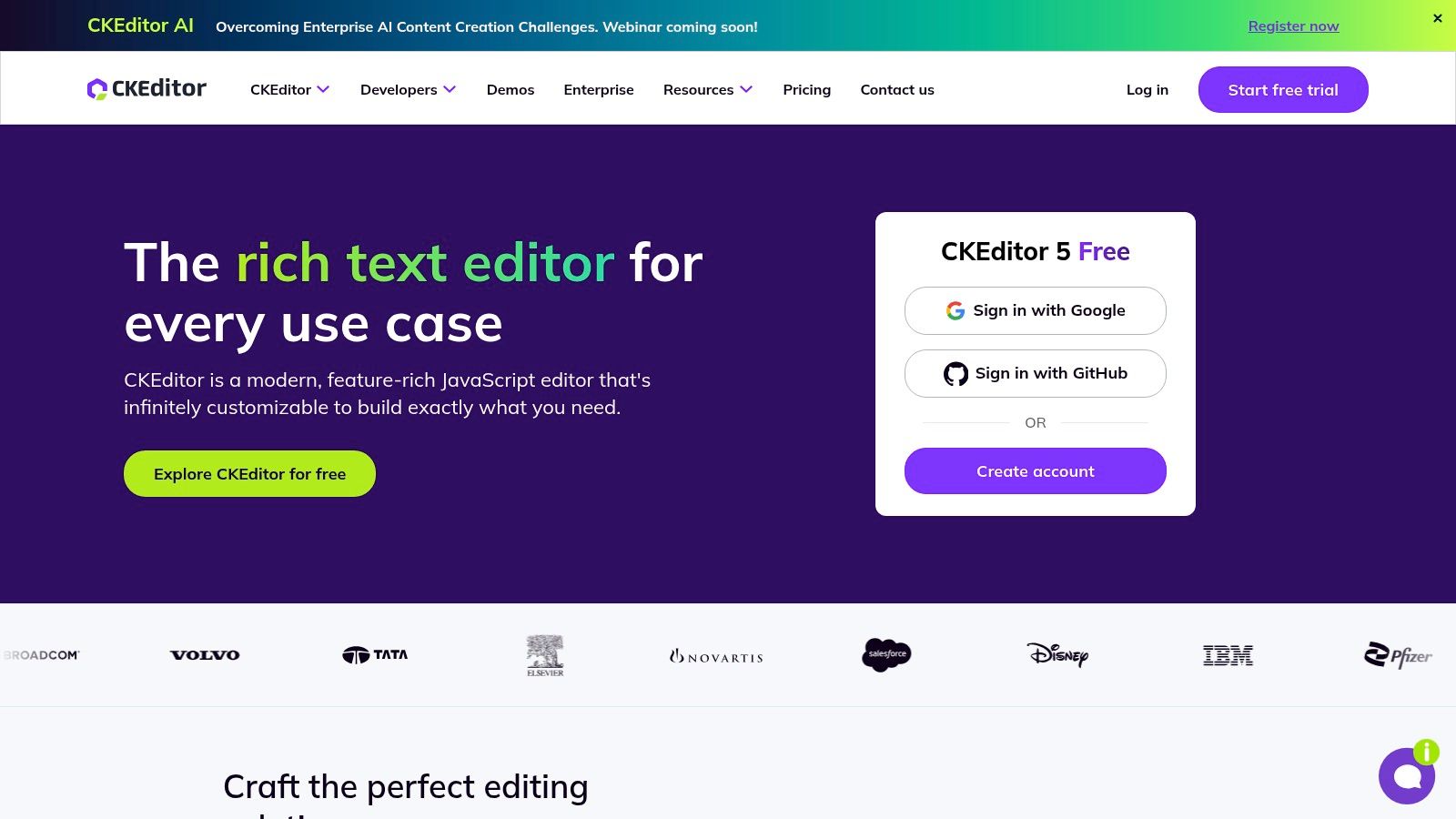
Its core strength is its plugin-based, highly customizable structure, allowing developers to build a tailored editor with only the necessary features. This includes advanced functionalities like mentions, Markdown input/output, and easy media embeds. CKEditor 5 offers both a self-hosted open-source version and a cloud-hosted service with a free tier, making it adaptable to various project needs.
CKEditor 5 is an excellent choice for developers building enterprise-level applications, documentation sites, or platforms requiring features like real-time collaboration (available in paid plans). The GPL license for the open-source version is a key consideration; projects unable to comply with its terms will need a commercial license. The free cloud plan is convenient but includes a "Powered by CKEditor" watermark.
Key Features & Use Case
- Modular Architecture: Build a custom editor by including only the plugins you need, from basic formatting to complex features like Markdown output.
- Dual Licensing & Hosting: Available as a free, open-source (GPL) self-hosted library or via a cloud service with a free tier (1,000 editor loads/month).
- Extensive Documentation: Known for its comprehensive guides and API documentation, making integration and customization easier for developers.
- Ideal For: Enterprise applications, documentation platforms, and projects that require a highly customized and well-supported editor component.
| Feature | Details |
|---|---|
| Pricing | Open-source is free (GPL); Cloud has a free plan (1,000 loads/month, watermark) |
| Static Site Use | Requires custom integration, often into a headless CMS or custom admin panel. |
| Best For | Developers needing a modern, modular editor with strong documentation. |
| Website | https://ckeditor.com |
4. Quill
Quill is a modern, API-driven, and completely open-source WYSIWYG editor built for extensibility and predictable behavior. It distinguishes itself with a modular architecture and its unique data model, Delta, a powerful JSON format that precisely describes content and changes. This makes Quill a fantastic free WYSIWYG web editor for developers who require consistent, deterministic output for complex applications.
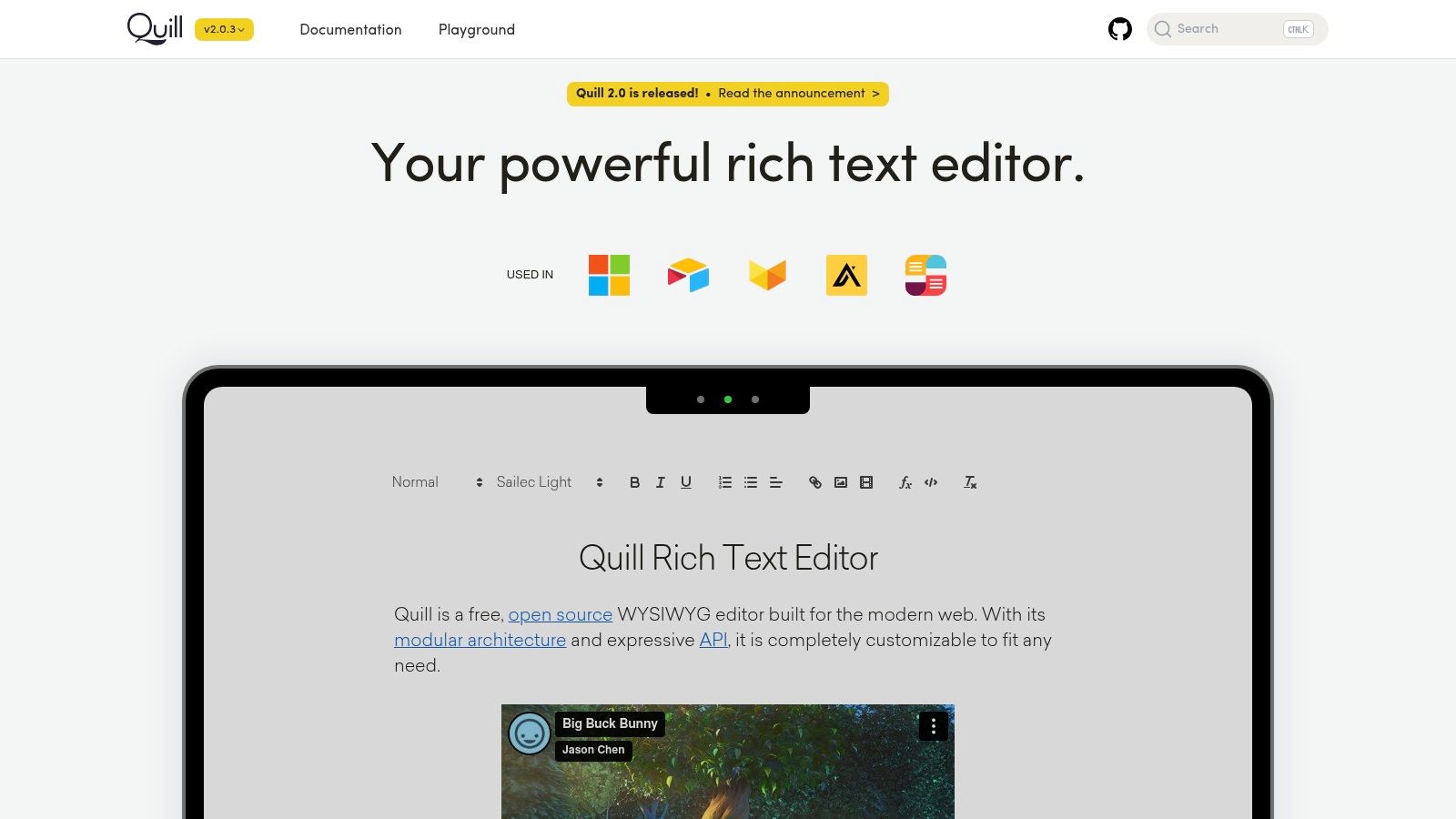
Unlike editors that directly manipulate the DOM and can produce messy HTML, Quill’s Delta system ensures that the editor’s state is always reliable and easy to work with programmatically. The editor itself is lightweight, but it can be extended with custom formats and modules. Its permissive BSD license is a major draw for commercial projects, as it allows for use without licensing fees or restrictions. A solid understanding of its API is key to unlocking its full potential, much like knowing how to properly format a blog post is essential for content quality.
Quill is best for developers building custom applications that require a reliable and structured approach to rich text editing. For static sites, it’s an excellent choice for custom-built admin panels or content tools where the Delta output can be transformed into clean HTML or Markdown during the site build process.
Key Features & Use Case
- API-Driven & Modular: Built from the ground up to be customized and extended. Developers can easily create their own modules or themes.
- Delta Data Format: Provides a predictable and consistent JSON representation of the editor's content, which simplifies tasks like real-time collaboration, saving, and versioning.
- Permissive Licensing: The BSD 3-clause license makes it completely free for both personal and commercial use, with no strings attached.
- Ideal For: Products requiring collaborative editing, applications needing structured text data, or developers wanting a lightweight, highly customizable editor.
| Feature | Details |
|---|---|
| Pricing | Completely free and open-source (BSD license). |
| Static Site Use | Best integrated into a custom admin interface that outputs HTML/Markdown. |
| Best For | Developers who need a modern, API-driven editor for custom applications. |
| Website | https://quilljs.com |
5. Tiptap
Tiptap is a modern, headless, open-source editor framework built on the robust ProseMirror toolkit. It's designed for developers who need to construct a completely custom user interface around a powerful editor core. Unlike pre-built editors, Tiptap gives you the building blocks to create a tailored free WYSIWYG web editor experience, making it a favorite for teams with specific design or functionality requirements.
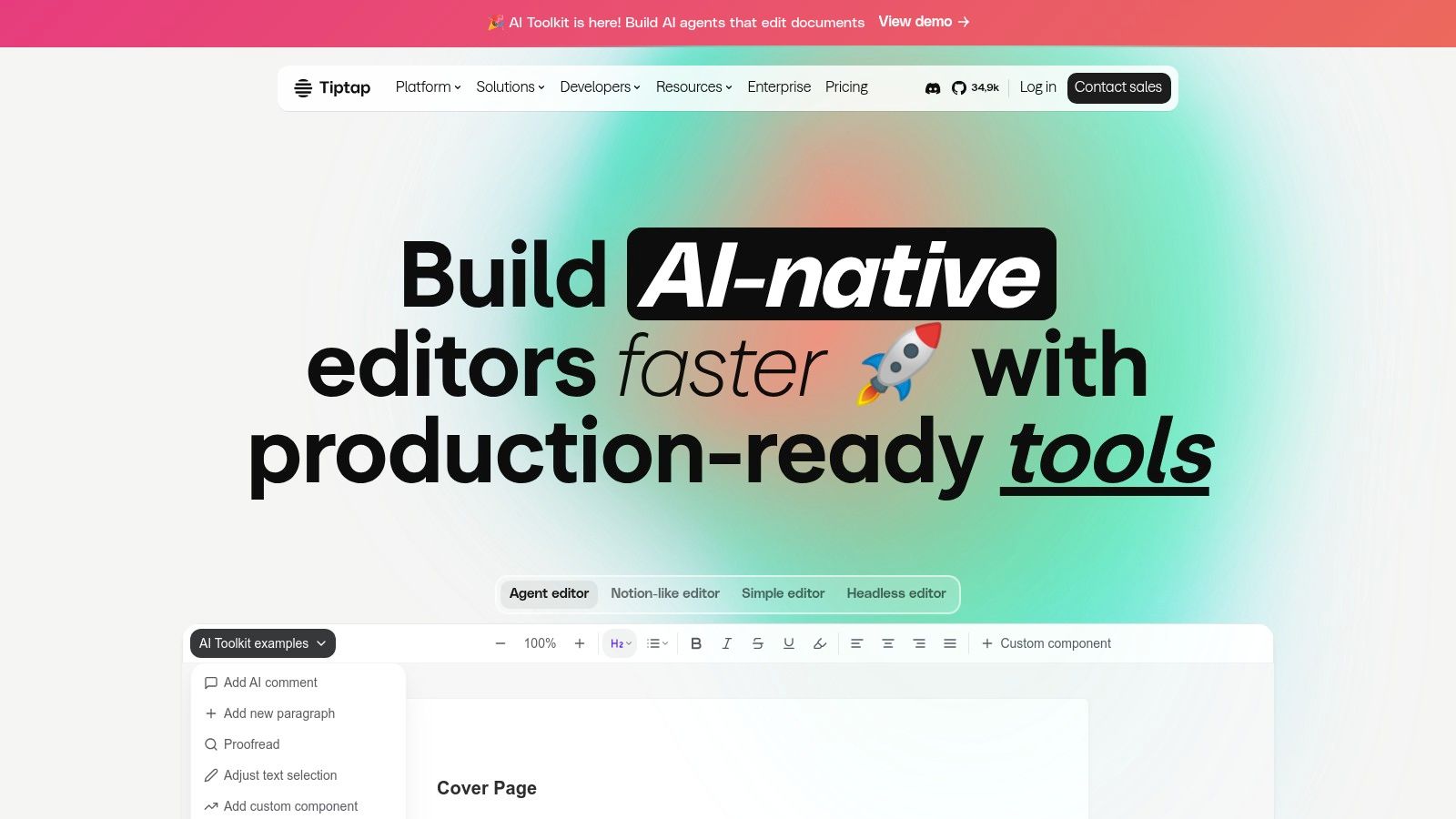
The core is framework-agnostic, meaning you can integrate it seamlessly with React, Vue, Svelte, or vanilla JavaScript. Its power lies in its composable nature; you assemble the editor's features from over 100 extensions, ranging from basic formatting to complex functionalities like collaborative editing. While the core is generously licensed under the MIT license, more advanced features like real-time collaboration and AI tools are available through commercial add-ons, providing a scalable path for growing projects.
Tiptap is ideal for developers building bespoke applications, custom content management systems, or unique SaaS products. For static site workflows, it requires integration into a custom admin interface, where its headless nature allows content to be structured and outputted precisely as needed, whether that’s HTML or Markdown for a Git-based CMS.
Key Features & Use Case
- Headless & Composable: Build your own editor UI from scratch using a rich set of extensions, ensuring it perfectly matches your application's design system.
- Framework-Agnostic: Provides excellent support and wrappers for all major JavaScript frameworks, including React, Vue, and Svelte.
- Highly Extensible: The core is built on ProseMirror and can be extended with a vast library of open-source and commercial extensions for features like AI and collaboration.
- Ideal For: Teams building custom applications, SaaS products, or design-specific content platforms that require a non-standard editor interface.
| Feature | Details |
|---|---|
| Pricing | Core editor is free (MIT license); Paid plans for collaboration, AI, and UI kits. |
| Static Site Use | Requires custom development to integrate into a Git-based admin panel or CMS. |
| Best For | Developers who need maximum control to build a bespoke WYSIWYG editing experience. |
| Website | https://tiptap.dev |
6. Summernote
Summernote is a lightweight and straightforward JavaScript library that provides a simple-to-integrate rich text editor. It stands out by being built on jQuery and designed with Bootstrap compatibility at its core, making it an excellent free WYSIWYG web editor for projects already using those libraries. Unlike more complex, framework-agnostic editors, Summernote’s main appeal is its simplicity and ease of setup in legacy codebases or simple admin panels where a full-featured editor would be overkill.
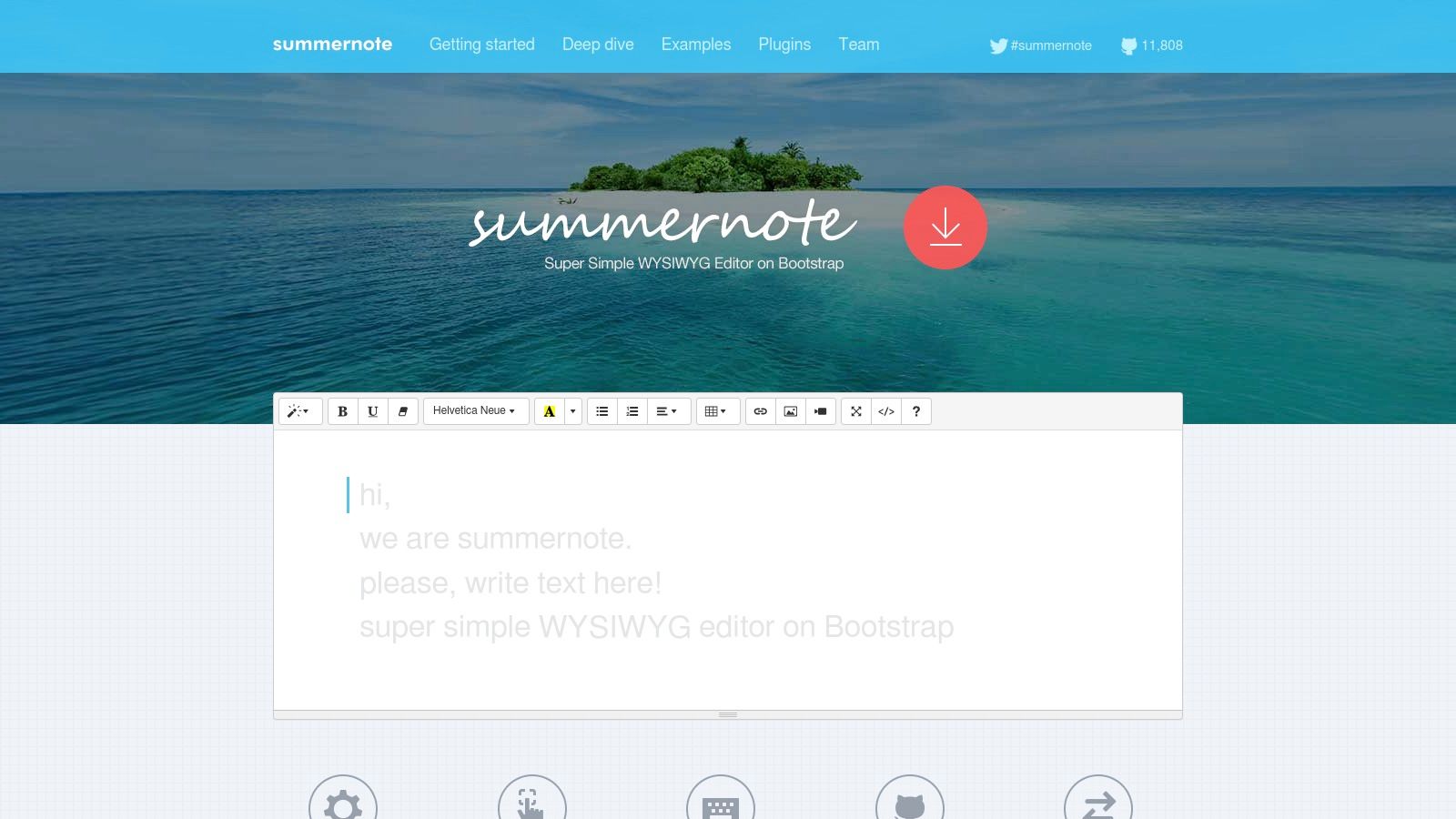
The open-source nature (MIT License) and minimal footprint make it a fast, no-frills option. Its dependence on jQuery makes it less ideal for modern, component-based frameworks like React or Vue, which manage the DOM differently. However, for adding rich text capabilities to a Bootstrap-themed admin dashboard or a simple content form, Summernote gets the job done with minimal configuration and a clean, familiar interface.
For static site workflows, Summernote is best integrated into a custom admin page or a simple script that allows content creators to generate HTML. This content can then be copied into Markdown files with an html pass-through or saved directly as HTML includes, providing a basic visual editing experience without the complexity of a larger library.
Key Features & Use Case
- Lightweight & Simple: With a small footprint (~100KiB), it adds rich text editing without significant performance overhead.
- Bootstrap Friendly: Designed to work seamlessly with Bootstrap versions 3 through 5, ensuring UI consistency.
- Easy Integration: Requires minimal JavaScript to initialize on a
textarea, making it perfect for quick setups. - Ideal For: Projects built on jQuery and Bootstrap, simple admin dashboards, or legacy applications needing a quick editor upgrade.
| Feature | Details |
|---|---|
| Pricing | Completely free and open-source (MIT License). |
| Static Site Use | Best used in a custom admin interface to generate HTML for content files. |
| Best For | Developers needing a simple, fast editor for jQuery-based projects. |
| Website | https://summernote.org |
7. Trumbowyg
Trumbowyg is an exceptionally lightweight jQuery-based rich text editor designed with speed and minimal payload size as its top priorities. Weighing in at only around 10KB gzipped, it's an ideal choice for projects where every kilobyte counts, such as performance-critical admin panels or simple content forms. Its focus is on providing a core set of editing tools without the bloat of more feature-heavy alternatives, making it a reliable free WYSIWYG web editor for specific, lean use cases.
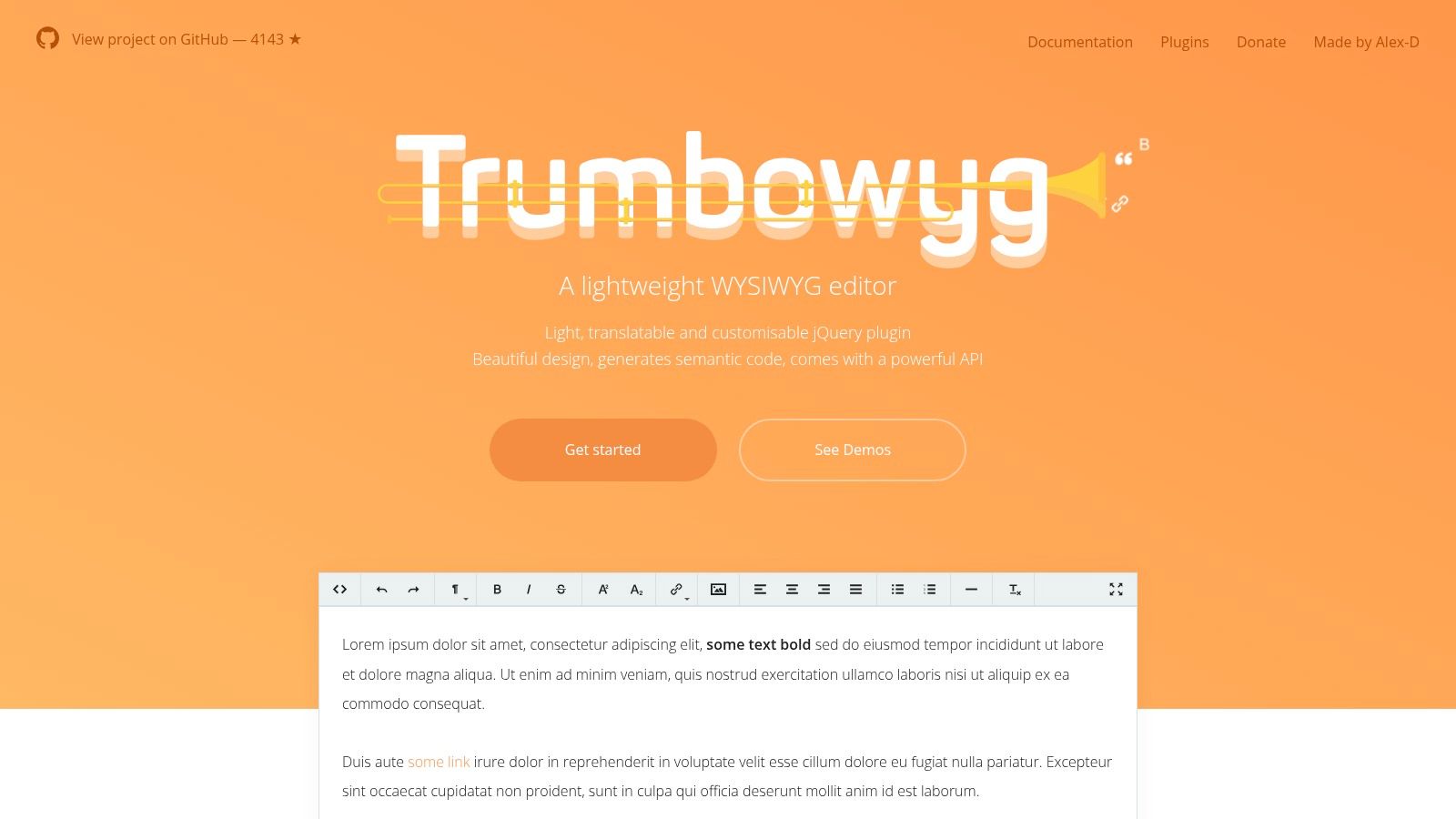
Despite its small size, Trumbowyg is extensible through a plugin system and has a surprising amount of community support, including wrappers for frameworks like React. It offers extensive language support with over 45 language packs available out of the box. Installation is straightforward via CDN or npm, fitting easily into modern development workflows.
This editor is best for developers who need to add simple, fast-loading rich text functionality to an existing project and are comfortable with its jQuery dependency. For static site builders, it can be integrated into a custom admin interface to provide a basic content editing experience, ensuring the front-end remains as light as possible. It excels in scenarios where a full-blown editor like TinyMCE would be overkill.
Key Features & Use Case
- Extremely Lightweight: The core editor is only ~10KB gzipped, ensuring minimal impact on page load times.
- Extensible & Localized: Supports plugins for adding functionality and includes over 45 language packs for internationalization.
- Easy Integration: Can be quickly added to any project using a CDN link or installed via npm for more complex build setups.
- Ideal For: Simple forms, performance-sensitive admin dashboards, or lightweight CMS interfaces where basic text formatting is sufficient.
| Feature | Details |
|---|---|
| Pricing | Completely free and open source (MIT License). |
| Static Site Use | Excellent for custom, lightweight admin panels feeding content to a SSG. |
| Best For | Developers prioritizing bundle size and performance over extensive features. |
| Website | https://alex-d.github.io/Trumbowyg |
8. GrapesJS
GrapesJS goes beyond a typical text editor and positions itself as a full-fledged, open-source web builder framework. It's designed for developers who need to embed a powerful visual page or template builder directly into their applications. This makes it an exceptional free WYSIWYG web editor for scenarios where users must construct entire HTML layouts, such as landing pages or email newsletters, using a drag-and-drop interface.
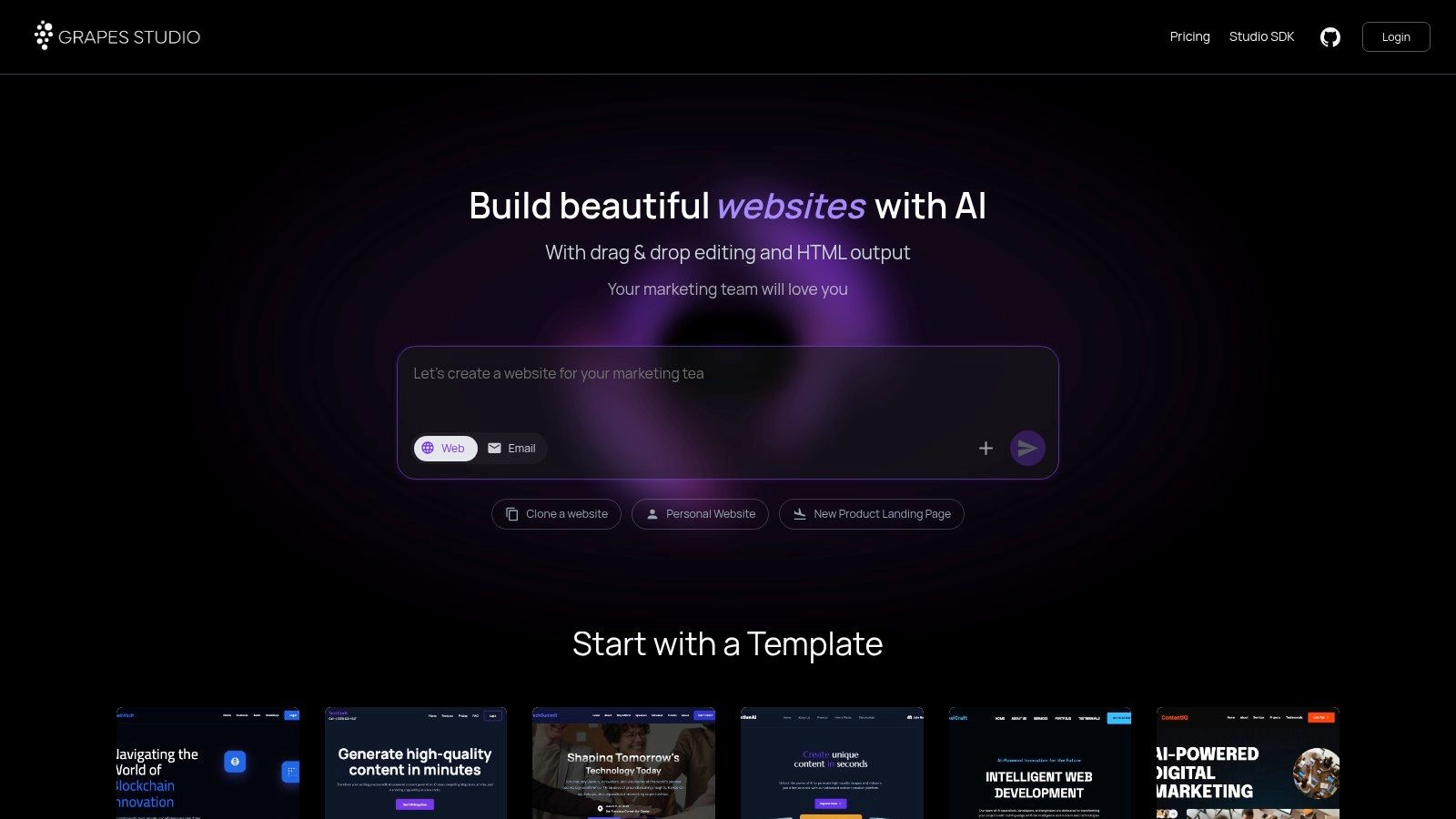
Unlike simple rich text editors, GrapesJS provides a complete toolkit with a drag-and-drop block system, style and layer managers, an asset manager, and a direct code viewer. This comprehensive feature set allows end-users to have granular control over the structure and styling of their content without writing code. Its modular architecture and active plugin ecosystem mean you can extend its core functionality to fit specific needs, from responsive design tools to custom block libraries.
For static site workflows, GrapesJS is a powerful but complex option. It would typically be integrated into a custom-built content management interface that saves the final HTML output. This output can then be used as a template or content file within a static site generator's build process, offering a highly visual and flexible editing experience for non-technical users.
Key Features & Use Case
- Complete Builder Framework: Includes drag-and-drop blocks, style manager, layer manager, and asset manager for full visual control.
- Highly Extensible: A robust plugin system allows for adding new blocks, commands, and panels to tailor the editor to your needs.
- Direct Code Access: A built-in code viewer lets users inspect and edit the underlying HTML and CSS for fine-tuning.
- Ideal For: Embedding a visual page or newsletter builder into a SaaS application, a bespoke CMS, or a custom admin panel for static sites.
| Feature | Details |
|---|---|
| Pricing | Completely free and open-source (BSD-3-Clause License). |
| Static Site Use | Requires significant development to integrate into a custom admin system. |
| Best For | Developers building template editors or page builders inside an application. |
| Website | https://grapesjs.com |
9. Google Web Designer
Google Web Designer is a unique entry in this list, functioning less as a content editor and more as a professional-grade visual design tool for creating interactive HTML5-based content. It is a free, downloadable application for Windows, macOS, and Linux that provides a sophisticated interface for building animated ads, interactive elements, and complex web components. While not a traditional free WYSIWYG web editor for blog posts or documentation, it excels at producing self-contained, animated assets.
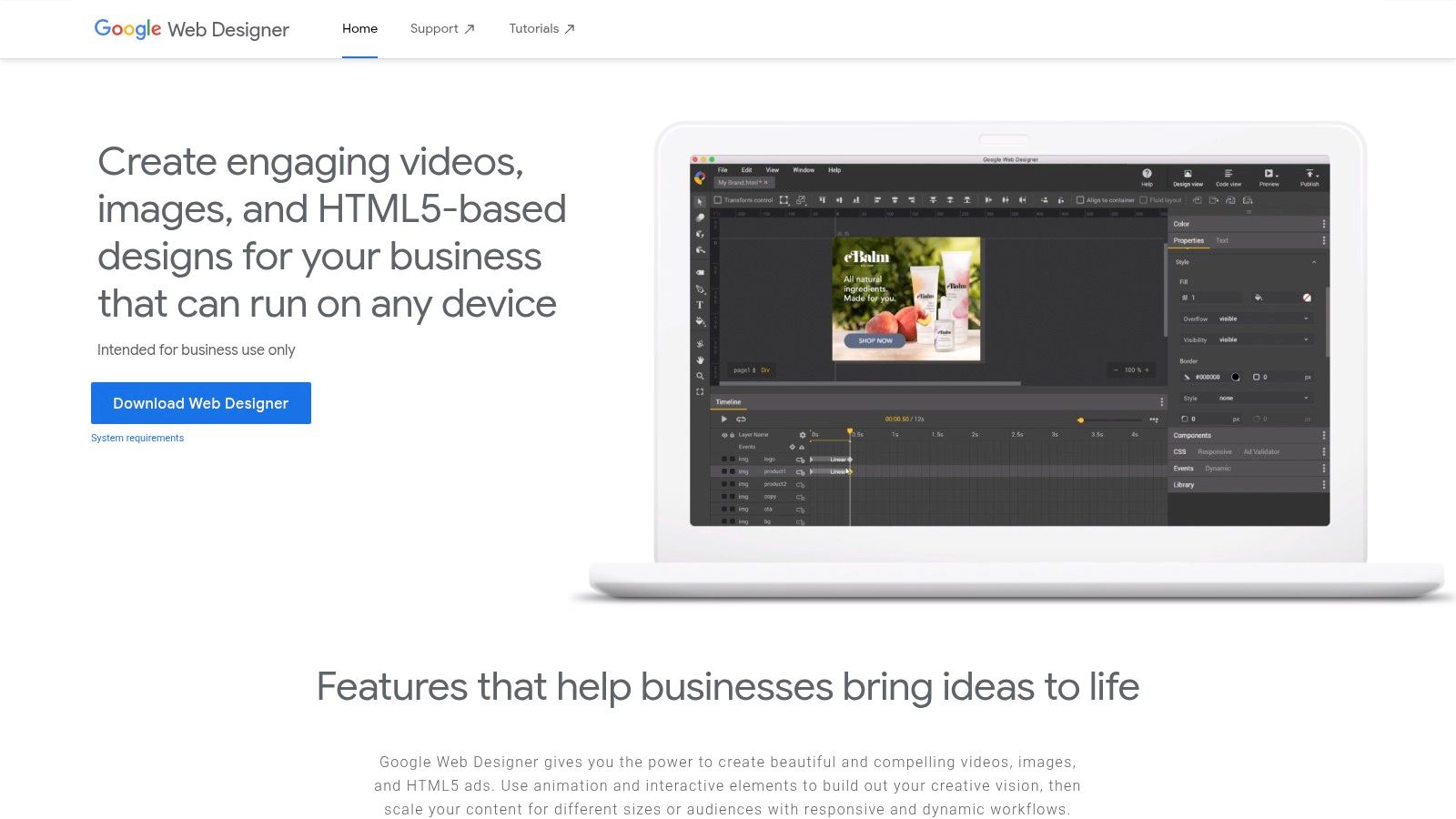
The tool offers both a "Design" view for visual manipulation and a "Code" view for direct editing of the underlying HTML, CSS, and JavaScript. Its core strength lies in its timeline-based animation system, which allows designers to create intricate motion graphics that export as clean, standards-compliant code. This makes it a powerful choice for creating rich media ads or interactive hero sections for a static site.
While its output is pure HTML5, its workflow is distinct from typical site builders. It's best used to create specific visual pieces that are then embedded into a larger website built with tools like Hugo or Eleventy. It is not designed for managing and editing entire pages of Markdown or text-heavy content.
Key Features & Use Case
- Advanced Animation Timeline: Create complex, keyframe-based animations and interactive events without writing code manually.
- Dual Design/Code Views: Seamlessly switch between a visual canvas and a code editor with syntax highlighting and autocompletion.
- Interactive Components: Drag-and-drop components like Google Maps, image galleries, and YouTube video players directly into your designs.
- Ideal For: Building HTML5 advertisements, animated web banners, and interactive visual components to embed within a static website.
| Feature | Details |
|---|---|
| Pricing | Completely free to download and use. |
| Static Site Use | Excellent for creating specific interactive assets to embed in your pages. |
| Best For | Designers and developers creating animated or interactive web content. |
| Website | https://webdesigner.withgoogle.com |
10. openElement
openElement is a desktop-based free WYSIWYG web editor designed specifically for Windows users. It provides a comprehensive, all-in-one authoring environment that allows you to build modern websites visually without writing code. The platform stands out by being a completely free, downloadable application that doesn't place features behind a paywall, offering a powerful local-first alternative to cloud-based builders.
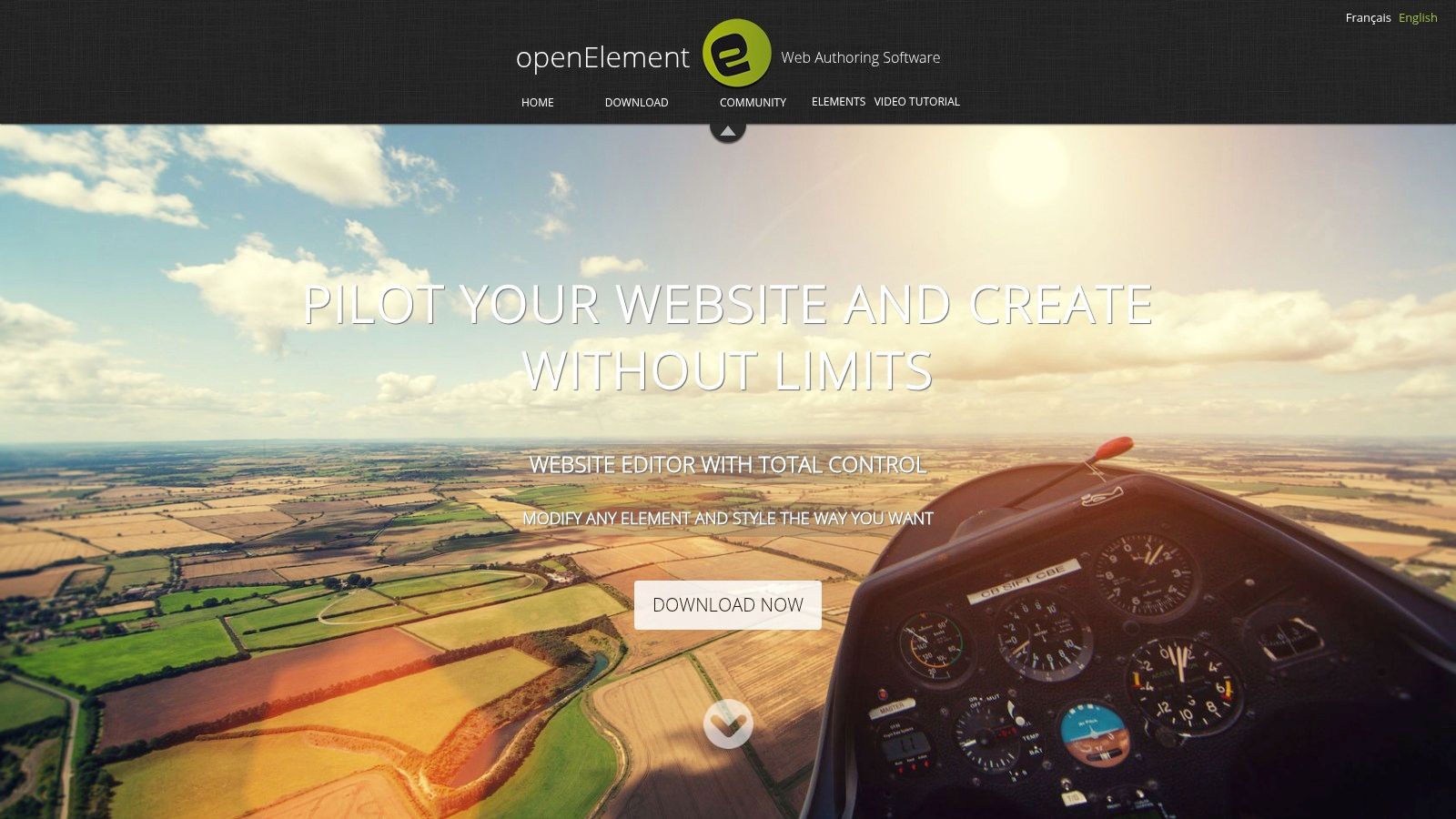
Unlike web-based editors, openElement runs directly on your PC, giving you full control over your project files. It utilizes a Chromium-based engine for accurate rendering and even includes a local web server for testing dynamic elements like PHP code and database connections. This makes it a unique tool for users who prefer a traditional, software-based workflow for creating everything from simple landing pages to more complex, data-driven sites.
For static site workflows, openElement acts as a powerful authoring tool. You design and build the site visually, then export the clean HTML, CSS, and JavaScript files. These exported assets can then be manually added to a Jekyll, Hugo, or Eleventy project structure, allowing developers to manage the final deployment through a standard Git-based process while using a visual tool for content creation.
Key Features & Use Case
- Completely Free: The software is fully functional and free to use without subscriptions, ads, or limitations on features.
- Local Authoring: Build and test websites offline on your Windows machine, offering complete control and privacy over project files.
- Built-in Web Server: Includes a local server to test PHP scripts and database interactions, a rare feature in free visual editors.
- Ideal For: Windows users, educators, and hobbyists who want a robust, free desktop application for visual web design.
| Feature | Details |
|---|---|
| Pricing | Completely free, no premium versions or hidden costs. |
| Static Site Use | Excellent for visual authoring; export final HTML/CSS to use in any SSG. |
| Best For | Windows users seeking a powerful, offline, and entirely free web builder. |
| Website | https://www.openelement.uk |
11. Mobirise
Mobirise offers a unique approach in the world of web editors by being a free, offline desktop application for both Windows and macOS. It functions as a block-based builder, allowing users to drag and drop pre-designed sections to assemble a fully responsive website without touching a line of code. This makes it a powerful free WYSIWYG web editor for non-technical users who want the control of building a static site without the complexity of code or command-line tools.
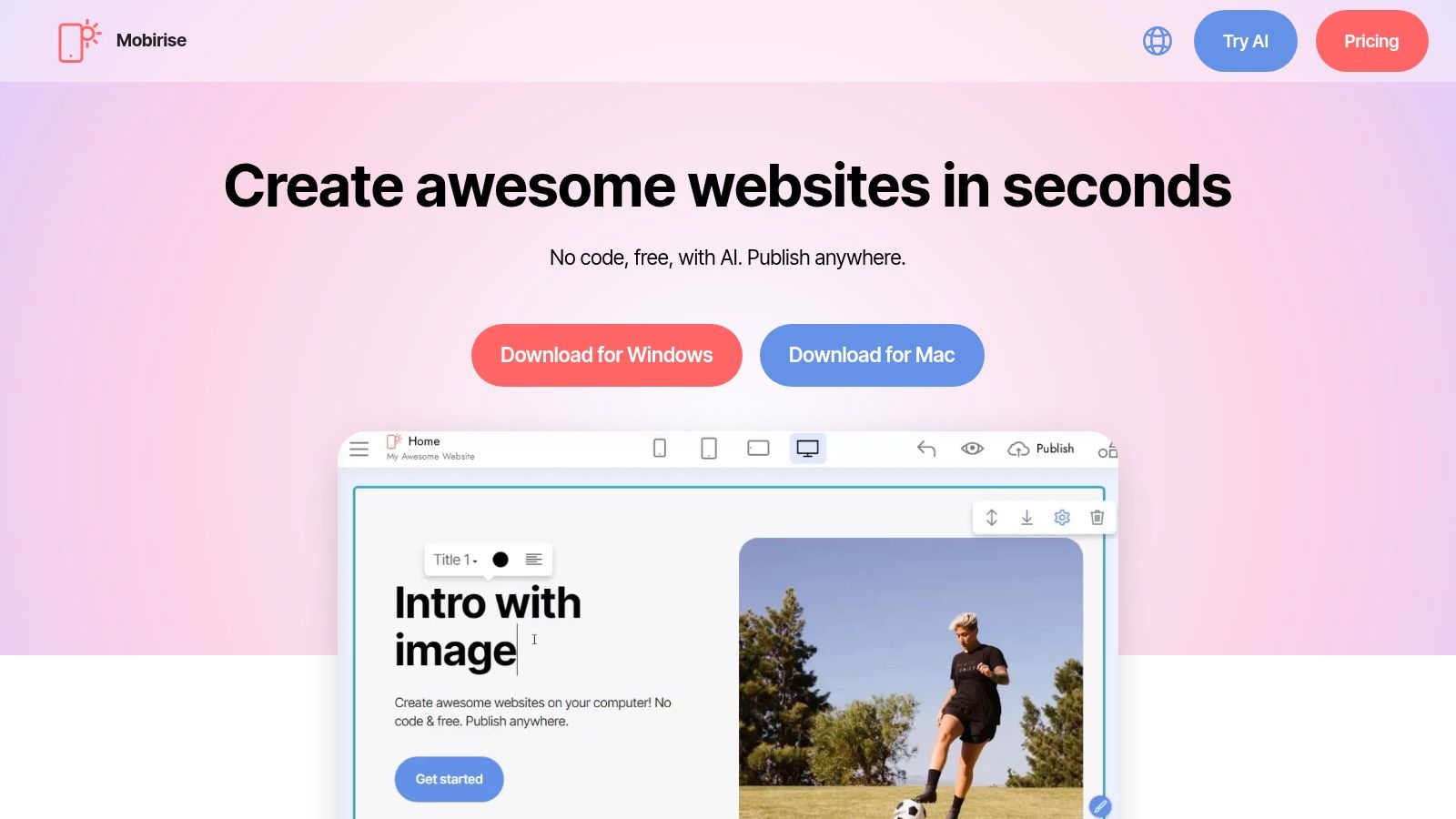
Unlike hosted platforms, Mobirise gives you complete freedom. Once you build your site, you can export the static HTML, CSS, and JavaScript files and publish them to any hosting provider, including services like GitHub Pages or Netlify. This eliminates vendor lock-in and gives you full ownership of your site files. The core application and a generous set of blocks are free, with premium themes and advanced extensions (like e-commerce or form processors) available as paid add-ons.
This offline-first model is ideal for users who prefer to work on their projects without a constant internet connection. For static site users, Mobirise acts as the entire visual build system; you create the site visually and then simply upload the exported folder to your chosen host. It’s a complete departure from the typical Markdown-and-Git workflow, offering a true visual alternative.
Key Features & Use Case
- Offline Desktop App: Build and edit your entire website on your Windows or Mac computer without needing an internet connection.
- Drag-and-Drop Blocks: Assemble pages quickly using a vast library of pre-made, responsive content blocks for headers, galleries, features, and more.
- Export to Any Host: You are not tied to any platform. Export the final static website files and upload them wherever you want.
- Ideal For: Non-technical users, small business owners, and designers who want to create professional-looking static websites visually without platform restrictions.
| Feature | Details |
|---|---|
| Pricing | Core software and basic themes are free; Premium themes and extensions are paid. |
| Static Site Use | It is a complete visual static site generator; export and upload the output. |
| Best For | Non-coders wanting full hosting freedom with a visual, offline builder. |
| Website | https://mobirise.com |
12. Silex
Silex is a unique, community-driven project that offers a free WYSIWYG web editor designed for creating static websites with a strong emphasis on user privacy and data ownership. It operates as a no-code visual builder that runs directly in your browser or as a desktop application, giving you the flexibility to work online or offline. Unlike proprietary platforms, Silex is fully open-source (AGPL-licensed) and built to respect user freedom, with no third-party tracking or cookies.
Its core strength lies in combining a user-friendly, drag-and-drop interface with direct access to the underlying code. This dual approach makes it accessible to designers who prefer a visual canvas while still empowering developers who need to fine-tune HTML, CSS, and JavaScript. Silex publishes directly to static hosting providers, making it a great fit for workflows that prioritize performance and security.
For static site users, Silex functions as a complete visual front-end. You can design pages from scratch, edit content visually, and then publish the resulting static files to services like GitHub Pages, Netlify, or your own server. It bridges the gap between traditional coding and modern no-code builders, offering a powerful, privacy-respecting alternative.
Key Features & Use Case
- Privacy-First & Open Source: The entire platform is community-run and free, with no tracking, ensuring you maintain full control over your data.
- Hybrid Editing: Seamlessly switch between a visual drag-and-drop editor and a code editor for precise control over HTML, CSS, and JS.
- Flexible Deployment: Works in any modern browser or as a downloadable desktop app for Windows, macOS, and Linux.
- Ideal For: Privacy-conscious users, designers, and developers looking for an open-source visual builder for static websites.
| Feature | Details |
|---|---|
| Pricing | Completely free and open source (AGPL license). |
| Static Site Use | Functions as a complete visual editor and static site generator. |
| Best For | Users who want a no-code visual builder without vendor lock-in or tracking. |
| Website | https://silex.dev |
12 Free WYSIWYG Web Editors — Feature Comparison
| Item | Core features | UX / Quality ★ | Pricing / Value 💰 | Target audience 👥 | Unique selling points ✨ |
|---|---|---|---|---|---|
| JekyllPad 🏆 | WYSIWYG + Markdown, front‑matter, live preview, native GitHub commits | ★★★★★ | 💰 Free tier (starter: 5 posts/mo); active dev | 👥 Bloggers, docs, dev & non‑tech creators | ✨ Client‑side + direct GitHub commits; multi‑generator & privacy‑first |
| TinyMCE | Rich editor, plugin ecosystem, cloud/self‑host | ★★★★★ | 💰 Free cloud (1k loads/mo); scalable paid plans | 👥 Web apps, enterprises needing extensibility | ✨ Mature plugin ecosystem & official framework wrappers |
| CKEditor 5 | Modular plugins, cloud, collaboration & enterprise support | ★★★★ | 💰 Free tier (limits/watermark) + commercial licenses | 👥 Enterprise docs teams & publishers | ✨ Modular architecture + strong enterprise support |
| Quill | Lightweight, API‑driven, Delta JSON data model | ★★★★ | 💰 Free (BSD permissive) | 👥 Developers building custom editors | ✨ Deterministic Delta model; permissive license |
| Tiptap | Headless ProseMirror core, 100+ extensions, framework‑agnostic | ★★★★ | 💰 Core free (MIT); paid add‑ons for collaboration/UI kits | 👥 Dev teams building custom UIs | ✨ Highly extensible, composable editor framework |
| Summernote | jQuery WYSIWYG, Bootstrap‑friendly toolbar, lightweight (~100KiB) | ★★★ | 💰 Free (MIT) | 👥 Legacy jQuery stacks & simple admin UIs | ✨ Fast to integrate with Bootstrap; minimal footprint |
| Trumbowyg | Extremely small core (~10KB gz), plugin support | ★★★ | 💰 Free (OSS) | 👥 Size‑sensitive forms/admins | ✨ Ultra‑small bundle for fast loads |
| GrapesJS | Drag‑and‑drop page builder, style/layers, asset manager | ★★★★ | 💰 Free (BSD) | 👥 Apps needing embedded page/template builders | ✨ Full visual page builder with code viewer & assets |
| Google Web Designer | Design + code views, animation timeline, interactive components | ★★★★ | 💰 Free | 👥 Creatives, ad/interactive asset designers | ✨ Animation & interactive HTML5 exports |
| openElement | Desktop visual authoring, local test server (PHP/DB), responsive helpers | ★★★ | 💰 Free (desktop) | 👥 Windows users needing local editing/testing | ✨ Built‑in local server and on‑device workflow |
| Mobirise | Offline drag‑and‑drop blocks & templates, exportable static sites | ★★★ | 💰 Free core; paid themes/extensions | 👥 Non‑coders creating offline static sites | ✨ Offline builder with export to any host |
| Silex | No‑code WYSIWYG canvas, direct HTML/CSS/JS access, privacy‑focused | ★★★ | 💰 Free (AGPL) | 👥 Privacy‑conscious creators & OSS fans | ✨ Runs in browser/desktop; no tracking, community‑driven |
Elevate Your Content Workflow with the Right Visual Tool
The landscape of web content creation has fundamentally shifted. Gone are the days when managing a website required either deep technical knowledge of HTML and Markdown or reliance on monolithic, database-driven systems. As we've explored, the modern free WYSIWYG web editor ecosystem offers a powerful and flexible middle ground, empowering creators of all skill levels to craft beautiful, responsive content with remarkable efficiency.
From lightweight, embeddable libraries like TinyMCE and Quill to full-fledged visual page builders such as GrapesJS and Mobirise, the right tool is available for nearly any project. The key takeaway is that your choice should be driven by your specific workflow, technical environment, and content goals, not just a list of features. A developer integrating an editor into a custom application has vastly different needs than a content marketer managing a blog on a static site generator.
Making Your Final Decision: Key Considerations
Selecting the ideal editor from this comprehensive list can feel overwhelming. To simplify your decision, revisit your primary objectives. Ask yourself these critical questions:
- Who is the primary user? Will developers, technical writers, or non-technical marketers be using the editor? A tool like Tiptap offers deep customization for developers, while a solution like JekyllPad is built from the ground up for user-friendliness, abstracting away the complexities of Git and static site generators.
- What is your technical stack? Your choice heavily depends on whether you're building a dynamic web app with a JavaScript framework or managing a static site with Hugo, Eleventy, or Jekyll. Ensure the editor has clear integration paths and documentation for your environment.
- How much customization is required? Do you need a simple toolbar with basic formatting, or do you require custom blocks, collaborative editing features, or a completely bespoke user interface? Editors like CKEditor 5 and Tiptap excel in modularity and extensibility, allowing you to build a tailored experience.
- What is your deployment workflow? For those leveraging the performance and security of static sites, the most significant challenge is bridging the gap between a user-friendly editing experience and a Git-based workflow. A dedicated free WYSIWYG web editor designed for this purpose is often the most effective solution, eliminating friction and potential errors.
The Path Forward: From Selection to Implementation
Once you have narrowed down your options, the next step is practical application. Don't commit to a tool based on its website alone. Set up a small proof-of-concept project. Integrate your top one or two choices into a staging environment or a copy of your existing site. This hands-on testing is invaluable for uncovering potential pain points and confirming that the editor truly aligns with your team's process.
Pay close attention to the user experience for your target content creator. A seamless, intuitive interface will drastically increase adoption and reduce support requests. Ultimately, the goal is to implement a tool that becomes an invisible, enabling part of your content pipeline, allowing your team to focus on what they do best: creating high-quality, engaging content that connects with your audience. The power to transform your content management from a chore into a creative asset is within your reach.
Ready to provide your non-technical team with a seamless visual editing experience for your Jekyll site? JekyllPad is a purpose-built, free WYSIWYG web editor that connects directly to your GitHub repository, turning complex Git workflows into a simple, intuitive interface. Get started for free and empower your content creators today by visiting JekyllPad.