
In a world of complex frameworks and headless CMSs, the humble WYSIWYG editor remains a critical tool for bridging the gap between raw code and intuitive content creation. Whether you're managing a static site built with Jekyll or Hugo, empowering non-technical users, or building a custom application, choosing the right editor is key to a smooth workflow. But with so many options, from lightweight libraries to full-featured platforms, how do you pick the best one?
This guide cuts through the noise, offering a detailed comparison of the top free HTML WYSIWYG editors available today. We'll dive into their core strengths, practical limitations, and ideal use cases, helping you select the perfect tool without the guesswork. For businesses embarking on custom web application development, selecting a suitable WYSIWYG editor is paramount for empowering users to manage dynamic content effectively.
Forget sifting through endless GitHub repositories or marketing pages. Here, you will find a curated analysis of each editor's capabilities, including:
- Key Features: A look at output formats, Markdown support, and framework integrations.
- Pros and Cons: An honest assessment of what each editor does well and where it falls short.
- Ideal Use Cases: Clear recommendations for specific projects, from technical documentation to client-facing static sites.
Each option is presented with direct links and screenshots to help you visualize its interface and functionality. Our goal is to provide a comprehensive resource that saves you time and helps you implement the best editor for your specific needs, whether you're a developer needing a modular library or a content creator seeking a simple, code-free experience.
1. JekyllPad
JekyllPad is a powerful, browser-first visual editor designed specifically for static site generator (SSG) workflows. It provides a seamless bridge for creators who want the benefits of a Git-based workflow without the steep learning curve of command-line tools, YAML front matter, and raw Markdown. This makes it a standout choice for anyone seeking a modern, free HTML WYSIWYG editor that integrates directly with a professional development pipeline.
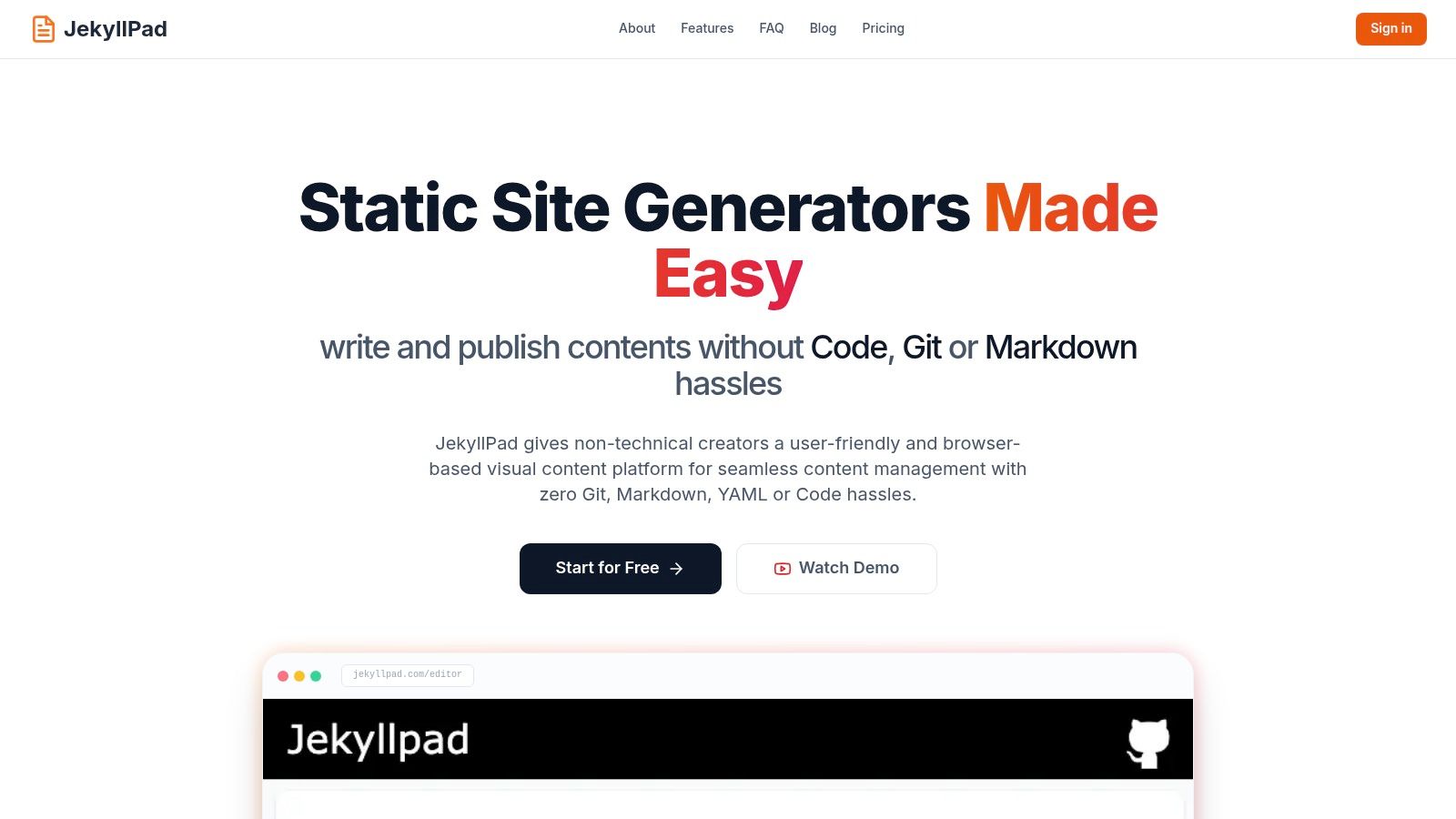
Its core strength lies in its native GitHub integration. Every change you make, from writing a paragraph to updating metadata, is automatically committed to your designated repository. This approach provides robust version control and automatic backups without requiring complex CI/CD configurations, making it incredibly efficient for solo creators and small teams. The entire application runs client-side, ensuring your data remains private between your browser and GitHub.
Key Features and Analysis
JekyllPad is more than just a text editor; it’s a complete content management environment for static sites. The hybrid WYSIWYG and Markdown editor with a live preview is a significant advantage, accommodating both technical writers who appreciate Markdown syntax and non-technical authors who prefer a visual interface.
- Native Git Workflow: Commits are made directly to your GitHub repo, eliminating the need for a separate backend or database. This simplifies the tech stack and enhances security.
- SSG Compatibility: It offers out-of-the-box support for popular generators like Jekyll, Hugo, Astro, Eleventy, and Gatsby, making setup incredibly straightforward.
- Visual Front-Matter Editing: A user-friendly interface for managing metadata like titles, dates, tags, and custom fields simplifies one of the most tedious aspects of SSG content management.
- Client-Side Architecture: The editor runs entirely in your browser. This improves performance, enhances privacy, and removes server maintenance from your list of worries.
Ideal Use Cases and Limitations
JekyllPad is exceptionally well-suited for technical bloggers, documentation teams, and content marketers using GitHub Pages or other SSG-powered sites. For those looking to understand how it fits into a specific ecosystem, JekyllPad’s team provides a detailed guide on using it as a Jekyll CMS.
However, its tight integration with GitHub is also its main limitation. Teams using other Git providers like GitLab or Bitbucket will need to look elsewhere. The free plan, while generous for getting started, includes a limit of five free posts per month.
- Pros:
- Intuitive WYSIWYG and Markdown hybrid editor with live preview.
- Seamless, native GitHub integration for automated version control.
- Zero-backend, client-side architecture for speed and privacy.
- Broad support for major static site generators.
- Cons:
- Exclusively supports GitHub repositories.
- Free tier has usage limits on content creation.
Website: https://www.jekyllpad.com
2. TinyMCE
TinyMCE is an enterprise-grade, platform-independent rich text editor known for its extensive configurability and robust API. It has been a staple in web development for over a decade, evolving from a simple text area replacement to a full-featured content creation component. Its maturity is its greatest strength, offering a stable core and a vast ecosystem of plugins and integrations.
What sets TinyMCE apart is its dual-deployment model. You can get started quickly using their cloud service, which requires an API key and operates on a usage-based free tier. This is perfect for prototyping or smaller projects. Alternatively, you can self-host the editor for complete control over your environment, a critical feature for applications with strict data privacy or offline requirements. This flexibility makes it a powerful choice among free HTML WYSIWYG editors.
Key Features & Use Cases
- Extensive Customization: With over 400 API options and a rich plugin architecture, you can tailor the editor toolbar, skins, and functionality precisely to your application's needs.
- Framework Integrations: Tiny provides official wrappers for popular frameworks like React, Vue, and Angular, simplifying integration into modern web applications.
- Ideal For: Developers building complex content management systems, SaaS applications requiring a reliable text input component, or enterprise platforms needing a deeply integrated and customizable editor. The free cloud tier is generous enough for many small-to-medium-sized projects.
| Feature Analysis | Assessment |
|---|---|
| Output Quality | Generates clean, semantic HTML5. |
| Customization | Excellent; nearly every aspect can be configured. |
| Free Tier Limits | Based on "editor loads" per month on the cloud plan. |
| Self-Hosting | Yes, the core editor is open source (LGPL). |
Pros:
- Highly mature, stable, and well-documented.
- Extensive plugin ecosystem for features like code editing and spell-checking.
- Flexible deployment options (cloud or self-hosted).
Cons:
- The most powerful features (e.g., real-time collaboration, advanced copy-paste) are premium add-ons.
- Cloud plan has usage limits that could be a concern for high-traffic sites.
Website: tiny.cloud
3. CKEditor 5
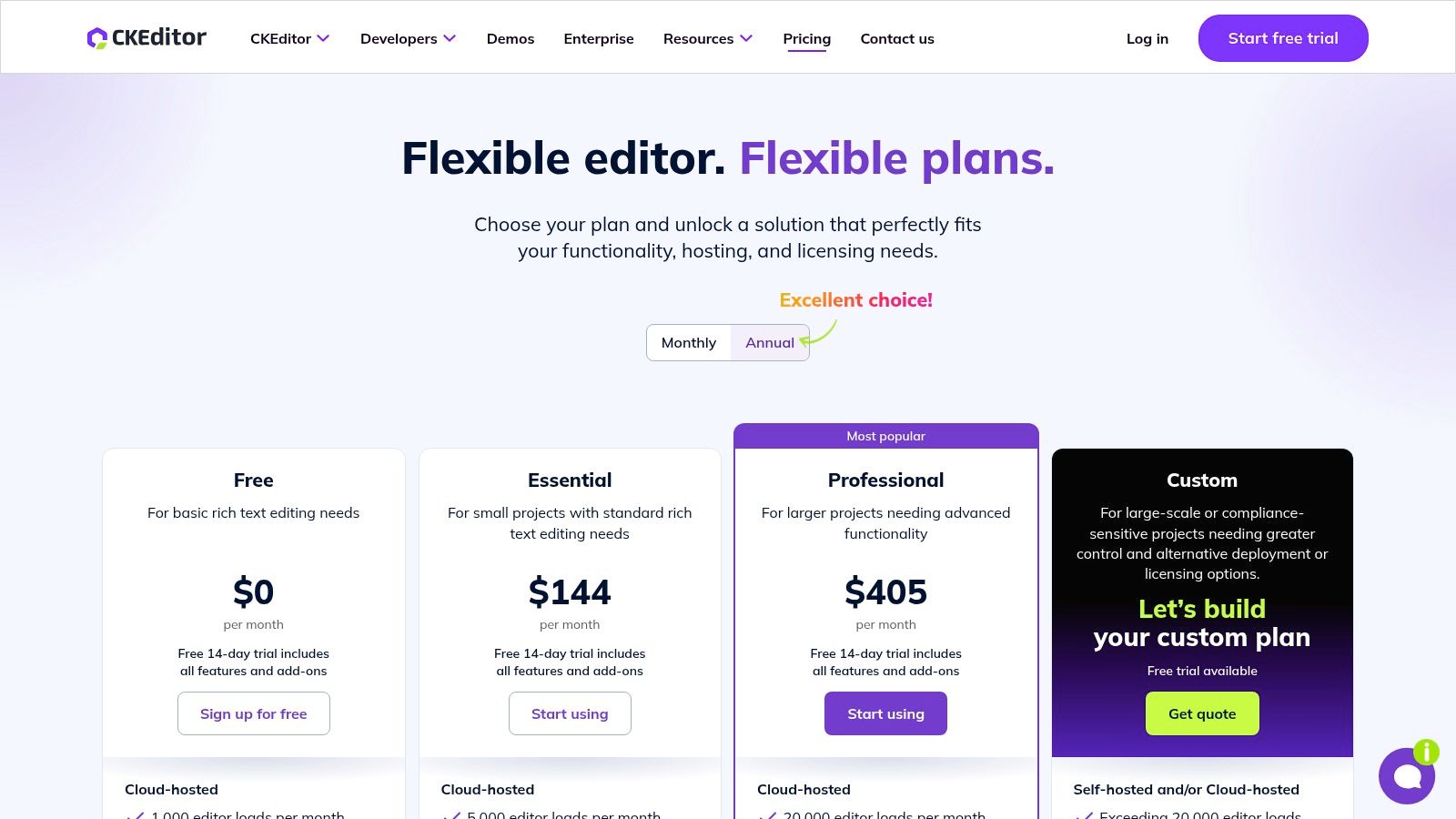
CKEditor 5 is a modern, modular rich text editor designed with a polished user experience and a powerful framework at its core. It stands out with a clear, API-driven architecture and a focus on providing a seamless path from its open-source version to advanced, enterprise-grade commercial features. This makes it an excellent choice for projects that start small but anticipate needing robust functionalities like real-time collaboration or advanced asset management in the future.
Much like its competitors, CKEditor 5 offers flexible deployment. You can self-host the open-source build for maximum control, which is a great option among free HTML WYSIWYG editors. Alternatively, its cloud service provides a quick-start solution with a free tier that includes a watermark. This dual-model approach, combined with its strong documentation, makes it accessible for individual developers and scalable for large organizations. Understanding its capabilities can help you appreciate what a WYSIWYG editor is and how it enhances content creation workflows.
Key Features & Use Cases
- Modern, Modular Architecture: Built from the ground up with a custom data model, allowing for features like real-time collaborative editing and track changes (premium).
- Polished User Experience: The default UI is clean, intuitive, and highly refined, providing a great out-of-the-box experience for content creators.
- Ideal For: SaaS applications, educational platforms, and large-scale CMSs where user experience is paramount. It's also a strong contender for projects that may need to scale to include premium features like PDF export or real-time collaboration without switching editors.
| Feature Analysis | Assessment |
|---|---|
| Output Quality | Excellent; produces structured, clean HTML5. |
| Customization | Very good; a plugin-based system allows for tailored builds. |
| Free Tier Limits | Watermark on the cloud plan; some features are premium only. |
| Self-Hosting | Yes, the core is open source (GPL 2+ license). |
Pros:
- Exceptional UI and user experience.
- Clear upgrade path from the free version to advanced paid features.
- Strong documentation and community support.
Cons:
- The open-source version is licensed under GPL, which may not suit all commercial projects.
- The free cloud plan displays a "Powered by CKEditor" watermark.
Website: ckeditor.com
4. Quill
Quill is a modern, API-driven rich text editor built for compatibility and extensibility. It stands out by being "editor-first," meaning it doesn't use HTML as its internal data model. Instead, it represents content with a compact and predictable JSON format called Delta, which precisely describes the content and any changes, ensuring consistency across platforms. This makes it a developer-favorite among free HTML WYSIWYG editors.
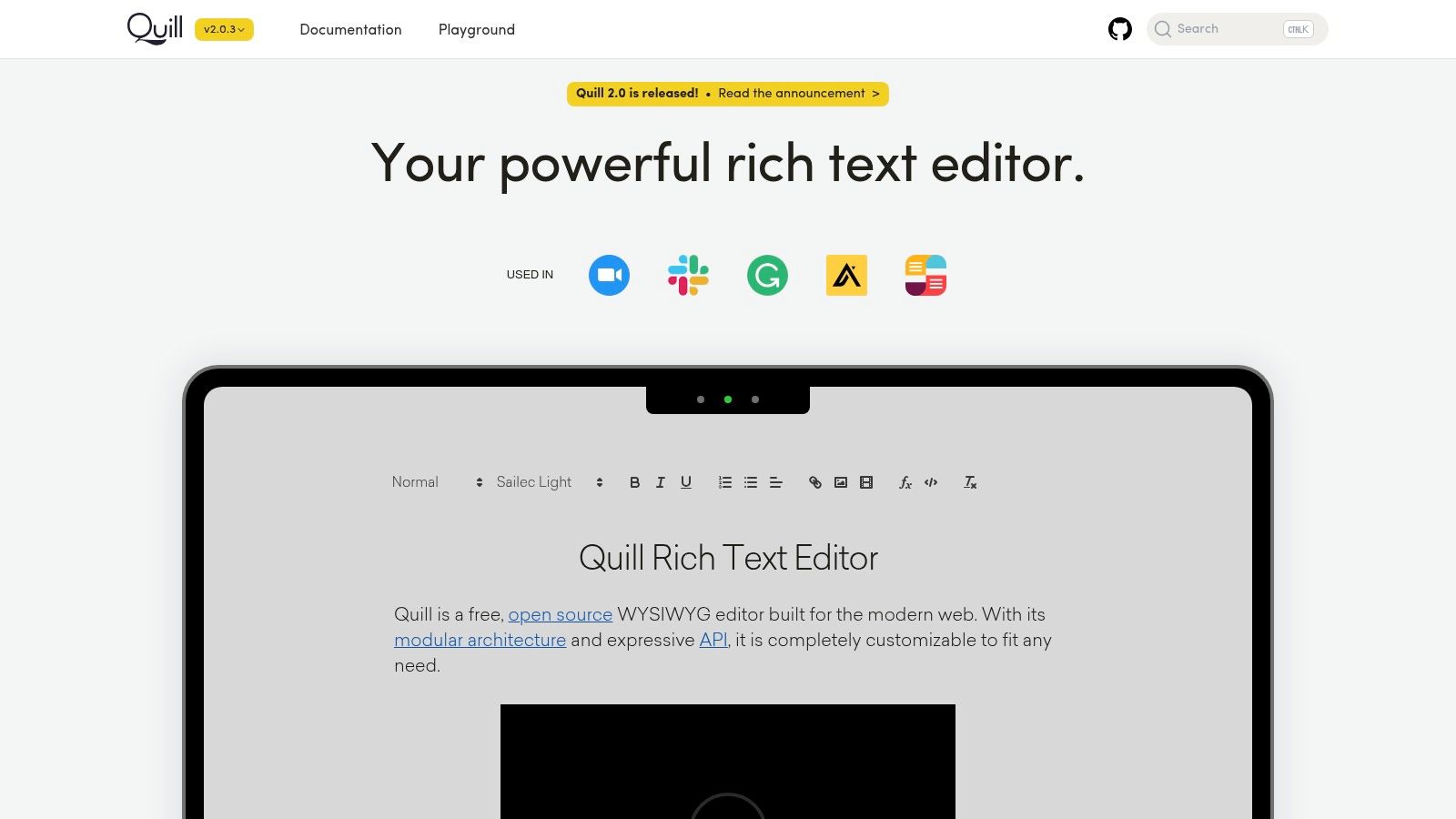
The core strength of Quill is its modular architecture. The core library is lightweight, and functionality is added through modules and themes. This approach allows developers to build a completely custom editor with only the features they need, avoiding the bloat of all-in-one solutions. Getting started is simple by loading it from a CDN or self-hosting, and its clean API makes programmatic control of the editor's content and state straightforward.
Key Features & Use Cases
- API-Driven and Predictable: Its Delta format provides a reliable source of truth, making it easier to manage content, track changes, and implement features like real-time collaboration.
- Modular and Lightweight: Start with a lean core and add modules for toolbars, history, syntax highlighting, and more as needed, keeping the final bundle size small.
- Ideal For: Applications where content consistency is paramount, developers who need granular control over editor behavior, or projects requiring a custom, lightweight editor for mobile and web.
| Feature Analysis | Assessment |
|---|---|
| Output Quality | Generates clean HTML but uses a JSON Delta model internally. |
| Customization | Excellent; its modular architecture is built for customization. |
| Free Tier Limits | Completely free and open source (BSD 3-Clause license). |
| Self-Hosting | Yes, designed to be self-hosted or served from a CDN. |
Pros:
- Consistent and predictable output due to its Delta data model.
- Lightweight core and modular design keep performance high.
- Permissive BSD-style open-source license and a strong community.
Cons:
- Reliance on the Delta format can be a learning curve for those used to direct HTML manipulation.
- Advanced features often require building custom modules or finding third-party packages.
Website: quilljs.com
5. Tiptap
Tiptap is a modern, headless, open-source editor built on top of the powerful ProseMirror toolkit. It stands out for its extension-driven architecture, giving developers granular control over every aspect of the editor's functionality. This modular approach allows for the creation of completely custom editing experiences, from simple inline editors to complex, collaborative document platforms like Google Docs.
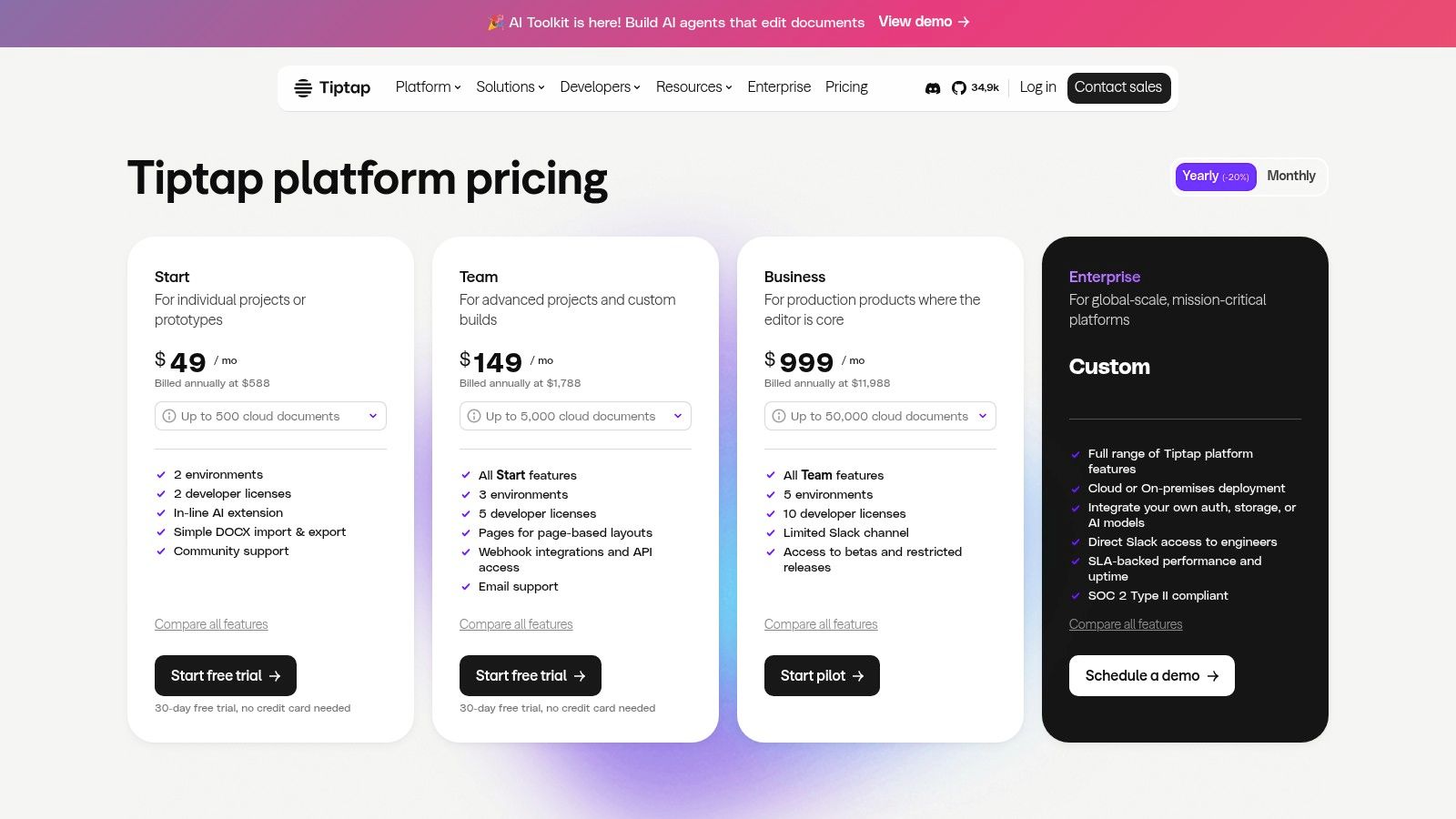
What makes Tiptap unique is its "headless" nature. It provides the logic and state management but leaves the rendering and user interface entirely up to you, making it incredibly framework-agnostic. While the core library is a fantastic free HTML WYSIWYG editor for self-hosted projects, Tiptap also offers a managed Platform. This service adds powerful features like real-time collaboration, document history, and AI tools, providing a clear upgrade path for projects that need to scale.
Key Features & Use Cases
- Headless & Extensible: The core is unopinionated about your UI, allowing for deep integration with any design system or framework. Functionality is added via extensions.
- ProseMirror Foundation: Built on a robust, schema-driven toolkit trusted by companies like Atlassian and The New York Times, ensuring a stable and predictable editing experience.
- Ideal For: Teams building bespoke content creation tools, collaborative applications, or products requiring a highly customized editor. Its framework-agnostic nature is perfect for modern JavaScript ecosystems (React, Vue, Svelte).
| Feature Analysis | Assessment |
|---|---|
| Output Quality | Excellent; generates structured JSON and clean HTML. |
| Customization | Excellent; its core philosophy is based on customization. |
| Free Tier Limits | The open-source core is completely free and unlimited. |
| Self-Hosting | Yes, the open-source editor is designed for self-hosting. |
Pros:
- Highly customizable and framework-agnostic.
- The open-source core is powerful and free.
- Clear migration path from open-source to a managed platform with collaboration.
Cons:
- Requires more initial setup and development to build a full UI compared to out-of-the-box solutions.
- Advanced managed features like collaboration are part of a paid platform.
Website: tiptap.dev
6. Summernote
Summernote is a lightweight, embeddable WYSIWYG editor designed for simplicity and elegance. Its core strength lies in its seamless integration with Bootstrap, making it a go-to choice for developers already using the popular CSS framework. Installation is straightforward, often requiring just a few lines of code to transform a standard textarea into a functional rich text editor.
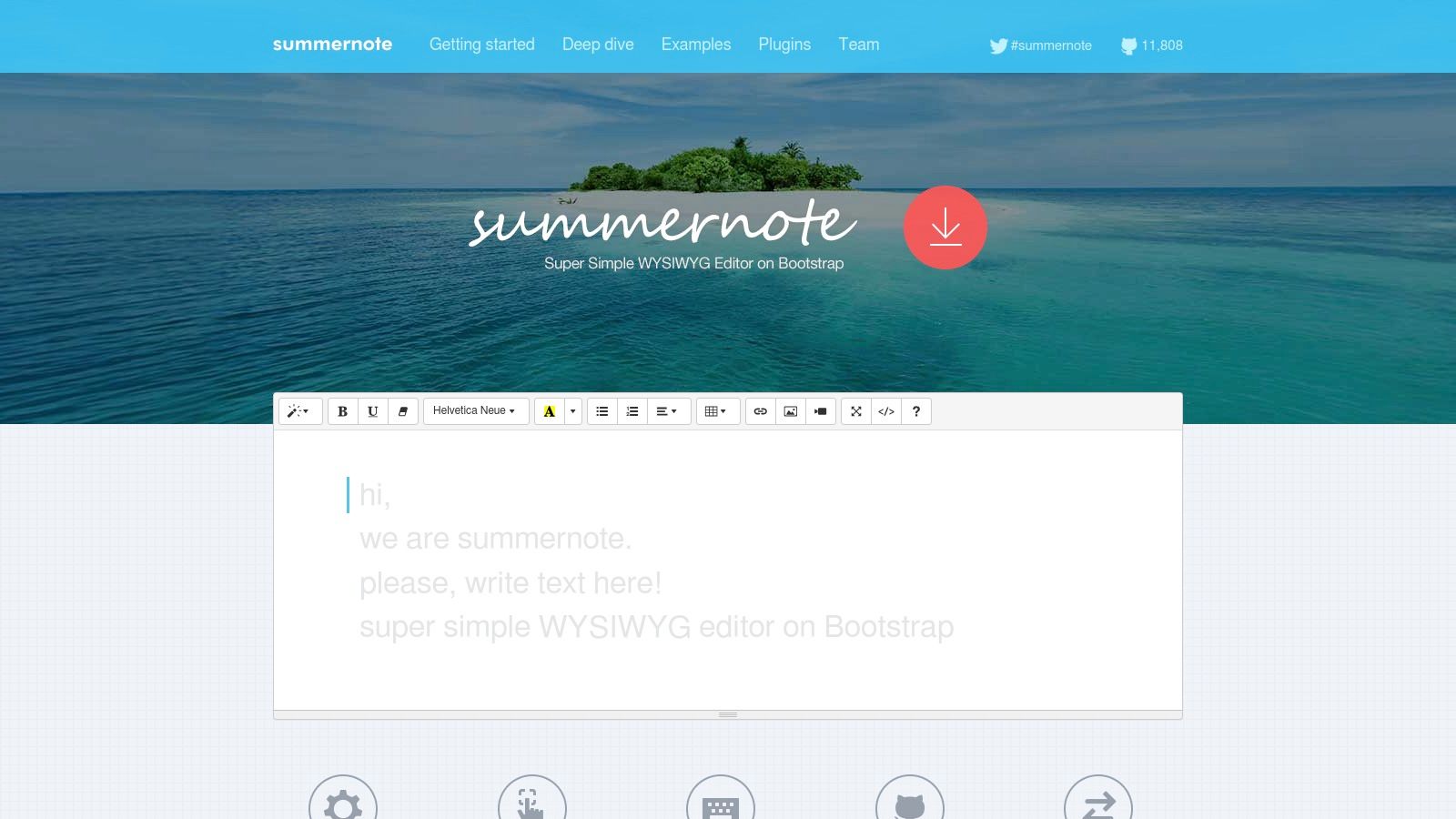
What makes Summernote stand out is its balance between ease of use and essential functionality. It avoids the feature bloat of larger editors, providing a clean, intuitive toolbar that is easy for non-technical users to master. This focus on simplicity makes it an excellent free HTML WYSIWYG editor for projects like admin dashboards, simple content management systems, or anywhere a quick and reliable rich text input is needed without a complex setup.
Key Features & Use Cases
- Bootstrap Integration: Designed to work out-of-the-box with Bootstrap 3, 4, and 5, inheriting its look and feel for a cohesive UI.
- Simple Setup: Can be initialized with minimal JavaScript, making it very fast to implement in existing projects.
- Ideal For: Applications built on Bootstrap, internal tools like admin panels or support ticket systems, and projects where a developer needs a quick, no-fuss rich text editor without a steep learning curve.
| Feature Analysis | Assessment |
|---|---|
| Output Quality | Generally clean HTML, though dependent on user input. |
| Customization | Good; toolbar buttons and some behaviors can be configured. |
| Free Tier Limits | Completely free; open source under the MIT license. |
| Self-Hosting | Yes, it is a self-hosted JavaScript library by nature. |
Pros:
- Extremely lightweight and easy to integrate, especially in Bootstrap projects.
- Clean, familiar toolbar that is very user-friendly for content creators.
- Completely free and open source with an unrestrictive MIT license.
Cons:
- Limited feature set compared to more robust editors like TinyMCE or CKEditor.
- Many official examples and integrations still rely on jQuery.
Website: summernote.org
7. SunEditor
SunEditor is a powerful, dependency-free WYSIWYG editor built entirely with pure, vanilla JavaScript. This lightweight approach makes it incredibly fast and easy to integrate into any project without the overhead of external libraries. Its MIT license ensures it is a truly free HTML WYSIWYG editor for both personal and commercial use, appealing to developers who prioritize performance and simplicity.
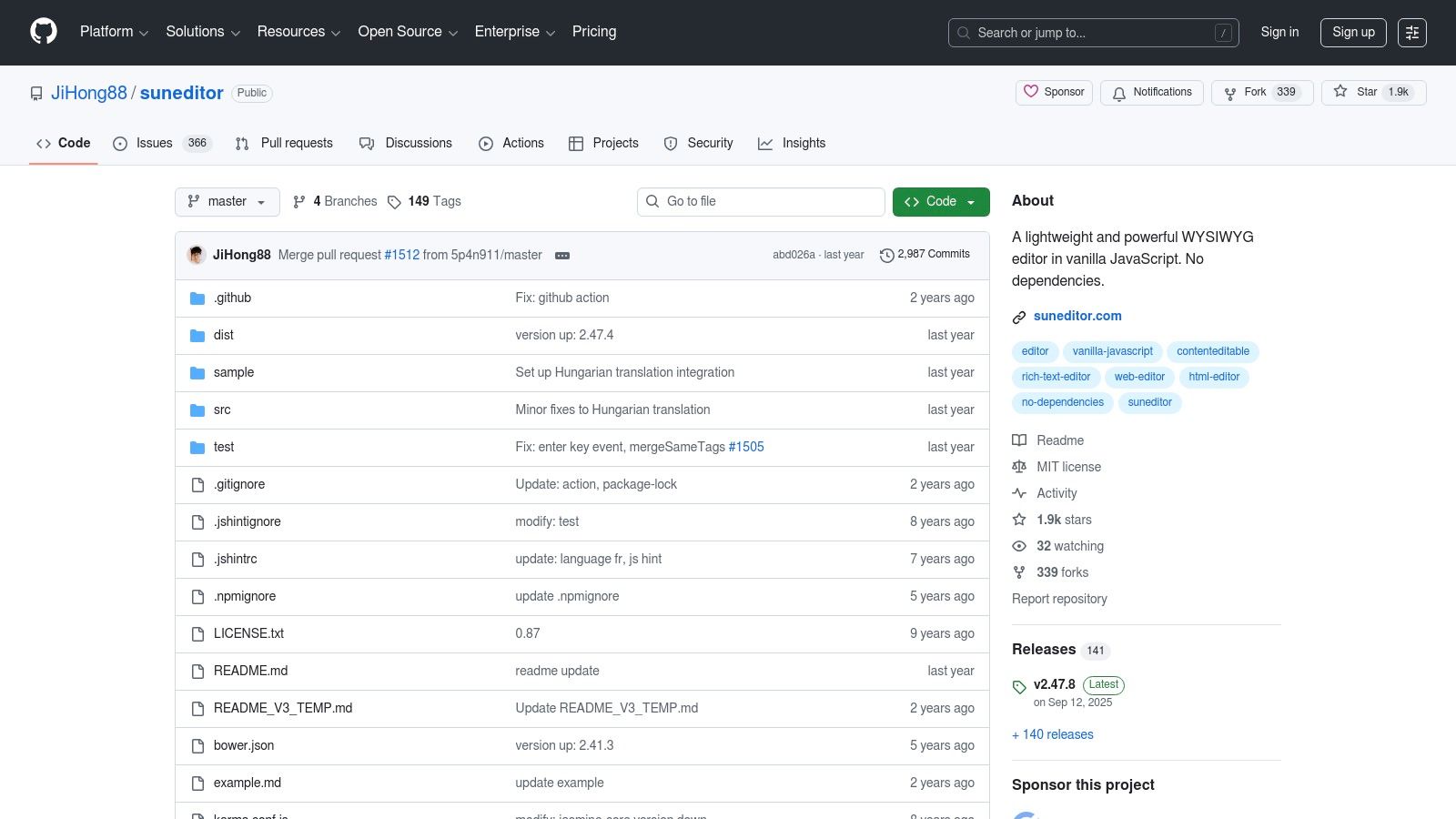
What makes SunEditor stand out is its rich feature set combined with its lack of dependencies. It offers advanced tools often found in heavier editors, such as complex table management, media embedding, and reliable copy-paste functionality from applications like Microsoft Word and Excel. Distributed via NPM and CDN, it also provides official wrappers for modern frameworks like React and Angular, making it a versatile choice for a wide range of web applications.
Key Features & Use Cases
- Zero Dependencies: Implemented in pure JavaScript, ensuring fast load times and no conflicts with other libraries in your project.
- Powerful Table Control: Includes advanced table features like merging and splitting cells, which is a significant advantage for content that requires structured data.
- Ideal For: Projects requiring a fast, lightweight, and highly customizable editor without framework lock-in. It's excellent for custom-built CMS platforms, documentation sites, and applications where performance is a critical factor.
| Feature Analysis | Assessment |
|---|---|
| Output Quality | Produces clean HTML, though less strict than some enterprise editors. |
| Customization | Good; offers a customizable toolbar and plugin system. |
| Free Tier Limits | Completely free; MIT licensed with no usage restrictions. |
| Self-Hosting | Yes, it is designed for self-hosting by nature. |
Pros:
- Lightweight, fast, and has no external dependencies.
- Excellent support for complex tables and pasting from Office apps.
- Active development on GitHub and has wrappers for modern frameworks.
Cons:
- The plugin ecosystem is smaller compared to giants like TinyMCE or CKEditor.
- Lacks the out-of-the-box enterprise features like real-time collaboration.
Website: github.com/JiHong88/suneditor
8. Trumbowyg
Trumbowyg is an ultra-lightweight, jQuery-based WYSIWYG editor designed for speed and simplicity. It stands out by offering a minimal core footprint of around 10 kB (gzipped), making it an excellent choice for performance-sensitive web applications where every kilobyte counts. Unlike heavier editors, Trumbowyg focuses on providing essential formatting tools without sacrificing load times or overwhelming the user with unnecessary features.
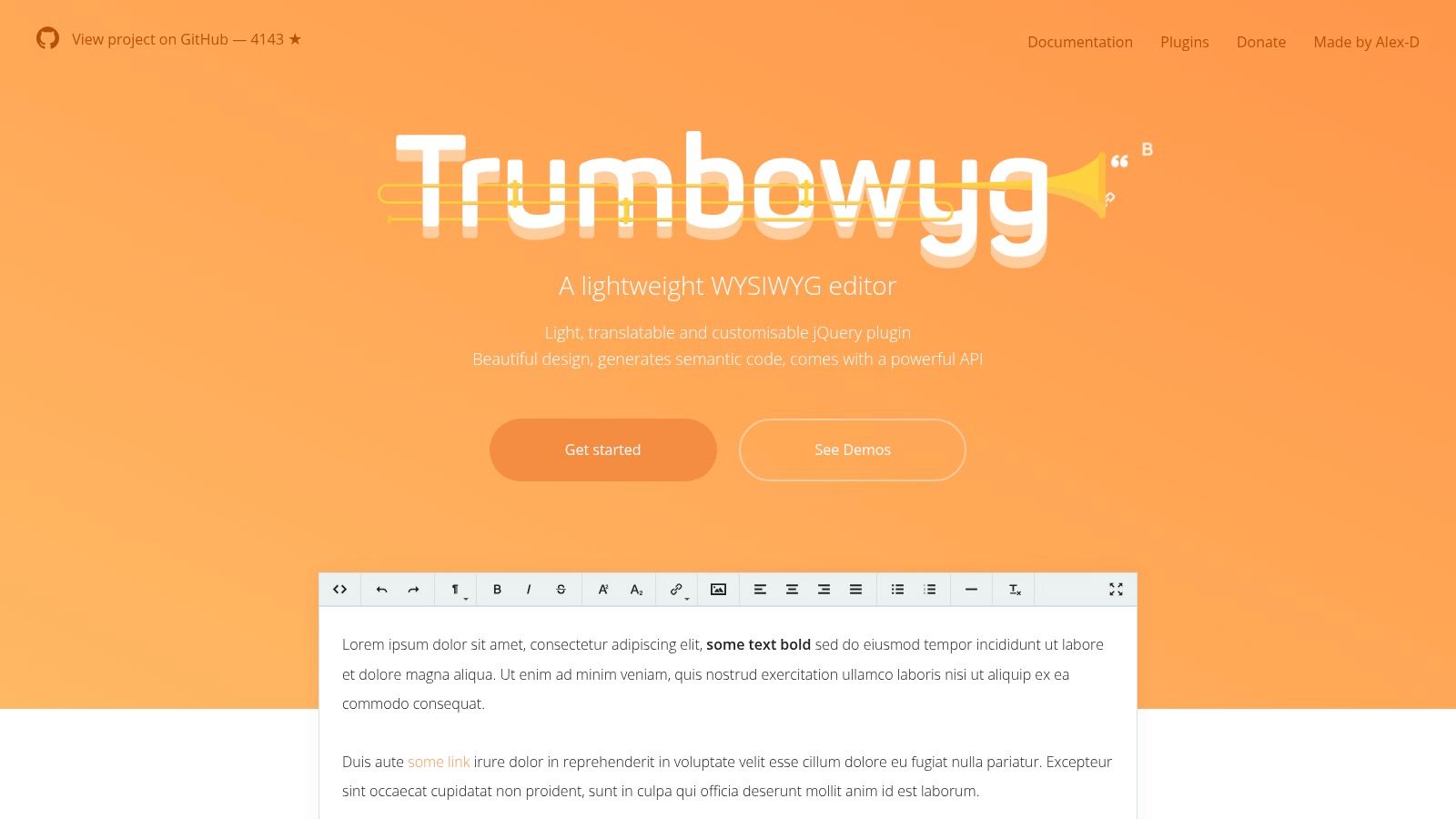
The editor’s philosophy is centered on generating clean, semantic HTML5 output, ensuring content remains structured and easy to manage. Its dependency on jQuery might be a consideration for modern, framework-native projects, but for websites already using the library, Trumbowyg integrates seamlessly. It offers a straightforward API and a plugin-based architecture, allowing developers to extend its functionality as needed while keeping the initial package lean.
Key Features & Use Cases
- Extremely Lightweight: Its tiny size ensures it has a minimal impact on page load speed, making it perfect for public-facing websites or simple admin panels.
- Simple Extensibility: A well-documented plugin system allows for the addition of features like image uploading, code syntax highlighting, and more without bloating the core.
- Ideal For: Projects that require a basic but reliable rich text editor, such as blog comment sections, simple content management fields, or internal tools where performance is a key concern. Its simplicity makes it one of the most accessible free HTML WYSIWYG editors.
| Feature Analysis | Assessment |
|---|---|
| Output Quality | Generates clean and semantic HTML. |
| Customization | Good; extensible via plugins and simple skinning. |
| Free Tier Limits | None; completely free and open source (MIT license). |
| Self-Hosting | Yes, it is designed exclusively for self-hosting. |
Pros:
- Incredibly small footprint and very fast to initialize.
- Straightforward API and clear documentation make it easy to implement.
- Completely free with a permissive MIT license.
Cons:
- Requires jQuery, which may not be ideal for new projects using modern JS frameworks.
- Lacks advanced features like real-time collaboration or complex table management found in larger editors.
Website: alex-d.github.io/Trumbowyg/
9. Editor.js
Editor.js offers a fundamentally different approach compared to traditional free HTML WYSIWYG editors. Instead of producing raw HTML, it generates structured JSON data. This block-style editor treats every piece of content, from paragraphs and headers to images and lists, as an independent, pluggable "Block." This architecture is designed for modern web applications where content needs to be clean, portable, and easily rendered across multiple platforms, such as web, mobile apps, and AMP.
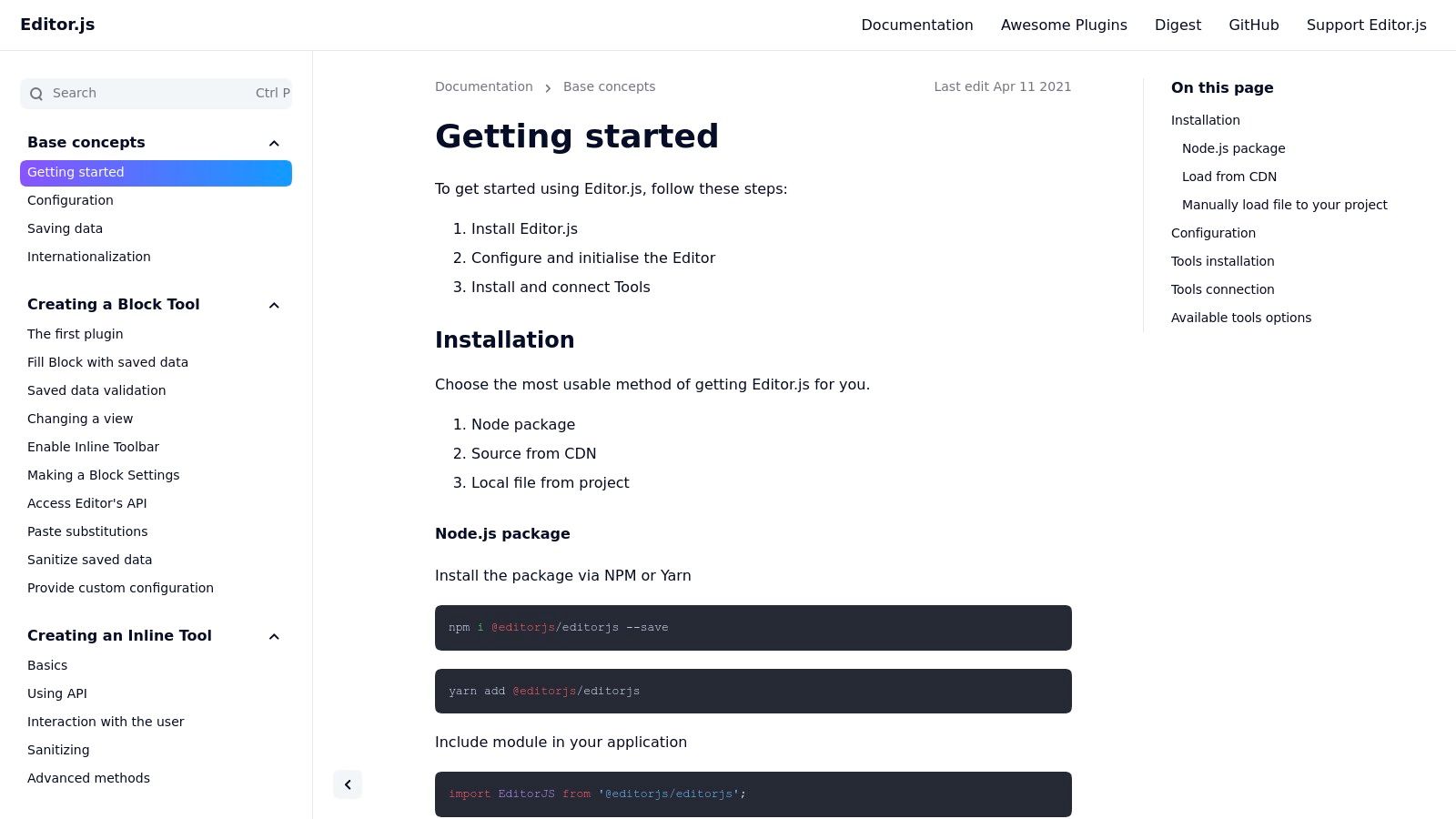
What makes Editor.js unique is its focus on data purity. By outputting JSON, it decouples the content from its presentation. This means developers have complete control over how the data is rendered, ensuring the final HTML is semantic, clean, and perfectly styled for the target environment. The core is open source under the Apache-2.0 license, and its plugin-driven nature allows for a highly customized editing experience tailored to specific content models.
Key Features & Use Cases
- Block-Based Editing: Content is structured as a series of blocks (or "Tools"), making it easy to reorder, parse, and manipulate programmatically on the backend.
- Clean JSON Output: Produces a structured and predictable JSON object, which simplifies data sanitation, validation, and integration with headless CMS architectures.
- Ideal For: Headless applications, multi-channel publishing platforms, and any project where content needs to be strictly separated from its final presentation. It's perfect for developers who want to avoid the messiness of parsing user-generated HTML.
| Feature Analysis | Assessment |
|---|---|
| Output Quality | Outputs structured JSON. HTML rendering is handled separately. |
| Customization | Excellent; functionality is added via community or custom "Tools." |
| Free Tier Limits | Completely free and open source. |
| Self-Hosting | Yes, it is designed exclusively for self-hosting. |
Pros:
- Clean, structured data output is perfect for headless or omni-channel publishing.
- Data is easy to sanitize, validate, and process on the backend.
- Extensible architecture with a growing ecosystem of community-made Tools.
Cons:
- It's not a classic HTML WYSIWYG editor; it requires a developer to build a rendering pipeline to convert JSON to HTML.
- The quality and maintenance of community-provided Tools can vary.
Website: editorjs.io
10. ProseMirror
ProseMirror is not a ready-to-use editor but rather a low-level, modular toolkit for building your own rich-text editor from the ground up. It serves as the powerful foundation for many popular modern editors, including Tiptap. Its core strength lies in its schema-driven approach, allowing developers to define the exact structure of a document with precision, making it an exceptional choice for applications that require structured, predictable content.
What sets ProseMirror apart is its design for extensibility and collaboration. It provides primitives for real-time collaborative editing right out of the box, handling complex operations like transaction history and conflict resolution. This makes it less of a simple "HTML WYSIWYG editor" and more of a framework for creating bespoke content creation experiences. It's the ideal choice for teams that need to build a highly customized editor tailored to a specific domain, such as technical documentation or interactive learning platforms.
Key Features & Use Cases
- Structured Schemas: Define a strict document model to enforce content rules, ensuring consistent and valid output. You can specify which nodes (like paragraphs or headings) can contain others.
- Collaborative Editing Primitives: Built-in support for transforming and merging changes from multiple users, providing a solid base for real-time collaboration features.
- Ideal For: Development teams building a unique, feature-rich editor from scratch. It is perfect for SaaS applications, complex content platforms, or any project where a standard off-the-shelf editor is too restrictive.
| Feature Analysis | Assessment |
|---|---|
| Output Quality | Entirely dependent on the schema and custom plugins you build. |
| Customization | Unmatched; it is a toolkit, not a finished product. |
| Free Tier Limits | Completely free and open source (MIT license). |
| Self-Hosting | Yes, it is a JavaScript library intended for self-hosting. |
Pros:
- Extremely powerful and flexible foundation for custom editors.
- Excellent support for collaborative editing.
- Backed by a strong community and used in major products.
Cons:
- Not a plug-and-play solution; requires significant development effort.
- The learning curve is steep compared to pre-built editors.
- You must build your own UI and feature plugins.
Website: prosemirror.net
11. Slate
Slate is not a pre-built editor but a powerful, React-based framework for creating bespoke rich-text editing experiences. It operates on a "headless" model, providing the underlying logic and structure while giving developers complete control over the rendering, schema, and behavior. This makes it fundamentally different from drop-in solutions, as it is designed for applications that require a deeply integrated and unique content editor.
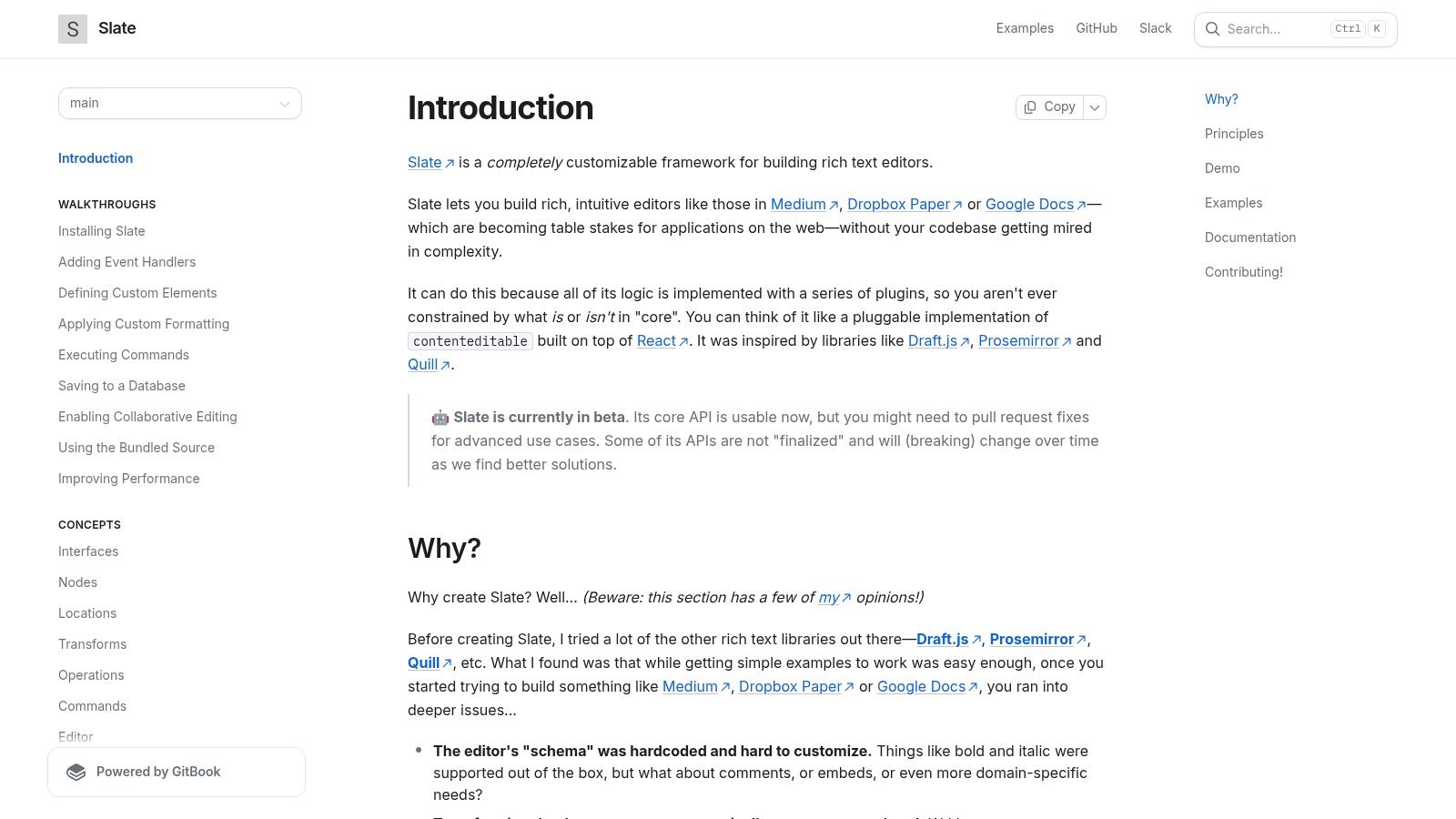
The core strength of Slate lies in its plugin-driven architecture and deep React ergonomics. Instead of configuring a pre-existing toolbar, you build every component and interaction from the ground up using React components. This approach offers unparalleled flexibility, allowing for the creation of editors with custom elements, unique keyboard shortcuts, and product-specific logic that would be impossible with other free HTML WYSIWYG editors.
Key Features & Use Cases
- Plugin-Driven Architecture: The core is minimal, with all functionality-from bolding text to complex embeds-added via plugins.
- Complete Render Control: You define exactly how your document is rendered using React components, ensuring a seamless fit with your application's design system.
- Ideal For: Development teams building products with highly specific content creation needs, such as collaborative platforms like Notion or Figma, or applications requiring custom data structures within the editor itself.
| Feature Analysis | Assessment |
|---|---|
| Output Quality | Fully customizable; output can be HTML, Markdown, or any JSON structure. |
| Customization | Unmatched; it is a framework for building, not a tool for configuring. |
| Free Tier Limits | Completely free and open source (MIT License). |
| Self-Hosting | Yes, it is a library to be integrated into your own application. |
Pros:
- Maximum flexibility to create a truly bespoke editing experience.
- Schema-agnostic, allowing for complex and nested data structures.
- Excellent for developers already proficient with the React ecosystem.
Cons:
- Requires significant engineering effort compared to drop-in editors.
- The API has been known to evolve, requiring attention during version updates.
Website: docs.slatejs.org
12. GrapesJS
GrapesJS is less of a text editor and more of a complete, open-source visual builder framework. It shifts the focus from inline content editing to full-page, drag-and-drop layout creation, making it an exceptional tool for building HTML templates for websites and emails. It provides a structured, block-based experience with components like a style manager, layer inspector, and asset manager.
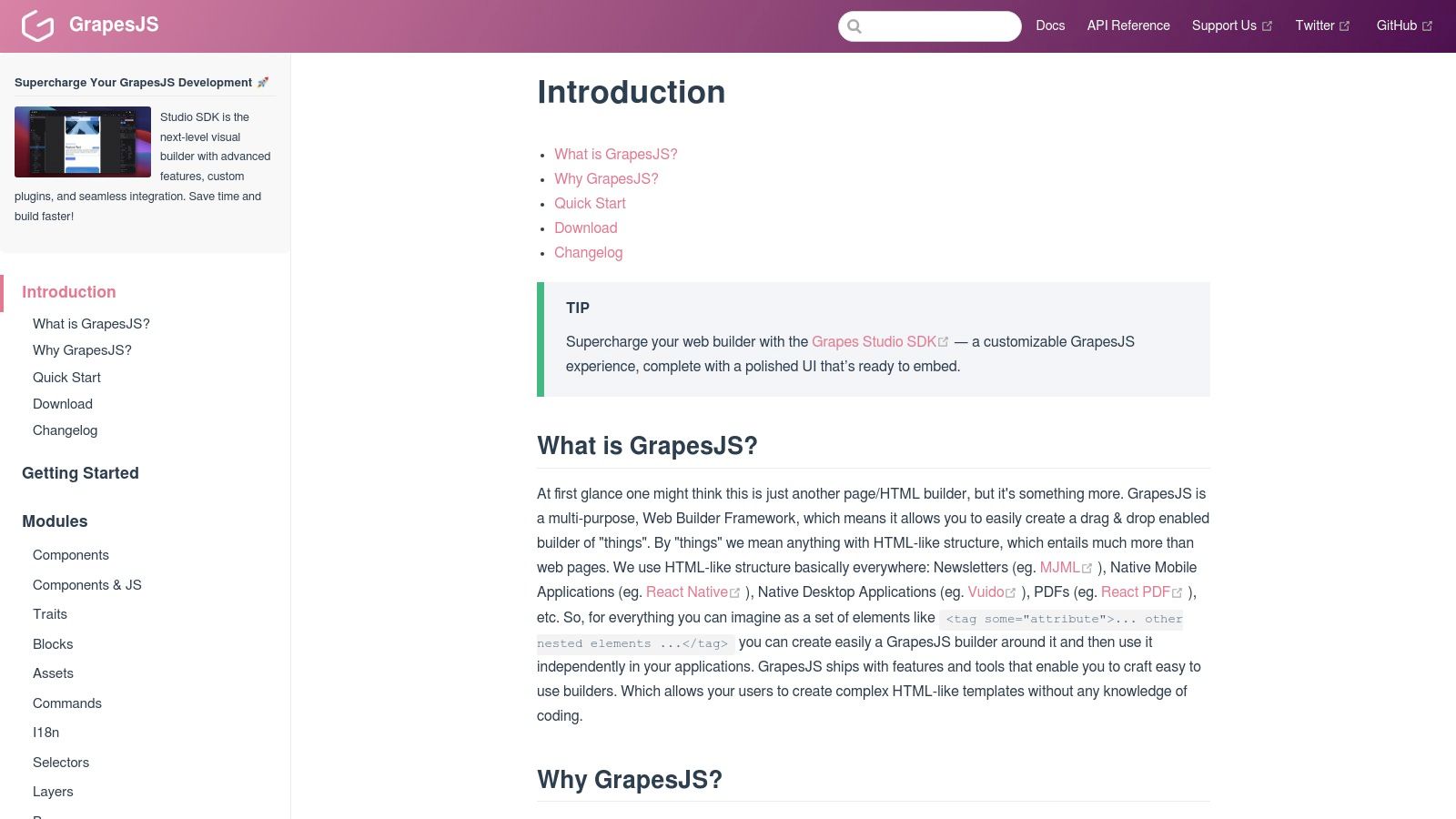
What makes GrapesJS stand out among other free HTML WYSIWYG editors is its page-level scope. While others focus on the content within a <div>, GrapesJS is designed to build the <div> itself and everything around it. Its architecture is built for extensibility, with a rich plugin ecosystem for adding new blocks, commands, and storage integrations. This makes it a powerful foundation for creating custom SaaS platforms, landing page builders, or email template editors.
Key Features & Use Cases
- Visual Page Builder: Offers a comprehensive drag-and-drop interface with blocks, a style manager, and layer controls for structuring entire web pages.
- Newsletter & Email Focus: Includes specific presets and MJML support for creating responsive, cross-client compatible email templates, a notoriously difficult task.
- Ideal For: Developers building platforms that empower non-technical users to create their own web pages or email campaigns. It is a perfect backend for a custom CMS or a SaaS product that needs a visual builder component.
| Feature Analysis | Assessment |
|---|---|
| Output Quality | Clean HTML/CSS, but can be complex depending on the structure. |
| Customization | Excellent; highly extensible via a robust plugin architecture. |
| Free Tier Limits | The core framework is completely open source and free (BSD-3-Clause). |
| Self-Hosting | Yes, it is designed to be self-hosted and integrated. |
Pros:
- A powerful framework for creating full-featured page builders.
- Strong tooling for email and newsletter template creation.
- Active plugin ecosystem for adding functionality.
Cons:
- Significantly heavier and more complex than a minimalist text editor.
- Advanced "Studio" capabilities and official hosted versions may involve paid offerings.
Website: grapesjs.com/docs
12 Free HTML WYSIWYG Editors: Feature Comparison
| Product | Core features | Quality ★ | Value 💰 | Target 👥 | Unique ✨ |
|---|---|---|---|---|---|
| 🏆 JekyllPad | WYSIWYG + Markdown, front‑matter editor, real‑time preview, GitHub sync | ★★★★☆ | 💰 Free forever (5 posts/mo) + paid tiers (unspecified) | 👥 Non‑technical & technical creators, bloggers, docs teams | ✨ Client‑side + native GitHub commits; SSG workflows (Jekyll/Hugo/Astro/Eleventy/Gatsby) |
| TinyMCE | Mature WYSIWYG core, extensive plugins & integrations | ★★★★★ | 💰 Free core; cloud usage limits & paid add‑ons | 👥 Web apps → enterprise developers | ✨ Large plugin/API ecosystem; cloud & self‑hosted options |
| CKEditor 5 | Modular rich text, cloud & self‑hosted, collaboration (premium) | ★★★★★ | 💰 OSS core; premium features paid | 👥 Enterprise apps, teams needing collaboration | ✨ Polished UX + Word/PDF import & asset mgmt (paid) |
| Quill | Lightweight rich text, Delta model, mobile friendly | ★★★★☆ | 💰 Free OSS | 👥 Developers wanting a lean, extensible editor | ✨ Delta (JSON) model; easy CDN/self‑host hosting |
| Tiptap | Headless ProseMirror core, rich extension system, Platform option | ★★★★★ | 💰 OSS core; paid Platform for docs/collab | 👥 Product teams needing deep customization | ✨ Extension‑driven + optional managed collaboration/AI tools |
| Summernote | Simple WYSIWYG, Bootstrap/jQuery friendly, quick start | ★★★★☆ | 💰 Free OSS (MIT) | 👥 Dashboards, CMS back‑offices, non‑technical editors | ✨ Very quick drop‑in with familiar toolbar |
| SunEditor | Dependency‑free vanilla JS editor, Office paste, media tools | ★★★★☆ | 💰 Free OSS | 👥 Developers wanting lightweight, framework wrappers | ✨ No deps; strong paste from Office & media handling |
| Trumbowyg | Ultra‑light jQuery WYSIWYG, clean HTML output | ★★★★☆ | 💰 Free OSS | 👥 Performance‑sensitive pages, simple CMS | ✨ ~10KB gzipped core; fast load & simple plugins |
| Editor.js | Block‑based editor outputting clean JSON (Tools/plugins) | ★★★★☆ | 💰 Free OSS (Apache‑2.0) | 👥 Headless/multi‑channel publishers, structured content | ✨ Block/Tool model ideal for headless pipelines |
| ProseMirror | Low‑level editor toolkit: schemas, plugins, collaboration | ★★★★★ | 💰 Free OSS (high engineering cost) | 👥 Teams building custom editors & real‑time collab | ✨ Precise document schemas + collaboration primitives |
| Slate | React‑first headless editor primitives, customizable schema | ★★★★☆ | 💰 Free OSS (engineering cost) | 👥 React apps needing bespoke editor behavior | ✨ Full React control for custom elements & behaviors |
| GrapesJS | Drag‑and‑drop page & email visual builder, asset manager | ★★★★☆ | 💰 Free OSS; paid Studio/hosted options | 👥 Marketers, designers, template builders | ✨ Page/email visual builder with style manager & presets |
Making Your Final Choice: Which Editor Fits Your Workflow?
Navigating the landscape of free HTML WYSIWYG editors can feel overwhelming, but as we've explored, the diversity of options is a significant advantage. The core takeaway is that there is no single "best" editor for everyone. The ideal choice hinges entirely on your specific workflow, technical constraints, and the needs of your content creators. Your decision-making process should move beyond a simple feature-for-feature comparison and focus on how a tool integrates into your existing ecosystem.
We've covered a wide spectrum of solutions, from enterprise-grade giants to developer-centric toolkits. Each editor occupies a unique niche, and understanding these distinctions is the key to making an informed decision. The right tool will feel less like an addition to your stack and more like a natural extension of it, streamlining content production and removing friction for your team.
From Enterprise Powerhouses to Modular Frameworks
For teams needing a robust, feature-complete, and battle-tested solution that can be dropped into almost any application, TinyMCE and CKEditor 5 remain the undisputed leaders. Their extensive plugin ecosystems, comprehensive documentation, and commercial support options make them a safe and powerful bet for complex projects where reliability is paramount. They are the go-to choices for traditional web applications, content management systems, and enterprise platforms.
On the other end of the spectrum, we have the highly modular and developer-focused frameworks like ProseMirror and Tiptap. These are not "editors" in the traditional plug-and-play sense but rather toolkits for building completely custom editing experiences. If you have unique requirements, need a headless editor that works with frameworks like React or Vue, or want absolute control over the schema and output, these tools provide the ultimate flexibility. Similarly, Editor.js offers a modern, block-style editing paradigm perfect for API-driven content that needs to be rendered across multiple platforms.
Finding the Sweet Spot for Your Project
Your final selection will likely come down to a few critical factors. To crystallize your thinking, consider the following questions:
- Who are the primary users? Are they developers comfortable with Markdown and Git, or are they non-technical content creators who need a purely visual interface? The answer will steer you toward either a developer-centric tool or a more user-friendly, traditional WYSIWYG.
- What is your technical stack? Are you building a static site with Jekyll or Hugo, a single-page application with React, or a server-rendered application? The editor must integrate cleanly with your existing architecture. Tools like Quill or Tiptap are fantastic for modern JavaScript frameworks, while others are more framework-agnostic.
- How important is customization? Do you need a simple, lightweight editor with a fixed set of features like Trumbowyg or Summernote? Or do you require a highly extensible platform to build custom plugins and functionality?
- What is your primary workflow? For those deeply embedded in the static site generator ecosystem, the workflow is king. A disconnect between the content editing experience and the Git-based deployment process can create significant friction. This is where specialized tools truly shine.
For users of Jekyll, Hugo, and other static site generators, the challenge is often bridging the gap between a simple, visual editing experience and the underlying Git repository. Many powerful html wysiwyg editors free of charge can be integrated, but they often require significant configuration and don't solve the core workflow problem of committing changes back to the repository. This is precisely the problem that a tool like JekyllPad was built to solve, offering a purpose-built solution that respects the Git-centric nature of static sites.
Ultimately, the goal is to empower content creation, not hinder it. The best free HTML WYSIWYG editor for your project is the one that makes your team more efficient, your content richer, and your development process smoother. Take the time to pilot one or two of the top contenders from this list within a real project. This hands-on experience will provide invaluable insight and lead you to the perfect fit for your workflow.
If your team is managing a static website with Jekyll and struggling to find a content workflow that is both powerful for developers and accessible for non-technical writers, JekyllPad offers a seamless solution. It bridges the gap between a user-friendly visual editor and your Git repository, providing a true WYSIWYG experience tailored for the static site ecosystem. Start streamlining your content creation process today at JekyllPad.