
Choosing the right documentation tools for developers is a critical decision that impacts everything from developer experience and onboarding to product adoption. The landscape is vast, ranging from powerful static-site generators that offer maximum control to polished hosted platforms that prioritize ease of use. Getting this choice right means faster updates, happier developers, and clearer communication for users.
This guide cuts through the noise, providing a detailed breakdown of 12 top-tier tools across different categories. We move beyond generic feature lists to analyze real-world use cases, honest limitations, and the specific problems each tool solves. Whether you're a solo developer managing an open-source project, a technical writer on a large team, or a content manager using a static site generator, this resource is designed to help you select the perfect solution for your project, team, and workflow.
Each entry includes screenshots, direct links, and a concise analysis of its best-fit scenarios, from API reference generation to building comprehensive knowledge bases. We'll explore everything from in-repo tooling and static site generators to dedicated API documentation platforms. As the landscape for developer documentation evolves, it's also crucial to stay informed about emerging solutions, such as the top AI tools for developers that are set to redefine how documentation is approached. Our goal is to equip you with the practical insights needed to make a confident, informed decision without sifting through marketing copy.
1. JekyllPad
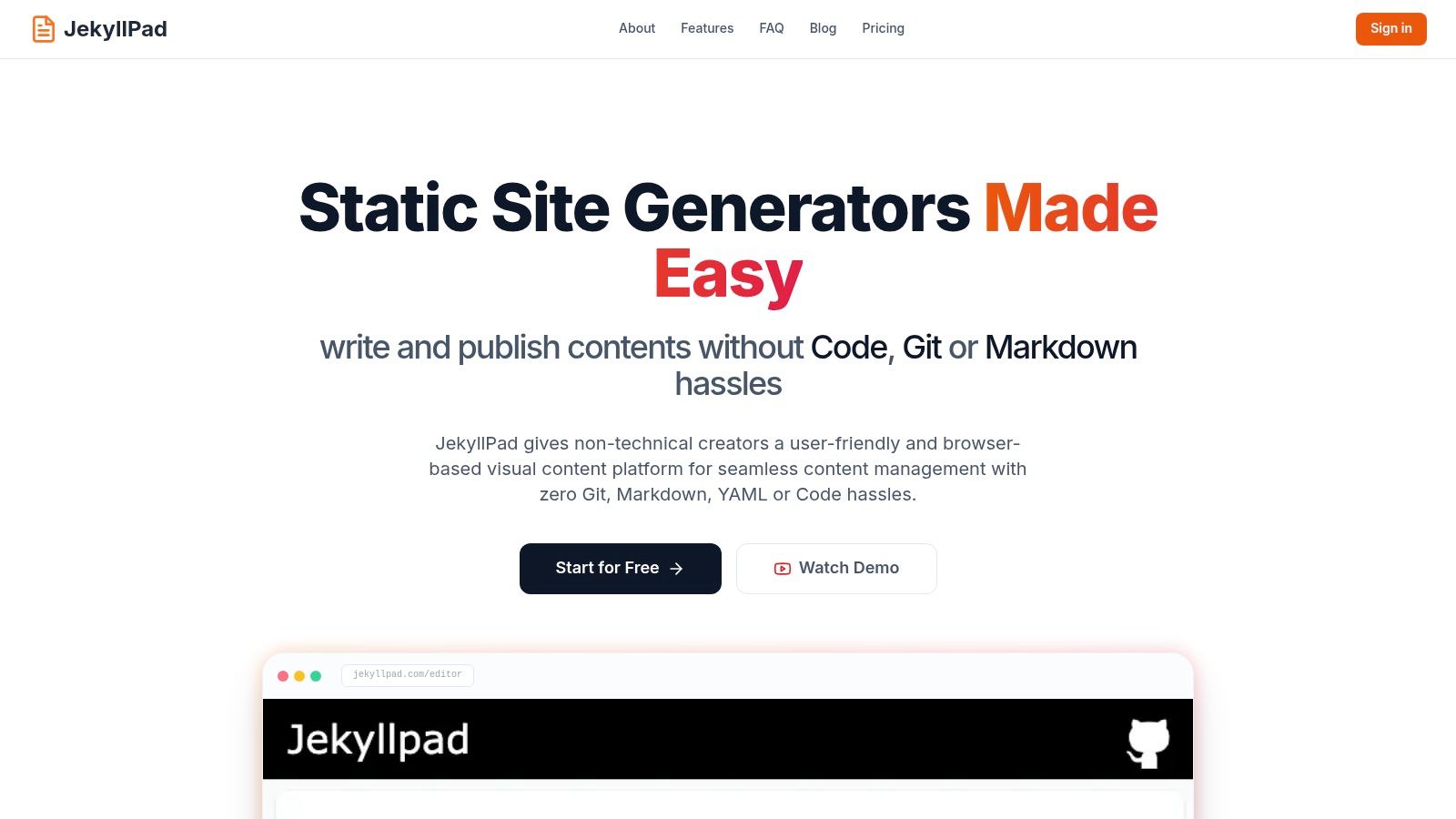
JekyllPad is a standout among documentation tools for developers, offering a powerful visual editing experience built directly on top of a Git-based workflow. It acts as a lightweight, browser-based CMS for static site generators, effectively bridging the gap between user-friendly WYSIWYG editors and the robust version control that development teams require. This unique approach allows both technical and non-technical contributors to create and manage content without ever leaving the browser or wrestling with local development environments.
The platform's true strength lies in its seamless, native GitHub integration. Every change, from a minor typo fix to a new documentation article, is saved as a direct Git commit to your repository. This design choice provides automatic versioning, a complete audit history, and a straightforward publishing pipeline without requiring complex CI/CD configurations. It transforms the often-intimidating Git workflow into a simple, background process.
Why It's a Top Choice for Developer Documentation
JekyllPad excels by focusing on a core problem: making static site content management accessible and efficient. Its architecture is 100% client-side, meaning no backend servers to manage, patch, or pay for. Data flows directly between the user's browser and their GitHub repository, which offers significant privacy and security advantages.
Its hybrid WYSIWYG and Markdown editor with a real-time preview is a major productivity booster. Developers and writers can switch between visual editing and raw Markdown on the fly, all while seeing the final output instantly. This dual-mode capability, combined with integrated editing for YAML front-matter and syntax highlighting for code blocks, makes it an exceptional all-in-one documentation tool.
Best For:
- Documentation Teams: Ideal for teams managing product or open-source docs on static generators like Jekyll, Hugo, Astro, or Eleventy. It simplifies the contribution process for all members.
- Technical Bloggers: Enables writers to focus purely on content creation with a clean, fast interface and Git-backed reliability.
- Non-Technical Contributors: Empowers marketers, product managers, and other stakeholders to edit documentation or blog posts without needing to understand Git commands or YAML syntax.
Key Features:
- Direct GitHub Integration: Every save is a Git commit, ensuring built-in version control and a simple publishing process.
- Hybrid WYSIWYG & Markdown Editor: Write in your preferred mode with a live preview that guarantees clean Markdown output.
- 100% Client-Side: Eliminates backend maintenance and enhances data privacy.
- Broad SSG Support: Works seamlessly with Jekyll, Hugo, Astro, Eleventy, Gatsby, and GitHub Pages.
Pricing:
JekyllPad offers a free tier for individuals, making it easy to get started without any commitment. For current pricing on paid plans, visit the official website.
- Website: https://www.jekyllpad.com
2. GitBook
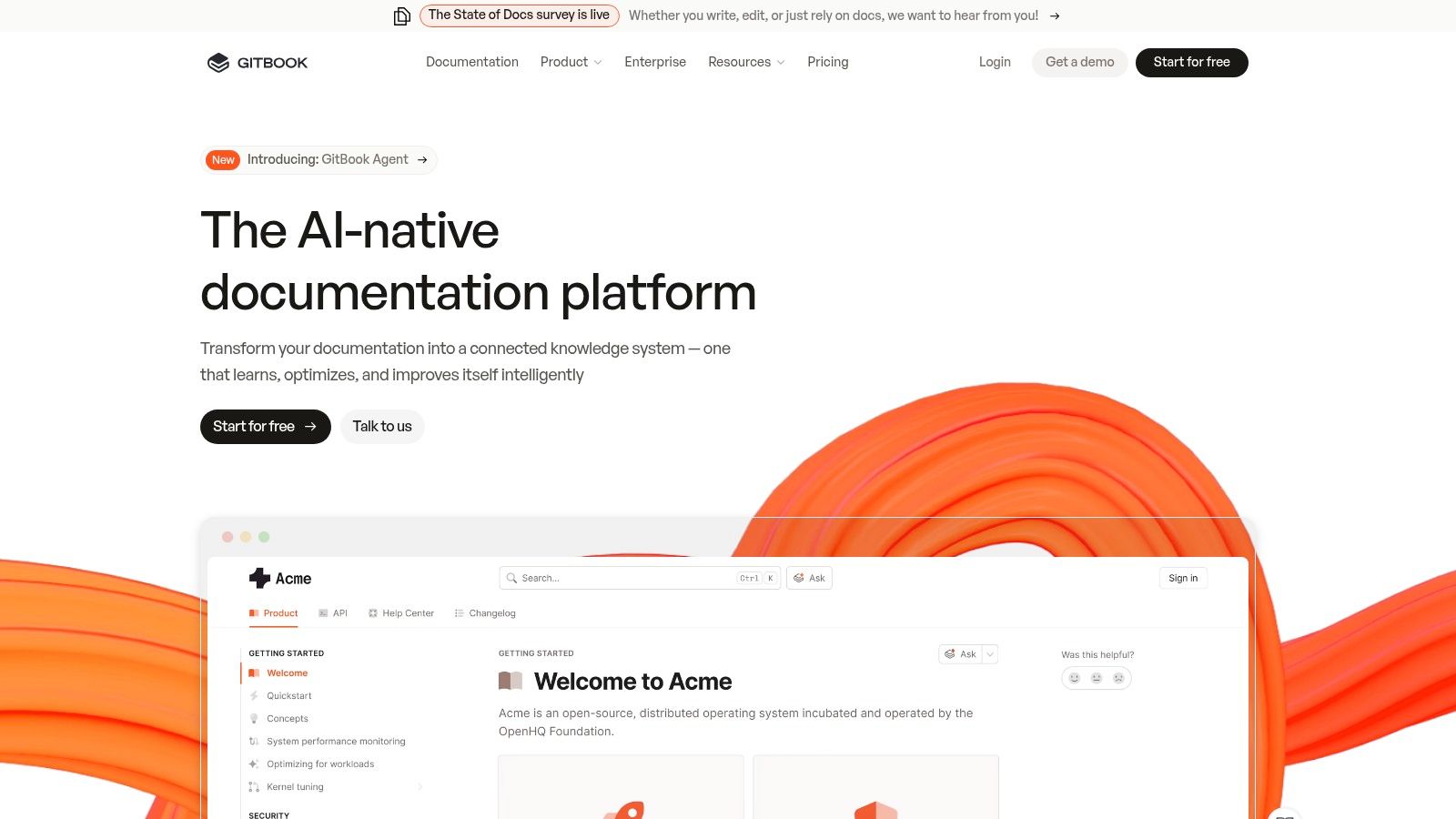
GitBook is a modern, hosted documentation platform that excels at creating polished, user-friendly knowledge bases with minimal setup. It combines a Notion-like block editor with powerful Git synchronization, making it a compelling choice for teams that need both technical and non-technical members to contribute seamlessly. This balance of an intuitive UI and developer-centric workflow makes it a standout among documentation tools for developers who prioritize speed and collaboration.
Key Features & Use Cases
GitBook is ideal for product documentation, internal wikis, and API references where a clean, branded experience is crucial. Its block-based editor supports Markdown, rich embeds, and custom components, while features like built-in search, feedback collection, and analytics provide a complete out-of-the-box solution. The platform’s ability to sync content with a GitHub or GitLab repository allows developers to manage documentation as code, a core principle in modern development practices. You can learn more about the philosophy of treating docs like code in our guide to the Write the Docs approach.
Pricing & Limitations
GitBook offers a free tier for personal open-source projects. Paid plans are based on a per-user, per-month model, which can become costly for larger organizations. The primary trade-off is control; while it offers custom domains and theming, you have less granular control over the site structure and design compared to a self-hosted static-site generator.
- Best For: Teams needing a polished, low-maintenance doc site quickly.
- Pros: Excellent editor UX, Git sync, integrated search and analytics.
- Cons: Pricing can escalate, less customization than self-hosted options.
- Website: https://www.gitbook.com
3. Read the Docs
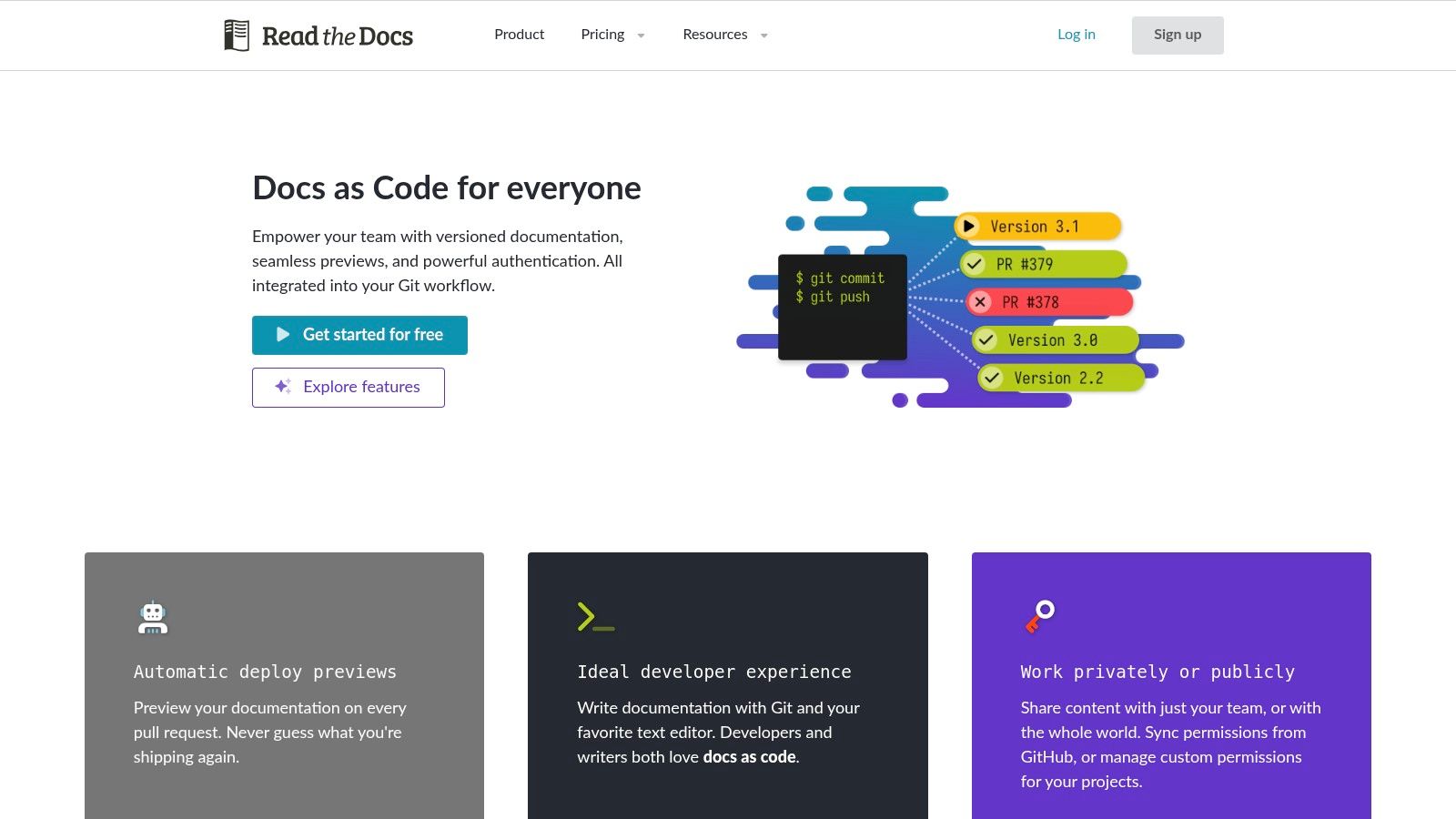
Read the Docs is a foundational build-and-host service that has become the de facto standard for a vast number of open-source projects. It specializes in automating documentation publishing directly from Git repositories, integrating tightly with popular static-site generators like Sphinx and MkDocs. This focus on a CI/CD-style workflow makes it one of the most efficient documentation tools for developers who manage their content alongside their code and need robust, automated versioning.
Key Features & Use Cases
Read the Docs is purpose-built for hosting technical project documentation, particularly for Python libraries and other open-source software. Its core strength lies in its automation; it automatically pulls from your Git repository, builds the site, and hosts it. A key feature is its ability to create and host multiple versions of your documentation (e.g., stable, latest, and past releases) from different branches or tags, which is critical for software projects. This automation removes much of the manual work discussed when you learn how to write technical documentation effectively.
Pricing & Limitations
The platform offers a free Community tier that is extremely generous for public, open-source projects, providing hosting, versioning, and search capabilities at no cost. For commercial use, private repositories, and advanced features like SSO, custom domains, and analytics, the Read the Docs for Business plan is available with tiered pricing. The main limitation is that its UI and customization options are less brand-forward and polished than platforms like GitBook, focusing more on function over form.
- Best For: Open-source projects and teams using Sphinx or MkDocs.
- Pros: Free for open-source, excellent version control, deep integration with the Python ecosystem.
- Cons: Less design customization, private documentation requires a paid plan.
- Website: https://readthedocs.org
4. Docusaurus
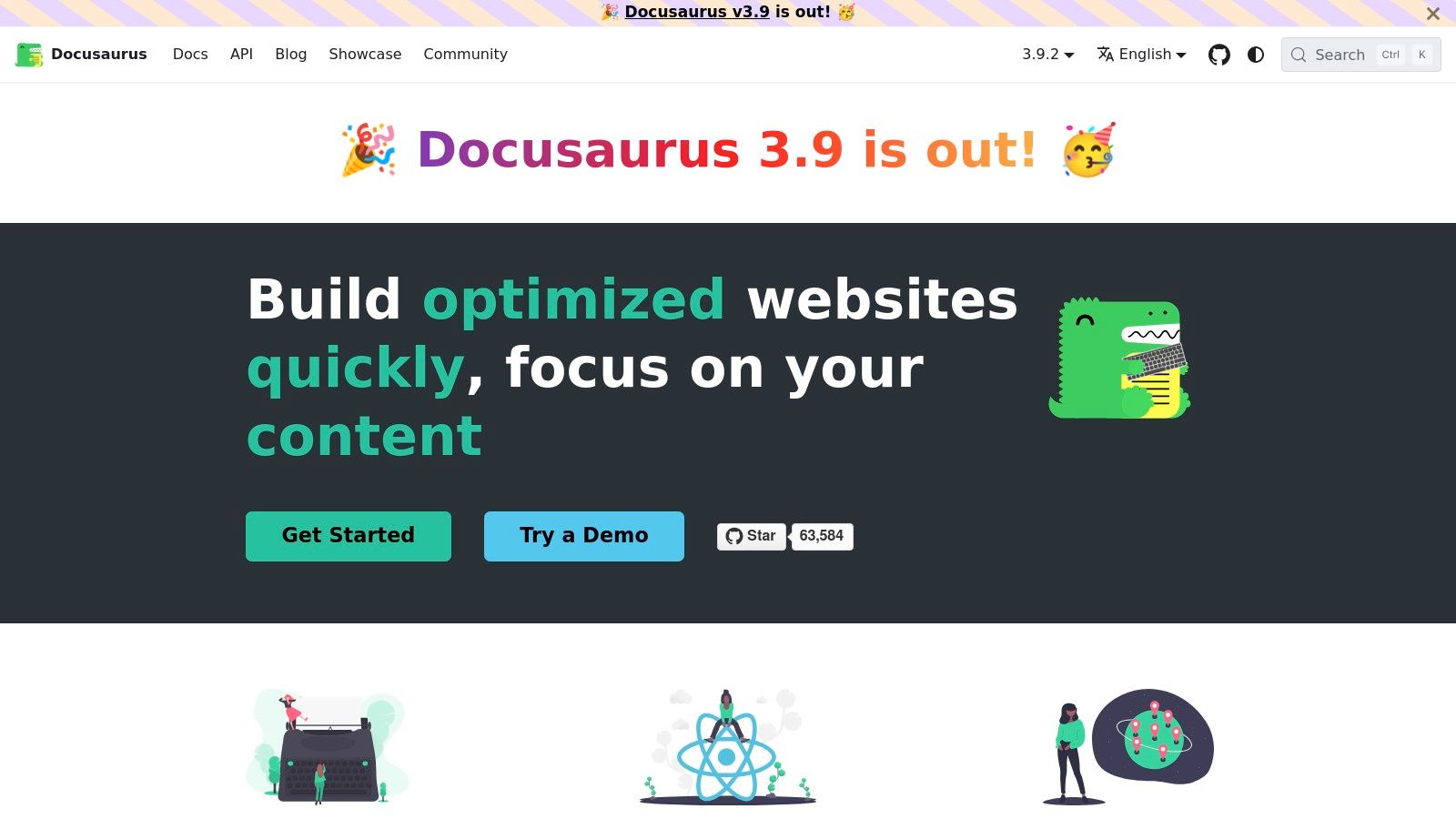
Docusaurus is a powerful, open-source static site generator built and maintained by Meta. It leverages React and MDX to create feature-rich documentation websites with an excellent developer experience. Designed specifically for content-driven sites, it provides robust, out-of-the-box features like document versioning, internationalization (i18n), and powerful search integrations, making it one of the most comprehensive documentation tools for developers who need full control over their site and hosting environment.
Key Features & Use Cases
Docusaurus is perfect for projects that require versioned documentation, such as software libraries or APIs that evolve over time. Its standout feature is the ability to write content in MDX, allowing you to embed interactive React components directly within your Markdown files. This opens up possibilities for creating dynamic charts, live code editors, or custom alerts. The pluggable architecture allows for extensive customization, while the native Algolia DocSearch integration provides a world-class search experience. You can find more details on how it compares to other options in our deep dive on static site generators.
Pricing & Limitations
As an open-source tool, Docusaurus is completely free to use. However, you are responsible for managing the entire build pipeline and hosting, which will incur separate costs depending on your chosen provider (e.g., Netlify, Vercel, or AWS). While its React foundation offers immense flexibility, it also presents a steeper learning curve for those unfamiliar with the ecosystem. Deeper customizations require a solid understanding of Node.js and React development, which may be a barrier compared to all-in-one hosted platforms.
- Best For: Open-source projects and product teams needing versioned, interactive docs.
- Pros: Free and widely adopted with a strong ecosystem, excellent for product docs with versioning needs, highly flexible via React/MDX.
- Cons: Requires Node/React knowledge for deeper customization, you must manage hosting and build pipeline yourself.
- Website: https://docusaurus.io
5. MkDocs
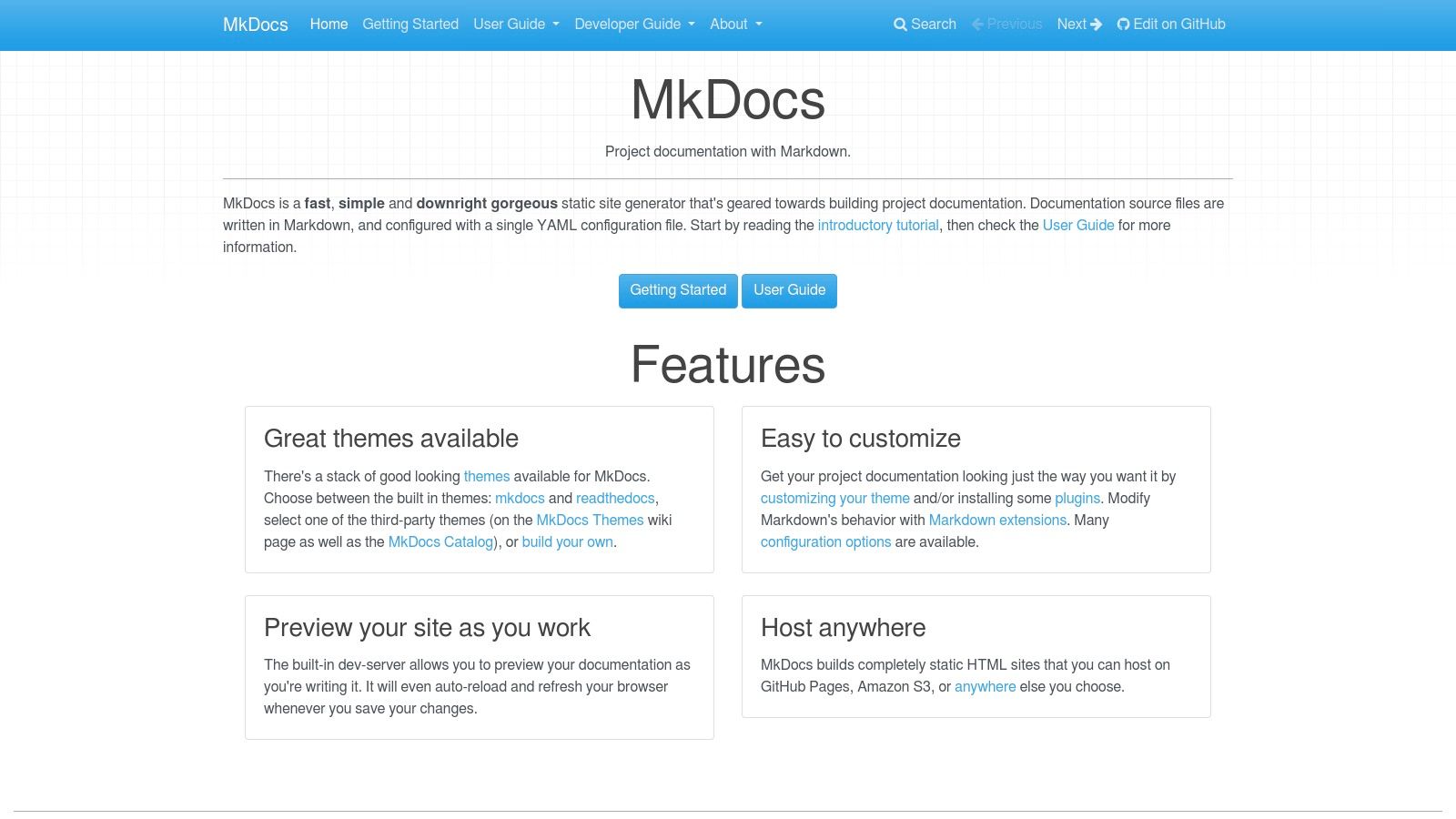
MkDocs is a fast, simple, and downright beautiful static site generator geared specifically for building project documentation. It champions a pure Markdown workflow, allowing developers to write documentation in plain text files and configure the entire site with a single YAML file. This simplicity makes it one of the most approachable documentation tools for developers who want to get a clean, functional site running in minutes without a steep learning curve or complex dependencies.
Key Features & Use Cases
MkDocs is perfect for open-source projects, internal team documentation, and any scenario where the content is primarily managed by engineers who live in their text editors. Its core strengths are its simplicity and extensibility. The configuration is managed in a single mkdocs.yml file, and a built-in live-reloading dev server provides instant feedback on changes. Its mature ecosystem of themes (like the popular Material for MkDocs) and plugins allows you to add features like search, versioning, and blog support without touching the core generator.
Pricing & Limitations
MkDocs is a completely free, open-source tool. The primary "cost" is that you must provide your own hosting and CI/CD pipeline to build and deploy the static HTML files it generates. While its core is intentionally minimal, achieving more advanced functionality often requires finding and configuring third-party plugins, which can sometimes have their own dependencies or maintenance considerations. It lacks the integrated CMS or collaborative editing features of a hosted platform.
- Best For: Engineering teams wanting a no-fuss, Markdown-centric documentation site.
- Pros: Extremely lightweight and quick to learn, mature ecosystem of themes and plugins.
- Cons: Requires self-hosting and a deployment pipeline, advanced features rely on third-party add-ons.
- Website: https://www.mkdocs.org
6. Sphinx
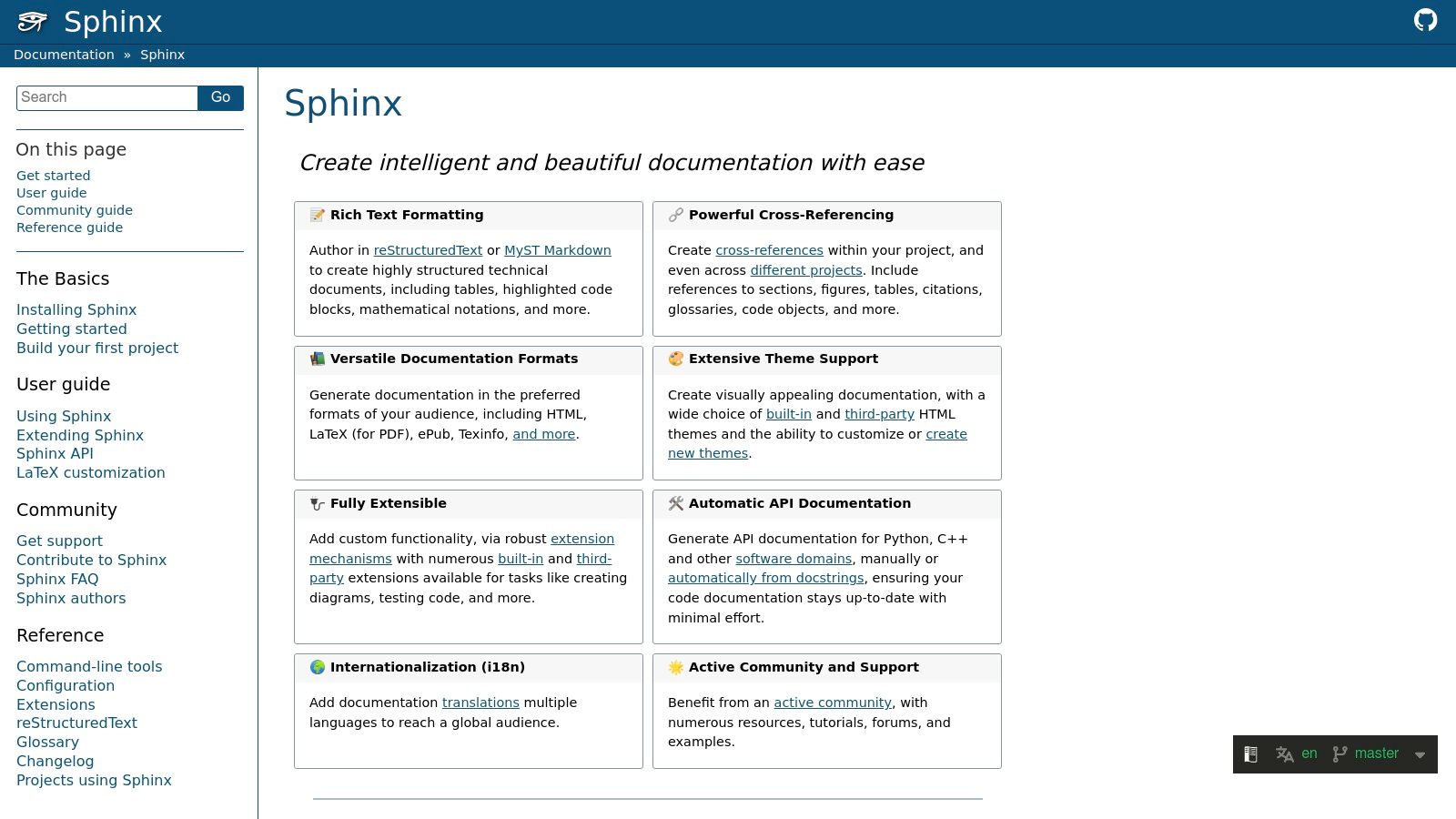
Sphinx is a powerful, open-source documentation generator that has been a cornerstone of technical writing for years, especially within the Python community. It uses reStructuredText (reST) or MyST Markdown as its source format, enabling incredibly rich and structured content. What sets Sphinx apart is its unparalleled support for cross-referencing, automatic index generation, and semantic markup, making it one of the best documentation tools for developers managing large, complex, and interconnected documentation projects.
Key Features & Use Cases
Sphinx is the gold standard for projects that require book-like structure, such as language references, comprehensive API documentation, and formal technical manuals. Its robust extension ecosystem allows for features like automatically generating documentation from source code docstrings (via autodoc), embedding mathematical formulas, and creating diagrams. Furthermore, Sphinx can output documentation in multiple formats from a single source, including HTML, PDF, ePub, and plain text, ensuring content can be distributed wherever it's needed.
Pricing & Limitations
As a free and open-source project, Sphinx has no licensing costs. The main investment is time; its learning curve is steeper than simpler Markdown-based static-site generators. While MyST Markdown support has lowered the barrier to entry, unlocking Sphinx's full potential often requires a solid understanding of reST syntax and its specific directives and roles. This makes it less suited for teams that need to get a simple documentation site up and running with minimal onboarding.
- Best For: Large-scale technical projects, particularly in Python, that need robust structure and multiple output formats.
- Pros: Extremely powerful cross-referencing, extensive plugin ecosystem, mature and stable.
- Cons: Steeper learning curve, reStructuredText can be verbose compared to Markdown.
- Website: https://www.sphinx-doc.org
7. Redocly
Redocly is a powerful, enterprise-grade platform focused squarely on creating best-in-class API documentation from OpenAPI specifications. It is renowned for its polished three-panel user interface, which has become a de facto industry standard for presenting API references clearly and interactively. For teams whose primary documentation challenge is their API, Redocly offers a suite of tools designed to streamline everything from rendering to governance, making it one of the most specialized documentation tools for developers in the API space.
Key Features & Use Cases
Redocly excels at building comprehensive developer portals centered around an OpenAPI definition. Its core offering includes a hosted documentation site with a rich "Try It" console, custom domain support, and performance-optimized CDN delivery. Beyond just rendering docs, the platform integrates deeply into the development lifecycle with features like pull request previews for reviewing doc changes and API governance workflows to enforce standards. This makes it ideal for organizations that need to maintain consistency and quality across multiple APIs.
Pricing & Limitations
Redocly provides a free tier for individual public projects, with paid plans scaling based on features, users, and the number of API versions. The pricing for team and enterprise tiers can be significant, reflecting its focus on large-scale API programs that require features like SSO, advanced security, and on-premise hosting options. Its primary limitation is its specialization; while it is exceptional for API reference documentation, it is less suited for general product documentation like guides or tutorials, which often require a more flexible content structure.
- Best For: API-first companies needing a polished, scalable, and governed developer portal.
- Pros: Industry-leading API reference UX, strong enterprise features, and scalable hosting options.
- Cons: Tightly focused on OpenAPI (less for general docs), premium pricing for team features.
- Website: https://redocly.com
8. ReadMe
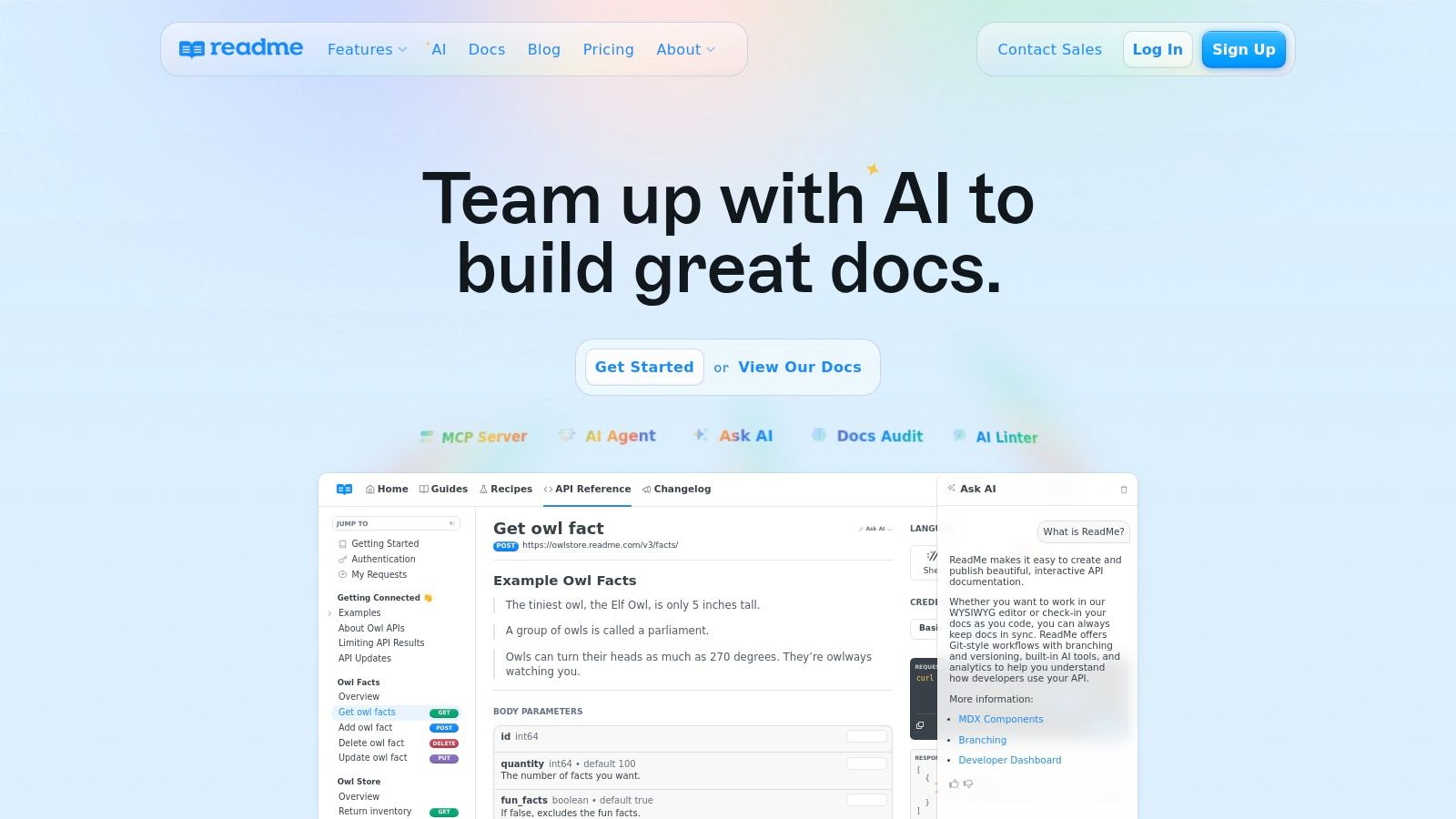
ReadMe is a comprehensive, hosted developer hub focused entirely on creating world-class API documentation. It goes beyond static content by integrating interactive API references, detailed guides, and a public changelog into a single, cohesive platform. What sets ReadMe apart is its ability to connect documentation directly to API usage through its metrics and developer dashboard, making it an exceptional choice among documentation tools for developers who need to understand how their APIs are being used in the real world.
Key Features & Use Cases
ReadMe is engineered for teams building public or internal APIs that require a full-featured developer portal. Its interactive API explorer allows users to make real API calls directly from the documentation, powered by an OpenAPI/Swagger specification. The platform combines this with a powerful MDX-based editor for creating rich guides, tutorials, and landing pages. A key feature is the Developer Dashboard, which ingests API logs to provide invaluable insights into endpoint usage, errors, and user activity, closing the loop between documentation and real-world application.
Pricing & Limitations
ReadMe offers a free plan for open-source projects and a startup plan with core features. Business and Enterprise tiers add advanced capabilities like custom domains, role-based access, and deeper analytics. Pricing for API metrics is based on log volume, which can become a significant additional cost for high-traffic APIs. A notable limitation is that features like global search across multiple projects on a single domain are typically reserved for the higher-priced Enterprise plan, which may be a constraint for larger organizations with diverse API offerings.
- Best For: API-first companies needing a complete developer hub with usage analytics.
- Pros: All-in-one API portal, analytics tied to real API usage, excellent interactive references.
- Cons: Additional costs for high API log volumes, some key features require Enterprise plan.
- Website: https://readme.com
9. Stoplight
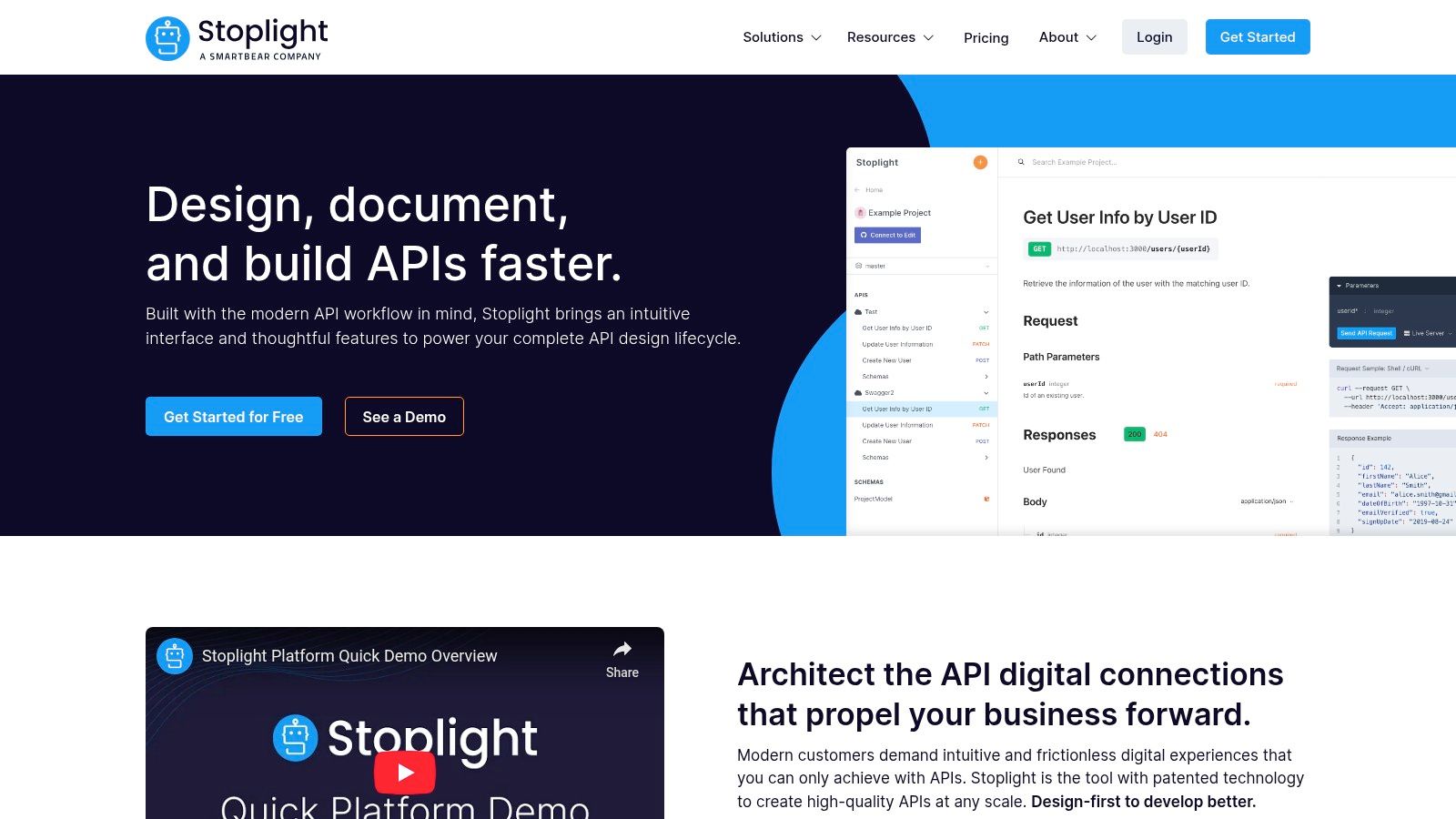
Stoplight is an API-first design and documentation platform that tightly integrates the entire API lifecycle, from visual design to mock servers and interactive documentation. It empowers teams to treat their API as a product by providing a collaborative environment built around the OpenAPI specification. This focus on the design-first workflow makes Stoplight one of the most comprehensive documentation tools for developers building and managing complex API programs, ensuring consistency from concept to consumption.
Key Features & Use Cases
Stoplight is engineered for teams that need to design, mock, and document APIs within a single, unified platform. Its visual OpenAPI editor simplifies the creation and validation of specifications, while instant mock servers allow frontend teams to build against an API before any backend code is written. The platform automatically generates beautiful, interactive API reference documentation that can be themed and published on a custom domain, providing a powerful and cohesive developer experience.
Pricing & Limitations
Stoplight offers a free tier for individuals and small teams, with paid plans that include generous "first N users free" allowances to encourage adoption. Pricing scales based on the number of users and advanced features like SAML/SSO and dedicated governance tools. The primary limitation is its specialized focus; it's a best-in-class solution for API documentation but is not intended for general product documentation or internal knowledge bases.
- Best For: API-centric teams needing a unified design, mocking, and documentation workflow.
- Pros: Excellent visual OpenAPI editor, integrated mock servers, and a strong onboarding experience.
- Cons: Primarily focused on APIs, not general documentation; advanced governance is on higher-tier plans.
- Website: https://stoplight.io
10. SwaggerHub (API Hub by SmartBear)
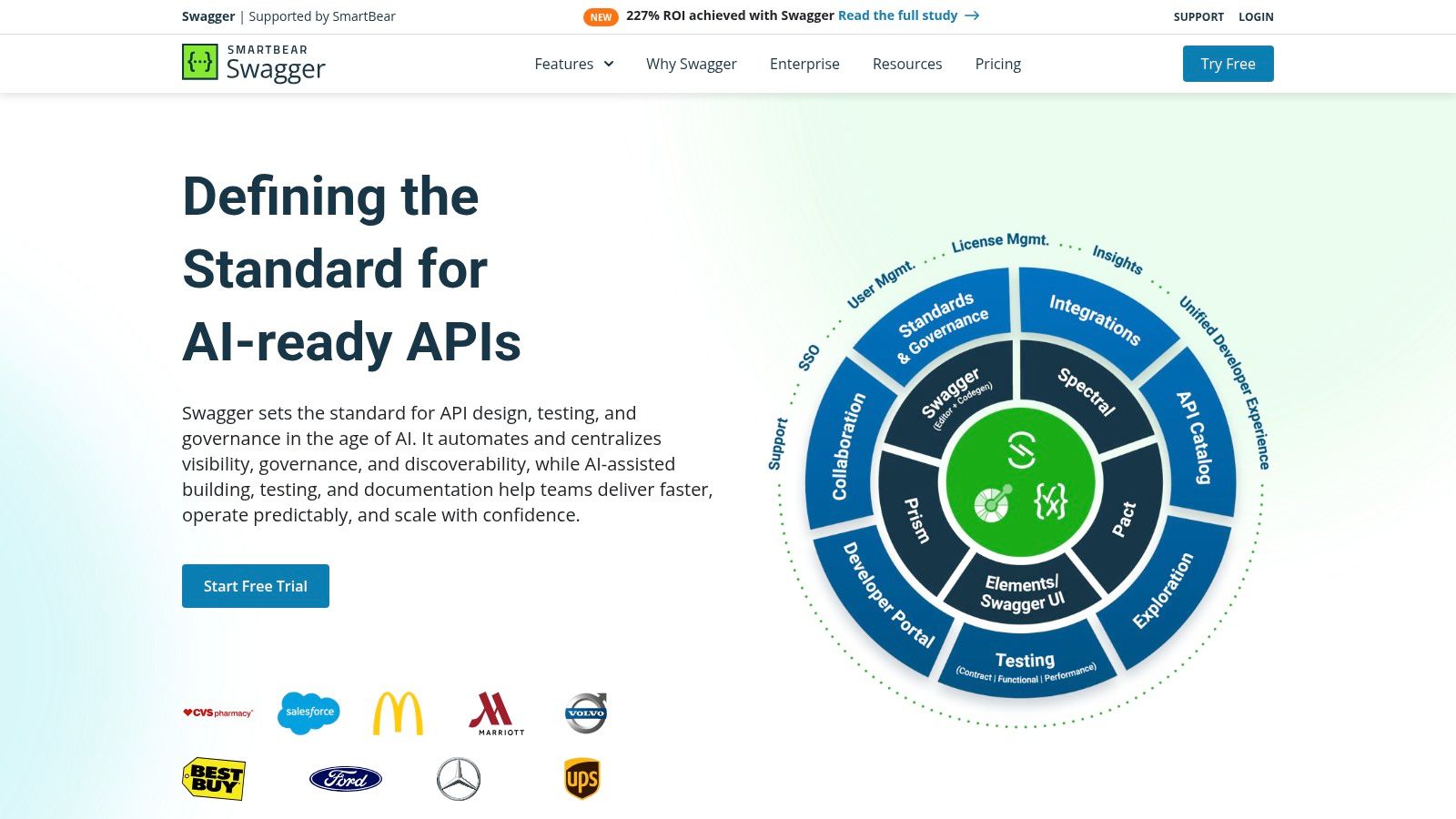
SwaggerHub is a comprehensive API design and documentation platform from SmartBear, built around the OpenAPI Specification. It centralizes the entire API lifecycle, from collaborative design in its powerful editor to generating interactive documentation and managing versioning. Unlike standalone generators, SwaggerHub operates as an integrated hub, making it one of the most effective documentation tools for developers in enterprise environments where consistency, governance, and collaboration on APIs are paramount.
Key Features & Use Cases
SwaggerHub is best suited for organizations standardizing their API development process. Its core features include a real-time OpenAPI editor with auto-validation, reusable component libraries (domains) to enforce design standards, and robust version management. The platform is designed for team collaboration, offering features like commenting, issue tracking, and organization-level controls. A key differentiator is its flexible deployment model, with both a cloud SaaS option and an on-premises version for companies with strict data governance or regulatory compliance needs.
Pricing & Limitations
SwaggerHub provides a free plan for individual developers to design and document a limited number of APIs. Paid plans for teams introduce collaboration features, private APIs, and integrations. Enterprise-level pricing is typically quote-based and can be significant, especially for the on-premises deployment. While the generated documentation is clean and interactive, the customization options for the documentation portal's look and feel can be limited without upgrading to higher-tier plans or using additional SmartBear products.
- Best For: Enterprises needing a governed, collaborative platform for API design and documentation.
- Pros: Flexible deployment options (SaaS or on-prem), strong focus on API design standards, and part of the established SmartBear ecosystem.
- Cons: Enterprise pricing is opaque and can be costly; portal customization depth may require upper-tier plans.
- Website: https://swagger.io/tools/swaggerhub/
11. Atlassian Confluence
Atlassian Confluence is a titan in the world of internal team collaboration and knowledge management. While not a traditional public-facing documentation generator, it serves as the de facto internal documentation tool for developers in countless organizations. Its power lies in its deep integration with the Atlassian ecosystem, particularly Jira and Bitbucket, creating a centralized hub for project plans, technical specifications, runbooks, and architectural decision records (ADRs).

Key Features & Use Cases
Confluence is primarily used for internal engineering handbooks, project planning, and collaborative knowledge bases. Its rich WYSIWYG editor, complete with powerful templates for everything from retrospectives to technical specs, makes it accessible to all team members. The platform excels at linking development work directly to documentation; you can embed Jira issues or Bitbucket pull requests directly into a Confluence page, providing crucial context without switching tools. Marketplace apps can further extend its capabilities.
Pricing & Limitations
Confluence offers a free tier for up to 10 users, with paid cloud plans scaling on a per-user basis. An enterprise-grade, self-managed Data Center option is also available for organizations with strict compliance needs. The main limitation is its design as an internal wiki, not a public documentation site. While it's possible to make spaces public, it lacks the versioning, performance, and customization of a static-site generator. At scale, content can become disorganized without strong governance and structure.
- Best For: Teams deeply embedded in the Atlassian ecosystem needing a centralized internal knowledge base.
- Pros: Tight integration with Jira/Bitbucket, robust permissions, flexible for varied internal content.
- Cons: Not designed for public-facing docs, can suffer from content sprawl, performance can lag.
- Website: https://www.atlassian.com/software/confluence
12. VitePress
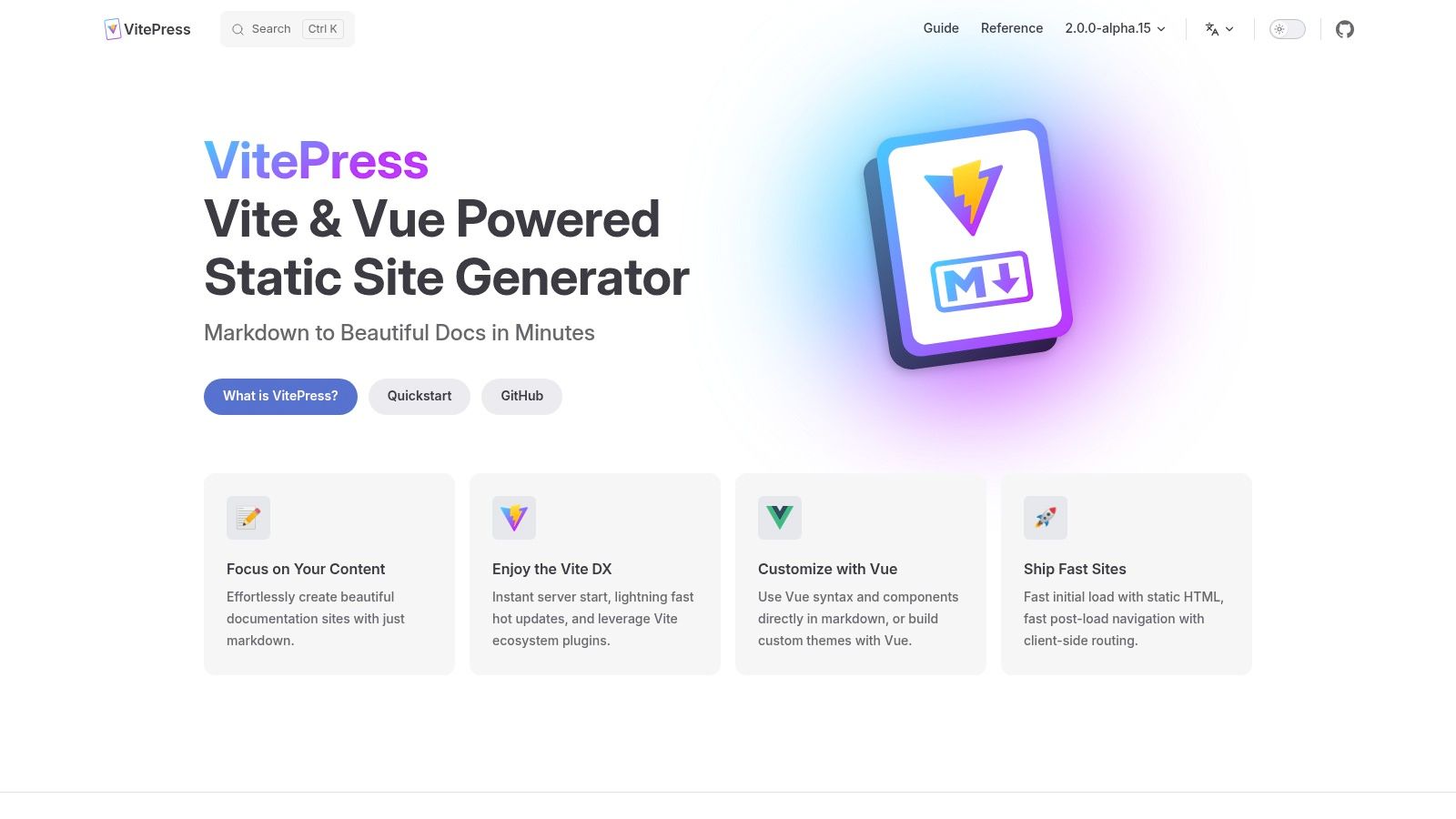
VitePress is a static site generator that leverages the speed of Vite and the power of Vue to create fast, content-focused websites. Developed by the Vue.js team, it's designed to be the spiritual successor to VuePress, offering a significantly better developer experience with near-instant server start-up and lightning-fast Hot Module Replacement (HMR). This makes it one of the premier documentation tools for developers working within the modern JavaScript, and particularly the Vue, ecosystem.
Key Features & Use Cases
VitePress is perfect for project documentation, technical blogs, and portfolios where authoring speed and site performance are critical. It extends standard Markdown, allowing you to seamlessly embed interactive Vue components directly within your content for a richer user experience. Key features include a clean, documentation-oriented default theme, frontmatter configuration for page-level settings, and high-performance code highlighting with Shiki. Its tight integration with the Vite ecosystem also means it benefits from a wide range of plugins.
Pricing & Limitations
VitePress is a completely free, open-source tool. As a self-hosted static site generator, you are responsible for your own build processes (CI/CD) and hosting, though it deploys easily to any modern static hosting provider like Netlify or Vercel. Its primary limitation is its focus on the Vue ecosystem; while you don't need to be a Vue expert to use it, developers unfamiliar with Node.js and Vue may face a steeper learning curve compared to other tools.
- Best For: Developers in the Vue/Vite ecosystem wanting a high-performance, low-configuration docs site.
- Pros: Extremely fast developer experience, seamless Vue component integration in Markdown, modern tooling.
- Cons: Tightly coupled with the Vue ecosystem, requires self-hosting and CI/CD setup.
- Website: https://vitepress.dev
Developer Documentation Tools — 12-Tool Comparison
| Product | Core features ✨ | Quality ★ | Price & value 💰 | Target 👥 |
|---|---|---|---|---|
| JekyllPad 🏆 | WYSIWYG + Markdown, front‑matter editor, real‑time preview, native GitHub commits — 100% client‑side ✨ | ★★★★☆ — fast, low‑friction | 💰 Free tier; paid plans (team/enterprise info on site) | 👥 Bloggers, docs teams, non‑technical creators |
| GitBook | Block editor, Git sync, branding, built‑in search & analytics ✨hosted | ★★★★☆ — polished hosted UX | 💰 Paid per-site/user; free trial | 👥 Product/API docs teams, marketing |
| Read the Docs | Automated Git builds, Sphinx/MkDocs integration, versioned hosting ✨OSS friendly | ★★★★ — reliable for OSS | 💰 Free for OSS; paid Business for private/SSO | 👥 Open‑source projects, CI‑driven docs |
| Docusaurus | React + MDX, versioning, i18n, theming ✨MDX + React flexibility | ★★★★☆ — highly flexible | 💰 Open‑source; self‑host costs | 👥 Product docs teams, React projects |
| MkDocs | Markdown‑first, simple YAML config, themes & plugins, live dev server ✨lightweight | ★★★★ — quick to learn | 💰 Free (OSS); self‑host CI/CD | 👥 Engineering teams preferring Markdown |
| Sphinx | reST/MyST, cross‑refs, multi‑format output, autodoc extensions ✨enterprise features | ★★★★☆ — robust for large docs | 💰 Free; hosting/build costs apply | 👥 Large technical docs, Python projects |
| Redocly | Three‑panel OpenAPI UI, Try‑It console, previews, governance ✨enterprise API portal | ★★★★☆ — polished API UX | 💰 Paid (enterprise tiers) | 👥 API teams, enterprises |
| ReadMe | Interactive API reference, changelogs, developer dashboard, analytics ✨usage‑driven metrics | ★★★★ — integrated portal | 💰 Paid; pricing by log/usage | 👥 API/product teams needing analytics |
| Stoplight | Visual OpenAPI designer, instant mocks, interactive docs, theming ✨design + docs | ★★★★ — strong onboarding | 💰 Paid with early-seat allowances | 👥 API design & platform teams |
| SwaggerHub | OpenAPI editor, component libs, SaaS & on‑prem enterprise deploy ✨compliance options | ★★★☆ — established vendor | 💰 Paid; enterprise quotes common | 👥 Enterprises needing on‑prem/SaaS options |
| Atlassian Confluence | Rich editor, templates, permissions, Jira & Bitbucket integrations ✨enterprise wiki | ★★★★ — collaboration at scale | 💰 Paid per‑user; cloud & Data Center | 👥 Internal KBs, runbooks, engineering teams |
| VitePress | Vite dev server, Markdown + Vue components, HMR, Shiki highlighting ✨very fast DX | ★★★★ — excellent dev experience | 💰 Free (OSS); self‑host costs | 👥 Vue/Vite projects, developer docs teams |
Making Your Final Decision
Navigating the landscape of documentation tools for developers can feel overwhelming. We've explored a wide spectrum of options, from powerful static-site generators like Docusaurus and VitePress to comprehensive hosted platforms like GitBook and ReadMe. The right choice doesn't depend on finding a single "best" tool, but rather on identifying the one that best aligns with your team's unique workflow, technical expertise, and project goals.
The core takeaway is that your documentation strategy should be an extension of your development process, not a cumbersome afterthought. Tools that integrate directly into your Git workflow, such as MkDocs or Docusaurus, offer unparalleled control and versioning capabilities. Conversely, platforms like Confluence or Read the Docs prioritize ease of use and collaboration, making them ideal for teams with diverse technical skill levels.
Key Factors to Guide Your Choice
As you weigh your options, revisit these critical decision points. Don't just look at feature lists; consider how each tool will impact your team's daily operations and the end-user experience.
- Audience and Purpose: Who are you writing for? Internal developers have different needs than external customers. Is your primary goal to document a complex API, build a knowledge base, or create a marketing-focused developer portal? Tools like Redocly and Stoplight excel at API documentation, while something like Jekyll combined with a visual editor is more flexible for content-rich sites.
- Contributor Experience: How will content be created and updated? If your team consists entirely of developers comfortable with Markdown and Git, a static-site generator is a perfect fit. However, if product managers, technical writers, or support staff need to contribute, a user-friendly interface is non-negotiable. This is where a Git-based visual editor like JekyllPad can bridge the gap, offering a simple editing experience without sacrificing the power of a static site.
- Workflow Integration: The best documentation tools for developers are those that feel invisible. Does the tool integrate with your CI/CD pipeline? Does it support versioning that mirrors your software releases? A tool that requires a separate, disconnected process is a tool that will eventually be neglected.
- Scalability and Maintenance: Consider the future. A simple, self-hosted solution might be perfect today, but will it scale as your product suite and documentation library grow? Hosted platforms often handle scaling, security, and maintenance for you, but at the cost of control and customization. Conversely, a self-hosted solution gives you total freedom but requires dedicated resources to maintain.
Implementing Your New Documentation System
Once you've made a selection, the work is just beginning. A successful implementation involves more than just setting up the software. You'll need to define a content strategy, establish clear contribution guidelines, and plan for migrating existing materials.
For many teams, this migration process involves wrangling legacy documents from various formats. If you have a backlog of user manuals or guides stored as PDFs, you'll need a reliable way to bring that content into your new Markdown-based system. Investing time in understanding and Mastering PDF to Markdown conversion can save countless hours and ensure that valuable information isn't left behind.
Ultimately, the goal is to create a living, breathing documentation hub that empowers both its creators and its consumers. The right tool removes friction, encourages contribution, and transforms documentation from a chore into a core asset of your product.
Ready to empower your entire team to contribute to your Jekyll or Hugo site? JekyllPad provides a user-friendly, WYSIWYG editing experience built directly on top of your GitHub repository, eliminating the need for non-technical users to learn Git or code. Try JekyllPad and see how easy it is to manage your static site content.