
Choosing the right documentation tool can transform how your project is perceived and used, turning complex information into an accessible, searchable resource. With dozens of options available, each with its own philosophy and feature set, finding the perfect fit for your specific needs is a significant challenge. This guide simplifies that decision by providing a detailed, comparative look at the best open source documentation tools on the market today.
We'll move beyond generic feature lists to offer a practical analysis of each platform, from Docusaurus and MkDocs to Astro Starlight and Antora. Understanding your project's needs for efficient open source documentation tools, which serve as crucial elements in modern knowledge management systems, is the first step in selecting the right option.
Inside, you will find a curated roundup designed to help you make an informed choice. For each tool, we provide:
- A concise overview of its core strengths.
- Honest assessments of potential limitations and trade-offs.
- Ideal use-case scenarios, from developer-centric API docs to user-friendly help centers.
- Key insights into its ecosystem, community support, and integration with Git-based workflows.
This resource is structured to help you quickly identify the tools that align with your technical stack, team skills, and project goals. Each entry includes screenshots and direct links, enabling you to evaluate the options and get started without delay.
1. Docusaurus
Docusaurus, maintained by Meta, is a premier React-based static site generator meticulously crafted for building and maintaining documentation websites. It stands out by providing an opinionated yet flexible framework that solves common documentation challenges right out of the box, such as versioning and internationalization. This makes it a top-tier choice among open source documentation tools for projects requiring robust, multi-language support.
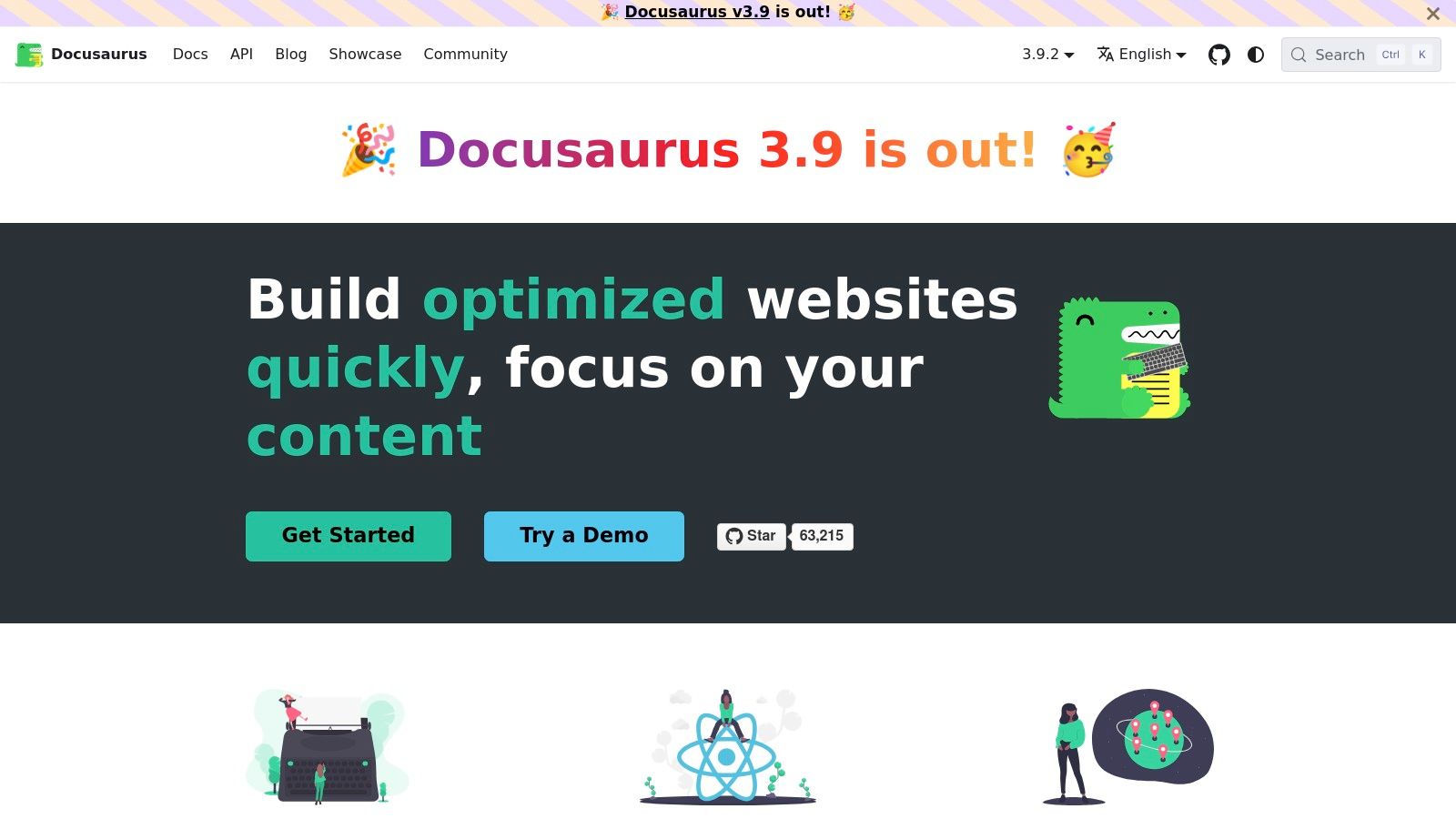
Its core strength lies in its "docs-as-code" workflow, integrating seamlessly with Git. Content is written in MDX, allowing you to embed interactive React components directly within your Markdown files for a richer user experience. This approach is ideal for developer-centric documentation where code demos and interactive examples are crucial.
Key Considerations
- Best For: Developer-focused documentation, versioned API references, and projects needing multi-language support from day one.
- Pros: Its built-in versioning CLI and i18n systems are best-in-class, saving immense setup time. The plugin architecture and MDX support offer deep customization.
- Cons: The reliance on a React and Node.js toolchain introduces a steeper learning curve and heavier build dependencies compared to simpler generators like Jekyll or Hugo.
- Website: https://docusaurus.io
For teams new to this structured approach, it's beneficial to review best practices; you can get an overview of the fundamentals of how to write technical documentation before diving in.
2. MkDocs
MkDocs is a fast, simple, and Python-based static site generator geared specifically toward building project documentation. It champions simplicity with its reliance on standard Markdown files and a single YAML configuration file for the entire site structure. This straightforward approach makes it an exceptionally dependable choice among open source documentation tools for engineering teams that prioritize a Markdown-first workflow and quick setup.
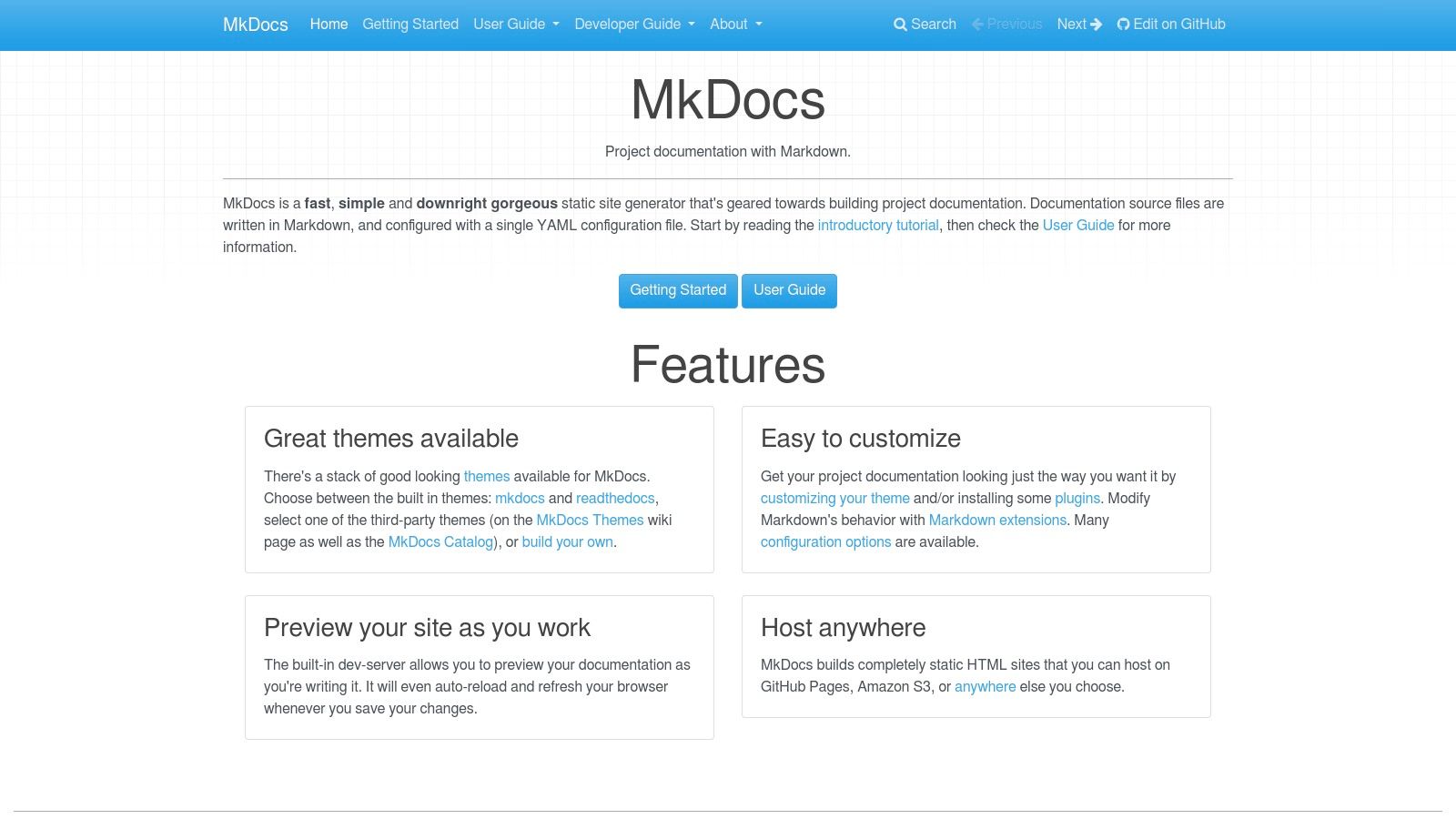
Its core appeal is its low barrier to entry. With a built-in development server that provides live reloading, authors can preview changes instantly without complex build steps. The extensive ecosystem of community-supported themes and plugins allows for significant customization, from search functionality to aesthetic enhancements. For those unfamiliar with the underlying technology, you can get a great introduction by exploring what is a static site generator to understand how tools like MkDocs work.
Key Considerations
- Best For: Project documentation, knowledge bases, and teams with mixed technical and non-technical contributors who are comfortable with Markdown.
- Pros: Minimal setup and a gentle learning curve make it easy to get started. Its broad community support ensures a wide variety of available themes and plugins.
- Cons: Advanced user experiences and features often depend on third-party themes, like Material for MkDocs, which can add configuration complexity. It is Markdown-only by default and lacks native support for other formats like reStructuredText.
- Website: https://www.mkdocs.org
3. Material for MkDocs
Material for MkDocs is not just a theme but a comprehensive documentation framework built on top of the Python-based static site generator, MkDocs. It has become so popular and feature-rich that it often feels like its own distinct tool, providing a beautiful, accessible, and highly configurable user experience right out of the box. Its opinionated design choices mean you get a modern-looking site with minimal effort.
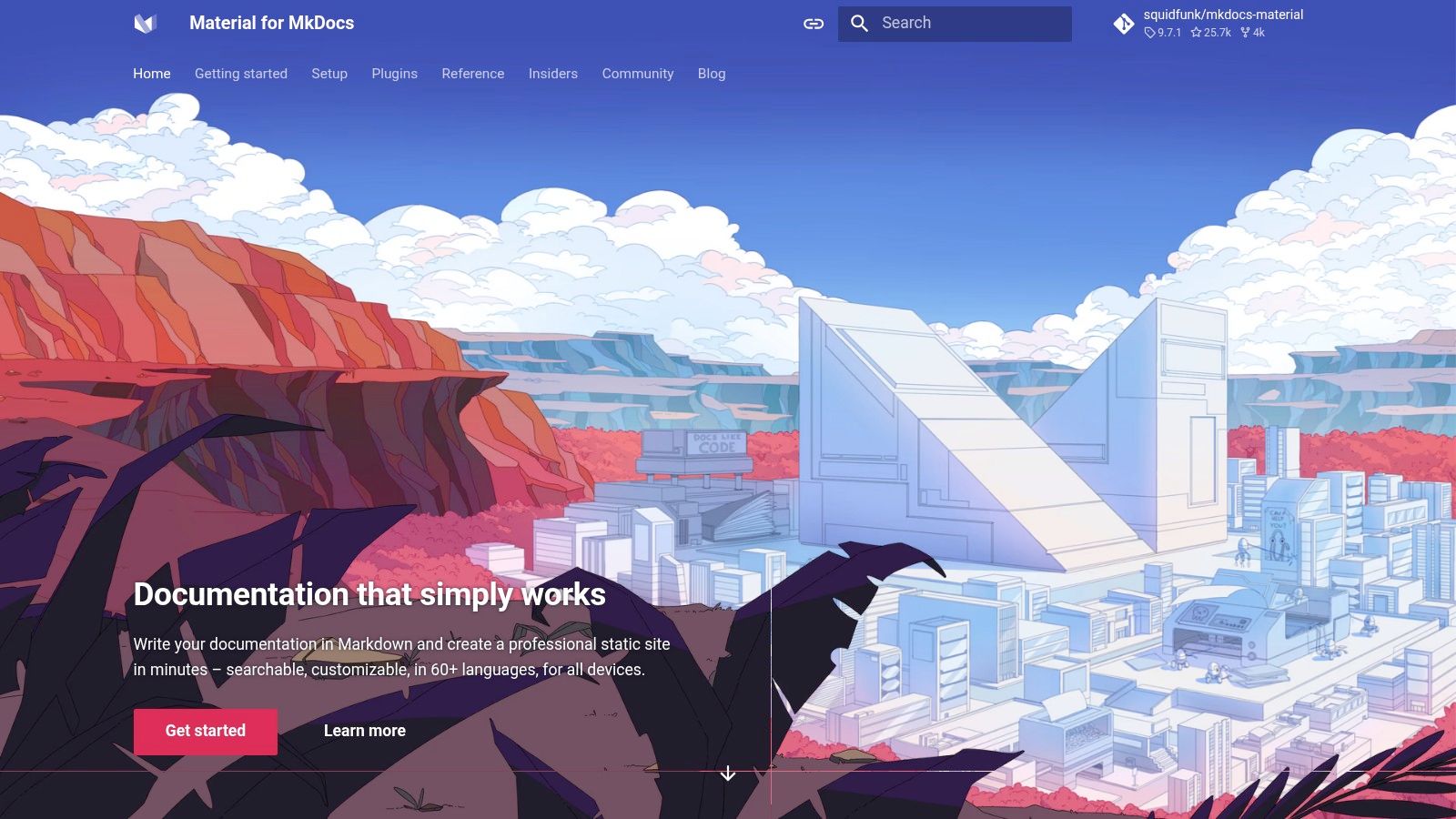
This tool excels at delivering an all-in-one experience. It integrates powerful features like client-side search that works offline, social cards, tagging, and even a blogging system through a suite of well-maintained plugins. This makes it one of the most powerful yet approachable open source documentation tools for projects that value both aesthetics and functionality without requiring a complex JavaScript toolchain.
Key Considerations
- Best For: Teams wanting a fast, beautiful, and feature-complete documentation site with a simple Markdown-based workflow and minimal setup.
- Pros: Delivers an excellent UX with built-in dark mode, responsive design, and offline search without external services. Its extensive component library and plugin ecosystem are superb.
- Cons: Deep customization can require digging into the theme's specific documentation and configuration options. Its historical sponsorware model means some advanced features in older guides may now be free, causing potential confusion.
- Website: https://squidfunk.github.io/mkdocs-material
4. Sphinx
Sphinx is the venerable documentation generator born from the Python community, establishing itself as a powerhouse for creating comprehensive technical and API reference documentation. It leverages the power of reStructuredText (and more recently MyST Markdown) to produce highly structured and interconnected content. Its ability to generate multiple output formats like HTML, LaTeX for high-quality PDFs, and ePub from a single source makes it one of the most versatile open source documentation tools available.
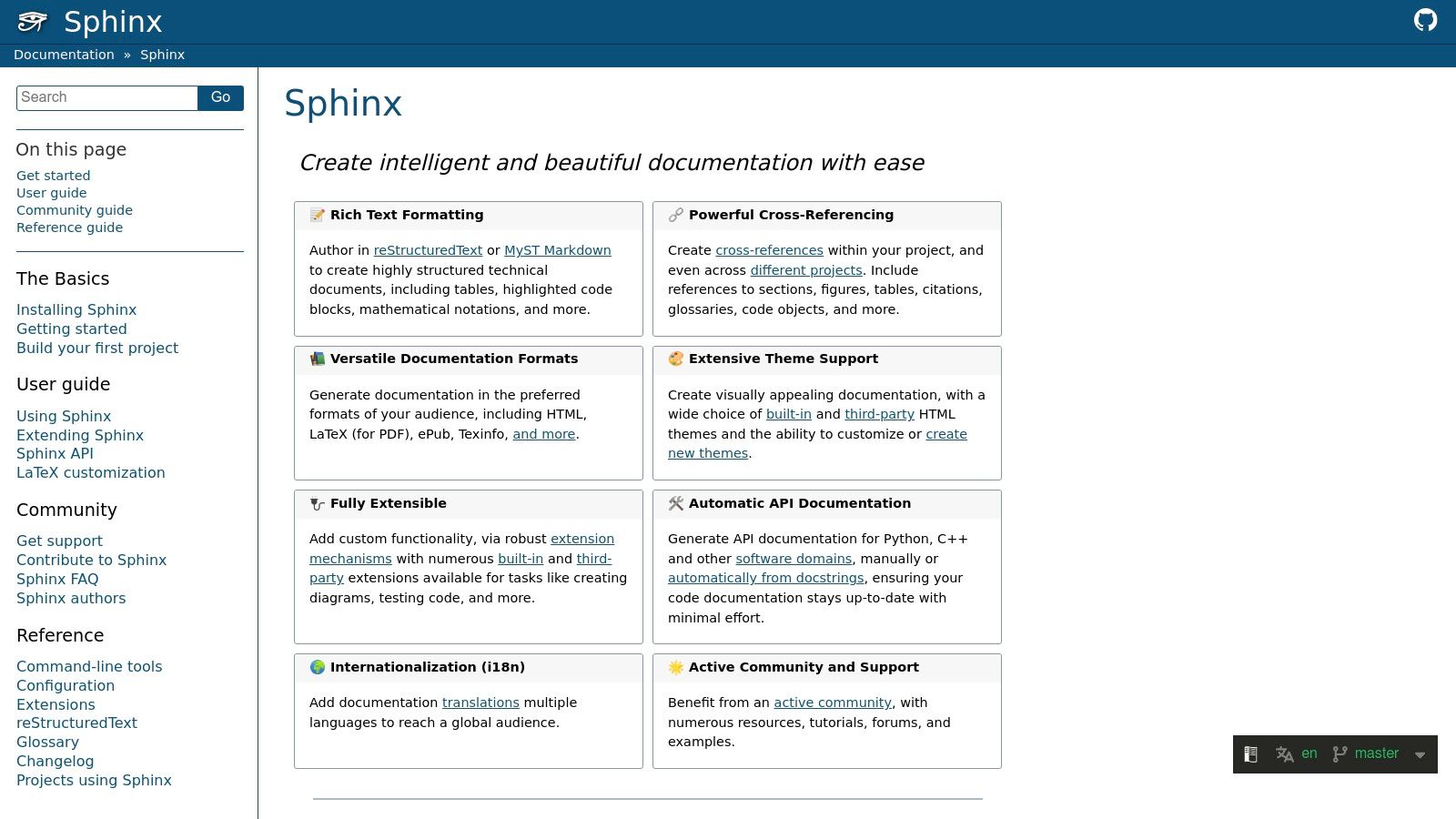
The standout feature of Sphinx is its robust cross-referencing system, which can automatically link functions, classes, and citations across an entire project. This, combined with an extensive ecosystem of extensions for diagrams, automated testing, and more, provides a toolchain built for depth and precision. It is the proven choice for many major open source projects that require rigorous, structured documentation.
Key Considerations
- Best For: Large-scale reference documentation, API documentation for Python projects, and scenarios requiring high-quality PDF or print outputs.
- Pros: Unmatched cross-referencing capabilities and multi-format output. Its tooling is battle-tested and used by major projects like the Python language itself.
- Cons: The learning curve for reStructuredText and the configuration system is steeper than modern Markdown-based generators. Theming HTML outputs can require more effort.
- Website: https://www.sphinx-doc.org
5. Read the Docs
Read the Docs is not a generator but a powerful hosting platform that automates building, versioning, and hosting documentation. It integrates seamlessly with repositories on GitHub, GitLab, and Bitbucket, automatically pulling your content and building it using popular open source documentation tools like Sphinx or MkDocs. This turnkey approach has made it the de facto hosting solution for countless open source projects.
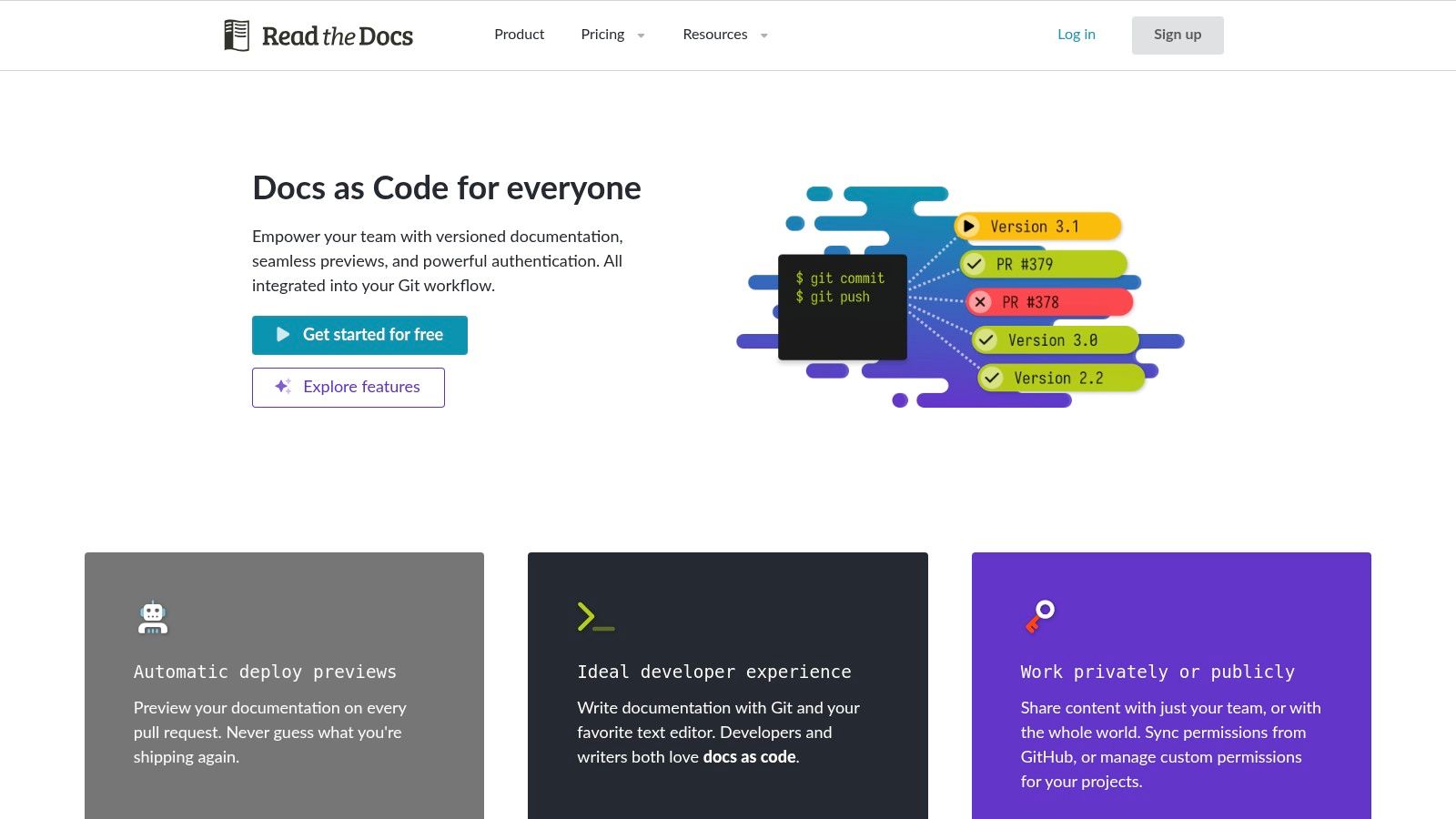
The platform's core value is its frictionless "docs-as-code" workflow. By connecting your repository, every push to a branch or tag can trigger a new build, ensuring your documentation is always up-to-date with your codebase. It handles complex tasks like creating multiple versions, generating downloadable formats (PDF, ePub), and managing redirects, freeing developers to focus purely on writing content.
Key Considerations
- Best For: Open source projects using Sphinx or MkDocs that need a free, powerful, and automated hosting solution.
- Pros: Completely free for public open source projects, with an incredibly simple setup. Automated versioning and downloadable formats are handled out of the box.
- Cons: The free community tier places advertisements on your documentation pages. Advanced features like private documentation, custom domains, and SSO require a paid subscription.
- Website: https://readthedocs.org
6. VitePress
VitePress is a modern static site generator powered by Vite and Vue, designed with a laser focus on speed and developer ergonomics for documentation sites. Created by the Vue team, it provides an exceptionally fast development server with instant hot module replacement, making the authoring process seamless and fluid. It's a prime contender among open source documentation tools for projects already invested in the Vue and Vite ecosystem.
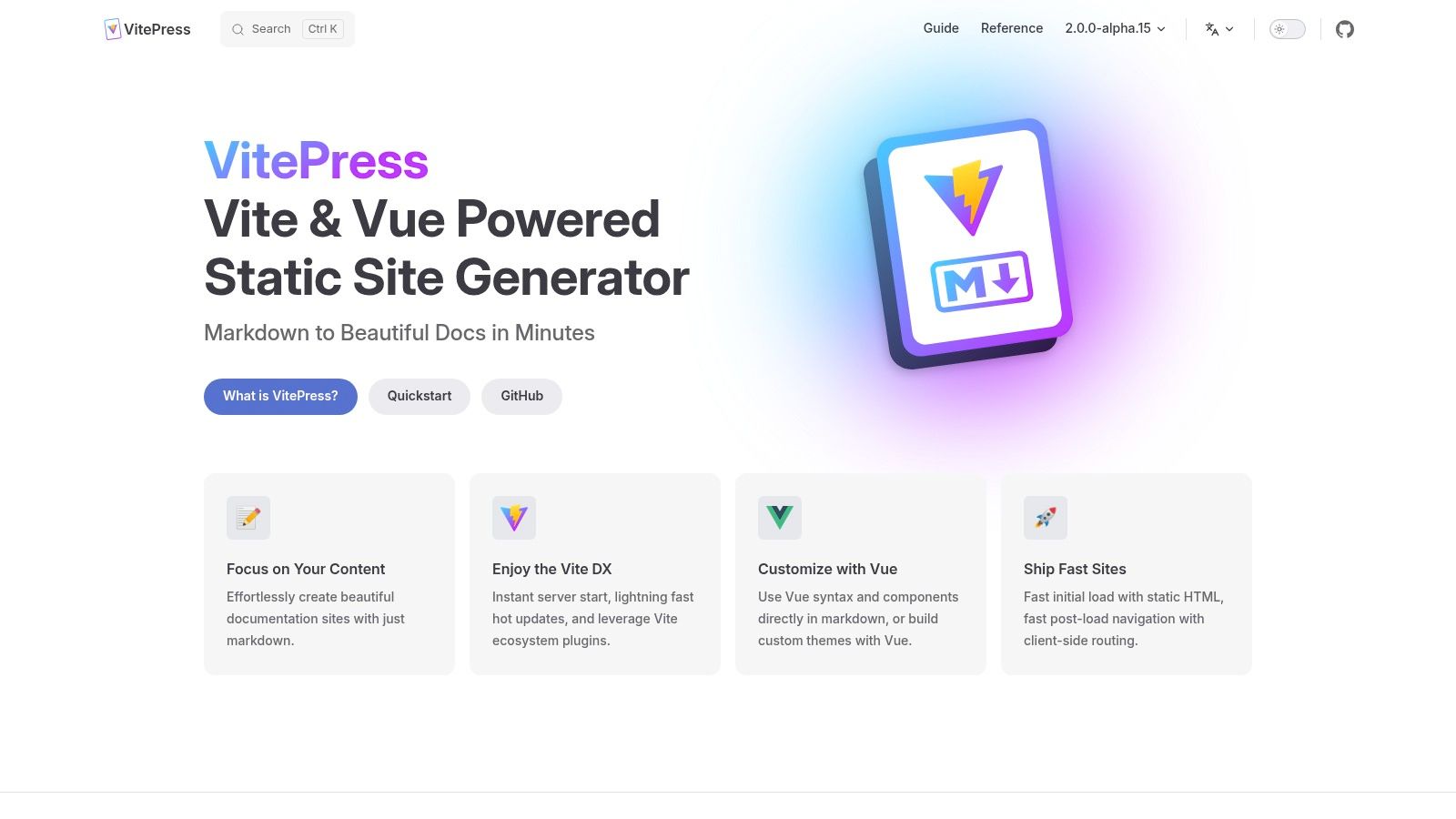
Its architecture leverages Vue's capabilities directly within Markdown, allowing for rich, interactive components to be embedded alongside static content. After the initial page load, navigation becomes exceptionally fast, providing a single-page application (SPA) experience. This combination of a lightweight default theme and powerful customization options makes it ideal for content-heavy sites where performance and a refined authoring workflow are top priorities.
Key Considerations
- Best For: Documentation for Vue.js libraries, component catalogs, and any project where the development team is already proficient with the Vite and Vue toolchain.
- Pros: Outstanding developer experience with near-instant server start and hot updates. The performance for end-users is excellent, offering a fast, app-like feel.
- Cons: The ecosystem of themes and plugins is newer and less extensive than more established generators. It requires a Node.js environment and comfort with Vue for customization.
- Website: https://vitepress.dev
7. VuePress
VuePress is the original Vue-powered static site generator, purpose-built for creating clean, performant documentation sites. It stands out by pre-rendering static HTML for fast initial loads while hydrating into a full Single-Page Application (SPA) for seamless client-side navigation. This hybrid approach offers both excellent SEO and a rich user experience, making it a reliable choice among open source documentation tools for Vue-based projects.
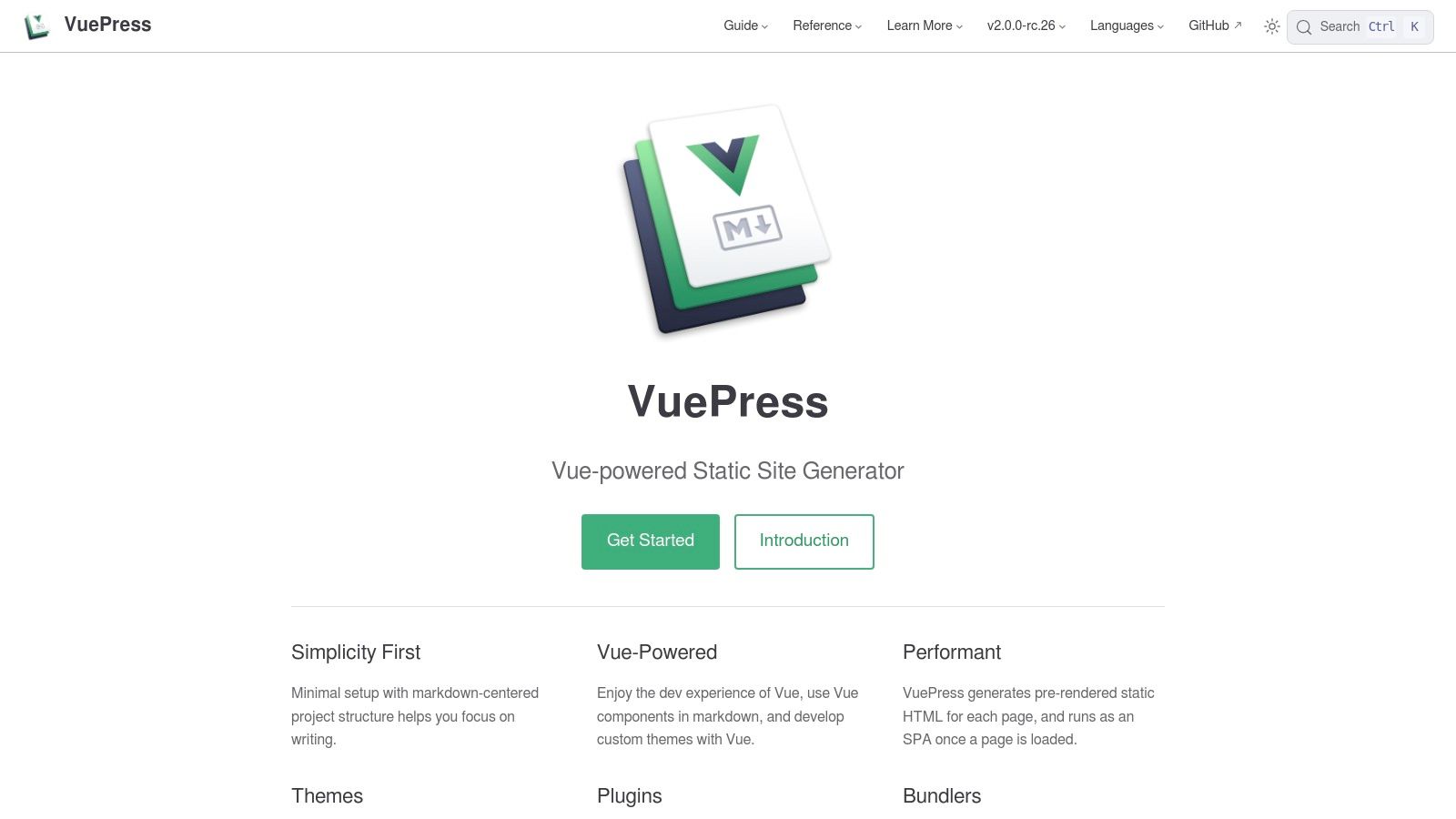
Its architecture is centered around a minimal, Markdown-focused setup, allowing developers to get started quickly. The core strength of VuePress lies in its extensibility through a robust plugin API and theming system. It also offers the flexibility to choose between modern (Vite) and legacy (Webpack) bundlers, accommodating a wide range of project toolchains and requirements.
Key Considerations
- Best For: Documentation for Vue.js libraries, projects that need an SPA-like feel, and teams already invested in the Vue ecosystem.
- Pros: It is a mature, battle-tested solution with stable documentation. The flexible choice of bundlers (Vite or Webpack) is a key advantage for fitting into different build stacks.
- Cons: Deeper customization often requires more plugin development compared to tools with more turnkey themes. The community's focus has partially shifted to its successor, VitePress, for new projects.
- Website: https://vuepress.vuejs.org
8. Docsify
Docsify offers a uniquely simple approach among open source documentation tools by functioning as a "magical" documentation site generator. Unlike static site generators that require a build step, Docsify dynamically fetches and renders your Markdown files in the user's browser on the fly. This zero-build process makes it incredibly fast to set up and ideal for lightweight projects, internal wikis, or rapid prototyping where simplicity is paramount.
Its core advantage is its minimal footprint and effortless deployment. You only need an index.html file and your Markdown documents; you can host them on GitHub Pages or any simple web server without needing a complex CI/CD pipeline. The experience is surprisingly feature-rich for its size, with a powerful plugin API that allows for extensions like full-text search, themes, and even interactive code execution.
Key Considerations
- Best For: Small to medium-sized projects, personal wikis, and teams wanting the absolute fastest setup with no build dependencies.
- Pros: Extremely fast to get started, with no local dependencies or build time required. Its plugin system is flexible, and the minimal infrastructure simplifies hosting.
- Cons: Client-side rendering can negatively impact initial load times and SEO performance compared to pre-built static sites, and it is less suitable for very large documentation sets.
- Website: https://docsify.js.org
9. Antora
Antora is a modern documentation site generator specifically engineered for the "docs-as-code" philosophy, but with a unique focus on aggregating content from multiple sources. It excels at pulling AsciiDoc content from various Git repositories and assembling it into a single, cohesive, and versioned website. This makes it a standout among open source documentation tools for complex projects with distributed documentation.
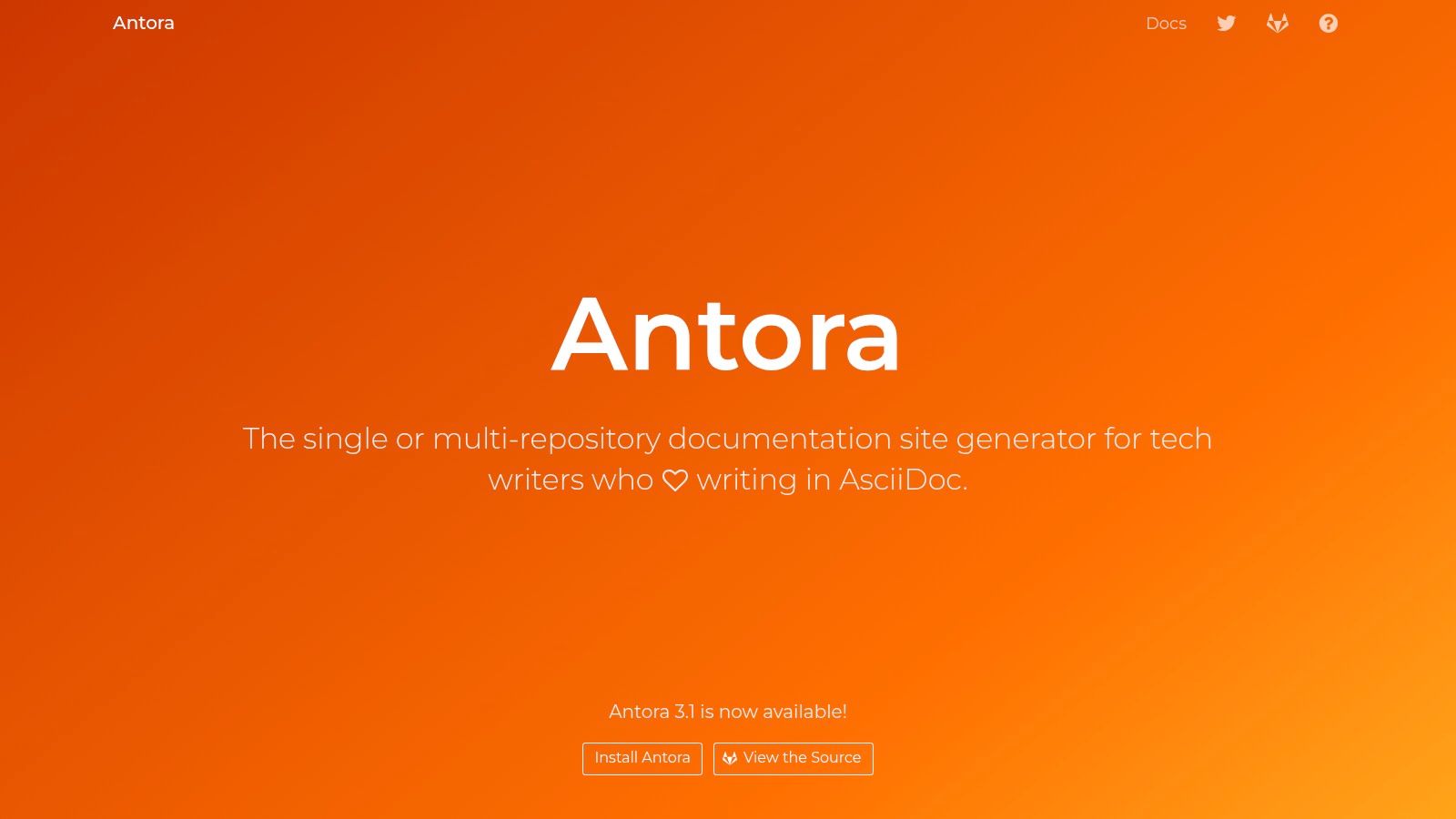
Its playbook-driven build process is its core strength, allowing teams to declaratively define which repositories, branches, and tags to include in the final site. Antora's robust cross-referencing system is not tied to file paths, enabling resilient links between documents even as they move across different repositories or versions. This modular approach is ideal for large-scale technical documentation that evolves across multiple teams and product components.
Key Considerations
- Best For: Enterprise-level documentation, projects with microservice architectures, and any scenario requiring content aggregation from multiple Git repositories.
- Pros: Its multi-repository aggregation is unparalleled, solving a major pain point for large organizations. The powerful versioning strategy and decoupled UI theming offer immense flexibility.
- Cons: The learning curve is steeper than most, as it requires understanding both AsciiDoc and Antora's specific playbook configuration model. The setup is more involved than simpler static site generators.
- Website: https://antora.org
10. Docsy (Hugo theme)
Docsy is a highly-regarded documentation theme specifically for the Hugo static site generator. It is designed to handle medium-to-large technical documentation sets, providing a robust information architecture and pre-built navigation patterns right out of the box. By combining Hugo’s lightning-fast build speeds with a thoughtful docs-first structure, Docsy offers a powerful foundation for complex projects.
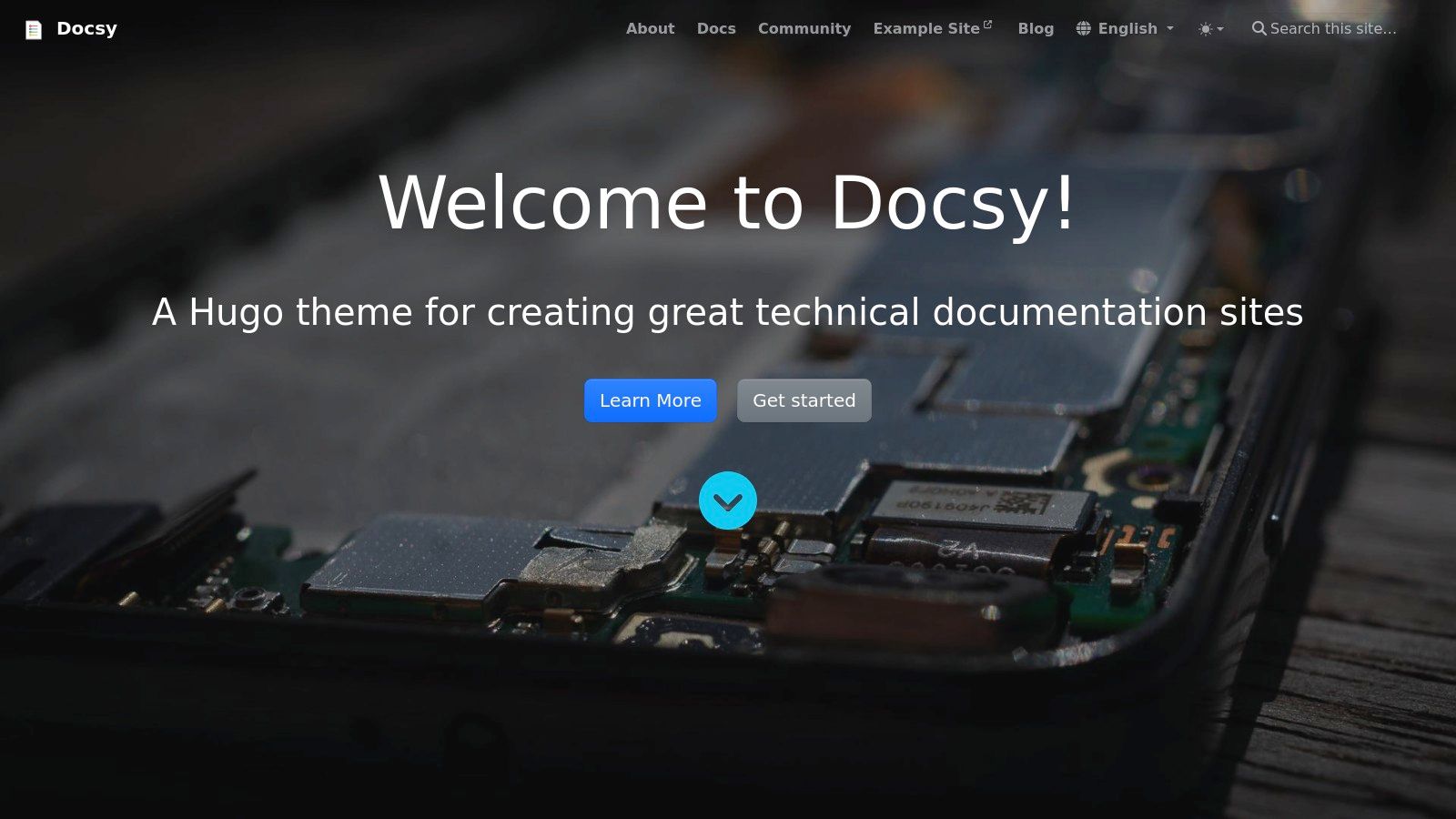
This theme excels at providing a structured yet customizable experience. It integrates seamlessly with standard Hugo deployment workflows, such as those for Netlify or GitHub Pages, making it a pragmatic choice for teams already in the Hugo ecosystem. Features like built-in search, version banners, and rich multi-level navigation help create professional-grade documentation with less effort than building a site from scratch.
Key Considerations
- Best For: Teams already using or comfortable with Hugo who need a feature-rich, docs-specific theme for large-scale projects.
- Pros: Benefits from Hugo's incredible build performance while providing mature, production-tested information architecture and navigation patterns. The community adoption means plenty of real-world examples.
- Cons: Requires learning Hugo’s templating system and theme customization concepts, which can be a hurdle. Some default integrations are opinionated towards a GitHub and Netlify-based workflow.
- Website: https://www.docsy.dev
11. Astro Starlight
Astro Starlight is the official documentation theme from the Astro team, designed to deliver a polished, high-performance documentation website with minimal configuration. It leverages Astro’s "island architecture," which ships zero JavaScript by default, resulting in exceptionally fast load times. Starlight is one of the more modern open source documentation tools, offering a superb user experience right out of the box.
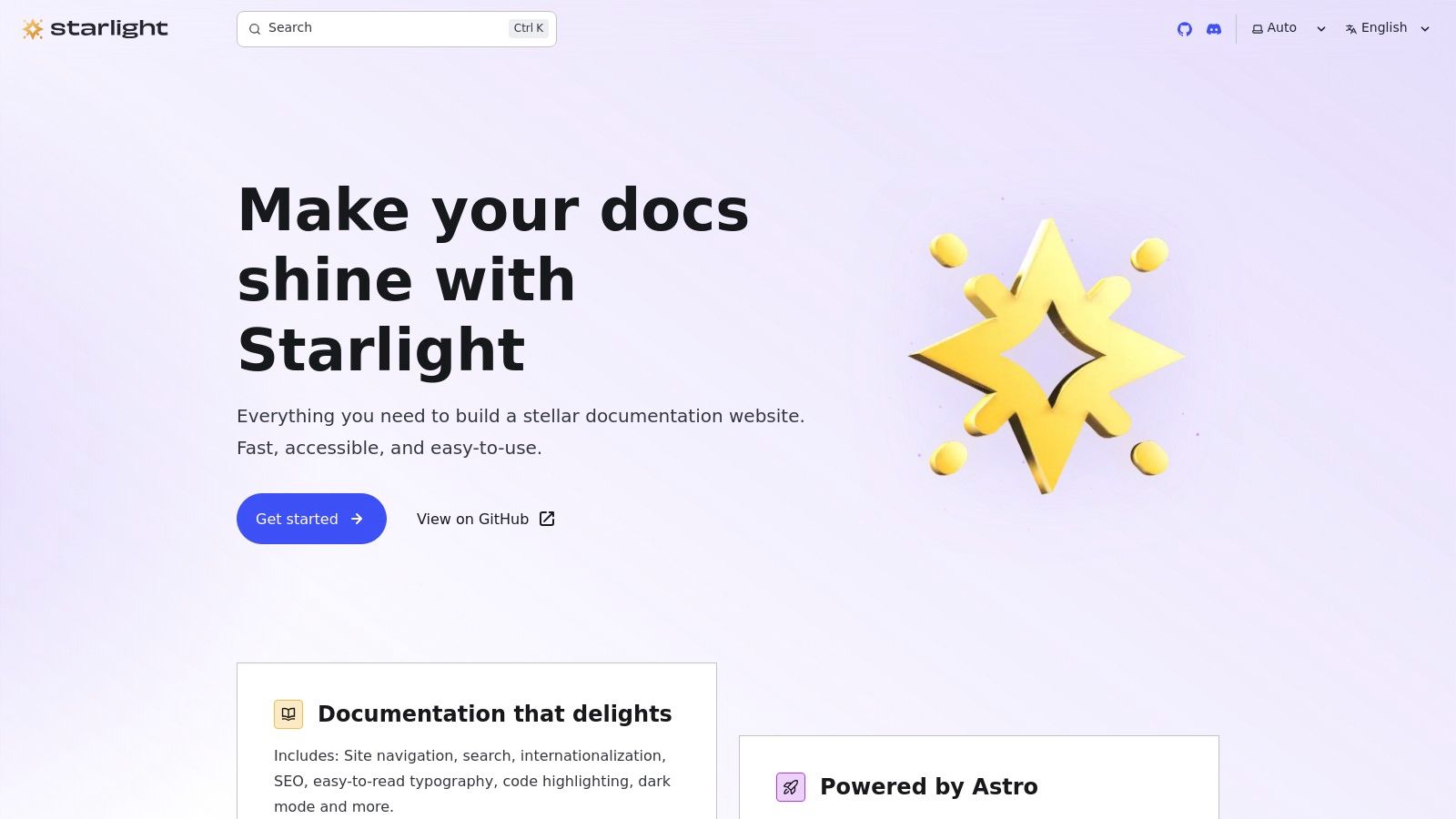
Its key differentiator is the ability to use UI components from any major framework (React, Vue, Svelte) within your Markdown, Markdoc, or MDX files. This framework-agnostic approach provides unparalleled flexibility for creating rich, interactive content. It comes packed with features like built-in site navigation, fast client-side search via Pagefind, and excellent internationalization support, making it a powerful contender.
Key Considerations
- Best For: Projects wanting a modern, high-performance documentation site with the flexibility to use components from various UI frameworks.
- Pros: Outstanding performance and accessibility by default. Strong i18n support and excellent out-of-the-box search capabilities with Pagefind.
- Cons: As a newer project, its API is still evolving, which can lead to occasional breaking changes. Familiarity with the Astro framework and Node.js is required.
- Website: https://starlight.astro.build
12. Nextra (Docs Theme for Next.js)
Nextra offers a powerful and minimalist documentation theme built directly on top of Next.js. It is designed for teams already invested in the React and Next.js ecosystem who want a fast, modern documentation site without extensive configuration. It stands out by leveraging the full power of Next.js, including server-side rendering and static generation, providing an excellent developer experience.
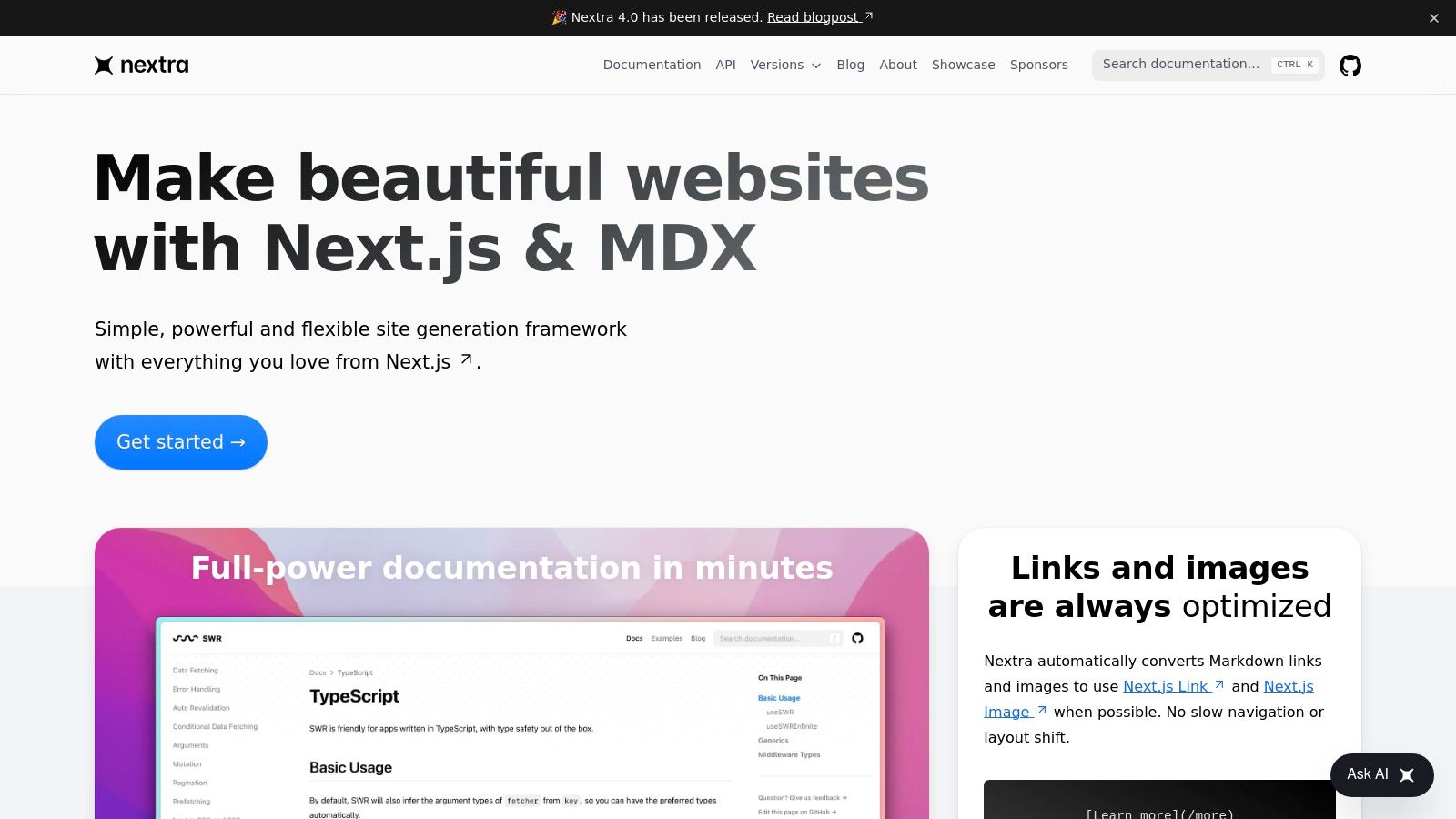
The framework is MDX-first, allowing you to seamlessly embed interactive React components within your Markdown content. This makes it one of the more flexible open source documentation tools for creating dynamic and engaging guides. Nextra provides essential features like a sidebar, table of contents, top navigation, and search scaffolding out of the box, letting you focus on writing content.
Key Considerations
- Best For: Teams and projects already using Next.js that need a lightweight, high-performance documentation solution.
- Pros: Extremely simple setup for React developers, excellent performance, and the flexibility of MDX for rich component integration.
- Cons: Tightly coupled with the Next.js ecosystem and Node.js environment, and has a smaller plugin community compared to more established tools like Docusaurus or Hugo.
- Website: https://nextra.site
Because it integrates well with modern deployment platforms, you can find a guide on how to use GitHub Pages to host your Nextra site for free.
12 Open-Source Documentation Tools: Feature Comparison
| Tool | Core features | UX / Quality | Value & Price | Target audience & USP |
|---|---|---|---|---|
| Docusaurus | React + MDX, built‑in versioning, i18n, plugins | ★★★★☆, mature docs workflow 🏆 | 💰 Open‑source (free), Node toolchain | 👥 Product/API teams, React devs • ✨ MDX components + versioning |
| MkDocs | Python SSG, single YAML config, live‑reload, themes/plugins | ★★★★☆, simple & fast dev server | 💰 Free, Python ecosystem | 👥 Markdown‑first engineering teams • ✨ Minimal setup |
| Material for MkDocs | MkDocs theme: search, blog, dark mode, i18n, plugins | ★★★★★, polished docs UX 🏆 | 💰 Free (OSS), optional sponsor tiers | 👥 Teams wanting production UX • ✨ Rich components + offline search |
| Sphinx | reStructuredText/MyST, cross‑refs, HTML/PDF/ePub outputs, extensions | ★★★★☆, powerful for reference docs | 💰 Free, mature Python toolchain | 👥 API/reference docs, Python projects • ✨ Advanced cross‑referencing & PDF builds |
| Read the Docs | Hosted builds for Sphinx/MkDocs, versioning, org features | ★★★★☆, turnkey hosting & builds 🏆 | 💰 Free tier (ads), paid for private/SSO | 👥 OSS/community docs & orgs • ✨ Automated versioned builds + hosting |
| VitePress | Vite + Vue, instant dev server, Vue components in Markdown | ★★★★☆, excellent DX & performance | 💰 Free, Node/Vite stack | 👥 Vue/Vite teams • ✨ Instant hot updates, fast dev server |
| VuePress | Vue SSG, pre‑render + SPA runtime, plugin/theme APIs | ★★★★☆, stable & flexible | 💰 Free, Node toolchain | 👥 Vue projects, legacy stacks • ✨ Stable, supports Vite or Webpack |
| Docsify | Client‑side Markdown render, no build step, tiny footprint | ★★★☆☆, zero‑build simplicity | 💰 Free, CDN/npm hosting | 👥 Prototypes, internal wikis, quick docs • ✨ No build / immediate hosting |
| Antora | AsciiDoc, multi‑repo aggregation, playbooks, strong cross‑refs | ★★★★☆, designed for scale | 💰 Free, AsciiDoc ecosystem | 👥 Large multi‑team docs, AsciiDoc users • ✨ Multi‑repo modular publishing |
| Docsy (Hugo theme) | Hugo theme with docs IA, search, version banners | ★★★★☆, production‑ready IA | 💰 Free, Hugo performance | 👥 Hugo users, medium→large docs • ✨ Ready‑made information architecture |
| Astro Starlight | Astro docs theme, Pagefind, i18n, multi‑format content support | ★★★★★, modern performant UX 🏆 | 💰 Free, Astro stack | 👥 Framework‑agnostic teams, modern sites • ✨ Framework‑agnostic components + speed |
| Nextra | Next.js MDX docs theme, sidebar/TOC, search scaffolding | ★★★★☆, minimal & MDX‑first | 💰 Free, Next.js/Node required | 👥 Next.js/React teams • ✨ MDX‑first, fast setup for Next.js |
Which Tool Is Right for You? A Final Recommendation
Navigating the landscape of open source documentation tools can feel overwhelming, but the journey to finding the perfect fit is an investment in your project's future success. We've explored a dozen powerful options, from the React-powered sophistication of Docusaurus and Nextra to the Python-based workhorses like Sphinx and MkDocs, and the component-driven innovation of Astro Starlight. The key takeaway is clear: there is no single "best" tool, only the one that best aligns with your team's skills, project complexity, and content strategy.
Your final decision hinges on a careful evaluation of your specific needs. The ideal tool is not just about features; it's about workflow integration, maintainability, and the contributor experience. Choosing a framework that your team already knows, like VuePress for a Vue.js shop or Nextra for a Next.js project, can dramatically lower the learning curve and accelerate development.
Key Factors for Your Decision
Before you commit, revisit these critical decision-making factors. A tool that excels for a single-repository open source project might be cumbersome for a large enterprise with complex, multi-repository documentation needs.
- Team Expertise: The most significant factor is your team's existing technical stack. A Python-centric team will find MkDocs or Sphinx immediately accessible, while a JavaScript-heavy team will feel at home with Docusaurus, VitePress, or Astro Starlight.
- Project Complexity: For simple, single-repository projects, tools like Docsify or a basic MkDocs setup offer a fast and straightforward path. For complex, multi-repository documentation that needs to aggregate content from various sources, a specialized solution like Antora is purpose-built for the job.
- Contributor Experience: Who will be writing the documentation? If your contributors are non-technical, a tool with a simpler setup and less required configuration is crucial. Docsify’s no-build-step process is excellent for this, while more developer-centric tools might require a deeper understanding of package managers and build configurations.
- Ecosystem and Extensibility: Consider the long-term vision for your docs. A rich plugin ecosystem, like that offered by MkDocs with Material or Docusaurus, provides a future-proof path to adding new features like search, analytics, and interactive components without starting from scratch.
Final Thoughts: Start with Your Content
Ultimately, the best open source documentation tools are the ones that fade into the background, allowing your team to focus on what truly matters: creating clear, helpful, and accessible content. The goal is to build a "docs-as-code" workflow that feels natural and empowering for everyone involved.
Start by defining your content architecture and identifying your core audience needs. Once you have that clarity, you can confidently select a tool from this list that not only meets your technical requirements but also fosters a culture of documentation excellence within your organization. The right choice will transform your documentation from a necessary chore into a valuable, living asset for your project and your community.
Managing Markdown content for your documentation can be challenging, especially for non-technical team members. If you're looking for a user-friendly, Git-based CMS to streamline content creation for your static site, explore JekyllPad. It provides a clean, visual editing experience that simplifies collaboration and content management directly within your repository. Learn more at JekyllPad.