
In modern web development and content creation, a powerful visual editor is non-negotiable. Whether you're building a custom CMS, empowering non-technical users to manage a static site, or adding rich text capabilities to your application, the right tool makes all the difference. But the market for free HTML WYSIWYG editors is crowded, with options ranging from simple, lightweight libraries to powerful, extensible frameworks.
Choosing incorrectly can lead to frustrating limitations, messy code, and a poor user experience. This guide cuts through the noise. We provide a detailed, comparative roundup of the 12 best free options available today, focusing on practical use cases, honest limitations, and implementation details that matter for developers and content teams.
We’ll analyze everything from licensing and architecture to special features like static site generator integration, helping you select the perfect editor that fits your technical stack. To ensure maximum efficiency with your chosen editor, it's also crucial to focus on mastering your content creation workflow.
This comprehensive resource is designed for:
- Technical bloggers using static site generators like Jekyll, Hugo, or Eleventy.
- Documentation teams building out software and open-source project guides.
- Content marketers managing GitHub Pages or similar static-hosted sites.
- Agencies and freelancers building client websites that require easy content updates.
Each review includes direct links and key implementation notes to help you move from selection to integration quickly.
1. JekyllPad
JekyllPad is a standout choice that brilliantly bridges the gap between powerful static site generators and the need for an intuitive, visual content management workflow. It operates as a browser-based visual CMS, specifically engineered for static sites built with Jekyll, Hugo, Astro, Eleventy, or Gatsby. This makes it an exceptional free HTML WYSIWYG editor for developers, content creators, and agencies who manage content directly in a Git repository but want to eliminate the friction of command-line tools and manual YAML editing.
The platform’s core strength lies in its dual-editor interface. It offers a polished, real-time WYSIWYG experience for non-technical users while simultaneously providing a raw Markdown editor with syntax highlighting for developers. This hybrid approach ensures that content teams can create and format articles visually, while technical users can fine-tune the underlying code without leaving the same screen.

Key Differentiators and Use Cases
What sets JekyllPad apart is its native GitHub integration. Every change, from a simple text edit to updating front-matter fields, can be saved and committed directly to your repository with a single click. This completely sidesteps the need for complex CI/CD pipelines for content updates, providing built-in version control and backups automatically.
Another significant advantage is its 100% client-side architecture. The editor runs entirely in your browser, meaning your data travels only between your local machine and your GitHub account. This architecture enhances both security and performance, as there is no backend server to maintain or compromise.
Best for: Technical bloggers, documentation teams, and content marketers managing GitHub-hosted static sites who need a streamlined, non-technical interface for content creation without sacrificing developer control.
Setup, Pricing, and Limitations
Getting started is refreshingly simple: sign in with your GitHub account, select a repository, and you can begin editing immediately. The free-forever tier is generous, offering a starter allowance of 5 free posts per month, making it accessible for personal blogs and small projects. For higher-volume needs, you will need to check the official pricing page for paid plan details.
The primary limitation is its dependency on GitHub; there is no support for other Git providers like GitLab or Bitbucket. Additionally, while functional, its built-in media management is basic compared to traditional CMS platforms.
- Website: https://www.jekyllpad.com
- Best Feature: Direct, one-click commits to a GitHub repository.
- Limitation: Only supports GitHub repositories.
- Price: Free tier available (5 posts/month); no credit card required to start.
2. TinyMCE
TinyMCE is one of the most mature and widely adopted free HTML WYSIWYG editors available, known for its powerful features and robust ecosystem. It offers a clear path from a free, open-source version to a commercially supported enterprise solution, making it a safe choice for projects that might scale.
The editor provides both a self-hosted option and a cloud-based CDN delivery. The cloud version is incredibly easy to set up with just a few lines of code and an API key. This makes it ideal for quick integrations or for teams that prefer a managed service. The self-hosted version offers complete control over the editor's deployment and configuration.
Key Features & Use Cases
TinyMCE excels with its extensive plugin architecture. The free version includes essentials like tables, lists, media embedding, and code editing. For those needing more, there's a clear upgrade path to premium plugins for features like real-time collaboration, comments, and advanced image editing. This makes TinyMCE highly suitable for enterprise applications, learning management systems (LMS), and complex content management systems where future functionality is a key consideration. Its detailed documentation and official wrappers for frameworks like React, Vue, and Angular also simplify integration into modern web applications.
Best For: Teams needing a stable, feature-rich editor with a clear upgrade path to enterprise-level features and support.
- Pros:
- Generous free tier via cloud CDN.
- Extensive official documentation and community support.
- Mature and stable with many official plugins.
- Cons:
- The free cloud plan includes TinyMCE branding.
- The open-source license (GPLv2+) can be a constraint for proprietary commercial projects without a paid license.
For a deeper dive into how such editors work, you can learn more about the fundamentals of a WYSIWYG editor.
Website: https://www.tiny.cloud/
3. CKEditor 5
CKEditor 5 is a modern and modular free HTML WYSIWYG editor built with a custom data model and virtual DOM. This architecture makes it highly performant and extensible, positioning it as a strong contender for applications that require reliability and advanced collaborative features. It is offered both as an open-source GPL-licensed package and through a commercially licensed cloud service.
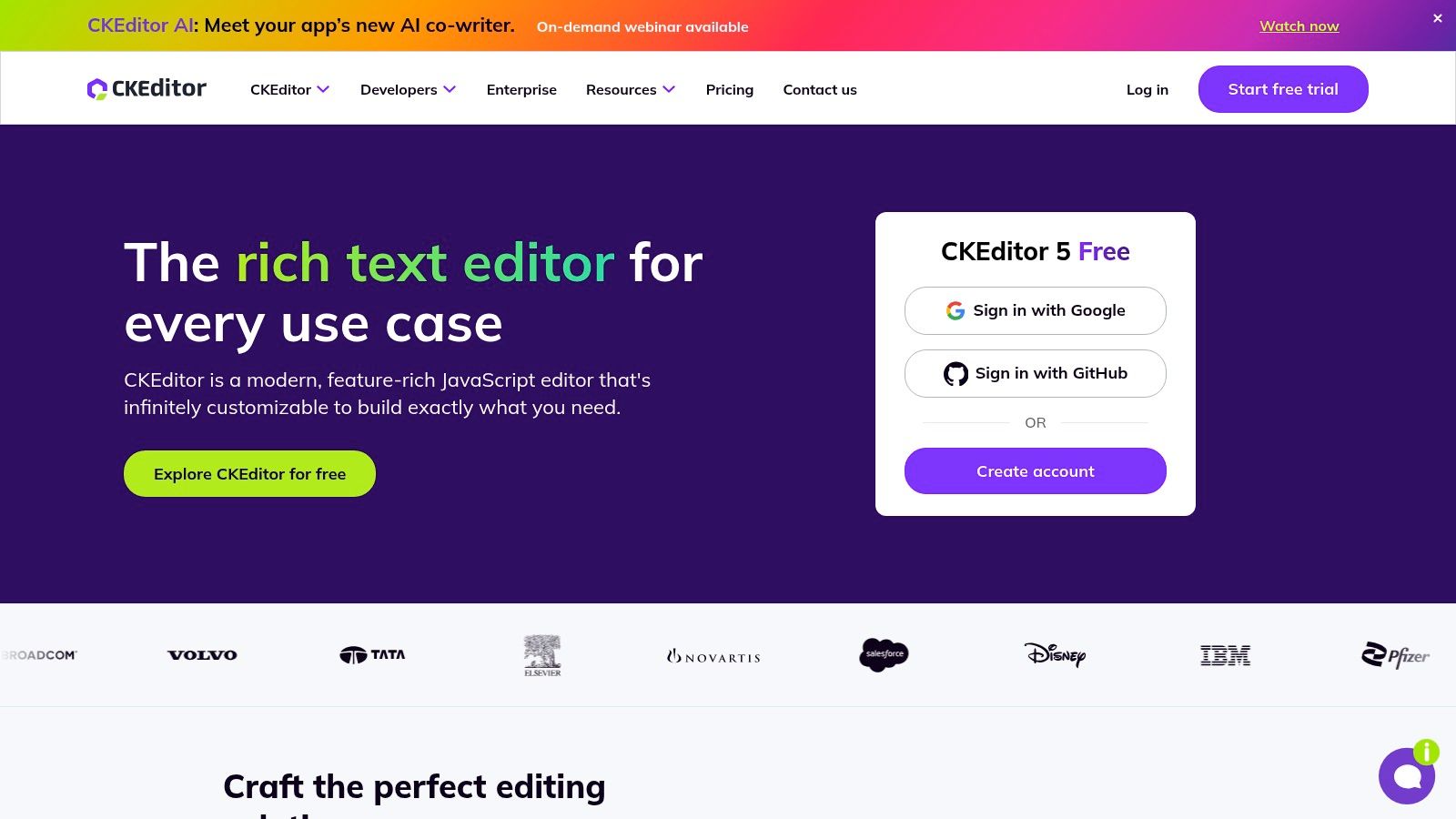
The cloud-based offering provides an easy setup via CDN and includes a generous free tier, making it simple to get started. For more control, the self-hosted version allows developers to build a custom editor from a rich set of plugins. This flexibility makes it a powerful choice for both simple content editing and complex, real-time collaborative environments similar to Google Docs.
Key Features & Use Cases
CKEditor 5’s core strength lies in its modularity and its first-class support for collaboration. Features like real-time co-editing, track changes, and comments are available as premium add-ons, making it a top choice for team-based content platforms, SaaS applications, and headless CMS implementations. The free version still provides a robust editing experience with plugins for essentials like Markdown I/O, mentions, and media embedding. Its well-structured documentation makes it accessible for developers looking to integrate a modern editor into their projects.
Best For: Developers building collaborative applications or needing a modern, framework-agnostic editor with excellent documentation and optional enterprise-grade features.
- Pros:
- Generous free cloud plan with a commercial-friendly license.
- Strong documentation and long-term vendor support.
- Modern architecture built for performance and extensibility.
- Cons:
- The free cloud plan includes branding and has editor-load limits with overage charges.
- Advanced collaboration features are locked behind paid plans.
If you are exploring editors for decoupled systems, you can see how CKEditor 5 fits into a headless CMS architecture.
Website: https://ckeditor.com/
4. Quill
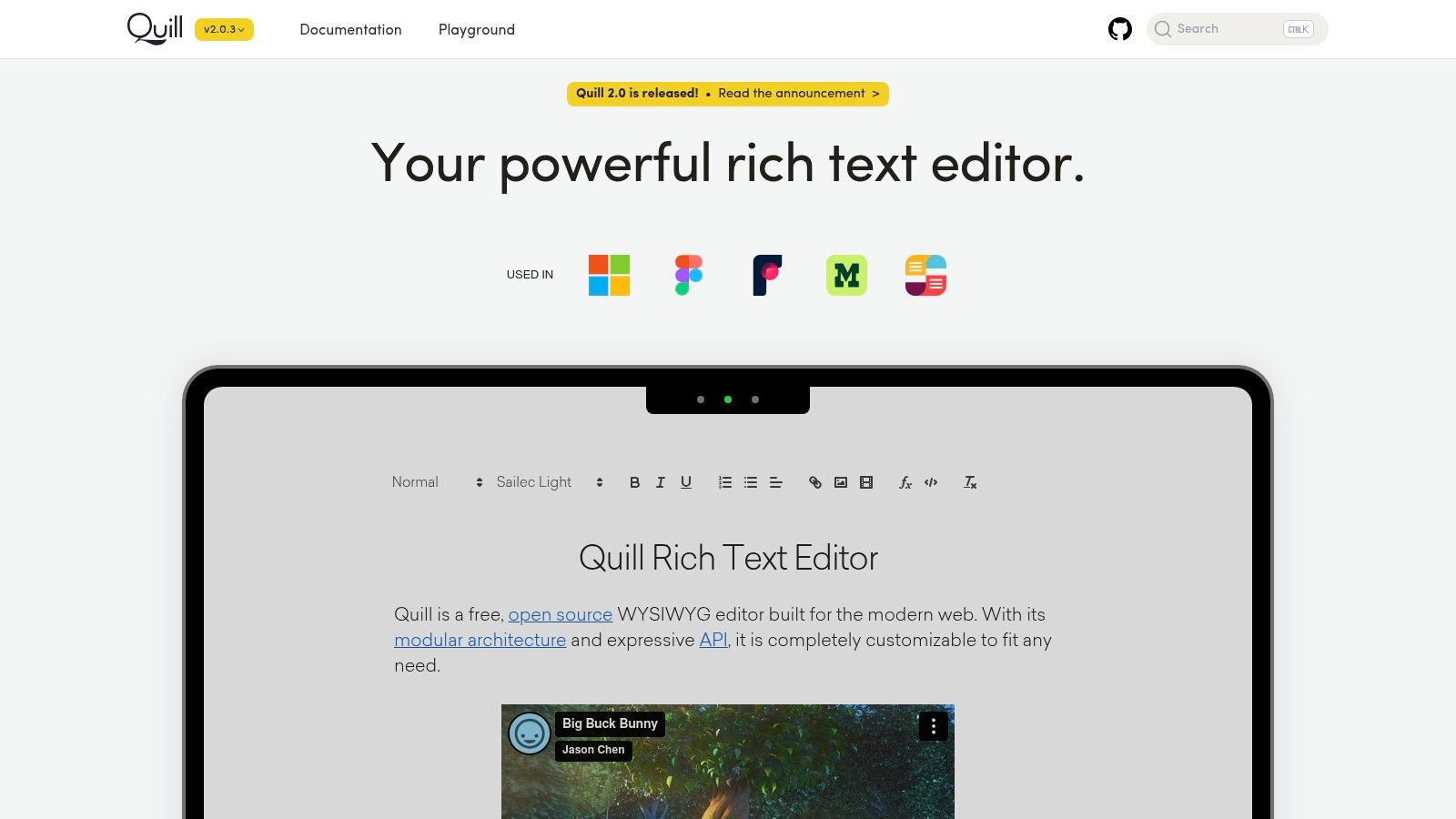
Quill is a modern, API-driven free HTML WYSIWYG editor built for compatibility and extensibility. Its modular architecture and permissive BSD-3-Clause open-source license make it a popular choice for developers who need full control over their editor's functionality and want to avoid licensing conflicts in proprietary applications.
Unlike monolithic editors, Quill provides a minimal core that can be extended with custom formats and modules. It offers two beautiful built-in themes: Snow, a traditional toolbar-based theme, and Bubble, a floating tooltip theme that appears on text selection. This minimalist approach allows developers to build a custom editing experience without inheriting unnecessary bloat.
Key Features & Use Cases
Quill's strength lies in its API and modular design. Instead of providing every feature out of the box, it offers a powerful foundation for developers to build upon. This makes it ideal for applications that require a unique or highly customized text editing interface, such as collaborative document tools, interactive forms, or specialized content creation platforms. Its straightforward setup via CDN or npm, combined with extensive community examples, allows for rapid integration into any project. The editor's internal data model, Parchment, provides a predictable structure for content, which simplifies development.
Best For: Developers who need a lightweight, highly customizable editor with a permissive license for commercial projects.
- Pros:
- Permissive license is ideal for proprietary and commercial apps.
- Modular architecture allows for a lean, custom build.
- Simple to embed with strong community knowledge and examples.
- Cons:
- The core is intentionally minimal; advanced features require custom code.
- Plugin quality and maintenance can vary since most are community-driven.
Website: https://quilljs.com/
5. Tiptap
Tiptap is a modern, headless editor framework built on ProseMirror, making it one of the most developer-centric free HTML WYSIWYG editors. Unlike traditional editors that come with a pre-built user interface, Tiptap provides a powerful core engine and a rich set of extensions, giving developers complete freedom to design a custom editing experience from the ground up.
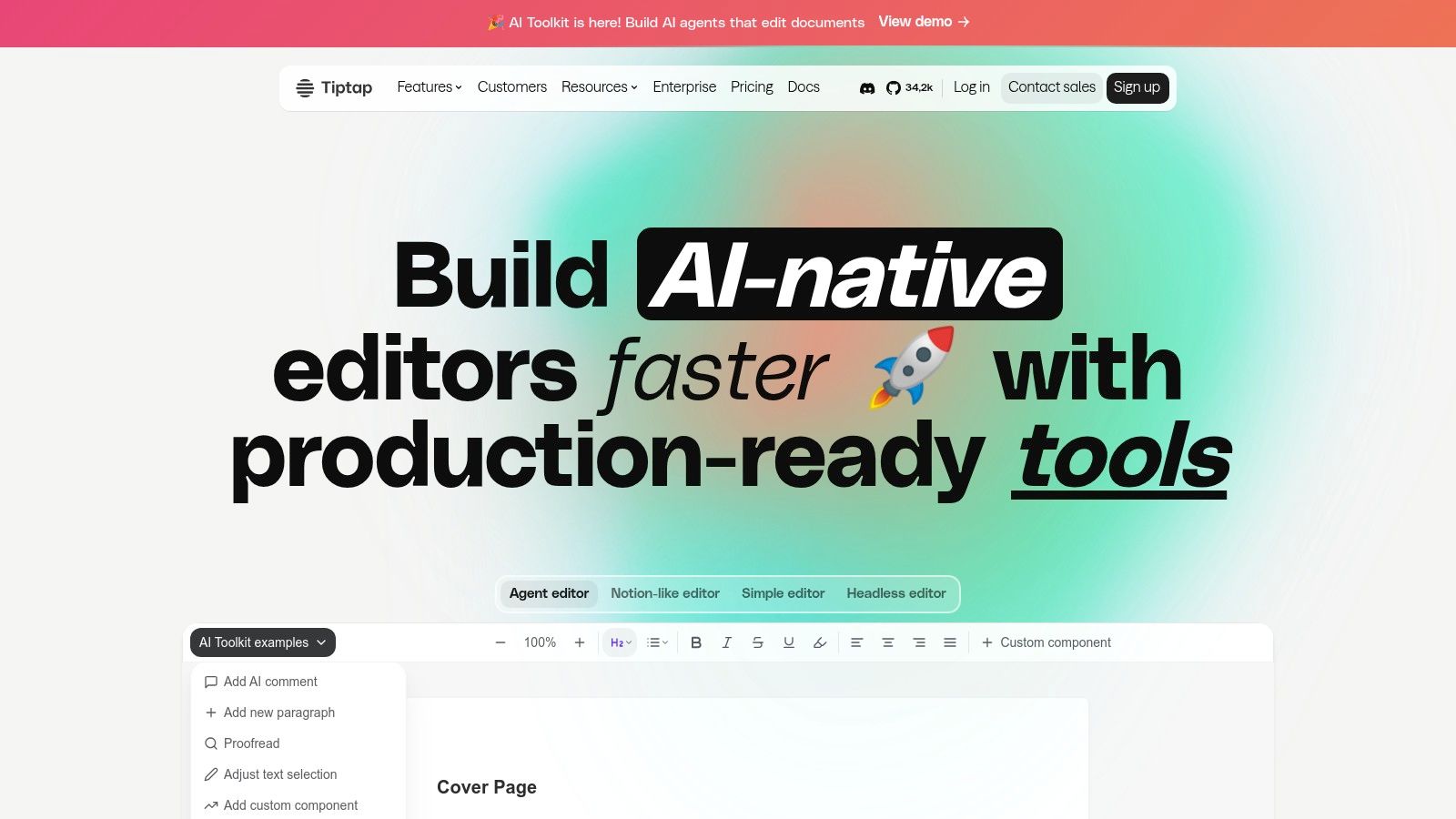
This headless architecture means you build the UI yourself, which is perfect for projects with bespoke design requirements or for those wanting to integrate an editor seamlessly into an existing component library. The core is framework-agnostic, but it offers excellent support and official wrappers for popular frameworks like React, Vue, and Svelte, simplifying integration into modern stacks.
Key Features & Use Cases
Tiptap's strength lies in its modularity and extensibility. With over 100 extensions, developers can easily add functionality like collaborative cursors, mentions, tables, and even Notion-like block editing. The free core is MIT licensed, making it an excellent choice for proprietary commercial products without licensing constraints. While the core handles the editing logic, Tiptap also offers paid cloud services for real-time collaboration, document conversion, and AI features, providing a scalable path for growing applications. This makes it ideal for startups building SaaS products, collaborative platforms, and complex web applications requiring a unique and polished text editing interface.
Best For: Developers who need full control over the editor's look and feel to build a completely custom editing experience.
- Pros:
- Completely free and open-source core (MIT license).
- Headless architecture offers maximum UI/UX flexibility.
- Extensive and well-documented set of extensions.
- Cons:
- Requires developers to build the entire UI themselves.
- Advanced features like real-time collaboration and AI require paid cloud services.
Website: https://tiptap.dev/
6. Editor.js
Editor.js stands out by fundamentally changing the concept of a rich text editor. Instead of producing messy HTML, it is a free, open-source block-styled editor that outputs clean, structured JSON data. This approach is perfect for modern applications where content needs to be portable and rendered in multiple formats, not just on a web page.
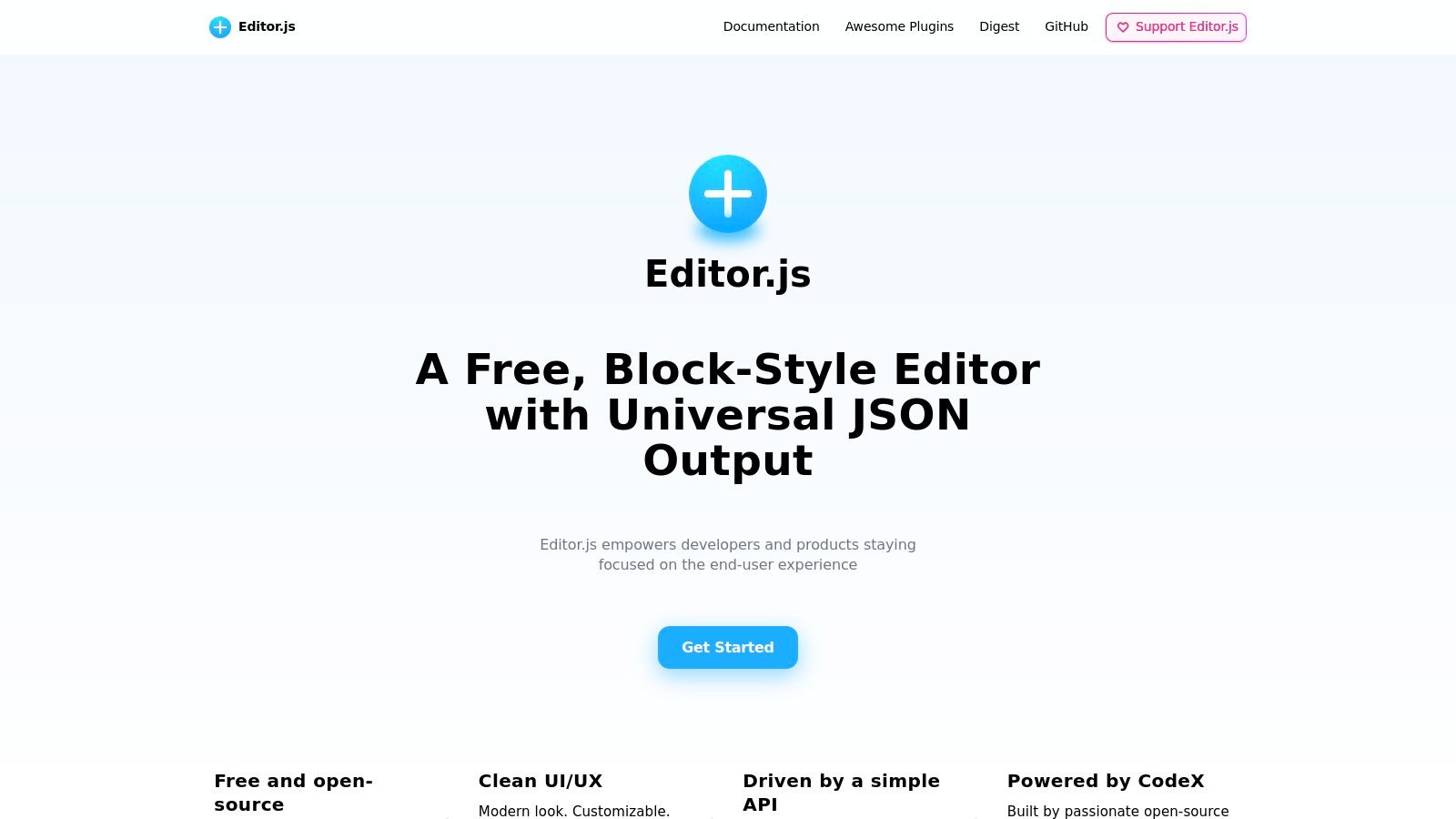
The entire experience is built around "blocks," where each piece of content (a paragraph, an image, a list, a quote) is a separate, pluggable entity. This makes the content incredibly easy to parse, sanitize, and reuse across different platforms, such as mobile apps or other APIs. It is distributed via CDN and npm, making it straightforward to integrate into various development workflows.
Key Features & Use Cases
The core strength of Editor.js lies in its API and its clean, JSON-first output. This makes it a developer's favorite for projects that require structured content pipelines. Use cases include custom CMS builds, note-taking apps, and platforms where content is consumed via API for omnichannel delivery. While not a traditional free HTML WYSIWYG editor, you can easily convert the structured JSON output to clean HTML on your server. Its permissive Apache 2.0 license is another significant advantage for commercial projects.
Best For: Developers building applications with structured content who need a clean, API-first editor that outputs predictable JSON.
- Pros:
- Outputs clean, structured JSON, not complex HTML.
- Highly extensible with a block-based plugin architecture.
- Permissive Apache 2.0 license is ideal for commercial use.
- Cons:
- Requires server-side logic to convert JSON to HTML for web display.
- Less intuitive for users expecting a traditional document-style editor.
Website: https://editorjs.io/
7. Summernote
Summernote is a super-simple free HTML WYSIWYG editor designed for quick integration and ease of use. It is famously lightweight and MIT-licensed, making it an excellent choice for projects where simplicity and a permissive license are more important than an exhaustive feature set. The editor is community-maintained and offers straightforward setup instructions.
It’s built with jQuery and integrates seamlessly with Bootstrap, providing a familiar look and feel for developers already using that ecosystem. For those avoiding jQuery, a "lite" version is available, and there's also an unofficial React wrapper, showing its adaptability to more modern development stacks.
Key Features & Use Cases
Summernote’s main appeal is its simplicity. The toolbar is clean, providing essential formatting options like text styling, lists, links, and image uploads without overwhelming the user. Its lightweight footprint (around 100 KiB) ensures it doesn't bog down page load times. This makes it a great fit for simple content areas like blog comments, product descriptions, or basic page editing within custom admin panels. The clear documentation and numerous online examples mean you can get it running in just a few minutes with a simple jQuery selector.
Best For: Developers who need a no-fuss, lightweight editor for simple content creation, especially within Bootstrap-based projects.
- Pros:
- Very easy to set up with a gentle learning curve.
- Permissive MIT license is ideal for all commercial projects.
- Lightweight and fast-loading.
- Cons:
- Smaller feature set compared to enterprise-grade editors.
- The primary builds rely on jQuery and Bootstrap, which may not fit all modern front-end stacks.
Website: https://summernote.org/
8. Jodit
Jodit is a modern, pure TypeScript free HTML WYSIWYG editor designed for developers who value a dependency-free architecture. Built with flexibility in mind, it operates without requiring external libraries like jQuery, making it lightweight and straightforward to integrate into any project. Its MIT license for the core version provides significant freedom for both commercial and open-source use.
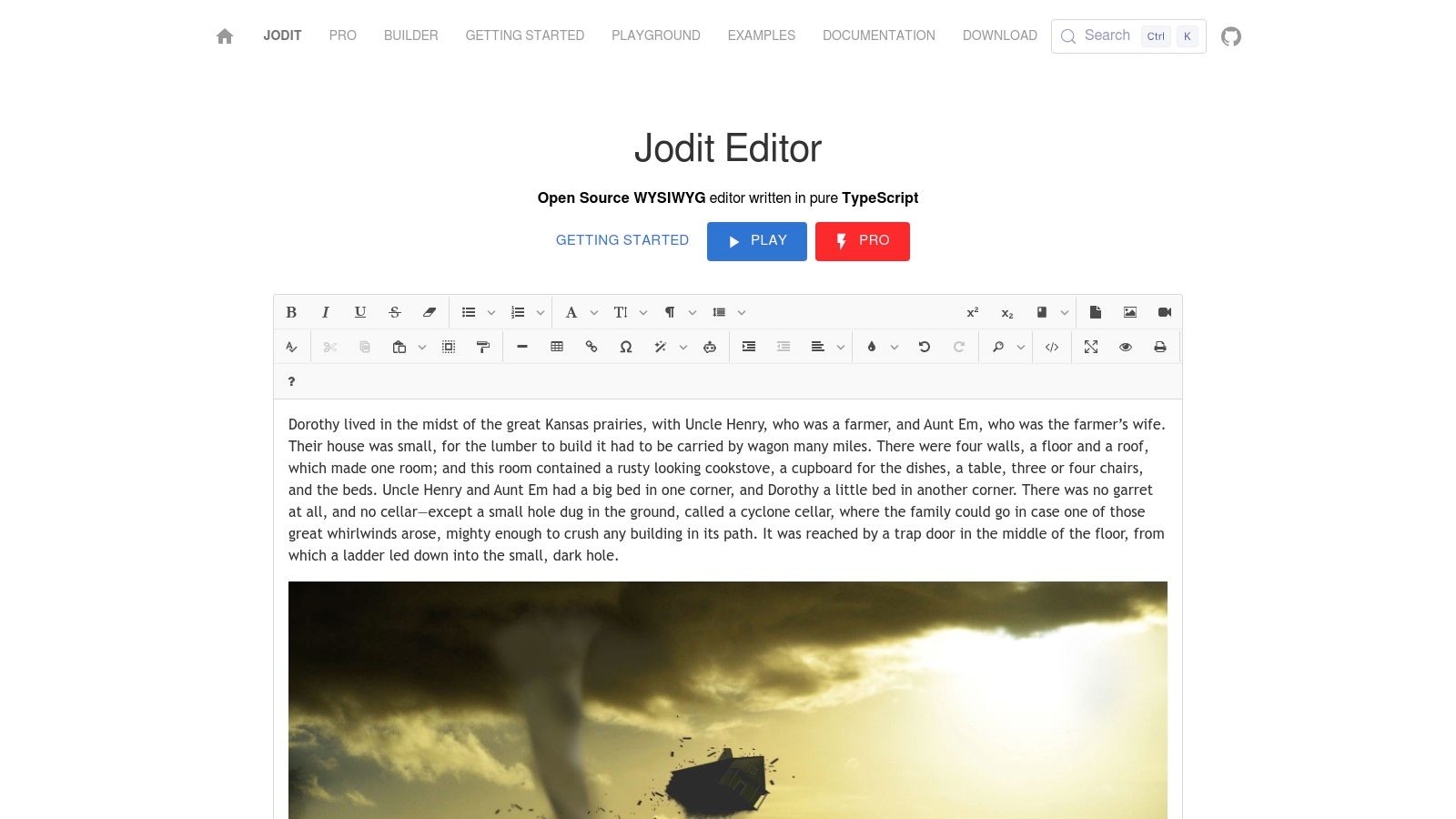
The editor is available as an ES module or UMD build, with easy CDN options for quick setup. It distinguishes itself with powerful built-in tools, such as an image editor for cropping and resizing, and an integrated file manager. This makes Jodit an excellent out-of-the-box solution for content-heavy applications where media management is crucial.
Key Features & Use Cases
Jodit shines with its extensive configuration options and rich feature set, which are all included in the free core product. It offers a playground and a builder tool on its website, allowing developers to customize their editor build with only the features they need. This makes it ideal for custom web applications, internal dashboards, and CMS projects where developers want precise control over the editor's functionality and footprint. The detailed documentation and strong TypeScript support also streamline the development process for modern tech stacks.
Best For: Developers and teams seeking a dependency-free, highly configurable editor with built-in media management tools.
- Pros:
- No external library dependencies (pure TypeScript).
- Free MIT licensed core with a rich feature set.
- Active documentation with a playground and builder for customization.
- Cons:
- Advanced file browser and uploader features require custom backend connectors.
- The community and plugin ecosystem are smaller compared to larger players.
Website: https://xdsoft.net/jodit/
9. Trix
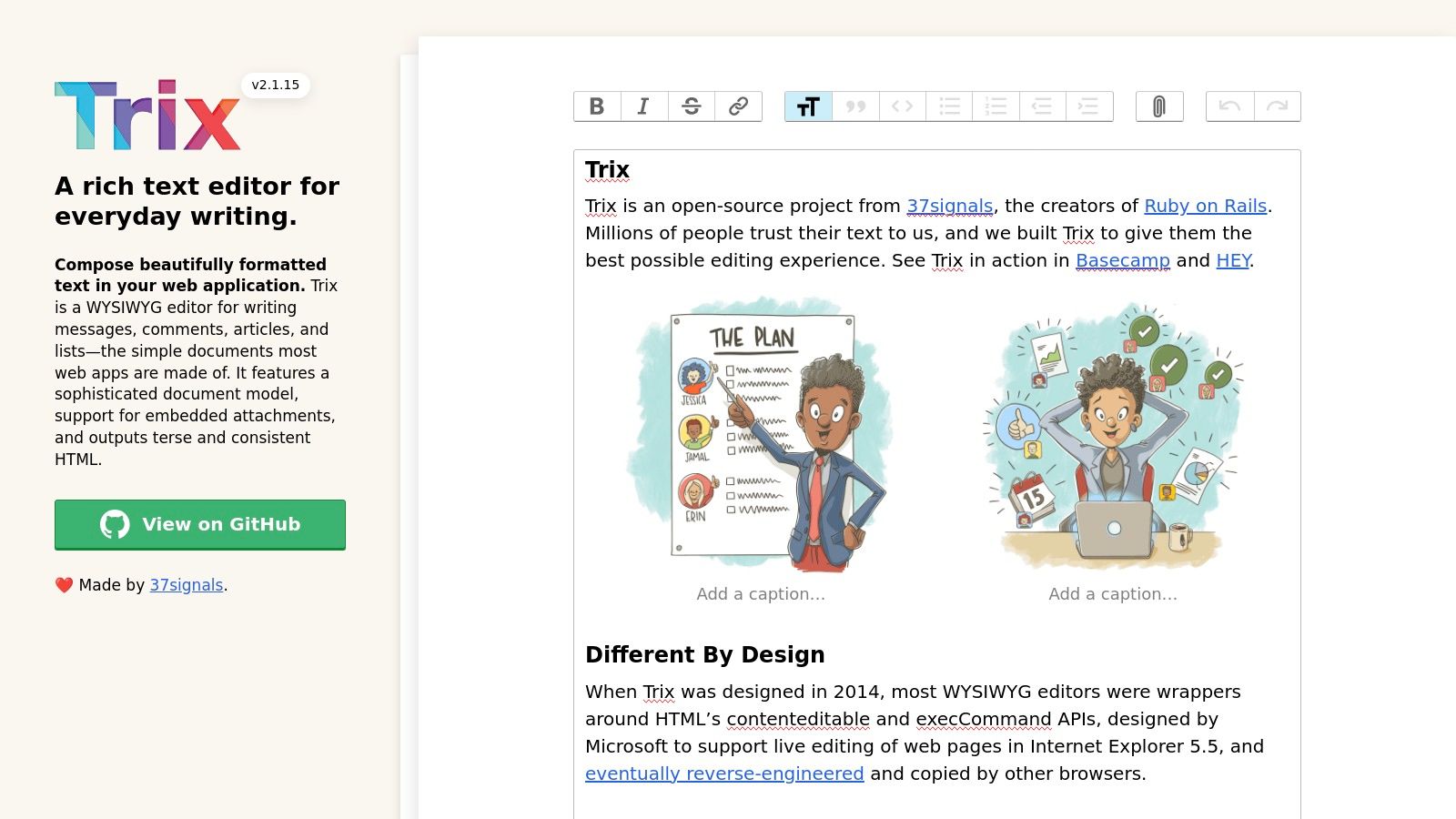
Trix is a modern and opinionated free HTML WYSIWYG editor built by the team at Basecamp. It prioritizes clarity, simplicity, and consistent output for everyday writing tasks like composing messages, comments, and simple documents rather than complex page layouts. Its lightweight nature makes it a fast and reliable choice.
Trix is designed for straightforward integration, available via CDN or as an npm package. Its unique approach treats all formatting, attachments, and embedded content as distinct objects within its document model. This architecture prevents a wide range of inconsistencies and makes the editor's behavior predictable and easy to manage.
Key Features & Use Cases
The editor's core strength is its focus on a core set of essential writing tools, including rich text formatting and a robust attachment system for images and files. It intentionally omits features like tables, font adjustments, or complex layout controls to ensure the generated HTML remains clean and semantic. This makes Trix an excellent fit for applications where user-generated content needs to be controlled and standardized, such as in forums, project management tools, or simple blog comment sections. Its MIT license also makes it completely free for any commercial project without restrictions.
Best For: Developers who need a simple, reliable editor for comments, messaging, or basic content creation with no licensing constraints.
- Pros:
- Extremely lightweight, stable, and pragmatic.
- Permissive MIT license allows for unrestricted commercial use.
- Clean and consistent HTML output by design.
- Cons:
- Intentionally limited feature set, not suitable for complex document authoring.
- Smaller plugin ecosystem compared to larger editors like CKEditor or TinyMCE.
Website: https://trix-editor.org/
10. TOAST UI Editor
TOAST UI Editor stands out as a powerful, dual-mode editor that caters specifically to developers and content teams who love Markdown but require a visual interface. It’s one of the few free HTML WYSIWYG editors that seamlessly blends a Markdown-native experience with a live-preview WYSIWYG mode, allowing users to switch between them instantly. Its modern interface and extensible architecture make it a top choice for technical documentation and developer-centric platforms.
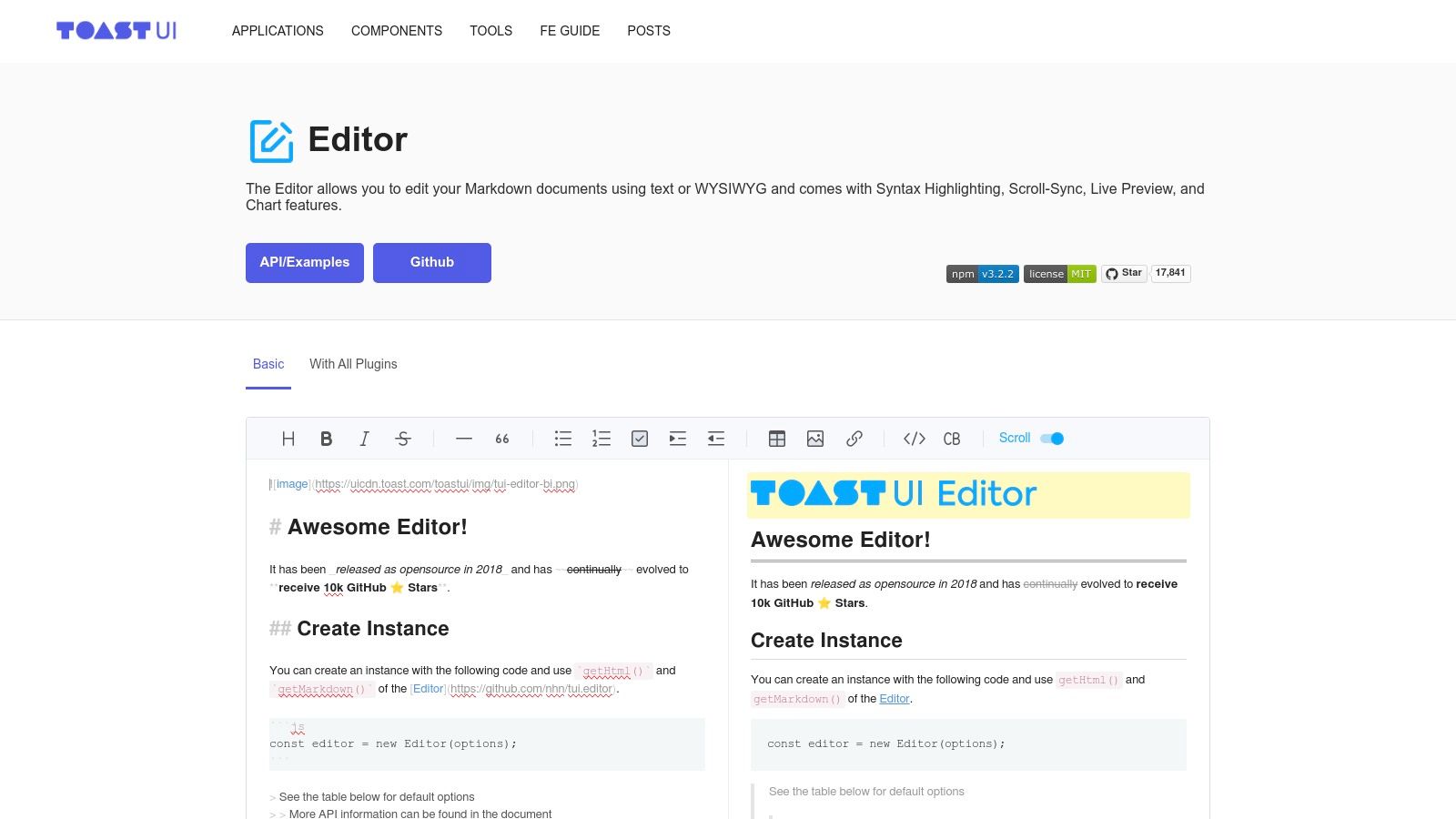
The editor is built with a developer-first mindset, offering a clear API, comprehensive documentation with examples, and official wrappers for popular JavaScript frameworks like React and Vue. This significantly simplifies integration into modern single-page applications or complex front-end projects. The editor is completely free under the permissive MIT license, making it a safe and cost-effective choice for both open-source and commercial projects without licensing concerns.
Key Features & Use Cases
TOAST UI Editor excels with its plugin system, which extends its core functionality to handle developer-focused content. Free plugins are available for creating charts, UML diagrams, and code syntax highlighting, making it ideal for software documentation, knowledge bases, and technical blogging platforms. The editor’s core strength lies in its excellent Markdown support, including CommonMark and GitHub Flavored Markdown (GFM) specs, which cover features like merged table cells and task lists. This makes it a perfect fit for any workflow that originates in Markdown but needs a user-friendly visual layer.
Best For: Developer-focused platforms, technical documentation sites, and teams that want a polished Markdown editor with a switchable WYSIWYG view.
- Pros:
- Generous MIT license allows for free commercial use.
- Excellent Markdown and GFM support with a live-preview mode.
- Official wrappers for React and Vue simplify modern app integration.
- Cons:
- Heavier than minimalist editors due to its feature set.
- The feature set is Markdown-centric; pure HTML workflows might feel less natural.
You can explore a live demo and its features in this online Markdown WYSIWYG editor.
Website: https://ui.toast.com/tui-editor
11. SunEditor
SunEditor is a pure JavaScript, dependency-free free HTML WYSIWYG editor built for speed and simplicity. It operates without relying on external libraries like jQuery, making it a lightweight choice for projects where performance and a minimal footprint are critical. Its permissive MIT license also makes it an attractive option for both open-source and proprietary commercial applications without licensing complexities.
The editor is remarkably easy to initialize and use, requiring only a simple script include and a single function call. Despite its lightweight nature, it doesn’t compromise on core functionality. It handles common content creation tasks, including complex table editing, media embeds, and even pasting formatted content directly from Microsoft Word and Excel, which is a significant time-saver for business users.
Key Features & Use Cases
SunEditor's strength lies in its practical, out-of-the-box feature set combined with extensibility. It includes a powerful image uploader with resizing and alignment tools, video embedding, and optional integrations for advanced capabilities. Developers can integrate KaTeX for mathematical notation or CodeMirror for a superior code editing experience, making it versatile enough for educational platforms, technical documentation, and developer blogs. Community-maintained wrappers for React and Angular also help bridge the gap for modern frontend development workflows.
Best For: Developers looking for a lightweight, dependency-free editor with a permissive license and a solid set of essential features.
- Pros:
- Completely free with an MIT license for any use case.
- No external dependencies, resulting in a small footprint.
- Practical feature set ideal for blogs and content management.
- Cons:
- Relies heavily on GitHub and npm for documentation, as the official site is minimal.
- Advanced features or complex workflows may require custom integration work.
Website: https://suneditor.com/
12. Slate.js
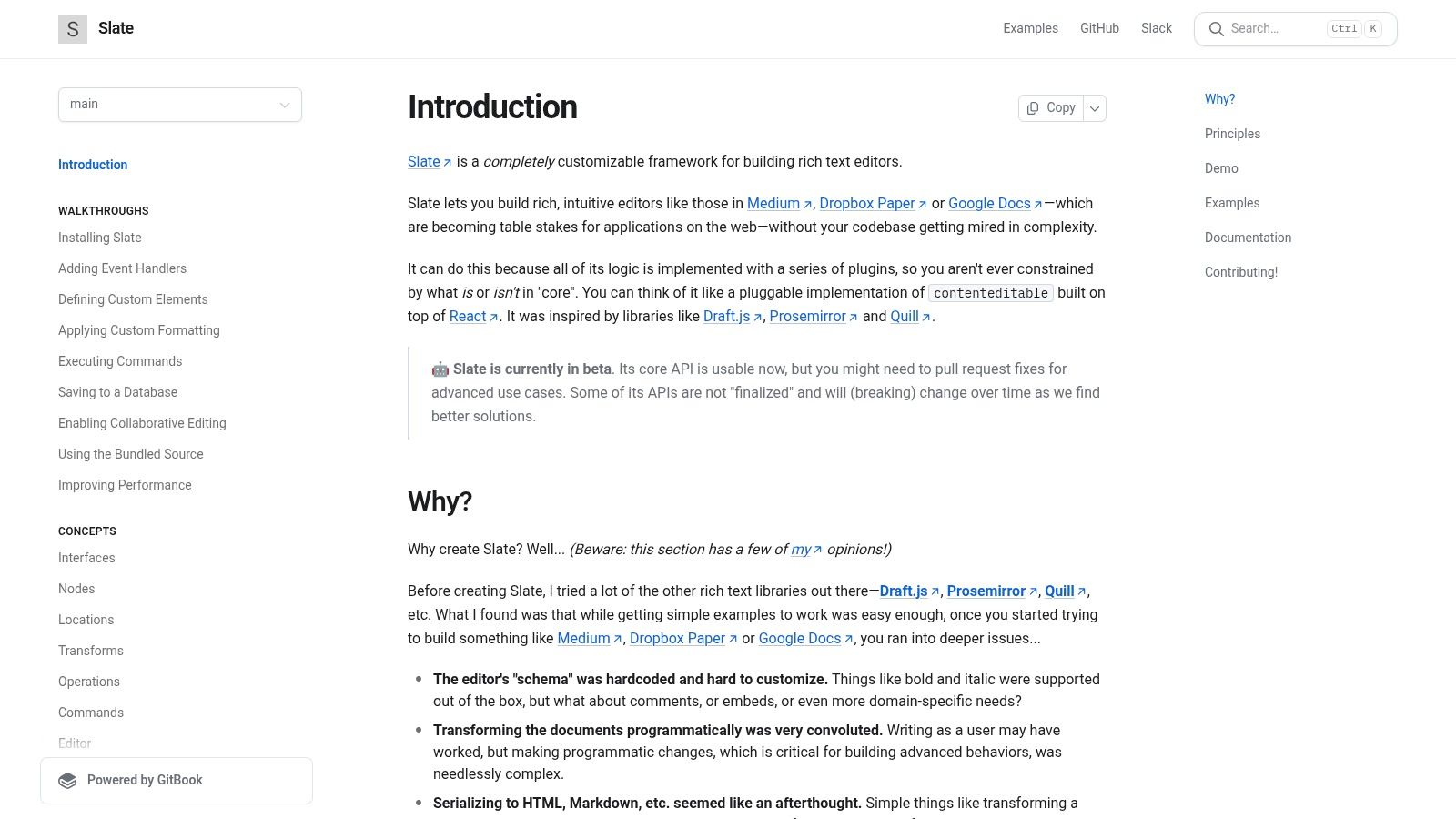
Slate.js is not a traditional free HTML WYSIWYG editor but rather a powerful, completely customizable framework for building your own rich-text editors. Built with a React-first, plugin-driven architecture, it's designed for developers who need total control over the editor's schema, rendering, and behavior, moving beyond the constraints of off-the-shelf solutions.
Slate gives you the building blocks to create a tailored editing experience from the ground up. Instead of providing a pre-built toolbar and feature set, it offers a robust API and a core logic for managing complex, nested document structures, much like a virtual DOM. This makes it a framework for editor creation, not a drop-in editor itself.
Key Features & Use Cases
Slate’s strength lies in its maximal flexibility. Its plugin-based system allows developers to define exactly how the editor handles everything, from simple bolding to complex custom elements like interactive charts or mentions. This makes it the perfect choice for building highly specific, application-integrated editors found in products like collaborative document platforms, specialized note-taking apps, or bespoke content management systems where the user experience must be unique and precisely controlled. The extensive documentation provides examples for implementing common features like Markdown support, HTML pasting, and version history.
Best For: Development teams building custom, product-specific editors in React who require complete control over the editing logic and user interface.
- Pros:
- Completely free with a permissive MIT license.
- Ultimate flexibility to create bespoke, app-specific editors.
- Strong philosophical alignment with modern React principles.
- Cons:
- Requires significant engineering effort compared to pre-built editors.
- The API can evolve, and parts of the project are still considered beta.
Website: https://docs.slatejs.org/
Comparison of 12 Free HTML WYSIWYG Editors
| Product | Key features | UX & quality | Pricing & value | Target audience | Unique selling points |
|---|---|---|---|---|---|
| 🏆 JekyllPad | ✨ WYSIWYG + Markdown, front‑matter, real‑time preview, native GitHub commits | ★★★★☆ | 💰 Free tier (5 posts/mo) + paid plans | 👥 Bloggers, docs teams, creators & devs | ✨ Native GitHub sync; client‑side privacy; visual + Markdown combo |
| TinyMCE | ✨ Mature toolbar, plugins, cloud & self‑hosted, framework wrappers | ★★★★☆ | 💰 Free cloud (branding/limits) → commercial license | 👥 Enterprises & product teams | ✨ Extensive plugin ecosystem & enterprise add‑ons |
| CKEditor 5 | ✨ Modern core, plugins, cloud/self‑hosted, collaboration add‑ons | ★★★★☆ | 💰 Free tier (limits/branding); paid add‑ons | 👥 Teams needing robust features & vendor support | ✨ Paid collaboration/track‑changes & conversion tools |
| Quill | ✨ Lightweight, modular formats, BSD‑3‑Clause, CDN/npm | ★★★★ | 💰 Free (permissive license) | 👥 Devs wanting minimal, extendable editor | ✨ Permissive license; easy to embed & extend |
| Tiptap | ✨ Headless ProseMirror core, 100+ extensions, framework‑agnostic | ★★★★ | 💰 Free MIT core; paid platform features | 👥 Developers building custom editors | ✨ Highly customizable headless framework; templates |
| Editor.js | ✨ Block editor, pluggable tools, clean JSON output | ★★★★ | 💰 Free (Apache‑2.0) | 👥 Structured content & API‑first teams | ✨ JSON‑first output for sanitization & omnichannel pipelines |
| Summernote | ✨ Super‑simple toolbar, Bootstrap/jQuery integration, tiny footprint | ★★★☆ | 💰 Free (MIT) | 👥 Small projects, quick CMS embeds | ✨ Extremely easy setup and low overhead |
| Jodit | ✨ Pure TypeScript, no deps, built‑in image editor & file manager | ★★★★ | 💰 Free (MIT) + Pro extras | 👥 Teams wanting dependency‑free editor | ✨ Built‑in image/file tools; TS types and playground |
| Trix | ✨ Minimal, attachment model, consistent HTML output | ★★★★ | 💰 Free (MIT) | 👥 Messaging, comments, simple publishing | ✨ Stable, pragmatic editor focused on writing & attachments |
| TOAST UI Editor | ✨ Toggle Markdown/WYSIWYG, plugins (charts, UML), React/Vue wrappers | ★★★★ | 💰 Free (MIT) | 👥 Dev docs teams & Markdown‑centric sites | ✨ Switchable modes + dev‑friendly APIs & plugins |
| SunEditor | ✨ Vanilla JS, no deps, media embeds, optional KaTeX/CodeMirror | ★★★★ | 💰 Free (MIT) | 👥 Blogs & CMS with modest needs | ✨ Lightweight with practical media features |
| Slate.js | ✨ React‑first, plugin‑driven, custom schema & rendering | ★★★★ | 💰 Free (MIT) | 👥 Product teams building bespoke editors | ✨ Maximal customization for app‑specific editors |
Choosing Your Ideal Editor: Key Takeaways
Navigating the landscape of free HTML WYSIWYG editors can feel overwhelming, but as we've explored, the right choice becomes clear when you define your project's specific requirements. The "best" editor is not a one-size-fits-all solution; it's the one that aligns perfectly with your technical stack, your team's skillset, and your content management workflow. This guide has dissected twelve distinct options, from powerful frameworks to lightweight plugins, each with its own ideal niche.
The journey to selecting the perfect tool involves a careful trade-off analysis. You must weigh the simplicity of setup against the depth of customization, the richness of out-of-the-box features against the leanness of the final bundle, and the permissiveness of an MIT license against the potential constraints of a GPL or custom open-source license. Making an informed decision now will prevent technical debt and workflow friction down the road.
Key Factors in Your Decision Matrix
Before you commit to an editor, step back and evaluate your needs against these critical pillars. Your answers will illuminate the most suitable path forward.
- Technical Implementation: How much development effort are you willing to invest? A headless, framework-based editor like Tiptap or Slate.js offers unparalleled flexibility but requires significant developer time to build a user interface. In contrast, options like Summernote or Jodit can be integrated with just a few lines of code, providing a ready-to-use toolbar and experience almost instantly.
- User Experience (UX) and Customization: What kind of editing experience do you need to provide for your users? For a clean, minimalist writing environment, Trix or Quill excel. If your users demand complex table creation, advanced media embedding, and extensive formatting controls, robust solutions like TinyMCE and CKEditor 5 are built to handle enterprise-level complexity.
- Framework and Ecosystem: Does the editor need to integrate with a specific JavaScript framework like React, Vue, or Svelte? Editors like Tiptap are built with modern frameworks in mind, offering seamless integration. Others may require wrappers or have less official support, so checking compatibility with your existing tech stack is crucial.
- Licensing and Long-Term Viability: What are your licensing constraints? While all the editors on this list are free, their licenses vary. MIT-licensed projects like Quill and Summernote offer maximum freedom. In contrast, GPL-licensed editors like CKEditor 5 require you to open-source your project if you modify their code, and their dual-licensing model is designed to push commercial users toward paid plans for premium features.
- The Static Site Generator Workflow: Are you working within a static site generator (SSG) ecosystem like Jekyll or Hugo? This is a specialized use case where traditional embedded editors fall short. They can create HTML, but they don’t solve the underlying workflow challenge: how do non-technical users create and edit content without directly interacting with Git, Markdown files, and complex build processes? This is the exact problem a tool like JekyllPad is designed to solve, acting as a content management layer on top of your Git repository rather than just a text-input component. It addresses the entire content lifecycle, from draft to publication, within a static context.
Ultimately, the search for the best free HTML WYSIWYG editors is a search for the tool that best fits your unique puzzle. For a simple blog comment section, a lightweight plugin is perfect. For a complex internal documentation platform, a feature-rich, configurable editor is essential. And for a team managing a Jekyll-powered marketing site, a workflow-aware solution is the only path to true efficiency.
If your team is managing a static website and struggling with the friction of a Git-based workflow, a traditional embedded editor won't solve your core problem. JekyllPad provides a seamless visual editing experience built specifically for Jekyll sites, empowering your content team to publish without ever touching a line of code. See how it works at JekyllPad.