
The term 'headless CMS' has moved from a niche developer concept to a mainstream solution for building fast, modern websites and applications. But with a crowded market, choosing the right one can feel overwhelming. This guide cuts through the noise. We're not just listing features; we're providing a practical, comparative roundup of the 12 best CMS headless platforms available today. We'll dive into real-world use cases, honest limitations, and the specific scenarios where each tool shines, from enterprise-grade platforms to lightweight, Git-based solutions for static sites.
This resource is designed to be a definitive guide, helping you move past marketing jargon and select a tool that truly fits your project. While our focus is on API-first systems, understanding the broader landscape is helpful. Before diving into the specifics of headless platforms, exploring broader discussions on general content management software solutions can provide valuable context for making your final decision.
Here, you will find a detailed analysis of each option, complete with screenshots and direct links to get you started. We examine how each platform handles content modeling, developer experience, and editorial workflows. Whether you're a developer building a complex application, a content marketer managing a static blog, or an agency lead choosing a stack for clients, this resource will equip you to make an informed decision. Our goal is to help you find the best headless CMS that aligns with your team's workflow, technical needs, and budget.
1. JekyllPad
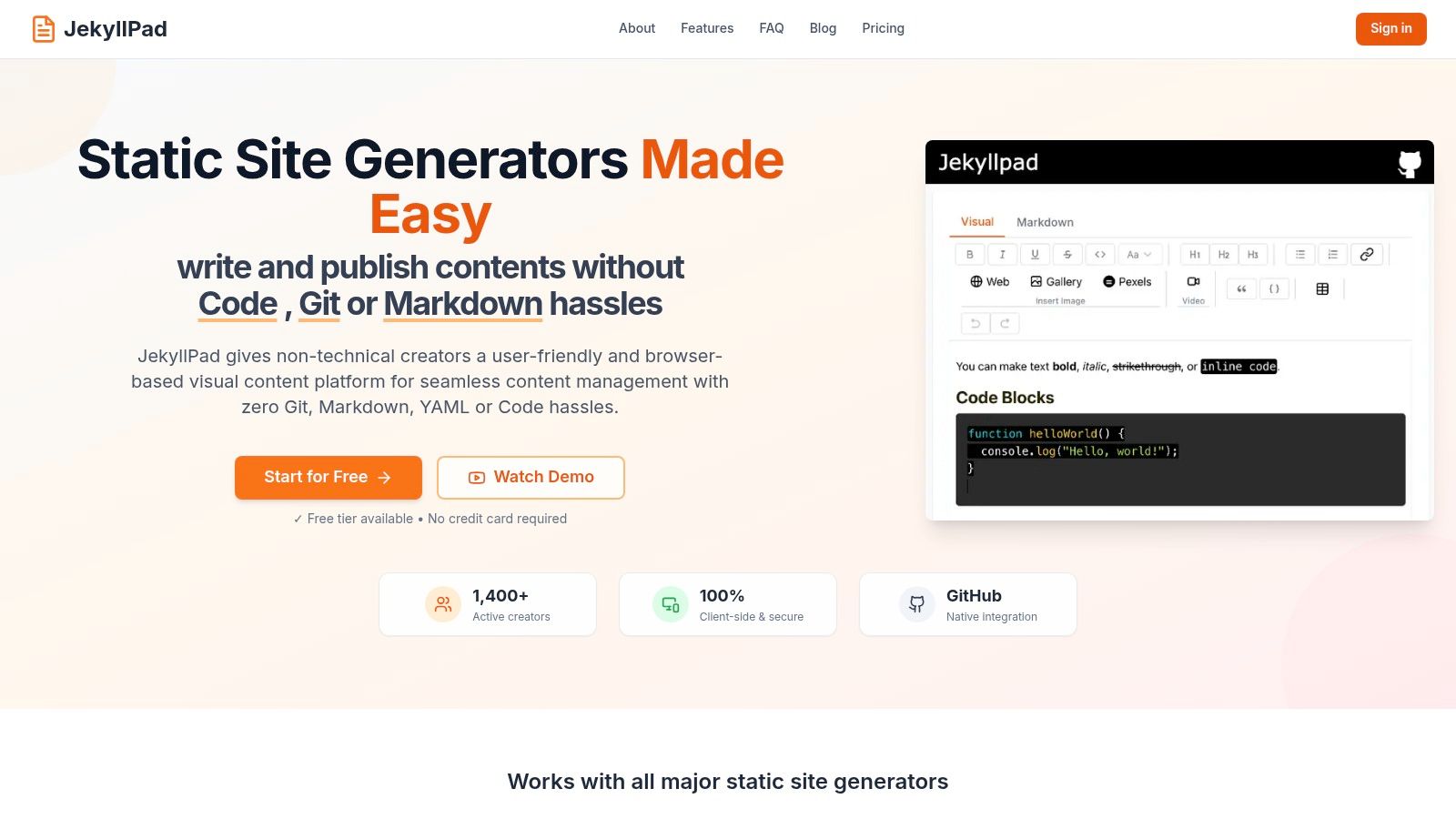
JekyllPad earns its place as our featured choice by masterfully bridging the gap between powerful static site generator (SSG) workflows and user-friendly content management. It offers a streamlined, browser-based visual CMS built specifically for developers, writers, and content teams who value the speed and security of a static site but require a more intuitive editing experience than raw Git and Markdown. This makes it a strong contender for the best CMS headless solution for a significant portion of the market.
Its core strength lies in its zero-setup, client-side architecture. Instead of a complex backend or CI/CD pipeline, JekyllPad connects directly to your GitHub account. Every change you make, whether through its modern WYSIWYG editor or the integrated Markdown view, is committed directly to your repository. This native integration provides automatic versioning, backups, and a straightforward publishing model for platforms like GitHub Pages, Netlify, and Vercel. For teams with non-technical contributors, this approach completely removes the friction of Git command lines and complex local development environments.
Key Features & Use Cases
JekyllPad is engineered for speed and simplicity, making it ideal for several common scenarios:
- Technical Blogging: Developers using Jekyll, Hugo, Astro, or Eleventy can focus purely on writing without context-switching between a code editor and a terminal. The real-time preview and front-matter editor simplify the entire process.
- Documentation Sites: Teams can collaborate on documentation stored in a GitHub repo, allowing subject matter experts to contribute content without needing Git expertise.
- Agency & Freelancer Workflows: Deliver static sites to clients with an easy-to-use CMS they can manage themselves, eliminating the need for ongoing developer support for simple content updates.
The editor itself is a standout feature, offering a hybrid WYSIWYG and Markdown experience with syntax highlighting and easy media embeds. Because the application is 100% client-side, your data remains secure between your browser and your GitHub repository, enhancing privacy. For those specifically using GitHub for hosting, you can learn more about how JekyllPad simplifies the CMS for GitHub Pages experience in their detailed guide.
Pricing and Onboarding
Getting started is exceptionally accessible. JekyllPad offers a free-forever tier for basic use that doesn't require a credit card, allowing you to start with five free posts per month. The sign-up process is a simple one-click GitHub authorization, and you can be editing a file from your repository in under a minute.
Website: https://www.jekyllpad.com
| Pros | Cons |
|---|---|
| Zero-setup, browser-based editor with WYSIWYG and Markdown for all user types. | Requires a GitHub account and repository; not suitable for other Git providers. |
| Native GitHub sync provides version control, backups, and simple publishing. | Media management is basic, and advanced collaborative features are still evolving. |
| 100% client-side architecture enhances privacy and security. | Lacks the extensive plugin ecosystems or enterprise-level features of larger, hosted headless CMSs. |
| Supports all major SSGs (Jekyll, Hugo, Astro, Eleventy, Gatsby) and GitHub Pages. | |
| Generous free tier and incredibly fast onboarding process. |
2. Contentful
Contentful stands out as a highly mature and enterprise-focused platform, making it one of the best CMS headless options for large teams requiring robust governance and scalability. It provides a composable content platform that allows users to create, manage, and deliver content through powerful REST and GraphQL APIs. Its strength lies in its structured content model, which enables teams to define their own content types and reuse content across multiple channels and front-ends.
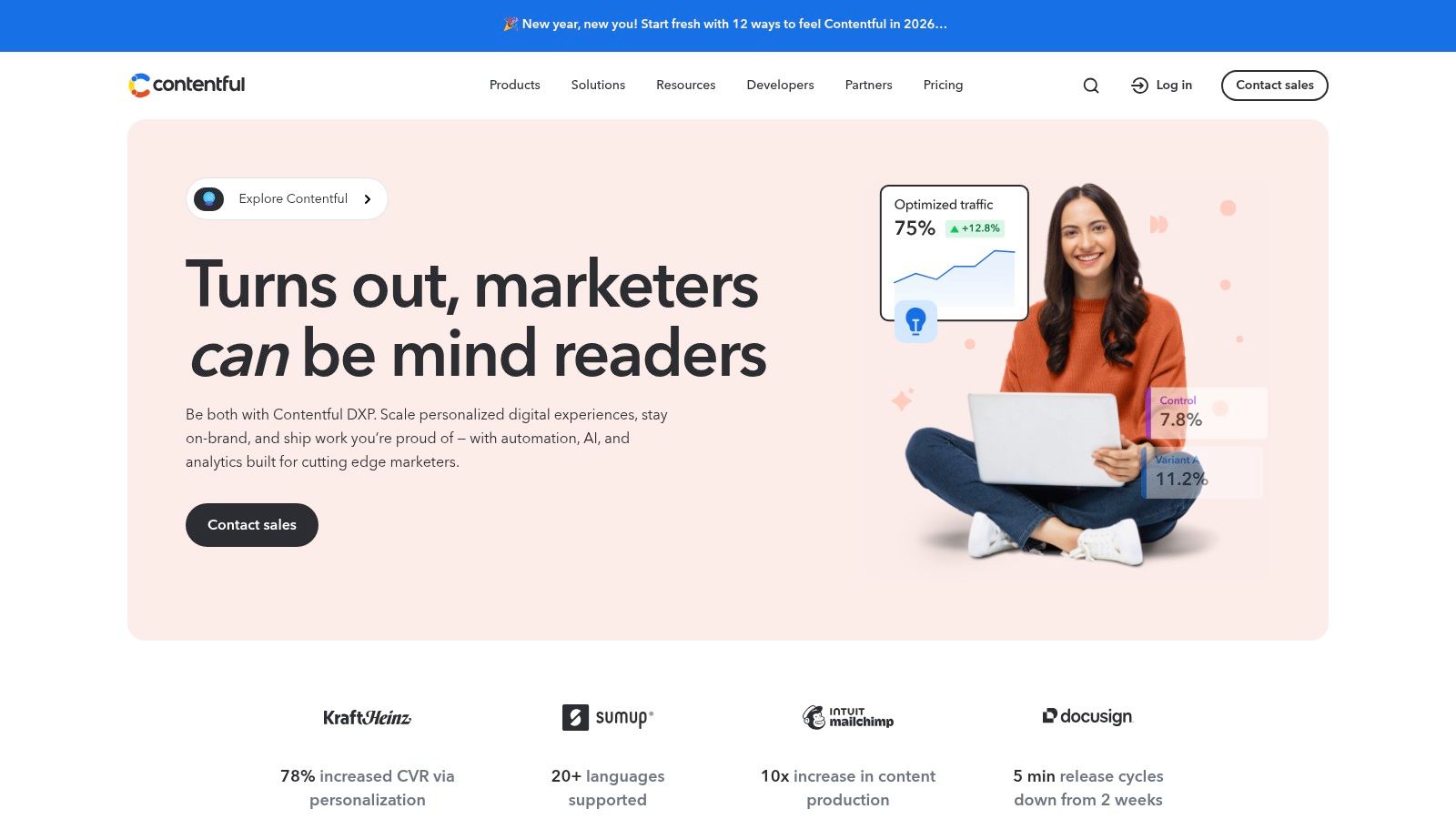
The platform is designed for complex workflows, featuring environments for development, staging, and production, along with fine-grained roles and permissions. For a deeper dive into the core concepts of this technology, you can explore what a headless CMS is and how it compares to traditional systems.
Use Case and Implementation
Best For: Enterprise-level organizations, large marketing teams, and agencies managing complex digital experiences across multiple platforms (web, mobile apps, IoT).
Contentful's ecosystem is a significant advantage. Its app marketplace offers numerous integrations with tools like Vercel, Netlify, and various digital asset management systems, streamlining the development pipeline. The user interface is clean and intuitive for content editors, while developers appreciate the comprehensive API documentation and SDKs.
Pros and Cons
| Feature | Pros | Cons |
|---|---|---|
| Ecosystem | Mature platform with a vast partner network and app marketplace. | The free plan is for non-commercial use only and lacks overages. |
| Scalability | Built for high-traffic, complex projects with strong governance. | Paid "Lite" plan starts at a higher price point than many competitors. |
| Pricing | Clear, documented usage limits and transparent overage pricing. | Can become expensive as content and API call needs grow. |
| APIs | Excellent REST and GraphQL APIs for flexible content delivery. | Can be overly complex for small projects or individual developers. |
Pricing and Availability
Contentful offers a free "Community" tier for individual projects, but it's restricted to non-commercial use. The "Team" plan is the first commercial-use tier, starting at a higher monthly cost than many alternatives. Enterprise plans provide custom pricing with dedicated support, enhanced security, and higher API limits, catering to large-scale deployments. You can learn more at https://www.contentful.com/.
3. Sanity
Sanity carves out a unique space as a developer-first platform, making it one of the best CMS headless choices for teams that prioritize flexibility and customization. It provides a unified content platform where structured content is paired with a completely customizable, open-source editing environment called Sanity Studio. This "schema-as-code" approach allows developers to define content models in JavaScript, offering unparalleled control over the editor experience.
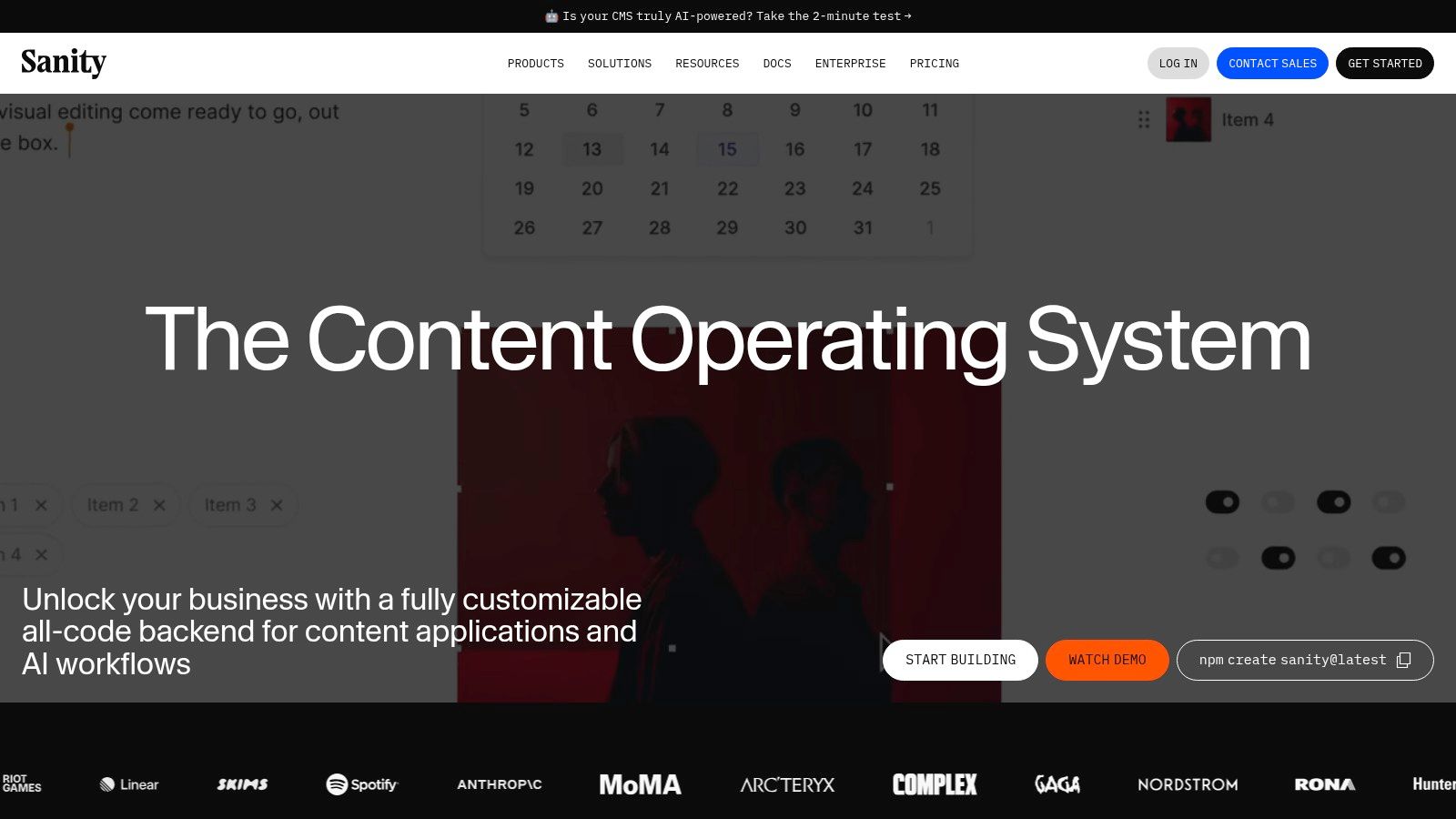
Its real-time collaborative editing and live visual previews create a seamless workflow for content teams, mirroring the experience of modern tools like Google Docs. This makes it a powerful option for Jamstack developers and content creators who need an adaptable and intuitive interface without sacrificing powerful developer tooling.
Use Case and Implementation
Best For: Jamstack developers, agencies building static websites, and content teams needing a highly customized and collaborative editing environment.
Sanity excels in projects where the content structure is complex or requires a bespoke editing interface. Developers can extend the React-based Studio with custom components, integrations, and validation rules. This flexibility is ideal for teams using static site generators like Jekyll or Astro, as they can build an editor perfectly tailored to their front-end and content models.
Pros and Cons
| Feature | Pros | Cons |
|---|---|---|
| Customization | Schema-as-code and an open-source Studio offer deep customization. | Requires more initial developer setup compared to pre-configured UIs. |
| Collaboration | Real-time collaborative editing enhances content team productivity. | Self-serve plans are billed monthly; annual billing is for enterprise. |
| Generosity | A generous free tier makes it highly accessible for small projects. | Advanced features and add-ons can increase costs significantly at scale. |
| Pricing | Transparent documentation on quotas, billing, and overages. | Seat-based pricing on paid plans can be a consideration for large teams. |
Pricing and Availability
Sanity offers a very generous free "Build" plan that includes three non-admin users, ample API requests, and assets, making it perfect for personal projects and small teams. Paid plans like "Grow" and "Scale" are structured with seat-based pricing and usage-based billing for API calls and assets, providing clear paths for growth. Enterprise plans offer custom pricing and features. You can explore the details at https://www.sanity.io/.
4. Storyblok
Storyblok positions itself as a uniquely visual and component-based platform, making it one of the best CMS headless choices for teams that prioritize an intuitive authoring experience. Its standout feature is the in-context Visual Editor, which allows content creators to see live previews of their changes directly on the website layout. This bridges the gap between a traditional CMS and a headless architecture by providing a familiar, visual workflow for non-technical users.
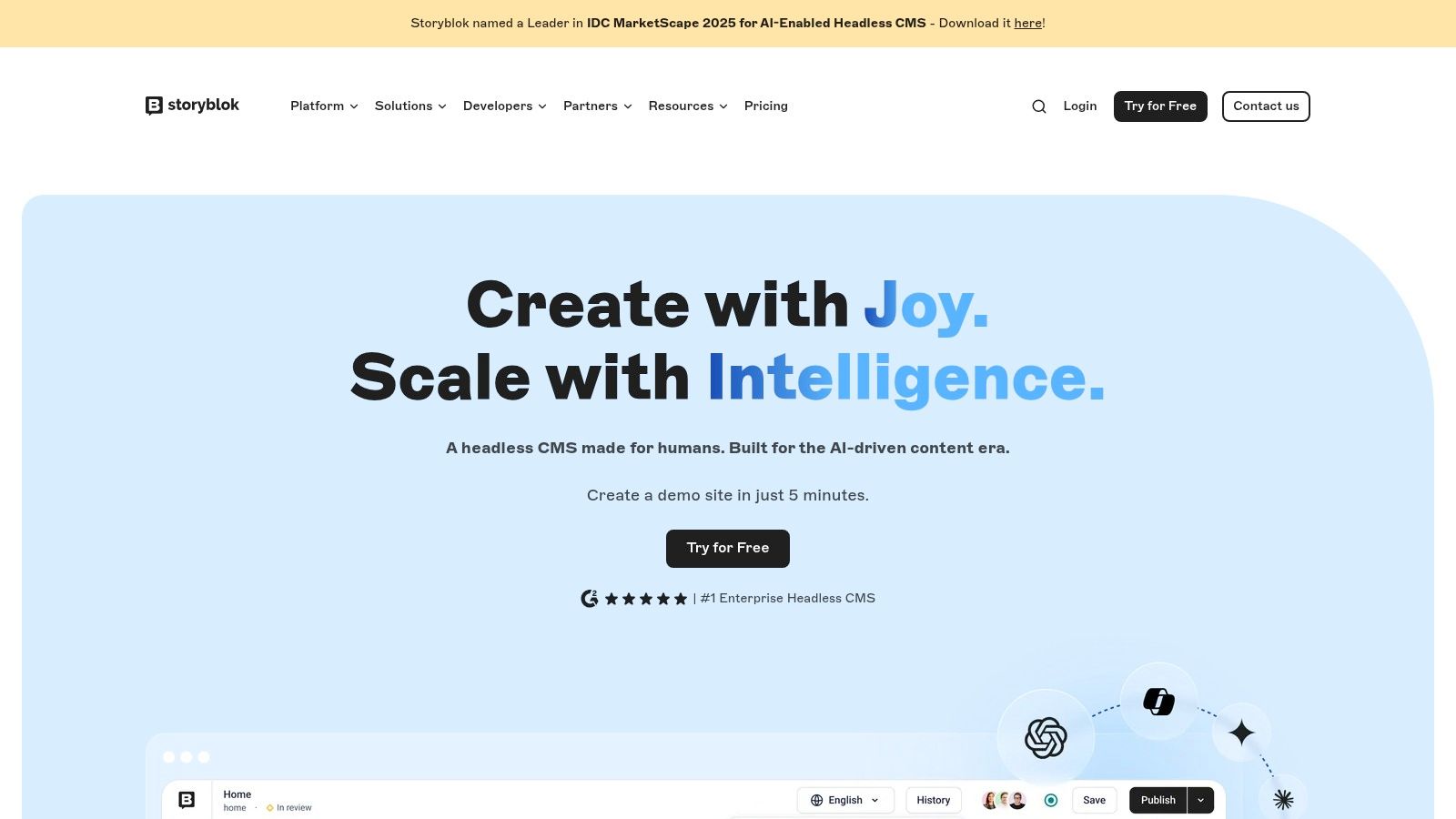
The platform is built around modular content blocks, or "bloks," which empower developers to create reusable components that editors can then assemble into dynamic pages. This component-based approach is highly effective for building structured, consistent, yet flexible digital experiences.
Use Case and Implementation
Best For: Mid-market companies, marketing teams, and e-commerce sites that require a strong visual editing experience for content authors without sacrificing developer flexibility.
Storyblok’s real-time visual editor is a game-changer for content teams, reducing the reliance on developers for content updates and layout adjustments. It integrates seamlessly with modern front-end frameworks like Next.js, Nuxt, and SvelteKit. Developers can define the content schema and components, while marketers can independently build and manage landing pages using these pre-defined blocks.
Pros and Cons
| Feature | Pros | Cons |
|---|---|---|
| Authoring | Powerful Visual Editor offers an unmatched in-context experience. | The free plan has significant limitations on users and features. |
| Architecture | Component-based model promotes reusable and structured content. | Starter plans have tight caps on seats, locales, and API requests. |
| Pricing Model | Straightforward overage pricing for traffic and API requests. | Higher tiers are needed for larger teams or high-traffic projects. |
| Developer Tools | Robust GraphQL and REST APIs, plus a helpful image service. | Can feel complex if the visual editor is not a primary requirement. |
Pricing and Availability
Storyblok offers a free "Community" tier suitable for individual developers or small projects. The first paid tier, "Entry," is aimed at small businesses and teams, but comes with notable limitations on user seats and traffic. Business and Enterprise plans scale up to accommodate larger teams with features like custom roles, publishing workflows, and higher usage quotas. You can explore their plans at https://www.storyblok.com/.
5. Strapi
Strapi solidifies its position as one of the best CMS headless options by offering a leading open-source, Node.js-based solution. It gives development teams complete control over their content backend, with the flexibility to self-host on their own infrastructure or use the managed Strapi Cloud service. Strapi empowers users to design custom content structures, deliver content via REST or GraphQL APIs, and manage granular user roles and permissions.
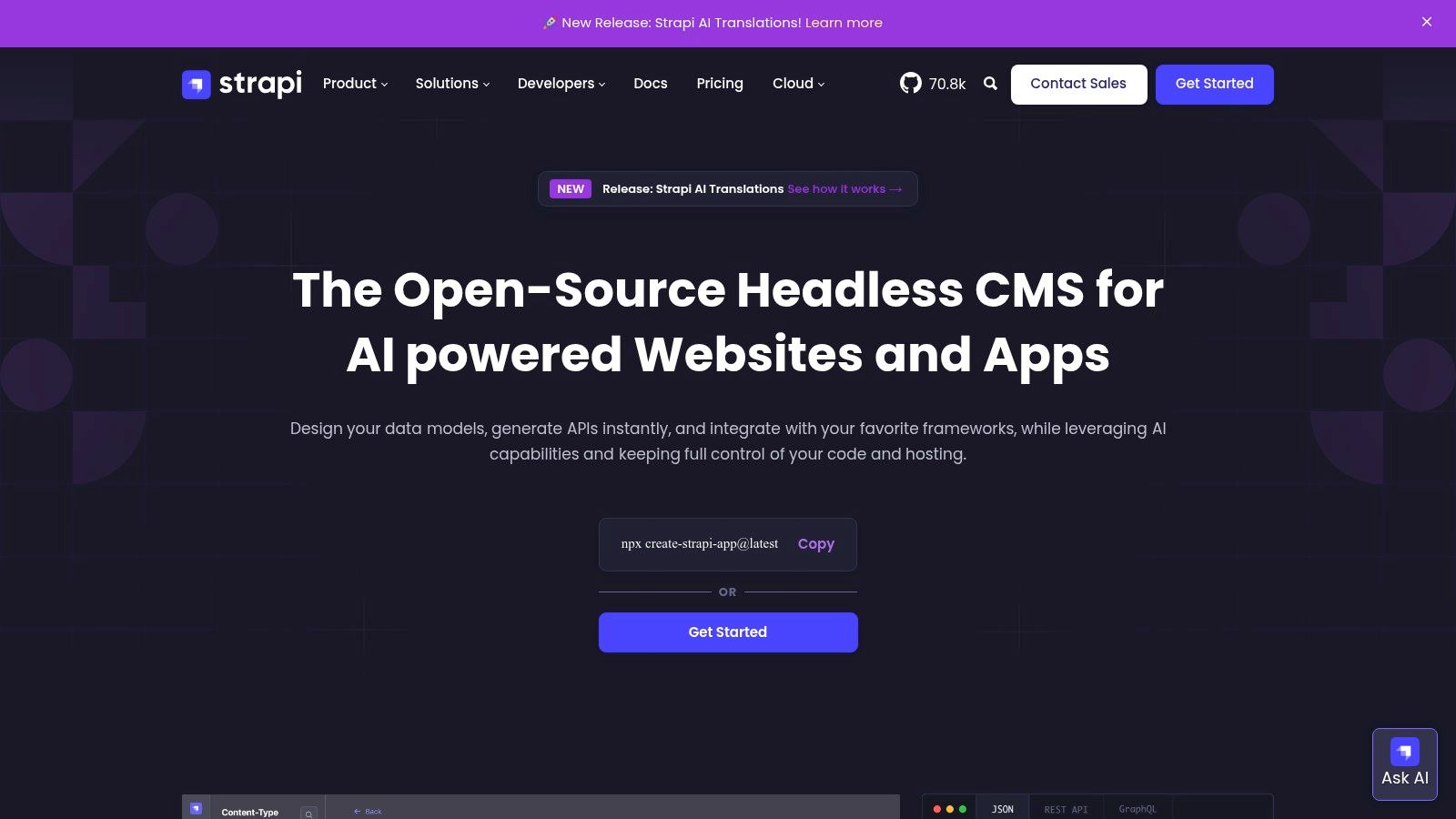
Its open-source nature is its core differentiator, attracting developers who prioritize customization and want to avoid vendor lock-in. For those weighing the advantages of this model, you can discover more about the benefits of a headless CMS open source solution and see how it compares to proprietary platforms.
Use Case and Implementation
Best For: Development teams wanting full control, companies with existing infrastructure, and projects where data sovereignty is a priority.
Strapi's plugin ecosystem allows for significant extensibility, enabling teams to add features like custom fields, third-party integrations, and enhanced media management. The ability to self-host means it can be deployed on AWS, DigitalOcean, or any private cloud, fitting seamlessly into existing DevOps workflows. The admin panel is highly customizable, providing a tailored editing experience.
Pros and Cons
| Feature | Pros | Cons |
|---|---|---|
| Hosting | Open-source flexibility and the ability to self-host anywhere. | Self-hosting requires DevOps overhead and ongoing maintenance. |
| Customization | Highly customizable schema, plugins, and admin interface. | Some enterprise features (SSO) are locked behind higher-tier plans. |
| Pricing | Generous free tier on Strapi Cloud and affordable paid plans. | Advanced workflows and support are premium add-ons. |
| APIs | Auto-generated REST and GraphQL APIs with robust permissions. | Performance on self-hosted instances depends heavily on the infrastructure. |
Pricing and Availability
Strapi is fundamentally free and open-source for self-hosting. For a managed experience, Strapi Cloud offers a "Free" developer tier with generous limits. Paid cloud plans scale up with more users, API requests, and storage, providing an affordable and predictable pricing model. Enterprise plans offer dedicated infrastructure, advanced security features, and premium support. You can explore all options at https://strapi.io/.
6. Hygraph (formerly GraphCMS)
Hygraph distinguishes itself as a premier GraphQL-native platform, positioning it as one of the best CMS headless choices for developers who prioritize a GraphQL-first workflow. It excels in enabling teams to create, enrich, and deliver content through highly flexible APIs. The platform's standout feature is its content federation capability, allowing developers to pull data from multiple external sources and unify it within a single GraphQL API endpoint.

This approach is ideal for complex digital products that need to aggregate content from various systems, such as other CMS platforms, product information managers, or custom databases. Hygraph provides a robust set of tools, including multiple environments and granular permissions, to support sophisticated development and content management processes.
Use Case and Implementation
Best For: Development teams building complex applications, e-commerce sites aggregating data from multiple APIs, and organizations needing a unified content hub.
Hygraph is particularly powerful for projects that require more than just content management. Its "Remote Sources" feature allows developers to connect to any external API and query its data alongside native Hygraph content. This eliminates the need for a separate middleware layer, simplifying the architecture for developers using frameworks like Astro, Jekyll, or Hugo.
Pros and Cons
| Feature | Pros | Cons |
|---|---|---|
| API Approach | Developer-friendly, GraphQL-first tooling and powerful APIs. | Advanced federation across many sources may require an Enterprise plan. |
| Content Federation | Unifies content from multiple systems into a single API endpoint. | Can be more complex than necessary for simple content websites. |
| Resource Limits | Clear, documented quotas for entries, API usage, and traffic. | Seats and locales are capped on the Growth plan, requiring upgrades. |
| Support | Tiers offer defined support levels, including email on Growth. | The free tier is generous but lacks dedicated support options. |
Pricing and Availability
Hygraph offers a free "Community" tier that is well-suited for personal projects and small teams. The "Growth" plan introduces higher limits on entries and API calls, along with more user seats and locales, making it a good fit for growing businesses. For large-scale needs requiring extensive content federation, advanced security features, and dedicated support, custom Enterprise plans are available. You can find more details at https://hygraph.com/.
7. Prismic
Prismic carves out a unique space in the best CMS headless landscape by focusing on a superior page-building experience for marketers and content creators. Its standout feature is "Slices," a component-based approach that allows teams to build pages using pre-defined, reusable content sections. This, combined with its intuitive Visual Page Builder, empowers non-technical users to create and preview complex layouts without developer intervention.
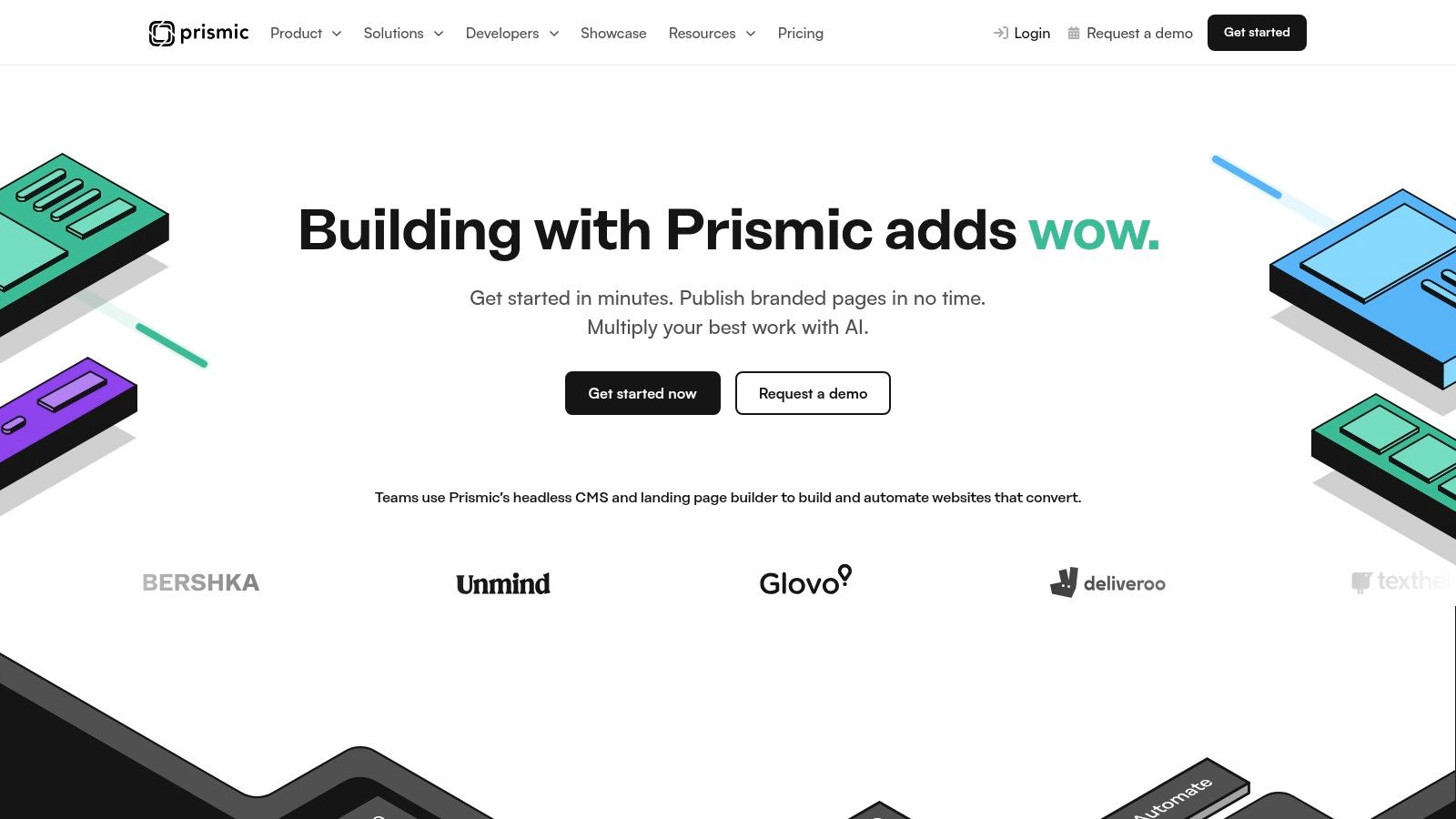
The platform is engineered for a smooth editorial workflow, bridging the gap between developers who define the content models (Slices) and marketers who use them to assemble pages. Features like native image optimization and a migration API further streamline content management, making it a powerful choice for content-heavy websites.
Use Case and Implementation
Best For: Marketing teams, agencies, and businesses that prioritize a visual, component-driven page-building experience for their websites and landing pages.
Prismic's architecture is particularly well-suited for projects built with modern front-end frameworks like Next.js, Nuxt, and Gatsby. Developers define the code for each Slice, and the CMS handles the rest, providing a clean separation of concerns. This model is ideal for teams that need to rapidly iterate on marketing content while maintaining brand consistency and code quality.
Pros and Cons
| Feature | Pros | Cons |
|---|---|---|
| User Experience | Excellent Visual Page Builder and Slice-based content modeling. | Per-repository pricing can become expensive when managing many sites. |
| Generosity | High included API calls and CDN allowances on paid plans. | The free tier is generous but has limitations for larger teams. |
| Developer Tools | Strong support for modern frameworks with helpful starter kits. | Customization can be less flexible than more developer-centric CMSs. |
| Pricing | Low-cost entry tiers make it accessible for smaller projects. | Scaling costs can add up if multiple distinct projects are needed. |
Pricing and Availability
Prismic offers a generous free "Personal" plan suitable for individual projects and small sites. Its paid plans start with the "Starter" tier, which is affordably priced and unlocks more user seats and features. The pricing scales per repository, with higher tiers offering increased API quotas, user roles, and enterprise-grade features like release scheduling. You can explore the full details at https://prismic.io/.
8. Directus
Directus presents a unique open-data platform, positioning itself as one of the best CMS headless solutions for teams that want full ownership and control over their data. It isn't a proprietary CMS but rather a layer that sits on top of a new or existing SQL database, instantly creating a no-code app for managing data and dynamic REST and GraphQL APIs for delivering it. This schema-first approach provides unparalleled flexibility, as you are not locked into a specific content model defined by the CMS vendor.
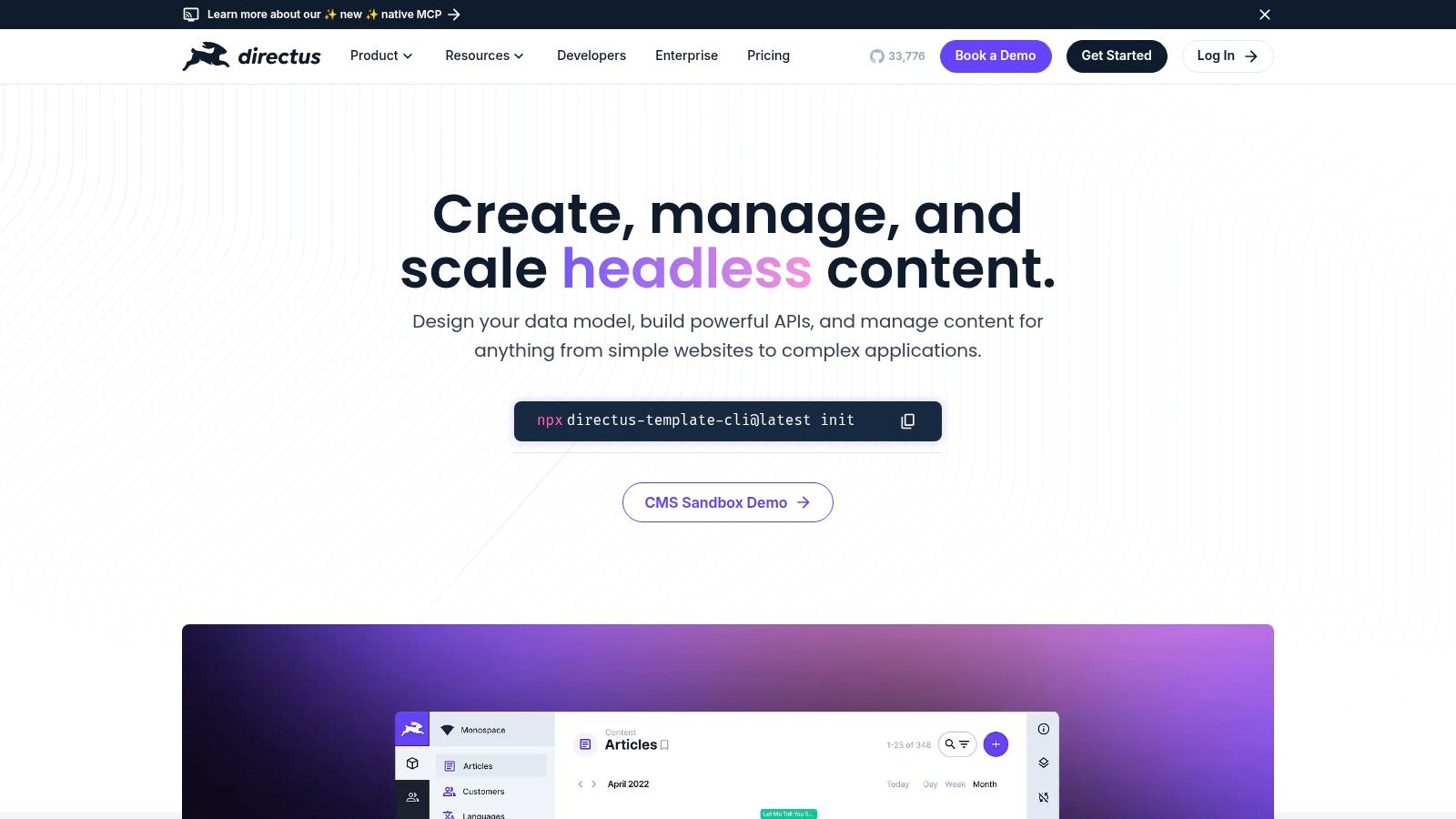
The platform is built to democratize data, offering a clean, intuitive interface for non-technical users to manage database content without writing any code. Developers retain direct SQL access and benefit from auto-generated, well-documented APIs, making it a powerful bridge between data infrastructure and front-end experiences.
Use Case and Implementation
Best For: Developers needing to wrap an existing SQL database with an API, organizations with strict data sovereignty requirements, and teams building internal tools or data-driven applications.
Directus shines where data ownership is critical. You can self-host the open-source version for complete control or use their Cloud service for convenience. Its ability to introspect an existing database schema means you can progressively adopt it without a painful data migration. The built-in asset management, granular roles and permissions, and customizable data flows make it suitable for more than just websites, extending to native apps and internal business intelligence dashboards.
Pros and Cons
| Feature | Pros | Cons |
|---|---|---|
| Data Control | Full SQL database ownership; no vendor lock-in on your core data. | Self-hosting requires managing server infrastructure and maintenance. |
| Flexibility | Schema-first approach offers limitless content modeling possibilities. | Cloud Professional plans have entry and request caps that may force upgrades. |
| APIs | Instantly generates powerful, customizable REST and GraphQL APIs. | Can be overkill for very simple, content-only projects without data needs. |
| Licensing | Generous BSL-based license allows free production use for many. | Heavy workloads might be better suited for a self-hosted setup than Cloud. |
Pricing and Availability
Directus offers a free, open-source version under a Business Source License (BSL) that is free for most production use cases. For managed infrastructure, Directus Cloud provides several tiers, including a free Community Cloud for small projects. Paid plans are based on usage metrics like API requests, storage, and bandwidth, offering a scalable path for growing projects. Enterprise plans offer custom solutions for large-scale deployments. You can learn more at https://directus.io/.
9. Payload CMS
Payload CMS emerges as a code-first, developer-centric platform, making it one of the best CMS headless solutions for teams who prefer configuration as code. Built on TypeScript, Express.js, and React, it offers a powerful and extensible open-source foundation. Instead of relying on a GUI to build content models, developers define them directly in TypeScript code, enabling version control and robust, type-safe development workflows.
This code-first approach provides unparalleled flexibility and control, allowing for deep customization of the admin panel, API endpoints, and business logic. It’s an ideal choice for projects where the CMS needs to be tightly integrated with the application's core architecture, providing a seamless development experience from back-end to front-end.
Use Case and Implementation
Best For: Developers and teams proficient in TypeScript, projects requiring extensive customization, and those who want the option to self-host or use a managed cloud service.
Payload offers a unique blend of freedom and convenience. You can self-host it for free on your own infrastructure, giving you full control over your environment and data. For teams that prefer a managed solution, Payload Cloud handles the hosting, scaling, and maintenance, allowing developers to focus purely on building their application's features and content structures.
Pros and Cons
| Feature | Pros | Cons |
|---|---|---|
| Flexibility | Code-first approach offers limitless customization and control. | Requires developer expertise; not suitable for non-technical users. |
| Hosting | Free-forever self-hosted option provides ultimate control. | Self-hosting adds responsibility for setup and ongoing maintenance. |
| Cost | Open-source core is free; managed cloud plans are available. | Ecosystem of plugins and integrations is smaller than competitors. |
| Technology | Modern, TypeScript-native stack that developers enjoy using. | Steeper learning curve compared to GUI-based CMS platforms. |
Pricing and Availability
Payload's core CMS is open-source and free to self-host indefinitely. For managed infrastructure, Payload Cloud offers tiered plans starting with a "Free" tier for small projects, which includes specific resource limits. Paid tiers scale up resources like API requests, storage, and database size, catering to growing applications and production workloads. You can explore the options at https://payloadcms.com/.
10. DatoCMS
DatoCMS positions itself as a developer-centric and visually intuitive platform, making it one of the best CMS headless choices for teams that prioritize a polished editorial experience and powerful media handling. It is a SaaS-based headless CMS that excels with its first-class GraphQL API and integrated tooling for delivering optimized images and videos on-demand, powered by a built-in Imgix integration. This focus on media pipelines makes it ideal for content-rich websites and applications.
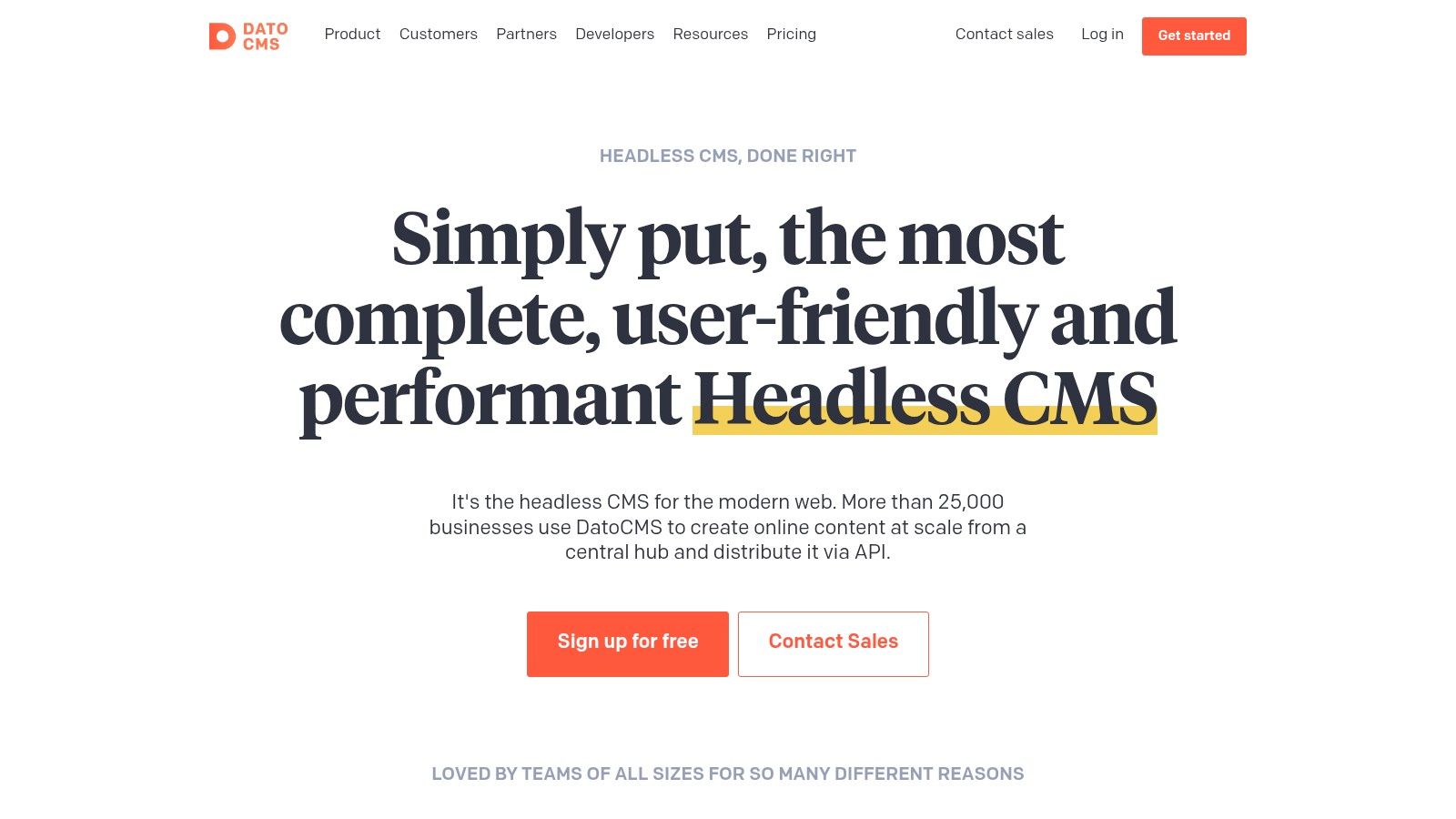
The platform is designed to provide a smooth workflow for both developers and content creators. Developers can leverage a powerful command-line interface (CLI) for schema migrations and version control, while editors benefit from a clean, customizable, and user-friendly interface for managing content.
Use Case and Implementation
Best For: Marketing teams, digital agencies, and developers building visually-rich websites, portfolios, or e-commerce storefronts that require high-performance media delivery.
DatoCMS is particularly well-suited for projects built with modern static site generators and front-end frameworks like React, Vue, and Svelte. Its GraphQL API is highly performant and deeply integrated, offering features like real-time updates that are a boon for collaborative environments. The SDKs and project starters help accelerate development and get projects off the ground quickly.
Pros and Cons
| Feature | Pros | Cons |
|---|---|---|
| Media | Advanced responsive image and video pipelines via Imgix. | Some advanced governance features are reserved for Enterprise plans. |
| API | Excellent, highly performant GraphQL API with real-time updates. | Pricing is displayed in EUR, which may require currency conversion. |
| Free Tier | Generous and clear free tier for trialing and small projects. | API call limits on lower tiers might be tight for high-traffic sites. |
| Developer UX | Strong CLI tooling and schema migrations for version control. | Can be less suitable for teams that strictly require a REST API. |
Pricing and Availability
DatoCMS offers a free "Developer" plan that is quite generous, making it an excellent starting point for individual projects and for evaluating the platform. Paid plans scale up with the "Professional" tier offering increased API calls, bandwidth, and user roles at a competitive price point. Enterprise plans are available for larger organizations needing custom limits, dedicated support, and advanced security features. You can find more details at https://www.datocms.com/.
11. ButterCMS
ButterCMS positions itself as a streamlined and user-friendly headless solution, making it one of the best CMS headless choices for teams that prioritize a simple authoring experience and predictable costs. It is a fully hosted platform that bundles content delivery through a CDN, offers a robust REST API, and provides SDKs for multiple programming languages. A key differentiator is its straightforward approach to pricing and user management.
The platform is built to reduce developer friction while giving content creators powerful tools like a visual editor, live previews, and an AI writing assistant. This balance makes it an excellent option for marketing teams and agencies that need to move quickly without being bogged down by complex configurations or per-seat licensing fees.
Use Case and Implementation
Best For: Marketing teams, agencies, and small to medium-sized businesses looking for a straightforward, API-first CMS with predictable, usage-based pricing.
ButterCMS excels in scenarios where content teams require autonomy. Its visual editor allows non-technical users to build and edit pages with components in a WYSIWYG-like interface, seeing changes in real-time. Implementation is simplified with official SDKs for popular frameworks like React, Vue, and Ruby on Rails, along with clear API documentation.
Pros and Cons
| Feature | Pros | Cons |
|---|---|---|
| User Access | Unlimited users, roles, and permissions are included on all plans. | Lower-cost tiers have caps on pages and assets, which can be limiting. |
| Authoring | Intuitive visual editor with live preview for non-technical users. | Lacks the extensive app marketplace of larger enterprise competitors. |
| Pricing | No per-seat charges and transparent, documented overage pricing. | Can become costly if you exceed the generous API and bandwidth limits. |
| Onboarding | Simple setup and developer-friendly SDKs speed up integration. | Not as focused on complex, multi-brand enterprise governance features. |
Pricing and Availability
ButterCMS offers a 14-day free trial to test the platform. Its pricing plans are structured around usage metrics like API calls, bandwidth, and the number of pages/blog posts. All plans, including the entry-level "Micro" tier, include unlimited users and environments. Overage pricing is transparently listed per 1M API calls and per GB of bandwidth, which helps teams avoid unexpected costs. You can learn more at https://buttercms.com/.
12. Cosmic
Cosmic positions itself as a managed headless CMS that prioritizes rapid development and streamlined content workflows, making it one of the best cms headless choices for teams that value simplicity and speed. It utilizes a "buckets" model, where each bucket is a self-contained project with its own content, media, and users. The platform is known for its AI-assisted content features and developer-centric tools that accelerate project setup.
Its architecture is designed for quick onboarding, allowing teams to get started with minimal configuration. Features like webhooks and AI Content Agents support modern, automated development pipelines and empower content creators to work more efficiently.
Use Case and Implementation
Best For: Startups, small to mid-sized businesses, and agencies that need an all-in-one managed stack without a complex setup.
Cosmic is particularly effective for teams that want a straightforward path from concept to production. The platform’s active documentation and community resources provide solid support for developers. Its clear plan tiers and optional add-ons for features like localization and advanced revision history allow businesses to scale their capabilities as their needs evolve, paying only for what they use.
Pros and Cons
| Feature | Pros | Cons |
|---|---|---|
| Onboarding | Simple plan tiers and a straightforward "buckets" model enable quick project setup. | Starter plan price point is higher than some entry-tier competitors. |
| Workflow | AI Content Agents and developer-focused features help streamline content creation. | Some essential capabilities like localization and revisions are paid add-ons. |
| Support | Active documentation and a helpful community provide valuable resources. | The add-on model can increase costs for teams needing a full feature set. |
| Flexibility | Clear API and webhook system allows for easy integration with modern front-ends. | Less focused on deep enterprise governance compared to larger platforms. |
Pricing and Availability
Cosmic offers a free "Starter" plan for individual developers, which is generous for small projects. Paid plans begin with the "Basic" tier, designed for professional teams, and scale up to "Pro" and "Enterprise" tiers that offer more users, API requests, and bundled add-ons. The optional add-on model allows for cost control but requires careful planning. Learn more at https://www.cosmicjs.com/.
Top 12 Headless CMS Comparison
| Product | Core features | UX (★) | Value (💰) | Audience (👥) | Unique (✨) |
|---|---|---|---|---|---|
| 🏆 JekyllPad | Browser WYSIWYG + Markdown, live preview, front-matter, GitHub commits | ★★★★☆ | 💰 Free tier (5 posts/mo) + paid | 👥 Non-technical authors & devs using SSGs | ✨ 100% client-side, native GitHub sync, zero-setup |
| Contentful | REST & GraphQL APIs, workflows, webhooks, marketplace | ★★★★☆ | 💰 Enterprise-priced, limited free plan | 👥 Enterprises & agencies | ✨ Mature ecosystem, governance & scheduling |
| Sanity | Real-time collaborative Studio, schema-as-code, previews | ★★★★☆ | 💰 Generous free tier; seat-based growth | 👥 Jamstack teams & devs | ✨ Real-time collaboration, highly extensible Studio |
| Storyblok | In-context Visual Editor, component-based content, scheduling | ★★★★☆ | 💰 Mid-market plans; starter caps | 👥 Marketers & modular-site teams | ✨ Visual editor for non-technical authors |
| Strapi | Open-source Node.js, REST/GraphQL, roles & plugins | ★★★★☆ | 💰 OSS self-host free; Cloud tiers paid | 👥 Dev teams wanting self-host control | ✨ Open-source flexibility & plugin ecosystem |
| Hygraph | GraphQL-native APIs, env management, content federation | ★★★★☆ | 💰 Growth caps on seats/locales | 👥 GraphQL-first dev teams | ✨ Remote Sources (content federation) |
| Prismic | Slice-based modeling, Visual Page Builder, image tools | ★★★★☆ | 💰 Low-cost entry; per-repo pricing | 👥 Marketing & page-focused teams | ✨ Strong page builder & modular Slices |
| Directus | Auto REST/GraphQL over SQL, no-code app, asset mgmt | ★★★★☆ | 💰 Cloud plans; self-host options | 👥 Data-centric & privacy-focused teams | ✨ Keep content in your SQL DB + no-code layer |
| Payload CMS | TypeScript-first, auth, file/image handling, extensible | ★★★★☆ | 💰 Free self-host + managed cloud | 👥 TypeScript-savvy dev teams | ✨ Code-first TS customization |
| DatoCMS | GraphQL, environments, Imgix-powered media pipelines | ★★★★☆ | 💰 Mid-tier pricing (EUR); clear quotas | 👥 Teams needing fast media delivery | ✨ Advanced image/video pipelines |
| ButterCMS | Visual editing, live preview, AI assistant, CDN | ★★★★☆ | 💰 Predictable overages, no per-seat fees | 👥 Agencies & teams wanting simple pricing | ✨ Unlimited users + transparent overages |
| Cosmic | Buckets/projects model, AI content agents, backups | ★★★☆☆ | 💰 Simple tiers; starter higher | 👥 Small teams & quick-build projects | ✨ AI-assisted content agents & fast onboarding |
Making the Final Choice for Your Next Project
Navigating the expansive landscape of headless content management systems can feel daunting. As we've explored, the market is rich with diverse platforms, from enterprise-grade giants like Contentful to developer-centric powerhouses like Sanity and open-source favorites like Strapi. The core lesson is clear: selecting the best cms headless platform is not about finding a universally superior tool, but about identifying the perfect fit for your specific project, team, and workflow.
Your final decision hinges on a careful evaluation of your unique priorities. The ideal choice will align perfectly with your technical stack, content modeling needs, editorial experience requirements, and budget constraints. This guide has provided the detailed analysis and comparison points to empower you to make that informed decision.
Synthesizing Your Decision: Key Takeaways
To move from analysis to action, revisit the core questions that define your project. Reflecting on these will help you narrow down the extensive list to a few top contenders.
- Developer Experience vs. Editor Friendliness: Where on this spectrum does your team operate? Platforms like Payload CMS and Sanity offer unparalleled customization for developers willing to work in code. In contrast, Storyblok and Prismic provide exceptional visual editing experiences that empower non-technical content creators.
- Git-Based vs. API-First: Do you prefer your content to live alongside your code in a Git repository for ultimate version control and simplicity? A tool like JekyllPad is built specifically for this workflow, offering a seamless bridge between content and code. Or does your architecture demand the flexibility of a robust, decoupled API, a strength of platforms like Hygraph and Cosmic?
- Scalability and Governance: Are you a small team or a large enterprise? Enterprise-level solutions such as Contentful and DatoCMS excel with features like granular user roles, complex content workflows, and internationalization. Smaller projects may find these features overly complex and costly.
- Self-Hosted vs. SaaS: Do you have the resources and desire to manage your own infrastructure for maximum control and potential cost savings? Strapi and Directus provide excellent open-source, self-hosted options. If you prefer a managed, "it-just-works" solution, SaaS platforms like ButterCMS handle all the backend maintenance for you.
Actionable Next Steps for Implementation
Once you have a shortlist of two or three candidates, it's time to move beyond feature lists and get hands-on. Real-world testing is the single most important step in making your final choice.
- Initiate a Proof of Concept (POC): Take a small, representative slice of your project and build it out on your top platforms. This could be a blog, a documentation section, or a single landing page.
- Involve the Entire Team: Your developers, content editors, and marketers will all interact with the CMS differently. Get their feedback. Can developers connect to the API easily? Do editors find the interface intuitive?
- Test the Full Workflow: Don't just model content. Create, edit, preview, and publish it. Test integrations with your frontend framework (like Hugo, Astro, or Jekyll) and any other critical tools in your stack.
- Evaluate Support and Documentation: During your POC, you will inevitably have questions. Assess the quality of each platform's documentation and the responsiveness of its support community or team.
Choosing the right headless CMS is a strategic decision that will impact your team's velocity and capabilities for years to come. By using this guide to carefully weigh your requirements and conducting thorough, hands-on testing, you can select a platform that not only manages your content but acts as a catalyst for creating exceptional digital experiences.
For teams using Jekyll, Hugo, or other static site generators who value a simple, Git-based workflow, the choice becomes even clearer. JekyllPad offers a streamlined content management experience directly on top of your GitHub repository, eliminating the need for a separate database or complex API integrations. Discover a more direct and secure way to manage your static site content by visiting JekyllPad.