
Static websites are no longer just simple HTML pages. They have become powerful, secure, and incredibly fast platforms for everything from personal blogs and portfolios to enterprise-level marketing sites and documentation hubs. But what makes a static site truly effective? It's the strategic combination of a modern generator, thoughtful architecture, and a streamlined content workflow.
This guide moves beyond theory to analyze real-world examples of static websites that excel in performance, design, and user experience. We will explore a curated list of sites built with leading static site generators like Jekyll, Hugo, and Astro, breaking down the specific tactics that make them successful.
For each example, you will find a detailed analysis covering:
- The generator and technology stack used.
- Strategic reasons behind choosing a static approach.
- Actionable takeaways you can apply to your own projects.
- How tools like JekyllPad can simplify content management for similar use cases.
Our goal is to provide a practical blueprint for your next project. By examining these top-tier static sites, you will gain the insights needed to build faster, more secure, and more efficient web experiences. Let's explore what's possible with the modern static web.
1. JekyllPad
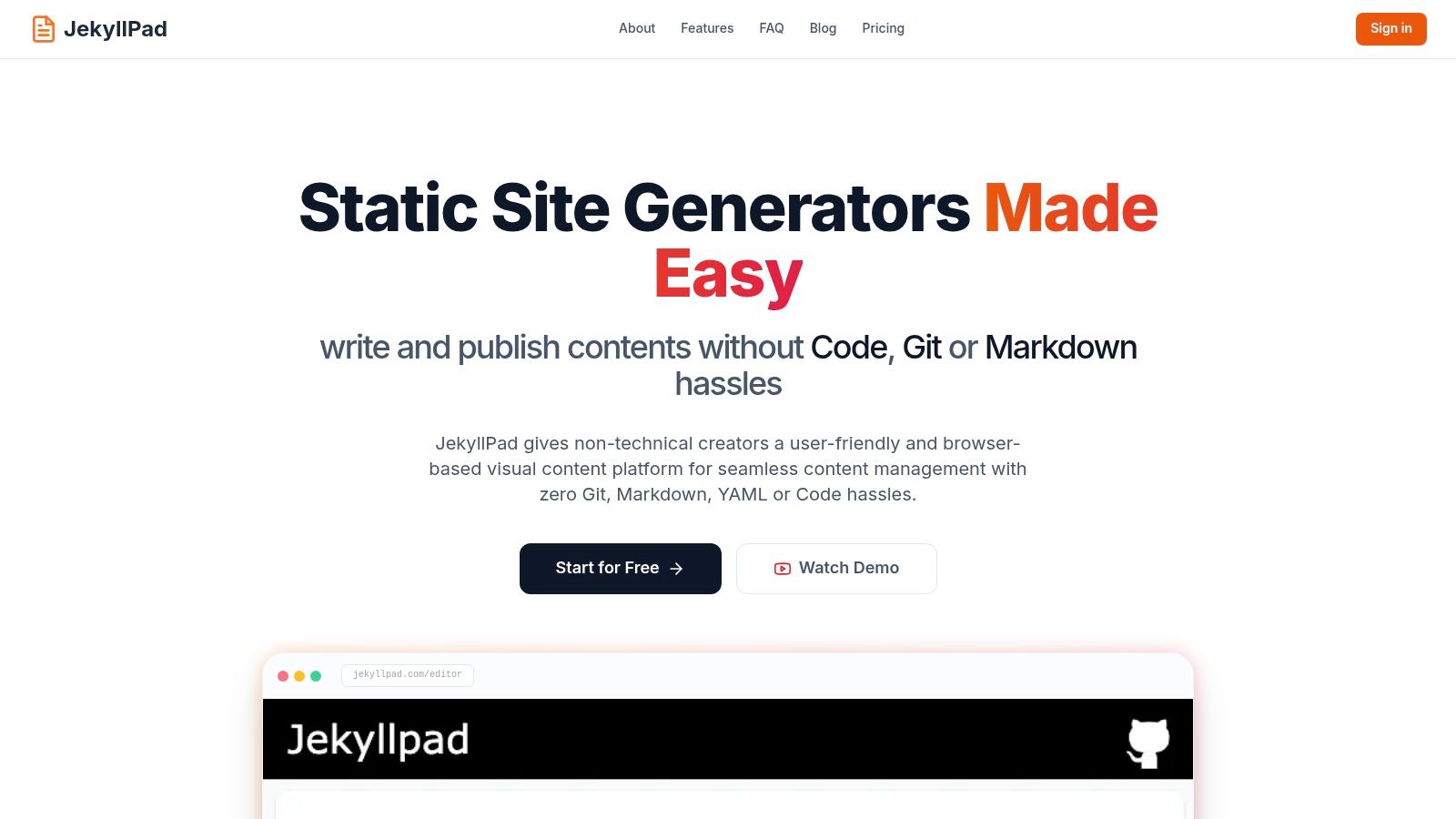
As our featured choice, JekyllPad stands out not just as an example of a static website but as a powerful tool for managing them. It’s a browser-based visual CMS designed to eliminate the technical friction often associated with Git-based static site workflows. By blending a WYSIWYG editor with raw Markdown capabilities and a live preview, it empowers both technical and non-technical users to manage content efficiently, making it an exemplary showcase of what a modern static web application can achieve.
Strategic Analysis: Why It Excels
JekyllPad’s core strategy is to democratize the static site ecosystem. While the performance and security benefits of static sites are well-documented, the developer-centric workflow involving Git, command lines, and manual front-matter editing has long been a barrier for content creators. JekyllPad bridges this gap by abstracting away the complexity without sacrificing the power of a Git-based workflow.
Its entire operation is client-side, meaning the application runs directly in your browser. This architectural choice is a masterstroke for performance and security. There is no backend server to maintain, and your content moves directly between your browser and your GitHub repository, enhancing privacy. This makes it an ideal solution for anyone looking to understand the difference between static and dynamic architectures. For a deeper dive, you can explore the nuances of why a static approach might be right for you on their blog.
Notable Features and Use Cases
The platform is packed with features designed for real-world content management challenges:
- Hybrid Editor: Seamlessly switch between a visual WYSIWYG editor and raw Markdown. This flexibility is perfect for teams with mixed technical skills.
- Native GitHub Integration: Connect your GitHub account with a single click. Every save creates a commit directly to your chosen repository, providing built-in version control and a simple publishing trigger for platforms like GitHub Pages, Netlify, or Vercel.
- Broad Generator Support: It’s not just for Jekyll. The platform is compatible with major static site generators including Hugo, Astro, Eleventy, and Gatsby.
- Accessible Onboarding: A generous free-forever tier, which includes an allowance of 5 free posts per month, makes it easy for newcomers to get started without any financial commitment.
This tool is particularly effective for bloggers, documentation teams, and marketing departments who want the speed and security of a static site but need a user-friendly interface for day-to-day content updates.
Practical Takeaways
For those evaluating examples of static websites, JekyllPad demonstrates how a sophisticated, interactive application can be delivered without a traditional backend. It proves that "static" doesn't mean "not functional."
- Pros: The WYSIWYG and Markdown combination, direct GitHub commits, and client-side architecture offer a unique blend of usability, security, and performance.
- Cons: Its reliance on GitHub means users on other platforms like GitLab will find limited support. Additionally, advanced features like complex image management are still under active development.
Website: https://www.jekyllpad.com
2. ThemeForest
While not a single website, ThemeForest is a massive marketplace and an invaluable resource for finding production-ready examples of static websites. It hosts tens of thousands of HTML/CSS templates and Jamstack starters, making it a go-to platform for developers and designers seeking a foundation for their projects. Users can browse extensive categories, from portfolios and blogs to complex SaaS landing pages.
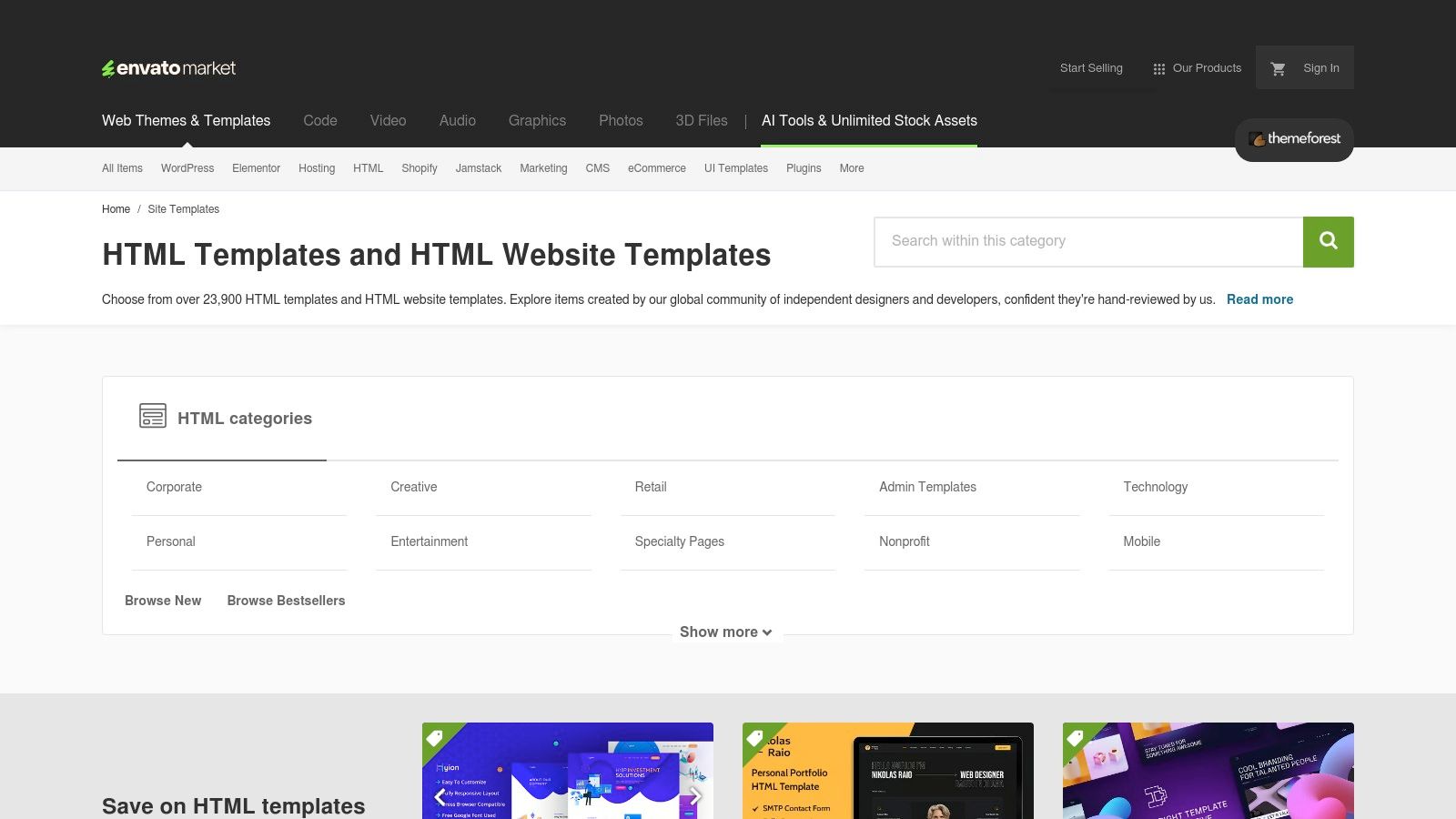
The platform’s key strength is its sheer volume and the ability to filter results to find exactly what you need. Each template includes a live demo, allowing you to interact with a fully-functional static site before purchasing. This hands-on preview is crucial for evaluating design, responsiveness, and code quality.
Strategic Analysis
ThemeForest excels by offering a shortcut to a polished end-product. Instead of building from scratch, developers can acquire a professional, hand-reviewed template and focus their efforts on customization and content integration. The transparent rating, sales data, and comments for each item provide social proof and help gauge quality before committing.
Key Takeaway: Leveraging a marketplace like ThemeForest accelerates development by providing a pre-built, high-quality static foundation. This allows teams to allocate resources toward content and unique features rather than baseline design and structure.
For those new to the Jamstack, these templates also serve as excellent learning tools, showcasing best practices for structuring static projects. You can deconstruct a purchased theme to understand file organization, CSS architecture, and JavaScript integrations.
How to Use ThemeForest Effectively
To maximize your experience on ThemeForest, follow these practical tips:
- Filter Aggressively: Use the filters for categories (e.g., "Jamstack"), recent updates, and top sellers to narrow down the massive selection. Prioritize themes with recent updates to ensure modern code standards.
- Inspect Live Demos: Thoroughly test the live demo on multiple devices. Check page speed scores using tools like PageSpeed Insights to verify performance claims.
- Read Reviews and Comments: Pay close attention to user feedback, especially regarding author support and code quality. This is often the best indicator of what to expect post-purchase.
- Check the License: Understand the license terms (Regular vs. Extended) to ensure it covers your intended use case, especially for commercial projects.
Website: https://themeforest.net/category/site-templates
3. TemplateMonster
Similar to ThemeForest, TemplateMonster is a veteran marketplace offering a vast library of website templates, with a particularly strong catalog of examples of static websites. It provides a rich resource for developers looking for pre-built HTML/CSS and Bootstrap-based designs that can be adapted for any Jamstack generator like Jekyll, Hugo, or Eleventy. The platform is known for its straightforward licensing and diverse selection.
TemplateMonster organizes its static templates into clear categories, often featuring curated "best of" lists that highlight modern and responsive designs. Each template comes with a live demo, allowing you to thoroughly explore the user experience, layout, and functionality before making a purchase. The clear one-time payment model for lifetime usage is a significant advantage.
Strategic Analysis
TemplateMonster's core value lies in its combination of variety and simplicity. The one-time licensing fee removes subscription-related overhead, making it an excellent choice for client projects or single-use websites where predictable costs are crucial. Many templates are built on Bootstrap, a familiar framework that simplifies customization for many developers.
Key Takeaway: TemplateMonster is an ideal resource for quickly sourcing high-quality, Bootstrap-based static templates with clear, one-time pricing. It accelerates project timelines by providing a solid, customizable foundation, freeing up resources for content and feature development.
The inclusion of basic technical support for a limited period on premium items adds a layer of security, especially for solo developers or small teams who may need assistance with initial setup. This makes it a lower-risk entry point for those acquiring their first professional static template.
How to Use TemplateMonster Effectively
To get the most out of TemplateMonster, consider these practical tips:
- Focus on Recent Templates: Sort by "Newest" or look for templates in curated "Best Of" lists to ensure you're starting with modern, performant code.
- Leverage Live Demos: Use the live demo to test for responsiveness across different screen sizes. Run the demo URL through Google's PageSpeed Insights to get an independent measure of its performance.
- Review Template Specs: Carefully check the "Details" tab for each template to confirm the framework used (e.g., Bootstrap version), included features, and file types provided.
- Understand the Support Window: Take note of the included support period. Plan to ask any critical setup or customization questions within that timeframe to take full advantage of the author's help.
Website: https://www.templatemonster.com/html-templates.php
4. Hugo Themes
Similar to a marketplace but entirely free and open-source, the official Hugo Themes showcase is a fantastic destination for finding real-world examples of static websites. It serves as a central hub where the community submits and curates hundreds of themes built for the Hugo static site generator. The collection covers a wide range of use cases, from minimalist blogs and academic portfolios to extensive documentation portals.
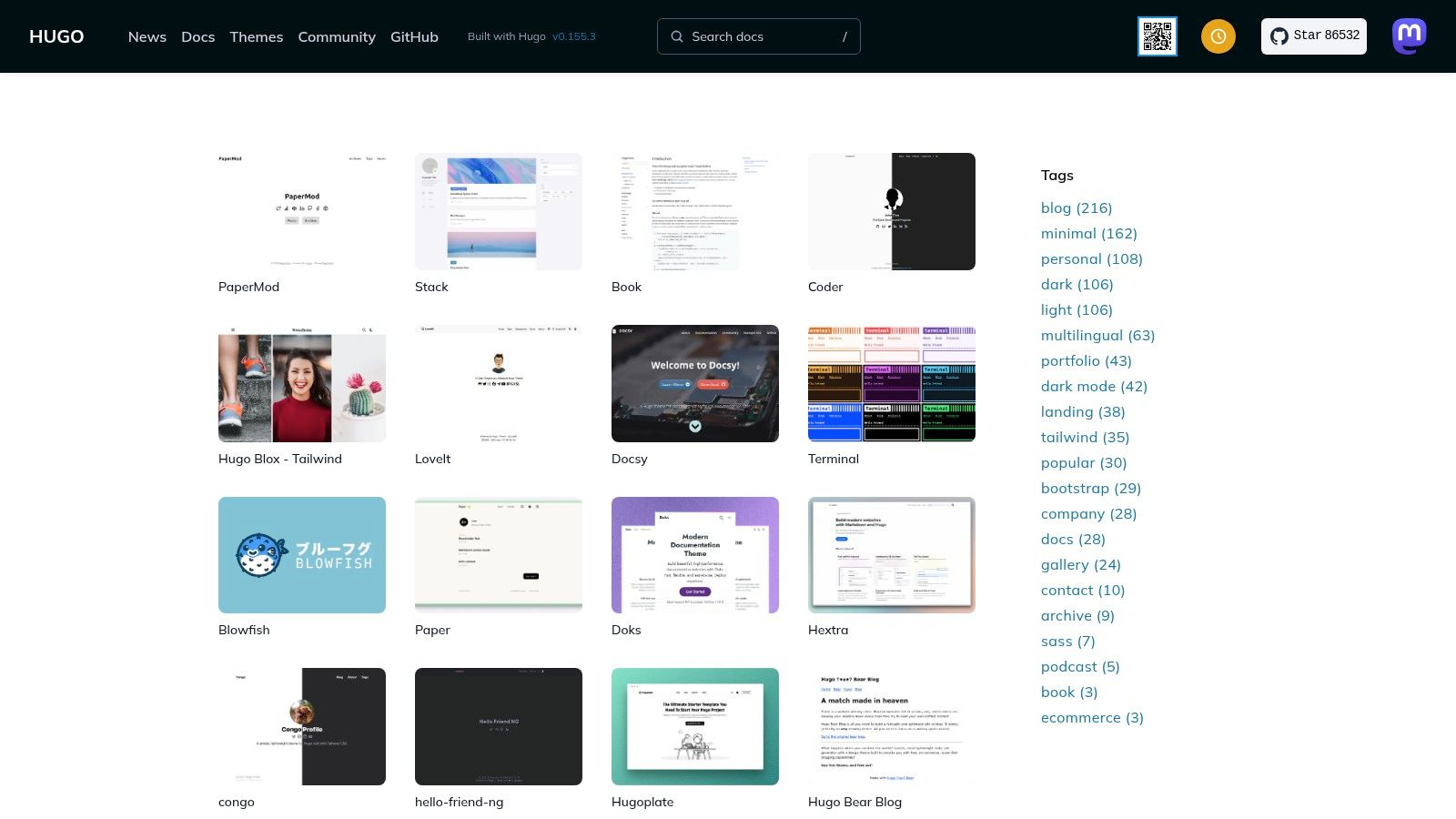
The platform’s strength lies in its direct connection to the Hugo ecosystem and its commitment to open-source principles. Each theme provides a live demo, a direct link to its source code repository on platforms like GitHub, and often includes an exampleSite directory. This allows developers to instantly clone a theme and preview it locally with pre-populated content, offering a transparent and hands-on evaluation process.
Strategic Analysis
The Hugo Themes site serves a dual purpose: it provides ready-to-use templates while also acting as a living library of best practices. Developers can rapidly bootstrap a new project by choosing a theme that aligns with their needs. The open-source nature means every aspect of the theme is inspectable and modifiable, making it an excellent learning tool for understanding Hugo's powerful features like archetypes, data files, and custom layouts.
Key Takeaway: The official Hugo Themes showcase lowers the barrier to entry for creating high-performance static sites. It provides a free, community-vetted starting point, enabling users to focus on content creation while learning from the established codebases of experienced Hugo developers.
Because themes are maintained by the community, quality and support can vary. However, the direct link to the repository issue tracker offers a transparent view of a theme's maintenance status and community engagement.
How to Use Hugo Themes Effectively
To get the most out of the Hugo Themes showcase, consider these tips:
- Check the Repository Activity: Before choosing a theme, review its repository for recent commits and open issues. An actively maintained theme is more likely to be secure and compatible with the latest Hugo versions.
- Utilize the
exampleSite: Most high-quality themes include anexampleSitefolder. Clone the repository and run the Hugo server from within this directory to see a fully-featured local demo. - Favor Themes with Good Documentation: The best themes come with a detailed
README.mdor a dedicated documentation site explaining configuration options and customization steps. - Filter by Use Case: Use the search and tagging system on the site to find themes specifically designed for your project type, such as "blog," "portfolio," or "docs."
Website: https://themes.gohugo.io/
5. Astro Themes
As a direct competitor to general marketplaces, Astro's official theme directory is a curated collection of examples of static websites built specifically for the Astro framework. It features a mix of free community starters and premium themes for blogs, documentation, portfolios, and landing pages, providing a modern, performance-first starting point for developers.
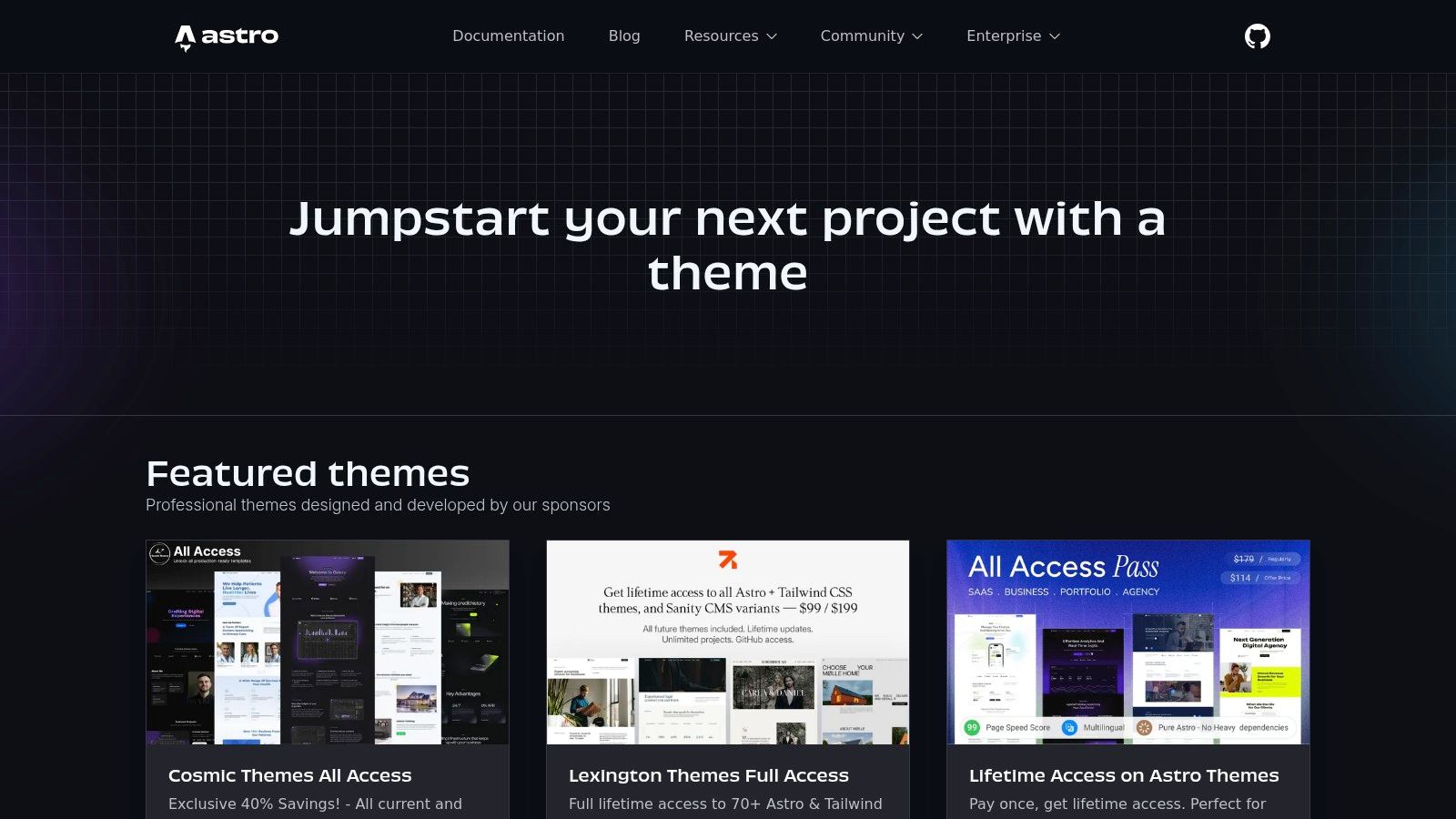
The platform’s strength lies in its focus on Astro’s unique "islands architecture," ensuring every theme is optimized for speed out-of-the-box. Each listing includes a live demo, a direct link to its repository or purchase page, and clear instructions for getting started. This specialization makes it the definitive resource for anyone building with Astro.
Strategic Analysis
The Astro Themes directory excels by offering a focused, high-quality ecosystem. Unlike massive marketplaces, every theme here leverages Astro's core benefits, such as partial hydration and a component-based structure. This guarantees developers a modern foundation built on best practices, avoiding the bloat often found in older, multi-purpose templates.
Key Takeaway: Using a framework-specific directory like Astro Themes ensures your project starts with a hyper-optimized and modern foundation. This accelerates development while guaranteeing performance and alignment with the framework's core principles.
For developers exploring different static site options, browsing these themes is an excellent way to understand Astro's potential. By examining the source code of various starters, one can quickly grasp how to structure components, manage content, and implement interactive islands. There are many more static site examples to learn from that showcase the power of this architecture.
How to Use Astro Themes Effectively
To make the most of the Astro Themes directory, consider these practical tips:
- Filter by Use Case: Start by filtering for your specific project type, such as "Blog," "Portfolio," or "Docs," to find relevant and purpose-built starters.
- Evaluate Live Demos: Scrutinize the live demos for performance using PageSpeed Insights. Pay close attention to mobile responsiveness and Core Web Vitals, as these are Astro's core strengths.
- Compare Free vs. Premium: Free community themes are excellent for learning and simple projects. Premium themes often include dedicated support and more complex features, making them ideal for commercial work.
- Look for Vendor Bundles: Some premium vendors offer "all-access" or lifetime bundles. While the upfront cost is higher, these can provide significant long-term value if you plan to build multiple Astro sites.
Website: https://astro.build/themes/
6. Netlify Templates
Netlify offers an official template directory that serves as an excellent starting point for new Jamstack and static site projects. Unlike a simple marketplace, this platform provides a gallery of fully functional examples of static websites built with popular frameworks like Astro, Next.js, and Nuxt. Each template comes with a live demo and a powerful one-click "Deploy to Netlify" button.
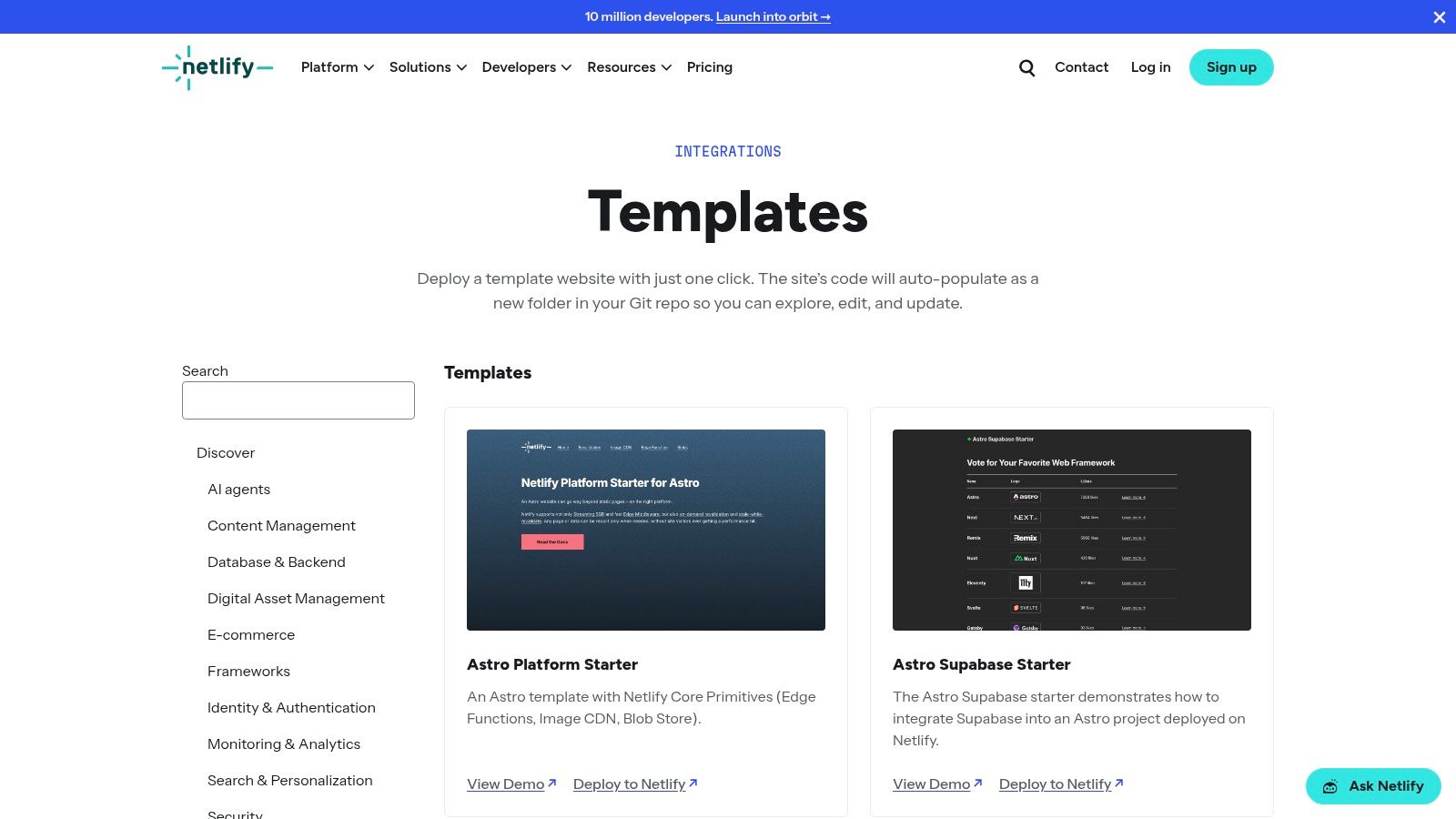
This one-click deployment is the platform’s standout feature. It automates the entire setup process by cloning the template’s repository to your chosen Git provider (like GitHub) and immediately deploying a live version of the site to Netlify’s CDN. This frictionless workflow makes it an ideal educational tool for developers wanting hands-on experience with different static site generators.
Strategic Analysis
Netlify Templates brilliantly lowers the barrier to entry for modern web development. By providing pre-configured starters that often include integrations like serverless functions, image CDNs, and headless CMS connections (e.g., Sanity, Supabase), it allows developers to explore complex architectures without manual setup. This "clone and learn" approach is far more effective than just reading documentation.
Key Takeaway: Netlify Templates accelerates the learning curve and project initiation by turning abstract concepts into tangible, deployable sites. It transforms the process from theoretical to practical in a single click, promoting experimentation across different frameworks.
For teams, this is a fast way to prototype and compare technology stacks. You can deploy identical blog templates built with Astro, Eleventy, and Next.js in minutes to evaluate performance, developer experience, and build times firsthand. This practical comparison is invaluable when making architectural decisions.
How to Use Netlify Templates Effectively
To get the most value from the Netlify Templates directory, apply these strategies:
- Filter by Framework: Start by filtering for the static site generator or framework you're most interested in to see a curated list of relevant starters.
- Deploy and Experiment: Don't just browse. Use the "Deploy to Netlify" button on a few templates to see the code, explore the repository structure, and understand the build configuration. Netlify’s generous free tier makes this risk-free.
- Review the Codebase: Once a template is cloned to your repository, study the source code. Pay attention to how it handles data sourcing, routing, and asset management. It’s a great way to discover best practices.
- Integrate with a CMS: Many developers pair these templates with a content management system. You can even use a tool like JekyllPad to manage content for your cloned sites, especially if you prefer a simplified workflow without direct Git interaction, similar to the benefits of using GitHub Pages.
Website: https://www.netlify.com/integrations/templates/
7. HTML5 UP
HTML5 UP is a widely popular resource offering a curated collection of free, fully responsive HTML5 and CSS3 templates. Unlike marketplaces, it provides a simpler, direct-download model for those seeking polished examples of static websites without the overhead of build tools or complex frameworks. The platform is celebrated for its clean, modern aesthetics and its simplicity, making it a perfect starting point for portfolios, landing pages, and personal projects.
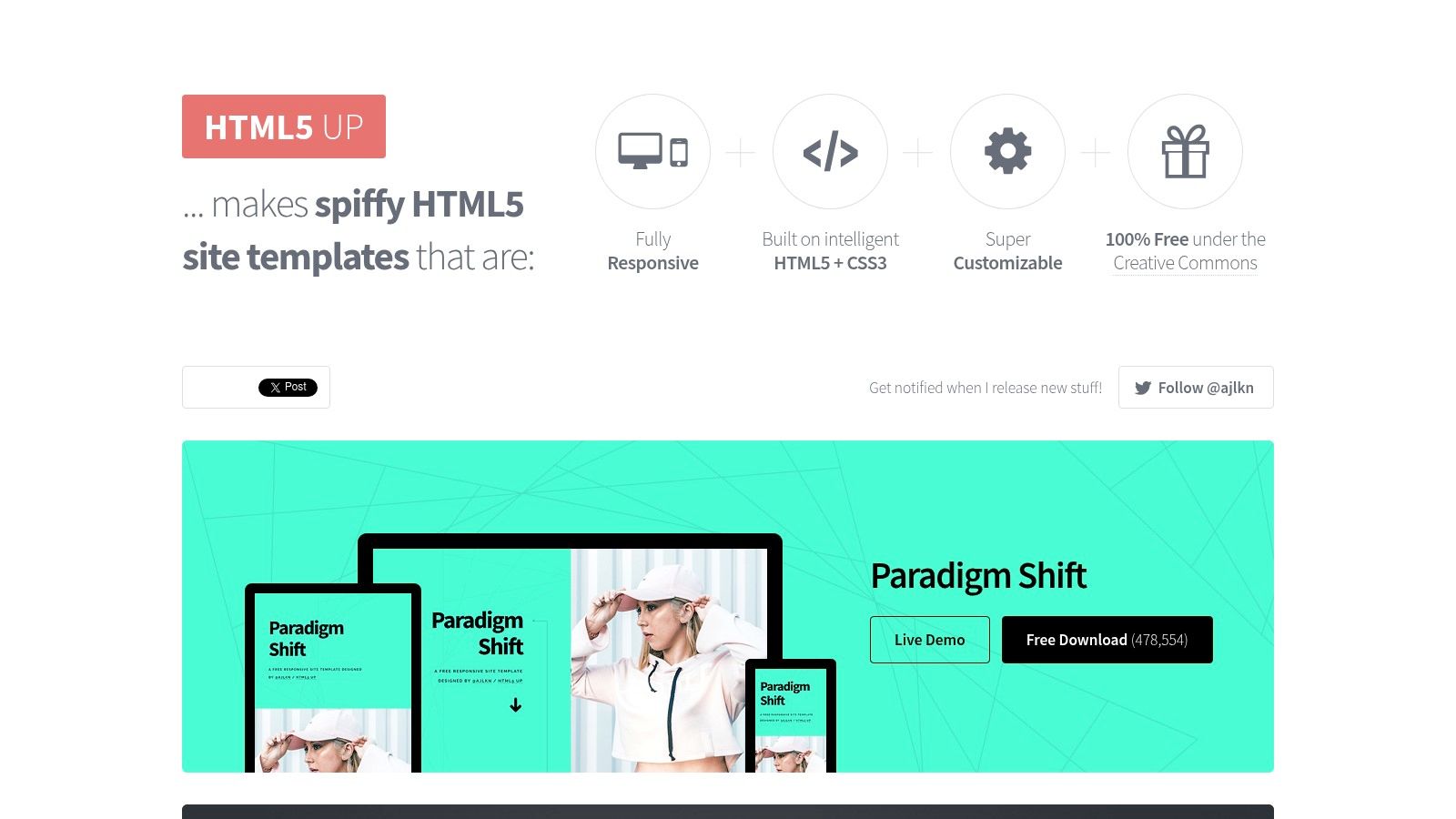
The primary strength of HTML5 UP is its accessibility. Each template is a self-contained project delivered as a simple zip file. This "no build step" approach allows anyone with basic HTML and CSS knowledge to download a template, edit the content directly in a code editor, and deploy the files to a host. Every template includes a live demo, providing an immediate, interactive preview of the final product.
Strategic Analysis
HTML5 UP excels at providing an extremely low-friction path to launching a professional-looking static site. By eliminating the need for Node.js, package managers, or static site generators, it lowers the barrier to entry significantly. This makes it an ideal choice for quick prototypes, single-page sites, or for developers who prefer to work directly with foundational web technologies without abstract layers.
Key Takeaway: HTML5 UP demonstrates that powerful static websites don't always require complex tooling. By offering high-quality, pre-built templates for free, it empowers creators to launch quickly and focus entirely on content and minimal styling adjustments.
The templates are licensed under the Creative Commons, making them completely free for personal and commercial use with attribution. This permissive licensing, combined with the high quality of the designs, has made it a go-to for countless projects that need to get off the ground without any budget.
How to Use HTML5 UP Effectively
To get the most out of the templates on HTML5 UP, consider these practical steps:
- Choose a Layout, Not a Theme: Focus on the underlying structure and layout that best fits your content, as colors and images are easily changed.
- Optimize for Performance: While the templates are well-built, always run your final customized site through a tool like PageSpeed Insights to optimize images and minify CSS/JS for the best performance.
- Customize Beyond the Basics: Use your CSS skills to alter fonts, color schemes, and spacing to make the template uniquely yours and avoid a generic look.
- Understand the License: Remember to provide the required attribution as specified by the Creative Commons license to use the templates legally and ethically.
Website: https://html5up.net/
7 Static Site Template Sources Comparison
| Item | 🔄 Implementation complexity | ⚡ Resource & setup | ⭐ Expected outcomes | 📊 Ideal use cases | 💡 Key advantages / tips |
|---|---|---|---|---|---|
| JekyllPad | Low — browser-based WYSIWYG + raw Markdown, one‑click Git flow | Minimal — browser + GitHub account; no backend or CI required | ⭐⭐⭐⭐ — fast publishing, builtin versioning, good privacy/security | Bloggers, docs teams, content marketers, non‑technical creators | Native GitHub commits, client‑side privacy; limited GitLab/Bitbucket support |
| ThemeForest | Low — download and integrate template; variable vendor processes | Moderate — purchase cost; may require build/customization and hosting | ⭐⭐⭐ — many production-ready examples, quality varies by author | Portfolios, SaaS landing pages, niche sites needing quick themes | Huge catalog and demos; check ratings/support and hidden add‑ons |
| TemplateMonster | Low — code-included HTML templates, one‑time license | Moderate — one‑time fee, hosting/customization needed | ⭐⭐⭐ — clear licensing and business-focused templates | Multipurpose business sites, Bootstrap-based designs | Lifetime usage license; vendor upsells and variable update cadence |
| Hugo Themes | Medium — requires Hugo local setup and familiarity | Low — free open‑source themes; clone or add as modules | ⭐⭐⭐⭐ — solid for docs and blogs; exampleSites for easy previews | Documentation sites, developer blogs, projects needing forks | Free, repo links and issue trackers; quality/support varies by maintainer |
| Astro Themes | Medium — Astro-specific starters, may need vendor configuration | Moderate — node tooling, some premium bundles available | ⭐⭐⭐⭐ — modern, performance‑focused starters | Performance-first blogs, docs, marketing pages, Jamstack projects | Uses Astro islands; check vendor pricing and support terms |
| Netlify Templates | Low — one‑click deploy to Netlify, minimal config | Low — Netlify free tier + Git provider; instant live sites | ⭐⭐⭐⭐ — live hosted examples, great for hands‑on learning | Prototyping, Jamstack learning, demos with integrations | One-click deploy + integrations; templates can be opinionated |
| HTML5 UP | Very low — static HTML/CSS, no build step, edit files directly | Minimal — download ZIP and host anywhere; no tooling required | ⭐⭐⭐ — polished quick prototypes and landing pages | Landing pages, simple portfolios, quick static prototypes | Free under Creative Commons; customization is DIY, no official paid support |
Your Blueprint for a High-Performance Static Site
Throughout this exploration of diverse examples of static websites, a clear pattern emerges. From developer portfolios built with Astro to extensive documentation hubs powered by Hugo and personal blogs running on Jekyll, the core advantages remain constant: exceptional performance, robust security, and simplified scalability. These are not just technical benefits; they translate directly into better user experiences and more manageable long-term maintenance.
The key lesson from these real-world applications is that success isn't just about choosing a static site generator. It's about building a sustainable workflow around it. The most effective static sites are those where content creation is as streamlined and efficient as the websites themselves.
From Inspiration to Implementation
We've seen how different projects leverage specific tools for specific goals. A lightweight marketing site might prioritize the component-based architecture of Astro, while a content-heavy blog may favor the vast ecosystem of Jekyll or the raw speed of Hugo. Your own project's blueprint should begin with a clear understanding of its primary purpose.
Consider these critical factors as you plan your own static site:
- Content Complexity: Will you be managing simple Markdown files, or will you need more complex data structures and content types? Tools like Eleventy offer great flexibility here.
- Team Workflow: Who will be creating and editing content? If your team includes non-technical contributors, bridging the gap between a Git-based repository and a user-friendly editor is paramount.
- Performance Goals: While all static sites are fast, some generators are optimized for massive sites with tens of thousands of pages. Hugo is a well-known leader for its incredible build speeds.
- Future Scalability: Think about where your project will be in a year. Choose a tool with a strong community and a clear development path to ensure it grows with you.
Actionable Takeaways for Your Static Site
The strategic insights from the examples above provide a clear path forward. To build a high-performance static site, focus on a few core principles. First, choose your generator wisely based on project needs, not just popularity. Second, optimize your assets from the beginning, as seen in the lightning-fast portfolios and marketing pages.
Finally, when developing your blueprint for a high-performance static site, don't overlook the importance of comprehensive search engine optimization (SEO) to ensure your site is discoverable and ranks well. The inherent speed of static sites gives you a significant head start, but a solid content and keyword strategy is what will ultimately drive traffic. By combining a modern static stack with a well-defined content workflow, you are setting the stage for a web presence that is not only powerful but also a genuine pleasure to manage.
Ready to simplify your Jekyll or Hugo workflow and empower your content team? JekyllPad provides an intuitive, WYSIWYG editing experience directly on top of your GitHub repository, removing the technical barriers of Git and Markdown. Try JekyllPad today and see how easy managing a high-performance static site can be.