
Managing documentation is a universal challenge. From internal project specs and compliance records to public-facing software manuals and client contracts, the volume of information can quickly become overwhelming. Proprietary systems often promise a solution but come with significant costs, vendor lock-in, and rigid workflows that may not fit your team's specific needs. This is where the power of a documentation management system open source solution becomes clear. It offers a path to regain control over your data, customize your workflows, and eliminate recurring subscription fees.
This article is your comprehensive guide to navigating this landscape. We will break down the top 12 open-source platforms, moving beyond generic feature lists to provide a practical analysis. You will find detailed information on each system’s ideal use cases, hosting requirements, and integration capabilities, particularly for teams using Git-based workflows and static site generators like Jekyll or Hugo. For a comprehensive overview of leading solutions, you might also find this article on the Top 12 Documentation Management Open Source Tools to be a helpful resource.
Our goal is to help you find the best fit for your specific context, whether you're a solo technical blogger, a documentation team for a growing software product, or a non-technical creator seeking a more intuitive content management experience. We’ll explore each option with screenshots and direct links, assess its strengths and limitations, and provide clear recommendations based on team size and technical expertise. Let's find the right system to streamline your information and empower your team.
1. Alfresco Community Edition
Alfresco Community Edition is a powerful, enterprise-grade documentation management system open source platform. It provides a comprehensive content repository that rivals many commercial solutions, making it an excellent choice for organizations needing robust features without the licensing fees. Its core strength lies in its structured approach to content, offering version control, sophisticated permissions, and metadata management that ensures documentation is secure, organized, and easily retrievable.
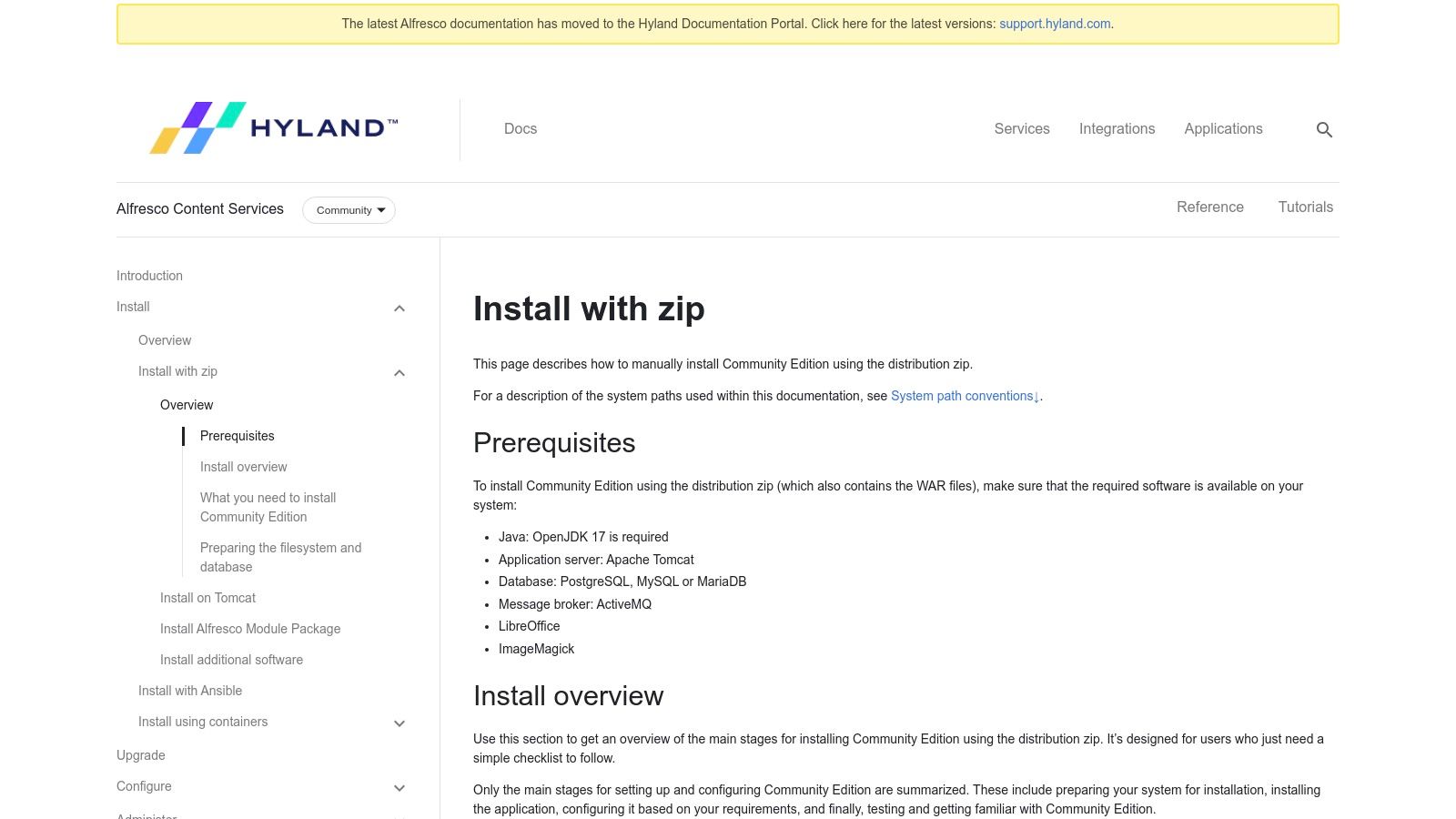
Unlike simpler, Git-based systems, Alfresco is a full-fledged Enterprise Content Management (ECM) platform. This means it supports complex workflows for document review and approval, records management for compliance, and powerful search capabilities powered by Solr.
Key Considerations
Pros:
- Mature & Feature-Rich: Offers a complete suite of enterprise tools, including versioning, workflows, and advanced metadata.
- Active Community & Deployment Options: Well-documented with a strong community. Official Docker images simplify testing and deployment.
- Extensible: A comprehensive set of SDKs and APIs allows for deep customization and integration with other business systems.
Cons:
- Complex Setup: A manual installation requires configuring multiple components (Java, Tomcat, a database, ActiveMQ), which can be daunting for smaller teams.
- Enterprise Features are Commercial: While the community edition is robust, some advanced features and dedicated support are reserved for the paid Alfresco Content Services.
Alfresco is best suited for medium to large organizations that require a centralized, highly-structured repository for technical manuals, SOPs, and compliance-related documentation. Its complexity is a trade-off for its power and scalability.
Website: https://docs.alfresco.com/content-services/community/install/zip/
2. Nuxeo Platform
The Nuxeo Platform is a highly configurable, cloud-native documentation management system open source framework. It's designed for developers who need to build custom content-centric applications, such as a DMS, Digital Asset Management (DAM), or case management system. Its core strength is its modular, Java-based architecture, which provides immense flexibility through an extensive REST API, automation tools, and a Maven-based build process.
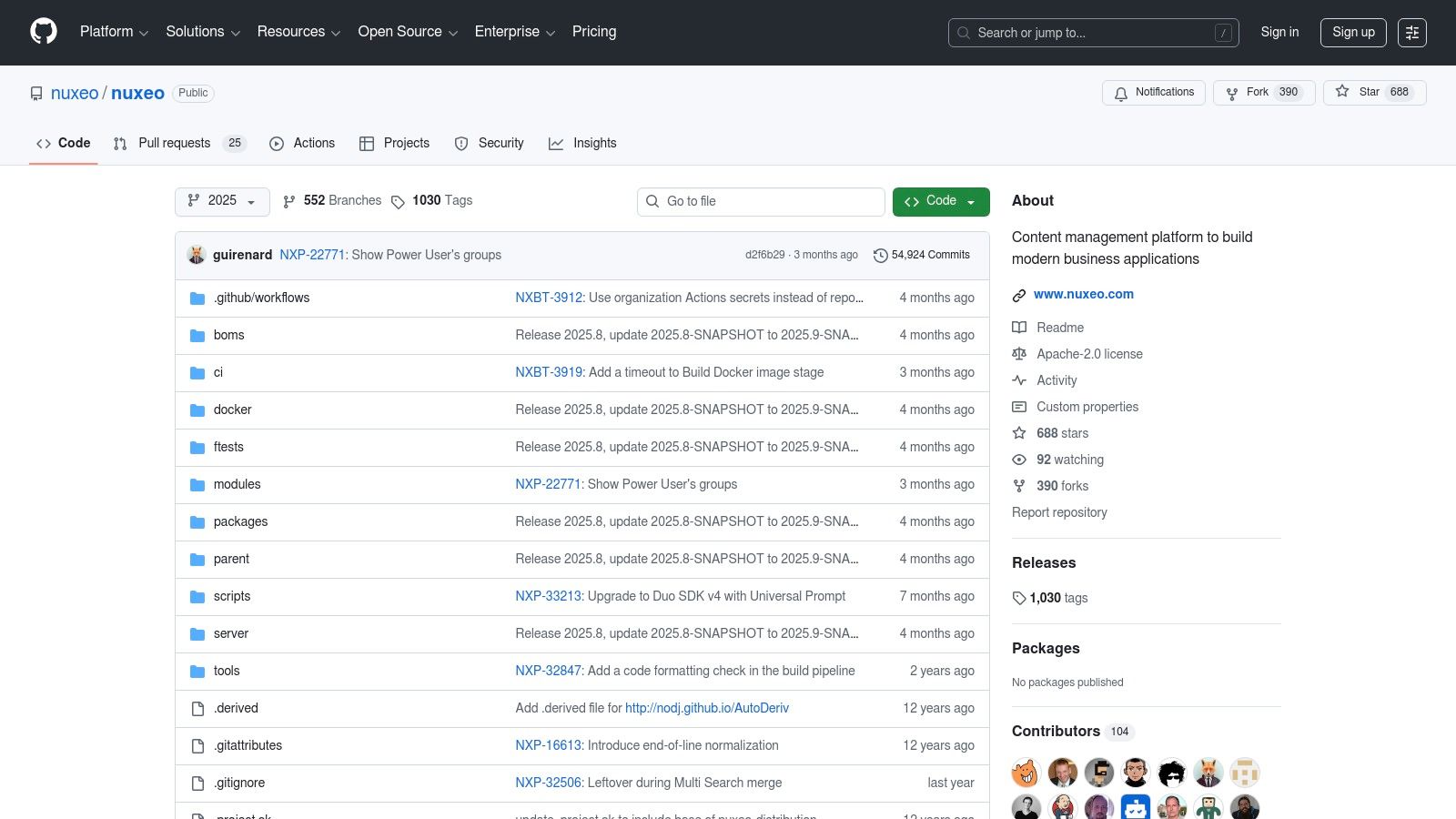
Unlike turnkey solutions, Nuxeo serves as a foundational platform rather than an out-of-the-box DMS. It empowers development teams to construct a system tailored precisely to their unique workflows and integration needs. The platform's source code and comprehensive documentation are readily available on GitHub under a permissive Apache 2.0 license.
Key Considerations
Pros:
- Highly Extensible & Flexible: Its modular design, add-ons, and extensive APIs make it a powerful choice for building bespoke content management solutions.
- Permissive Licensing: The Apache 2.0 license offers significant freedom for building commercial products on top of the open-source core.
- Active Development: The platform has a large codebase with active repositories, ensuring it stays current with modern Java standards (like JDK 11).
Cons:
- Steep Learning Curve: Nuxeo is a framework for developers, not an end-user product. It requires significant technical expertise to configure and deploy.
- Enterprise Features are Paid: Advanced features, dedicated support, and managed services are part of the separate commercial offering from Hyland.
Nuxeo is best suited for product teams and enterprises with dedicated Java developers who need to create a custom, scalable documentation or content management application. Its power lies in its adaptability, making it a foundation for innovation rather than a simple storage repository.
Website: https://github.com/nuxeo/nuxeo
3. OpenKM Community Edition
OpenKM Community Edition is a web-based documentation management system open source platform designed for organizations seeking control over their digital assets. It offers core document management functionalities like metadata, version control, and robust search capabilities. Its standout features include Optical Character Recognition (OCR) integration for making scanned documents searchable and direct support for TWAIN-compatible scanners, simplifying the digitization process for physical records.
Unlike purely Git-based systems, OpenKM provides a more traditional DMS experience with features geared towards office environments. It supports basic workflows for document routing and includes tools to manage records, emails, and other unstructured data, making it a comprehensive solution for centralizing information. The availability of a simple JAR installer and pre-configured OVA images lowers the barrier to entry for on-premise trials.
Key Considerations
Pros:
- Accessible Installation: Straightforward installer options (JAR and OVA) make it easy to set up a test environment on local servers or virtual machines.
- Built-in Digitization Tools: Integrated OCR and TWAIN scanner support are significant advantages for teams needing to digitize and manage physical documents.
- Active Resources: The platform is supported by extensive official documentation and an active community forum for troubleshooting and guidance.
Cons:
- Limited Community Support: The vendor's development team does not directly support the Community edition, relying on the forum for peer-to-peer help.
- Feature Discrepancies: The UI and available modules in the free version differ significantly from the more polished and feature-rich professional editions.
OpenKM is an excellent starting point for small to medium-sized businesses looking to deploy their first on-premise DMS, especially those with significant paper-based documentation to digitize.
Website: https://www.openkm.com/en/download.html
4. LogicalDOC Community Edition
LogicalDOC Community Edition is a Java-based documentation management system open source solution designed for organizations needing a structured, web-accessible repository. It offers a clean user interface and essential DMS features like version control, full-text indexing for powerful search, and granular access control. Its cross-platform nature ensures it can be deployed across different operating systems, making it a flexible choice for teams with diverse IT environments.
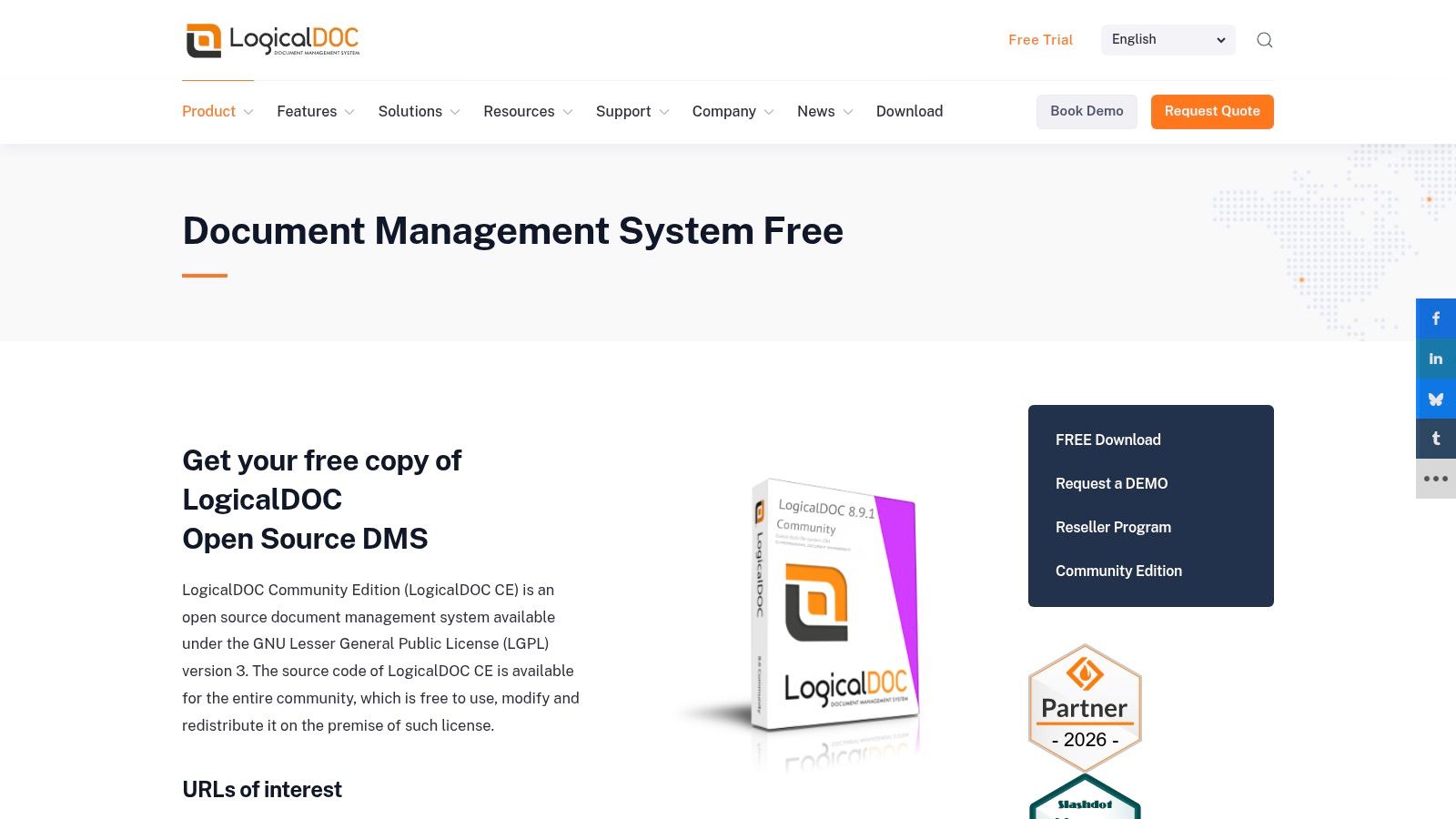
Unlike lightweight Git-based tools, LogicalDOC operates as a self-contained server application accessible via a browser or mobile apps. This centralized model simplifies access for non-technical users and provides robust APIs (SOAP/REST) for integration with other business applications and CMS platforms. The clear distinction between community and enterprise features helps organizations evaluate if the free version meets their immediate needs.
Key Considerations
Pros:
- Accessible Interface: Provides an intuitive web-based UI and mobile apps, making it easy for users of all technical levels to manage documents.
- Solid Core Features: The community edition includes essential tools like versioning, full-text search, and workflow capabilities.
- Clear Feature Matrix: The separation between the free community edition and paid enterprise tiers is well-documented, allowing for informed decision-making.
Cons:
- Community-Driven Support: The free version relies on community forums and a wiki for support, which may not be sufficient for business-critical deployments.
- Gated Advanced Features: Key enterprise functionalities like clustering, advanced reporting, and dedicated support are reserved for the commercial version.
LogicalDOC is a great fit for small to medium-sized businesses looking for a straightforward, user-friendly document repository with a clear upgrade path as their requirements grow.
Website: https://www.logicaldoc.com/download-logicaldoc-community
5. Mayan EDMS
Mayan EDMS is a highly capable documentation management system open source platform built with Python and Django. It is designed to manage, process, and classify large volumes of digital documents automatically. Its core strength is its powerful document processing pipeline, which includes features like Optical Character Recognition (OCR), automated metadata extraction, and customizable workflows, making it ideal for digitizing and organizing paper-based and digital records alike.
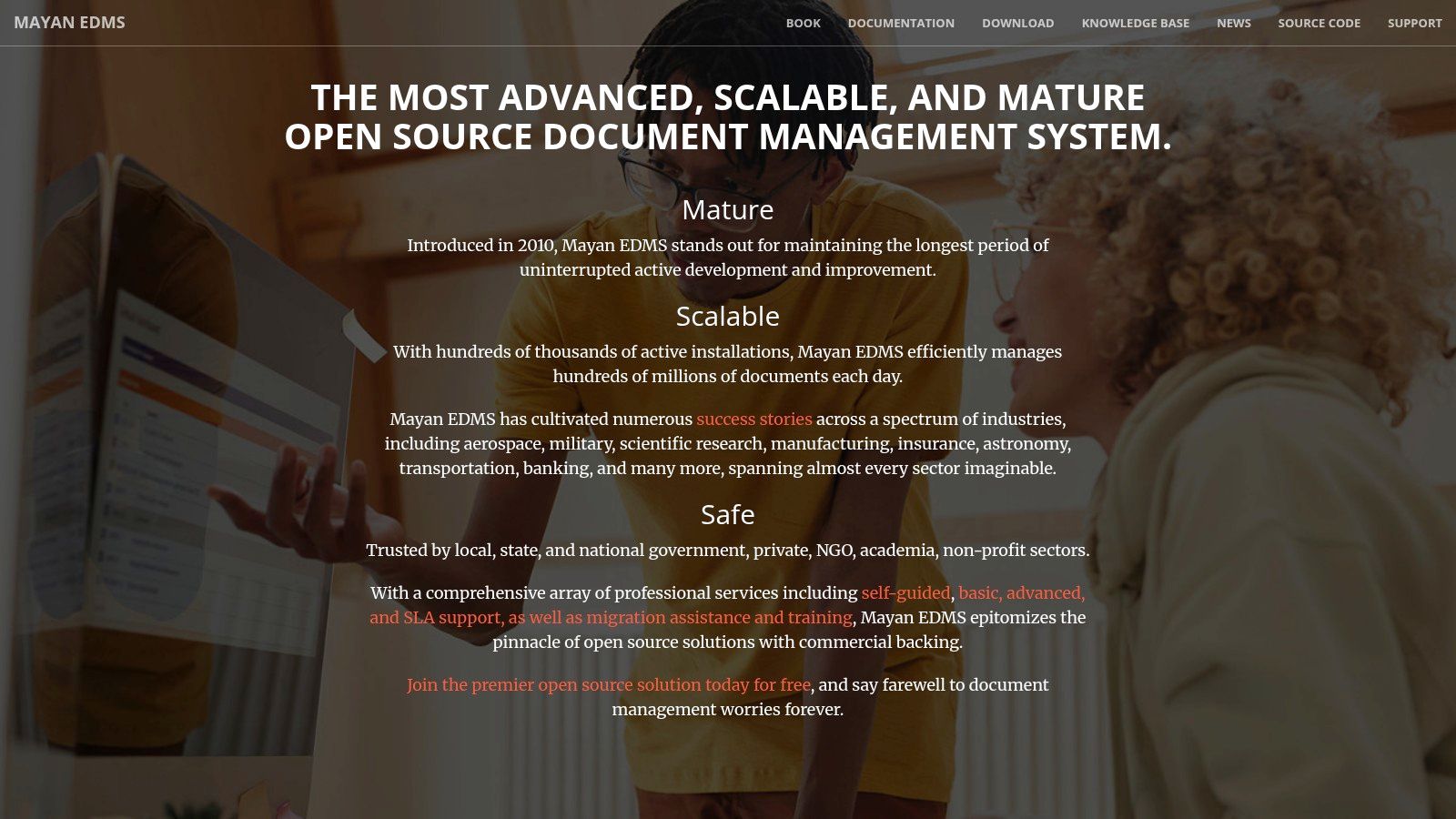
Unlike simpler systems that act as a basic file repository, Mayan EDMS is built for intelligent document handling. It can automatically detect duplicates, create document versions, and apply electronic signatures. This focus on automation and compliance makes it a strong contender for organizations looking to reduce manual data entry and enforce strict document management policies.
Key Considerations
Pros:
- Intelligent Processing: Built-in OCR, version control, and workflow automation streamline document ingestion and management.
- Actively Maintained & Supported: The project is actively developed, well-documented, and offers multiple paid support tiers for businesses.
- Container-Friendly: Official Docker images and compose files are provided, which greatly simplifies deployment and initial setup.
Cons:
- Learning Curve: The extensive feature set and unique interface can require a significant time investment to master fully.
- Resource Intensive: The OCR and document processing features can be demanding on server resources, especially with high volumes.
Mayan EDMS is best suited for organizations that need to digitize and automate the management of business-critical documents like invoices, contracts, and compliance records. Its containerized setup offers a good balance between power and ease of deployment for technical teams.
Website: https://www.mayan-edms.com/
6. SeedDMS
SeedDMS is a mature, PHP-based documentation management system open source platform that has been in development for over a decade. It offers a lightweight yet capable solution for small to medium-sized businesses and teams looking for core DMS features without the overhead of enterprise Java stacks. Its web-based interface provides essential functionalities like version control, metadata, user and group management, and a straightforward document workflow.
Unlike more complex systems, SeedDMS is designed for simplicity and ease of deployment on standard LAMP/LEMP stacks. It supports common databases like MySQL, PostgreSQL, and SQLite, making it highly accessible for administrators familiar with the PHP ecosystem. The official website features a live demo and quick-start Docker options, allowing for immediate evaluation.
Key Considerations
Pros:
- Lightweight & Approachable: Easy to install and manage for anyone with PHP hosting experience, requiring minimal server resources.
- Core DMS Features: Provides solid, essential functionality including versioning, workflows, and access control without unnecessary complexity.
- Flexible Database Support: Works with MySQL, PostgreSQL, and SQLite, offering flexibility for different hosting environments.
Cons:
- Simpler UI & Ecosystem: The user interface and overall feature set are more basic compared to larger platforms like Alfresco or Nuxeo.
- Community-Driven Support: Relies on community forums and documentation for support, lacking a dedicated commercial backing.
SeedDMS is an excellent choice for organizations that need a no-frills, self-hosted document repository. It is particularly well-suited for teams who value ease of maintenance and have existing PHP infrastructure, providing a practical solution for organizing internal documents, project files, and technical specifications.
Website: https://www.seeddms.org/
7. OpenDocMan
OpenDocMan is a lightweight, web-based documentation management system open source platform built on a simple PHP stack. It is designed for compliance and control, offering a straightforward solution for businesses needing structured document management with features like access control, revision history, and detailed audit trails. Its development was influenced by ISO 17025 standards, making it particularly suitable for environments where document integrity is critical.
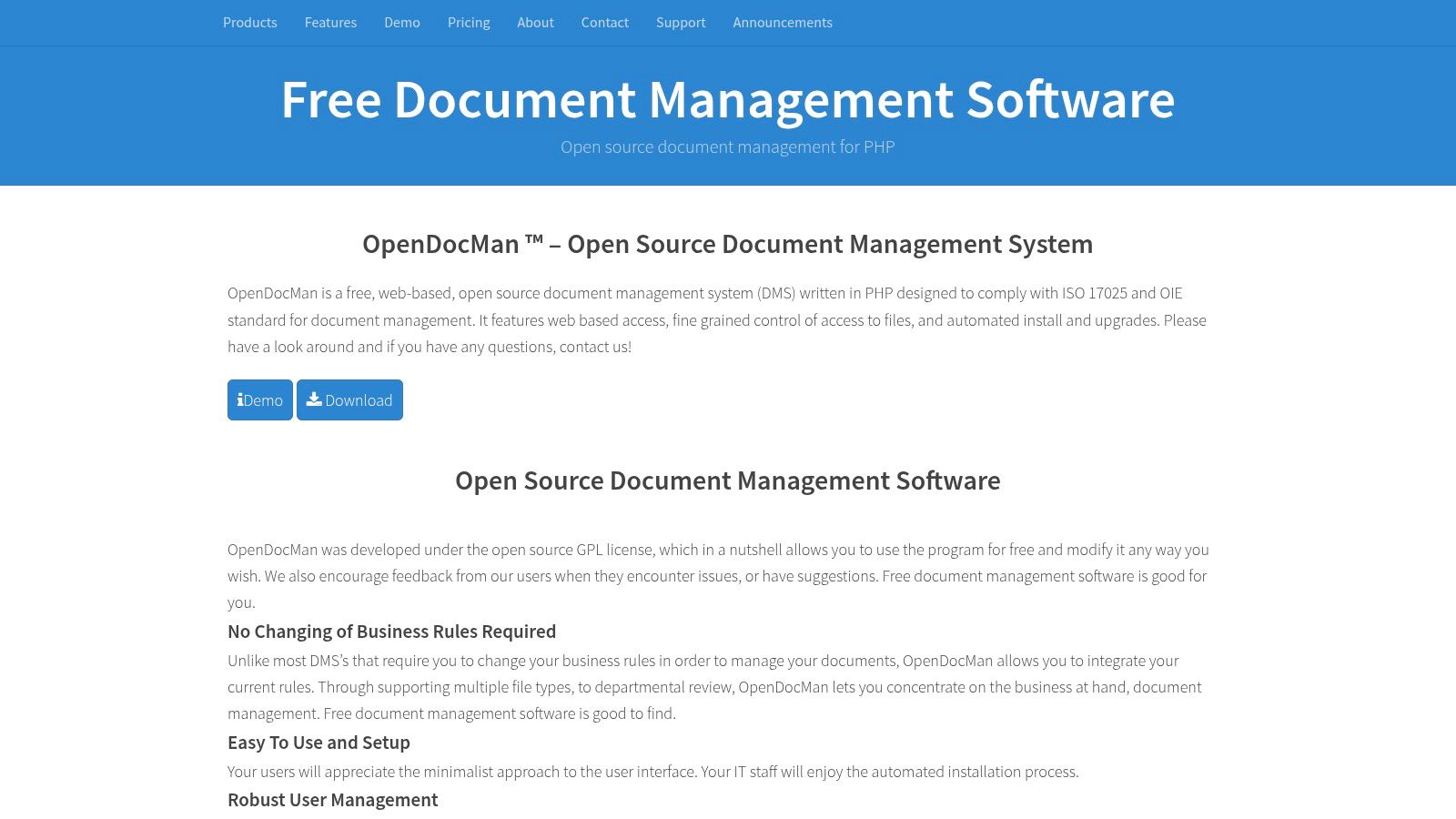
Unlike more complex enterprise systems, OpenDocMan focuses on core DMS functionalities like file locking to prevent overwrites, metadata for searchability, and departmental access controls. This focused approach makes it easier to deploy and manage for teams without dedicated IT support, while still providing the necessary tools for organized document handling.
Key Considerations
Pros:
- Lightweight & Accessible: Built on a common LAMP/WAMP stack (PHP, MySQL), making it easy to install on standard web hosting environments.
- Flexible Hosting Options: Offers a free, self-hosted Community Edition alongside paid, fully-managed cloud plans (SecureDocMan) for teams that prefer a turnkey solution.
- Compliance-Focused: Includes essential features for regulatory environments, such as audit trails, revision control, and granular permissions.
Cons:
- Minimalist UI: The user interface is functional but less modern compared to other solutions, which may affect user adoption.
- Advanced Features are Commercial: While the core is free, more advanced features, support, and seamless updates are part of the paid enterprise tiers.
OpenDocMan is an excellent fit for small to medium-sized businesses, labs, or departments that need a no-frills, reliable document control system. Its hybrid open-source and commercial model provides a clear upgrade path for organizations that start small and require more support as they grow.
Website: https://www.opendocman.com/
8. Teedy
Teedy is a lightweight and modern documentation management system open source platform designed for simplicity and efficiency. Formerly known as Sismics Docs, it offers a clean, responsive interface that makes document handling straightforward for individuals and small to medium-sized businesses. Its core value lies in making scanned documents as searchable as native digital files, thanks to its integrated Optical Character Recognition (OCR) capabilities.

Unlike more complex enterprise systems, Teedy prioritizes ease of deployment and use. It provides essential features like full-text search, metadata tagging, version control, and secure 256-bit AES storage encryption without the steep learning curve. The official Docker image and WAR file options make getting started exceptionally fast.
Key Considerations
Pros:
- Simple to Deploy & Use: The official Docker image allows for a quick setup, and the user interface is intuitive and responsive.
- Built-in OCR & Security: Tesseract-based OCR makes image-based documents searchable, and built-in encryption protects sensitive information.
- Good for Personal or SMB Use: Provides a focused feature set that is ideal for managing invoices, receipts, and internal documents without unnecessary complexity.
Cons:
- Smaller Community: Has a less extensive community compared to giants like Alfresco, which can mean fewer third-party resources and slower support.
- Limited Enterprise Integrations: Lacks the extensive API and pre-built connectors for complex business systems found in larger platforms.
Teedy is an excellent choice for users who need a self-hosted, secure, and searchable document archive but do not require the heavyweight workflow and compliance features of an enterprise-grade solution.
Website: https://teedy.io/
9. Paperless-ngx
Paperless-ngx transforms physical documents into a searchable digital archive, making it an exceptional documentation management system open source for individuals and small offices aiming to go paperless. Its core function is to ingest scanned documents or PDFs, apply Optical Character Recognition (OCR) to make them text-searchable, and then automatically tag and categorize them using machine learning. This focus on intelligent archiving and retrieval makes it a unique and highly practical tool.
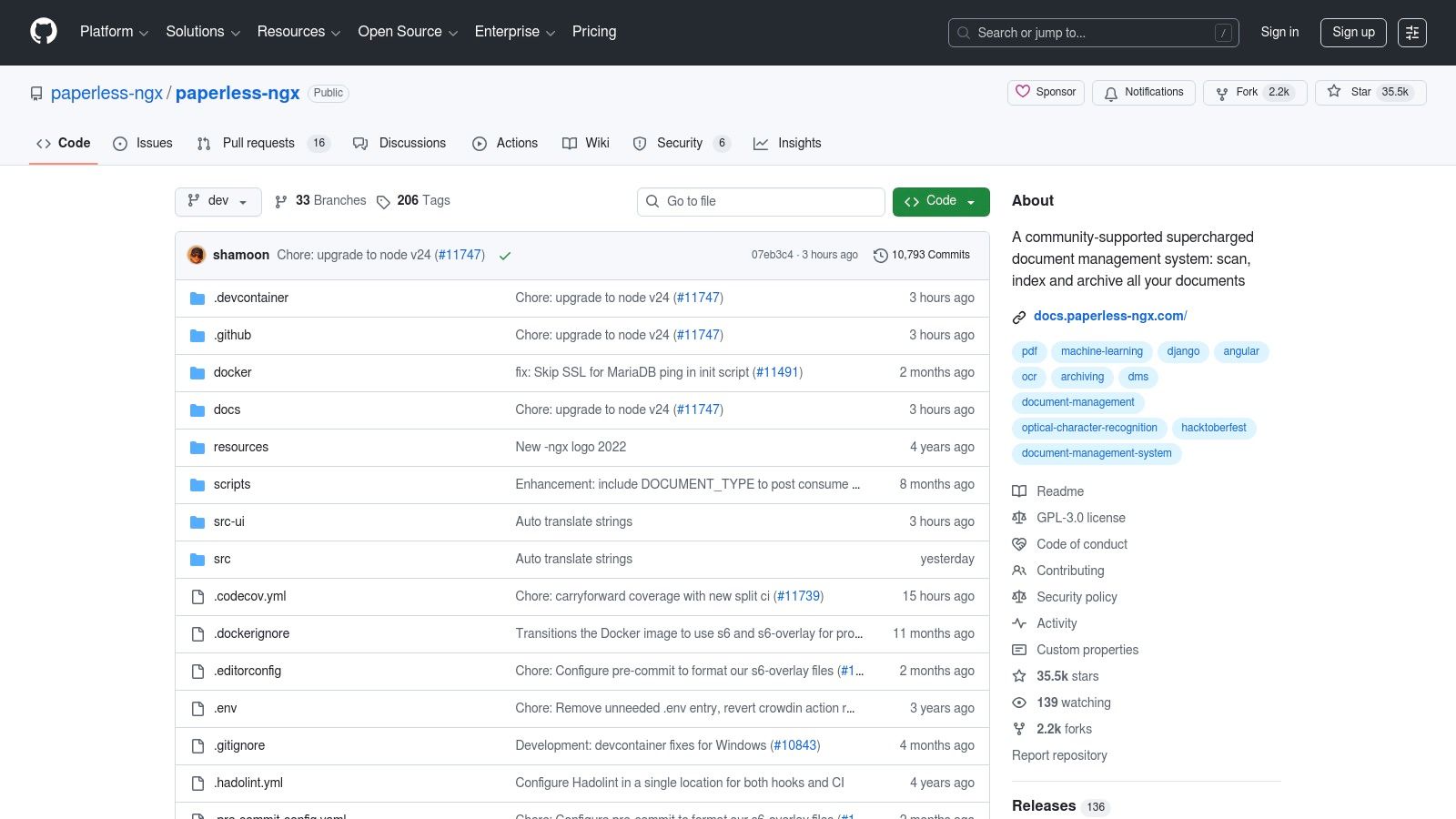
Unlike enterprise-focused platforms, Paperless-ngx excels at handling unstructured documents like invoices, receipts, and letters. It can monitor email inboxes or local folders, automatically importing new files and applying learned rules for correspondents and document types. The modern, single-page application front end provides a clean and responsive user experience for managing the archive.
Key Considerations
Pros:
- Intelligent Automation: Powerful OCR and machine learning-assisted matching dramatically reduce the manual effort of organizing documents.
- Active Community & Modern Stack: The project is a community-driven fork with frequent updates and a Docker-first deployment model, simplifying setup.
- Ideal for Personal/Small Office Archives: Perfectly suited for managing household bills, business receipts, or digitizing a small company's filing cabinet.
Cons:
- Not a Full ECM: Lacks the complex workflows, granular version control, and records management features required for large-scale enterprise compliance.
- Simple Security Model: The security is designed for trusted, self-hosted environments and is not built for multi-tenant or complex permission structures.
Paperless-ngx is the best choice for users whose primary goal is to create a powerful, searchable, and organized digital archive of physical and digital documents without the overhead of an enterprise system.
Website: https://github.com/paperless-ngx/paperless-ngx
10. Docspell
Docspell is a personal or small-team documentation management system open source designed to be a "personal document organizer." It excels at ingesting documents from various sources like scanners or emails, using natural language processing (NLP) to automatically suggest metadata like tags and correspondents. This makes it a powerful tool for archiving and finding information quickly rather than collaboratively creating it.
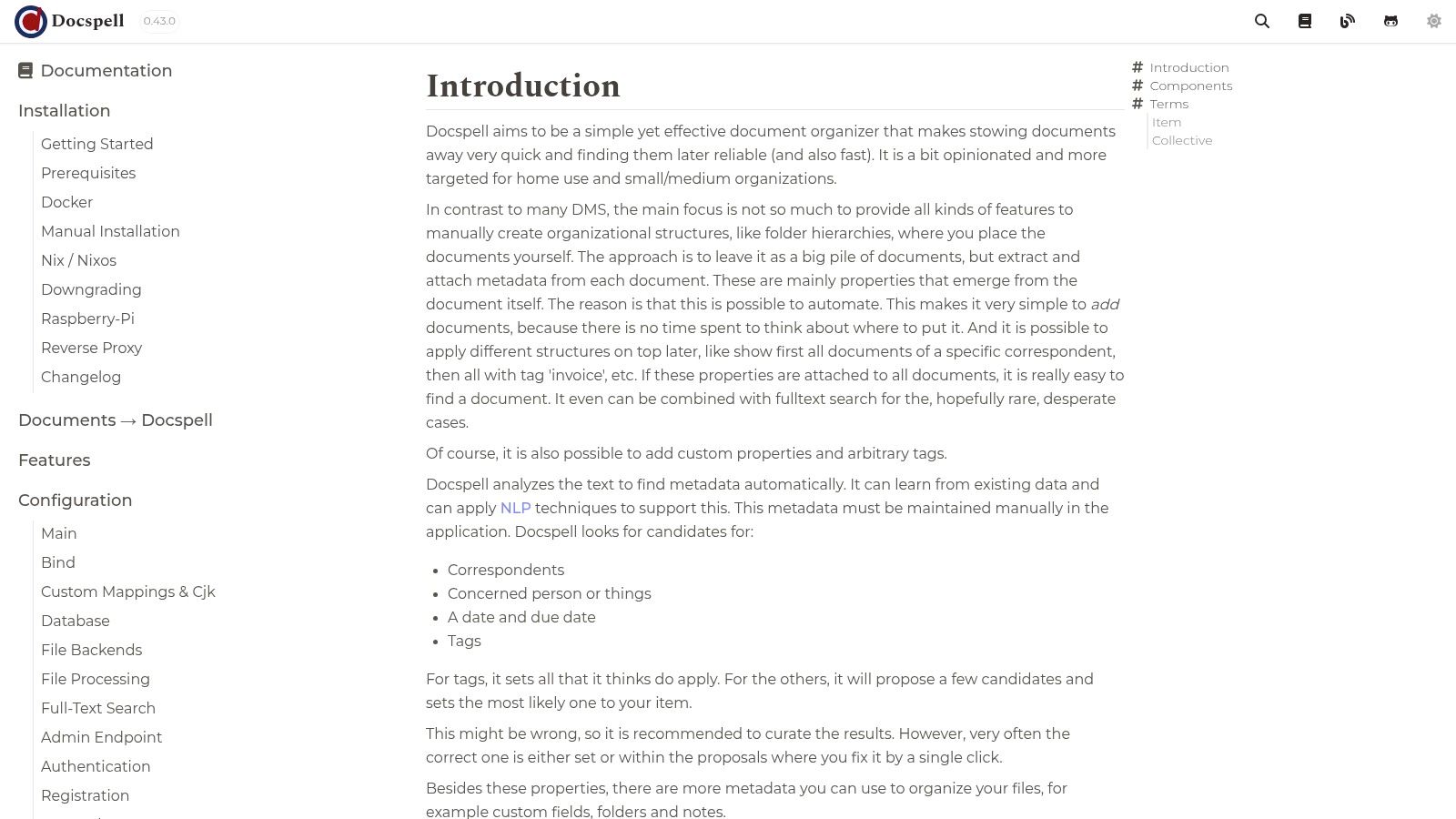
Unlike comprehensive Enterprise Content Management (ECM) platforms, Docspell's strength is its focused, intelligent archival capability. It uses powerful components like Apache Solr for search, providing a REST API for integration. This focus on automated ingestion and metadata extraction sets it apart as a system for organizing existing documents, not for authoring new ones.
Key Considerations
Pros:
- Strong Automation: NLP-assisted metadata suggestions significantly reduce the manual effort of organizing scanned documents, invoices, and correspondence.
- Flexible Deployment Options: It offers multiple installation methods, including Docker, Helm charts, DEB packages, and even TrueNAS, catering to various technical environments.
- Active Development: The project has clear documentation and receives frequent releases, ensuring it stays current and well-maintained.
Cons:
- Organizer, Not an Editor: It is primarily a document archive and search tool, lacking the collaborative authoring or version control features of other systems.
- Technical Setup Required: While flexible, achieving the best results requires some technical comfort with its components (like Solr and its processing daemon) during setup.
Docspell is ideal for individuals, home offices, or small organizations that need to digitize and manage a large volume of existing documents like contracts, receipts, or letters, making them easily searchable.
Website: https://docspell.org/docs/
11. Nextcloud Hub
Nextcloud Hub is a leading open-source content collaboration platform that functions as a powerful documentation management system open source alternative. While its scope extends beyond just document management, it provides core features like file versioning, granular permissions, full-text search, and group folders. Its strength lies in its integrated ecosystem, combining file sync-and-share with tools for knowledge management and workflow automation.
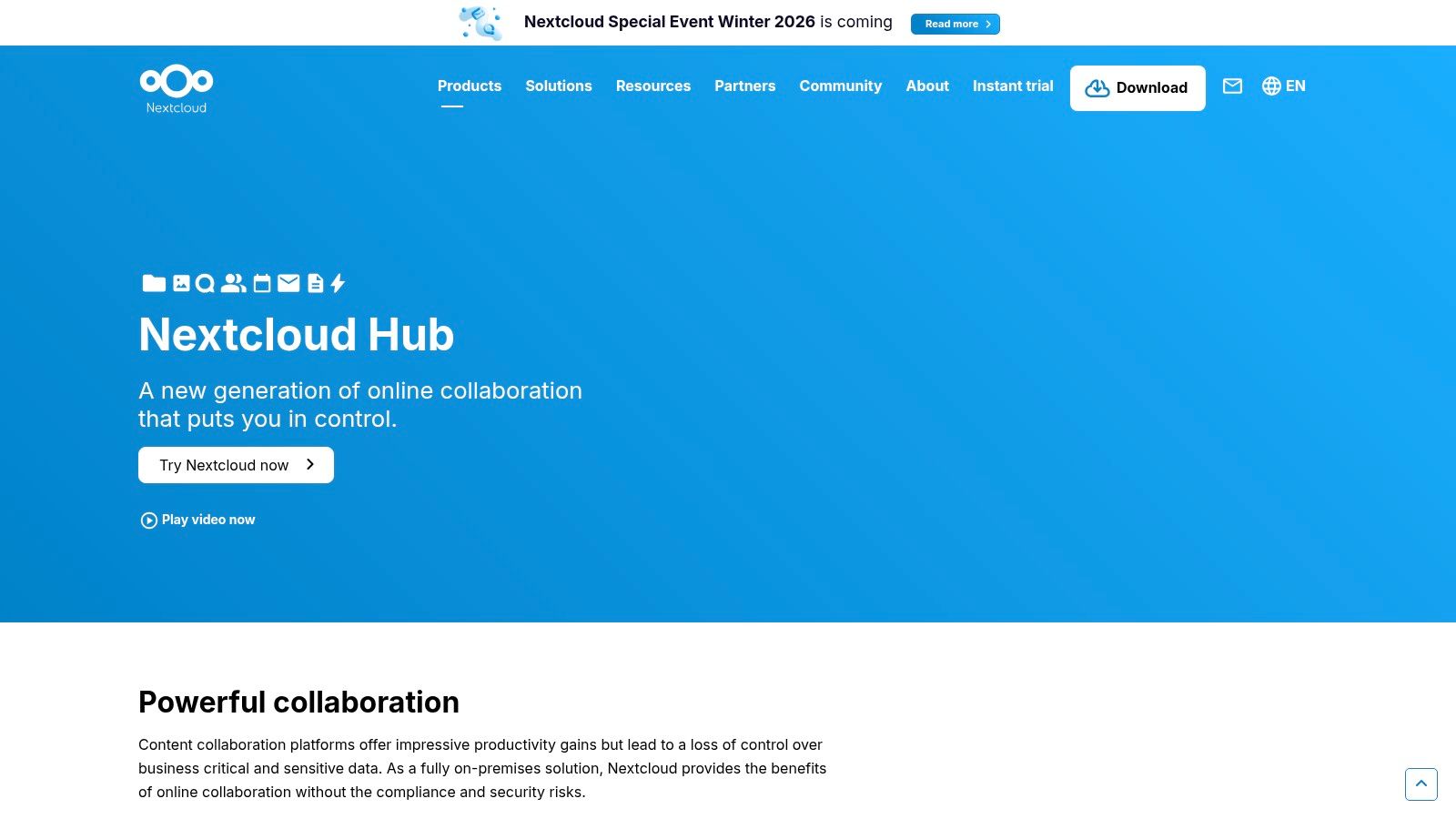
Unlike dedicated DMS tools, Nextcloud emphasizes collaboration. Through integrations with ONLYOFFICE or Collabora Online, teams can edit documents in real-time within the platform. Its Flow feature allows users to create simple, automated approval workflows, such as notifying a manager when a new SOP draft is uploaded for review. This makes it ideal for teams who need a central hub for all their content and communication, not just formal documentation.
Key Considerations
Pros:
- Large Ecosystem & App Marketplace: Nextcloud is highly extensible with hundreds of apps for features like calendars, chat, and project management.
- Integrated Collaboration: Offers a complete solution that goes beyond file storage, combining document editing and communication in one place.
- Easy to Extend: Seamlessly expands from a simple file server to a comprehensive collaboration suite as team needs grow.
Cons:
- Requires Configuration for DMS: Pure DMS features often require installing and configuring additional apps from the marketplace.
- Less Granular Governance: Content governance and records management capabilities are not as advanced as those in specialized ECM platforms.
Nextcloud Hub is best for teams that want a self-hosted, all-in-one solution for file sharing, collaboration, and basic document approval workflows. It's an excellent choice if your need for a DMS is part of a broader requirement for a unified digital workspace.
Website: https://nextcloud.com/hub/
12. SourceForge
While not a documentation management system open source platform itself, SourceForge is a foundational repository for discovering and evaluating them. It functions as a vast directory and hosting service where developers have published thousands of open-source projects for decades. For anyone researching DMS options, it's an invaluable resource for finding niche or legacy systems beyond the well-known names like Alfresco or Docusaurus. Its strength lies in its comprehensive listings, allowing you to compare projects based on activity, downloads, and community feedback.
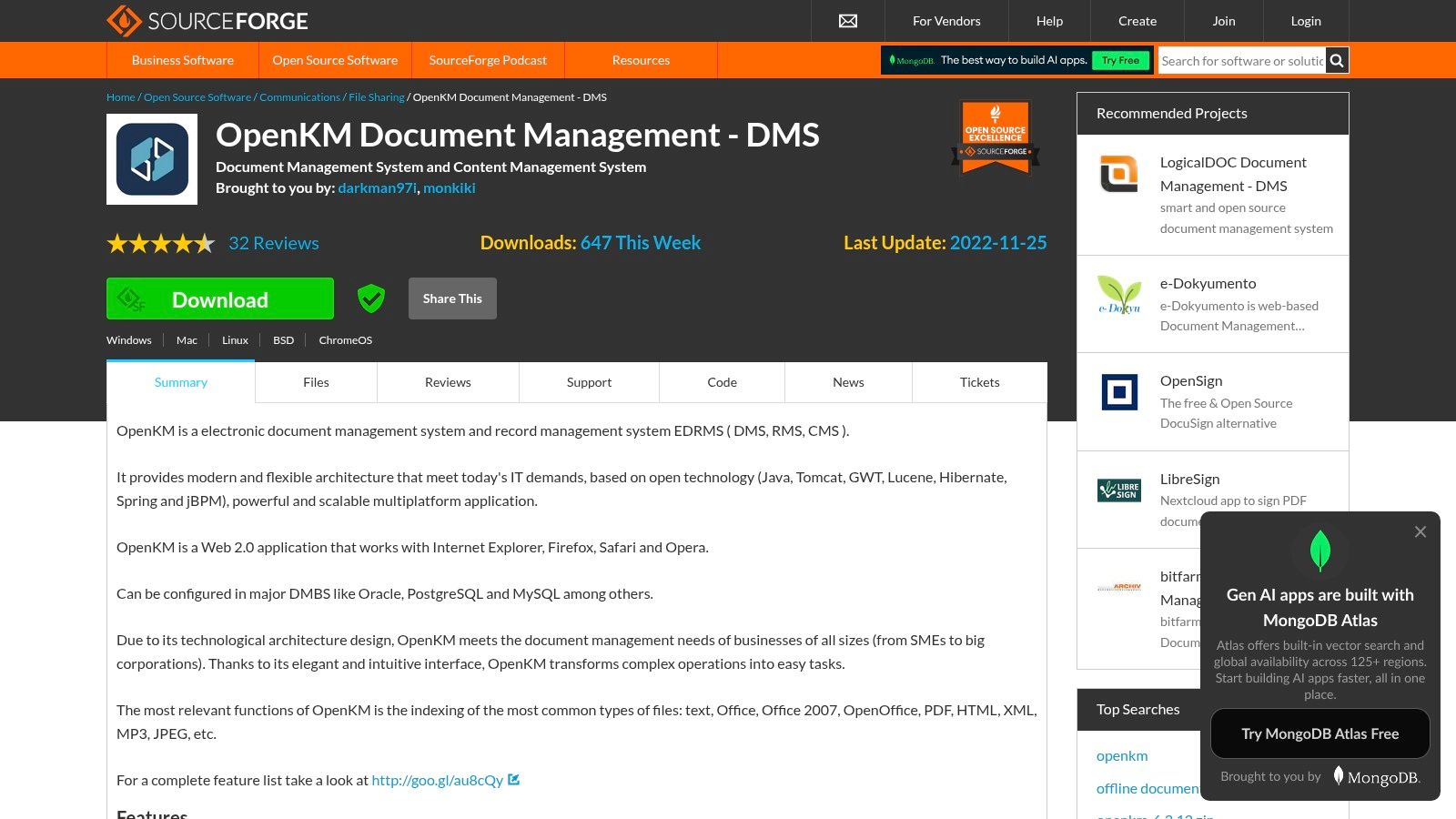
Navigating SourceForge involves using its category browser to filter for document management software. Each project page provides access to downloadable files, user reviews, and basic activity metrics. This allows you to uncover potential hidden gems or verify if a system you're considering is still actively maintained before investing time in a test deployment.
Key Considerations
Pros:
- Broad Discovery: Offers access to a massive catalog of DMS projects, including established systems like OpenKM and lesser-known alternatives.
- Centralized Information: Project pages consolidate downloads, community reviews, and activity indicators in one place for easier evaluation.
- Free Access: Completely free to browse, search, and download software without any registration or fees.
Cons:
- Varying Quality: The platform hosts everything from highly active, enterprise-grade projects to abandoned or outdated software; careful vetting is essential.
- Dated Interface: The user interface can feel less modern compared to platforms like GitHub, and some project documentation may be sparse.
SourceForge is best suited for researchers, developers, and IT managers in the discovery phase. It's the ideal starting point to build a long list of potential open-source DMS candidates for further investigation, especially when looking for specific features not found in mainstream tools.
Website: https://sourceforge.net/projects/openkm/
12 Open-Source Document Management Systems Comparison
| Product | Core features | Quality ★ | Value 💰 | Target 👥 | Standout ✨🏆 |
|---|---|---|---|---|---|
| Alfresco Community Edition | Repository, Solr search, workflows, versioning | ★★★★ | 💰 Free (Community) / paid enterprise add-ons | 👥 Enterprise teams needing ECM features | ✨ Mature repo & enterprise workflows 🏆 |
| Nuxeo Platform | Modular Java platform, REST API, automation | ★★★★ | 💰 Permissive OSS; paid support available | 👥 Product teams & developers | ✨ Highly extensible modular architecture 🏆 |
| OpenKM Community Edition | Web DMS, OCR, workflows, installers (JAR/OVA) | ★★★ | 💰 Free (Community); Pro paid | 👥 SMBs testing on-prem DMS | ✨ OCR + straightforward installers |
| LogicalDOC Community Edition | Full-text search, APIs, versioning, Java stack | ★★★ | 💰 Free (Community); enterprise tier paid | 👥 Cross-platform Java shops & SMBs | ✨ Clear community vs enterprise matrix |
| Mayan EDMS | OCR, e-signatures, workflows, RBAC, Docker | ★★★★ | 💰 Free OSS; paid support tiers | 👥 Self-hosters needing rich DMS features | ✨ OCR + e-signature + official Docker 🏆 |
| SeedDMS | Web UI, versioning, metadata, multi-DB support | ★★★ | 💰 💰 Free; lightweight to host | 👥 PHP administrators & small teams | ✨ Lightweight, easy PHP hosting |
| OpenDocMan | File locking, audit trails, hosted/on‑prem options | ★★★ | 💰 Free Community or paid hosted plans | 👥 Teams needing ISO-aware DMS or hosted ops | ✨ ISO17025 focus + hosted option |
| Teedy | OCR (Tesseract), AES encryption, tags, Docker | ★★★ | 💰 Free OSS; simple deploy | 👥 Personal/SMB libraries & simple archives | ✨ Storage encryption + responsive UI |
| Paperless-ngx | OCR, ML-assisted matching, email ingestion | ★★★★ | 💰 Free OSS; community support | 👥 Individuals & small offices going paperless | ✨ ML document matching + Docker-first 🏆 |
| Docspell | NLP metadata suggestions, REST API, flexible deploy | ★★★★ | 💰 Free OSS; many install methods | 👥 Technical users & small orgs automating ingest | ✨ NLP-assisted metadata extraction |
| Nextcloud Hub | File sync/share, versioning, flows, editors | ★★★★ | 💰 Free Community; enterprise subscriptions | 👥 Teams wanting collaboration + DMS features | ✨ App marketplace + integrated editors 🏆 |
| SourceForge | Project listings, releases, downloads, stats | ★★★ | 💰 Free directory | 👥 Discoverers/researchers of OSS DMS | ✨ Broad discovery of DMS projects |
Take Control of Your Documentation Today
Navigating the landscape of open-source software can feel overwhelming, but as we've explored, the world of documentation management is rich with powerful, flexible, and cost-effective solutions. The journey from scattered files and chaotic version control to a streamlined, single source of truth is not just possible; it's within reach for any organization willing to invest the time to find the right fit. The key takeaway is that there is no single "best" documentation management system open source solution. Instead, the ideal choice is deeply personal to your team's specific context, technical expertise, and long-term goals.
We've covered a wide spectrum of tools, from enterprise-grade platforms like Alfresco and Nuxeo, designed for complex workflows and scalability, to more agile options like Teedy and Paperless-ngx that excel in specific, focused use cases for small teams and individuals. Your decision-making process should begin with a candid assessment of your core requirements. Are you a large corporation needing granular permissions and complex audit trails, or a small open-source project team primarily needing a better way to organize Markdown files in a Git repository? Answering this fundamental question will immediately narrow down your options and point you toward the right category of tools.
Recapping Your Options and Defining Your Path Forward
To crystallize your decision, let's revisit the primary categories and the critical factors you should weigh before committing to a system.
For Enterprise-Level Needs: If your organization requires robust security, extensive third-party integrations, and professional support options, platforms like Alfresco Community Edition, Nuxeo, and OpenKM are your starting point. Their strength lies in handling vast repositories and complex business process automation, but be prepared for a steeper learning curve and more intensive resource requirements for deployment and maintenance.
For SMBs and Growing Teams: Tools like LogicalDOC Community Edition, Mayan EDMS, and SeedDMS strike a fantastic balance. They offer sophisticated features like OCR and versioning without the enterprise-level overhead. These systems are perfect for teams that have outgrown simple cloud storage but don't yet need a globally distributed, multi-server deployment.
For Lightweight and Developer-Centric Workflows: For those who live in their code editor and version control systems, solutions like Teedy or even leveraging Nextcloud Hub's file management capabilities provide a more straightforward, developer-friendly approach. These tools prioritize simplicity, speed, and ease of integration into existing CI/CD pipelines and static site generator workflows.
Beyond the feature set, consider the total cost of ownership. While the software license is free, your time is not. Factor in the hours required for setup, configuration, user training, and ongoing maintenance. A simpler system that meets 80% of your needs might be a smarter long-term investment than a complex behemoth that requires a dedicated administrator. Furthermore, as you manage more documents, especially those for public or internal distribution, ensuring they are usable by everyone is crucial. A key part of this is understanding accessible PDF documents and implementing best practices to ensure your content doesn't exclude users with disabilities.
Your Actionable Next Steps
The freedom offered by a documentation management system open source is its greatest asset. It empowers you to build a knowledge hub that perfectly reflects how your team works. Don't let analysis paralysis hold you back. The best way to move forward is to get hands-on experience.
- Shortlist Your Candidates: Based on our review, select your top two or three contenders that seem to align with your team size, technical skills, and primary use case.
- Deploy a Test Instance: Almost every tool on our list provides a Docker image for a reason. Use it. Spin up a test environment in a matter of minutes to get a real feel for the user interface, administrative panel, and overall workflow.
- Run a Pilot Project: Choose a small, low-risk documentation project and try to manage it entirely within your test system. This practical application will reveal a tool's true strengths and weaknesses far more effectively than any feature list ever could.
By taking these deliberate steps, you can confidently select and implement a system that will not only organize your present knowledge but also scale to support your future growth. Embrace the power of open source to build a documentation strategy that is truly your own.
If your documentation lives in a Git repository and you're building a static site with tools like Jekyll, Hugo, or Astro, managing content shouldn't require command-line wizardry. JekyllPad provides a visual, user-friendly CMS layer on top of your GitHub repository, empowering both technical and non-technical team members to create and edit content with ease. Bridge the gap between powerful open-source documentation systems and intuitive content creation with JekyllPad today.