
GitHub Pages offers a powerful, free platform for hosting static websites directly from your repository, but its core workflow-manually editing and pushing Markdown files-isn't efficient for every user, especially non-technical content creators. A dedicated Content Management System (CMS) bridges this gap, providing a user-friendly interface for content creation while preserving the speed, security, and version control benefits of a Git-based setup. The challenge is navigating the crowded market, which includes everything from simple Git-native tools that commit directly to your repository to sophisticated headless platforms requiring a more involved integration.
This guide cuts through the noise. We will compare 12 of the best CMS for GitHub Pages, analyzing their core workflows, standout features, and ideal use cases. Each entry includes direct links and screenshots to give you a clear picture of its capabilities. Whether you're a solo blogger using Jekyll, a documentation team managing complex product guides, or a marketing department needing a streamlined editorial process, this comprehensive breakdown will help you select the right tool to manage your site's content efficiently.
While GitHub Pages is an excellent hosting solution, it's just one piece of the puzzle. To better understand the ecosystem in which these CMS solutions operate, you might find it useful to explore a broader list of top static site hosting providers. Understanding your hosting options can influence which CMS best fits your long-term strategy. This article focuses specifically on finding a content management solution that integrates seamlessly with your GitHub Pages workflow, empowering your team to publish content without friction.
1. JekyllPad
JekyllPad stands out as a powerful and streamlined CMS for GitHub Pages, engineered to eliminate the friction between content creation and Git-based workflows. It provides a browser-based, visual editing environment that successfully bridges the gap for both technical and non-technical users. The platform’s core strength lies in its direct, native integration with GitHub, allowing every change to be committed straight to your repository without requiring complex CI/CD pipelines or local development setups.
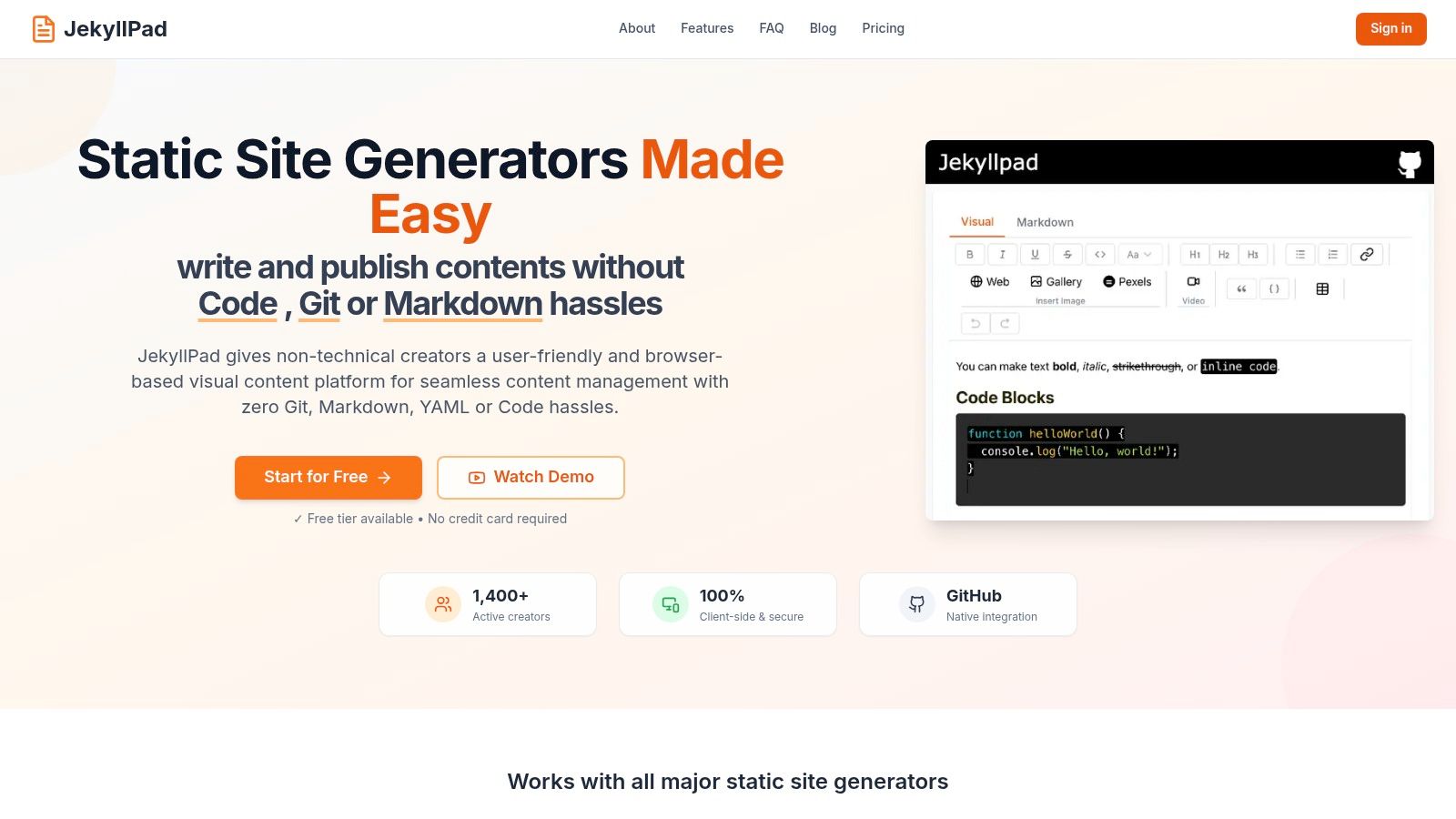
This direct-to-repo approach provides inherent version control and a single source of truth for all content. It’s an ideal solution for teams that want the benefits of a Git-centric workflow without forcing every contributor to become a command-line expert.
Key Strengths and Use Cases
The standout feature of JekyllPad is its 100% client-side architecture. Since it operates entirely within your browser, there is no backend server to maintain, which significantly reduces operational overhead and enhances security. Your content and credentials only travel between your browser and the GitHub API, a critical advantage for privacy-conscious organizations. To get a better sense of how JekyllPad fits into the modern web ecosystem, their team offers an excellent overview of the technology it supports; you can read more about static site generators on JekyllPad.com.
The editor itself is a hybrid model, combining a clean WYSIWYG interface with a raw Markdown mode and a real-time preview. This duality makes it highly effective for diverse teams:
- Content Marketers: Can use the visual editor to draft and format articles without ever touching code.
- Developers & Technical Writers: Can switch to Markdown for precise control, edit YAML front matter directly, and embed code with syntax highlighting.
Platform Details
- Best For: Technical bloggers, documentation teams, and agencies who need a simple yet powerful editing layer over their GitHub repositories.
- Pricing: A generous free-forever plan is available, allowing up to 5 posts per month without requiring a credit card. Details on paid plans for higher usage are not publicly listed.
- Unique Feature: The zero-backend, client-side model offers unmatched simplicity and security.
- Limitation: The platform is currently exclusive to GitHub, which may not suit teams using GitLab or Bitbucket. Advanced features like granular image management and branch-based workflows are still in development.
2. Decap CMS (formerly Netlify CMS)
Decap CMS is a powerful, open-source, Git-based content management system that integrates directly into your GitHub Pages site. It operates as a single-page React application, accessed via a /admin path on your live site, providing a clean user interface for non-technical users to manage content. Unlike hosted solutions, Decap CMS commits content changes directly to your GitHub repository as Markdown or data files, ensuring your content is always version-controlled and portable.
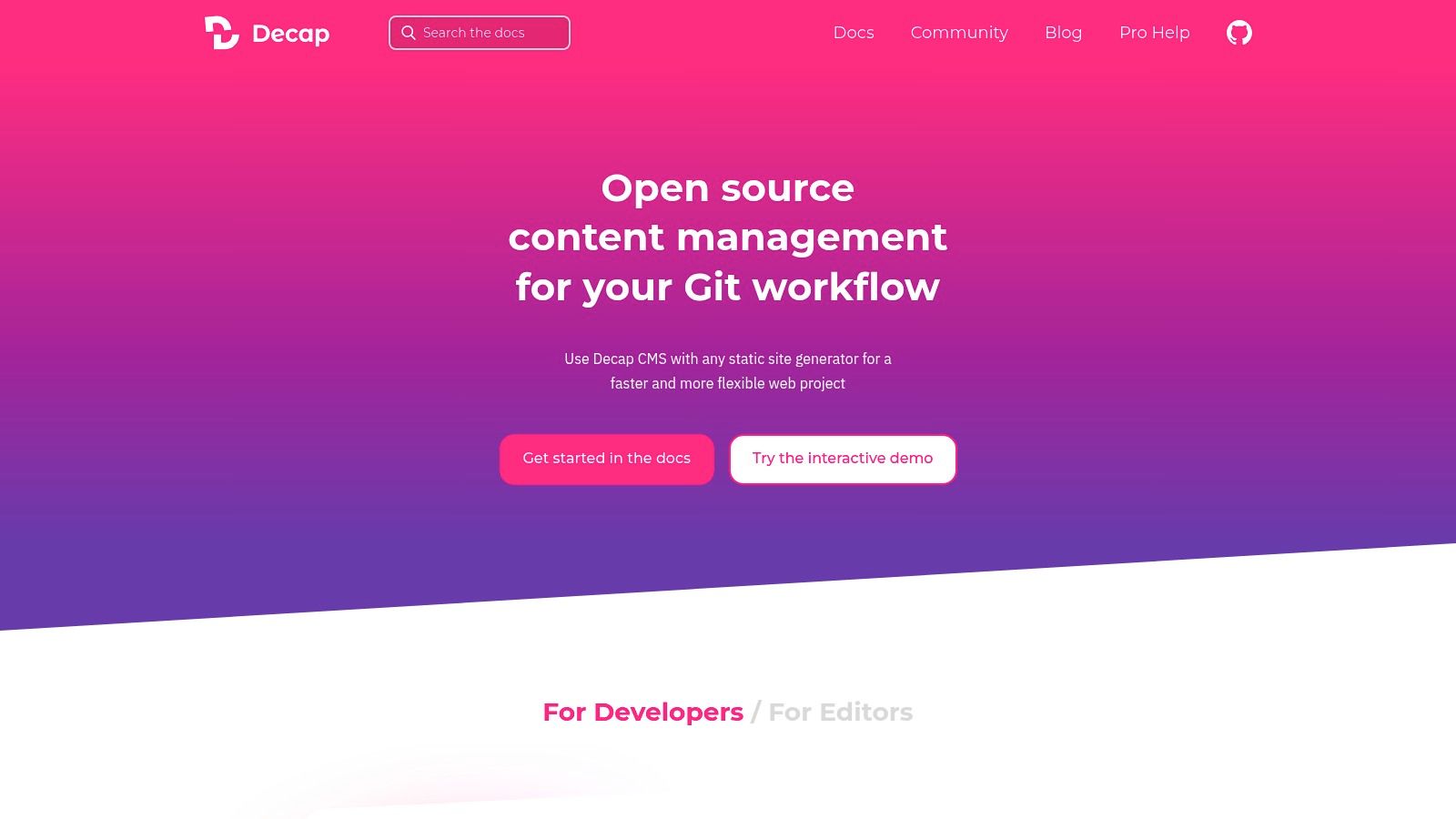
This approach makes it a standout CMS for GitHub Pages because it doesn't add any proprietary databases or external dependencies. Everything lives within your repository. This tight integration with Git is its core strength, but also presents a consideration: editors need write access to the repository, which may not be ideal for all team structures.
Key Features & Use Case
Decap CMS is highly configurable via a single config.yml file, where you define content types ("collections"), fields, and editor widgets. It supports rich text editing, image uploads (which can be configured to commit to your repo), and complex front matter fields.
- Best For: Teams with developers and content creators who are comfortable with Git-based workflows. It's an excellent choice for documentation sites, blogs, and marketing sites built with static site generators like Jekyll, Hugo, or Gatsby.
- Pricing: Completely free and open-source.
- Setup: Requires adding a few files to your repository and configuring a GitHub OAuth application for authentication. This initial setup is more technical than a hosted SaaS but offers complete control.
Our Take: For teams that want full ownership of their content and a transparent, Git-native workflow, Decap CMS is one of the most mature and flexible options available. As one of the original Git-based CMS options, you can discover more about its setup and functionality by reading about GitHub-based CMS solutions.
Website: https://decapcms.org/
3. TinaCMS (Tina Cloud + open-source editor)
TinaCMS is a Git-backed content management system that offers live visual editing for content stored as Markdown, MDX, JSON, or YAML files. It combines an open-source editor with an optional hosted service, Tina Cloud, which manages authentication, media, and a GraphQL API. This hybrid approach allows content to remain directly in your GitHub repository, making it an excellent CMS for GitHub Pages when builds are triggered via GitHub Actions.
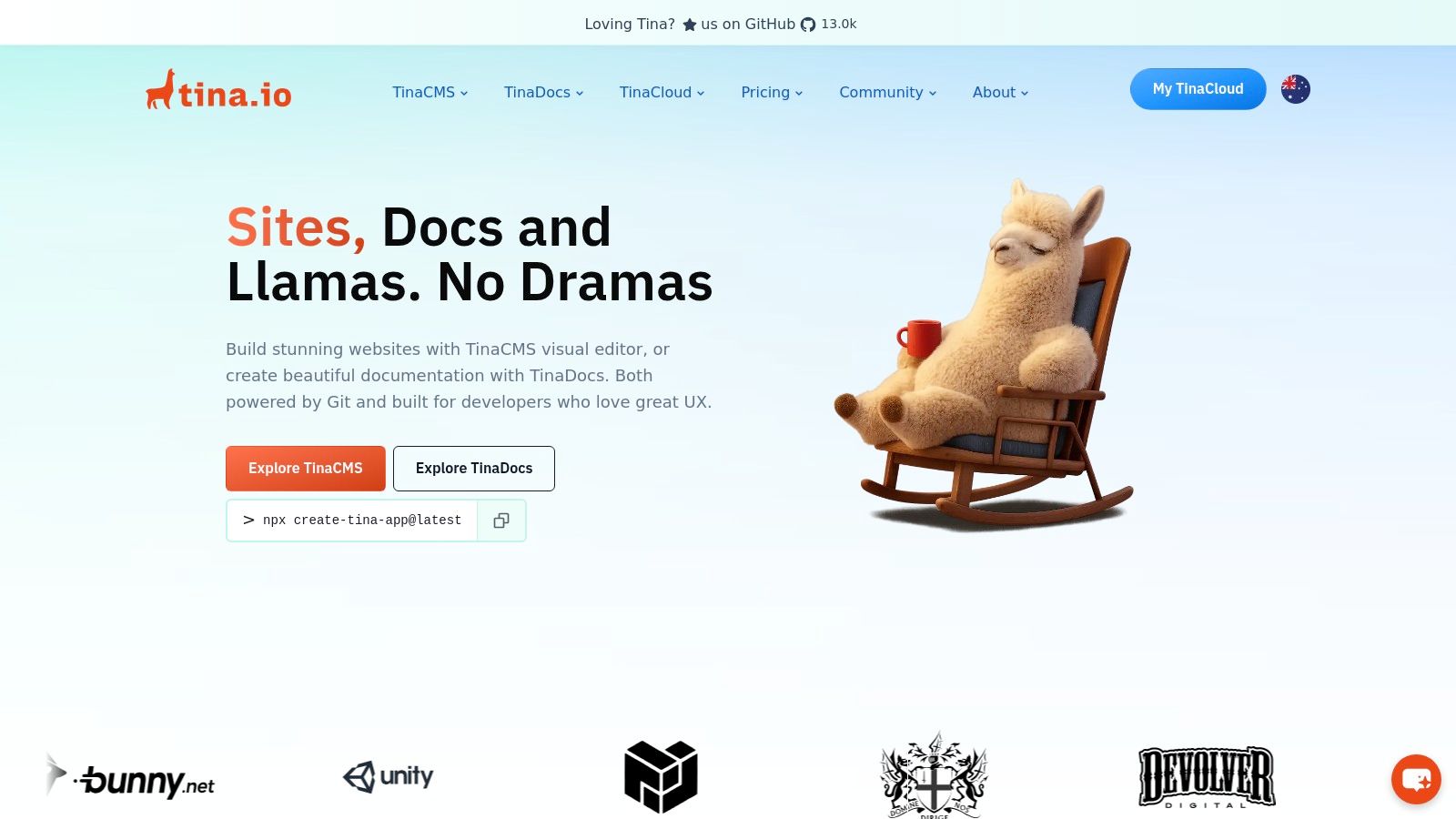
The standout feature of TinaCMS is its inline editing capability, which provides a true "what you see is what you get" experience directly on your site preview. Unlike traditional CMS interfaces that are separate from the website, Tina overlays editing controls onto your live site components. This model is exceptionally intuitive for non-technical users but does require integrating Tina's UI components into your site's codebase.
Key Features & Use Case
TinaCMS gives editors a powerful, real-time visual interface while keeping developers in control with a Git-based workflow. It leverages a schema definition file to structure content types and provides a GraphQL API for querying content, which adds flexibility beyond simple file editing. This allows for more complex relationships between different content pieces.
- Best For: Teams that prioritize a modern, visual editing experience for content creators. It's a strong fit for component-based sites built with modern frameworks like Next.js, Astro, or Remix, as well as traditional static site generators.
- Pricing: The core editor is free and open-source. Tina Cloud offers a free tier for personal projects and paid plans for teams needing more users, roles, and media storage.
- Setup: Requires installing Tina packages and integrating its components into your site's code. Connecting to GitHub is streamlined through the Tina Cloud dashboard, which handles the OAuth configuration.
Our Take: TinaCMS offers one of the most polished and intuitive visual editing experiences in the Git-based CMS space. It's the ideal choice for teams wanting to empower marketers and content writers without forcing them to learn Markdown or Git. To see how this fits into a standard workflow, you can learn more about how to use GitHub Pages.
Website: https://tina.io/
4. CloudCannon
CloudCannon is a hosted, Git-based CMS that excels at providing a visual editing experience for static site generators. It connects directly to your GitHub repository, allowing non-technical editors to modify content through an intuitive interface while developers maintain full control over the codebase. All changes made in CloudCannon are committed back to your GitHub repo, seamlessly integrating with the Git workflow.
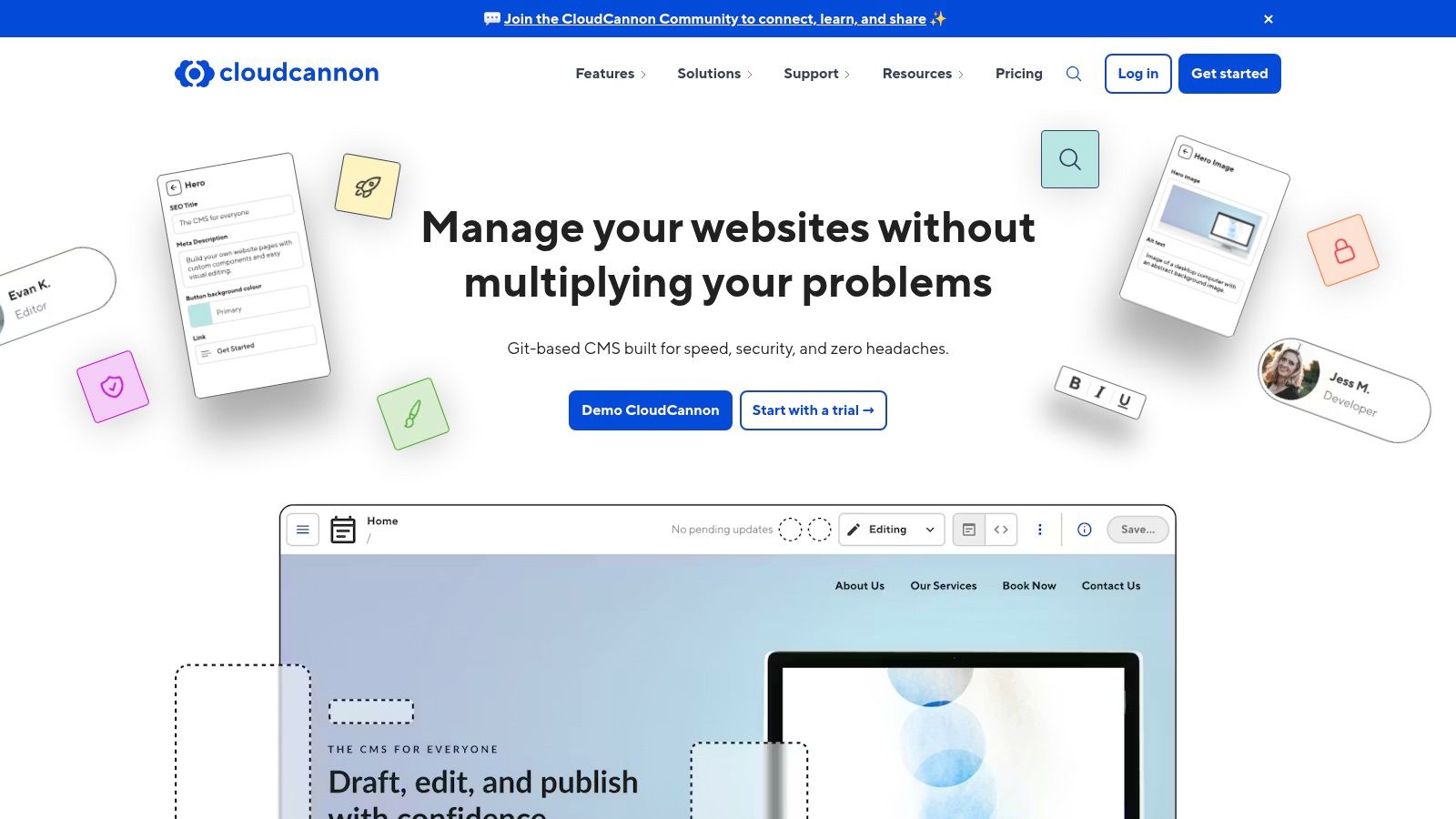
Its biggest strength is the sophisticated two-way sync and live visual editing for component-based sites. This makes it an ideal CMS for GitHub Pages when you need to empower marketing or content teams who are unfamiliar with Markdown and Git. While CloudCannon offers its own hosting, you can configure it to commit changes back to your GitHub Pages repository and let GitHub handle the build and deployment.
Key Features & Use Case
CloudCannon provides an exceptional editor experience with first-class support for Jekyll, Hugo, and Eleventy. It offers robust features for team collaboration, including user roles, permissions, and branching workflows that mirror development best practices. The setup involves connecting your GitHub repository via a GitHub App, which is a streamlined process.
- Best For: Agencies, marketing teams, and businesses using Jekyll or Hugo on GitHub Pages that require a polished, user-friendly editing interface for non-developers. It’s perfect for bridging the gap between technical and non-technical contributors.
- Pricing: Paid SaaS product with various tiers after a free trial.
- Setup: Involves connecting your GitHub account and repository, which is a quick, guided process. Configuration for editable regions can require some initial developer setup within your site's templates.
Our Take: CloudCannon is the premium choice for teams that need a powerful, visual, and collaborative editing environment for their static site. Its seamless Git integration and excellent UX justify the cost for professional teams and client projects.
Website: https://cloudcannon.com/
5. Siteleaf
Siteleaf is a longstanding and polished content management system designed with a strong focus on Jekyll. It provides a clean, web-based interface for content editors that syncs directly with your GitHub repository, making it an excellent hosted companion for GitHub Pages projects. Content changes made in Siteleaf are committed back to your repository, while changes pushed directly to Git are synced back into the Siteleaf dashboard, offering a true two-way workflow.
This seamless, bi-directional sync is what makes Siteleaf a powerful CMS for GitHub Pages. It successfully bridges the gap between a developer-friendly Git workflow and a user-friendly editing experience for non-technical team members. The platform can publish directly to the gh-pages branch or any other branch you specify, automating the deployment process.
Key Features & Use Case
Siteleaf's interface abstracts away the complexities of Git, front matter, and Markdown, presenting simple forms for content entry. It supports Jekyll collections, data files, and drafts, and it can even import content from various sources like WordPress. The primary trade-off is its strong Jekyll-centric design, which makes it less suitable for sites built with other static site generators.
- Best For: Teams and agencies building Jekyll-based websites who need a robust, user-friendly editing interface for clients or non-technical content creators without sacrificing a Git-based workflow.
- Pricing: Offers a free plan for personal projects. Paid plans start at $29/month, adding features like team collaboration, custom domains, and increased API access.
- Setup: Involves connecting your GitHub account, selecting a repository, and configuring the build settings. The process is guided and significantly simpler than setting up a self-hosted CMS.
Our Take: If your stack is built on Jekyll and GitHub Pages, Siteleaf is one of the most integrated and intuitive solutions available. It offers the perfect middle ground, empowering editors with a simple UI while keeping developers in full control of the repository and codebase.
Website: https://www.siteleaf.com/
6. Publii
Publii offers a unique, offline-first approach to content management. It is a free, open-source desktop application for Windows, macOS, and Linux that provides a WordPress-like interface for creating and managing content. When you're ready to publish, Publii generates a fully static site and can sync it directly to your repository, making it an excellent CMS for GitHub Pages for users who prefer a dedicated local application over a web-based interface.
This desktop model separates it from browser-based and server-side solutions. All content is created and stored on your local machine, and changes are pushed to GitHub Pages with a single click via the GitHub API. This workflow is incredibly intuitive for individual creators or small teams who don't need real-time web-based collaboration, offering a secure and fast editing experience without an internet connection.
Key Features & Use Case
Publii simplifies the entire static site generation and deployment process into one cohesive application. It comes with built-in theming, a familiar WYSIWYG editor, and robust SEO features, removing the need to interact with the command line or Git directly for publishing.
- Best For: Individual bloggers, authors, and small business owners who want a simple, no-cost, and secure way to manage a GitHub Pages site without touching code or Git. It's perfect for those transitioning from platforms like WordPress.
- Pricing: Completely free and open-source.
- Setup: Download and install the desktop app. Connecting it to GitHub Pages involves creating a GitHub personal access token and entering your repository details into the app's deployment settings.
Our Take: Publii is an outstanding solution for anyone who wants the performance of a static site and the convenience of a traditional desktop CMS. Its one-click sync to GitHub Pages is a game-changer for non-technical users, though its single-user, local-first nature makes it less suitable for collaborative teams.
Website: https://getpublii.com/
7. Pages CMS
Pages CMS is a modern, open-source content management system built specifically on top of GitHub. It provides a clean, Notion-like editing experience for users who sign in directly with their GitHub account. Content changes are committed back to the repository as flat files, making it an excellent CMS for GitHub Pages when working with static site generators like Jekyll, Hugo, or Astro.
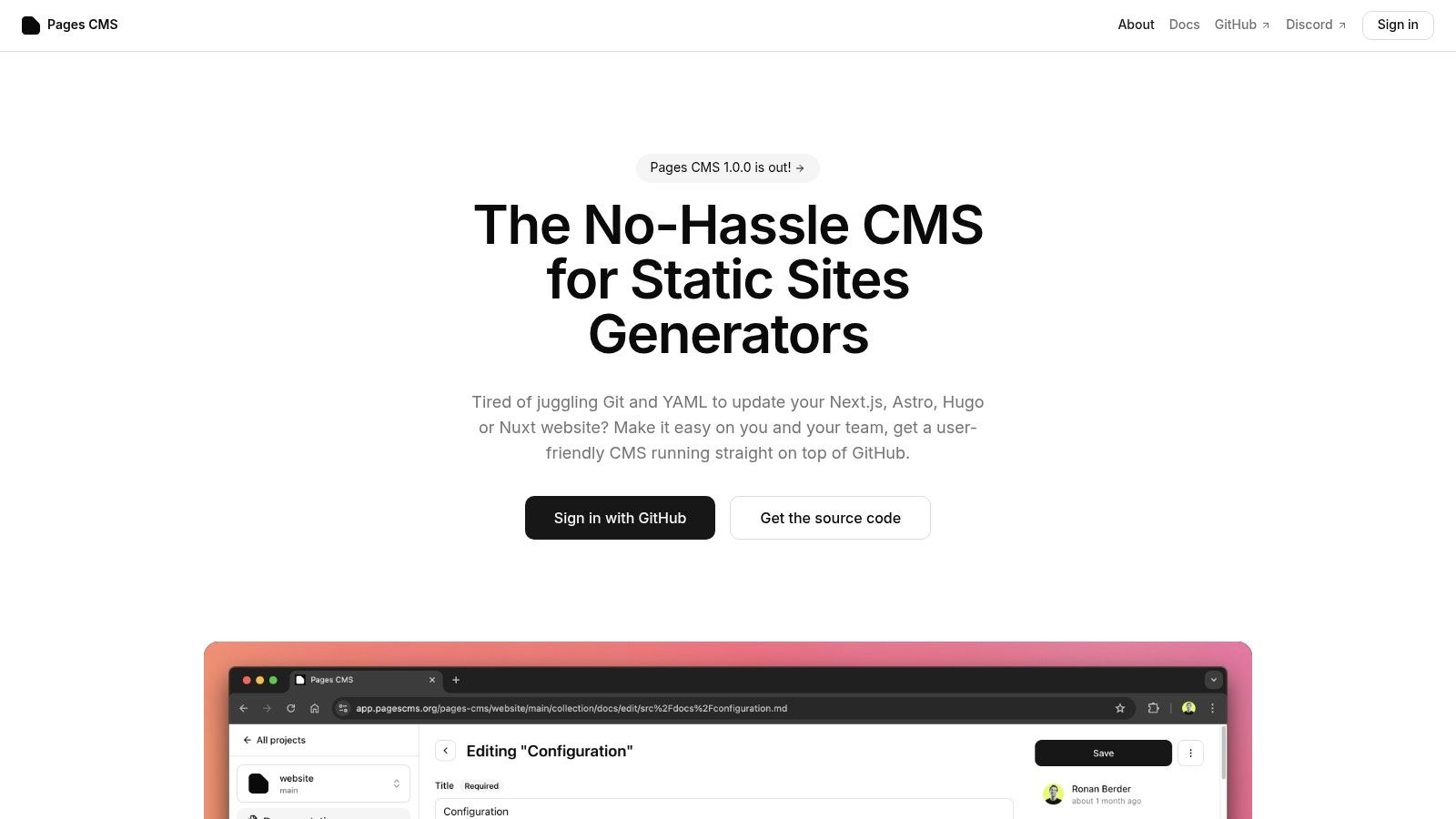
The platform offers a unique dual-deployment model: you can use their free hosted online app for immediate, zero-setup access, or self-host the application for complete control and customization. This flexibility caters to both individuals looking for a quick solution and teams needing a private, controlled editing environment. Like similar Git-based systems, it requires contributors to have write access to the GitHub repository.
Key Features & Use Case
Pages CMS emphasizes a great editor user experience with features like a built-in media manager and faceted search for finding content quickly. Its configuration is handled within your repository, allowing you to define custom content types and fields tailored to your site's structure.
- Best For: Developers and small teams looking for a free, fast, and modern UI to manage content on static sites. Its hosted option is perfect for getting started without any deployment overhead.
- Pricing: Completely free and open-source, whether using the hosted version or self-hosting.
- Setup: The hosted app is the fastest way to start, requiring only authentication with GitHub. Self-hosting provides more control but involves a more technical deployment process.
Our Take: Pages CMS is a fantastic, user-friendly alternative to more established players like Decap. Its modern interface and no-cost hosted option make it an incredibly attractive choice for new projects or teams that prioritize a simple, elegant editing workflow.
Website: https://pagescms.org/
8. Contentful
Contentful is a leading enterprise-grade headless CMS that decouples your content repository from your presentation layer. Unlike Git-based systems, it provides a polished, cloud-hosted editorial UI and delivers content via robust APIs. For GitHub Pages, this means your site fetches content during the build process, often triggered by webhooks. This setup is ideal for teams who want a powerful, SaaS-style editing experience completely separate from the code repository.

This API-first approach makes Contentful a uniquely powerful CMS for GitHub Pages for large-scale projects. Content is not stored in your Git repository but is pulled in by your static site generator. This introduces a layer of complexity in your build pipeline (requiring API calls and environment variables) but provides unparalleled scalability and a secure, non-technical workflow for content teams who never need to interact with Git.
Key Features & Use Case
Contentful excels at structured content modeling, allowing you to define precise content types that editors use. Its ecosystem of SDKs, integrations, and extensive documentation makes it compatible with nearly any static site generator, from Jekyll to Next.js. Webhooks can easily trigger GitHub Actions to rebuild your site on content updates.
- Best For: Enterprise teams, marketing departments, and agencies that need advanced user roles, complex content models, and a highly polished editor experience without exposing the underlying repository.
- Pricing: Offers a generous free tier for individual projects. Paid plans are required for teams and commercial use, scaling with user and content limits.
- Setup: Involves setting up a Contentful space, defining content models, and configuring your static site generator to fetch data from the Contentful API during its build step.
Our Take: Contentful is the go-to solution when you need a clear separation between content and code. It’s an enterprise-level tool that brings a sophisticated, API-driven workflow to the simplicity of GitHub Pages hosting, offering the best of both worlds for mature teams.
Website: https://www.contentful.com/
9. Sanity
Sanity is a powerful headless CMS that offers a real-time, schema-driven approach to content management, making it a sophisticated option for complex projects. It combines a hosted, queryable datastore (the Content Lake) with an open-source, customizable editing environment called Sanity Studio. While not a Git-based CMS, it integrates with GitHub Pages through build processes, typically using GitHub Actions to trigger deployments when content is updated.
This separation of content from presentation makes it a uniquely flexible CMS for GitHub Pages, especially for teams that require structured data and real-time collaboration. Unlike Git-native systems, Sanity allows multiple editors to work on the same document simultaneously without conflicts. The main consideration is that you must set up a build hook or GitHub Action to connect your Sanity content updates to your GitHub Pages site deployment.
Key Features & Use Case
Sanity excels in its developer experience and editor usability. Content models are defined with JavaScript, offering immense flexibility, and the Sanity Studio can be fully customized with React. It provides powerful APIs (GraphQL and GROQ) for fetching content exactly as you need it within your static site generator.
- Best For: Teams managing structured, complex content for documentation, e-commerce, or marketing sites. It's ideal for developers who want a highly customizable editing experience and for content teams that need real-time collaboration.
- Pricing: Offers a generous free tier for small projects, with paid plans like Growth (per-seat) and Enterprise for larger teams needing more features and support.
- Setup: Involves installing the Sanity CLI, defining a content schema, and deploying the Studio. You then need to configure webhooks or GitHub Actions to trigger a rebuild of your GitHub Pages site on content changes.
Our Take: Sanity is a top-tier choice for projects that have outgrown the limitations of Markdown files. Its excellent editor experience, real-time collaboration, and structured content capabilities provide an enterprise-grade foundation for any static site.
Website: https://www.sanity.io/
10. DatoCMS
DatoCMS is a powerful API-first headless CMS designed for modern development workflows. Instead of committing content directly to your repository, DatoCMS provides a polished user interface for content editors and exposes that content via robust GraphQL and REST APIs. This makes it an excellent decoupled CMS for GitHub Pages, where a CI/CD pipeline fetches content during the build process and deploys the resulting static site.
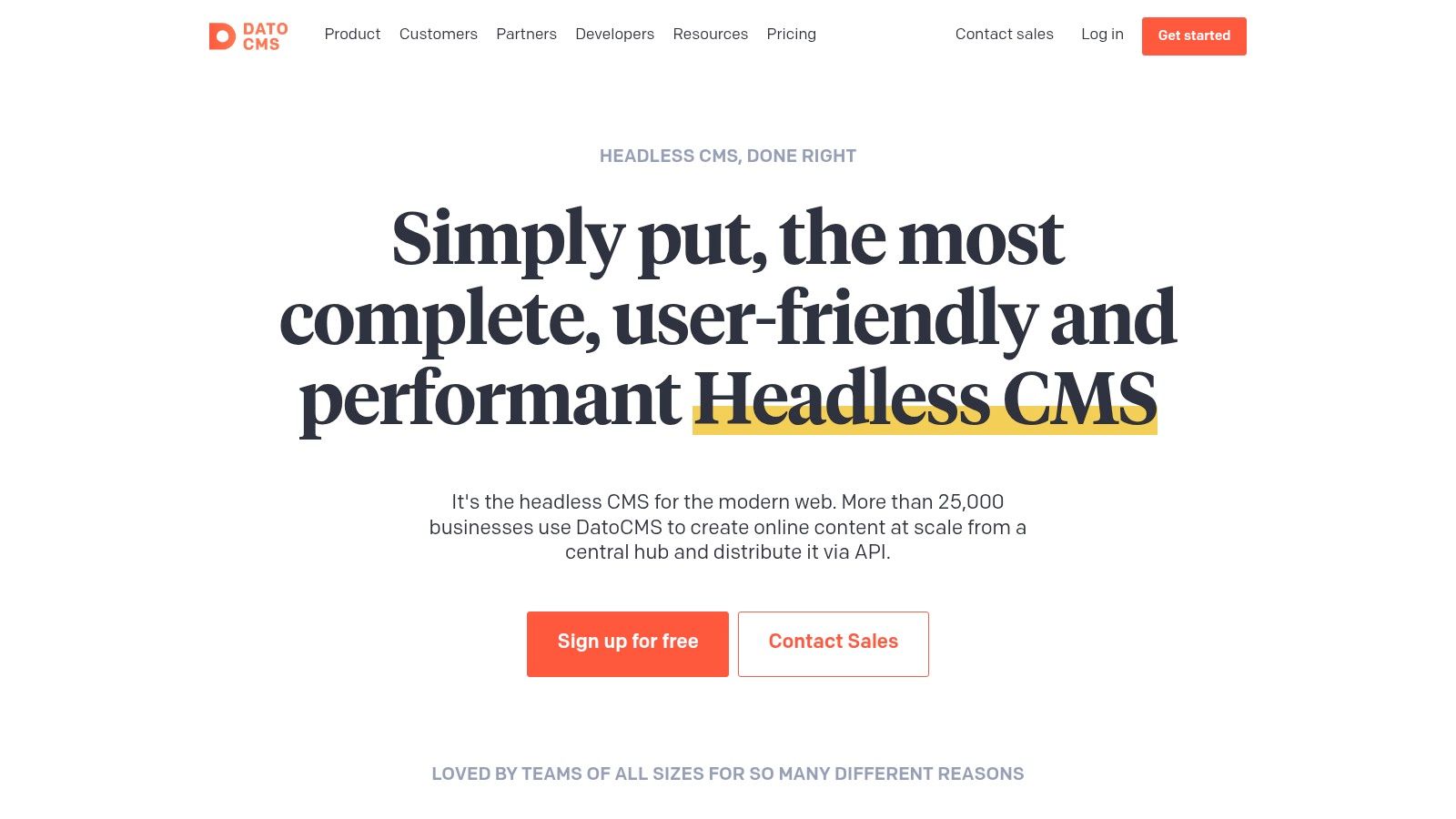
This headless model separates content management from your codebase, offering a clean and scalable architecture. While this requires setting up a build process (e.g., with GitHub Actions), it gives developers complete freedom over their tech stack and provides a highly intuitive, secure environment for non-technical content creators who never need to interact with Git.
Key Features & Use Case
DatoCMS excels with its best-in-class user interface, granular roles and permissions, and powerful features like real-time content APIs and advanced image/video processing. It's built for structured content modeling and seamless integration with any static site generator.
- Best For: Agencies, marketing teams, and developers building complex, content-rich static sites. Its strong multi-language support and user roles make it ideal for projects with diverse editorial teams and international audiences.
- Pricing: Offers a free plan for small projects. Paid plans (starting at Professional and up) are required for larger teams and more significant projects, offering higher API limits and more user seats.
- Setup: Involves modeling your content in the DatoCMS dashboard and configuring your static site generator to fetch data from its API. Webhooks are used to trigger a new build on GitHub Pages whenever content is updated.
Our Take: For those who prefer a dedicated, hosted content management experience separate from the code repository, DatoCMS is a top-tier choice. It provides a premium, user-friendly interface that justifies its cost for professional projects where editor experience is paramount.
Website: https://www.datocms.com/
11. Hygraph (formerly GraphCMS)
Hygraph is a GraphQL-native headless CMS that separates your content from its presentation layer. Editors manage structured content within the Hygraph web interface, while your static site generator queries the GraphQL API during a CI/CD build process (like GitHub Actions) to fetch the content and publish it to GitHub Pages. This API-driven approach is ideal for developers who prefer working with GraphQL and want a decoupled architecture.

Unlike Git-based systems, your content lives in Hygraph's database, not your repository. This makes it an excellent CMS for GitHub Pages when you want to give content teams a powerful, dedicated editing environment without granting them direct repository access. The trade-off is that it requires a CI/CD pipeline to connect your content updates to your site's deployment.
Key Features & Use Case
Hygraph excels with its powerful content modeling capabilities and an exceptional developer experience centered around its GraphQL API. You define your content schema, and Hygraph automatically generates a comprehensive and highly performant API to query it. It also offers features like webhooks to trigger site rebuilds on content changes.
- Best For: Development teams and projects where content is highly structured and intended for multiple channels, not just a GitHub Pages site. It's great for teams that want a robust, API-first workflow with strong collaboration tools.
- Pricing: Offers a generous free tier suitable for personal projects. Paid plans are required for more complex roles, permissions, and enterprise features.
- Setup: Involves modeling content in the Hygraph UI and setting up a GitHub Actions workflow to query the GraphQL API during your static site build. This is a developer-centric setup.
Our Take: Hygraph is a top-tier choice for developers who love GraphQL and want to build sophisticated, content-rich static sites. Its API-driven nature provides immense flexibility, though it introduces a layer of complexity compared to Git-based CMS options.
Website: https://hygraph.com/
12. JekyllPad
JekyllPad is a lightweight, hosted CMS designed specifically for Jekyll sites on GitHub Pages. It streamlines the content editing process by providing a clean web interface that connects directly to your GitHub repository. Users can edit posts, pages, and collection documents through a simple editor, and JekyllPad handles committing the changes back to the repository, which automatically triggers a new GitHub Pages build.
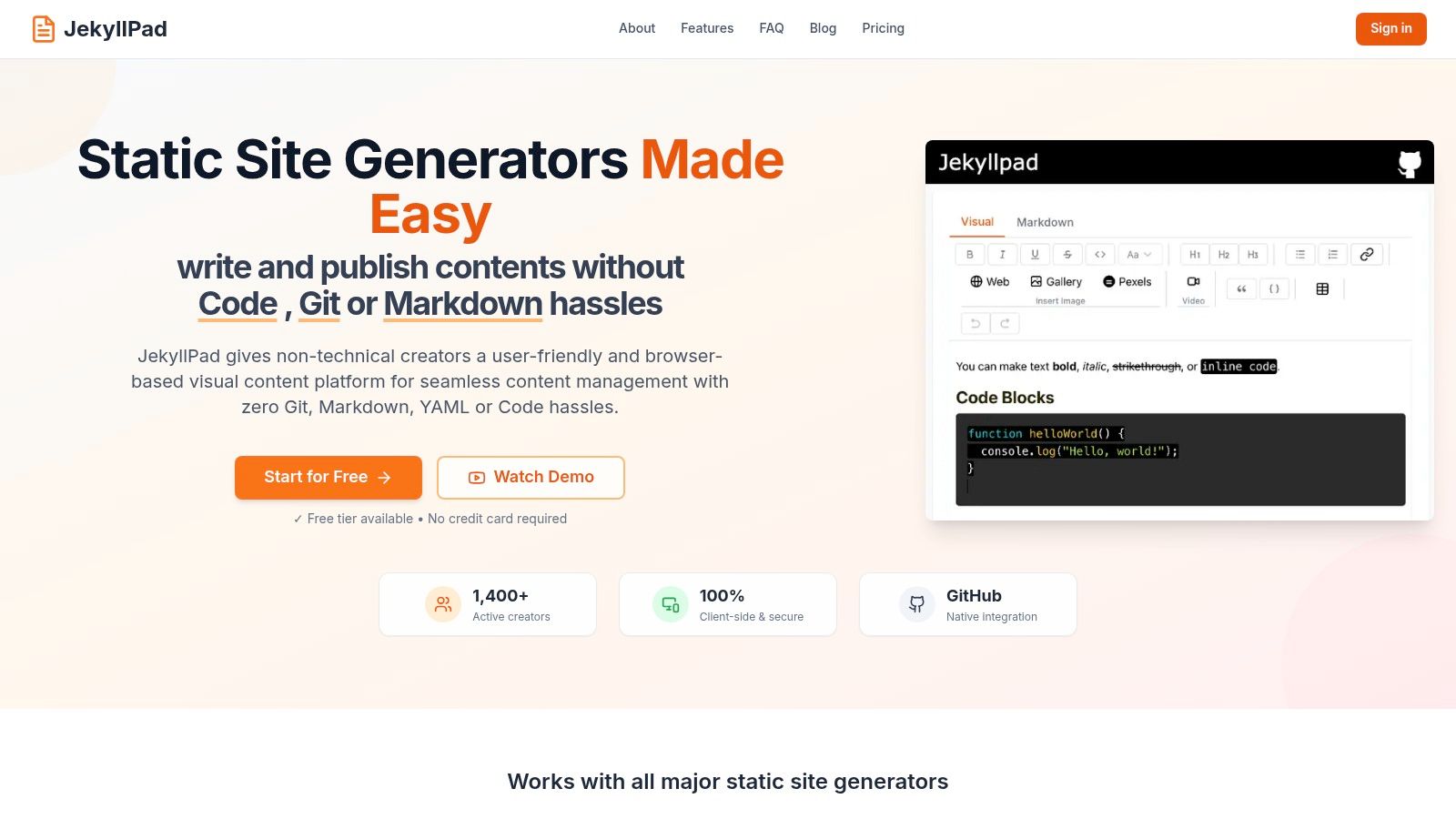
This purpose-built focus makes it a highly efficient CMS for GitHub Pages if your stack is Jekyll. Unlike more complex systems, JekyllPad removes the need for editors to interact with Git, YAML, or the command line. Its simplicity is its main advantage, offering a direct path from writing to publishing for non-technical contributors, though this specialization means it lacks the flexibility to support other static site generators.
Key Features & Use Case
JekyllPad provides a dedicated solution with features tailored for the Jekyll ecosystem, including a WYSIWYG Markdown editor and a structured interface for managing front matter fields. It also includes role-based permissions, allowing you to invite collaborators with different levels of access.
- Best For: Individuals and teams using Jekyll for blogs or documentation sites who need a straightforward, no-fuss editing experience for content contributors without Git expertise.
- Pricing: Offers a free tier for personal projects, with paid plans available for teams needing more users and advanced features.
- Setup: Involves a simple, OAuth-based connection to your GitHub account and repository. Configuration is minimal, allowing you to get started in minutes without touching any code.
Our Take: JekyllPad is the ideal solution if you're committed to Jekyll on GitHub Pages and want the simplest possible UI for content management. It's a "just works" tool that prioritizes ease of use and a fast workflow over extensive customization.
Website: https://www.jekyllpad.com/
GitHub Pages CMS: Top 12 Comparison
| Product | Core features | UX (★) | Price / Value (💰) | Target (👥) | Standout (✨) |
|---|---|---|---|---|---|
| JekyllPad 🏆 | WYSIWYG + Markdown, real-time preview, front‑matter, GitHub auto‑commit | ★★★★☆ | 💰 Free tier (5 posts/mo) + paid | 👥 Bloggers, docs, small teams | ✨ 100% client‑side privacy & native GitHub sync |
| Decap CMS (Netlify CMS) | Git-backed /admin UI, YAML collections, file commits | ★★★☆☆ | 💰 Free & open source | 👥 Devs wanting OSS Git workflow | ✨ No vendor lock; easy self‑host |
| TinaCMS | Inline visual editor, Tina Cloud (auth/media), GraphQL API | ★★★★☆ | 💰 OSS + paid Cloud tiers | 👥 Devs & teams needing inline editing | ✨ Live visual editing + GraphQL |
| CloudCannon | Two-way GitHub sync, visual/structured editors, previews & roles | ★★★★☆ | 💰 Paid SaaS (trial) | 👥 Agencies & content teams | ✨ Branch workflows, approvals & optional hosting |
| Siteleaf | Two-way Git sync, publish to GitHub Pages, previews | ★★★☆☆ | 💰 Paid tiers | 👥 Jekyll users & non-technical editors | ✨ Direct publish to GH Pages |
| Publii | Desktop app, offline editing, one-click deploy to GitHub Pages | ★★★☆☆ | 💰 Free (desktop) | 👥 Solo creators who prefer offline | ✨ Offline-first, no SaaS cost |
| Pages CMS | Hosted + self-host, Notion-like editor, media manager | ★★★★☆ | 💰 Free hosted / self-host option | 👥 Hobbyists & small GitHub teams | ✨ Fast hosted setup + self-hostable |
| Contentful | Robust APIs/webhooks, roles, SDKs, editorial apps | ★★★★☆ | 💰 Paid tiers (limited free) | 👥 Enterprises & large teams | ✨ Enterprise-grade workflows & integrations |
| Sanity | Schema-driven Studio, real-time collaboration, APIs | ★★★★☆ | 💰 Free + paid per-seat plans | 👥 Structured-content teams & devs | ✨ Real-time collaboration & custom schemas |
| DatoCMS | GraphQL/REST, image/video pipelines, roles/environments | ★★★★☆ | 💰 Paid Professional tiers | 👥 Agencies & multi-project teams | ✨ Media pipelines & strong localization |
| Hygraph (GraphCMS) | GraphQL-native API, content modeling, webhooks, live preview | ★★★★☆ | 💰 Generous free tier → paid growth | 👥 Devs preferring GraphQL-first models | ✨ Powerful GraphQL tooling & previews |
Integrating a CMS: The Key to a Sustainable GitHub Pages Workflow
Navigating the landscape of content management for a static site can feel complex, but as we've explored, the right CMS for GitHub Pages doesn't just add a user-friendly interface; it fundamentally transforms your workflow. It bridges the gap between powerful, version-controlled developer environments and the accessible, intuitive needs of content creators, editors, and marketers. By decoupling content creation from code deployment, you unlock a sustainable, collaborative, and scalable process for managing your website.
The journey from a purely developer-driven site to a content-first platform is paved with choices. We've seen how tools like Decap CMS and TinaCMS offer a Git-based, open-source approach that keeps your content tightly integrated with your repository. For teams managing multiple client sites or requiring robust build pipelines and staging environments, platforms like CloudCannon and Siteleaf provide an all-in-one solution that streamlines the entire development-to-deployment lifecycle.
On the other end of the spectrum, headless CMS giants like Contentful, Sanity, and Hygraph deliver enterprise-grade power. Their structured content models, powerful APIs, and extensive integrations are ideal for large-scale projects, documentation portals, and omnichannel content strategies where content needs to be distributed far beyond a single GitHub Pages site.
Making the Right Choice for Your Team
The "best" CMS is not a one-size-fits-all answer. Your ideal solution depends entirely on your specific context, team skills, and project goals. To make a final decision, consider these key questions:
- Who are the primary content editors? If your team is non-technical, a WYSIWYG editor and a simple interface are non-negotiable. Git-based tools with a strong visual editor like TinaCMS or a dedicated desktop app like Publii can be excellent choices.
- How important is direct Git integration? For teams that value transparency, version history, and keeping content alongside code, a Git-based CMS is paramount. Decap CMS, CloudCannon, and JekyllPad excel here, committing changes directly to your repository.
- What is the scale and complexity of your content? Simple blogs or portfolios can thrive on file-based systems. However, if you're managing thousands of interlinked content pieces, structured data, or complex taxonomies, a headless API-first CMS like Sanity or Contentful will provide the necessary architecture.
- What is your budget and hosting preference? Open-source options offer maximum control and no licensing fees but require self-hosting and maintenance. Hosted solutions, from simple plans to enterprise tiers, provide convenience, support, and managed infrastructure at a recurring cost.
Final Considerations for a Smooth Integration
Once you’ve selected a tool, remember that a successful implementation goes beyond the initial setup. Performance, for instance, remains a critical factor. Even with a streamlined content workflow, a slow-loading site can undermine your efforts. To ensure your GitHub Pages site, powered by a CMS, delivers the best user experience, it's crucial to understand how to optimize website performance. This includes optimizing images managed through your CMS, ensuring efficient data fetching from a headless API, and minimizing client-side JavaScript.
Ultimately, integrating a CMS with GitHub Pages is about empowerment. It’s about giving your content team the autonomy to publish their best work without friction, while allowing developers to focus on building a robust, secure, and fast platform. You are no longer just managing a repository of code; you are cultivating a living, breathing content ecosystem. By choosing a tool that aligns with your workflow, you create a powerful synergy that elevates your project from a simple static site to a dynamic and sustainable digital presence.
Ready to bridge the gap between powerful Jekyll features and a user-friendly editing experience? JekyllPad offers a secure, offline-first desktop CMS for GitHub Pages that connects directly to your repository, giving you a best-in-class Markdown editor without the complexity of hosted platforms. Download JekyllPad today and see how simple and efficient your content workflow can be.