
Finding the best headless CMS for your project can feel overwhelming. The market is saturated with options, each promising unparalleled flexibility and performance. But the right choice depends entirely on your specific needs: are you a technical blogger managing a Jekyll site, a documentation team working with Git, or a marketing department that needs an intuitive interface without touching a line of code? This guide cuts through the noise to help you make an informed decision.
We've compiled a comprehensive list of the top headless content management systems available today. Instead of generic feature lists, we provide a detailed analysis of each platform, complete with screenshots, direct links, and honest assessments of their strengths and limitations. You'll find practical use cases tailored for different audiences, from developers using static site generators like Hugo or Astro to non-technical creators who need a simple, WYSIWYG editing experience. Our goal is to give you a clear, side-by-side comparison to see which tool truly aligns with your workflow and technical stack.
To truly leverage the power of a headless CMS, understanding how it fits into your overall content efforts is crucial, especially when focusing on building a winning content marketing strategy. This curated list will help you select a platform that not only manages your content efficiently but also integrates seamlessly into your broader objectives. We’ll explore everything from API-first platforms like Contentful and Sanity to Git-based solutions perfect for static-site workflows, including a look at where our own tool, JekyllPad, excels. Let's dive in and find the perfect headless CMS for you.
1. JekyllPad
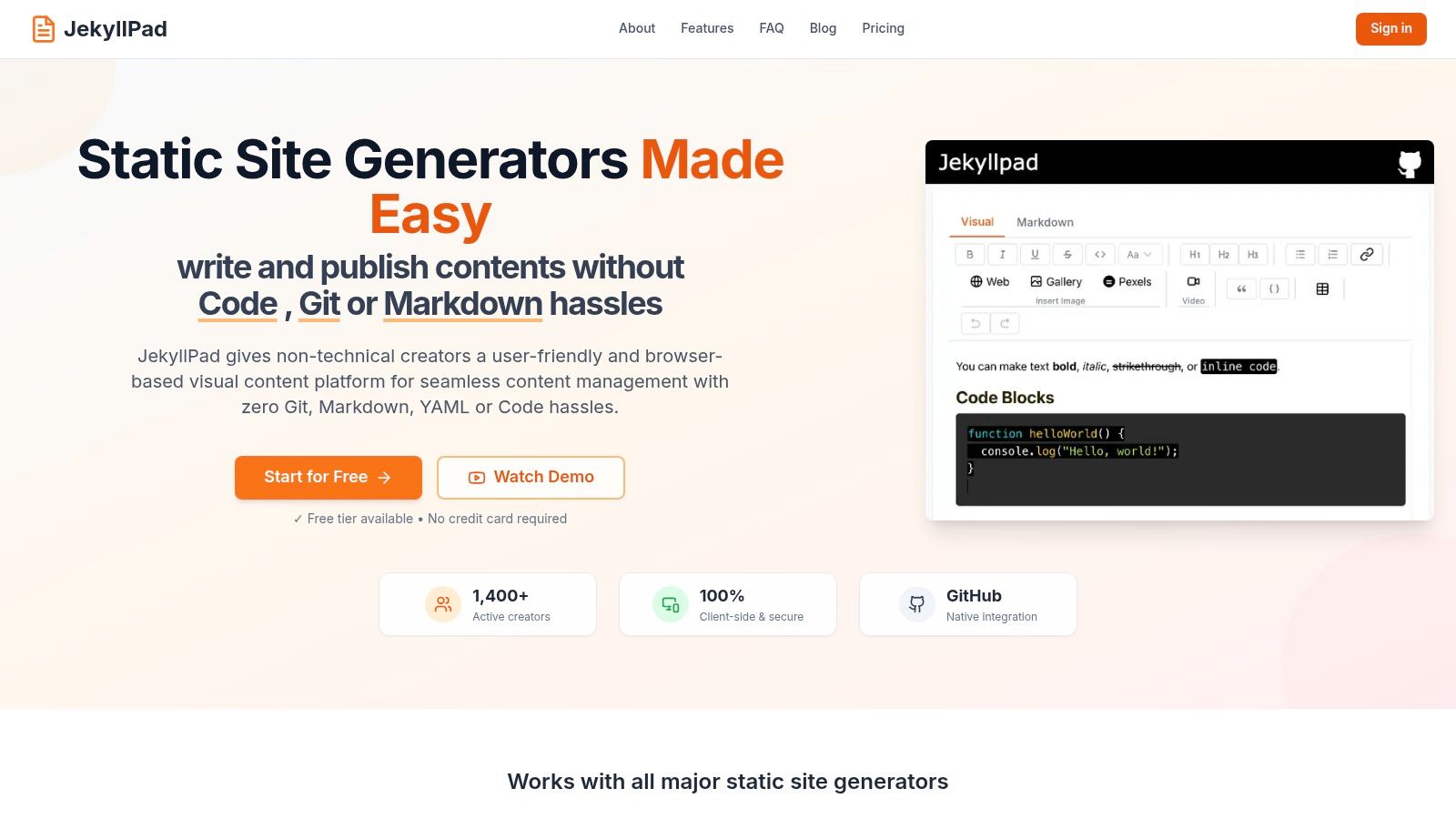
JekyllPad carves out a unique and powerful niche in the headless CMS landscape by focusing entirely on a client-side, Git-based workflow. It's engineered to remove the technical friction often associated with static site generators (SSGs), making it an exceptional choice for developers, technical writers, and content teams who value speed, security, and direct integration with their code repositories. Instead of a traditional backend, JekyllPad operates directly in your browser, committing every change straight to your GitHub account.
This architecture delivers a remarkably streamlined and secure content management experience. By eliminating the server-side component, JekyllPad enhances performance and fortifies data privacy, as your content travels only between your browser and your GitHub repository. It’s an ideal solution for those who want to avoid database management, server maintenance, and complex CI/CD pipelines, positioning it as one of the best headless CMS options for modern, static-first web development.
Key Features & Use Cases
JekyllPad's strength lies in its thoughtful combination of a user-friendly interface with a developer-centric foundation. The platform is built around a powerful dual editor that supports both WYSIWYG and Markdown with a live preview, elegantly bridging the gap between non-technical creators and developers.
- Native GitHub Sync: Every save is a Git commit. This provides automatic version control and a single source of truth without ever touching the command line. This workflow is perfect for documentation teams and blogs where change tracking and collaboration are essential.
- Broad SSG Compatibility: It seamlessly supports popular generators like Jekyll, Hugo, Astro, Eleventy, and Gatsby, making it a versatile content layer for any modern static site.
- Front-Matter Editing: A structured UI allows users to easily edit YAML front-matter, empowering marketers and content creators to manage metadata like tags, categories, and SEO fields without needing to understand the syntax.
- Zero Backend Architecture: As a 100% client-side application, there's nothing to install or maintain. This is a significant advantage for solo developers and small teams who want to focus on content, not infrastructure. You can learn more about the benefits of this approach in this detailed overview of a GitHub-based CMS.
Evaluation and Pricing
| Feature | Assessment |
|---|---|
| Ease of Use | Excellent. The onboarding process is incredibly fast: connect GitHub, select a repo, and start editing. The UI is clean and intuitive. |
| Git Integration | Native & Seamless. This is its core strength. It's built for GitHub-centric workflows and excels at it. |
| Primary Use Case | Technical bloggers, documentation teams, and marketers managing content on static sites who want a visual editor without leaving the Git ecosystem. |
| Pricing | A generous free forever tier is available, offering 5 free posts per month with no credit card required, making it easy to adopt and test. |
Pros:
- Runs 100% client-side for superior performance and data privacy.
- Native GitHub sync provides built-in version control and simplifies publishing.
- Modern dual editor suits both technical and non-technical users.
- Broad SSG support and a fast, mobile-friendly interface.
Cons:
- Tightly coupled with GitHub; not suitable for teams using GitLab or Bitbucket.
- Advanced features like rich image management and team-based workflows are still developing.
Website: https://www.jekyllpad.com
2. Contentful
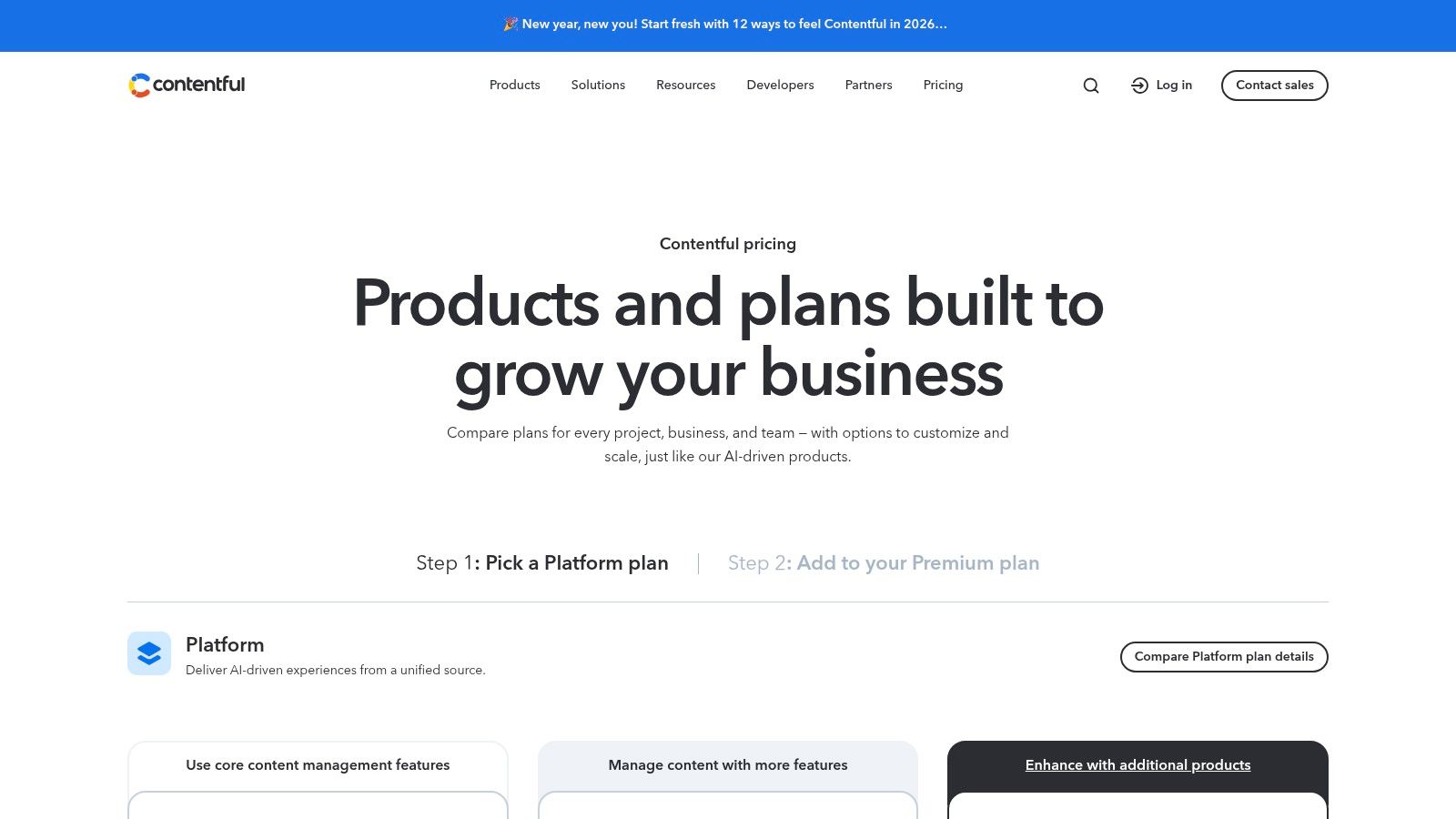
Contentful stands out as an enterprise-grade, API-first content platform, making it one of the best headless CMS options for large-scale digital experiences. It moves beyond simple content management, providing a structured content infrastructure that allows teams to create, manage, and deliver content to any digital channel. Its robust governance features, including fine-grained roles and permissions, make it ideal for organizations with complex editorial workflows and stringent compliance requirements.
The platform offers both REST and GraphQL APIs, giving developers flexibility in how they query content. This is particularly useful for teams building modern applications with frameworks like React or Vue, or powering content for static site generators. The user interface is clean and intuitive, empowering marketers and content creators to manage content without developer intervention.
Key Considerations
Contentful's power comes with a price tag that reflects its enterprise focus. The free "Community" tier is suitable for personal projects and learning, but commercial use requires the "Team" plan, which starts at $300 per month. This cost can be a significant barrier for smaller businesses or individual developers.
- Pros: Strong enterprise governance, excellent security and SLAs, a large partner ecosystem, and comprehensive documentation.
- Cons: Expensive for commercial use, with the free plan being highly restrictive on quotas and team size.
- Best For: Large organizations, enterprise marketing teams, and developers needing a scalable, secure, and well-documented content infrastructure.
Website: https://www.contentful.com/pricing/
3. Sanity
Sanity positions itself as a "Composable Content Cloud," offering a unique blend of developer-centric features and a highly customizable content editing experience. It is often considered one of the best headless CMS platforms for teams that prioritize developer UX and schema-as-code principles. The core of its offering is the Sanity Studio, an open-source, React-based editing environment that can be completely customized to fit precise content models and workflows.
This high degree of customization allows developers to build intuitive interfaces for content creators, abstracting away technical complexity. Sanity's real-time APIs ensure that content changes are reflected instantly, which is ideal for collaborative environments. The platform's powerful, query-based language (GROQ) provides immense flexibility for fetching exactly the data needed, making it a strong fit for complex projects.
Key Considerations
Sanity offers one of the most generous free tiers available, which includes unlimited API CDN reads and substantial quotas, making it suitable for many production marketing sites. However, its paid "Growth" plan introduces a per-seat pricing model ($15/seat/month) that can become costly for larger content or developer teams. It's also worth noting that self-serve Growth plans typically require annual pre-payment, which may be a consideration for smaller businesses managing cash flow.
- Pros: Highly customizable open-source Studio, strong developer experience, and a very generous free tier with unlimited cached reads.
- Cons: The per-seat pricing on paid plans can escalate costs for larger teams, and self-serve plans often lack a monthly payment option.
- Best For: Developers who want full control over the content editing experience, teams building complex data models, and projects needing a robust, free-tier solution.
Website: https://www.sanity.io/
4. Strapi
Strapi has established itself as a leading open-source headless CMS, offering developers unparalleled control and flexibility. Built on Node.js, it empowers teams to self-host their content backend, providing full ownership over the data and infrastructure. This approach makes it a strong contender for the best headless CMS for organizations that prioritize customization and want to avoid vendor lock-in. Its plugin system and extensible architecture allow for deep integration with existing workflows and third-party services.
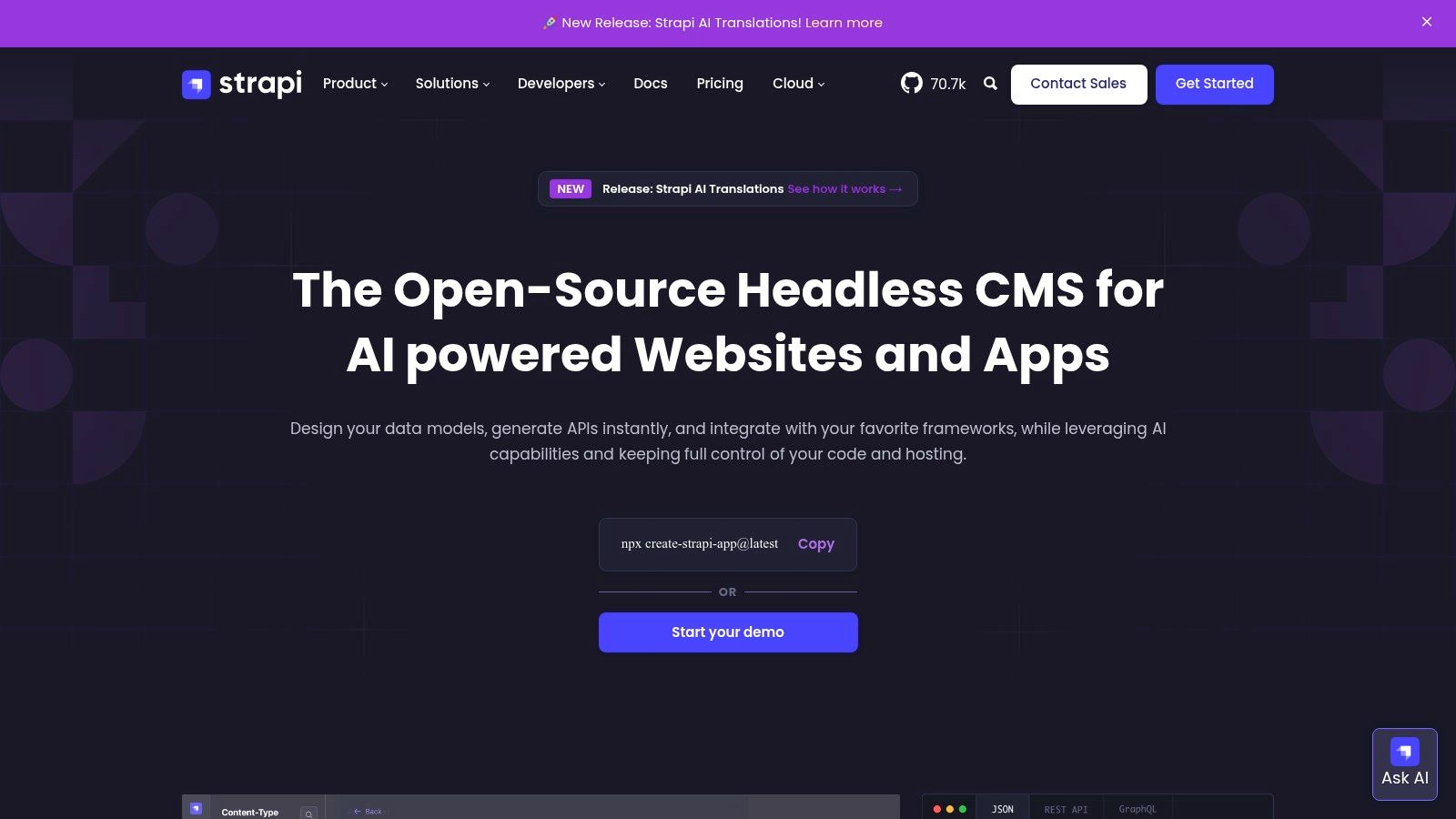
For those who prefer a managed solution, Strapi also offers Strapi Cloud, which handles the hosting and maintenance while retaining the core open-source benefits. The platform generates both REST and GraphQL APIs out of the box, giving developers the freedom to choose the best technology for their frontend. This dual-API approach is a significant advantage for teams working with diverse front-end frameworks or mobile applications, streamlining content delivery across multiple channels.
Key Considerations
The self-hosted version of Strapi is free and open-source, but requires you to manage your own server, database, and maintenance, which introduces operational overhead. For a managed experience, Strapi Cloud offers a free "Developer" plan suitable for small projects or trials. Paid plans like "Pro" start at $99 per month and scale with usage, but teams should be mindful of potential overage charges for API requests, bandwidth, and assets.
- Pros: Highly extensible with an open-source core, complete control with self-hosting, and a managed Cloud option with a free tier.
- Cons: Self-hosting requires DevOps expertise, and Cloud usage overages can apply on paid tiers. The separation between features and hosting can be confusing for newcomers.
- Best For: Node.js development teams, companies requiring a customizable self-hosted solution, and developers looking for an open-source platform with an optional managed hosting path.
Website: https://strapi.io/
5. Hygraph
Hygraph, formerly known as GraphCMS, establishes itself as a leading GraphQL-native headless CMS, making it an excellent choice for development teams that prioritize a GraphQL-first workflow. It’s designed to provide developers with a powerful and flexible API for building ambitious digital projects. A standout feature is its content federation capability, which allows you to compose content from multiple external sources and serve it through a single, unified GraphQL API, simplifying complex data architectures.
The platform is built with developers in mind, offering extensive tooling and a clean interface for content modeling. For content teams, Hygraph provides essential editorial features like user roles, content stages, and commenting, ensuring a collaborative and organized workflow. Its live preview functionality helps creators see their changes in real-time before publishing, bridging the gap between the CMS and the final front-end experience.
Key Considerations
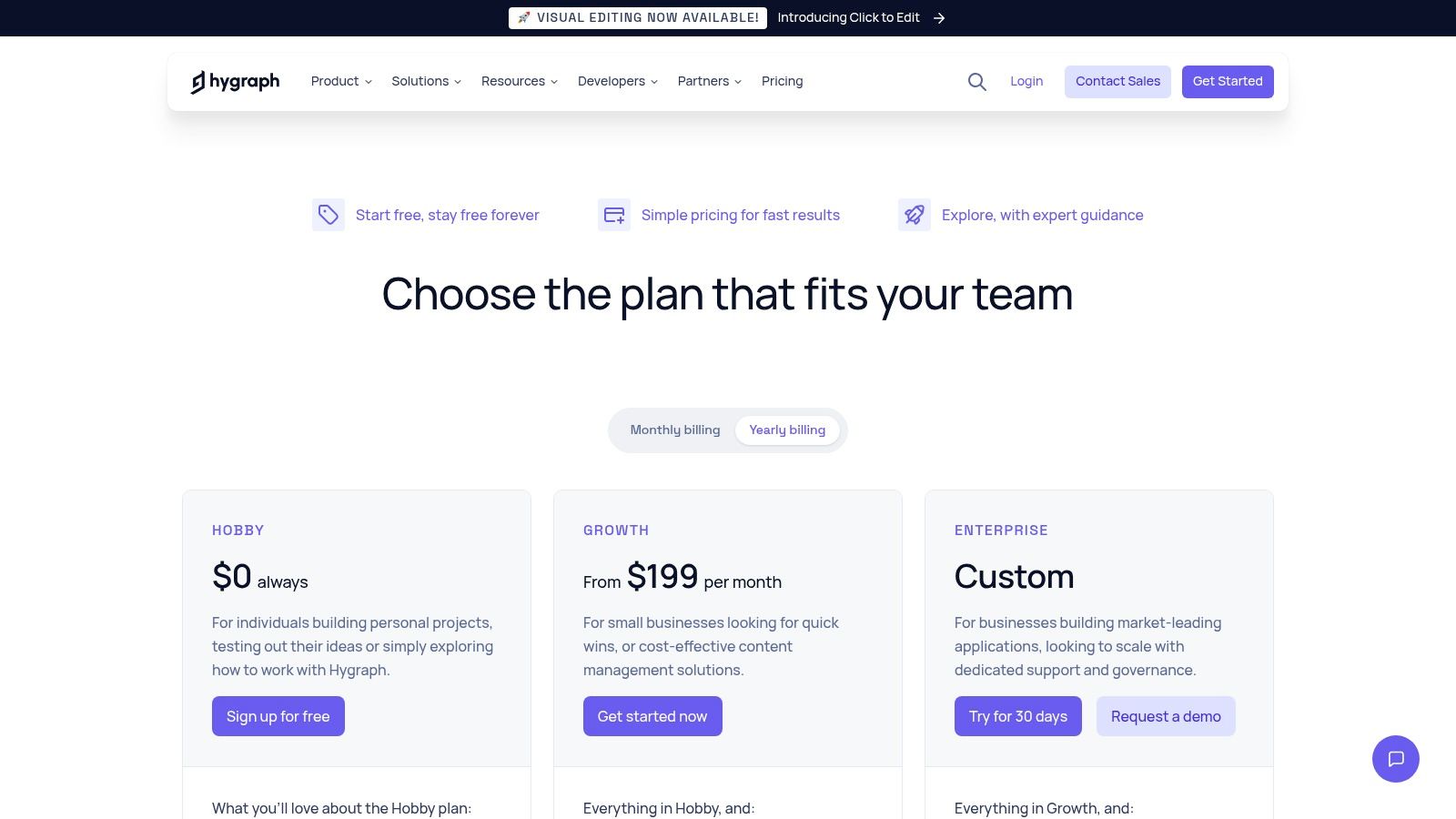
Hygraph offers a generous free "Community" tier that is suitable for smaller projects, including access to its core features. However, to leverage its powerful content federation, increased API limits, and advanced user management, you'll need to subscribe to a paid plan. The "Professional" plan starts at $299 per user per month, positioning it for serious commercial projects and teams that require its unique API composition capabilities.
- Pros: Powerful GraphQL-native API, innovative content federation features, and a transparent pricing model with clear limits on models and locales.
- Cons: Advanced federation and higher API rate limits are gated behind upper-tier plans, which can be costly for smaller teams.
- Best For: Developers and organizations committed to a GraphQL-first architecture, projects requiring content from multiple APIs, and teams building complex digital experiences.
Website: https://hygraph.com/pricing
6. Storyblok
Storyblok positions itself as a uniquely visual headless CMS, designed to bridge the gap between developer flexibility and content editor usability. Its standout feature is a real-time visual editor that allows content teams to build and preview pages using reusable, component-based content blocks. This approach empowers marketers and non-technical users to manage digital experiences intuitively, seeing changes live without needing developer support for every adjustment.
The platform supports both REST and GraphQL APIs, giving development teams the freedom to integrate with any modern front-end framework. This makes it a strong contender for projects using technologies like Astro, where a powerful visual editing experience is desired. Storyblok is one of the best headless CMS options for teams that prioritize an exceptional editorial workflow and require an interface that mirrors a traditional page builder while retaining headless architecture benefits. You can explore how it integrates with specific frameworks to power an Astro headless CMS.
Key Considerations
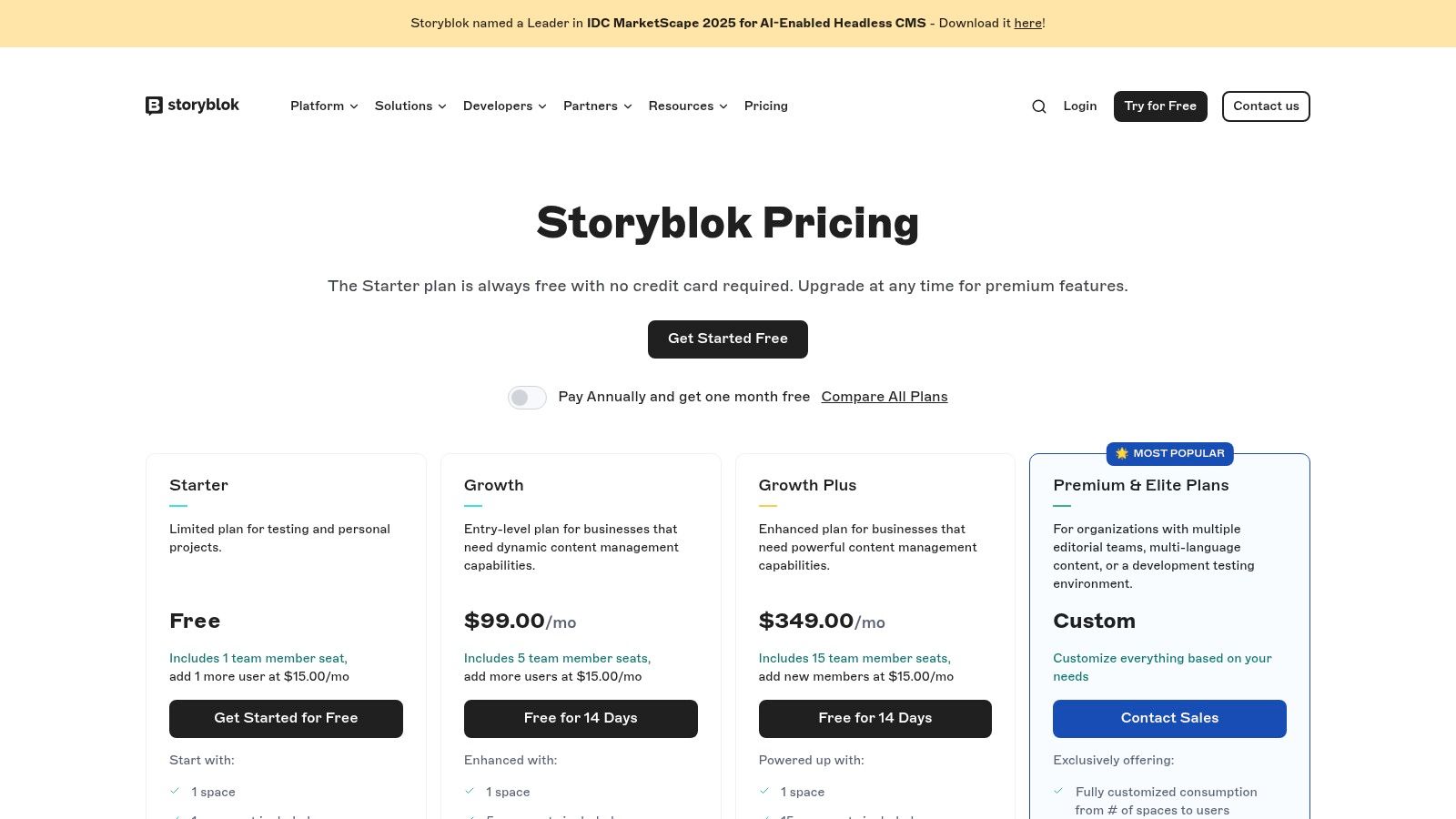
Storyblok offers a generous free "Community" plan suitable for individual projects. Paid plans are structured in tiers, with the "Entry" plan starting at €99 per month, which unlocks additional users and features. The usage-based pricing for API requests and traffic on higher tiers means costs can scale predictably with growth, although high-volume needs will likely require a custom enterprise plan.
- Pros: Highly editor-friendly visual preview tools, simple self-serve upgrades, and a functional free starter plan for smaller projects.
- Cons: The starter plan has tight limits on API requests, traffic, and locales. Enterprise features and high-volume needs require custom pricing.
- Best For: Marketing teams, agencies, and organizations that need a powerful visual editing experience for content creators without sacrificing developer control.
Website: https://www.storyblok.com/pricing/
7. Prismic
Prismic has carved out a niche as one of the best headless CMS options by focusing on a component-driven, visual page-building experience. Its core feature, "Slices," allows developers to create reusable content sections that marketers and content editors can then assemble to build pages. This approach strikes an excellent balance between structured content and creative freedom, empowering non-technical users to construct dynamic layouts without developer assistance.
The platform offers a clean user interface and robust APIs, including native image optimization, making it a strong choice for media-rich websites. Developers can integrate Prismic with any modern frontend framework, and its tooling is designed to streamline the development workflow. The visual builder provides a live preview, bridging the gap between the headless backend and the final user-facing website.
Key Considerations
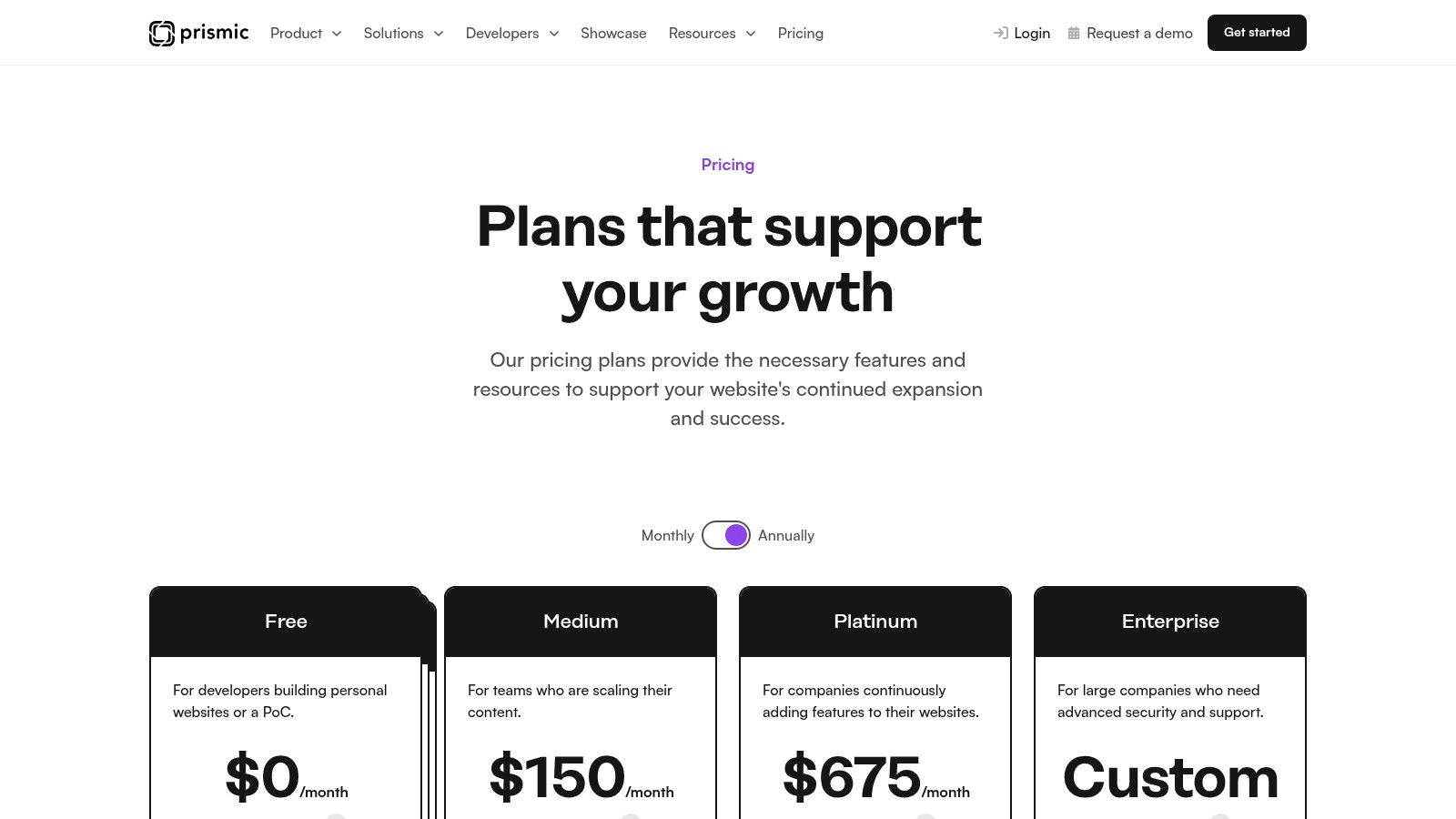
Prismic’s pricing model is particularly appealing for small to mid-sized projects. The free tier is remarkably generous, including a high number of API calls and CDN usage, making it perfect for personal sites or prototypes. Paid plans are affordable, starting at just $9 per month for the "Starter" plan, which adds more users and documents. However, more advanced features like development environments and custom roles are reserved for higher-tier plans.
- Pros: Low barrier to start with a generous free tier, an intuitive slice-based visual page builder, and scalable pricing for growing teams.
- Cons: Advanced features like dedicated dev environments and granular permissions are gated behind more expensive plans.
- Best For: Marketing teams, agencies, and developers who need a highly visual and component-based content management experience.
Website: https://prismic.io/pricing
8. Directus
Directus stands apart by acting as an open-source data platform that wraps your new or existing SQL database with a powerful headless CMS. Instead of migrating content into a proprietary system, Directus introspects your database schema and auto-generates a dynamic API and an intuitive no-code app for managing the data. This approach offers unparalleled data ownership and portability, making it one of the best headless CMS options for teams that need to retain full control over their data infrastructure.
This unique architecture allows developers to use a familiar SQL database while providing non-technical users with a clean, user-friendly interface to manage content. The platform provides both REST and GraphQL APIs, giving front-end teams the flexibility to fetch data efficiently for any application, from static sites to complex web apps. You can either self-host the open-source project for free or opt for the managed Directus Cloud to get up and running quickly.
Key Considerations
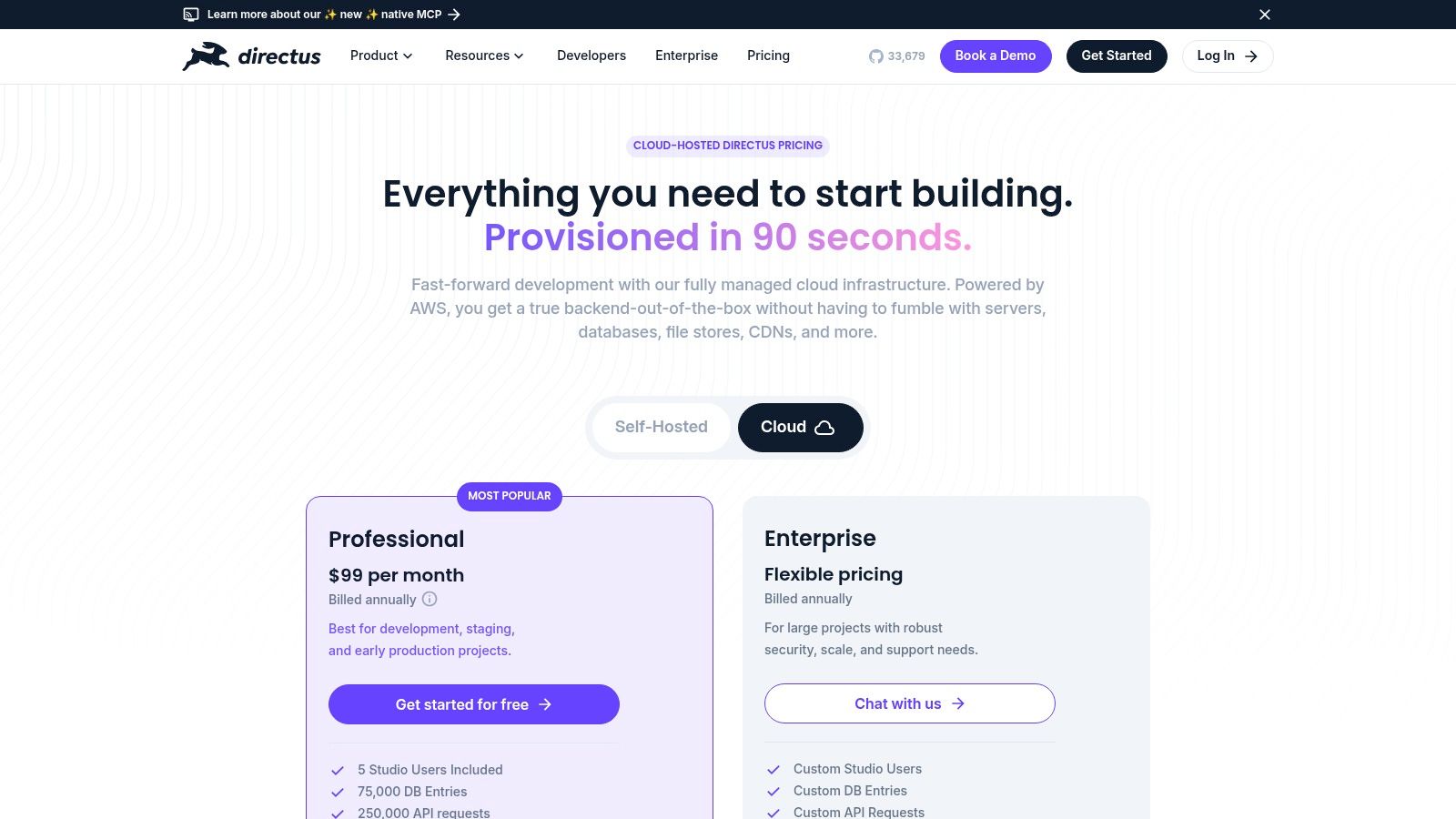
The flexibility of Directus is its greatest strength. The free, self-hosted option is fully featured and ideal for developers comfortable with managing their own infrastructure. The Cloud plans offer a convenient, managed alternative, starting with a "Community Cloud" tier that is free for small projects. Professional plans begin at $99 per month, which is competitive, but teams should monitor usage as the plans have specific limits on database entries and API requests.
- Pros: Preserves data ownership by using your own SQL database, flexible self-hosting and managed cloud options, and a clean, intuitive admin interface.
- Cons: Cloud plan quotas for users and entries might necessitate an Enterprise plan for larger-scale projects, and self-hosting requires DevOps expertise.
- Best For: Teams wanting to add a CMS on top of an existing SQL database, developers seeking data portability, and organizations requiring a flexible open-source solution.
Website: https://directus.io/pricing/
9. ButterCMS
ButterCMS positions itself as an API-first headless CMS designed for rapid development, making it a strong contender for startups and small to medium-sized businesses. It streamlines content delivery with features like a built-in blog engine, dedicated SEO fields, and a visual editor, which helps marketing teams work more independently. The platform's primary goal is to provide a simple, hosted content API that gets teams up and running quickly without a steep learning curve.
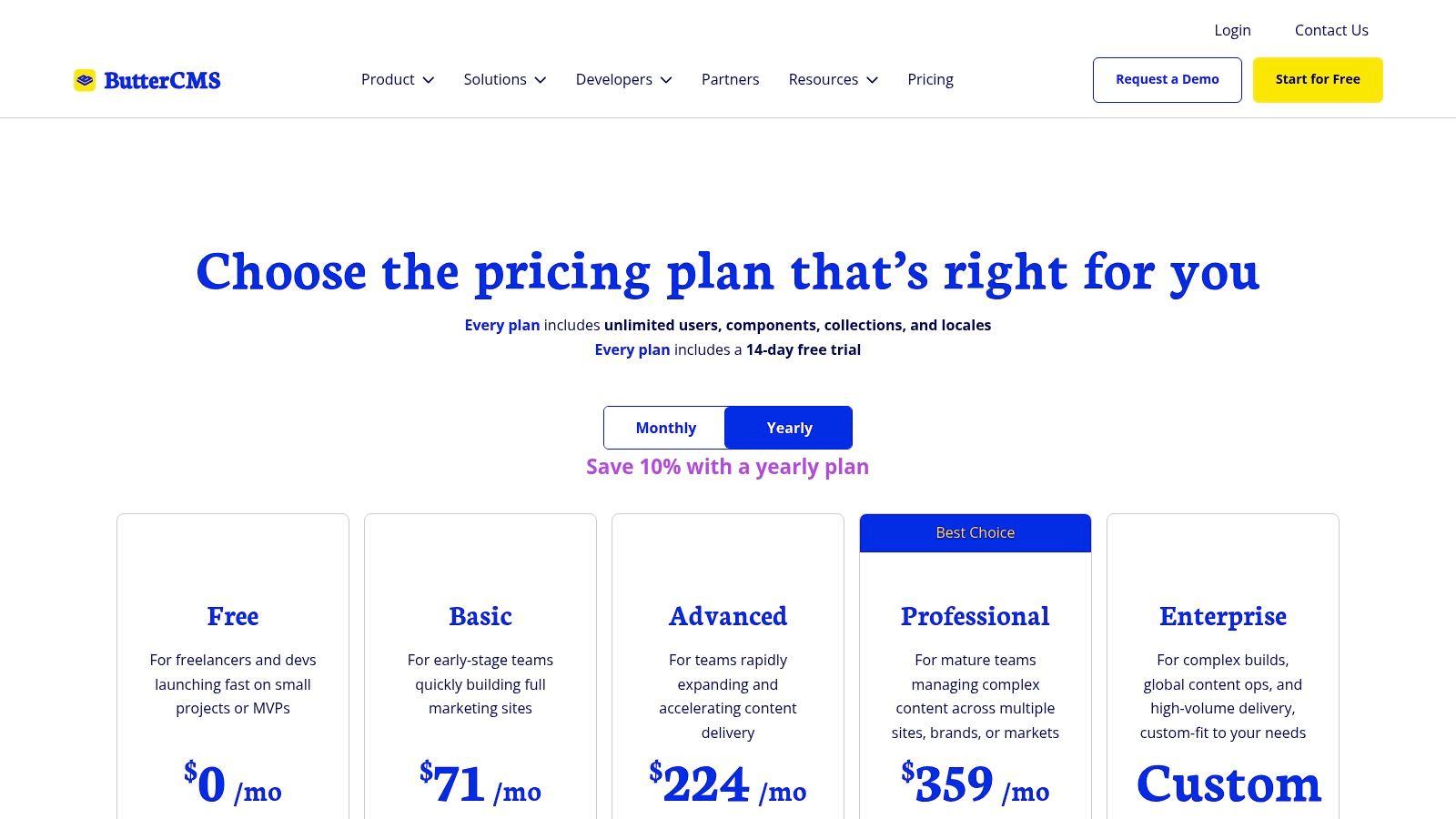
Unlike many competitors that limit users, ButterCMS offers unlimited users across all its plans, instead metering usage by API calls, bandwidth, and assets. This model encourages collaboration across marketing, development, and content teams. Features like an AI assistant and live previews are included to enhance the content creation workflow, providing a smooth user experience for non-technical team members.
Key Considerations
ButterCMS offers predictable and transparent pricing, which is a major benefit for businesses managing tight budgets. The "Startup" plan begins at $99 per month and includes core features suitable for smaller projects. While this is accessible, businesses should be mindful of the asset and page caps on lower tiers, as more advanced features and higher limits require upgrading to more expensive plans. The overage pricing for extra API calls and bandwidth is clear, preventing unexpected costs.
- Pros: Simple to adopt, fully hosted and maintained, unlimited users on all plans, and predictable overage costs.
- Cons: Lower-tier plans have restrictive asset and page caps, and access to advanced features requires more expensive plans.
- Best For: Startups, SMBs, and marketing teams looking for a user-friendly, low-maintenance headless CMS to launch content-driven sites quickly.
Website: https://buttercms.com/pricing/
10. Contentstack
Contentstack positions itself as a premier enterprise-grade headless CMS, designed for large organizations that require robust governance, scalability, and reliability. As an API-first, cloud-native platform, it provides a comprehensive toolset for managing complex digital experiences across multiple channels. Its emphasis on granular permissions, sophisticated editorial workflows, and localization makes it a strong contender for global enterprises with stringent content management protocols.
The platform integrates advanced features like AI-powered assistants to streamline content creation and offers integrated front-end hosting options to simplify deployment. This combination of powerful content management and deployment tools allows teams to build and scale digital products efficiently. Contentstack's architecture is built for performance and security, meeting the high standards expected by enterprise clients.
Key Considerations
Contentstack offers a "Start" free plan for individual projects, but its core value is in the paid tiers designed for business and enterprise use. Unlike many competitors, detailed public pricing is limited, and accessing the full feature set and packaging options typically requires engaging with their sales team. This sales-assisted model is common for enterprise software but can be a hurdle for teams wanting to quickly evaluate costs.
- Pros: Strong reliability, security, and enterprise-level support; robust editorial and governance capabilities ideal for large, distributed teams.
- Cons: Full pricing and packaging information often requires sales engagement; many advanced features are gated behind custom enterprise quotes.
- Best For: Large enterprises, global marketing teams, and organizations needing a highly secure, scalable, and governable content infrastructure with dedicated support.
Website: https://www.contentstack.com/pricing
11. Kontent.ai
Kontent.ai, which spun out of Kentico, is an enterprise-focused headless CMS designed for complex content operations. It excels in managing global content strategies through robust governance, collaborative workflows, and extensive localization features. This API-first platform enables teams to deliver consistent brand experiences across multiple markets and channels, making it a strong candidate for large organizations that require precise control over their content lifecycle.

The platform provides a clean, user-friendly interface that empowers marketers and content editors to work independently. Developers can leverage both REST and GraphQL APIs to fetch structured content for any front-end application. A key differentiator is its transparent Fair Use Policy (FUP), which clearly documents API call, storage, and bandwidth limits, helping teams plan for scale without unexpected costs. This clarity makes it one of the best headless CMS options for predictable growth.
Key Considerations
Kontent.ai offers a generous free "Developer" plan for individual projects and learning. However, commercial use requires its "Scale" or "Enterprise" plans, which are available via custom quotes and require contacting their sales team. While the Fair Use Policy provides excellent guidance on usage limits, the lack of public pricing for higher tiers can make initial evaluation difficult for businesses that prefer self-service purchasing.
- Pros: Strong governance and localization features, transparent Fair Use Policy aids in capacity planning, and a user-friendly interface for content creators.
- Cons: Pricing for commercial plans is not publicly listed and requires a sales consultation, making it less accessible for quick adoption.
- Best For: Global enterprises, marketing teams with complex multi-market strategies, and organizations needing robust content governance and workflows.
Website: https://kontent.ai/
12. Payload CMS
Payload CMS positions itself as a developer-first, open-source headless CMS built with TypeScript and Node.js. It offers a unique combination of deep code-level control and an optional, fully-managed cloud hosting service. This hybrid approach makes it one of the best headless CMS options for teams that want ownership over their codebase but also desire the convenience of a managed infrastructure. Its core is self-hostable, giving developers complete freedom over deployment.
The platform is built from the ground up with TypeScript, providing excellent type safety and autocompletion that significantly improves the developer experience. Payload Cloud simplifies deployment by handling the server, database (MongoDB Atlas), storage, and bandwidth, allowing teams to focus on building features rather than managing infrastructure. Its clean, React-based admin UI is highly customizable, giving content editors a tailored and intuitive workspace.
Key Considerations
Payload's strength lies in its flexibility. Developers can start with the free, self-hosted version for personal projects or small-scale applications. For commercial use, Payload Cloud offers a generous free "Personal" tier for solo developers and paid plans starting at $49 per month for teams. This makes it a highly accessible yet scalable solution. However, large-scale enterprise needs require a custom quote.
- Pros: Strong developer control with a TypeScript-first API, flexible deployment (self-hosted or managed Cloud), and a generous free-forever Personal plan.
- Cons: Official Cloud pricing for higher-tier plans is not publicly listed and requires contacting sales for a quote.
- Best For: Developers and teams who prioritize TypeScript, code ownership, and flexible hosting options, from solo projects to growing businesses.
Website: https://payloadcms.com/
Top 12 Headless CMS Comparison
| Product | Core features | UX & Quality (★) | Value & Pricing (💰) | Target audience (👥) | Unique selling points (✨) |
|---|---|---|---|---|---|
| 🏆 JekyllPad | WYSIWYG + Markdown, front-matter, real-time preview, native GitHub commits | ★★★★★ | 💰 Free tier (5 posts/mo) + paid; low-cost onboarding | 👥 Bloggers, docs teams, non‑technical & technical creators | ✨ 100% client-side + GitHub sync; minimal setup; mobile-friendly |
| Contentful | REST & GraphQL APIs, roles, environments, governance | ★★★★☆ | 💰 Higher-cost tiers (Lite ≈ $300/mo); limited free plan | 👥 Enterprises & large teams | ✨ Enterprise governance, rich ecosystem |
| Sanity | Customizable Studio, schema-as-code, real‑time APIs | ★★★★☆ | 💰 Generous free tier; growth plans per-seat | 👥 Dev-focused teams & agencies | ✨ Highly customizable Studio; real-time collaboration |
| Strapi | Open-source core, REST/GraphQL, plugin ecosystem | ★★★★ | 💰 Free self-host; Strapi Cloud paid tiers & overages | 👥 Node.js teams preferring open-source control | ✨ Extensible plugins + choice of self-host or managed |
| Hygraph | GraphQL-native APIs, content federation, live preview | ★★★★ | 💰 Clear plan limits; advanced features need higher tiers | 👥 GraphQL-first projects & dev teams | ✨ GraphQL-first tooling + content federation |
| Storyblok | Visual editor, component-based content, workflows | ★★★★ | 💰 Free starter (limits); paid tiers for scale | 👥 Editorial teams needing visual preview | ✨ Strong visual preview + editor-friendly tooling |
| Prismic | Slice-based visual page builder, image optimization | ★★★☆ | 💰 Generous API/CDN quotas; affordable scaling tiers | 👥 Marketing teams & growing SMBs | ✨ Slice-based reusable components & visual builder |
| Directus | No-code app over SQL DB, auto-generated APIs, Cloud/self-host | ★★★★ | 💰 Free self-host; managed Cloud tiers with quotas | 👥 Teams wanting DB ownership (SQL) | ✨ Works directly on your SQL DB; data ownership |
| ButterCMS | Hosted blog engine, SEO fields, visual editor, API | ★★★★ | 💰 Predictable pricing; usage-metered add-ons | 👥 SMBs & startups wanting quick launch | ✨ Built-in blog + SEO fields for fast deployment |
| Contentstack | API-first enterprise CMS, workflows, AI features | ★★★★ | 💰 Enterprise pricing (sales-assisted) | 👥 Large enterprises with governance needs | ✨ Enterprise-grade reliability, AI & workflows |
| Kontent.ai | API-first, workflows, localization, Fair Use Policy | ★★★★ | 💰 Developer free tier; Scale/Enterprise via quotes | 👥 Multi-market/enterprise orgs | ✨ Transparent FUP + localization & governance |
| Payload CMS | TypeScript/Node-first, self-host or Payload Cloud | ★★★★ | 💰 Free Personal plan; Cloud tiers for teams | 👥 TypeScript dev teams & self-hosting advocates | ✨ TypeScript-first APIs; flexible deployment options |
Final Thoughts
Navigating the expansive landscape of headless content management systems can feel overwhelming. We've explored a dozen of the top contenders, from enterprise powerhouses like Contentstack and Kontent.ai to developer-centric, open-source solutions like Strapi and Directus. The journey from API-first giants such as Contentful and Sanity to visual editors like Storyblok reveals one undeniable truth: there is no single "best headless CMS" for everyone. The ideal choice is deeply personal, tied directly to your project's specific needs, your team's technical skills, and your long-term content strategy.
The core takeaway is that your selection process must begin with a clear understanding of your primary workflow. Are you managing complex, interconnected data models for a global e-commerce platform? A highly structured, API-driven system like Hygraph or Sanity might be your best fit. Are you a marketing team that needs to rapidly build and deploy landing pages without developer intervention? A visually-oriented platform like Storyblok or a user-friendly option like ButterCMS could be the key to unlocking your team's potential.
How to Choose the Right Headless CMS for Your Project
Making the right decision involves a strategic evaluation of several key factors. Before you commit to a platform, work through these critical questions with your team:
- Who are the primary content creators? If your team consists of non-technical marketers, editors, and writers, prioritize a CMS with an intuitive user interface, rich text editing, and robust collaboration features. Platforms like Contentful or ButterCMS excel here.
- What is your development workflow? For teams deeply integrated with Git and static site generators like Jekyll or Hugo, a Git-based workflow is non-negotiable. This is where many traditional API-driven CMSs fall short, creating a disconnect between content updates and the codebase.
- What is your budget and scaling plan? Open-source options like Strapi or Payload CMS offer incredible flexibility and control with no upfront licensing fees, but they require self-hosting and maintenance. SaaS platforms provide managed infrastructure and support, but their pricing tiers can become expensive as your content or user base grows.
- How complex is your content model? For projects with simple, flat content structures like blogs or documentation, a streamlined, focused solution is often more efficient. For applications requiring intricate relationships, relational data, and custom data types, a more powerful and flexible system like Directus or Payload CMS is essential.
The Decisive Factor: Workflow Integration
Ultimately, the most critical factor is how a CMS integrates into your existing processes. A technically superior platform that forces your team into an unnatural or inefficient workflow will always be the wrong choice. This is particularly true for teams managing static websites through Git. The friction of exporting content, creating pull requests, and managing a separate content database can negate many of the benefits of going headless in the first place.
This is precisely the gap that a Git-based headless CMS fills. For technical bloggers, documentation teams, and agencies building sites with Jekyll, Hugo, Astro, or Eleventy, the "best headless cms" is one that respects and enhances the Git-centric workflow, not one that replaces it. It treats your repository as the single source of truth, ensuring content and code live in harmony. This approach simplifies deployments, strengthens version control, and empowers both technical and non-technical users to contribute seamlessly within a familiar paradigm. As you weigh your options, don't just look at feature lists; look at the entire end-to-end process and choose the tool that makes that process smoother, faster, and more collaborative.
If your workflow is built around Markdown, Git, and a static site generator, you need a CMS that complements that stack, not complicates it. JekyllPad is designed as a true Git-based headless CMS that provides a clean, intuitive editor for non-technical users while keeping developers firmly in control of their repository. Explore how JekyllPad can streamline your content operations without forcing you to abandon the tools you love.