
Choosing the right Content Management System is a critical decision for developers building modern web experiences. The monolithic CMS era is fading, replaced by a diverse ecosystem of headless, API-first, and Git-native platforms tailored for performance, security, and developer-friendly workflows. This guide cuts through the noise to analyze the 7 best CMS for developers in 2025, comparing them across key developer-centric criteria.
We'll explore everything from API design and SSG integrations to security models and content authoring experiences. Whether you're building a documentation site with Hugo, a marketing platform with Astro, or a personal blog with Jekyll, this roundup provides the actionable insights needed to select a CMS that complements your stack, not complicates it.
This listicle moves beyond surface-level comparisons. We provide a deep-dive into each platform, covering:
- Developer Experience: How does the CMS integrate with modern frameworks like Jekyll, Hugo, Astro, and Eleventy?
- Content Workflows: What is the authoring experience like for both technical and non-technical users?
- Architecture & Performance: How do Git-native, API-first, and hybrid models impact site speed and scalability?
- Use Cases: When is a specific CMS the ideal choice, and when should you consider an alternative?
Each review includes specific implementation details, screenshots, direct links, and clear pros and cons to help you make an informed choice for your next project. We will evaluate JekyllPad, Sanity, Contentful, Strapi, Storyblok, Decap CMS, and TinaCMS, helping you find the perfect fit for your technical requirements and team structure.
1. JekyllPad
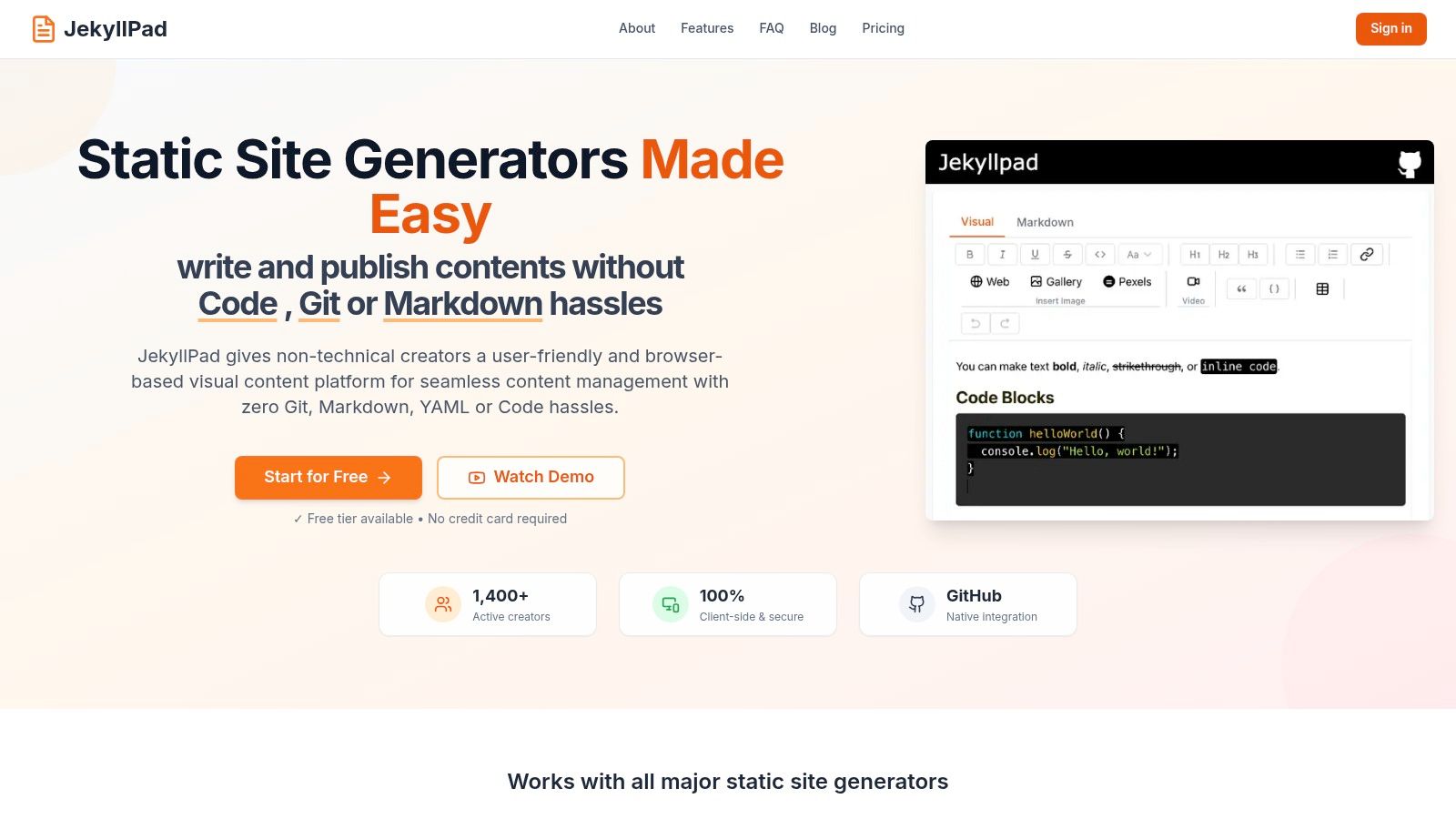
JekyllPad emerges as a powerful and refreshingly simple choice in the landscape of modern content management systems, particularly for developers who value speed, security, and a Git-native workflow. It operates as a lightweight, browser-based visual editor that interfaces directly with your GitHub repository, eliminating the need for complex backend infrastructure or cumbersome CI/CD pipelines for content updates. This design philosophy makes it an exceptional candidate for one of the best cms for developers working with static site generators.
The platform is engineered to bridge the gap between powerful developer tools and intuitive content creation. It serves technical bloggers, documentation teams, and agencies who want to empower non-technical contributors without sacrificing version control or security. By running entirely client-side, JekyllPad ensures that your data remains private, passing only between your browser and your GitHub account.
Core Features and Developer-Centric Workflow
JekyllPad’s strength lies in its focused feature set that streamlines the content lifecycle for static sites. It removes the friction often associated with Git, making it accessible to everyone on the team.
- Direct GitHub Integration: This is JekyllPad’s cornerstone feature. Edits are saved and committed directly to your specified GitHub repository and branch. This provides automatic versioning, backups, and a transparent audit trail without ever leaving the editor.
- Hybrid WYSIWYG + Markdown Editor: The editor is a standout, offering a true WYSIWYG experience alongside a clean Markdown interface with syntax highlighting. It includes a real-time preview, allowing authors to see exactly how their content will look, which is invaluable for both technical and non-technical users.
- Front-Matter Editing: It provides a structured, user-friendly UI for editing YAML front matter. This simplifies managing metadata like titles, dates, tags, and custom fields without requiring users to edit raw text files.
- Broad SSG Compatibility: JekyllPad is not locked into a single ecosystem. It provides robust support for major static site generators, including Jekyll, Hugo, Astro, Eleventy, Gatsby, and standard GitHub Pages setups.
Practical Use Cases
JekyllPad excels in scenarios where efficiency and simplicity are paramount.
- Technical Blogging: Developers can quickly draft, edit, and publish posts using familiar Markdown syntax, while the visual editor helps with formatting and media embedding. The direct-commit workflow means a
git pushis just a "Save" button click away. - Product Documentation: Teams can collaborate on documentation stored in a GitHub repo. The intuitive interface allows product managers and technical writers to contribute content without needing to clone the repository locally or use the command line.
- Agency Client Handoff: Agencies can build a fast, secure static site for a client and provide them with JekyllPad for content management. This gives clients an easy-to-use visual editor while the agency maintains control over the codebase in Git.
Key Insight: The 100% client-side architecture is a significant advantage. It not only enhances security and privacy by eliminating a server-side component but also delivers a blazing-fast user experience directly in the browser.
Getting Started and Pricing
Onboarding is remarkably straightforward: connect your GitHub account, select a repository, and start editing. There are no databases to configure or servers to provision. JekyllPad offers a generous free tier that allows individual creators to get started without any commitment (no credit card required), which includes 5 free posts per month. Paid plans are available for teams and users with higher-volume needs.
JekyllPad’s approach is a compelling one, positioning it as a top-tier GitHub-based CMS that prioritizes developer experience while empowering all content creators. It successfully abstracts away the complexities of Git, providing a clean, fast, and secure editing environment.
| Feature Summary | Key Benefit for Developers |
|---|---|
| Native GitHub Sync | Simplifies publishing workflow; built-in version control. |
| Client-Side Architecture | Enhanced security, privacy, and performance. |
| Hybrid Editor | Bridges the gap between technical and non-technical users. |
| Multi-SSG Support | Flexible and adaptable to your preferred tech stack. |
Pros:
- True WYSIWYG and Markdown editor with live preview.
- Native GitHub sync provides a simple, direct-to-repo workflow.
- 100% client-side architecture for superior privacy, security, and speed.
- Broad compatibility with major static site generators.
- Intuitive onboarding and a free tier for getting started.
Cons:
- Requires GitHub; no first-class support for other Git providers like GitLab or Bitbucket.
- Media management is functional but less advanced than enterprise-grade CMSs.
Website: https://www.jekyllpad.com
2. Sanity
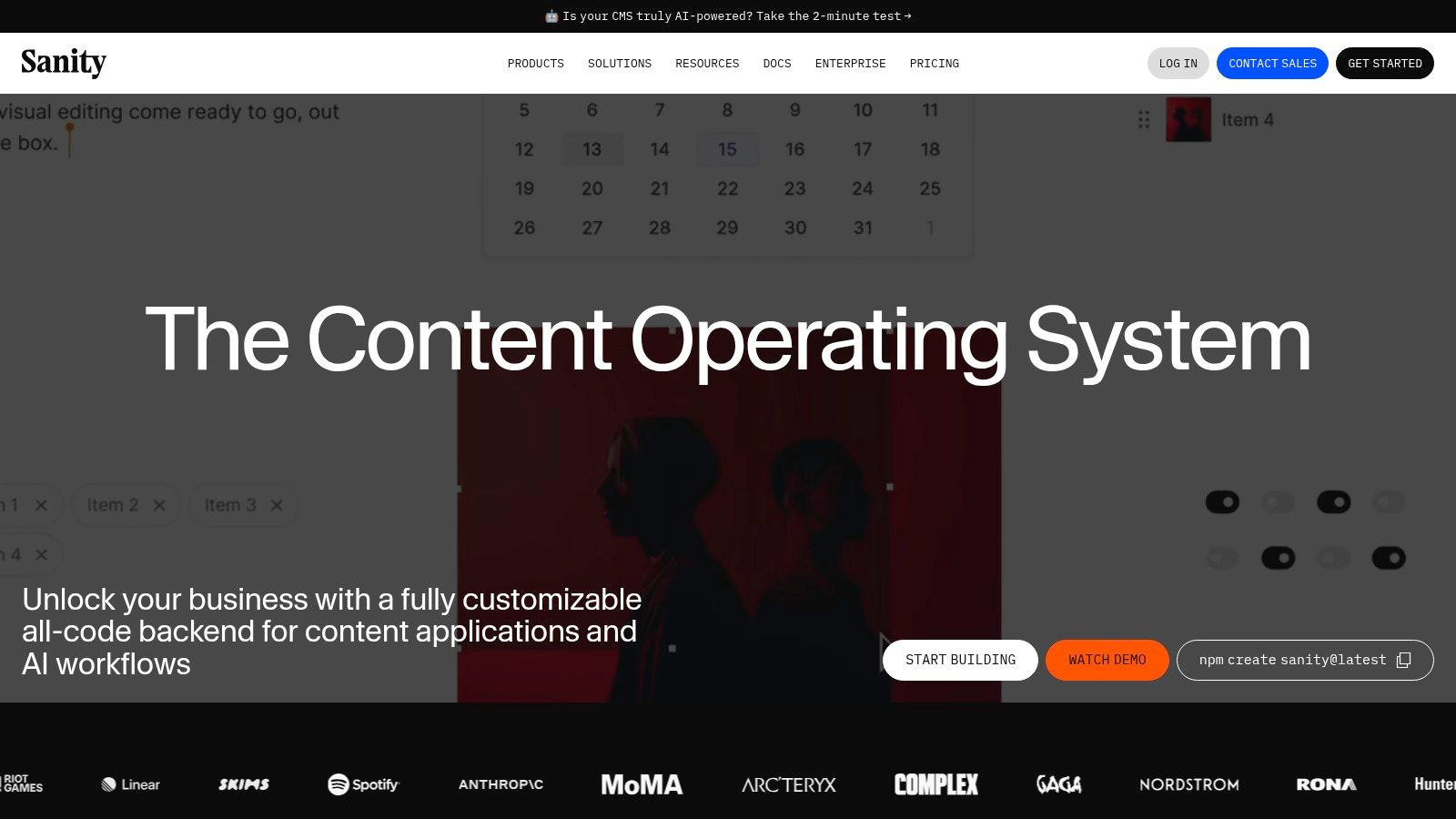
Sanity takes a unique, developer-centric approach to content management by treating content as structured data. It's an API-first headless CMS built around a real-time hosted datastore called the Content Lake. This platform excels at giving developers granular control over content models while providing a highly customizable and collaborative editing environment for content teams.
Unlike many competitors, Sanity's core differentiator is the Sanity Studio. This is an open-source, React-based editing interface that you configure with JavaScript. This "schema-as-code" approach means your content models live directly in your codebase, version-controlled and tightly coupled with your front-end components. It’s a powerful paradigm for developers who want to define precise content structures that map directly to their application's needs, making it a strong contender for the best cms for developers who prioritize control and scalability.
Key Features and Developer Experience
Sanity’s developer experience is built on modern tooling. You define schemas using simple JavaScript objects, which then generate the Sanity Studio interface. This gives you the flexibility to create custom input components, validation rules, and user interfaces tailored to your specific content.
- Portable Text: A standout feature is Portable Text, a JSON-based format for rich text content. It allows developers to embed structured data directly within text blocks, perfect for complex layouts or custom components like code blocks, product embeds, or interactive charts.
- GROQ and GraphQL: Sanity offers two powerful ways to query your content. GROQ (Graph-Relational Object Queries) is a query language designed by Sanity for filtering and shaping JSON data with incredible efficiency. They also offer a fully-featured GraphQL API for teams already invested in that ecosystem.
- Real-Time Collaboration: The platform functions like a Google Doc for structured content. Multiple editors can work on the same document simultaneously, with live presence indicators, comments, and tasks, streamlining editorial workflows.
Practical Tip: When building your schema, think in terms of reusable "objects." For instance, create a
ctaButtonobject withtextandurlfields. You can then reuse this object across different document types likelandingPage,blogPost, orproduct, ensuring consistency and saving time. This approach makes your content models modular and scalable.
Pricing and Scalability
Sanity’s pricing is transparent and scales with your team's needs. The free tier is generous, offering 3 users and ample API usage for small projects or personal sites. The Growth plan ($99/month) adds more users and higher API quotas. A key aspect of their model is the à la carte add-ons for enterprise-level features like SSO, increased datasets, and dedicated support, which can be added to any plan without forcing a full enterprise upgrade. This allows teams to pay only for the advanced features they actually need.
- Pros: Highly customizable editor, schema-as-code workflow, powerful querying with GROQ, and excellent real-time collaboration.
- Cons: Enterprise features are paid add-ons that increase the monthly cost. Self-serve plans do not offer annual billing discounts.
For those new to this architecture, you can learn more about how headless CMS platforms like Sanity work and how they integrate with modern static site generators.
Website: https://www.sanity.io
3. Contentful
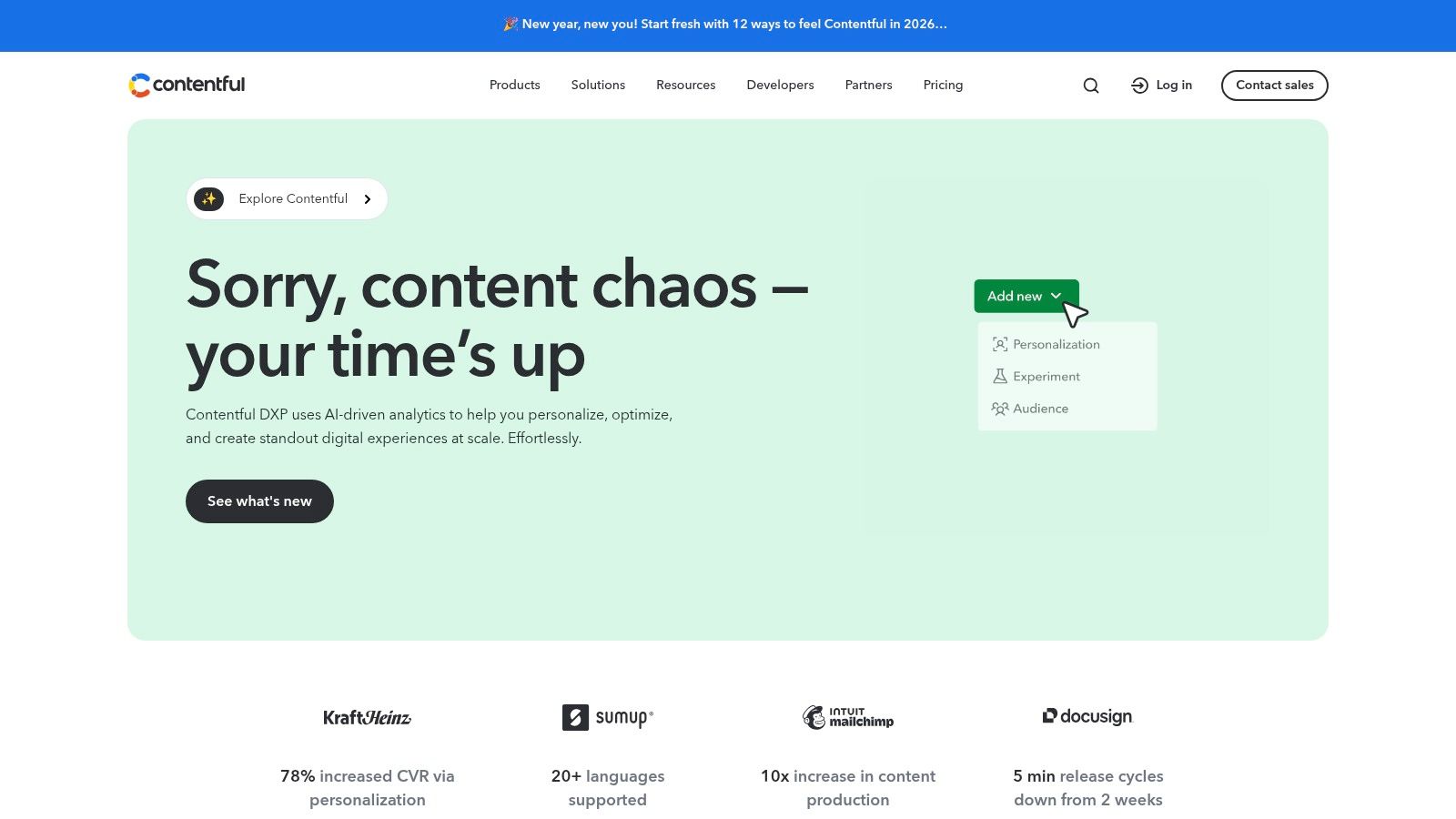
Contentful is a highly adopted, enterprise-ready headless CMS known for its robust API infrastructure and extensive ecosystem. It provides a composable content platform that empowers developers to build digital experiences while giving content creators an intuitive interface for managing content. The platform is designed for scalability, serving large organizations with complex, multi-team content operations that require strong governance and predictable performance.
As a mature player in the headless CMS space, Contentful’s core strength lies in its structured content approach and powerful delivery APIs. Developers define "content models" which act as blueprints for content types, ensuring consistency across all channels. This clear separation of content from presentation makes it an excellent choice for omnichannel strategies, where content needs to be delivered to websites, mobile apps, and IoT devices simultaneously. For teams looking for a battle-tested solution with a rich feature set, Contentful solidifies its position as one of the best cms for developers.
Key Features and Developer Experience
Contentful provides a comprehensive toolset designed to integrate smoothly into modern development workflows. It offers a suite of APIs for every stage of the content lifecycle, from management to delivery, and supports both REST and GraphQL for maximum flexibility.
- Robust API Suite: Contentful offers multiple APIs for different use cases: the Content Delivery API (CDA) for delivering published content, the Content Preview API (CPA) for fetching draft content, and the Content Management API (CMA) for programmatically managing content. It also provides a first-class GraphQL API.
- Environments and Workflows: A key feature for larger teams is "Environments," which are essentially sandboxes for your content. This allows developers to test new content models and integrations in an isolated environment before merging changes into the main production branch, similar to a Git workflow.
- App Framework and Marketplace: Developers can extend the Contentful web app with custom functionality using the App Framework. The marketplace offers a large selection of pre-built apps and integrations for services like Shopify, Cloudinary, and Netlify, significantly speeding up development time.
Practical Tip: Use Contentful’s CLI to manage your content models and environments from your terminal. You can script the creation of new fields, export your content model as a JSON file for version control, and apply migrations. This "content-model-as-code" approach brings governance and repeatability to your project, especially when working across multiple environments.
Pricing and Scalability
Contentful offers a free "Community" tier that is well-suited for personal projects and small teams. It includes a generous set of usage quotas for content records, API calls, and asset bandwidth, with clear limits that prevent unexpected overage charges. Paid plans start with the Team tier, which offers higher limits, more user roles, and multiple environments. Enterprise-grade features and add-on products like Compose + Launch, Personalization, and dedicated support are available on custom-priced plans, tailored to the needs of large-scale digital operations.
- Pros: Mature documentation, SDKs, and marketplace integrations; clear and predictable usage limits on the free tier (no overages); strong governance features like environments and roles.
- Cons: Paid plans can be relatively expensive for small to mid-sized projects; the free tier has strict limits with no overage flexibility, requiring an upgrade if exceeded.
Contentful's powerful feature set and focus on enterprise needs make it a top contender for developers building complex, scalable digital platforms.
Website: https://www.contentful.com
4. Strapi
Strapi positions itself as a leading open-source headless CMS, giving developers complete control over their content backend. Built on Node.js and TypeScript, its core appeal lies in its flexibility; you can self-host it on your own infrastructure or use their managed Strapi Cloud service. This dual-hosting model provides an excellent on-ramp for smaller projects while offering a clear path to scale without being locked into a specific vendor's ecosystem.
The platform's key differentiator is its open-source nature combined with a robust, customizable admin panel. Developers can extend its functionality with custom plugins, tailor the API responses, and directly manage the underlying code. This makes Strapi an ideal choice for teams that need to integrate a CMS deeply into their existing tech stack. For those who prioritize data ownership and code-level control, Strapi is a powerful contender for the best cms for developers.

Key Features and Developer Experience
Strapi’s developer experience is designed for customization and ease of integration. It automatically generates both REST and GraphQL APIs based on the content models you create through its intuitive user interface. This allows front-end developers to start fetching content immediately without waiting for backend development.
- Extensible Architecture: The entire admin panel and backend logic can be extended using a powerful plugin system. This allows developers to add custom features, integrate with third-party services, or modify core behaviors to fit specific project requirements.
- Role-Based Access Control (RBAC): Strapi includes granular user permissions, allowing administrators to define exactly who can create, edit, or publish different types of content. Advanced RBAC is available in paid tiers for more complex team structures.
- Self-Hosting and Cloud Options: Developers have the freedom to deploy Strapi on any Node.js compatible hosting environment (like AWS, DigitalOcean, or Heroku) or opt for the hassle-free Strapi Cloud, which handles infrastructure, maintenance, and scaling.
Practical Tip: When modeling content in Strapi, leverage the "Component" feature to create reusable field groups. For instance, define an
seoMetadatacomponent withmetaTitle,metaDescription, andogImagefields. You can then add this component to any "Collection Type" or "Single Type," ensuring all your pages have consistent SEO settings without duplicating fields.
Pricing and Scalability
Strapi’s pricing is designed to be accessible, with a generous free tier for both self-hosted and cloud versions. The open-source Community Edition is free forever for self-hosting. The Strapi Cloud free tier is perfect for small projects and MVPs. Paid plans like Pro ($99/month) add more users, roles, and higher usage limits. Enterprise features like SSO and dedicated support are available in higher-tier plans or as add-ons, allowing organizations to scale their investment as their needs evolve.
- Pros: Full code ownership and extensibility, flexible hosting options (self-hosted or cloud), and budget-friendly plans with a free tier.
- Cons: Advanced features like SSO require higher-tier plans, and the admin panel's user experience may require some maintenance or customization for specific workflows.
You can see a detailed comparison of Strapi with other CMS options to better understand where it fits in the modern content management landscape.
Website: https://strapi.io
5. Storyblok
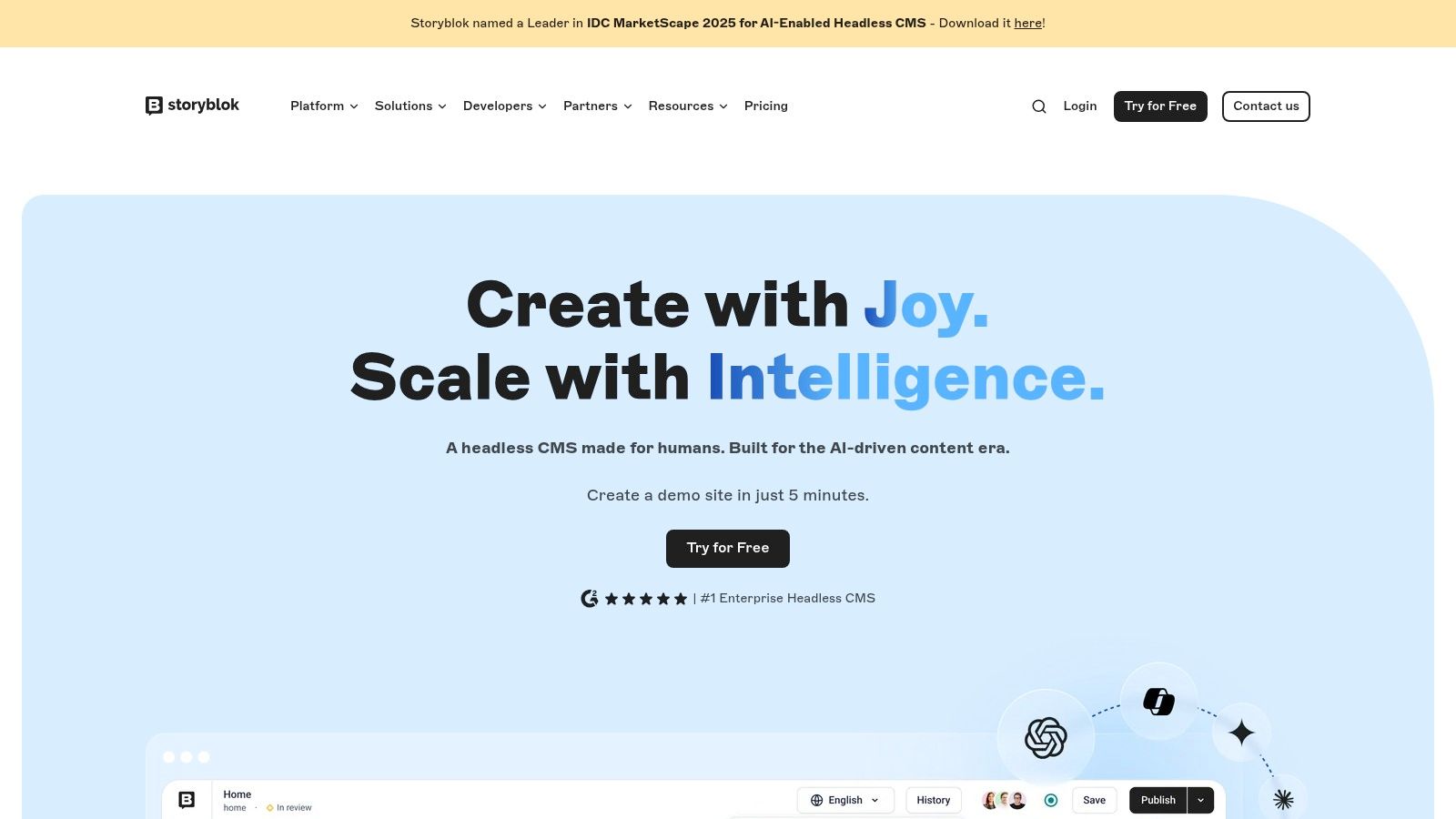
Storyblok bridges the gap between developer control and marketing-friendly editing with its unique component-based architecture and in-context visual editor. It’s a headless CMS designed to give non-technical users a "what you see is what you get" (WYSIWYG) experience while developers receive structured, API-first content. This dual focus allows marketing teams to independently build and rearrange pages using pre-defined "Bloks" (components) without needing developer intervention for every minor layout change.
The core of Storyblok's appeal is its Visual Editor, which provides a live preview of the website that content editors can click into and modify directly. This is a significant differentiator from many headless platforms where content is managed in abstract forms. By mapping content components directly to front-end code components (in frameworks like React, Vue, or Svelte), Storyblok creates an intuitive workflow. This makes it a top contender for the best cms for developers working in cross-functional teams where editorial autonomy is a high priority.
Key Features and Developer Experience
Developers define content schemas as "Bloks," which are reusable components like a hero section, a feature grid, or a call-to-action button. These Bloks can be nested and combined, giving content creators immense flexibility within the guardrails set by the development team.
- Component-Based Content: Everything in Storyblok is a component. This modular approach aligns perfectly with modern front-end frameworks, making it simple to map API data to your UI. Developers can create a
productCardBlok that corresponds directly to aProductCard.jsxcomponent. - GraphQL and REST APIs: Storyblok provides robust content delivery through both a highly-performant GraphQL API and a traditional REST API. This flexibility allows teams to use the querying technology that best fits their stack and expertise.
- Strong Internationalization (i18n): The platform is built with global content in mind. It offers folder-level translations and a field-level translation option, making it straightforward to manage multilingual websites from a single content source.
Practical Tip: Leverage Storyblok's "schema definition" feature to sync your Bloks between different environments (e.g., development, staging, production). You can export the schema as a JSON file, commit it to your Git repository, and then import it into another Storyblok space. This "schema-as-code" practice ensures consistency and version control for your content structures.
Pricing and Scalability
Storyblok’s pricing model is based on features, users, and usage quotas. A free "Community" plan is available for individual developers and small projects. The paid Teams plan ($159/month) unlocks more user seats, custom roles, and higher API limits suitable for professional teams. A key benefit is the transparency around API request and traffic quotas, with clear add-on pricing for overages. This predictable model helps teams avoid unexpected costs as they scale.
- Pros: Exceptional visual editing experience for non-technical users, component-based model aligns well with modern development, and transparent consumption-based pricing.
- Cons: The Starter plan has significant limits on user seats, locales, and traffic. Advanced governance features and higher-tier SLAs are reserved for the more expensive Premium and Enterprise plans.
Website: https://www.storyblok.com
6. Decap CMS (formerly Netlify CMS)
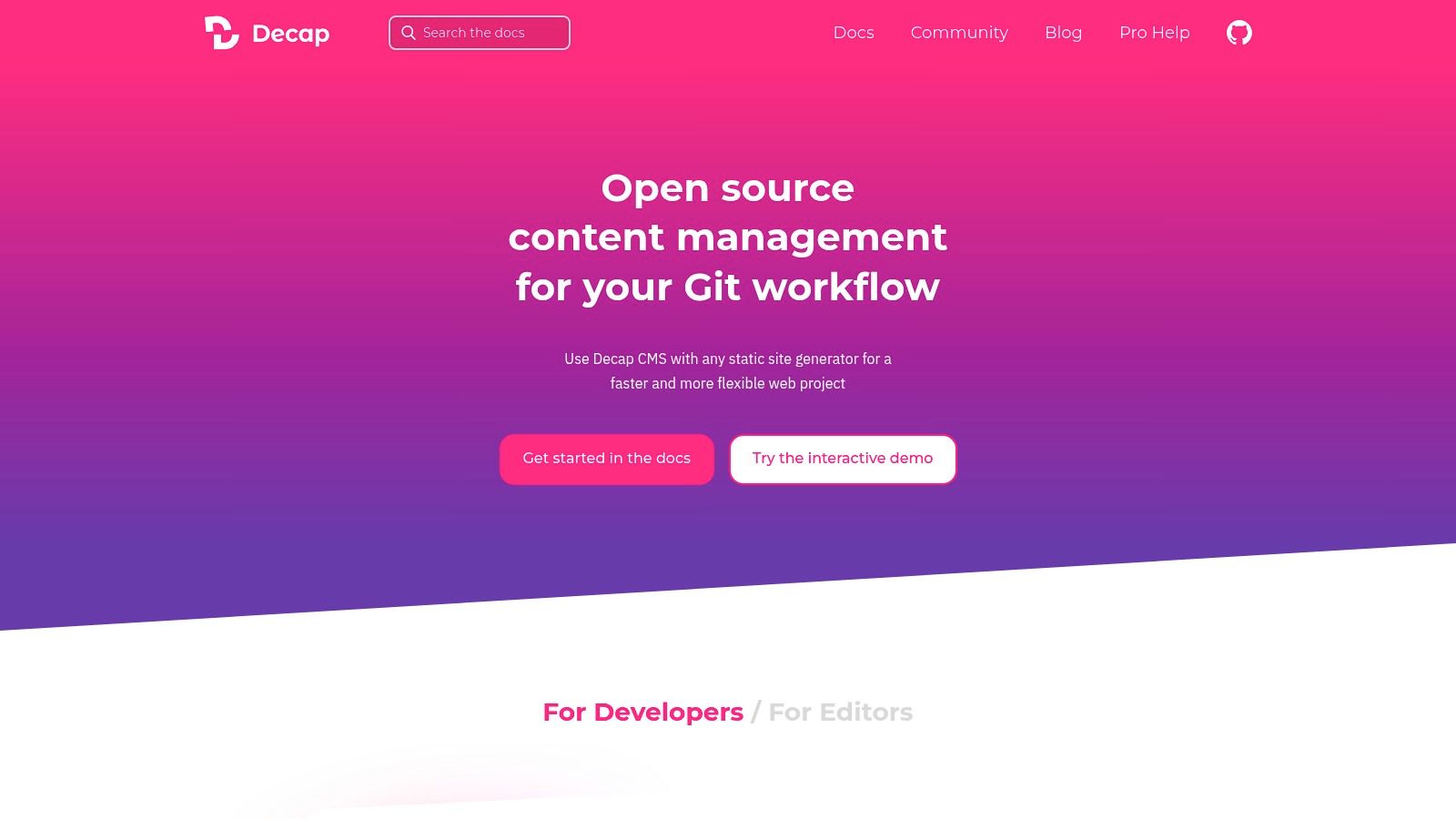
Decap CMS, formerly known as Netlify CMS, operates on a fundamentally different principle from hosted headless platforms. It’s an open-source, Git-based CMS that lives directly inside your project’s repository. This approach treats your Git repository as the single source of truth for content, committing changes as markdown, YAML, or other flat files. This makes it an ideal choice for developers who live in a Git-centric workflow and want to manage content with the same version control and deployment pipelines they use for code.
The core differentiator for Decap CMS is its tight integration with the Jamstack architecture. It is not a hosted service; instead, it's a single-page React application that you add to your static site. By simply including a configuration file and an HTML file in your project, you create a rich, browser-based editor for non-technical users. This editor then interacts directly with your Git provider's API (like GitHub or GitLab) to read and write content. For developers seeking a free, self-hosted, and transparent content solution, Decap is arguably the best cms for developers who prioritize simplicity and control over their stack.
Key Features and Developer Experience
The developer experience with Decap CMS revolves around a single config.yml file. This is where you define your content collections, fields, and editor settings. Because it works with any static site generator (Jekyll, Hugo, Eleventy, Astro, etc.), it offers immense flexibility without locking you into a proprietary database or API.
- Git-Native Workflow: All content is stored as files in your Git repository. This means every content update is a commit, enabling pull requests for content review, version history, and atomic deployments triggered by your CI/CD pipeline.
- Backend Agnostic: While it works seamlessly with GitHub, GitLab, and Bitbucket, Decap is not tied to a specific backend. You can configure it to work with various Git providers or even self-hosted Git instances.
- Extensible Editor: The editor interface, while simple, is extensible. You can create custom preview panes that render your components in real-time within the CMS, giving editors a more accurate view of how their content will look on the live site. Optional integrations like Netlify Identity or Git Gateway simplify user authentication.
Practical Tip: For client projects, use the manual initialization feature to control deployment triggers. Instead of committing directly to the main branch, configure Decap CMS to create a new branch for each content change. This allows you to set up a pull request workflow where you can review and approve content updates before they go live, maintaining quality control.
Pricing and Scalability
Decap CMS is completely free and open-source under the MIT license. There are no subscription fees, user limits, or API quotas associated with the CMS itself. Your only costs are related to the services you connect it to, such as your Git provider (e.g., private repositories on GitHub) or an authentication service if you choose to use one. This model makes it incredibly scalable and cost-effective for projects of any size, from personal blogs on GitHub Pages to large-scale documentation sites.
- Pros: Entirely free and open-source, provides a clear Git-based versioning workflow for content, and is compatible with any static site generator.
- Cons: User management and authentication rely on external services, and the editor lacks some of the advanced real-time collaboration and workflow features found in premium SaaS platforms.
Decap CMS is a powerful choice for teams that have embraced a Git-based workflow and need a straightforward way to empower content creators without adding complex infrastructure.
Website: https://decapcms.org
7. TinaCMS
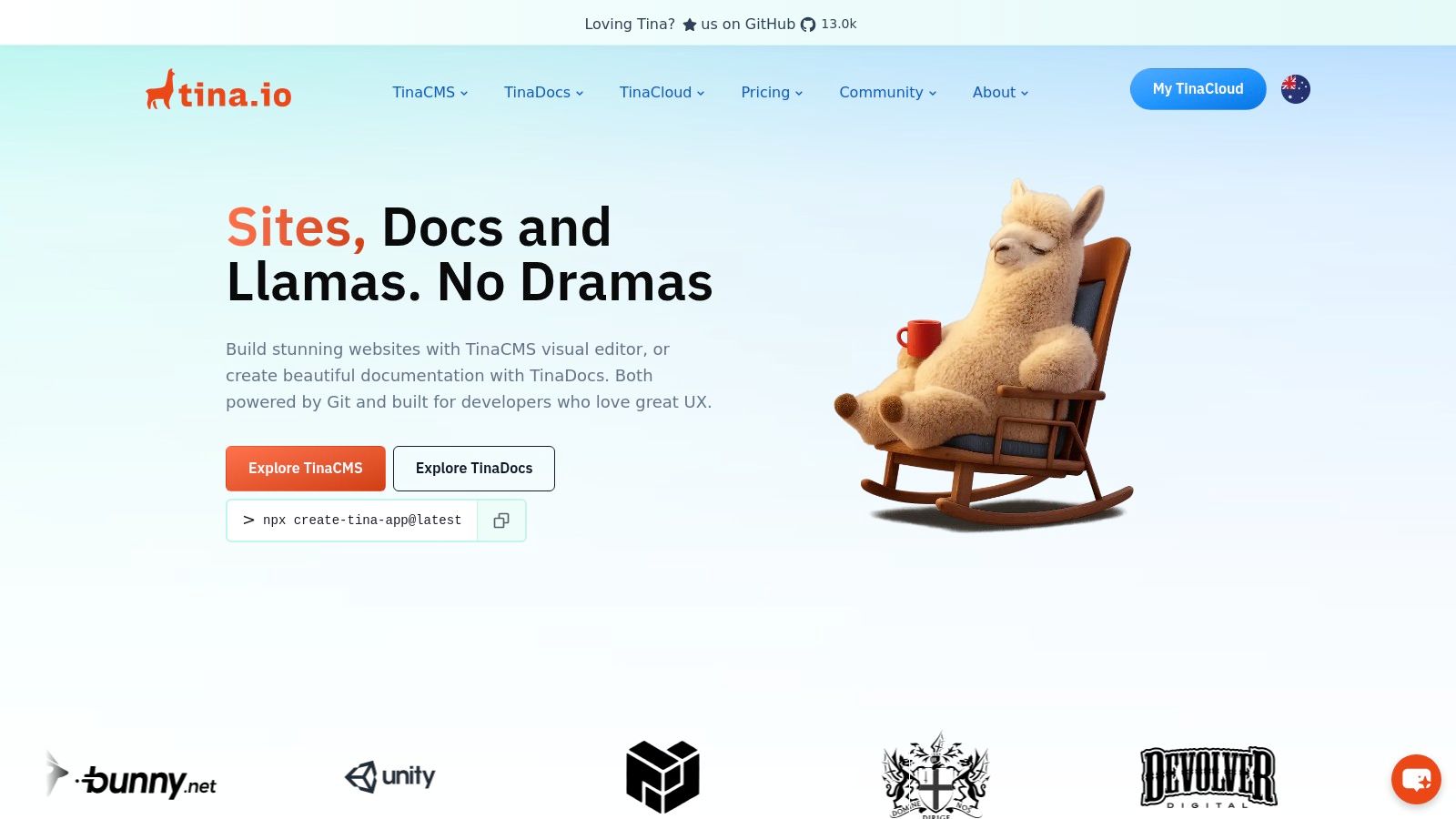
TinaCMS brings a powerful Git-backed visual editing experience to modern static site generators. It bridges the gap between raw, file-based content and a user-friendly, in-context editing interface, allowing content teams to modify Markdown, MDX, or JSON files directly on the live site. This approach keeps all content version-controlled in your Git repository, which is a major advantage for developer workflows.
The core of the platform is its ability to provide a real-time, block-based editor that feels like a traditional CMS but commits changes directly to your repository. By defining a content schema in your codebase, TinaCMS generates an editing UI that overlays your production site, enabling non-technical users to make changes without ever touching a text editor or a Git command. This unique blend of in-context editing and a Git-native backend makes it an excellent choice for teams looking for the best cms for developers who want to maintain a Git-first workflow while empowering their content editors.
Key Features and Developer Experience
Developers integrate TinaCMS by defining content schemas with TypeScript. These schemas dictate the editable fields and content models, which TinaCMS then uses to build the visual editing interface. This schema-driven approach ensures content is always structured correctly before being committed.
- Inline Visual Editing: Its flagship feature allows editors to click directly on text, images, or components on a page and edit them in place. This is particularly powerful for Markdown and MDX content, offering a true WYSIWYG experience.
- Tina Cloud: This companion service streamlines the experience by handling user authentication, media asset storage, and providing a hosted GraphQL API. This abstracts away the complexity of managing user roles and media pipelines.
- Broad Framework Support: TinaCMS integrates seamlessly with popular static site generators and frameworks, including Next.js, Hugo, Astro, and Eleventy, with extensive documentation and quick-start guides for each.
Practical Tip: Use TinaCMS's "blocks" feature to build a flexible landing page builder. Define different block schemas like
hero,featureList, andtestimonial. Your content editors can then mix, match, and reorder these blocks on a page, giving them creative control within the structured confines you've established in the code.
Pricing and Scalability
TinaCMS offers a compelling pricing structure that scales with your project's complexity. The free Community plan is generous, supporting up to 2 users and is perfect for personal projects. The Growth plan ($29/month) is ideal for small teams, increasing user limits and adding features. A notable advantage is that even mid-tier plans include valuable editorial workflow features and offer annual billing discounts, making it a cost-effective option for professional teams.
- Pros: Familiar file-based content model integrates perfectly with Git PR workflows, powerful inline visual editing, and competitive pricing.
- Cons: Some advanced features like the content API and extended user roles are still in beta or reserved for higher-tier plans.
Website: https://tina.io
Top 7 CMS for Developers — Feature Comparison
| Product | Implementation 🔄 | Resources ⚡ | Outcomes 📊 | Ideal Use Cases 💡 | Key Advantages ⭐ |
|---|---|---|---|---|---|
| JekyllPad | Low — client-side, GitHub auth, minimal setup | Minimal — runs in browser; GitHub repo required | Fast Git-backed publishing; stronger privacy | Blogs, docs, content teams using SSGs | WYSIWYG+Markdown live preview; native GitHub sync |
| Sanity | Medium — schema-as-code; Studio setup | Moderate — hosted SaaS; add-ons for scale | Structured content + real-time collaboration | Collaborative editorial teams; structured data apps | Real-time editing; strong developer tooling |
| Contentful | Medium–High — model/roles/environments setup | High — SaaS with quotas; paid tiers for scale | Enterprise governance; predictable APIs & SLAs | Large organizations; multi-team content ops | Mature SDKs, marketplace, robust workflows |
| Strapi | Medium — self-host or managed; customizable | Variable — self-host resources or Strapi Cloud | Full code ownership; flexible REST/GraphQL APIs | Teams needing self-hosting and extensibility | Open-source, extensible, self-host option |
| Storyblok | Low–Medium — component models + visual editor | Moderate — SaaS; costs scale with locales/traffic | Fast prototyping; in-context editing; i18n | Marketing sites, multi-language, commerce | Visual editor + component-based content models |
| Decap CMS | Low — add /admin/ and YAML config; Git-backed | Minimal — MIT open-source; uses Git provider | Git-native editorial workflows; file-based content | Jamstack sites, Git-centric workflows, static blogs | Free, familiar Git workflow, minimal infra |
| TinaCMS | Low–Medium — integrate inline editor; TinaCloud opt. | Low–Moderate — Git-backed; optional hosted features | In-context inline editing with Git PR flow | Developers using Next.js/SSG who want inline edits | Inline editing for Markdown/MDX; Git integration |
Choosing Your Next Developer-Centric CMS
Navigating the crowded landscape of content management systems can feel overwhelming, but the modern developer has more powerful, flexible, and targeted options than ever before. The journey to finding the best CMS for developers isn't about finding a single "best" tool; it's about identifying the right architectural philosophy and feature set for your specific project. This roundup has shown that the choice depends entirely on your priorities, from raw performance and security to authoring experience and scalability.
We've explored a spectrum of solutions, each with its own distinct advantages. On one end, you have Git-native, client-side editors like JekyllPad and TinaCMS, which prioritize a tight, seamless integration with your static site generator and Git repository. These tools excel by keeping your content and code coupled, simplifying version control, and eliminating the need for a separate backend, database, or complex hosting setup. They represent the ultimate in simplicity and security for projects where content lives alongside code.
On the other end are the powerful, API-driven headless platforms like Sanity, Contentful, and Storyblok. These systems decouple your content from your presentation layer, offering unparalleled flexibility to distribute structured content to any frontend, be it a website, mobile app, or IoT device. Their strengths lie in robust content modeling, sophisticated user roles, and enterprise-grade scalability, making them ideal for large teams and complex, multi-channel digital experiences.
Key Takeaways and Decision-Making Framework
To make a confident decision, distill your project requirements into a few key areas. Answering these questions will point you toward the right category of CMS.
Where should your content live?
- In your Git repository: If your source of truth is Git and you want atomic deploys where content and code are versioned together, choose a Git-native CMS like JekyllPad, TinaCMS, or Decap CMS. This is the purest JAMstack approach.
- In a dedicated content API: If you need to manage content for multiple frontends or require a more complex, structured content model separate from your codebase, a headless CMS like Sanity, Contentful, or Strapi is the superior choice.
What is your team's technical comfort level?
- For teams with non-technical contributors who need a simple, intuitive editing experience without touching Git or markdown files directly, a visual editor is crucial. JekyllPad provides a WYSIWYG interface on top of Jekyll/Hugo, while Storyblok offers a powerful visual editor for any SSG.
- For developer-heavy teams comfortable with structured data and APIs, the developer experience of platforms like Sanity (with its GROQ query language) or Strapi (with its customizable API) can be a significant advantage.
What are your hosting and maintenance preferences?
- Minimal Maintenance: Client-side, Git-based tools have virtually no maintenance overhead. Your only concern is the static site hosting, which is often free and highly secure.
- Managed Service: SaaS headless platforms handle all backend infrastructure, security, and updates for you, offering peace of mind at a predictable cost.
- Full Control: Self-hosting an open-source solution like Strapi gives you complete control over your data, infrastructure, and costs, but it comes with the responsibility of managing security, updates, and server maintenance.
Your Actionable Next Steps
Before you commit, take the time to prototype. Set up a starter project with your top two contenders and your chosen static site generator (like Jekyll, Hugo, or Astro). Assess the developer experience first: how easy is it to set up, model your content, and query the data? When selecting a modern, developer-centric CMS, it's crucial to consider its flexibility and how it allows you to easily explore API integration examples with other services in your stack.
Next, have a non-technical stakeholder test the authoring experience. Can they create and edit content without your help? The answer to that question is often the deciding factor. The best CMS for developers is ultimately the one that empowers your entire team to do their best work, creating a frictionless workflow from content creation to final deployment.
Ready to embrace a simpler, more direct content workflow for your static site? JekyllPad offers a powerful WYSIWYG editor that works directly with your GitHub repository, empowering content creators without sacrificing developer control. Experience the benefits of a Git-native CMS by trying JekyllPad today.