
GitHub Pages offers a robust, free, and secure platform for hosting static websites.GitHub Pages offers a robust, free, and secure platform for hosting static websites. Its tight integration with Git makes it a developer favorite, but the workflow of committing text files isn't always efficient or accessible, especially for content creators, marketers, or less technical team members. This is the core problem a dedicated GitHub Pages CMS solves: it provides a user-friendly interface to manage content, decoupling the writing process from the complexities of Git commands and YAML front matter.
This guide provides a comprehensive analysis of the top 12 content management systems tailored for GitHub Pages. We move beyond marketing copy to offer a practical, in-depth look at each solution. You'll find a detailed breakdown of key features, setup complexity, honest pros and cons, and specific use cases for each tool. Whether you're a technical blogger using Jekyll, a documentation team managing project sites, or a non-technical user seeking a simple WYSIWYG editor, this list will help you pinpoint the perfect system for your workflow.
For those needing a broader overview of how these systems fit into the larger web ecosystem, a foundational understanding of content management can be very helpful. To learn more, explore our guide to CMS website development.
Each entry in our listicle includes direct links and screenshots to give you a clear view of the user experience. We'll examine everything from lightweight, browser-based editors like JekyllPad to powerful, team-oriented platforms like CloudCannon. By the end, you'll have the clarity needed to select a CMS that streamlines your publishing process and empowers your entire team to contribute content effortlessly.
1. JekyllPad
JekyllPad is a browser-based visual CMS designed to streamline content management for static sites, making it an excellent GitHub Pages CMS for both technical and non-technical users. It removes the need to interact directly with Git, YAML, or local development environments. The platform combines a clean WYSIWYG editor with full Markdown support, allowing creators to write and format content seamlessly while seeing a real-time preview.

Its core differentiator is its 100% client-side architecture. This means there is no backend server to manage, and your data travels directly between your browser and your GitHub repository, enhancing privacy and security. Every change, from a simple typo fix to a new blog post, is committed directly to your repo, providing a complete version history.
Key Features and Onboarding
- Seamless GitHub Integration: Connect your GitHub account, select a repository, and start editing. Changes are committed directly without complex CI/CD configurations.
- Hybrid Editor: Enjoy a true WYSIWYG experience that also supports raw Markdown with syntax highlighting for maximum flexibility.
- Front-Matter Management: A user-friendly interface allows for easy editing of YAML front matter, such as titles, tags, and custom metadata.
- Multi-SSG Support: While the name suggests Jekyll, it fully supports Hugo, Astro, Eleventy, and Gatsby.
Onboarding Tip: The three-step setup is genuinely fast. Authenticate with GitHub, grant access to the specific repository you want to manage, and you can be editing your first post in under a minute.
Ideal Use Case and Pricing
JekyllPad is ideal for bloggers, documentation teams, and marketers who need a simple, secure way to update a GitHub Pages site without developer intervention. Its free-forever tier, which includes 5 free posts per month, makes it highly accessible for individual creators and small projects.
Visit JekyllPad: https://www.jekyllpad.com
2. Decap CMS (formerly Netlify CMS)
Decap CMS, formerly the popular Netlify CMS, is a mature, open-source Git-based CMS that provides a clean admin interface for your static site. As a powerful GitHub Pages CMS, it works by adding an admin panel directly to your site, typically at /admin, allowing editors to manage content stored as Markdown or data files within the GitHub repository without touching Git directly.
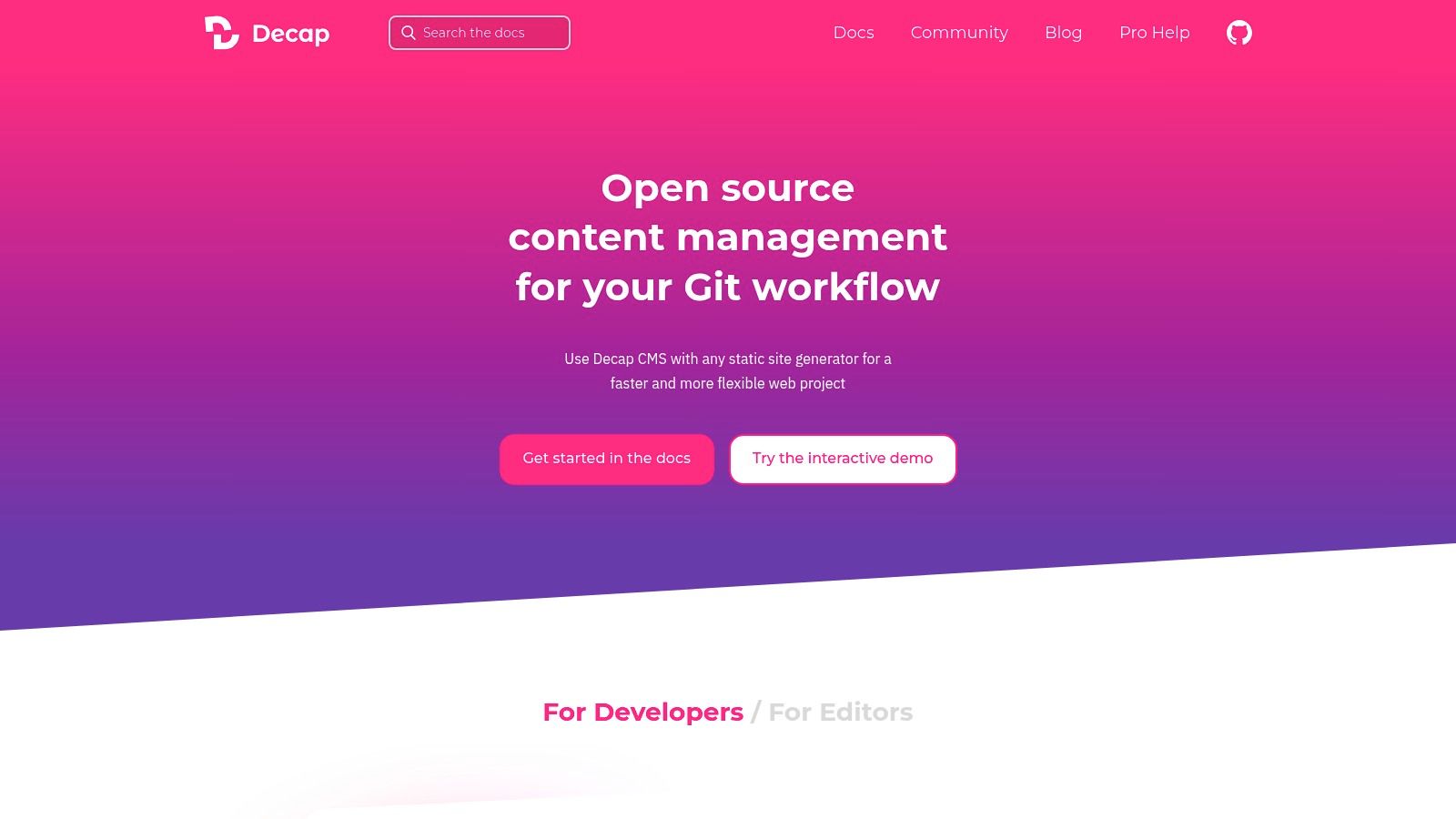
Its core strength lies in its flexibility and community support. Because it's a self-hosted single-page application, you have complete control over its configuration. It supports various authentication methods, including direct GitHub OAuth and Netlify's Git Gateway for inviting non-GitHub users. The "Open Authoring" feature is particularly useful for open-source projects, enabling contributions via a fork-and-pull-request workflow.
Key Features and Onboarding
- Git-Based Workflow: All content lives in your Git repository, providing version control, transparency, and portability.
- SSG Agnostic: Works seamlessly with Jekyll, Hugo, Gatsby, Eleventy, and virtually any other static site generator.
- Configurable Content Types: Define "collections" for blog posts, pages, or structured data with custom fields for front matter.
- Open Authoring: Allows external contributors to submit content changes through a pull request model, simplifying collaborative editing.
Onboarding Tip: The setup involves adding a configuration file (
config.yml) and an admin HTML file to your repository. Start with a template for your specific SSG from the official documentation to accelerate the process.
Ideal Use Case and Pricing
Decap CMS is ideal for development teams, open-source projects, and agencies who want a free, self-hosted, and highly customizable CMS. Its robust feature set and open-source nature make it a great fit for projects where control and extensibility are paramount. As an MIT-licensed open-source project, it is completely free to use.
Visit Decap CMS: https://decapcms.org
3. TinaCMS (Tina + TinaCloud)
TinaCMS is a Git-powered headless CMS that brings live visual editing to static sites, making it a powerful GitHub Pages CMS for teams seeking a polished editorial experience. It works directly with your GitHub repository, treating content stored in Markdown, MDX, or JSON files as a queryable data source. The platform overlays a real-time, context-aware editor directly on your live site, allowing content creators to see changes instantly as they type.
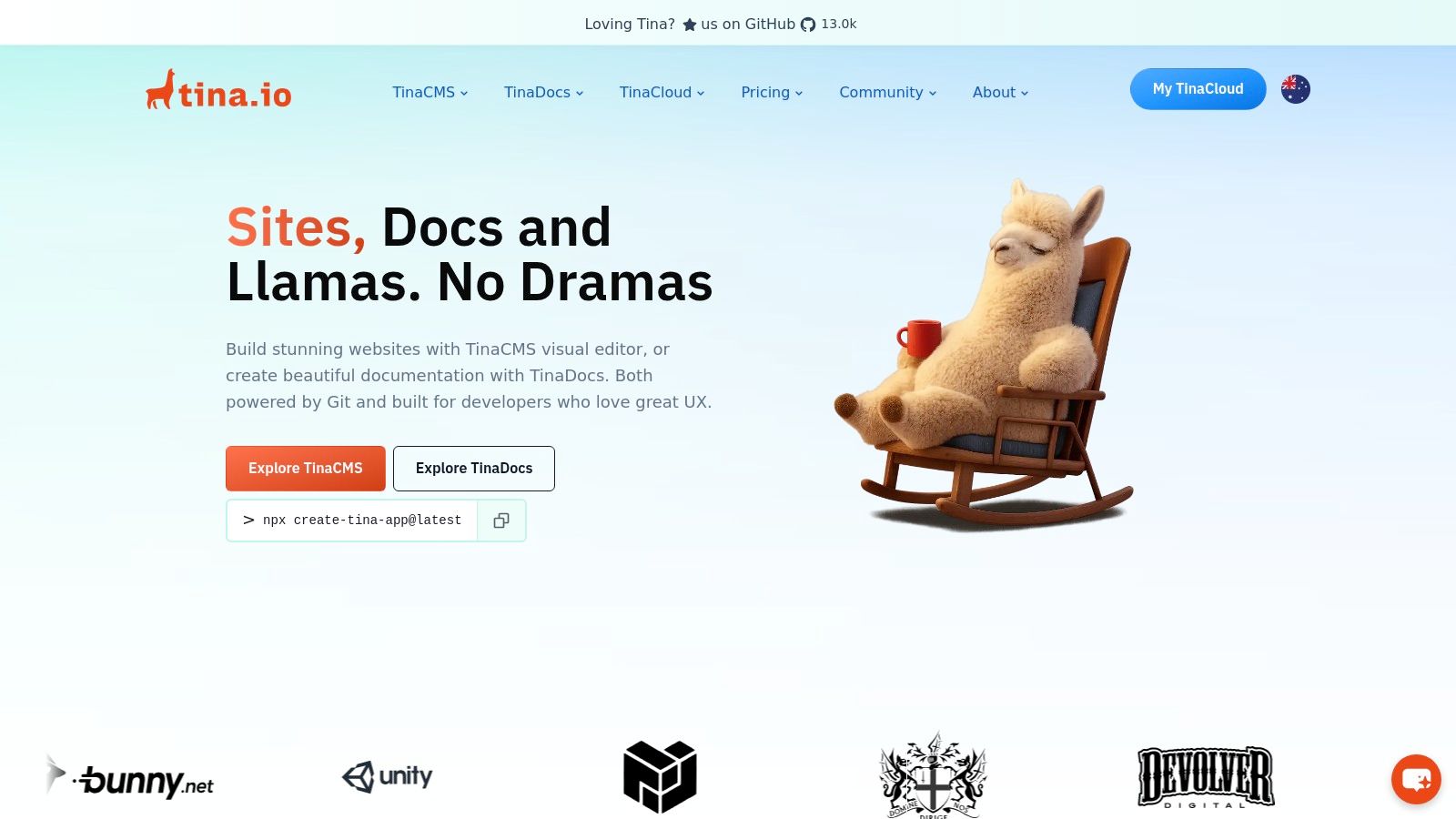
Its core strength lies in bridging the gap between developers and content editors. Developers define editable content schemas, and editors get an intuitive, block-based visual interface. This Git-centric workflow means every content update is a commit, preserving a full version history and enabling branch-based reviews before publishing.
Key Features and Onboarding
- Live Visual Editing: Edit Markdown, MDX, and JSON content directly on a live preview of your site for a true WYSIWYG experience.
- Schema-Driven Content: Define content models in code, providing structure and validation for all editable fields and components.
- Git-Based Workflow: All content changes are committed to your GitHub repository, supporting branching, pull requests, and collaboration.
- Framework Agnostic: While optimized for Next.js, it supports various static site generators like Astro, Hugo, and Eleventy.
Onboarding Tip: The fastest way to start is with the
npx @tinacms/cli@latest initcommand in your project's root directory. The CLI wizard will guide you through connecting to TinaCloud and generating the initial configuration files.
Ideal Use Case and Pricing
TinaCMS is ideal for marketing teams, agencies, and large-scale documentation sites that require a structured, collaborative content workflow with a premium editing experience. While the open-source Tina library is free, TinaCloud offers a free tier for individuals and small teams, with paid plans available for larger teams needing advanced editorial features like user roles and cross-repository media.
Visit TinaCMS: https://tina.io
4. CloudCannon
CloudCannon is an enterprise-grade, Git-based visual CMS designed for teams managing static sites. It provides a powerful GitHub Pages CMS experience by offering deep integration with Jekyll, Hugo, Eleventy, and other SSGs. Its main advantage is its two-way Git synchronization, which allows technical and non-technical users to collaborate seamlessly on the same repository without conflicts.
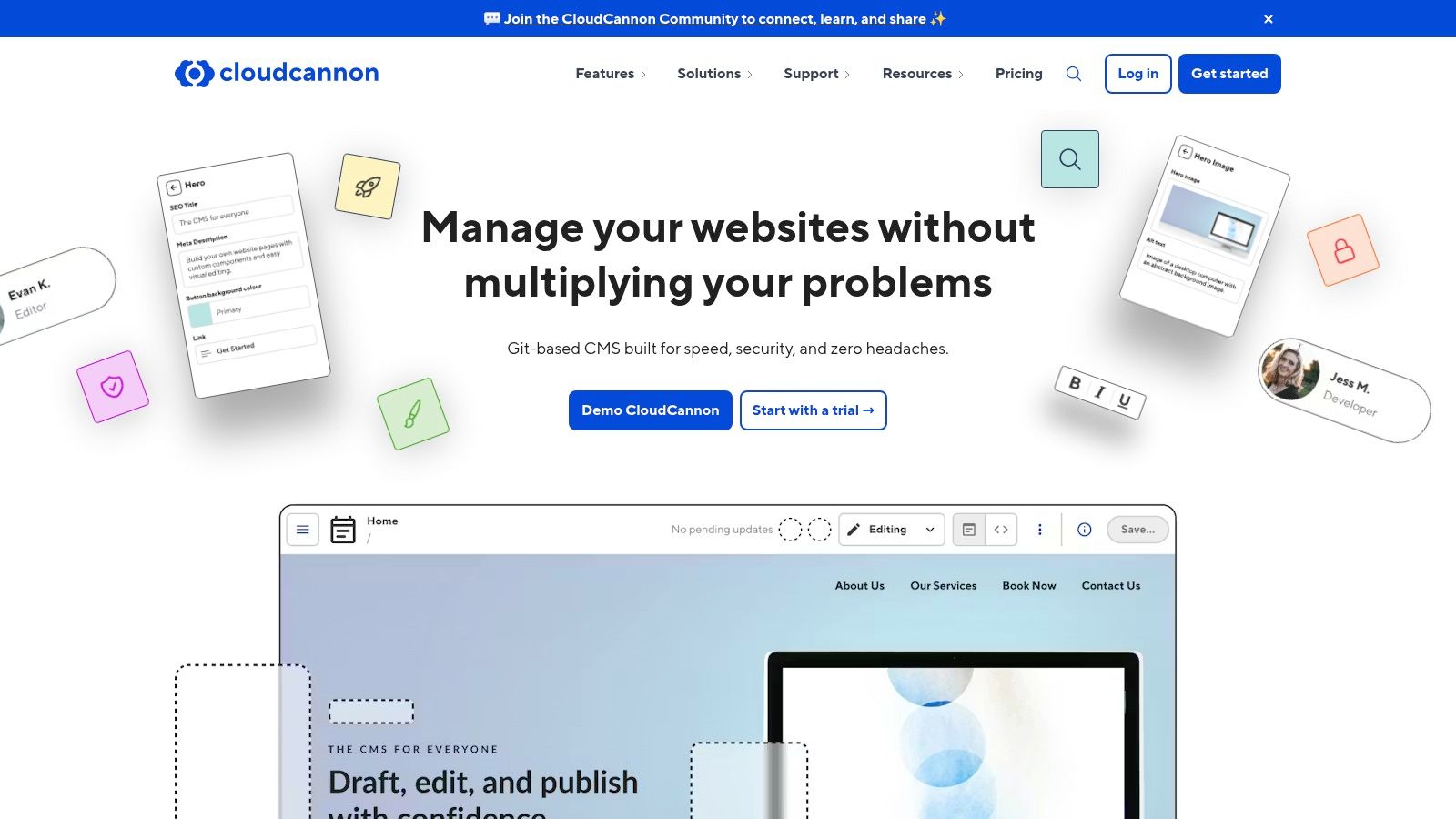
The platform empowers content editors with intuitive visual editing, where they can click on elements of a live page preview and edit them directly. For developers, it maintains full control over the code, with a source editor and branching workflows that mirror professional development practices. This dual approach bridges the gap between content creation and code management.
Key Features and Onboarding
- Two-Way Git Sync: Connects via a GitHub App for real-time, bidirectional synchronization, ensuring the repository is always the single source of truth.
- Multiple Editing Environments: Offers a Visual Editor for intuitive on-page changes, a Content Editor for structured data, and a Source Editor for developers.
- Branching Workflows: Supports team-based collaboration by allowing users to create branches, make changes, and merge them, just like a standard Git workflow.
- SSG-Specific Tooling: Provides exceptional support and guidance specifically for Jekyll and other popular static site generators, making setup straightforward.
Onboarding Tip: When setting up a new project, CloudCannon will analyze your repository and automatically generate editable inputs based on your site's structure and front matter, significantly speeding up the configuration process.
Ideal Use Case and Pricing
CloudCannon is ideal for marketing teams, agencies, and large documentation projects that require robust collaboration features and a visual editing interface for non-technical contributors. Its pricing is tiered for teams and is higher than simpler tools, but it delivers exceptional value for organizations that need its advanced editorial and workflow features.
Visit CloudCannon: https://cloudcannon.com
5. Siteleaf
Siteleaf is a mature, developer-friendly CMS with a strong focus on Jekyll, making it a reliable GitHub Pages CMS for agencies and teams managing client sites. It abstracts away the complexities of Git by syncing content directly with a GitHub repository, providing a clean editing interface that non-technical users can quickly adopt. The platform is designed for professional workflows, offering features that go beyond simple content editing.
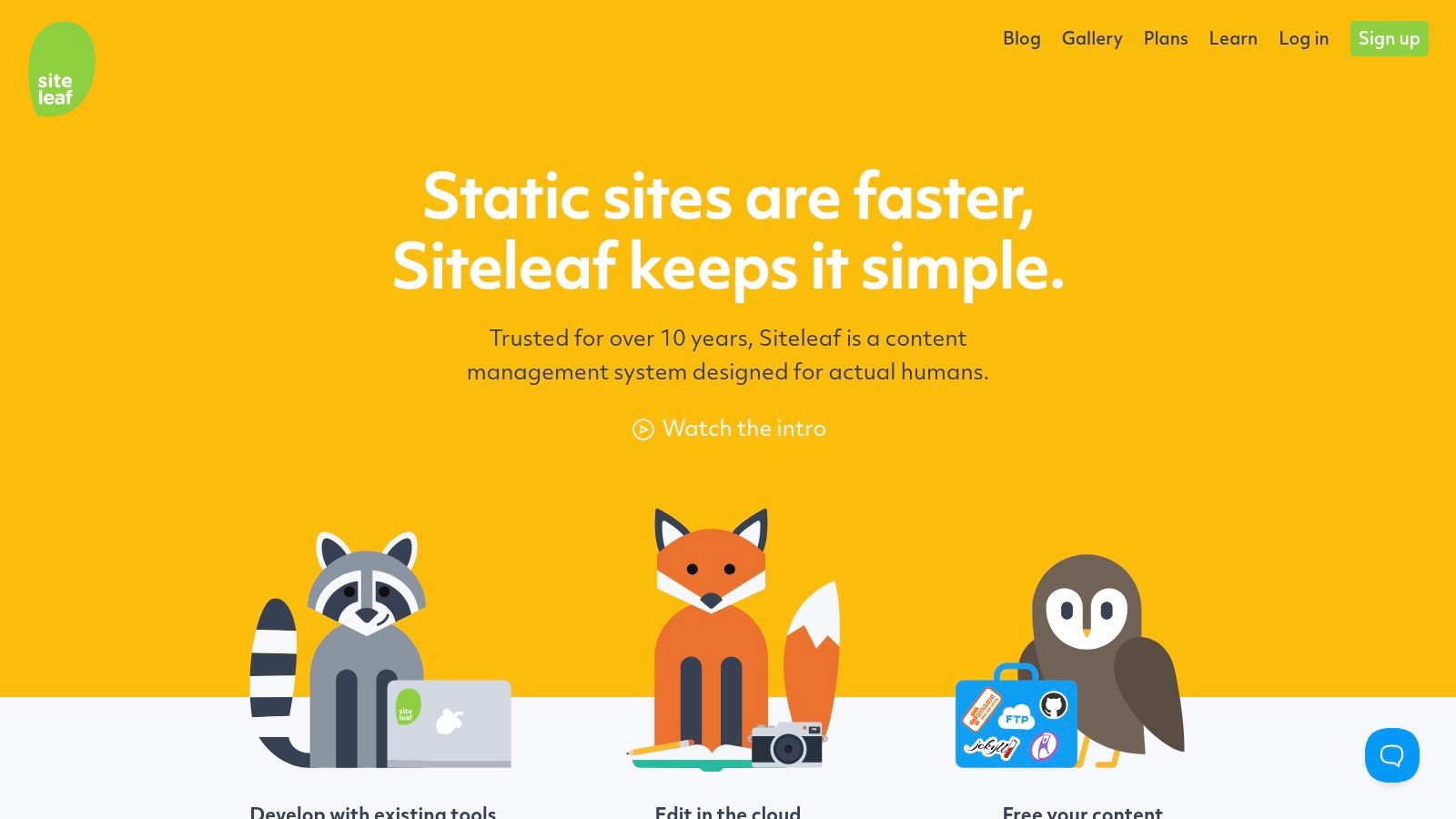
Its core strength lies in its flexible publishing and collaboration model. Unlike solutions tied only to GitHub Pages, Siteleaf can deploy your static site to multiple targets, including Amazon S3 or a custom FTP/SFTP server. This versatility, combined with role-based permissions on higher-tier plans, allows agencies to grant clients access to edit content without giving them control over the repository or deployment settings.
Key Features and Onboarding
- Multi-Target Publishing: Deploy seamlessly to GitHub Pages, Amazon S3, or your own server via FTP/SFTP.
- Full GitHub Sync: All content changes are synced with your GitHub repository, preserving a complete version history and enabling rollbacks.
- Headless API: Use the Siteleaf API to import or export content, enabling integrations with other tools and workflows.
- Collaboration Tools: Higher-tier plans include roles and permissions to manage team and client access effectively.
Onboarding Tip: When connecting a repository, you can choose a specific branch to sync with. This is perfect for setting up a staging environment where clients can review changes on a
previewbranch before you merge them intomainfor production deployment.
Ideal Use Case and Pricing
Siteleaf is best suited for freelancers and digital agencies building Jekyll sites for clients who need a simple, controlled editing experience. Its robust API and multi-target publishing also make it a strong contender for teams with established DevOps workflows. Pricing is tiered, with plan limits on pages and storage, though specific public pricing details are less explicit on their site.
Visit Siteleaf: https://www.siteleaf.com
6. Publii
Publii is a free, open-source desktop application that functions as a powerful offline GitHub Pages CMS. It provides a robust graphical user interface for Windows, Mac, and Linux, allowing you to create, manage, and style your static website locally before deploying it with a single click. This approach is perfect for users who prefer an offline-first workflow, ensuring they can write and edit content without an internet connection.
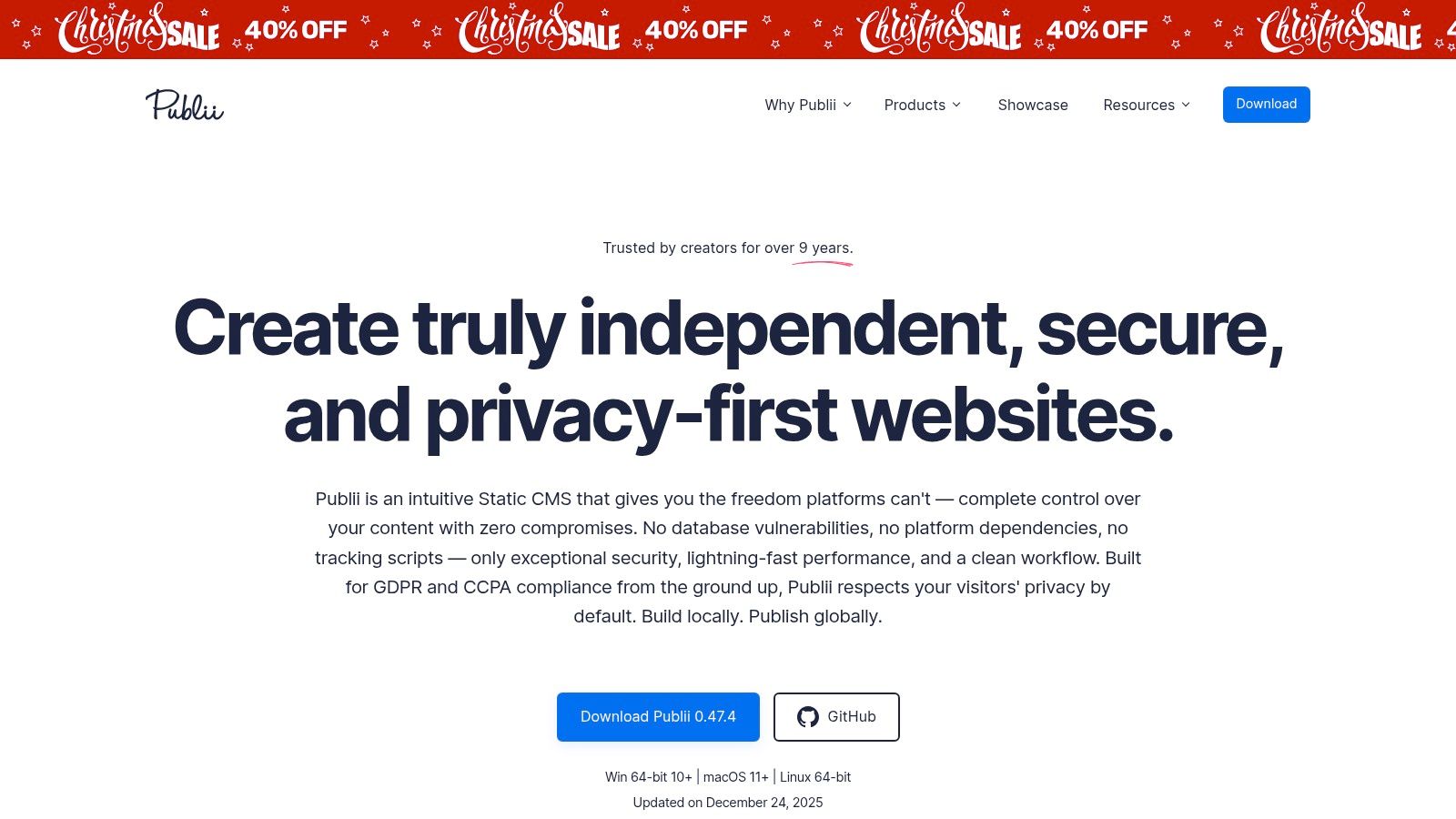
Its core differentiator is its desktop-native architecture combined with seamless deployment integrations. You get the stability and speed of a local application without sacrificing the convenience of pushing to a live GitHub Pages repository. The app handles all the static site generation and Git commands behind the scenes, abstracting away the technical complexity for a more user-friendly experience.
Key Features and Onboarding
- Offline-First Workflow: Create, edit, and preview your entire site on your local machine, ensuring privacy and full control.
- One-Click Deployment: Built-in support for GitHub Pages, Netlify, and Amazon S3 simplifies the publishing process.
- Flexible Editor: Switch between a clean WYSIWYG editor, a block-based editor, and a raw Markdown editor to suit your preference.
- Built-in SEO Tools: Manage meta titles, descriptions, and Open Graph tags directly within the post editor interface.
Onboarding Tip: When setting up your site, go to the "Server Settings" and select GitHub Pages. Publii provides clear fields for your username, repository name, and a personal access token, making the initial sync incredibly straightforward.
Ideal Use Case and Pricing
Publii is ideal for individual bloggers, writers, and small businesses who want a free, secure, and privacy-focused CMS without relying on cloud-based services for content creation. Its desktop-centric model makes it less suitable for collaborative teams but perfect for solo creators. The entire application is completely free and open source (GPL-3.0).
Visit Publii: https://getpublii.com
7. Stackbit
Stackbit is a visual experience platform that adds a powerful editing layer on top of your existing tech stack, making it a sophisticated GitHub Pages CMS for enterprise and large-scale projects. It connects directly to your GitHub repository and other content sources, providing developers and marketers with a collaborative, real-time visual editing interface without altering the underlying code or content structure. The platform is framework-agnostic, supporting modern static site generators and frameworks.

Its core strength lies in its "bring-your-own-stack" philosophy. Instead of locking you into a specific CMS, Stackbit integrates with your GitHub-based content, headless CMSs like Contentful, or any API. This allows development teams to maintain full control over the codebase while empowering content teams with intuitive, on-page editing tools and live previews.
Key Features and Onboarding
- Live Visual Editing: Edit content directly on a live preview of your site for a true WYSIWYG experience.
- Framework Agnostic: Compatible with Next.js, Gatsby, Hugo, Jekyll, and many other popular static site generators.
- Composable Architecture: Connects to any Git provider (like GitHub), headless CMS, or data source to fit your existing workflow.
- Enterprise-Ready: Offers features like granular user permissions, collaborative workflows, and enterprise-grade security.
Onboarding Tip: Stackbit's onboarding is more involved than simpler tools. It typically starts with a demo or sales call to align the platform with your specific technical stack and business requirements.
Ideal Use Case and Pricing
Stackbit is best suited for larger organizations, marketing teams, and enterprises that require a robust, collaborative visual editing solution for their composable websites. It excels where multiple content sources and complex developer workflows are involved. Its flexibility makes it a powerful choice for teams that want to modernize their content operations without a complete platform migration.
Pricing is custom and not publicly listed; you must contact their sales team for a quote, reflecting its enterprise focus.
Visit Stackbit: https://www.stackbit.com
8. Jekyll Admin (official plugin)
Jekyll Admin is an official Jekyll plugin that adds a traditional CMS-style graphical interface directly into your local development environment. While not a hosted GitHub Pages CMS, it provides a clean, browser-based way for writers to create and manage content at /admin before any code is committed. This approach bridges the gap between local development and user-friendly content editing, perfect for teams wanting a straightforward authoring experience without an external service.

Its key differentiator is its local-first philosophy. Instead of connecting to a live GitHub repository, it runs alongside your local Jekyll server. This makes it a secure and fast tool for drafting posts, editing pages, and managing data files. However, it's crucial to note that because GitHub Pages builds run in --safe mode, this plugin will not work on your live site; it is strictly a development utility.
Key Features and Onboarding
- Local Admin Interface: Access a full CMS dashboard at
http://localhost:4000/adminwhile runningjekyll serve. - Comprehensive Content Management: Create, edit, and delete posts, pages, and items in data files through a simple web UI.
- Easy Installation: Add the
jekyll-admingem to your Gemfile and include it in your_config.ymlfile to get started. - Official Jekyll Plugin: As an official tool, it offers reliable integration and follows Jekyll's best practices.
Onboarding Tip: Installation is quick for existing Jekyll users. Just add
gem "jekyll-admin", group: :jekyll_pluginsto yourGemfile, runbundle install, and addjekyll-adminto the plugins array in your_config.yml.
Ideal Use Case and Pricing
Jekyll Admin is ideal for content creators and developers who prefer to author and review content locally before pushing changes to GitHub. It’s a great free tool for teams where some members are less comfortable with command-line Git workflows. Since it's a Ruby Gem, it is completely free to use.
Visit Jekyll Admin: https://jekyll.github.io/jekyll-admin
9. Sveltia CMS
Sveltia CMS is an open-source, Git-based CMS that emerged as a modern alternative to Decap CMS (formerly Netlify CMS). It provides a clean, fast, and user-friendly interface for managing content on static sites, making it a strong contender as a GitHub Pages CMS. It emphasizes performance, internationalization (i18n), and a superior mobile editing experience, addressing common pain points found in older Git-based content management systems.
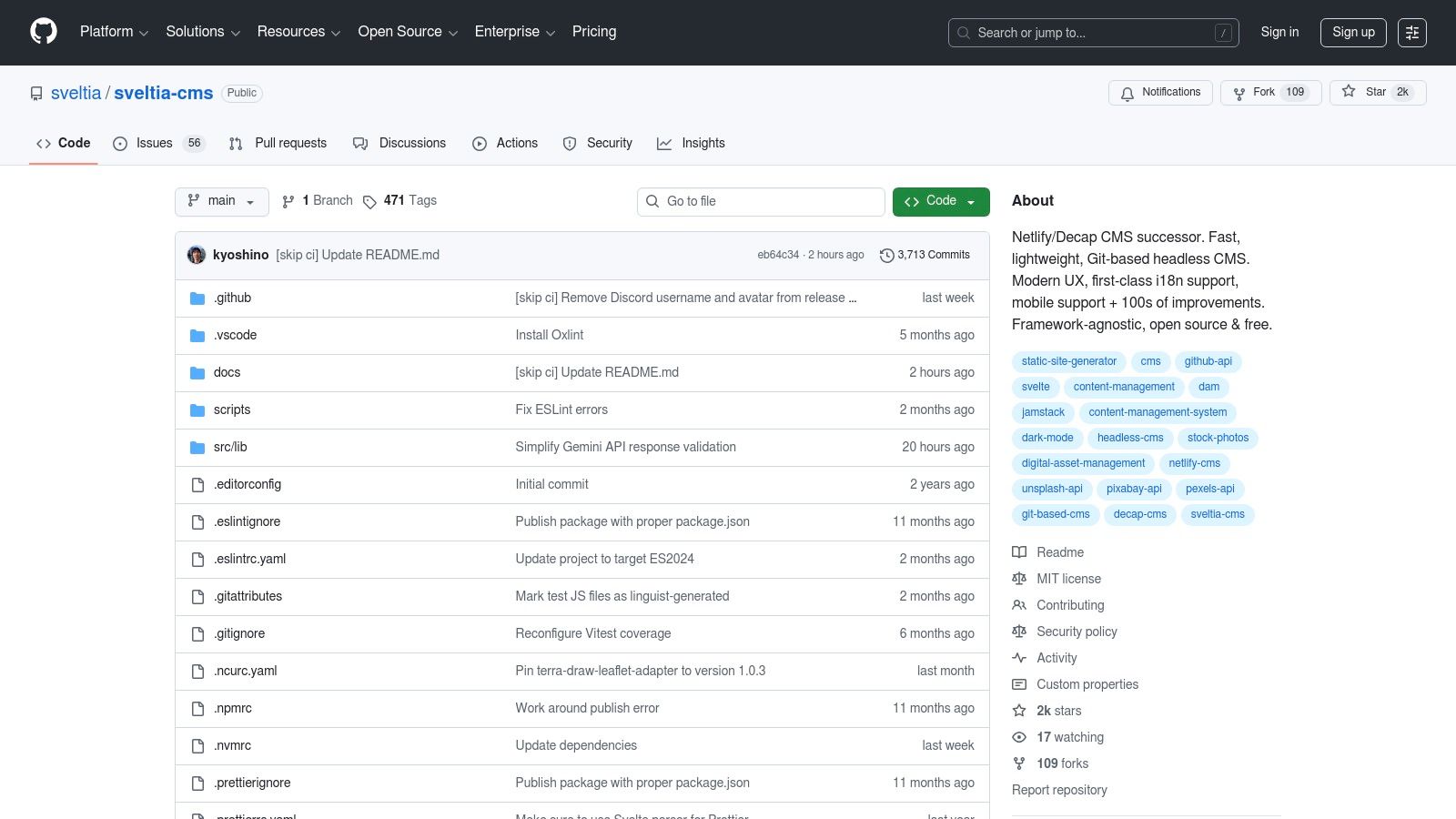
As an open-source project, Sveltia is free and actively maintained, positioning itself as the spiritual successor for users seeking more than what legacy forks can offer. Its configuration is handled through a straightforward JSON schema, and it supports both GitHub and GitLab backends, committing changes directly to your repository. This ensures your content workflow remains fully integrated with your existing Git version control.
Key Features and Onboarding
- Modernized UX: A revamped user interface built with Svelte for a faster, more responsive content editing experience.
- Strong i18n Support: Designed from the ground up to handle multilingual content workflows efficiently.
- Mobile-First Editing: Provides a thoughtful and fully functional editing environment on mobile devices.
- Git-based Workflow: Connects directly to GitHub or GitLab, allowing content updates to be managed through pull requests or direct commits.
Onboarding Tip: Since Sveltia is a self-hosted CMS, you'll add it to your static site project. Start by following the official documentation to add the necessary configuration file (
sveltia-cms.json) and the admin HTML file to your project repository.
Ideal Use Case and Pricing
Sveltia CMS is ideal for developers and content teams looking for a free, open-source, and actively developed alternative to Decap CMS. It is particularly well-suited for projects requiring robust multilingual support or for teams who frequently need to make content edits from mobile devices. Its modern architecture appeals to those prioritizing performance and a clean user experience. As it is open-source, it is completely free to use.
Visit Sveltia CMS: https://github.com/sveltia/sveltia-cms
10. Spinal CMS
Spinal CMS is a hosted, Git-based CMS that excels at bringing structured team workflows to static site management. It is a powerful GitHub Pages CMS designed to onboard non-technical authors quickly, providing collaboration tools typically found in much larger platforms. The system focuses on simplifying content operations for blogs, documentation, and marketing sites built with generators like Jekyll, Eleventy, and Astro.

Its core strength lies in its opinionated, workflow-centric design. Features like a Kanban board for content stages, post scheduling, and user permissions make it easy for teams to manage an editorial calendar directly within the CMS. Changes are committed straight to your GitHub repository, maintaining a clear version history without requiring authors to interact with Git.
Key Features and Onboarding
- Direct GitHub Integration: Connects directly to your repository, allowing for a seamless Git-based workflow without any local installation.
- Team Collaboration Tools: Includes a Kanban workflow board, content scheduling, user permissions, and edit locks to manage team contributions effectively.
- Flexible Editor: Offers both a clean WYSIWYG editor for non-technical users and a full Markdown editor for those who prefer it.
- Multi-SSG Support: Works out-of-the-box with popular static site generators, including Jekyll, Eleventy, and Astro.
Onboarding Tip: Use the workflow board from day one to visualize your content pipeline. Setting up columns like "Draft," "In Review," and "Scheduled" helps new team members immediately understand the publication process.
Ideal Use Case and Pricing
Spinal CMS is ideal for marketing and documentation teams who need a collaborative environment to manage content on a GitHub Pages site. Its feature set is perfectly tailored for managing blogs, changelogs, and knowledge bases. Paid plans start based on the number of users, making it a scalable option for growing teams.
Visit Spinal CMS: https://spinalcms.com
11. Pages CMS
Pages CMS is a free, open-source platform purpose-built to be an effective GitHub Pages CMS. It provides a user-friendly web interface for editing content directly in GitHub repositories, abstracting away the complexities of Git. The platform offers a clean, Notion-like editor and a simple media manager, making it accessible for non-technical users to contribute to static sites.
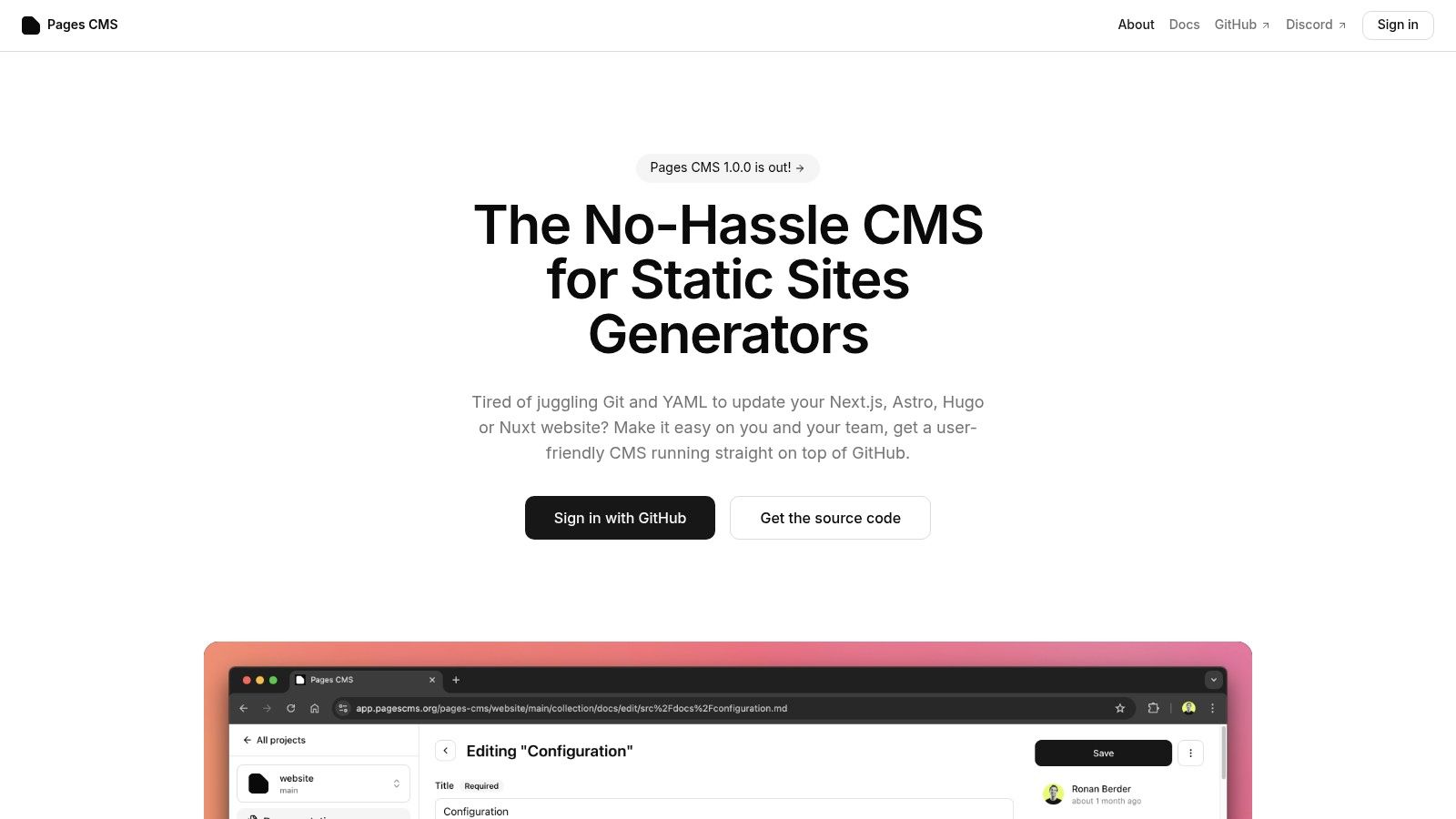
Its core advantage is its simplicity and focus. Unlike more complex systems, Pages CMS is designed exclusively for the GitHub Pages workflow. It can be used instantly via the hosted version or self-deployed for greater control. This direct integration makes it a lightweight and efficient solution for managing content stored in GitHub.
Key Features and Onboarding
- Notion-Like Editor: A modern, block-based editor that simplifies content creation and formatting for posts and pages.
- Media Management: Includes a drag-and-drop interface for uploading images and other assets directly to your repository.
- Configurable Content Types: Define your own content structures to match your static site generator's requirements.
- Zero-Install Hosted Version: Get started immediately by signing in with your GitHub account, no setup required. It's also available as a GitHub Marketplace app.
Onboarding Tip: The fastest way to start is by using the hosted version at pagescms.org. Simply authenticate with GitHub, select your repository, and you can begin editing your content in minutes without any deployment or configuration.
Ideal Use Case and Pricing
Pages CMS is ideal for individual developers, bloggers, and small teams looking for a completely free, no-frills solution to manage their GitHub Pages site. Its open-source nature (MIT license) and self-hosting option also appeal to those who want full ownership of their tools. While it lacks advanced features like content scheduling, it excels at core content management.
Visit Pages CMS: https://pagescms.org
12. JekyllPad
JekyllPad is a browser-based visual CMS designed to streamline content management for static sites, making it an excellent GitHub Pages CMS for both technical and non-technical users. It removes the need to interact directly with Git, YAML, or local development environments. The platform combines a clean WYSIWYG editor with full Markdown support, allowing creators to write and format content seamlessly while seeing a real-time preview.

Its core differentiator is its 100% client-side architecture. This means there is no backend server to manage, and your data travels directly between your browser and your GitHub repository, enhancing privacy and security. Every change, from a simple typo fix to a new blog post, is committed directly to your repo, providing a complete version history.
Key Features and Onboarding
- Seamless GitHub Integration: Connect your GitHub account, select a repository, and start editing. Changes are committed directly without complex CI/CD configurations.
- Hybrid Editor: Enjoy a true WYSIWYG experience that also supports raw Markdown with syntax highlighting for maximum flexibility.
- Front-Matter Management: A user-friendly interface allows for easy editing of YAML front matter, such as titles, tags, and custom metadata.
- Multi-SSG Support: While the name suggests Jekyll, it fully supports Hugo, Astro, Eleventy, and Gatsby.
Onboarding Tip: The three-step setup is genuinely fast. Authenticate with GitHub, grant access to the specific repository you want to manage, and you can be editing your first post in under a minute.
Ideal Use Case and Pricing
JekyllPad is ideal for bloggers, documentation teams, and marketers who need a simple, secure way to update a GitHub Pages site without developer intervention. Its free-forever tier, which includes 5 free posts per month, makes it highly accessible for individual creators and small projects.
Visit JekyllPad: https://www.jekyllpad.com
GitHub Pages CMS — 12-Tool Feature Comparison
| Product | Key strengths (✨) | UX (★) | Pricing (💰) | Best for (👥) |
|---|---|---|---|---|
| 🏆 JekyllPad | ✨ WYSIWYG + Markdown, client-side commits, native GitHub sync | ★★★★☆ | 💰 Free tier (5 posts/mo) + paid plans | 👥 Bloggers, docs teams, non-technical editors |
| Decap CMS (Netlify CMS) | ✨ Open Authoring, Git Gateway, configurable collections | ★★★★ | 💰 Free (MIT) | 👥 Open-source sites, community contributors |
| TinaCMS (Tina + TinaCloud) | ✨ Live visual editor, branch workflow, MDX support | ★★★★ | 💰 Core free; TinaCloud paid tiers | 👥 Dev teams needing live preview & reviews |
| CloudCannon | ✨ Two-way repo sync, Visual/Source editors, optional hosting | ★★★★☆ | 💰 Paid (team/agency pricing) | 👥 Agencies, content teams requiring visual editing |
| Siteleaf | ✨ Jekyll-centric, multiple publish targets, roles & rollback | ★★★ | 💰 Paid tiers (plan limits) | 👥 Agencies & client-managed sites |
| Publii | ✨ Desktop offline editor, built-in deployment (GitHub Pages) | ★★★★ | 💰 Free (open source) | 👥 Individuals preferring offline/local workflows |
| Stackbit | ✨ Framework-agnostic visual layer, connect-any-source | ★★★★ | 💰 Sales/enterprise (not public) | 👥 Large teams with composable stacks |
| Jekyll Admin (plugin) | ✨ Local /admin GUI for local dev, manage posts/pages | ★★★ | 💰 Free | 👥 Jekyll developers & local workflows |
| Sveltia CMS | ✨ i18n & mobile-first UX, GitHub/GitLab support | ★★★★ | 💰 Free (open source) | 👥 Teams needing i18n and mobile editing |
| Spinal CMS | ✨ WYSIWYG + Kanban, scheduling, team permissions | ★★★★ | 💰 Paid/hosted (team focus) | 👥 Marketing/docs teams & editors |
| Pages CMS | ✨ Notion-like editor, media manager, self-host or hosted | ★★★★ | 💰 Free (MIT) | 👥 GitHub Pages users wanting a clean UI |
Choosing Your Path: Which GitHub Pages CMS Is Right for You?
We've explored a comprehensive landscape of tools, each offering a unique approach to managing content on your GitHub Pages site. The journey from a raw Git workflow to a streamlined, user-friendly content management system is filled with options, but the core takeaway is this: the "best" GitHub Pages CMS is not a one-size-fits-all solution. It is a highly personal choice, deeply intertwined with your project's specific goals, your team's technical capabilities, and your operational priorities.
The tools we've covered span a wide spectrum. On one end, you have powerful, all-in-one platforms like CloudCannon and Stackbit, which act as a comprehensive Digital Experience Platform (DXP). These are ideal for enterprise teams, agencies, and projects where visual editing, robust collaboration features, and dedicated support are non-negotiable. They abstract away much of the underlying Git complexity, creating a safe and intuitive environment for non-technical contributors.
In the middle ground lie the flexible, open-source Git-based options like Decap CMS, TinaCMS, and Sveltia CMS. These tools offer an excellent balance of power and control. They require more initial setup and technical understanding but reward you with deep customization, zero vendor lock-in, and a cost-effective (often free) price point. They are the perfect choice for development teams who want to build a bespoke editing experience tailored precisely to their content models and workflows.
Finally, we have the lightweight, focused solutions like JekyllPad and the classic Jekyll Admin plugin. These tools prioritize simplicity and speed, targeting the individual developer, blogger, or small team already comfortable within the GitHub ecosystem. They don't try to reinvent the wheel; instead, they provide a clean, efficient interface directly on top of your existing repository, eliminating friction and getting you from idea to published content as quickly as possible.
Making Your Decision: Key Factors to Consider
As you weigh your options, distill your needs down to a few critical factors. This will help you cut through the noise and identify the tool that truly aligns with your workflow.
- Who are the users? Is this for a solo developer who just wants a faster way to write Markdown? Or is it for a marketing team that has never seen a line of YAML? The answer will immediately push you towards either a developer-centric tool or a more abstracted, user-friendly platform.
- What is your setup tolerance? Are you willing to configure build hooks, manage dependencies, and write configuration files? If so, the world of open-source Git-based CMSs is your oyster. If you need a solution that works in minutes with minimal configuration, look towards dedicated platforms or specialized clients.
- How important is real-time visual editing? For highly designed landing pages or component-based sites, a visual or on-page editor like TinaCMS or Stackbit can be a game-changer. For a standard blog or documentation site, a clean Markdown-focused interface might be all you need and much faster to use.
- What is your budget? Your financial constraints will naturally guide your decision. Open-source tools offer immense power for free, but remember to factor in the "cost" of your own time for setup and maintenance. Paid platforms provide a premium, hassle-free experience but come with recurring subscription fees.
By evaluating each GitHub Pages CMS through this lens, you can move from a long list of possibilities to a short list of practical solutions. The right tool will feel less like an added layer of complexity and more like a natural extension of your workflow, empowering you and your team to create and publish content with confidence and ease. Your GitHub Pages site is more than just a static repository; with the right CMS, it becomes a living, breathing platform for your ideas.
Ready to skip the complex setup and get straight to writing? If you're looking for the fastest, most direct way to manage your Jekyll blog on GitHub Pages, give JekyllPad a try. It’s the zero-configuration GitHub Pages CMS designed for developers and bloggers who value speed and simplicity. You can connect your repository and start editing in under a minute at JekyllPad.